

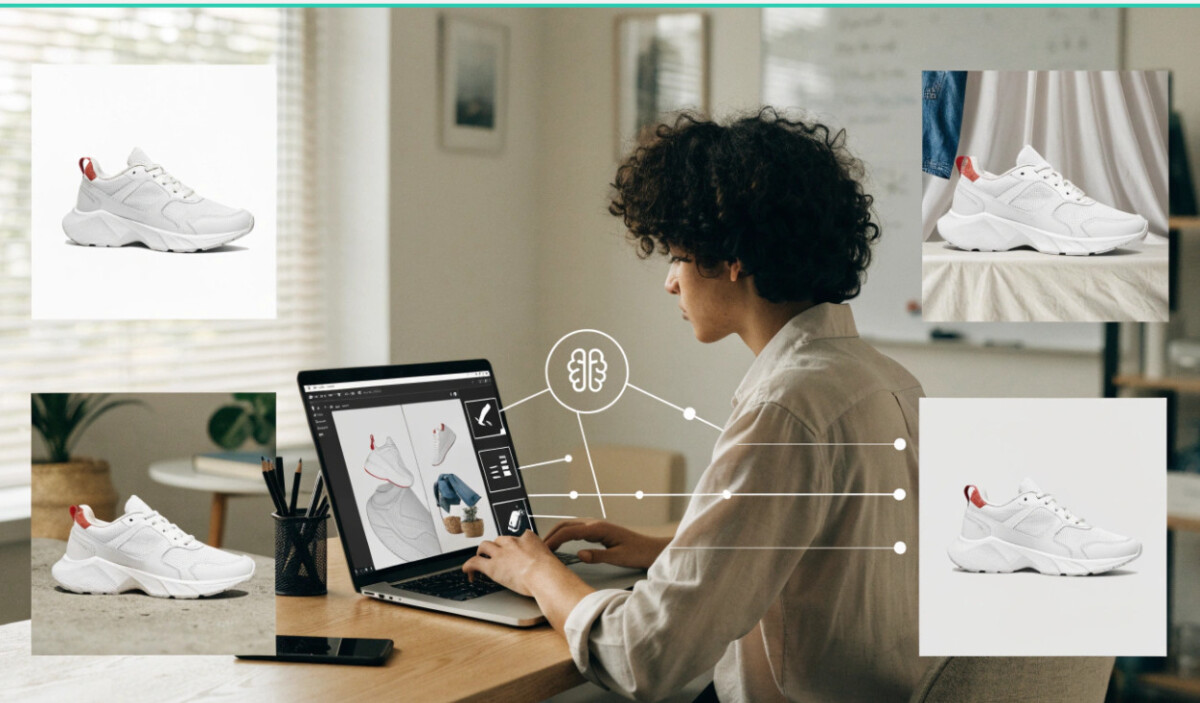
AI image editing helps Shopify brands improve product-photo consistency, remove distractions, and create reusable assets faster, but it should never change the product customers expect to receive. The best workflow starts with a truthful original image, makes only necessary edits, and checks every final file for accuracy, clarity, and page performance.
AI editing should make the product easier to understand, not more impressive than the product actually is.
For Shopify stores, product photography can directly affect how shoppers perceive a product. A clean image can make an item look trustworthy and professional, while a cluttered or inconsistent photo can make even a good product appear less appealing.
The challenge is that producing polished product photography for an entire catalog can be expensive and time-consuming. Store owners may need to remove backgrounds, improve lighting, adjust framing, clean up unwanted elements, or create consistent visuals for dozens of products.
זה המקום שבו Free AI Image Editor Online can become useful. Instead of rebuilding every product image from scratch, Shopify sellers can use AI-assisted editing to improve existing photographs and prepare them for their online storefront.
Online shoppers cannot physically examine a product before purchasing it. They depend heavily on photographs to understand its appearance, size, details, color, and overall presentation.
A product image therefore needs to do more than simply show the item. It should present the product clearly and reduce distractions that could make the shopper uncertain.
For a small Shopify business, however, achieving this level of consistency across an entire catalog can be difficult. Products may have been photographed at different times, under different lighting conditions, or with different backgrounds.
AI editing provides a practical way to bring those images closer together.
Not every seller has access to a professional photography studio. Many businesses begin with smartphone photographs or basic home setups. That does not necessarily mean the images have to remain basic.
A Free AI Image Editor Online can help improve existing product photos by assisting with common editing tasks. Background cleanup, object removal, image enhancement, and other adjustments can make a noticeable difference without requiring advanced Photoshop skills.
For a Shopify owner managing a growing catalog, this can be much more practical than manually rebuilding every image.
Imagine a store selling clothing, accessories, or handmade products. One product may have been photographed against a white wall, another on a wooden table, and another against a completely different background.
When these images appear next to each other on a Shopify collection page, the store can feel inconsistent.
AI-powered editing can help sellers create a more unified visual presentation. Existing product images can be adjusted so that backgrounds feel cleaner and less distracting while keeping attention on the actual item.
Consistency matters because shoppers should be able to focus on comparing products rather than noticing differences in photography.
Product photography often contains small imperfections that were not obvious when the picture was taken. There may be cables, unwanted objects, marks, shadows, reflections, or other distractions around the product. Reshooting an image just because of one unwanted element can be inefficient.
AI editing tools can assist with removing distracting objects from photographs while preserving the main subject. This gives store owners another option when a product photo is otherwise good enough to use. The goal should not be to change the product itself. Instead, the editing should help present the actual item more clearly.
Professional product photography is about more than expensive equipment. Composition, clarity, lighting, and background all contribute to the final impression.
AI editing can help improve some of these visual aspects after the photograph has already been taken. A seller may be able to correct an uneven appearance, improve clarity, or make the subject stand out more effectively.
This is particularly useful for small businesses that cannot afford to hire photographers for every product launch.
However, editing should remain realistic. Product images should accurately represent what customers will receive rather than creating an unrealistic appearance.
A single product may appear in several places throughout a Shopify store. There may be a main product page, collection page, homepage feature, promotional banner, or social media campaign. Each placement may require a slightly different composition.
Instead of creating completely separate photographs, sellers can adapt existing images for different purposes. AI editing can help with cropping, background adjustments, and other visual changes while preserving the main product. This makes existing photography more flexible and reduces the need to repeatedly create new assets.
Large ecommerce companies often have dedicated photography teams, designers, and marketing departments. Smaller businesses usually have to manage these responsibilities themselves. That difference can make professional visual presentation difficult.

A Free AI Image Editor Online can lower some of the technical barriers. A store owner who has limited design experience can experiment with product images without learning complicated editing software first. This does not replace good photography or thoughtful branding. It simply gives smaller businesses more control over the final presentation of their products.
New products often need to be photographed, edited, uploaded, and promoted within a limited timeframe. If every image requires extensive manual editing, a product launch can quickly become delayed.
AI-assisted editing can shorten some of the repetitive steps. A seller can begin with the original photograph, make necessary adjustments, review the result, and prepare the image for the store. For businesses adding products regularly, even small time savings can become significant across an entire catalog.
Shopify product photos are not limited to the online store. The same visual assets may be used in advertisements, email campaigns, social media posts, and promotional graphics. An edited product image can therefore serve multiple marketing purposes.
For example, a clean product photo with a simple background might work well on a product page, while a differently composed version could be incorporated into a promotional social post. Keeping the product visually consistent across these channels can help strengthen brand recognition.
AI editing is powerful, but product photography still needs accuracy. Sellers should avoid making changes that could mislead customers.
Changing the actual shape, color, texture, size, or important features of a product can create unrealistic expectations. A customer’s experience may then differ significantly from what was shown online. It is better to use AI for presentation improvements while keeping the product itself truthful. A good rule is simple: enhance the photograph without misrepresenting the item.
A simple process can make AI image editing easier to manage. Start with the best original photograph available. Make sure the product is visible and reasonably well lit before editing. Next, identify what actually needs improvement. Perhaps the background is distracting, an unwanted object appears beside the product, or the image needs better framing.
Make only the necessary changes and compare the edited version with the original. Check that the product still looks accurate from the shopper’s perspective. Finally, make sure the image fits the store’s overall visual style before uploading it to Shopify.
Installing professional editing software can be unnecessary for sellers who only need occasional image adjustments. An online editor provides a simpler alternative because the work can be completed through a browser.
This can be particularly useful for entrepreneurs managing their stores from different devices. Instead of maintaining a complex editing setup, they can access an online tool when a product image needs attention. For smaller Shopify teams, simplicity can be just as valuable as advanced functionality.
Strong product photography helps Shopify stores communicate quality and build customer confidence. Yet producing polished images for every product can be challenging when a business has limited time, equipment, or design resources.
A Free AI Image Editor Online gives store owners another way to improve the photographs they already have. From cleaning backgrounds and removing distractions to preparing images for different marketing placements, AI-assisted editing can make everyday ecommerce image work more manageable.
The best results come from using AI as an editing assistant rather than allowing it to completely redefine the product. When the original item remains accurate and recognizable, better presentation can help shoppers understand what they are actually buying while giving the entire Shopify store a cleaner, more consistent appearance.
AI image editing can improve Shopify product photos by cleaning backgrounds, removing minor distractions, creating consistent crops, adjusting modest lighting imbalance, and preparing image variations for different store and marketing placements. It works best when the original photo already shows the product clearly, accurately, and in focus. AI should improve presentation, not alter a product’s real colour, shape, texture, size, included accessories, or condition. Always compare the final image against the physical product and inspect it at full size before publishing it to a product page, collection, ad, email, or social campaign.
Shopify sellers should avoid edits that misrepresent the item customers will receive, including changing product colour, shape, texture, size, fit, material, included accessories, condition, or performance. Do not use AI to hide defects on vintage goods, make clothing fit differently, add features the product does not have, or create misleading before-and-after effects. Be especially cautious with food, beauty, wellness, children’s products, safety-related goods, and regulated categories. Use AI to remove irrelevant distractions and improve clarity, while keeping the product itself truthful, recognizable, and supported by accurate copy and detail images.
Shopify product photos can be uploaded up to 5000 by 5000 pixels or 25 megapixels, with a maximum file size of 20 MB. Shopify notes that 2048 by 2048 pixels typically displays well for square product images, which makes it a practical standard for consistent collection grids and product-page zoom. Use JPEG for most product photography and PNG when transparency or sharp graphic elements are required. After editing, test the image on desktop and mobile, confirm the product remains clear when zoomed, and optimize file size so visual quality does not slow the storefront unnecessarily.
You can use AI-edited product images in Shopify ads and social media when the images accurately represent the product, comply with the channel’s advertising policies, and use assets your brand has the right to edit and publish. Create different crops or background variations for product pages, vertical social content, email, and banners, but preserve the product’s real characteristics across every version. Add pricing, claims, promotional copy, and required disclosures in your approved design workflow rather than relying on AI-generated text inside the image. Review each asset for product accuracy, brand consistency, and misleading visual implications before publishing.
Create consistent Shopify product images by establishing one visual template for background colour, image ratio, product scale, lighting treatment, crop, shadow style, filenames, and final review. Start with the best original photos, then use AI editing to remove background clutter, isolate products, standardize framing, and create clean variants without changing product details. Keep a central folder for source images and approved edited masters, then create channel-specific crops from those files. Test the collection page on desktop and mobile to make sure products look balanced together. Consistency should make comparison easier, not make different products look artificially identical.




