





Key takeaways
Choosing the right email marketing service involves balancing cost with essential features, as the cheapest option may not provide the best value or scalability for your needs.
Contact-based pricing is ideal for businesses with small lists and frequent sends, while send-based pricing benefits those with larger lists and infrequent campaigns.
Omnisend stands out for ecommerce businesses by offering comprehensive features at an affordable price, making it a strong choice for maximizing revenue from email marketing.
Always evaluate free plans carefully, as they often come with significant limitations that could hinder your marketing efforts once you scale.
Reading Time: 16 minutes
If you have a tight marketing budget, then you can save money with cheap email marketing services, and you don’t necessarily have to compromise on send limits or the features you need.
A key consideration in your research is that the cheapest entry price does not always equate to the best value. Some tools limit features to more expensive plans, and others have glaring feature gaps, such as the absence of SMS for multichannel flows.
A best-fit email app will suit your budget now but also scale at volume for when your list grows and your needs become more complex. Omnisend, for instance, remains affordable regardless of your contact list size and doesn’t restrict standard features.
This article provides a comprehensive overview of the 10 best affordable email marketing services, along with tips on selecting the most suitable tool for your specific use case.
Join Omnisend to build sales-winning email and SMS automations across your customer journey
Quick sign up | No credit card required
Comparison of affordable email marketing platforms
Our comparison of cheap email marketing services covers 10 platforms, each suitable for different use cases and budgets. The table below provides an overview comparison:
| Platform name | Free plan limits | Starting price | Cost per 1,000 emails | Best use case |
|---|---|---|---|---|
| Omnisend | 250 contacts, 500 emails/month | $16/month | $2.67 | Ecommerce with email + SMS + push in one platform |
| Brevo | 2,000 contacts, 300 emails/day | $9/month | $0.09 | Small stores, basic multichannel |
| MailerLite | 500 contacts, 12,000 emails/month | $10/month | $0 (unlimited on paid plans) | Newsletters, content creators |
| Sender | 2,500 contacts, 15,000 emails/month | $10/month | $0.83 | Infrequent senders, those starting out |
| Mailjet | Unlimited contacts, 6,000 emails/month | $17/month | $1.13 | Large lists with low send frequency |
| Moosend | 30-day free trial, 1,000 contacts, unlimited sends | $16/month | $0 (unlimited sends) | Automation-focused senders |
| Zoho Campaigns | 2,000 contacts, 6,000 emails/month | $4/month | $0 (unlimited on paid plans) | Extreme budget constraints |
| MailBluster | Unlimited contacts, 3,000 emails | $60/year + SMTP | $0.60 + SMTP fees | High-volume senders with technical skills |
| Mailchimp | 250 contacts, 500 emails/month | $13/month | $2.60 | Small businesses |
| GetResponse | 14-day free trial | $19/month | $0 (unlimited sends) | Content creators, course sellers |
Notice how the cost per 1,000 emails has an enormous range? That’s because some tools charge based on contact list size, so those extremely low prices don’t always offer decent value. The same applies to features, with some platforms gating their best ones behind expensive plans.
To pick the best-value platform for your business, check each plan’s features instead of simply choosing the most affordable email marketing tool.
Email marketing pricing models explained
Contact and send-based pricing are the two most common email marketing pricing models. The core difference is that one charges for subscribers stored, the other for emails sent:
1. Contact-based pricing
Contact-based platforms charge based on the number of subscribers in your account, regardless of the volume of emails you send. Mailchimp and Omnisend use this model. You pay monthly for a subscriber tier, then send unlimited campaigns within that tier.
Frequent senders benefit most from contact-based pricing. If you email your list three times a week, you’re getting far more value per dollar than someone who sends only once/month. The unlimited sends allow for promotional bursts during holidays or sales events at no extra cost.
Inactive subscribers drain budgets silently. Every contact who stopped opening emails six months ago is still being pushed toward the next pricing tier. List cleaning stops being optional and becomes necessary to maintain affordable email marketing.
2. Send-based pricing
Send-based platforms like Brevo and Mailjet charge per email sent, rather than per contact stored. You may pay for 20,000 emails/month across any list size. Once you reach the send limit, you have two options: either wait until next month or purchase additional credits.
Large lists with infrequent sending are well-suited for this model. A newsletter going to 50,000 subscribers twice/month uses 100,000 sends. Under contact-based pricing, you’d pay for all 50,000 contacts. Under send-based pricing, you only pay for emails delivered.
Problems emerge during high-volume periods. Black Friday campaigns or product launches can quickly burn through monthly send allowances. Some of the most affordable email marketing platforms allow you to purchase extra sends mid-cycle, while others require you to upgrade to a higher tier permanently.
Cost-per-1,000 and promotional caps
Comparing platforms requires breaking down the cost per thousand emails sent. For instance:
- A $50 plan delivering 10,000 sends costs $5 per thousand
- Another platform charges $75 for unlimited sends to 5,000 contacts receiving four emails/month, which works out to $3.75 per thousand across 20,000 total sends
Daily send limits matter during promotions. Many affordable platforms cap daily sends even on unlimited plans. Brevo’s free plan limits you to 300 emails daily, and sending a Black Friday campaign to 10,000 subscribers would take over a month at that rate.
Hidden costs
Branding removal fees add $10-30/month at a minimum. Most free and entry-level plans insert “Powered by [Platform]” footers into emails.
SMS credits operate separately from email pricing across nearly every platform. Omnisend bundles some SMS with paid plans, including bonus SMS credits equal to the price of your monthly Pro plan.
List cleaning tools and advanced segmentation sometimes require paid add-ons, even on mid-tier plans, which can turn the affordable monthly price into something considerably higher.
10 Cheapest email marketing services: Full breakdown
Our list includes free email marketing tools and platforms for affordable, scalable sending. Let’s explore them in detail and figure out which is best for you:
1. Omnisend — an affordable all-in-one platform for ecommerce
Omnisend is suitable for ecommerce stores of all sizes, with its Free Forever plan providing access to all standard features, including multichannel automations (email, SMS, push) and AI, which most other email tools restrict behind paid plans.
You can send 500 emails to up to 250 contacts/month with its free email marketing plan, and if you need more, the $16/month Standard plan bumps your limits to 500 contacts and 6,000 emails/month.
Its Pro plan is $59/month for 2,500 contacts and unlimited emails, and crucially, bonus SMS credits equal to the price of your monthly plan, making multichannel marketing cost-effective.
Key features
- One-click interaction with Shopify, Woo, and other leading ecommerce platforms
- Pre-built automations for ecommerce scenarios
- Handles transactional messages
- A/B testing and automation splits
- Build your list with popups, forms, and landing pages
- AI segment builder and pre-built segments
- 24/7 live chat and email customer support across all plans
Pick Omnisend if you have an ecommerce business and want to cover your customer journey with high-quality yet cheap email marketing services.
- Best for: Ecommerce
- Starting price: $16/month
- Cost per 1k emails: $2.67
- Free plan limit: 250 contacts, 500 emails/month
2. Brevo — low-cost sales and email marketing platform

Brevo’s free plan supports 2,000 contacts and 300 emails/day, but unlike Omnisend, it limits access to standard features and doesn’t provide 24/7 live chat support.
Where Brevo excels is in basic ecommerce and multichannel marketing, with SMS campaigns available across all tiers, and web push notifications included in its $9/month Starter plan.
Feature omissions below the $499/month Professional plan include AI product recommendations, AI segmentation, multi-branch testing, dynamic coupons, back-in-stock alerts, and popups. So, you’re trading capabilities for price.
Features
- Handles basic automations, including abandoned carts
- All plans have advanced segmentation
- Supports transactional messages
- WhatsApp integration provides a unique marketing channel
- Sales packages, which let you automate outreach and follow-ups
Consider Brevo if you have a small store or are a service business that sells products and needs a marketing and sales platform.
- Best for: Small stores
- Starting price: $9/month
- Cost per 1k emails: $0.09
- Free plan limit: 2,000, 300 emails/day
3. MailerLite — great for brick-and-mortar businesses
High-frequency senders benefit most from MailerLite’s contact-based pricing. The Growing Business plan charges $10/month for unlimited emails to 500 subscribers, effectively reducing your cost to nearly zero if you send emails weekly or daily.
It’s free email marketing tools let you send 12,000 emails/month across 500 contacts, outpacing most competitors’ limits. That’s enough for 24 campaigns monthly before paying anything.
Website and blog builders sit alongside email tools, which are particularly useful for brick-and-mortar stores establishing their first online presence. Digital product sales and paid newsletter subscriptions run through MailerLite without transaction fees.
Features
- Unlimited emails on Growing Business and Advanced plans
- 100 automation steps per workflow
- Sell digital products without commission
- Custom domains for landing pages and websites
- Campaign auto-resend to non-openers
- A/B testing on emails, forms, and popups
Choose MailerLite for newsletter-heavy strategies where sending volume matters more than sophisticated ecommerce features.
- Best for: Newsletters and content creators
- Starting price: $10/month
- Cost per 1k emails: $0 (unlimited on paid plans)
- Free plan limit: 500 contacts, 12,000 emails/month
4. Sender — generous free plan limits
Sender’s free plan includes 2,500 subscribers and 15,000 emails/month, plus email automation, landing pages, and signup forms with no feature restrictions.
Pay-as-you-go pricing charges $29 for 5,000 email credits ($5.80 per 1,000) that never expire if you don’t want a monthly plan.
Standard and Professional plans multiply your list size by 12 times and 24 times, respectively, to calculate monthly email allowances. A 1,000-subscriber list receives 12,000 emails/month on the Standard plan ($10) or 24,000 emails/month on the Professional plan ($20), which includes $20 in SMS credits.
Features
- Automation workflows are available on the free plan
- Transactional email capability across all tiers
- SMS campaigns from the Standard plan upward
- A/B testing for emails and popups
- Custom DKIM settings and spam checking
- Landing pages with no quantity limits
- Role-based team seats (one free, three Standard, 10 Professional)
Choose Sender when you need substantial free-tier capacity or prefer buying email credits in bulk rather than subscribing monthly.
- Best for: Infrequent senders or those starting out
- Starting price: $10/month (or pay-as-you-go)
- Cost per 1k emails: $0.83
- Free plan limit: 2,500 contacts, 15,000 emails/month
5. Mailjet — great for send-based pricing models
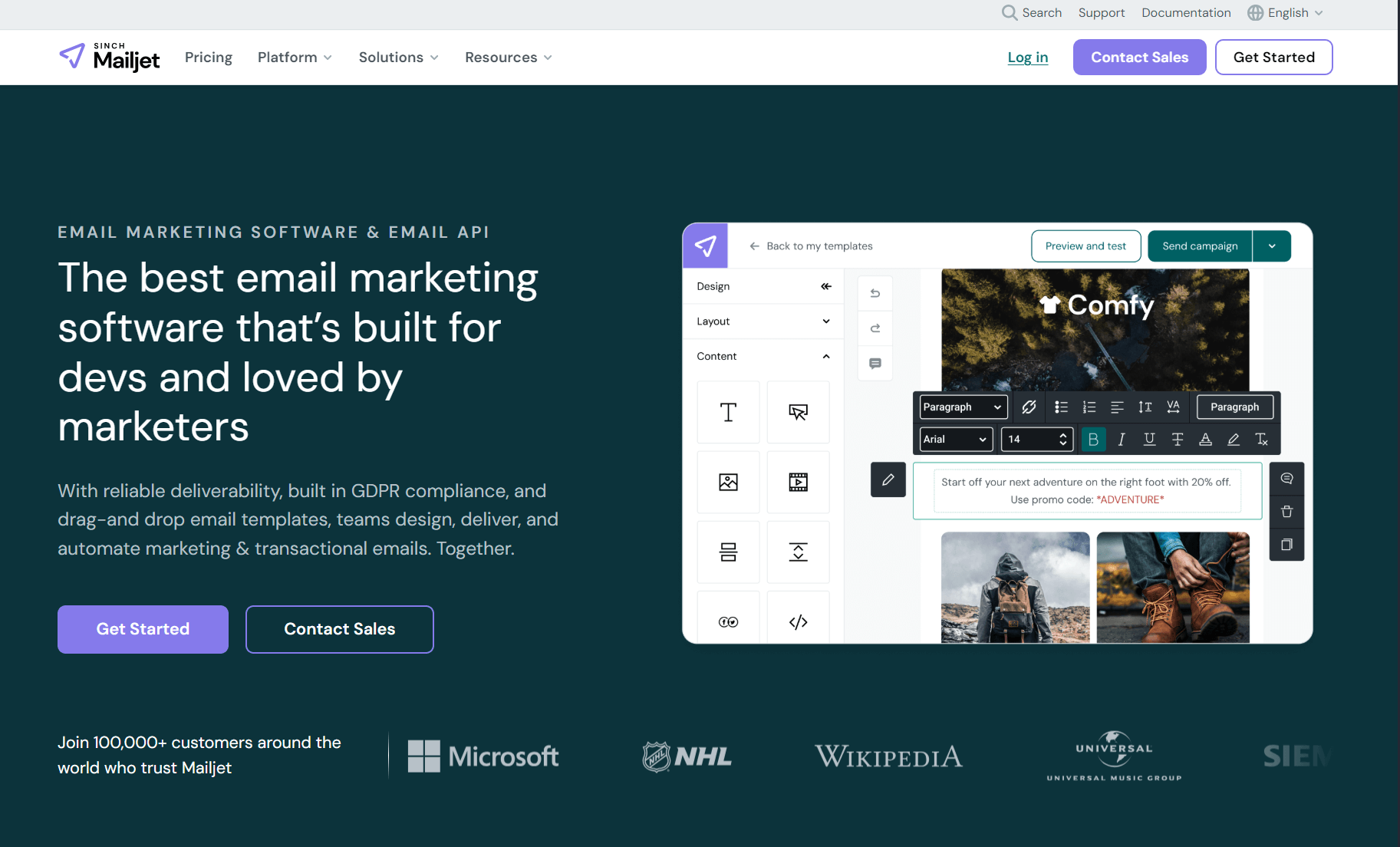
Unlimited contact storage comes standard. Mailjet bills purely based on emails sent, with Essential providing 15,000 sends for $17/month and no daily caps.
Free accounts offer 6,000 emails/month but hit a 200-per-day wall, so even if you want to blast all those emails to subscribers, you can’t, even though your monthly allowance suggests otherwise. There are better alternatives for email blasts.
The Premium plan runs $27/month and is a better value overall than the Essential plan because it has automation workflows, A/B testing, and landing pages.
Features
- MJML email framework for responsive designs
- APIs, SMTP relay, and webhooks across all plans
- Advanced statistics and campaign comparison (Premium)
- Email address validation credits included
- Dedicated IP available at 100k+ email plans
- Phone and chat support starting at 50k sends/month
- Priority support on the Premium tier
Choose Mailjet for send-based billing when you maintain large lists but send campaigns sporadically.
- Best for: Large lists with low send frequency
- Starting price: $17/month
- Cost per 1k emails: $1.13 (Essential)
- Free plan limit: Unlimited contacts, 6,000 emails/month
6. Moosend — simple, effective automation workflows
Moosend’s Pro plan starts at $9/month for 500 contacts, jumping to $16/month for 1,000 contacts with unlimited email sends and no hidden caps.
Free trials run 30 days and include automation workflows, landing pages, forms, and unlimited sends for up to 1,000 contacts, all without requiring credit card details upfront.
Moosend+ operates as a custom-tier request where you add what you need, such as transactional emails, dedicated IPs, SSO/SAML, custom reports, and account managers.
AI product recommendations across all plans analyze browsing and purchase behavior to suggest items automatically. Weather and demographic predictions help you time campaigns based on location conditions rather than guessing optimal send windows.
Features
- Unlimited email campaigns and sends on Pro
- Pre-built automation workflow templates
- Custom event tracking for site behavior
- Email heatmaps showing click patterns
- A/B testing included on Pro tier
- SMTP server access across all plans
- 80+ integrations with API access
Pick Moosend for straightforward automation and unlimited sends without premium-tier lockouts on core features.
- Best for: Automation-focused senders
- Starting price: $16/month (1,000 contacts)
- Cost per 1k emails: $0 (unlimited sends)
- Free trial: 30 days, 1,000 contacts, unlimited sends
7. Zoho Campaigns — low-cost entry plan with solid features
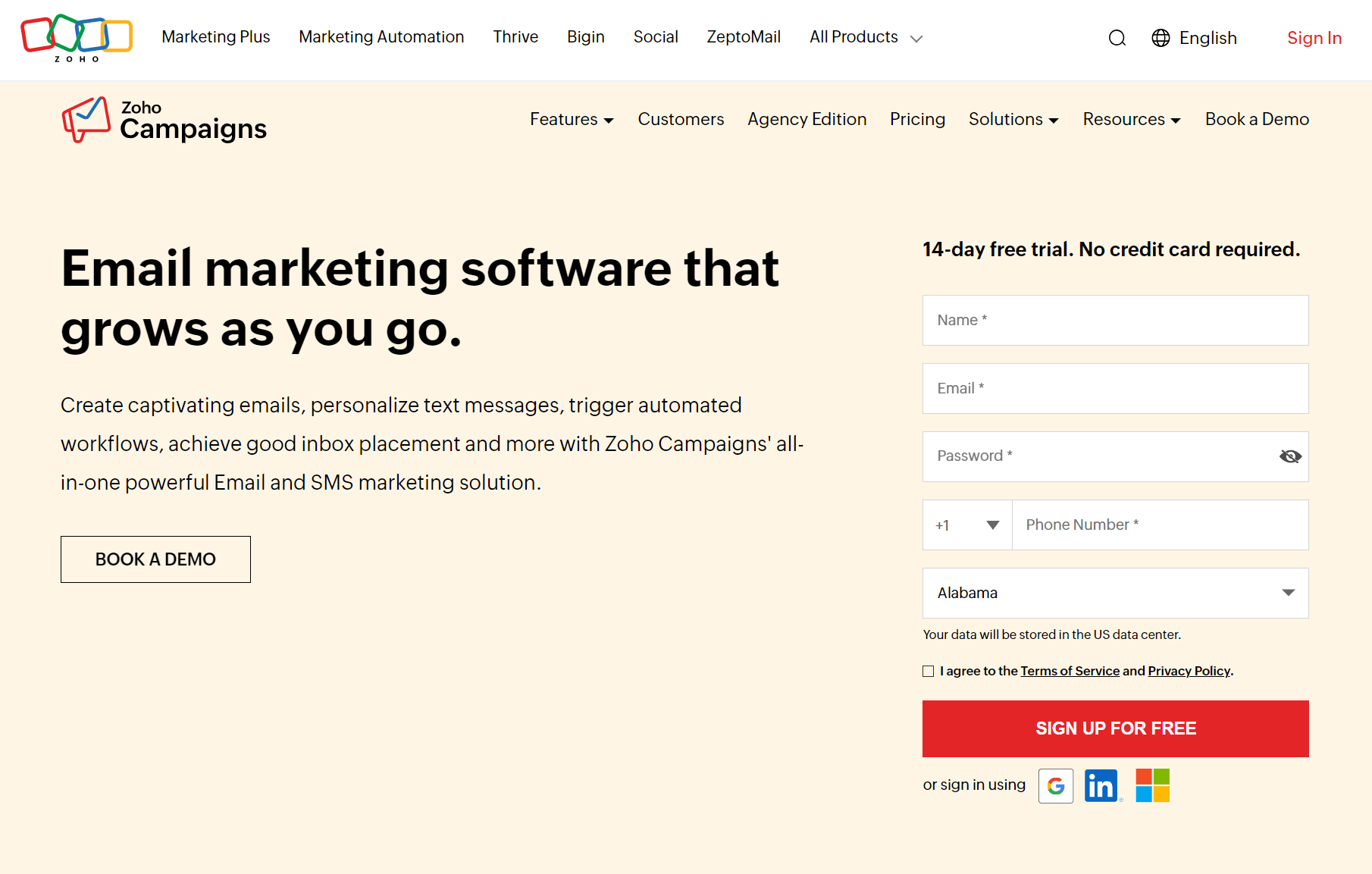
Zoho Campaigns charges $4/month for 500 contacts with unlimited sends. The Forever Free tier handles 2,000 contacts and 6,000 emails/month with five user seats included.
Professional runs $6/month and provides advanced segmentation, contact scoring, dynamic content, and timezone delivery.
Timezone sends reach inboxes when subscribers check email rather than blasting everyone simultaneously. Optimal send time detection analyzes individual engagement patterns to pick the best delivery window.
Features
- Unlimited emails on Standard and Professional plans
- Advanced drag-and-drop workflows (Professional)
- Pop-up forms and dynamic content (Professional)
- Email polls and file attachments (Professional)
- Batch sending and optimal send time detection (Professional)
- Zoho ecosystem integrations
- Dedicated IPs for 100k+ monthly sends
Consider Zoho Campaigns for its rock-bottom pricing if you’re already using other Zoho products or don’t require extensive third-party integrations.
- Best for: Extreme budget constraints
- Starting price: $4/month (500 contacts)
- Cost per 1k emails: $0 (unlimited on paid plans)
- Free plan limit: 2,000 contacts, 6,000 emails/month
8. MailBluster — best for pay-as-you-go pricing
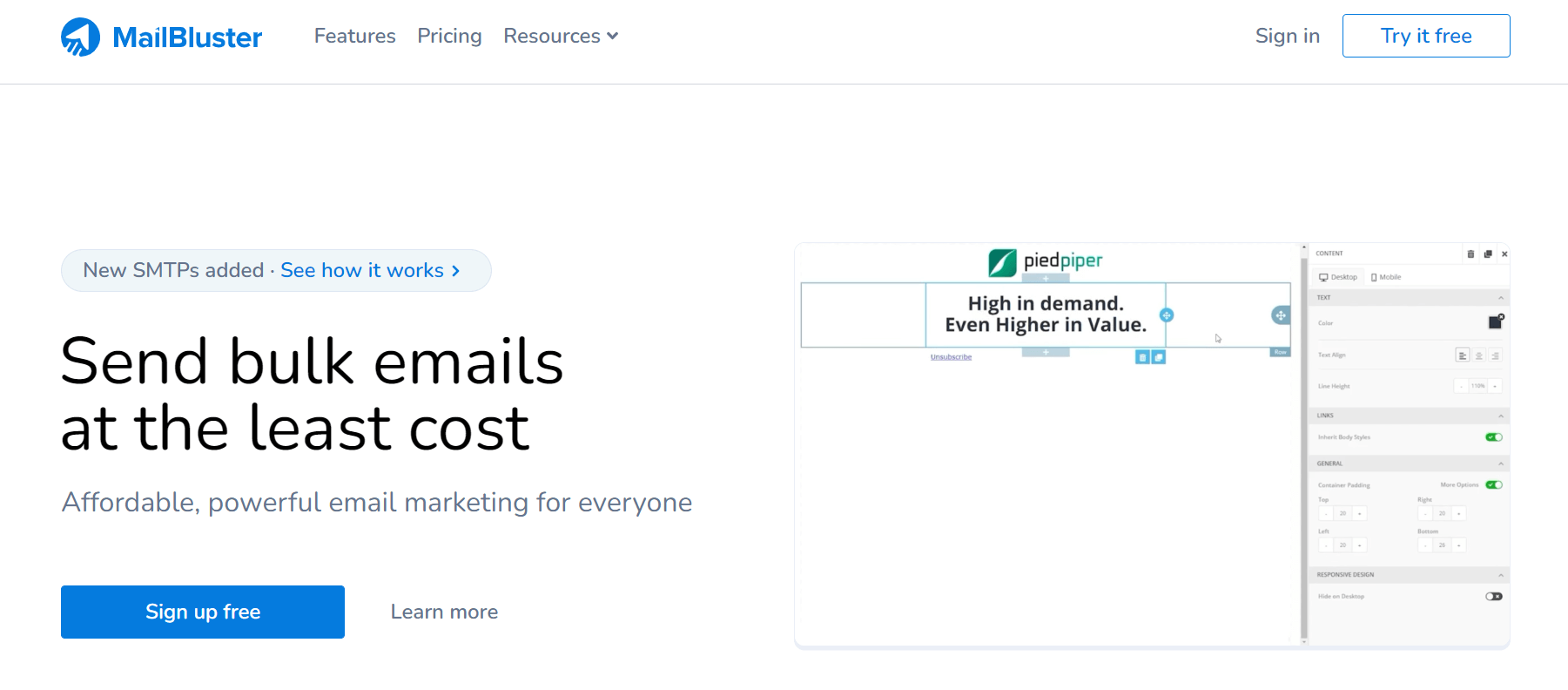
MailBluster charges $60/year ($5/month) plus $0.60 per 1,000 emails sent. You handle unlimited contacts without tier jumps based on list size. The catch is that you need your own SMTP provider, such as Amazon SES, Postmark, Mailgun, or SMTP2GO, to send emails.
Amazon SES charges $0.10 per 1,000 emails (after AWS free tier), bringing the total cost to $0.70 per 1,000 sends once you factor in both MailBluster and SMTP fees. That’s cheaper than most platforms at scale, though setup requires technical comfort with SMTP configuration.
Free accounts can send 3,000 emails with MailBluster branding and unlimited contact storage, with the Pro plan removing branding and giving you automation, custom fields, pro templates, and data exports.
Features
- Unlimited contact storage on all plans
- List segmentation based on opens, clicks, and purchases
- Drag and drop email composer
- Real-time tracking with ecommerce conversion reports
- Custom merge tags for personalization
- Mass lead management and tag organization
- Developer API access
- Multiple brand users with role assignments
Choose MailBluster when you send high volumes, already use an SMTP provider, and want to avoid platform fees that scale with list size.
- Best for: High-volume senders with technical skills
- Starting price: $60/year, plus $0.60 per 1k emails + SMTP costs
- Cost per 1k emails: $0.60 + SMTP provider fees
- Free plan limit: Unlimited contacts, 3,000 emails
9. Mailchimp — familiar, but costs more at scale
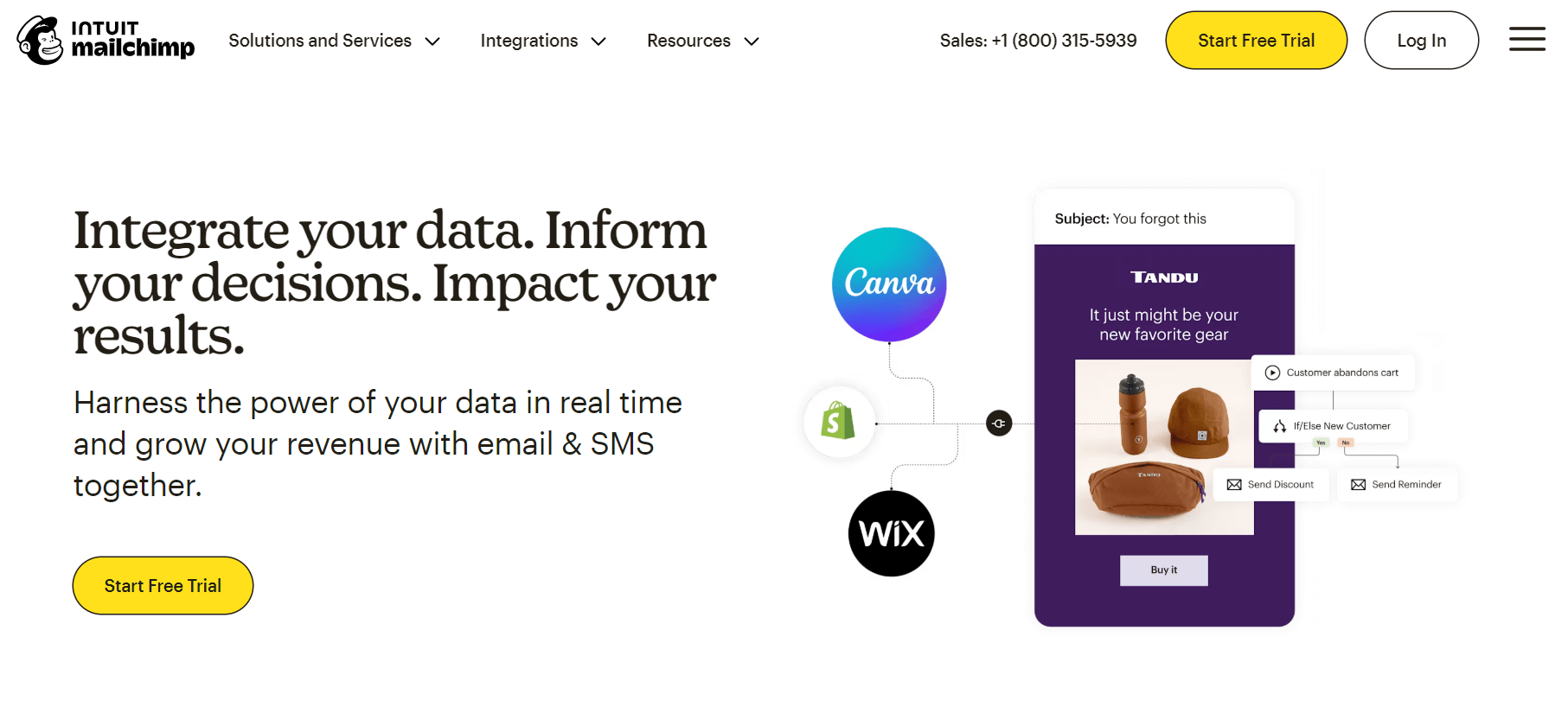
Mailchimp’s brand recognition makes it the default choice for many. That familiarity comes with premium pricing that compounds as your list grows, with 500 contacts starting at $20/month on Standard, but 25,000 contacts costing over $300/month for the same features.
Free accounts handle 250 contacts and 500 emails/month, which is restrictive enough that you’ll likely upgrade within weeks of serious use. Essentials drops to $13/month but removes custom-coded templates and advanced automation entirely.
Generative AI features write subject lines and email copy on Standard and Premium plans at no extra cost. Automation flows can handle up to 200 steps on paid tiers, compared to four on Essentials.
Features
- Personalized onboarding (one session Standard, four sessions Premium)
- Popup forms are in beta for list building
- Custom-coded templates on all paid plans
- Predictive segmentation (Standard and Premium)
- SMS marketing as an add-on across paid tiers
- Pay-as-you-go option for sporadic senders
- 300+ integrations with major platforms
- Phone support is available only for Premium only
Choose Mailchimp if you’re already familiar with it and willing to incur higher costs as your list grows.
- Best for: Brand familiarity
- Starting price: $13/month
- Cost per 1k emails: $2.60 (Essentials)
- Free plan limit: 250 contacts, 500 emails/month
10. GetResponse — easy to learn and use
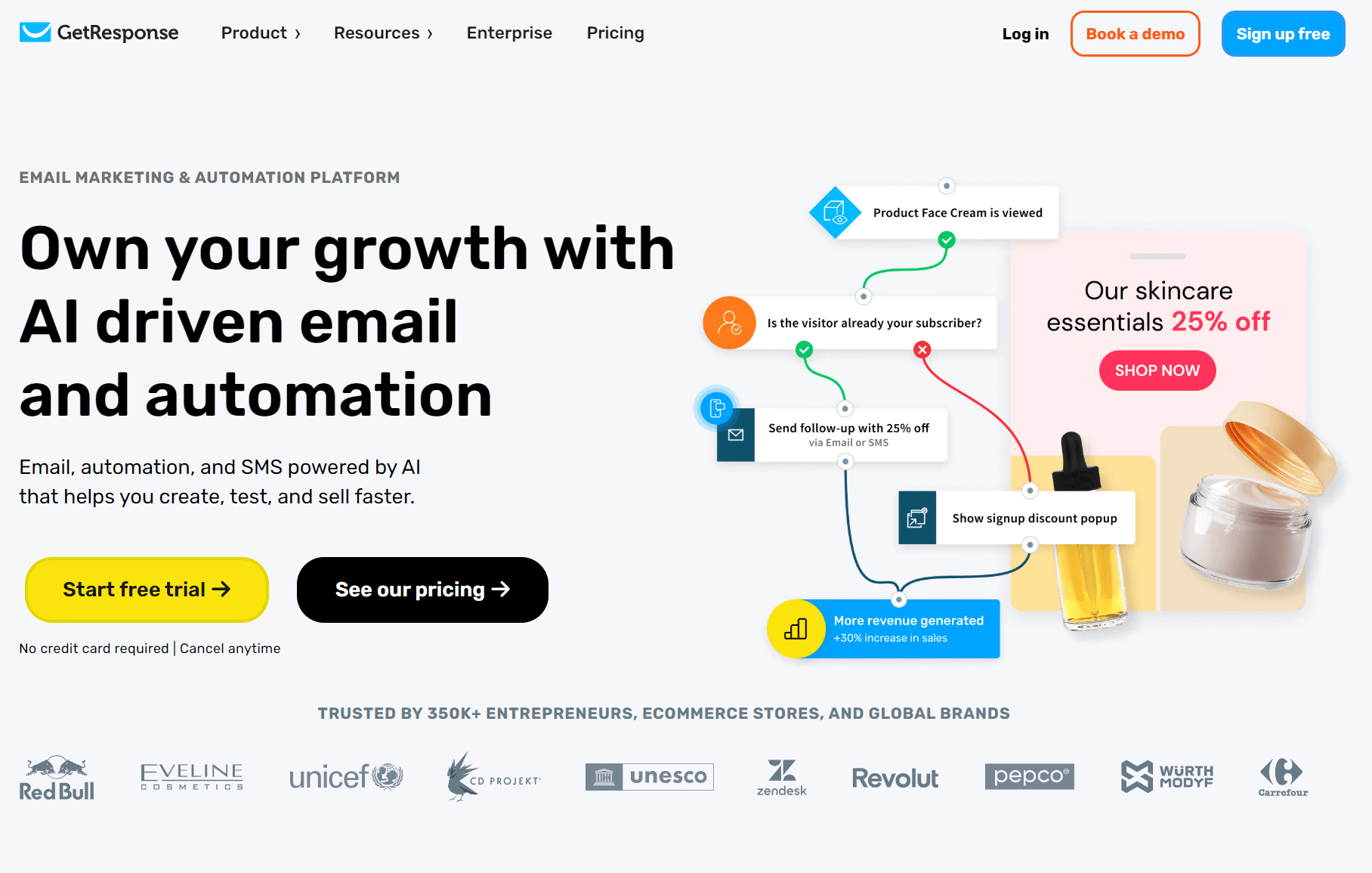
Webinars, courses, and website building sit alongside email marketing, rather than requiring separate subscriptions. The $19/month Starter tier covers 1,000 contacts with unlimited sends, but you’ll need Marketer at $59/month for sales funnels and cart abandonment sequences.
Creator separates itself by hosting live webinars for 100 attendees and courses for 500 students at $69/month. Premium newsletter subscriptions enable you to charge readers directly, eliminating the need to split revenue with a third-party platform.
AI content generators write email copy and subject lines across all tiers. Sales funnels guide customers through multi-step purchase paths with upsells and downsells built into the flow, and only a few alternatives do it better.
Features
- Unlimited monthly email sends on all plans
- Welcome email series and automation workflows
- Landing page builder with forms and popups
- Web push notifications (Marketer and above)
- Webinar hosting (Creator and Enterprise)
- Course platform with student management (Creator and Enterprise)
- Promo codes and revenue reporting (Marketer and above)
- SMS marketing and transactional emails (Enterprise)
Choose GetResponse when you need webinars, courses, and website building alongside cheap email marketing services.
- Best for: Content creators and course sellers
- Starting price: $19/month (1,000 contacts)
- Cost per 1k emails: $0 (unlimited sends)F
- ree trial: 14 days with premium features
The right email marketing tool for your budget — by use case
Let’s run through a few different scenarios to help you choose the best-fit tool for your ecommerce email marketing:
Scenario one: Large list, infrequent sends
A list of 25,000 subscribers sending one newsletter monthly faces a pricing trap with contact-based models. You’re paying $50-150/month for capacity you barely touch.
Send-based pricing solves this problem by charging only for emails delivered. Brevo lets you store unlimited contacts and pay based on your monthly send volume, with a price of $9/month for up to 100,000 sends on their Starter plan.
One newsletter to 25,000 subscribers fits comfortably within that tier. Mailchimp charges $270-310/month to maintain access to those contacts, roughly thirty times more expensive.
Winner: Brevo for lists above 10,000 contacts with low send frequency.
Scenario two: Small list, frequent sends
Three emails weekly to 1,500 subscribers will burn through 18,000 sends monthly, with send-based platforms treating every email as a separate charge, piling up costs as your frequency increases.
Contact-based pricing works differently. Omnisend’s Standard plan, at $25/month, includes 18,000 emails for a 1,500-contact list, while MailerLite costs $25/month for 2,500 contacts (unfortunately, MailerLite doesn’t allow you to select between 1,000 and 2,500 contacts).
In any case, either option turns frequent sending from a potential cost liability into a strength.
Winner: MailerLite edges out Omnisend in terms of price. However, Omnisend supports more complex automations, and both handle high-frequency sending better than send-based models.
Scenario three: Ecommerce store
You’ll agree that paying $50/month for a platform that generates $5,000 in attributed sales beats paying $10/month for one generating $500. In other words, revenue matters more than raw cost when you’re selling products.
You need product recommendations, abandoned cart recovery, and behavioral automation rather than just newsletter delivery to maximize ROI.
Omnisend includes these features across all plans, while competitors charge premium prices or exclude them entirely.
It also tracks revenue attribution, showing which automated workflows and campaigns generate sales. Pre-built ecommerce automations deploy in minutes rather than requiring custom setup.
Winner: Omnisend is superior to Brevo, MailerLite, and similar tools if you prioritize revenue over the lowest possible monthly cost.
Scenario four: Zero budget
Free plans vary dramatically in what they offer. Most cap sends at 300-500/month and remove basic features like automation or segmentation.
Sender’s free plan allows 2,500 subscribers and 15,000 sends/month, far exceeding typical free tier limits. Omnisend’s free plan includes 500 emails/month for 250 contacts, as well as automation and product recommendation tools not available on other free plans.
Winner: Sender for pure volume, Omnisend for ecommerce features on a free plan.
How to choose a cheap email marketing service
Pick an email tool that aligns with your sales, revenue, and customer experience goals, rather than the one that’s the cheapest overall. Cheap is okay until you’ve invested time setting it all up, only for it not to scale or meet your needs in the future.
Follow these steps to pick the right tool:
Step one: Define your needs
- Business type. Ecommerce stores need product recommendations and abandoned cart recovery. Service businesses need appointment booking and lead nurturing. Content creators require subscriber management and newsletter delivery services.
- List size and growth rate. The current subscriber count determines pricing tiers now, not three months from now. Your perfect email tool will scale with your list without doubling your costs anytime soon.
- Send frequency. Daily senders benefit from unlimited contact-based plans. Monthly newsletters suit send-based pricing.
- Email complexity. Simple text updates need basic editors. Product showcases require drag-and-drop builders with image optimization.
Step two: Evaluate key features
- Automation capabilities. A welcome email should go out when they subscribe at midnight. A purchase should trigger a follow-up sequence three days after the initial purchase. None of these scenarios should require you to manually send anything or call a developer to modify code each time you want to adjust timing or content.
Pro tip
Automations are critical to your email ROI. The latest statistics show that automated emails generated 37% of all sales from only 2% of email volume in 2024.
Read more about the impact of automations in our Ecommerce Marketing Report.
- Segmentation depth. Purchase patterns, site behavior, email engagement, and custom fields you define yourself all need filtering options that narrow your audience to the people who should receive each message.
- Analytics quality. Click maps show which links receive attention, device breakdowns reveal where your audience reads, and revenue tracking connects emails to sales, rather than just reporting opens and clicks that may mean nothing.
- Deliverability rates. Dedicated IPs, SPF and DKIM authentication, and active sender reputation monitoring determine whether your emails land in inboxes or disappear into spam filters nobody checks.
- Template responsiveness. Templates that break on phones will negatively impact your sales and reputation. Preview your emails within the email editor for mobile, and send test emails to multiple addresses to ensure they render correctly in practice.
Step three: Make practical considerations
- Pricing model alignment. Send-based suits large lists with low frequency. Contact-based favors small lists with high frequency.
- Integration ecosystem. Your ecommerce platform already knows who bought what. Your CRM tracks customer interactions, and Google Analytics shows site behavior. Email tools that connect directly to these pull that data automatically. Without integrations, you’re downloading spreadsheets, reformatting columns, uploading files, and hoping nothing breaks in translation.
- Support availability. Live chat is available around the clock to fix problems during Black Friday, such as when your campaign breaks, and every hour of downtime costs money. Email tickets that take three days to resolve mean three days of lost revenue.
The next step is to sign up for and test three platforms using free trials (or, even better, free accounts that are available forever). Send identical campaigns through each and compare deliverability, ease of use, and time investment before making a commitment.
User reviews of cheap email marketing platforms
Omnisend, Mailchimp, Brevo, and MailerLite have top ratings across the board on the review platform G2. Here are some of the highlights:
Omnisend
- “Offers the services I need at a great price. Easy to use and integrates smoothly with Shopify.” Elaine P., Founder.
- “Pricing was why we switched from Mailchimp. Drag-and-drop feature makes design super quick.” Sarah K.
G2 users highlight value for ecommerce stores, praising Omnisend’s competitive pricing compared to Mailchimp while delivering product showcasing, automation, and Shopify integration without forcing platform upgrades.
Mailchimp
- “Integrates with many third-party tools. Beginner-friendly with pre-built templates.” Molly G., Marketing Manager.
- “Great email marketing tool. Easy to set up and integrate into your marketing.” Verified User, Graphic Design.
Users appreciate the extensive integration ecosystem and template library. Common complaints center on pricing increases as lists grow and feature restrictions behind higher tiers.
Brevo
- “Very cost-effective email system. Easy to set up and use with smooth CRM integrations.” Paula R., Cofounder.
- “Customer support is good even for the free plan. SMTP integration works better than normal PHP mails.” Aravindanarayanan M.
Reviewers consistently mention send-based pricing as affordable for larger lists. The automation setup receives positive feedback, although some users note the interface can be confusing when searching for settings.
MailerLite
- “Easy to use and straightforward to implement, even for small teams. Clean interface and simple campaigns.” Josh M.
- “Generous features on the free tier provide more than competitors like Mailchimp. Perfect for organizing customer emails.” Cecilia C.
Users value the free tier’s capabilities and low learning curve. Negative reviews mention limited design customization options and occasional deliverability issues.
How we tested and verified prices
All pricing information in this article was verified directly from vendor websites between December 10-17, 2025.
We reviewed pricing pages and set up test accounts to determine the cost of each tier at standard list sizes, including 500, 1,500, 2,500, 10,000, and 25,000 contacts. Free plans were tested against paid versions to identify where feature gaps exist.
Some platforms, such as Mailchimp and Omnisend, display different prices based on contact count using interactive calculators. Therefore, we tested multiple scenarios to understand the cost scaling.
Our email marketing pricing comparison reflects standard monthly billing. Annual discounts typically range from 10–30% but weren’t included in comparisons since not all platforms offer them.
This article was researched and written by our experts following a precise process.
Conclusion
Cheap email marketing services have their place when you’re blasting campaigns or have a small list and require the automation basics. But the lowest price does not mean the best value, nor, of course, the best match for your requirements.
Omnisend is a standout because all its plans include access to standard features, so even with its free forever plan, you can create advanced customer journeys for your ecommerce store.
However, while Omnisend is fantastic value, it is not the outright cheapest, with that accolade going to Zoho Campaigns’ $4/month Standard plan.
Sender and MailerLite are also affordable, making them best-suited for large-volume senders, who can take advantage of 15,000 and 12,000 monthly send limits, respectively, on their free plans.
Your next step is researching each of the tools in our guide for yourself. If you’re on Shopify, start with the Omnisend app, and if your store uses WooCommerce, install Omnisend Connect.
Join Omnisend and try all standard email and SMS marketing features without spending a cent
Quick sign up | No credit card required
Which platform has the lowest price?
Zoho at $4/month, undercutting everyone else on pure price. Whether that’s good value depends on what you need. Omnisend charges $16/month but throws in back-in-stock alerts, AI segmentation, and multichannel campaigns without forcing you into enterprise tiers. Simply put, cheap does not mean value.
How cheap can 1,000 emails get?
Nothing. Brevo, Sender, and MailerLite don’t charge anything for the first thousand emails. Sender pushes that to 15,000 emails/month before asking for payment.
Are free plans actually free?
Yes, until you reach contact limits or send caps, because free tiers always have boundaries, whether that’s the total number of subscribers or the monthly volume.
What is the 60/40 rule in email marketing?
It’s a guideline for text-to-image ratio, although it’s in no way a universal rule since some of your campaigns will need more visuals, and others will work better with text-heavy content.
What makes email marketing affordable?
Sending costs barely register compared to paid ads or physical mail, as your reach to thousands of people effectively undercuts advertising costs by a significant amount.
Is email marketing worth it for small businesses?
Omnisend customers see $68 returned for every dollar spent across industries. That return puts email ahead of most other channels for generating leads and closing sales.
