Finding the right billing solution for your business is crucial to streamline your financial operations. While QuickBooks is a popular choice, it might not be the best fit for everyone.
There are several other billing solutions that can offer similar or even better features tailored to your specific needs. In this article, we’ll explore the 8 best alternatives to QuickBooks Billing Solutions for 2024, starting with an in-depth look at ZarMoney.
1. ZarMoney
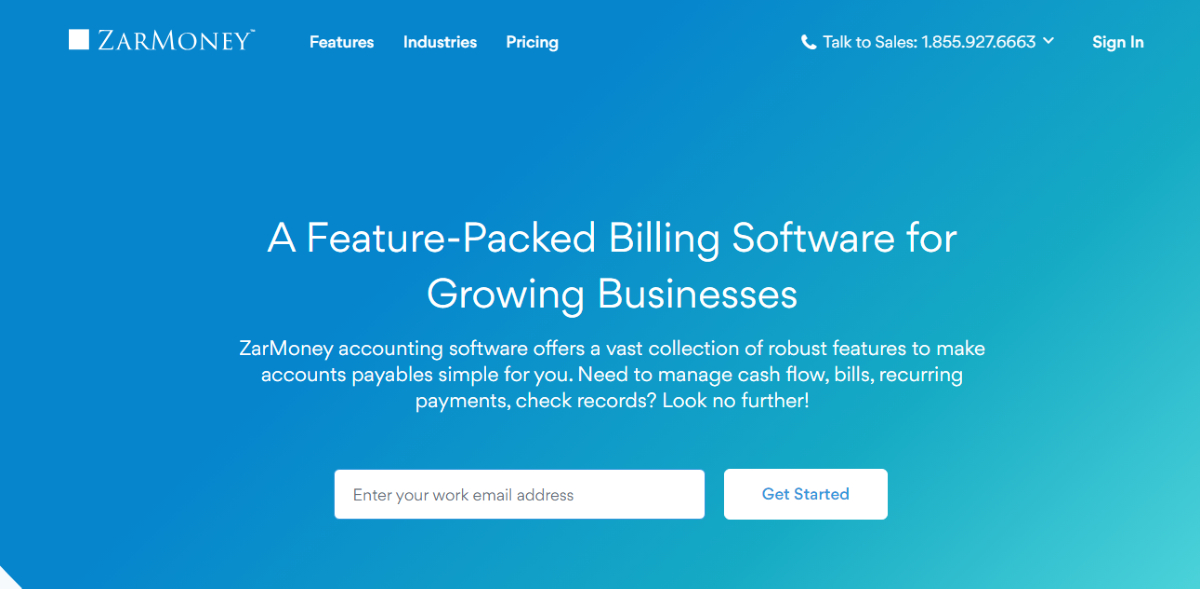
ZarMoney is a robust cloud-based accounting software designed to simplify financial management for businesses of all sizes. It offers a comprehensive suite of tools to manage billing, invoicing, inventory, and more, making it a versatile alternative to QuickBooks.
Features
- Automated Invoicing
- Inventory Management
- Expense Tracking
- Bank Reconciliation
- Customizable Reports
- Multi-Currency Support
- Project Management
- Customer Management
- Recurring Billing
- Mobile App
Top 3 Features
- Automated Invoicing
Streamline your invoicing process by automatically creating and sending professional invoices, saving time and reducing errors. - Inventory Management
Efficiently track stock levels, manage orders, and ensure you never run out of essential items with ZarMoney’s comprehensive inventory management system. - Customizable Reports
Generate in-depth financial reports that can be customized to meet your specific business requirements, providing valuable insights into your financial health.
Pros
- User-friendly interface
- Comprehensive feature set
- Excellent customer support
- Scalable for businesses of all sizes
- Regular updates and improvements
Cons
- May have a learning curve for new users
- Some advanced features can be complex to set up
- Limited third-party integrations compared to competitors
Pricing
ZarMoney offers flexible pricing plans to suit different business needs:
- Entrepreneur Plan: $15/month for a single user.
- Small Business Plan: $20/month for two users, plus $10/month for each additional user.
- Enterprise Plan: Custom pricing based on specific business requirements.
Final Verdict
ZarMoney stands out as a powerful and versatile billing solution that can effectively replace QuickBooks for many businesses. With its comprehensive features, user-friendly interface, and scalable pricing plans, it caters to a wide range of financial management needs. While there might be a learning curve initially, the benefits far outweigh this minor drawback, making ZarMoney a strong contender among billing solutions for 2024.
2. Xero
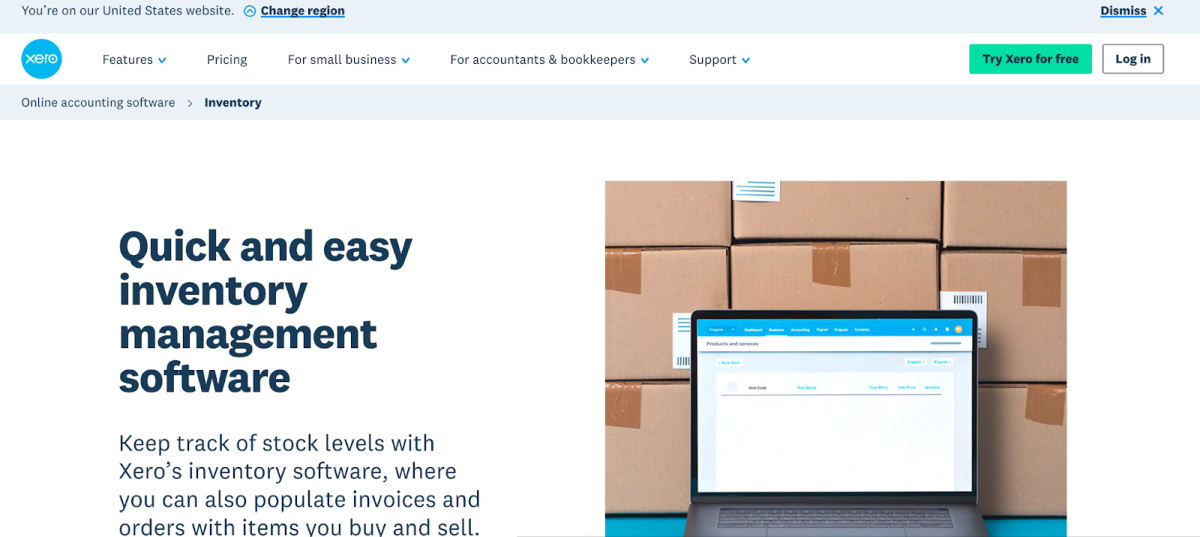
Xero is a powerful cloud-based accounting software that offers a range of features tailored for small and medium-sized businesses. It is designed to simplify financial management by providing tools for invoicing, bank reconciliation, inventory management, and more. Xero’s intuitive interface and robust capabilities make it a popular choice for businesses seeking alternatives to QuickBooks.
Features of Xero
- Invoicing
- Bank Reconciliation
- Expense Management
- Inventory Management
- Financial Reporting
- Multi-Currency
- Payroll
- Project Tracking
- Time Tracking
- Mobile App
- Third-Party Integrations
- Online Payment Processing
Top 3 Features of Xero
- Invoicing: Xero allows users to create and send professional invoices quickly. The system also tracks the status of invoices, ensuring you get paid faster.
- Bank Reconciliation: With automatic bank transaction imports, Xero simplifies the reconciliation process, saving you time and reducing errors.
- Multi-Currency: Xero supports transactions in multiple currencies, making it ideal for businesses with international dealings.
Pros of Xero
- User-friendly interface that is easy to navigate.
- Extensive range of features covering all aspects of financial management.
- Strong integration capabilities with numerous third-party apps.
- Excellent customer support and extensive resources for new users.
Cons of Xero
- Pricing can be high for small businesses with limited budgets.
- Some users find the initial setup process complex.
- Advanced features may require a learning curve for new users.
Pricing
Xero offers three pricing plans:
- Early: $13 per month – includes basic features for small businesses.
- Growing: $37 per month – includes most features needed by growing businesses.
- Established: $70 per month – includes advanced features like multi-currency support and project tracking.
Final Verdict
Xero is a robust accounting solution that caters to the needs of small and medium-sized businesses. With its extensive range of features, user-friendly interface, and strong integration capabilities, Xero stands out as a top alternatives to QuickBooks for 2024. While it may have a steeper learning curve and higher pricing, the value it provides makes it a worthwhile investment for businesses looking to streamline their financial management processes.
3. FreshBooks

When it comes to billing solutions, FreshBooks stands out as a robust alternative to QuickBooks. Designed for small businesses and freelancers, FreshBooks offers a user-friendly interface, comprehensive invoicing features, and excellent customer support. In this article, we’ll delve into why FreshBooks is a top choice for those seeking an alternative billing solution in 2024.
Features
- Easy Invoicing
- Expense Tracking
- Time Tracking
- Project Management
- Payment Processing
- Estimates
- Financial Reports
- Mobile App
- Recurring Billing
- Multi-Currency Support
Top 3 Features
- Easy Invoicing: FreshBooks allows you to create professional-looking invoices in minutes. Customize them with your logo, colors, and payment terms to give your business a polished look.
- Expense Tracking: Keep all your expenses organized by importing them automatically from your bank account. This feature helps you stay on top of your spending and manage your budget effectively.
- Time Tracking: FreshBooks’ time tracking feature ensures you bill clients accurately for the time spent on their projects. This tool is particularly useful for freelancers and service-based businesses.
Pros
- User-Friendly Interface
- Comprehensive Features
- Excellent Customer Support
- Mobile App
- Customization
Cons
- Limited Customization for Reports
- Pricing
- Learning Curve for Advanced Features
Pricing
FreshBooks offers four pricing plans:
- Lite: $15 per month – For freelancers and small businesses just starting out.
- Plus: $25 per month – For growing businesses that need more features.
- Premium: $50 per month – For established businesses with higher demands.
- Select: Custom pricing – For larger businesses with complex needs.
Final Verdict
FreshBooks is a versatile and user-friendly billing solution that caters to small businesses and freelancers. Its wide array of features, from easy invoicing to time tracking, makes it an excellent alternative to QuickBooks. While it might be slightly pricier than some competitors, the value it provides in terms of functionality and customer support is well worth the investment. If you’re looking for a reliable billing solution in 2024, FreshBooks should be at the top of your list.
4. Zoho Billing
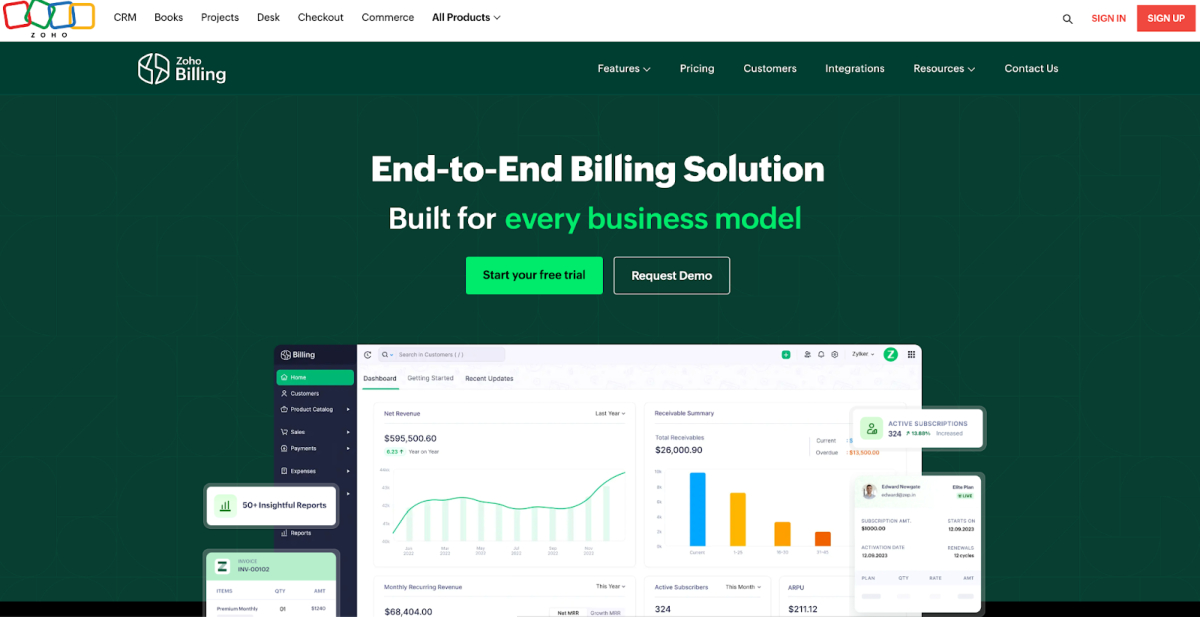
Zoho Billing is a versatile billing solution designed to simplify the invoicing and subscription management process for businesses of all sizes. With its robust set of features, it aims to streamline billing operations, enhance productivity, and ensure timely payments. Zoho Billing integrates seamlessly with other Zoho applications, making it an ideal choice for businesses already using Zoho’s suite of tools.
Features of Zoho Billing
- Automated Invoicing
- Subscription Management
- Multi-Currency Support
- Payment Gateway Integration
- Tax Management
- Customer Portal
- Detailed Reporting
- Customizable Templates
- Expense Tracking
- Mobile App
Top 3 Features
- Automated Invoicing: Automates the process of generating and sending invoices, significantly reducing the time and effort required for manual billing tasks.
- Subscription Management: Simplifies the management of recurring billing and subscriptions, ensuring timely renewals and consistent revenue flow.
- Multi-Currency Support: Enables businesses to operate globally by allowing invoicing in multiple currencies, thus expanding their customer base.
Pros
- Comprehensive billing and invoicing features
- Seamless integration with other Zoho applications
- User-friendly interface and mobile app
- Advanced reporting and analytics
- Customizable invoice templates
Cons
- Limited customization options for advanced users
- Customer support can be slow at times
- Learning curve for new users
Pricing
Zoho Billing offers a tiered pricing structure to cater to different business needs:
- Basic Plan: $9 per organization per month, includes up to 50 customers and basic features.
- Standard Plan: $29 per organization per month, includes up to 500 customers and advanced features.
- Professional Plan: $69 per organization per month, includes unlimited customers and premium features.
Final Verdict
Zoho Billing is a powerful billing solution suitable for businesses of all sizes. Its comprehensive set of features, seamless integration with other Zoho applications, and affordable pricing make it an attractive alternative to QuickBooks Billing Solutions. While there might be a learning curve for new users and some limitations in customization, the overall benefits and functionality of Zoho Billing make it a reliable choice for managing your billing and invoicing needs in 2024.
5. Wave
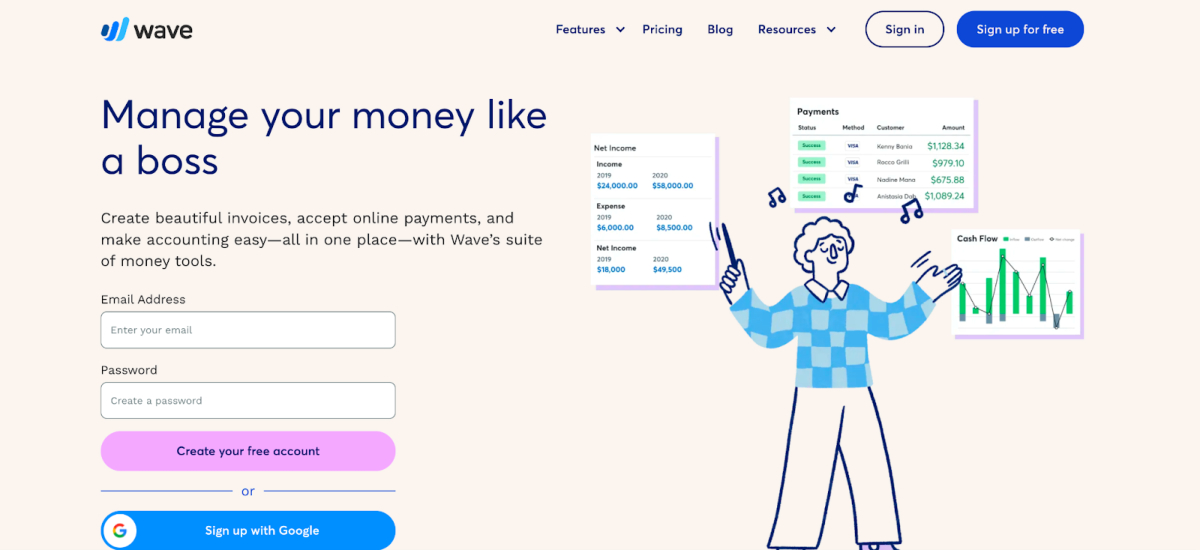
When it comes to finding a robust and user-friendly billing solution for 2024, Wave stands out as a compelling alternative to QuickBooks. Designed with small businesses and freelancers in mind, Wave offers a suite of tools that make it easy to manage your finances without the complexity and cost associated with larger software solutions.
Features
- Free Accounting Software
- Invoicing
- Receipts
- Expense Tracking
- Multi-Currency Support
- Payroll Services
- Customer Management
- Mobile App
- Cash Flow Management
- Bank Reconciliation
Top 3 Features
- Free Accounting Software: Wave offers a robust accounting solution at no cost, providing essential tools for small businesses without the financial burden.
- Invoicing: Wave’s invoicing feature allows you to create, customize, and send invoices, track their status, and even send reminders for overdue payments.
- Expense Tracking: The expense tracking feature automatically imports transactions from your bank accounts, categorizing and organizing them for easy management and reporting.
Pros
- Cost-Effective
- User-Friendly Interface
- Comprehensive Feature Set
- Cloud-Based
- Multi-Currency Support
Cons
- Limited Payroll Services
- Customer Support
- No Inventory Management
Pricing
Wave’s core accounting, invoicing, and receipt scanning tools are free. The payroll services are available at a cost of $20-$35 per month plus $6 per employee, depending on the state. Additional paid services include Wave Payments for credit card processing, which charges 2.9% + 30¢ per transaction for credit cards, and 1% for bank payments.
Final Verdict
Wave is an exceptional billing solution for small businesses and freelancers looking for a cost-effective and easy-to-use alternative to QuickBooks. Its comprehensive suite of free tools covers most financial management needs, making it an attractive option for those on a budget. While it does have some limitations, such as limited payroll service regions and no advanced inventory management, the benefits far outweigh the drawbacks for many small business owners. If you’re seeking a reliable and efficient billing solution without the hefty price tag, Wave is definitely worth considering.
6. Quicken
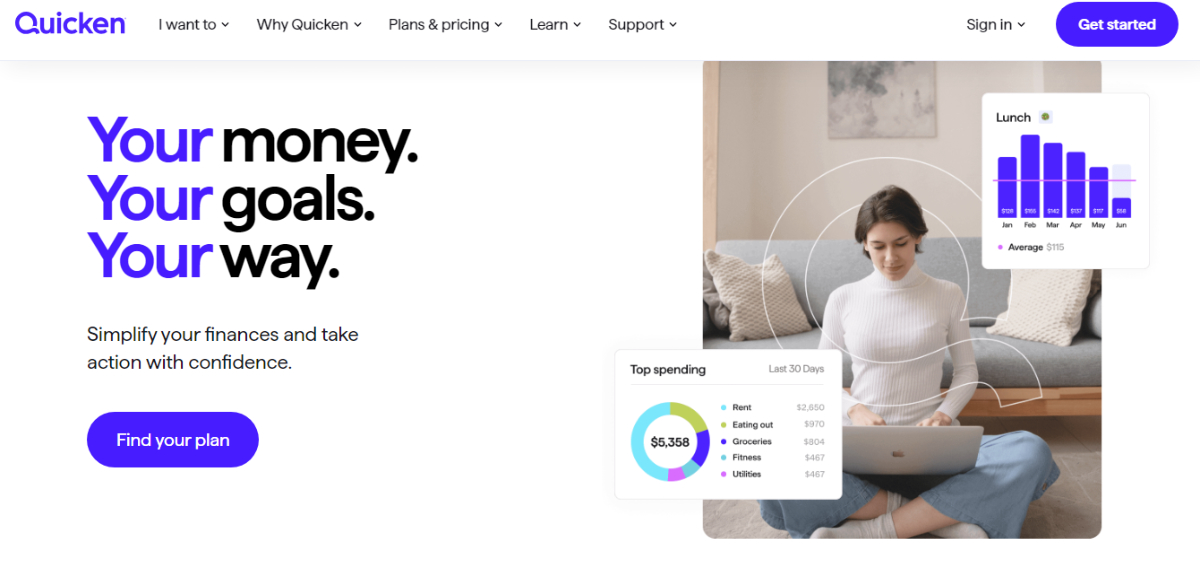
When it comes to billing and personal finance management, Quicken is a name that stands out. Initially known for its strength in personal finance, Quicken has expanded its functionality to serve small businesses effectively. This software is designed to help you manage your expenses, track income, and ensure that your financial records are always up to date. Quicken offers a robust set of features that make it a strong contender as an alternative to QuickBooks billing solutions for 2024.
Key Features of Quicken
- Expense Tracking
- Income Management
- Bill Payment Reminders
- Budgeting Tools
- Investment Tracking
- Tax Preparation
- Mobile App
- Multi-device Sync
- Reports and Insights
- Customer Support
Top 3 Features
- Expense Tracking: Quicken allows you to categorize and monitor your expenses seamlessly. This feature helps you understand where your money is going, enabling better budgeting and financial management.
- Investment Tracking: With Quicken, you can track your investments, including stocks, bonds, and mutual funds. This feature provides a comprehensive view of your financial health, helping you make informed investment decisions.
- Budgeting Tools: Quicken’s budgeting tools allow you to create and manage budgets easily. Track your progress, adjust your budgets as needed, and ensure you stay on top of your financial goals.
Pros of Quicken
- User-friendly interface, making it accessible for individuals and small businesses.
- Comprehensive financial tracking capabilities.
- Strong investment tracking features.
- Effective budgeting tools for better financial management.
- Reliable customer support and extensive help resources.
Cons of Quicken
- Higher cost compared to some other alternatives.
- Some features may be overwhelming for users only needing basic billing solutions.
- Limited scalability for larger businesses.
Pricing
Quicken offers several pricing plans to suit different needs:
- Starter: $35.99 per year – Basic features for personal finance management.
- Deluxe: $51.99 per year – Enhanced features including budgeting and debt tracking.
- Premier: $77.99 per year – Advanced investment tracking and tax preparation.
- Home & Business: $103.99 per year – Comprehensive tools for managing both personal and business finances.
Final Verdict
Quicken is a powerful and versatile financial management tool that serves as a reliable alternative to QuickBooks billing solutions. Its extensive feature set, including robust expense and investment tracking, makes it an excellent choice for individuals and small businesses looking to streamline their financial processes. While it may come at a higher price point, the value provided through its comprehensive tools and reliable customer support justifies the investment. If you are seeking a comprehensive solution that combines personal finance and small business management, Quicken is definitely worth considering for 2024.
7. ZipBooks
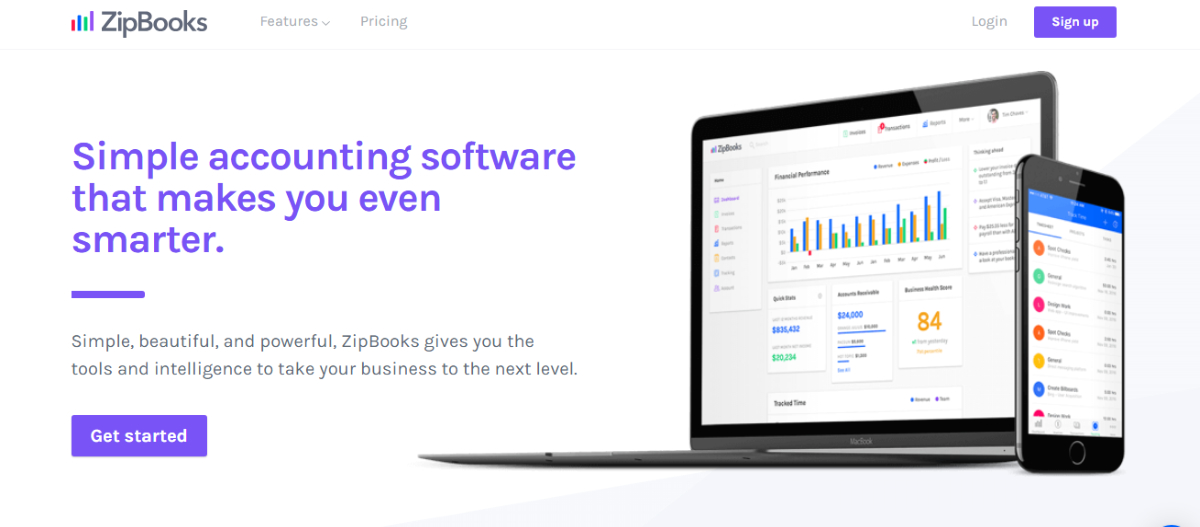
ZipBooks is a modern accounting software designed to cater to small businesses and freelancers seeking an intuitive and efficient billing solution. Known for its user-friendly interface and robust features, ZipBooks offers a range of functionalities that make managing finances a breeze. Whether you are looking to streamline your invoicing process, track expenses, or get insightful financial reports, ZipBooks provides the tools you need to stay on top of your business finances.
Key Features
- Invoicing
- Expense Tracking
- Time Tracking
- Project Management
- Online Payments
- Financial Reporting
- Recurring Billing
- Bank Reconciliation
- Multi-User Access
- Customer Support
Top 3 Features Explained
- Invoicing: ZipBooks allows you to create and customize invoices quickly. You can add your logo, adjust the layout, and include all necessary details to maintain a professional appearance.
- Expense Tracking: The software helps you keep track of all your expenses in one place. By categorizing expenses, you can easily analyze where your money is going and identify areas for cost savings.
- Financial Reporting: ZipBooks generates comprehensive financial reports that give you insights into your business’s financial health. These reports include profit and loss statements, balance sheets, and cash flow statements.
Pros
- User-Friendly Interface
- Affordable Pricing
- Comprehensive Features
- Mobile App
- Integrations
Cons
- Limited Customization
- Advanced Features
- Learning Curve
Pricing
ZipBooks offers a free plan with basic features, making it accessible for startups and small businesses. For more advanced features, the pricing plans are as follows:
- Starter: Free – Basic accounting and invoicing.
- Smarter: $15/month – Advanced features including time tracking and expense management.
- Sophisticated: $35/month – Full suite of features including smart insights and premium support.
Final Verdict
ZipBooks is an excellent alternative to QuickBooks for small businesses and freelancers who need a comprehensive, user-friendly, and affordable billing solution. Its intuitive design and robust feature set make it a strong contender in the accounting software market. While it may lack some advanced functionalities required by larger enterprises, its value for money and ease of use make it a top choice for many. If you are looking for a billing solution that simplifies your financial management without breaking the bank, ZipBooks is definitely worth considering.
8. Sage 50 Accounting
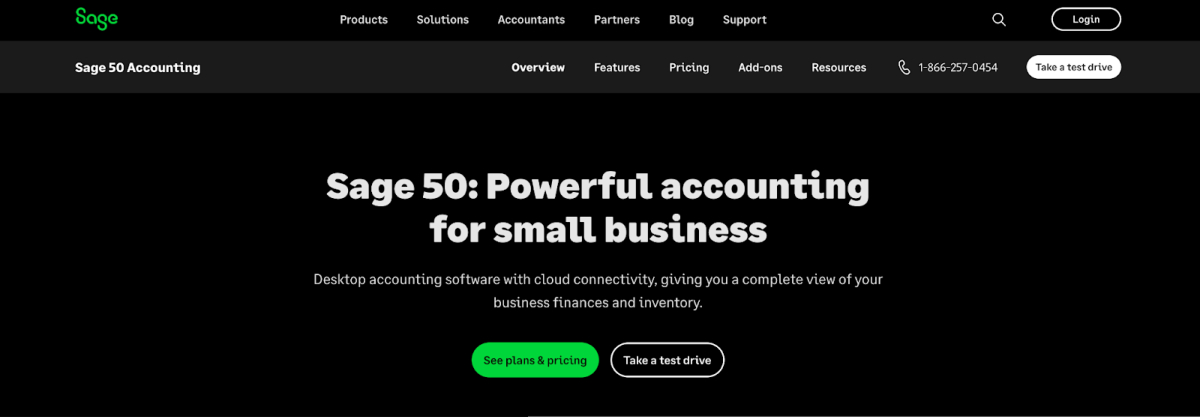
Sage 50 Accounting is a well-established accounting software tailored for small to medium-sized businesses. Known for its robust functionality and ease of use, Sage 50 Accounting offers a wide range of features that streamline financial management and ensure compliance with accounting standards. This software is ideal for businesses looking for a reliable alternative to QuickBooks Billing Solutions, providing advanced tools for managing finances, inventory, payroll, and more.
Features of Sage 50 Accounting
- Invoicing and Billing
- Inventory Management
- Payroll Processing
- Cash Flow Management
- Bank Reconciliation
- Financial Reporting
- Budgeting and Forecasting
- Vendor Management
- Customer Management
- Multi-Currency Support
Top 3 Features of Sage 50 Accounting
- Invoicing and Billing: Sage 50 Accounting makes invoicing simple and efficient. Users can create professional invoices, send them directly to clients, and track payments seamlessly.
- Inventory Management: This feature allows businesses to keep track of inventory levels, manage stock, and ensure that they have the right amount of inventory on hand, preventing overstocking or stockouts.
- Financial Reporting: With Sage 50 Accounting, businesses can generate comprehensive financial reports that provide valuable insights into financial performance, helping in strategic decision-making.
Pros of Sage 50 Accounting
- User-Friendly Interface
- Comprehensive Features
- Reliable Support
- Customizable Reports
Cons of Sage 50 Accounting
- Cost
- Complex Setup
- Limited Cloud Access
Pricing of Sage 50 Accounting
Sage 50 Accounting offers several pricing plans tailored to different business needs. The basic plan starts at around $56.08 per month, which includes essential accounting features. Advanced plans, which offer additional functionalities such as payroll and advanced reporting, can cost up to $140.75 per month. These prices may vary based on the number of users and specific business requirements.
Final Verdict
Sage 50 Accounting stands out as a powerful and reliable accounting solution for small to medium-sized businesses. Its extensive range of features, coupled with strong customer support, makes it a solid alternative to QuickBooks Billing Solutions. While it may be pricier than some competitors and has a more complex setup process, the benefits it offers in terms of financial management and reporting are substantial. For businesses seeking a comprehensive accounting tool that can handle all aspects of financial operations, Sage 50 Accounting is a worthy consideration.
Best of the Best
1. ZarMoney
ZarMoney is a powerful and versatile accounting software that caters to businesses of all sizes. It stands out for its intuitive design, comprehensive features, and affordability. ZarMoney provides a seamless experience for managing finances, from invoicing and billing to inventory management and financial reporting. Key features include the ability to create and send professional invoices, track payments, manage inventory levels, and generate detailed financial reports. Additionally, ZarMoney offers expense tracking and multi-currency support, making it an ideal choice for businesses with global operations.
2. FreshBooks
FreshBooks is renowned for its user-friendly interface and excellent customer support, making it a favorite among freelancers and small businesses. It simplifies the invoicing process by allowing users to create customized invoices, automate payment reminders, and accept credit card payments online. FreshBooks also includes time tracking, project management, and expense tracking features, which help businesses streamline their operations. The software’s robust reporting capabilities provide valuable insights into financial health, helping business owners make informed decisions.
3. Xero
Xero is a cloud-based accounting software that excels in providing real-time financial data and collaboration features. It is particularly popular among small businesses and startups for its ease of use and comprehensive accounting tools. Xero offers features such as invoicing, bank reconciliation, expense tracking, and payroll management. Its strong integration capabilities with other business applications and financial institutions enhance its functionality. Xero’s multi-currency support and detailed financial reports make it a versatile choice for businesses with diverse accounting needs.
Conclusion
In conclusion, finding the right billing solution is crucial for the smooth operation of any business. While QuickBooks remains a popular choice, there are several excellent alternatives available that offer unique features and benefits. ZarMoney stands out as the top alternative due to its user-friendly interface, comprehensive features, and affordability. Whether you are a small business, freelancer, or a growing enterprise, exploring these alternatives can help you find the best fit for your accounting needs and streamline your financial management processes.
Frequently Asked Questions
1. What makes ZarMoney a better alternative to QuickBooks?
ZarMoney offers a more intuitive interface, comprehensive features, and competitive pricing, making it a strong alternative to QuickBooks for businesses of all sizes.
2. Can ZarMoney handle multi-currency transactions?
Yes, ZarMoney supports multi-currency transactions, making it ideal for businesses operating globally.
3. Is ZarMoney suitable for small businesses?
Absolutely. ZarMoney is designed to cater to businesses of all sizes, including small businesses and freelancers, with features that simplify financial management.
4. Does ZarMoney offer inventory management features?
Yes, ZarMoney includes robust inventory management features that help businesses track stock levels, manage inventory, and generate detailed reports.
5. How does ZarMoney simplify invoicing and billing?
ZarMoney allows users to create and send professional invoices quickly, track payments, and manage billing cycles efficiently, simplifying the entire invoicing process.
6. What kind of customer support does ZarMoney provide?
ZarMoney offers excellent customer support with resources for troubleshooting and professional assistance to help users get the most out of the software.
7. Can ZarMoney generate financial reports?
Yes, ZarMoney provides a wide range of customizable financial reports that give valuable insights into business performance and help in strategic decision-making.
8. Is ZarMoney a cloud-based solution?
Yes, ZarMoney is a cloud-based solution, offering the flexibility to access your financial data from anywhere, at any time, on any device.
9. Does ZarMoney integrate with other business applications?
ZarMoney integrates with a variety of third-party applications, enhancing its functionality and providing a seamless experience for users.
10. Is ZarMoney affordable for startups?
Yes, ZarMoney offers competitive pricing plans that are affordable for startups, making it a cost-effective solution for managing business finances.