





Quick Decision Framework
- Who This Is For: Founders, operators, and remote team managers running Shopify stores or ecommerce operations who need reliable, secure access to their systems from anywhere.
- Skip If: You already have a managed IT infrastructure with enterprise VPN and dedicated remote desktop provisioning handled by a sysadmin team.
- Key Benefit: Walk away knowing exactly what to evaluate before you buy an RDP plan, so you avoid overpaying for specs you do not need or underpaying for a setup that slows your team down.
- What You’ll Need: A clear picture of your workload type, team size, and whether you need admin level access to install tools and manage permissions.
- Time to Complete: 8 minute read. 30 to 60 minutes to evaluate providers and make a purchase decision.
Most remote desktop mistakes happen before the purchase. You buy the wrong tier, hit a wall three weeks in, and either overpay to upgrade or start the whole process over. The decision is simpler than it looks, if you ask the right questions first.
What You’ll Learn
- Why matching your RDP plan to your actual workload type prevents the two most common and expensive mistakes operators make.
- What security features to require from any provider before you hand over payment, and which gaps put your business data at real risk.
- How admin access changes what you can do with a remote environment and why most serious operators need it.
- Which performance specifications actually affect your day to day experience and which ones are marketing noise.
- What post-purchase security habits separate operators who stay protected from those who get compromised within 90 days.
Remote work is now part of doing business. Whether you work from home on a full-time basis, manage a remote team, or are on the go a lot, you need reliable access to your systems. That is where making the right RDP purchase becomes important.
Buying an RDP is not just about getting remote access. To support your daily work time without stress or downtime, choose a secure and stable environment. If you take it professionally, then you can avoid the most common mistakes and decide on a setup that is actually appropriate for your needs.
Here is how to do it the right way.
Start by Understanding What You Need
Before choosing any RDP plan, take a step back and think about how you will use it.
Are you only accessing files and basic tools?
Will you run heavy software?
Do you need to install custom programs?
Will other team members need access?
Your answers matter. If your work is light, a basic plan may be enough. But if you are running tools, automation, development environments, or managing client systems, you will need stronger specifications.
A professional RDP purchase starts with clarity. When you know what you need, you are less likely to overpay or choose something that slows you down later.
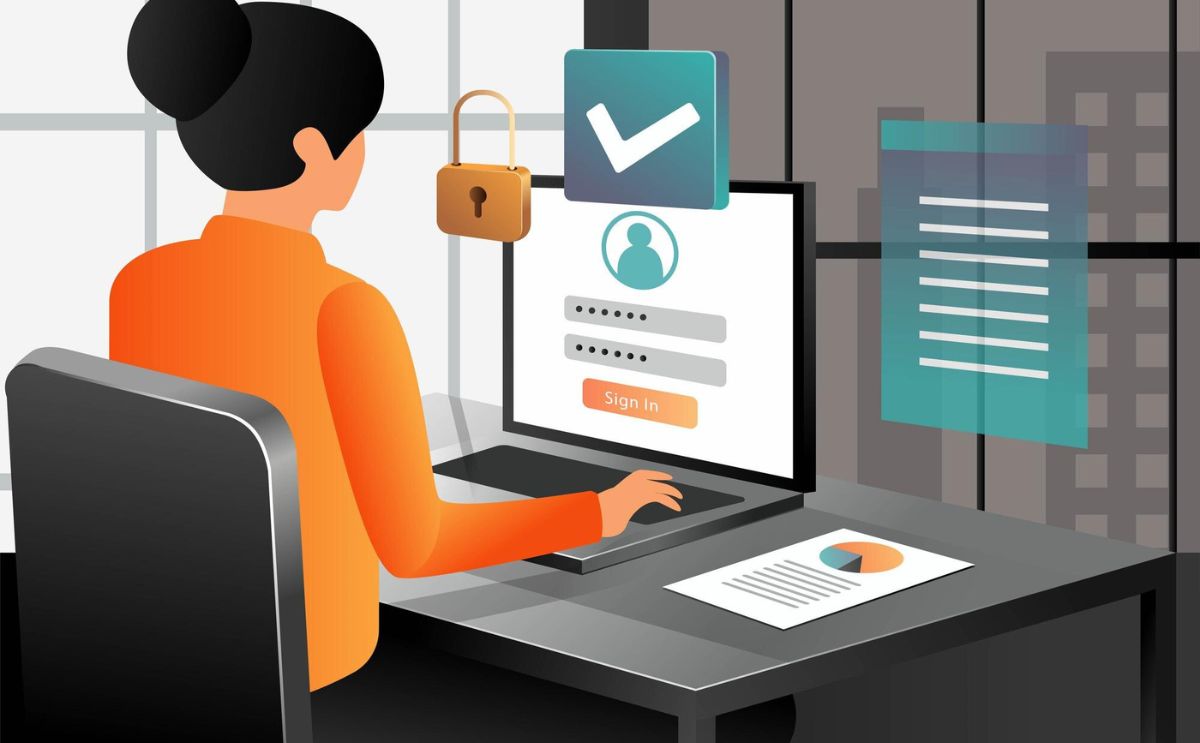
Security Should Come First
When you connect remotely to a system, you are opening access through the internet. That means security is not optional.
Look for providers that offer:
- Encrypted connections
- Firewall protection
- DDoS protection
- Secure login systems
- Stable, monitored infrastructure
These features protect your work and your data. If you handle client information or sensitive business files, security becomes even more important.
Reliable providers ensure security is built into their systems and you do not need to worry about vulnerabilities constantly.
Consider Admin Access for More Control
One of the most important decisions during your RDP purchase is whether to choose standard access or admin access.
Want to install software, change settings or customize the system? Limited access can become frustrating in such cases. This is why the professionals today are choosing to buy RDP with admin access.
With admin privileges, you can:
- Install the tools you need
- Adjust system settings
- Configure applications
- Manage permissions
- Run advanced processes
This flexibility saves time and gives you full control over your remote environment.
It is also why many businesses prefer RDP Admin environments for remote management. When you have full control, you can work efficiently without depending on someone else to make changes.
Pay Attention to Performance
Speed and stability have a direct effect on productivity. A slow RDP session can disrupt meetings, delay tasks and cause unnecessary frustration.
When choosing a provider, check for:
- SSD storage
- Dedicated CPU and RAM
- Strong uptime guarantees
- Quick activation upon purchase
- Multiple server location options
Server location matters too. Choosing a server close to your region usually improves speed and reduces lag.
DashRDP, for example, is focused more on quick set-up, stable performance and scalability that are important for professionals who use remote systems on a daily basis.
Think Long-Term
Your needs today might not be the same in six months. A good RDP provider allows easy upgrades if your workload grows.
Look for clear pricing, flexible plans and simple upgrade options. A professional service should support growth instead of forcing you to switch providers later.
Support and Reliability Matter
Even experienced users need assistance at times. Fast support becomes essential when problems occur because it helps to resolve issues quickly.
Select a provider that delivers both quick support and straightforward communication. The term reliability extends beyond server performance because it also encompasses the personnel who provide the service.
Keep Your Setup Secure After Purchase
Once your RDP is active, follow good security habits:
- Use strong passwords
- Enable two-factor authentication
- Limit access to trusted users
- Keep software updated
According to Economic Times, around 60% of Indian professionals now prefer global remote work opportunities instead of relocating overseas due to tightening visa policies and changing career priorities.
Conclusion
A professional RDP purchase is about choosing security, stability and control. When you understand your needs and select a provider that supports serious remote work, your setup becomes a reliable extension of your office.
If you are looking for a secure and scalable remote desktop solution with full control options, DashRDP is worth considering as part of your evaluation process.
Frequently Asked Questions
What should I look for when buying a secure RDP for remote work?
The most important factors are security infrastructure, admin access, and performance specifications matched to your actual workload. On the security side, look for encrypted connections, firewall protection, DDoS mitigation, and two-factor authentication support. On the performance side, prioritize SSD storage, dedicated CPU and RAM, and server locations close to your primary users. Admin access is worth paying for if your workflow requires installing tools or configuring applications. Illustrative benchmark: operators running Shopify admin and standard SaaS tools typically need 2 to 4GB RAM, while those running automation, development, or bulk processing work need 8GB or more on dedicated resources.
How do I know if I need admin access on my RDP?
If you need to install software, change system settings, configure applications, or manage user permissions, you need admin access. Standard RDP access limits you to using whatever is already installed and configured on the server. Most ecommerce operators who use RDP for anything beyond basic file access and communication hit the ceiling of standard access within the first few weeks. The time cost of waiting on a provider to make changes on your behalf adds up quickly. If you are unsure, assume you need admin access and buy accordingly. Downgrading later is easier than migrating to a new plan mid-project.
What security features should a professional RDP provider include?
A professional provider should include TLS or NLA encrypted connections as standard, not as an add-on. Active firewall protection and DDoS mitigation should be built into the infrastructure. Two-factor authentication support is non-negotiable for any business use. Look for monitored infrastructure with a published uptime SLA of 99.9% or above. Providers that cannot clearly explain their security stack or that treat security features as premium upgrades are not appropriate for business use. Remote desktop ports are among the most actively scanned and attacked surfaces on the public internet, and your provider’s infrastructure is your first line of defense.
How does server location affect my RDP performance?
Server location directly affects latency, which is the delay between your input and the remote system’s response. A server in the same region as your primary user will deliver a noticeably more responsive experience than a server on the other side of the world. For solo operators, choose the server location closest to where you work most often. For distributed teams, look for a provider with multiple data center locations so each team member can connect to the nearest node. High latency in a remote desktop session makes everything feel sluggish: mouse movements, application loading, and video calls all degrade. This is one of the most underweighted factors in the buying decision and one of the most impactful on daily productivity.
What should I do after setting up my RDP to keep it secure?
Post-setup security comes down to four consistent habits. Use a strong, unique password for your RDP login and rotate it every 90 days. Enable two-factor authentication for every account with access to the environment. Limit access credentials to people who genuinely need them and revoke access immediately when team members leave. Keep your operating system and all installed software updated: the majority of successful remote desktop attacks exploit known vulnerabilities in unpatched software, not sophisticated zero-day exploits. These habits take minimal time to maintain and eliminate the most common attack vectors. A compromised remote environment can expose your Shopify admin, your customer data, your supplier credentials, and every tool your business depends on.
