


How long do you spend vetting one potential donor for link building? A minute? Three? Five? Now multiply that by 100 sites, or 300 if you work in an agency or manage multiple projects at once. Yes, we have to admit that the biggest problem with modern link building is the amount of manual work between finding a site and deciding whether it is worth spending time on it.
In 2026, marketers can no longer afford to constantly switch between a dozen tabs and platforms. That is why browser extensions are so popular. There are thousands of SEO extensions available in the Chrome Web Store, and not all of them really save time. Some duplicate each other’s functions, and some simply create information noise. In this article, we are going to look at 7 free SEO extensions that really help save time.
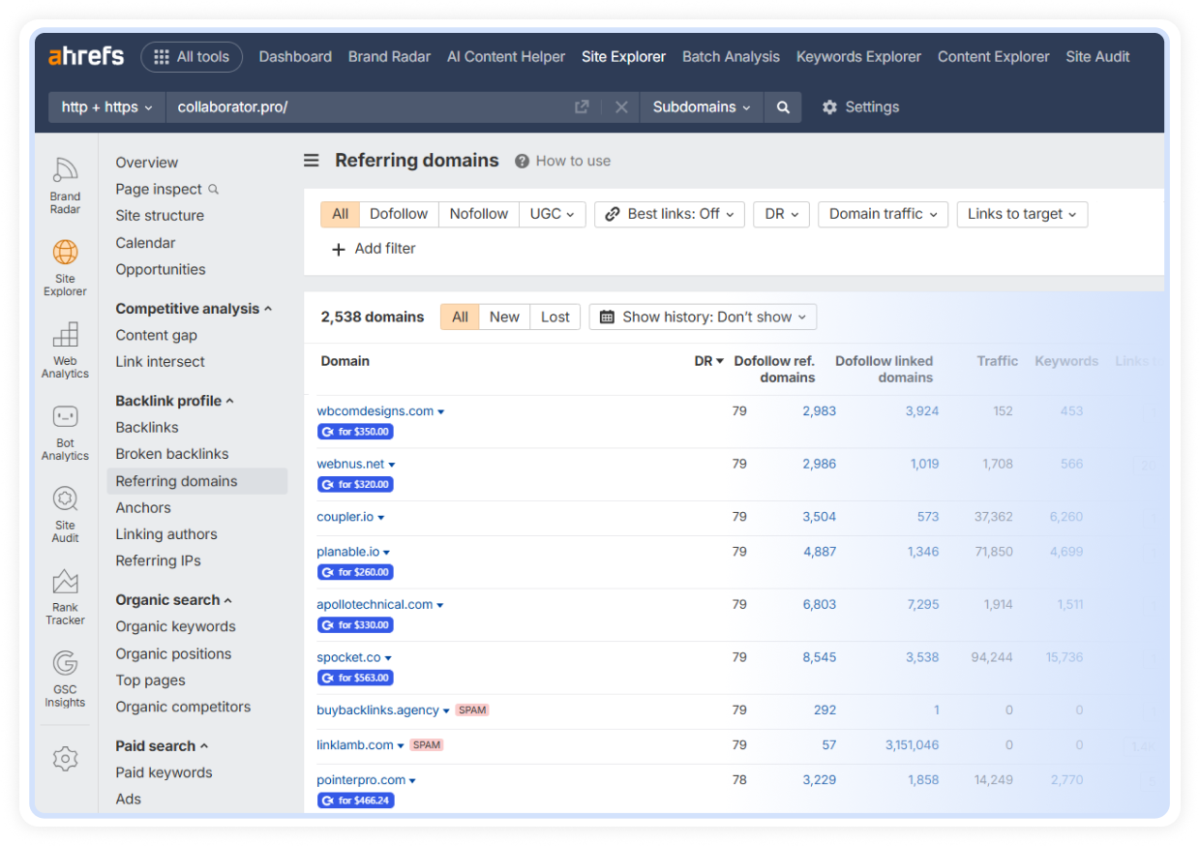
We start our review with a Collaborator Link Assistant. The extension automates backlink monitoring and link prospecting, helping you verify placements, check link attributes, monitor backlinks, and organize prospecting workflows directly in your browser. Instead of manually searching for backlinks and reviewing technical signals page by page, you can get the key information you need instantly and focus on outreach and relationship building.
Key Features
Pros
Cons
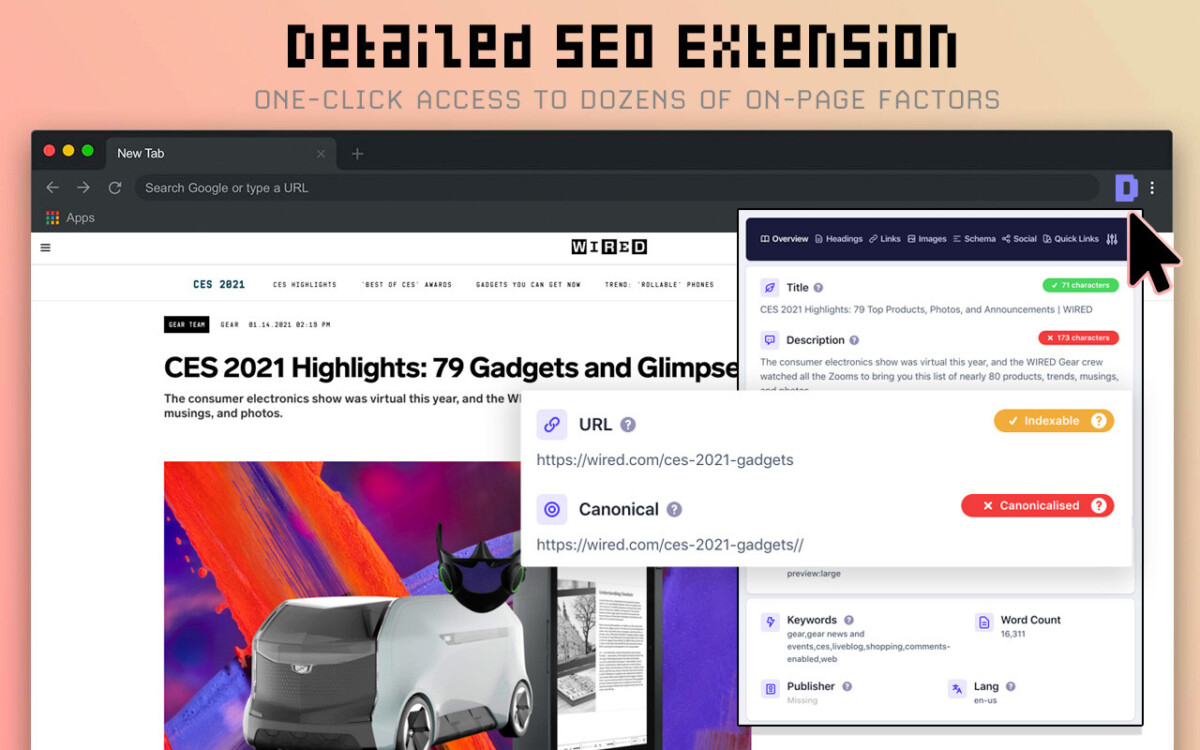
Using this tool, you can quickly analyze the main technical characteristics of a website so as not to be deceived by a beautiful design. Detailed SEO Extension checks the code and the presence of unnecessary tabs without DevTools. You understand whether the resource just looks nice or has a healthy on-page structure.
Key Features
Pros
Cons
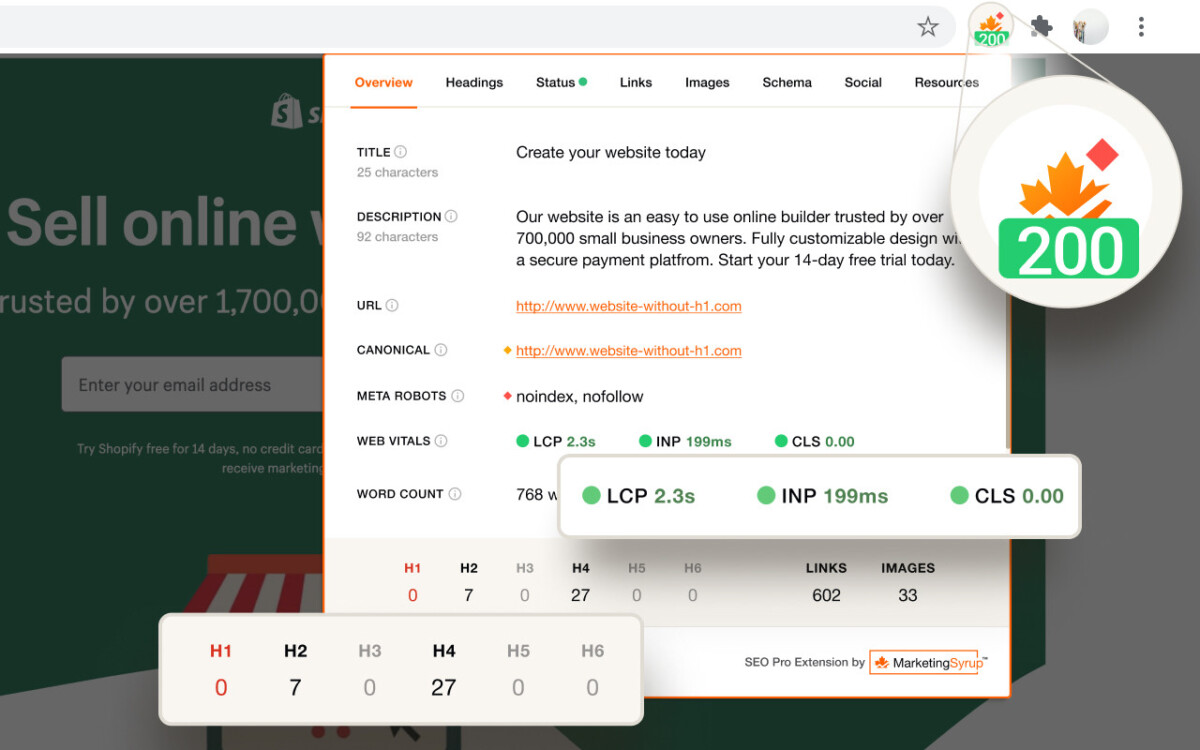
Often, SEO specialists face a situation where a site appears strong on the surface but has numerous flaws on the inside, such as indexability issues or a strange canonical. The SEO Pro Extension, like the previous extension, analyzes the resource’s backend. Thus, you don’t miss a really good donor, but you bypass unreliable ones.
Key Features
Pros
Cons
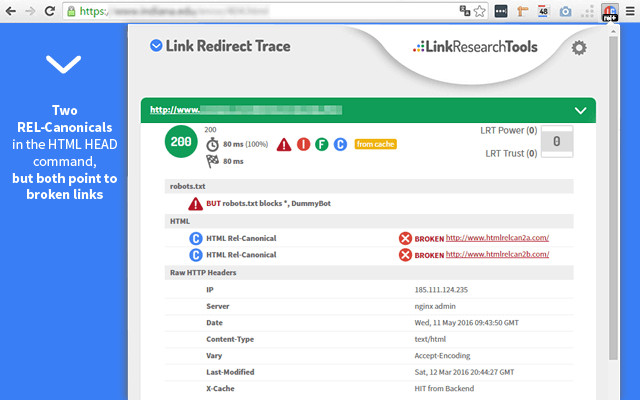
Link Redirect Trace is a narrow but very useful tool. Yes, you won’t get extensive functionality with it. However, it does exactly what it was created for. The extension quickly shows the full URL path from the first click to the final page.
Key Features
Pros
Cons
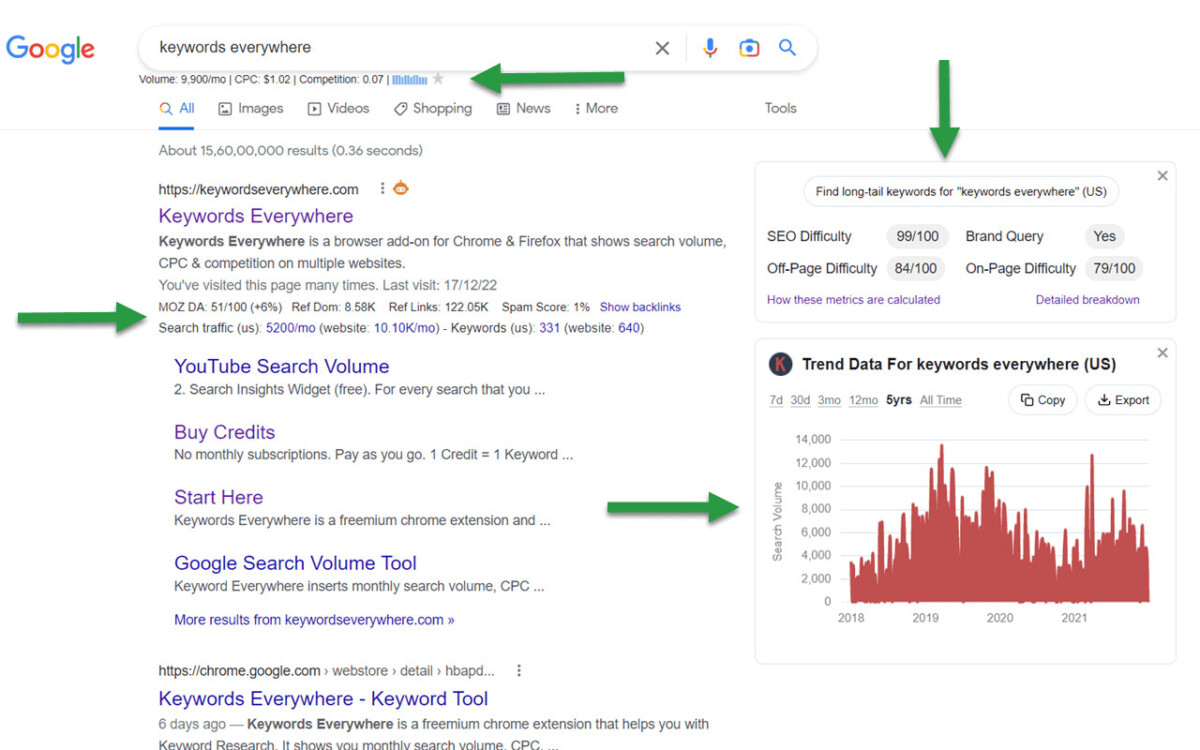
If you spend a lot of time researching keywords and choosing topics for your content, this extension is definitely for you. Keywords Everywhere shows search suggestions and user questions as you search. You save time searching for outreach and guest post topics.
Key Features
Pros
Cons
Finding a good site is just the beginning. Next, you need to figure out who to contact to offer your content with external links. Snov.io helps you find email addresses associated with a specific domain or company faster, so you don’t have to collect contacts manually.
Key Features
Pros
Cons

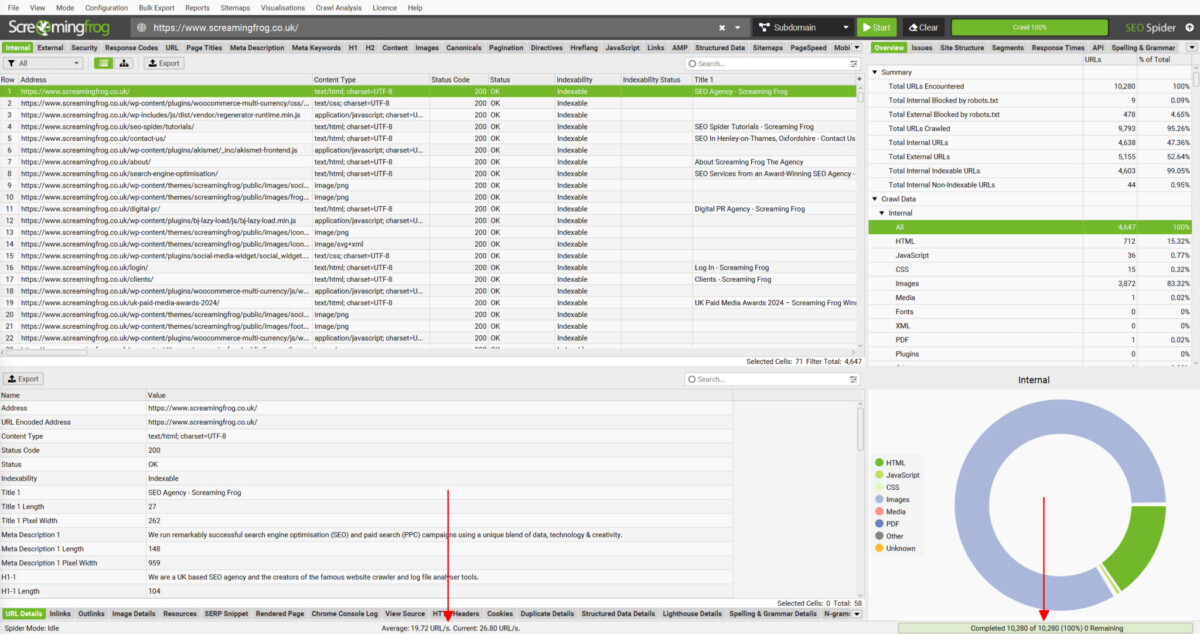
Screaming Frog Extension works as a quick technical radar in the browser. The tool doesn’t replace a full crawler, but it helps you make your first decision without unnecessary preparation.
Key Features
Pros
Cons
If you need a fast link-building workflow, the best approach isn’t to install every SEO extension you can find. That only makes your browser messy and slows you down. A smarter approach is to use each extension for a single, clear job.
| Task | Best Extension | Why It Helps |
| Backlink monitoring | Collaborator Link Assistant | Automatically detects backlinks, monitors their attributes and indexation status, and helps track link placements more efficiently. |
| On-page structure check | Detailed SEO Extension | Shows headings, meta data, and basic page structure in seconds |
| Technical page review | SEO Pro Extension | Gives a deeper SEO snapshot directly in the browser |
| Redirect chain checks | Link Redirect Trace | Shows whether a backlink passes through unnecessary redirects |
| Topic and keyword research | Keywords Everywhere | Helps find search demand and guest post ideas faster |
| Outreach contact discovery | Snov.io | Finds verified email addresses from websites and domains |
| Quick technical validation | Screaming Frog Extension | Helps spot structural or technical issues before deeper analysis |
For most link builders, the strongest free setup would be: Collaborator Link Assistant for backlink monitoring, Link Redirect Trace for backlink checks, Snov.io for contact discovery, and Keywords Everywhere for content-led outreach ideas.
You don’t need a heavy workflow at the first screening stage. You need enough data to make a confident decision: keep the site, reject it, or save it for deeper review.
What is the best free SEO extension for link building?
Collaborator Link Assistant is one of the most useful free SEO extensions for link builders. It helps monitor backlinks, verify link attributes, check indexation status, and evaluate placement opportunities directly in the browser.
Do free SEO extensions replace paid tools?
Free SEO extensions don’t replace paid SEO tools, but they make everyday link building faster.
Which extension saves the most time on backlink checks?
Link Redirect Trace saves the most time on direct backlink checks because it instantly shows redirect chains, status codes, and final destination URLs, while Collaborator Link Assistant helps automate backlink monitoring and scale your link building efforts.





