





Key Takeaways
- Secure your competitive edge by upgrading your network to prevent sales-killing slowdowns and system crashes during peak business hours.
- Implement a segmented network by creating separate Wi-Fi access for guests, staff, and payment systems to protect sensitive data.
- Build customer trust by strengthening your network security to protect personal and financial data from cyber threats.
- Discover your network’s hidden weak points by performing a heat-map survey to find and fix Wi-Fi dead zones in your store.
Your retail business is growing—congratulations! But as you scale from a small startup to a multi-location enterprise, you need a network upgrade to meet your dynamic needs.
What worked for a single store with a handful of devices may now be slowing you down, frustrating customers, or even exposing you to security risks.
The solution? A scalable, high-performance network upgrade infrastructure that grows alongside your business. Whether you’re expanding to new locations, handling higher transaction volumes, or integrating advanced retail technologies, the right network upgrades keep operations smooth, secure, and efficient.
This post will guide you through the essential network upgrades every growing retail business needs. Best practices will be included. By the end, you’ll know exactly how to future-proof your operations—without unnecessary costs or complexity.
Why Your Growing Retail Store Needs Network Upgrades
If your network hasn’t kept pace with your growth, you’re likely experiencing any of the following headaches:
- Slow or crashing sales and data center systems during peak network traffic;
- Delays in inventory syncing across locations;
- Spotty Wi-Fi coverage, leading to frustrated staff and customers;
- Security vulnerabilities in your information technology or IT infrastructure and wireless networks that put customer data at risk; and so on.
Weak network operations don’t just annoy employees—it directly impacts sales. Customers abandon slow checkouts, employees waste time troubleshooting, and security breaches can devastate your reputation.
The good news? With the right upgrades, you can eliminate bottlenecks, boost efficiency, and prepare for future expansion.
Step 1: Assess Your Current Network’s Weak Points
Before spending on upgrades, diagnose where your network struggles. Ask the right questions.
First, figure out if your internet connection is fast enough. Ask the following: Do POS transactions lag during busy periods? Are cloud computing tools (like inventory management) slow to load?
Next, know if your on-site Wi-Fi coverage is reliable. Are there data traffic dead zones in storage areas or checkout lanes? Do staff devices (such as tablets, handheld scanners, and the like) lose connection?
After that, check if your systems are vulnerable to cybersecurity threats, ransomware attacks, and the like.
Consider the following pro tip: run a network audit with IT professionals or diagnostic tools to pinpoint weaknesses before upgrading. If you want to take on the first option and work with professionals, you can go to elevatednetwork.us and other sites to start the whole process.
Step 2: Upgrade Your Internet Connection for Maximum Speed and Reliability
A slow or unstable internet connection cripples retail operations. A fast, reliable connection ensures seamless transactions and happy customers. Here’s how to choose the right setup for maximum operational efficiency.
First, pick between fiber optic cable and regular cable internet. Fiber optic offers symmetrical speeds (equal upload/download), ideal for cloud POS and real-time inventory. On the other hand, cable is cheaper but can slow down during peak network capacity.
After that, calculate your bandwidth needs. Estimate your device usage; each sales terminal, security camera, and employee device consumes bandwidth. Don’t forget to plan for growth. If you’re adding locations or Internet of Things (IoT) devices, future-proof your internet or broadband service plan.
Finally, add a backup connection. A 4G/5G failover keeps you online if the primary connection drops.
Step 3: Replace Consumer-Grade Hardware with Enterprise-Level Network Infrastructure Technologies
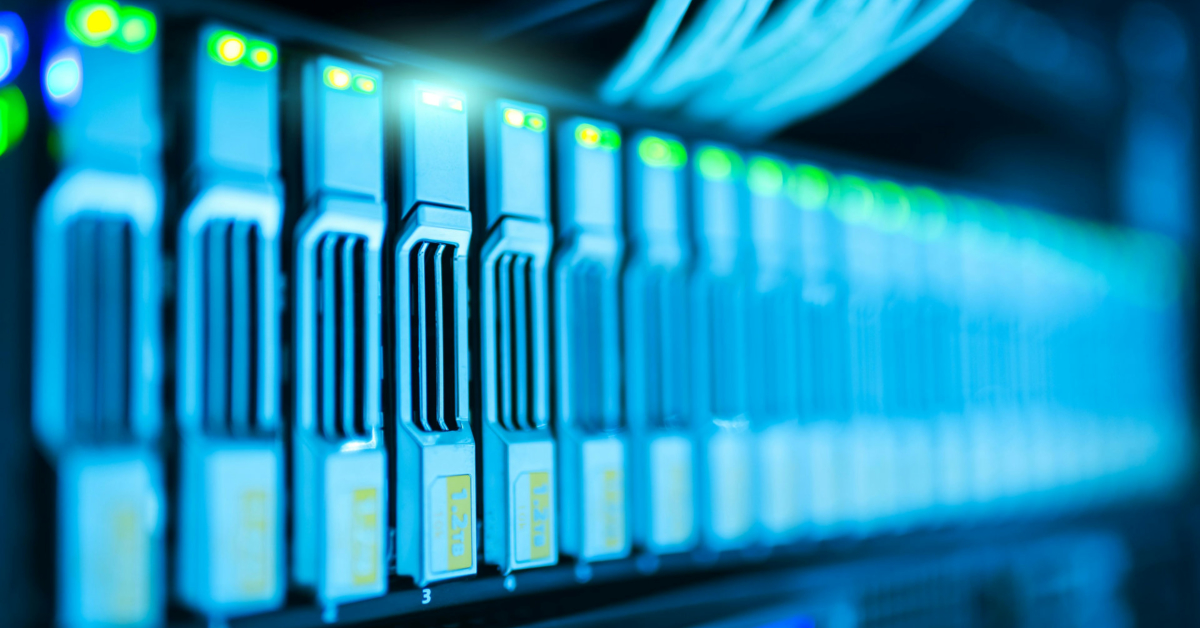
Retail environments demand robust, high-capacity hardware. Key upgrades include the following: business-class network switches, the latest network access points, and so on.
Upgrade to business-grade routers and switches. Why? Consumer routers are prone to crashes and equipment failures under heavy loads. Enterprise models can handle large numbers of devices without slowdowns. Remember to look for Quality of Service (QoS) settings to prioritize stable traffic.
Next, go for the latest network access points. They have faster speeds, better coverage, and support for more simultaneous connections. Indeed, they’re essential for stores using mobile checkout tablets or shopping tools.
Opt for Power over Ethernet (PoE) switches as well. They simplify installations by delivering power plus data through one cable. This is great for security cameras and corporate phone lines.
Why go through all of that? The key benefit of having enterprise hardware components is that they reduce downtime and support high-traffic sales events.
Step 4: Optimize Wi-Fi Coverage for Staff and Customers
Remember the following: weak Wi-Fi equals lost sales. Nonetheless, that can be easily fixed.
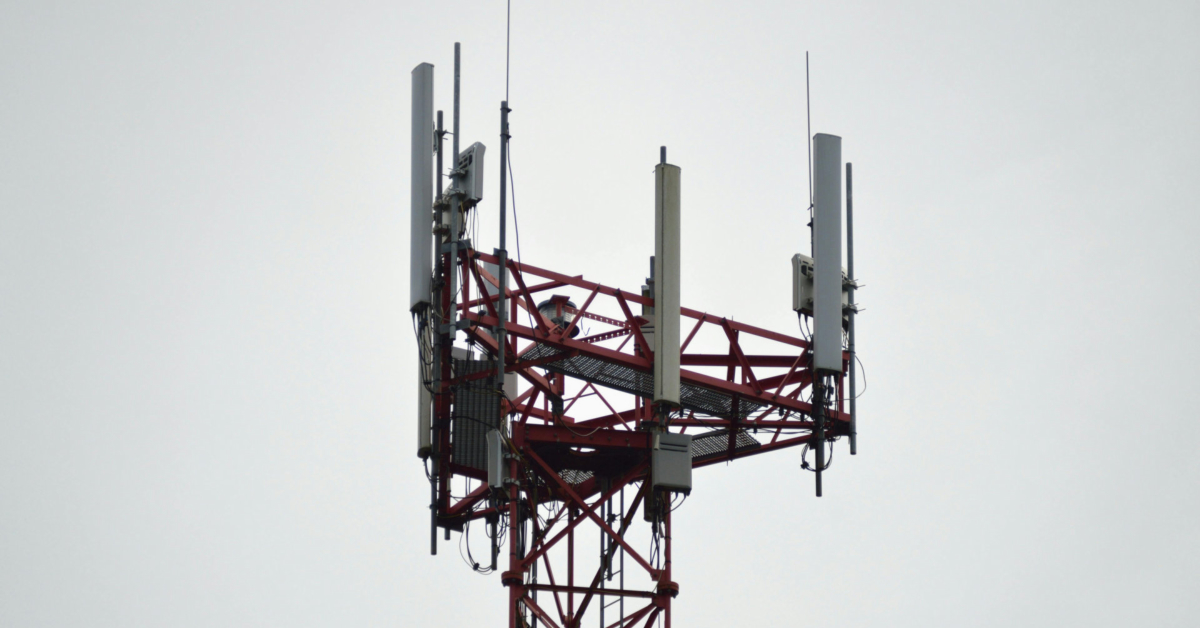
For starters, carry out a wireless site survey. Use heat-mapping tools to find dead zones like your stockrooms, client checkout lanes, and others like them.
Next, deploy multiple access points (APs). Place them at strategic spots in-store for full, overlapping coverage. Opt for ceiling-mounted APs in large stores.
After that, segment your networks into various categories. They include:
- Guest Wi-Fi that’s isolated from internal systems for security;
- Staff Network for sales systems, inventory scanners, and personnel devices;
- IoT Network for smart shelves, digital signage, and security cameras; and so on.
Step 5: Strengthen Security to Protect Customer Data
Did you know that growing retailers are prime targets for hackers? Luckily, you can curb that trend and protect your company.
Secure your network with various cybersecurity tools available out there.
Primarily, take advantage of firewalls and Intrusion Detection Systems (IDS). They help block unauthorized access attempts in real time. Make use of Virtual Local Area Network (VLAN) segmentation as well. It keeps payment systems separate from less secure traffic.
Moving forward, ensure all of your stores’ transactions are encrypted. Utilize compliance for credit card processing and other financial-related transactions.
Finally, don’t forget to deal with the weakest link in your cybersecurity posture – your team. Carry out a company-wide cybersecurity training campaign where teams will be taught on various subjects, such as how to spot phishing scams (a common breach source) and the like.
Step 6: Migrate to Cloud-Based Systems for Scalability
On-premise servers are expensive and inflexible. On the other side of the aisle are cloud-based solutions. They’re cheaper and offer user flexibility.
Top features range from all of the benefits of the cloud to automated backups.
Cloud sales systems let you access sales data from anywhere. There are automatic software updates, too. In addition, they allow you to carry out real-time inventory management. You can sync stock levels across multiple stores instantly and other crucial inventory-related tasks.
Finally, there are automated backups that are useful in helping you protect your company against data loss from ransomware or hardware failure. An added bonus? Cloud systems scale effortlessly as you grow.
Step 7: Monitor and Maintain Your Network Proactively
Don’t wait for outages to happen—prevent them with the following useful tech:
- Network monitoring tools alert for unusual traffic or failing hardware;
- Scheduled maintenance includes regular updates and performance checks that help in preventing costly downtime;
- Managed IT services offer outsourced expertise and tools that are very useful to handle troubleshooting and upgrades.
Remember: proactive maintenance equals fewer operational emergencies.
Step 8: Future-Proof for Emerging Retail Technologies
Innovation in the retail industry doesn’t stop. Stay ahead by preparing for what the future holds.
- Ride the wave of 5G and IoT expansion for those in the retail sector. Smart shelves, augmented reality (AR) fitting rooms, and automated checkout will demand more bandwidth.
- Multi-location networking ensures seamless connectivity if you’re opening new stores.
- Artificial intelligence (AI)-driven analytics allow for real-time data processing and sound decision-making.
Investing now saves costly overhauls later.
Network Upgrades Frequently Asked Questions (FAQ)
Check out the following network upgrades FAQs below for more information:
1. How often should I upgrade my retail store’s network?
- Experts recommend that you switch to new hardware every three to five years, but monitor performance annually. Keep in mind that major upgrades are needed when adding locations or high-bandwidth tools.
2. Can’t I just use a consumer Wi-Fi router for my store?
- No. Consumer routers lack the capacity for multiple sales systems, security cameras, and staff devices. Enterprise hardware prevents crashes during peak sales and other high-traffic seasons.
3. What’s the biggest security risk for retail networks?
- Per cybersecurity professionals, the answer to that is unsecured payment systems. Hackers often target sales devices. Isolate them on a separate VLAN and ensure financial security compliance on all transactions.
4. How much does a retail network upgrade cost?
- Costs vary, but a small store might spend a few thousand dollars, while larger enterprises invest tens of thousands. Cloud solutions reduce upfront hardware costs. Reach out to an IT provider today to get a quote for your operations.
5. Should I hire an IT team or outsource network management?
- For most retailers, managed IT services are cost-effective. They provide round-the-clock monitoring and quick fixes without the need for a full-time staff on board.
Final Thoughts: Build a Network that Scales with Your Success
Growing from a startup to an enterprise is thrilling—but without the right network, expansion brings frustration. By upgrading hardware, optimizing Wi-Fi, tightening security, and embracing cloud solutions, you ensure smooth operations at every stage.
Don’t wait until slow speeds or a cyberattack force your hand. Start planning your upgrades today—your future self (and your bottom line) will thank you.
