





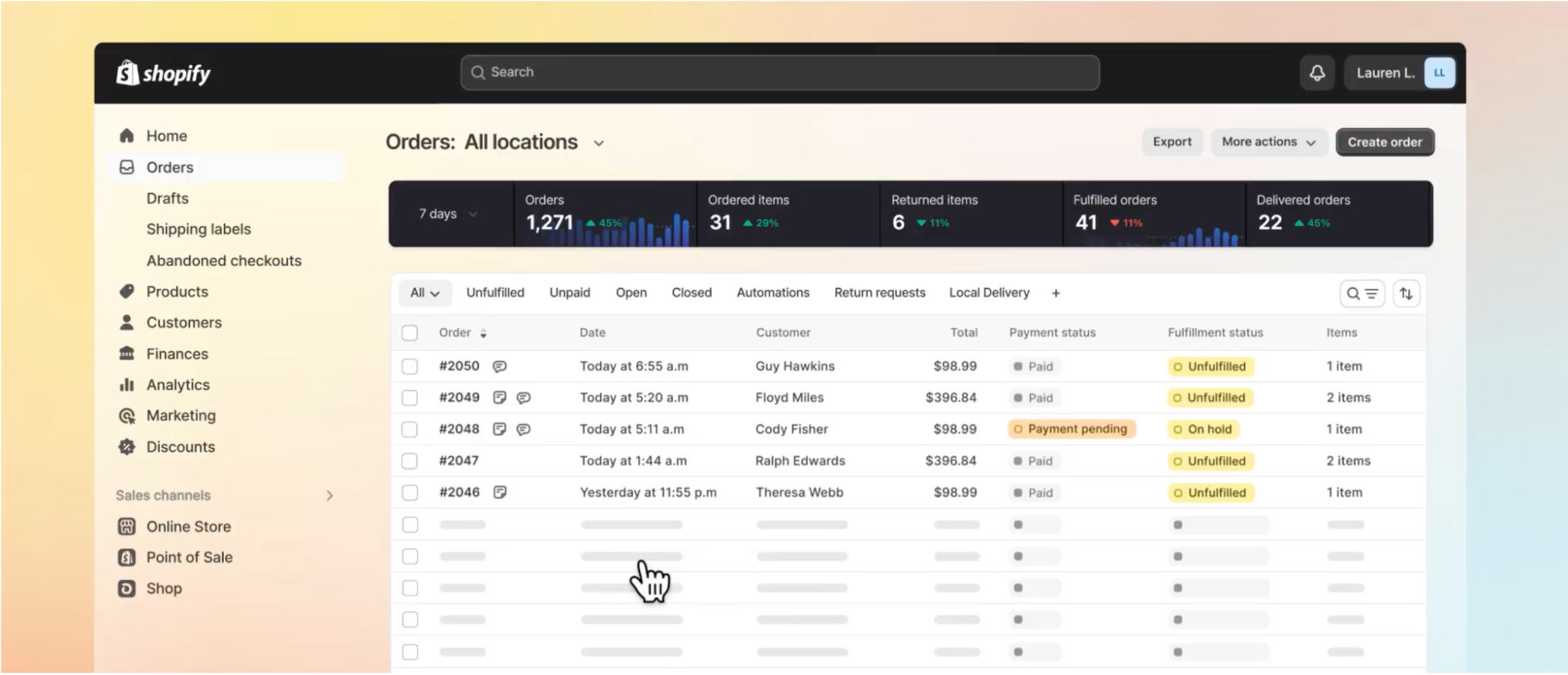
Much like a car’s dashboard, which provides vital information like your speed and when you’ll need to refuel or recharge, a customer service dashboard gives you a clear, at-a-glance view of your support team’s performance.
A customer service dashboard displays key metrics—such as response and resolution times or customer satisfaction scores—that show whether you’re meeting your service quality goals. Putting these actionable insights to good use helps your business deliver consistent service and improve the customer experience.
In this article, you’ll learn what a customer dashboard is, how to build one, which key performance indicators (KPIs) and real-time insights to include, and how this tool supports consistent, high-quality service.
What is a customer service dashboard?
A customer service dashboard is a tool—often found within customer service apps or a customer relationship management (CRM) platform—that displays a centralized view of essential KPIs showing how well your support team is responding to customer inquiries.
For example, a customer service dashboard shows real-time data such as open cases, closed tickets, and the average response time in customer interactions. This information can help you spot bottlenecks in your process, such as longer resolution times for certain types of tickets or issues tied to specific tools, so you can improve customer service.
Depending on the software you use, you can customize your customer service dashboard to provide instant visibility into the specific metrics most important to your business. Within the dashboard, you can set benchmarks and goals for your customer support teams. You can also see individual agent performance, so you can better understand your team’s strengths and weaknesses.
For very small teams handling a low volume of support requests, a full dashboard may not be necessary at first—but as ticket volume grows or support begins to span multiple channels, a dashboard becomes increasingly valuable for maintaining visibility and consistency.
Why is a customer service dashboard important?
- Visibility into key performance metrics
- Insight into customer pain points
- Clarity around resource and staffing allocation
A global Salesforce study of over 14,000 consumers and business buyers found that 80% say the customer experience is as important as the products or services a business offers. A customer service dashboard helps you deliver on those expectations by supplying visibility into performance, customer feedback, and support capacity.
Visibility into key performance metrics
A dashboard puts vital information, such as average response times and resolution rates, front and center. This gives you what you need to make data-driven decisions about the customer service experience.
Instead of relying on monthly or quarterly reports to assess your customer service performance, a dashboard shows you how you’re doing with real-time updates. It helps you quickly identify successes and emerging issues.
With a well-designed dashboard, you can choose metrics that matter most to your customer service team. For example, if one of your business goals is to cut first response time on social media channels by 15%, you can set that as a KPI. In the dashboard, you’ll see a graph that shows how that metric is trending. Designating that key metric gives your agents clear performance targets and real-time feedback.
Insight into customer pain points
By tracking feedback metrics like customer satisfaction score (CSAT) or customer effort score (CES) in your dashboard, you’ll get a clearer view of customer pain points that go beyond operational performance metrics. These insights tell you where customers are getting tripped up in their journey.
Customers might share feedback that the purchasing process on your ecommerce site is easy and intuitive, resulting in a high CSAT score. However, when they call in to try to resolve an issue, they’re frustrated by long hold times or agents unfamiliar with their purchase or service history. That user feedback would result in a low CES score.
Your customer service dashboard uses raw interaction data to let you know which parts of the customer journey need attention. Many dashboards even include automated alerts to let you know when a designated metric is off target.
Clarity around resource and staffing allocation
Managers can use the information from a customer service dashboard to make informed decisions about staffing levels and training. You’ll know where to focus your resources based on customer needs—with decisions supported by data.
For example, if your dashboard alerts you that the number of open cases is going up while resolution times are getting longer, that could signal that it’s time to hire another agent or two. Or if you’re getting feedback that agents aren’t delivering personalized help—such as poor customer effort scores or comments about having to repeat information—you may decide to revisit CRM training to make sure your team knows how to effectively resolve cases.
Components of an effective customer service dashboard
Metrics form the foundation of a customer service dashboard, but they’re most effective when presented alongside contextual views like workloads, queues, and channels. While the most effective customer service dashboard is one that you configure to fit your business objectives, these overall components will help you make data-driven decisions:
-
Performance visualizations. Going with a CRM or customer service software that turns data points into charts you can understand at a glance will give you clear visibility into your team’s performance.
-
Agent workload. A customer service dashboard can show you how many cases your agents are taking on, including who is available and who has a backlog of tickets.
-
SLA status indicators. Your dashboard can tell you if you’re meeting service-level agreement (SLA) standards—the guarantee of the quality and speed of service you provide to customers. This helps you identify risks to customer expectations or contractual commitments before they escalate.
-
Support channel breakdown. With a customer service dashboard, you can see the breakdown of how customers contact your business—via social media, phone, email, chat, or text, for example.
-
Ticket queue. You’ll be able to see how many open cases your agents are working on, as well as how many are waiting for a response.
-
Types of tickets. A customer service dashboard will indicate the types of tickets coming in, such as refund requests, troubleshooting, or billing questions.
Key metrics to include on a customer service dashboard
To get the most from your dashboard, you can customize it to monitor these key customer success metrics on an ongoing basis. While some metrics benefit from daily monitoring, others are better reviewed weekly or monthly, depending on whether they signal immediate performance issues or longer-term trends. The following metrics help you balance operational efficiency with customer experience, showing not just how quickly your team responds, but how effectively issues are resolved and how customers feel about those interactions.
-
First response time. This is the average time it takes for a service rep to reply to a customer’s initial inquiry. If response times start to increase, it may indicate coverage gaps or rising ticket volume.
-
Average resolution time. This measures how long it takes to successfully resolve a customer’s case. Longer resolution times can signal more complex issues, training gaps, or unclear escalation paths.
-
First contact resolution rate. This percentage shows how often a customer’s question is resolved in the first response.
-
Ticket volume. Ticket volume shows the number of open tickets in the queue, as well as how many your agents have resolved. Sudden increases may point to product issues, seasonal demand, or workflow bottlenecks.
-
Agent productivity. This metric will show individual agent availability and performance, including tickets they’ve been assigned, ones in progress, and cases resolved.
-
Customer effort score. CES details how hard customers have to work in interactions with your company, calculating results from a survey asking how easy it was to get their issue resolved, on a scale of one to 10, with 10 being the best score and 1 the worst. Low scores often indicate friction such as repeat contacts, transfers, or agents lacking context.
-
Customer satisfaction score. CSAT scores are based on surveys that ask customers how satisfied they are with your company, product, or interaction, on a scale of 1 to 10.
-
Net Promoter Score. NPS shows customer loyalty, judged by surveys measuring how likely a customer is to recommend your business to others, on a scale of 1 to 10.
-
Call abandonment rate. This metric shows how often callers hang up before reaching an agent, giving you insight into how wait times are affecting customers.
-
Customer retention rate. This measures how well your business is keeping current customers.
If you’re working with a small support team, you may want to start by tracking just three to five core metrics—such as first response time, resolution time, ticket volume, and one customer feedback score—before expanding your dashboard and adding complexity.
How to build an effective customer service dashboard
- Identify your objectives
- Designate your KPIs
- Find the right tool
- Customize your dashboard
- Monitor its effectiveness
- Monitor its effectiveness
Having a customer service dashboard that works well for your business takes careful planning. The following steps help you translate business goals into a dashboard that delivers clear, actionable insight into your customer support operations.
1. Identify your objectives
Start by asking a few key questions about what you want to achieve. Are you trying to improve the speed of your customer support? Do you want to learn more about how your agents work? Knowing what you want to get out of a customer service dashboard will help you make the most of your investment. Before choosing a customer service platform, clearly define your end goal.
2. Designate your KPIs
Once you know the main objectives you plan to achieve with your customer service dashboard, figure out which KPIs will be reliable indicators of your progress. For example, if you’re trying to improve how quickly agents resolve cases, metrics like first response time and average resolution time are helpful to put front and center.
3. Find the right tool
There are a wide variety of customer service software options available. Some are comprehensive all-in-one solutions, some are baked into your CRM, and others are best for teams with a tight budget and an enterprising support staff. Look at dashboard examples, explore free trials, and find the tool that visualizes your KPIs in a way that makes sense to you and your team.
4. Customize your dashboard
With your customer service software in place, it’s time to select data sources and build your dashboard. Explore the visualization options and make sure the most important metrics are clearly displayed. Because your needs may change over time, you can adapt the dashboard as your company grows. A well-designed dashboard keeps things easy to understand, giving you an uncluttered view into performance.
5. Train your team
Build a training program—or look into training options within your chosen software. Before you deploy the program, make sure your team knows how to use it. Additionally, hold regular office hours or training refreshers so agents can quickly work through issues.
6. Monitor its effectiveness
Regularly check in with managers and service leaders to ensure the dashboard brings clarity, not confusion. Ask for specific feedback about what’s working and what isn’t—such as whether the visualizations are easy to understand or whether the dashboard requires extra steps to complete tasks or build reports.
Customer service dashboard FAQ
What is a customer support dashboard?
A customer support or customer service dashboard is a tool—usually within customer service software or your CRM—that displays essential key performance indicators (KPIs) showing how well your customer support team responds to inquiries.
What is the purpose of a customer service dashboard?
The purpose of a customer service dashboard is to give you an at-a-glance view into key customer service metrics, such as average resolution time or customer satisfaction scores.
What is a customer service dashboard example?
An example of a customer service dashboard would be one set up to measure the speed of your customer service team, with metrics like first response time, first contact resolution rate, and average resolution time prominently displayed.
