





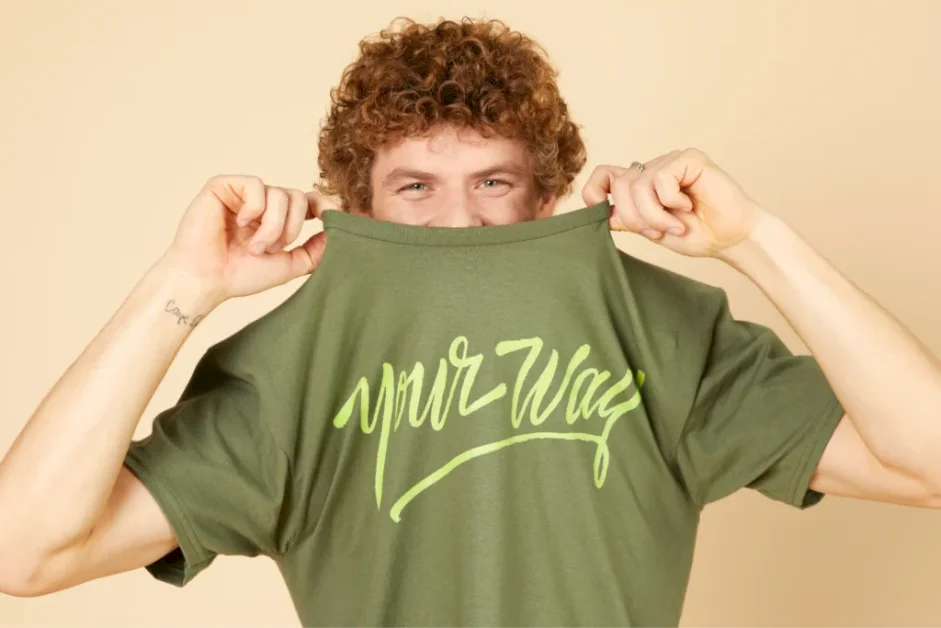
Make a shirt with Printify today
Designing a t-shirt is one of the most exciting ways to bring your creativity to life.
Whether you want to start a t-shirt business, create custom merch for an event, or simply browse ideas for your next creative project, the process is easier than ever thanks to Print on Demand.
This guide will show you how to design t-shirts step by step, share practical t-shirt design tips, and explain how to turn your ideas into custom t-shirts that people will love to wear and buy.
Disclaimer
This post may contain affiliate links, which means we may earn a commission if you make a purchase through those links. This comes at no additional cost to you.
Key takeaways
How to design a t-shirt in 2026
- A great t-shirt design starts with the basics. Simplicity, originality, color harmony, and readability help your custom t-shirt design resonate with your audience.
- Follow a step-by-step design process. Define your purpose, research trends, use design software or templates, choose the right shirt, and get feedback before printing.
- Pick a printing method that fits your design. Screen printing, DTG, DTF, sublimation, and embroidery each have advantages depending on style, cost, and quantity.
- Follow design rules. Balance placement, create strong contrast, mind the details, and preview your shirt design with mockups before ordering.
- Creating and selling is easier with Print on Demand. With Printify, you can upload your custom t-shirt design, set your price, and ship worldwide – no minimum orders required.
How to design a t-shirt step by step
With the fundamentals in mind, it’s time to turn inspiration into action. Designing a custom t-shirt isn’t a single move – it’s a series of steps that take you from defining your purpose to sketching ideas, choosing the right shirt, and refining your design for printing.
Let’s walk through the process step by step so you can create a design that not only looks good but also resonates with your audience.
Define your purpose and audience
Before you start designing, decide what your custom t-shirts are for. Is it a fun personal project, a merch line, or a corporate business? Your design process should align with your audience’s age, interests, and style.
Tip
Watch our video about niches and find the best audience for your own custom t-shirt designs.
Brainstorm and research trends
Look at what’s selling now. Platforms like Pinterest, Instagram, and Google Trends are great for t-shirt design inspiration. Competitor research also helps you discover what works while spotting market gaps to fill with your creativity.
Pick your software and start designing

You don’t need to be a professional designer to create a custom t-shirt design. Beginners can use free tools like Canva for quick templates or GIMP as a Photoshop alternative.
For paid options, Placeit offers easy t-shirt and logo templates with mockups, while Adobe Photoshop and Illustrator give you full control over details, colors, and typography.
Printify’s Product Creator lets you upload your artwork, experiment with fonts, and preview designs directly on mockups. It’s free and beginner-friendly, making it easy to start designing without expensive software.
Select the right t-shirt
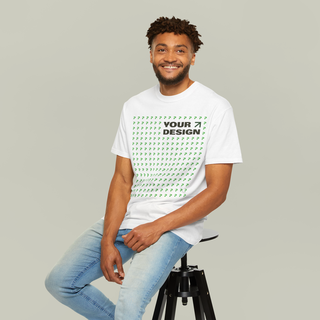
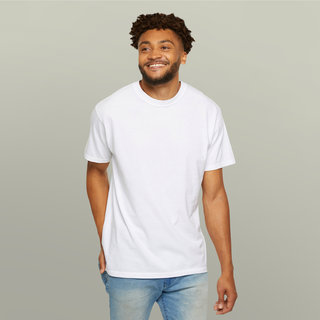
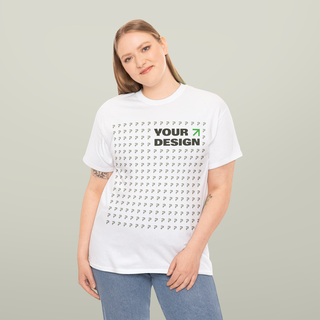
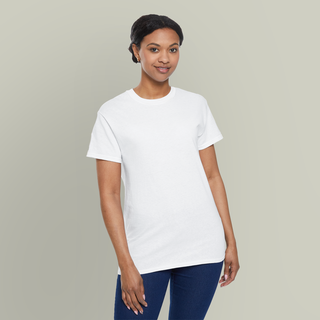
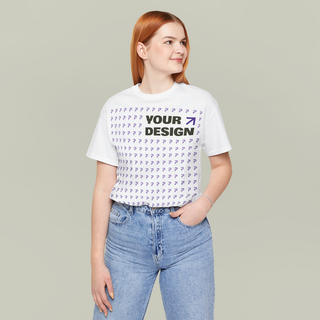
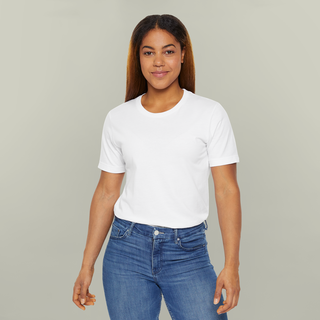
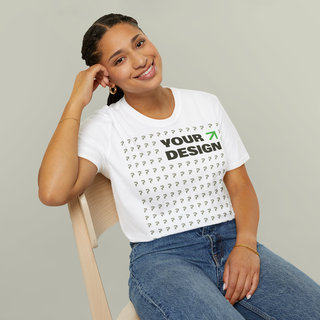
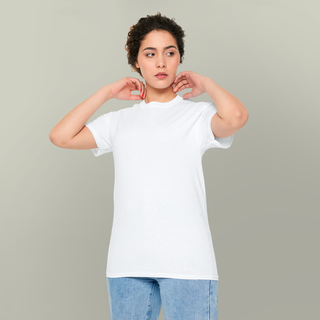
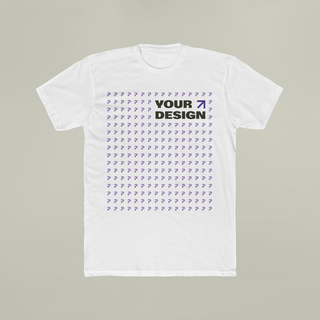
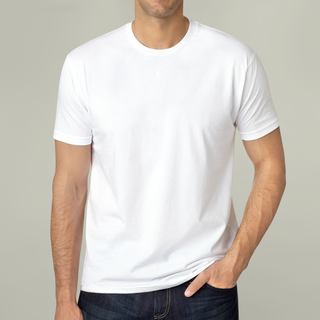
The base shirt matters as much as the artwork. Fabric, fit, sizes, and color affect the overall look and feel of your custom t-shirt. Explore Printify’s t-shirt Catalog to discover tons of styles and fabric options.
Here are some customer favorites:


Show your design and get feedback
Don’t finalize your shirt design without testing it. Share mockups with friends, social media followers, or potential customers. Their feedback can help you refine the design, fonts, or colors before moving forward.
Tip
For inspiration, check out our guide on popular shirt designs.
The basics of t-shirt design

A great t-shirt design is more than just graphics on fabric – it’s an expression of your vision, a way to build your brand, and the reason someone decides to buy. It’s the difference between a shirt that gets worn once and forgotten versus a custom t-shirt that becomes a go-to favorite.
What makes a great t-shirt design?
- Simplicity. Some of the best t-shirt designs are the simplest. A clean logo, a witty phrase, or a minimal illustration often works better than a cluttered graphic. Simple designs are easy to wear and get your message across clearly.
- Originality. With so many custom t-shirts on the market, originality is what makes your shirt design stand out. Start from scratch or use a t-shirt design template as a base, but always tailor it to your own style and add your personal touch. Your creativity is your biggest advantage.
- Color harmony. Colors can make or break your t-shirt design. Your palette should match the mood you want to create – bold and bright for fun, muted and neutral for professional or everyday wear. Note that some production methods like screen printing can limit additional colors, so plan accordingly.
- Readability. If you’re adding text, use fonts that are clear, legible, and aligned with your brand’s style. What looks great on a computer screen might not print well on fabric, so always preview your design before ordering.
- Trends. Following t-shirt design tips from pop culture, seasonal themes, or trending graphics can boost sales. But balance trends with timeless appeal to ensure your shirts sell year-round.
Why audience and purpose matter

Even the most high-quality design won’t land if it doesn’t connect with the right people. Ask yourself these questions:
- Are you designing for business branding or professional merch? A polished logo-based design may be best.
- Is it for a school event or sports team? Bold colors, mascots, and energetic fonts make sense.
- Are you creating a gift or casual wear piece? Personalize it with fun details, inside jokes, or illustrations.
When you match your t-shirt design to the purpose and occasion, you not only enhance the overall look but also help customers feel like the design was made for them. That’s what transforms a simple shirt into a must-have item.
Pro tip
Discover the best t-shirts for printing to pick a base garment that fits your vision.
Choosing a printing method that suits your design

The way your design is printed has a huge impact on how the final t-shirt looks, feels, and holds up over time. Each shirt printing method has its own strengths, so the best choice depends on your design, quantity, and budget.
Here are the most common t-shirt printing options.
Screen printing
This traditional method is perfect if you’re ordering in bulk and your design uses only a few colors. It produces bold, long-lasting prints, especially on classic black t-shirts, and keeps the cost per shirt low for large orders.
However, adding additional colors increases both time and price, so it’s less suited for complex artwork.
Direct-to-garment (DTG)
Great for small orders and detailed, colorful graphics on cotton shirts. DTG works like a high-quality inkjet printer, applying your design directly to the fabric.
It’s ideal for t-shirt designs with gradients, photos, or lots of color variation.
Direct-to-film (DTF)
A versatile option that lets you print on many different fabrics, including blends that don’t work well with DTG. It delivers durable, high-quality results and is a popular choice for custom t-shirts.
Dye sublimation
Best for all-over prints on polyester garments. The design becomes part of the fabric itself, creating a smooth, long-lasting finish. If you want seam-to-seam graphics or vibrant patterns, this is the way to go.
Embroidery

Instead of ink, embroidery uses thread to bring your design to life. It’s perfect for logos, monograms, or text when you want a professional, textured look.
Embroidery works best on thicker fabrics like polos, hoodies, or hats.
When choosing a method, think about your design style, how many shirts you need, and how you want the final product to feel.
For example, a bold logo for a school team might work best with screen printing, while a full-color illustration for a small online shop is better suited to DTG.
T-shirt design tips

Even the most creative idea can fall flat if it isn’t executed well. These t-shirt design tips combine beginner-friendly advice with professional expertise, helping you create designs that not only look great on screen but also translate beautifully to fabric.
Keep it balanced
A good shirt design feels balanced and natural. Avoid placing too many elements in one corner or making your design too big or too small. Think about how the artwork will sit on the body once the shirt is worn.
Use mockups to preview
What looks sharp on a computer might not work the same way on fabric. Always preview your design using digital mockups to make sure the colors, fonts, and placement look right before you print.
Be strategic with placement
Different placements create different effects. A centered chest design is a classic, a left-chest print feels professional, sleeve prints add subtle detail, and all-over prints make a bold statement. Match your placement to the style you want to achieve.
Think about contrast
Contrast is what makes your design pop. Light fonts on dark t-shirts and bold, dark colors on lighter fabrics ensure readability and high-quality results. Low contrast can make designs look washed out or hard to see.
Pay attention to details
Tiny details or very thin lines may disappear during t-shirt printing. Simplify where possible so that your design stays clear and sharp once printed.
Use templates when needed
If you’re unsure where to start, a t-shirt design template saves time. It gives you a professional foundation to build on, letting you personalize the design without starting from scratch.
Tip
Always get feedback before finalizing. Share a mockup with a friend, a colleague, or even your online followers. Fresh eyes can catch details you may have missed and help make sure your design appeals to your target audience.
How to design your own t-shirts and sell them

Creating a great design is only half the journey – the real fun starts when you launch your custom t-shirts into the world. Thanks to Print on Demand, you don’t need inventory, expensive equipment, or minimum orders to get started.
Here’s a simple roadmap:
- Sign up for Printify. It’s free to create an account, and you’ll instantly get access to our full Catalog of high-quality t-shirts and other products to expand your line.
- Choose your base t-shirt. Explore our t-shirt Catalog for tons of styles, colors, and fits. Whether you want a soft premium tee, a budget-friendly option, or something in between, you’ll find a match for your brand with Printify.
- Upload your design. Use the free Product Creator to upload your artwork, experiment with fonts, and preview your shirt on realistic mockups before it goes live. This step ensures your design looks just as good in print as it does on screen.
- Connect your store. Printify integrates seamlessly with Shopify, Etsy, eBay, and other eCommerce platforms, so you can start selling in just a few clicks. No complicated setup required.
- Decide your custom t-shirt cost and shipping. Set your profit margin by selecting the retail price your customers will pay. Printify handles production and shipping automatically, saving you time and hassle.
- Promote your products. Once your store is live, focus on getting eyes on your shirts. Use social media, run targeted ads, collaborate with influencers, or create video content. The more you promote, the more customers you’ll attract.
Ready to launch?
Start designing today and turn your t-shirt design
into a product customers can buy worldwide.
FAQ – How to start designing t-shirts
If you’re just learning how to design a t-shirt, free tools like Canva or Placeit are great starting points. They come with t-shirt design templates and drag-and-drop features.
For more professional results, many designers use Adobe Photoshop or Illustrator to create detailed graphics.
Printify’s free Product Creator is another option – it lets you upload designs, add fonts, and preview your custom t-shirt on realistic mockups. The best part? You can apply it directly to t-shirts in our Catalog and send it to print straight away.
The first step to learning how to create a design for a t-shirt is to define your purpose, brainstorm ideas, and sketch a draft. Then, use design software like Printify’s Product Creator or a t-shirt design template to polish the artwork.
Once it’s ready, you can launch it on your online store and start selling t-shirts right away.
If you’re creating original artwork from scratch, you don’t need a license to sell custom t-shirts.
However, if your shirt design includes copyrighted logos, characters, or phrases, you’ll need permission from the rights holder. Checking copyright laws is crucial to make sure your custom t-shirt design is safe to sell online.
Yes – Canva is beginner-friendly, affordable, and perfect for people who want to learn how to make a good t-shirt design without advanced software. It offers fonts, clipart, and t-shirt design templates that you can customize to match your brand or occasion.
For more advanced graphics, Canva files can also be exported and refined in Photoshop or Illustrator.
Simple layouts, bold contrast, and easy-to-read fonts are key when exploring how to design t-shirt graphics that stand out.
Avoid using too many colors and always preview your design on a mockup before printing. Following these t-shirt design tips helps make sure your idea looks just as good on fabric as it does on screen.
The fastest way to explore how to design and sell t-shirts is with Print on Demand. Create your custom design, upload it to Printify’s Product Creator, and connect your store to Shopify, Etsy, or eBay – it’s that easy.
From there, Printify handles t-shirt printing, shipping, and fulfillment, letting you focus on promoting your brand and attracting customers. Learn more about how Printify works.
To summarize
Learning how to design a t-shirt is easier than ever. From brainstorming ideas and choosing fonts to creating your custom t-shirts with Print on Demand, every step brings your vision to life.
With Printify, you can personalize designs, explore tons of t-shirt options, and sell them worldwide with no minimum order requirements.
Ready to create your next bestseller? Join Printify today and start designing your custom t-shirts.
Make it your way!
The post How to design a t-shirt: The ultimate guide for 2026 appeared first on Printify.
