






How to Link Instagram to Facebook in 2025 – Step-by-Step for Brands
31st
December, 2025
For today’s e-commerce brands and Amazon sellers, maintaining a consistent presence on Instagram and Facebook is crucial. But manually posting on each platform or managing separate messages can eat up valuable time. The solution? How to link Instagram to Facebook for a seamless, unified social media strategy. This guide will show you exactly how to connect your Instagram account to your Facebook page (step by step), and explain why this simple integration can amplify your influencer marketing efforts, leverage micro influencers, and streamline content creation. By the end, you’ll know how to save time with cross-posting, tap into new audiences, and even unlock shopping features on Instagram – all by linking your accounts.
Why Linking Instagram to Facebook Matters
Connecting your Instagram and Facebook accounts isn’t just a technicality – it’s a smart strategy that offers multiple benefits for brands. Here are some key advantages of linking Instagram to Facebook:
-
- Reach a Wider Audience: Cross-posting means your content can appear on both Instagram and Facebook, exposing it to different demographics on each platform. Even if you’re a small business or DTC brand, sharing posts to both networks gives a higher chance that more people will see and engage with your content. For example, an Instagram post from a micro influencer partnership can also reach your Facebook followers, doubling the exposure without extra work.
- Time-Saving Cross-Posting: Linking accounts lets you post once and have it show up on both platforms, which saves time for busy marketers. Instead of manually uploading the same photo or announcement twice, you can streamline your content calendar. This efficiency is invaluable for e-commerce teams managing multiple channels (and it ensures consistent messaging everywhere).
- Unified Brand Presence & Trust: When your Instagram and Facebook are connected, customers recognize they’re dealing with the same brand on both platforms. This consistency builds trust and provides a smooth experience. A follower can click from your Instagram profile to your Facebook page (or vice versa) and see unified branding and information. It assures shoppers that your Instagram shop and Facebook page are official and maintained by the same company – an important detail for brand credibility.
- Manage Messages in One Place: Tired of switching apps to check DMs and comments? Linking Instagram to Facebook allows you to manage messages and comments from both in a single inbox (via Meta’s tools). You can respond faster to customer inquiries across platforms because everything is integrated. Quicker responses and consistent communication improve customer service – helping you convert more inquiries into sales.
- Combined Insights & Analytics: With linked accounts, you unlock valuable audience insights in the Meta Business Suite dashboard. You can compare Instagram and Facebook audience demographics, track post performance side by side, and get a holistic view of what content resonates best. These cross-platform analytics help e-commerce owners spot trends – for instance, maybe Facebook fans prefer product how-to videos while Instagram followers engage more with unboxing photos. Such insights inform better marketing decisions.
- Better Ad Targeting & Campaigns: If you plan to run paid ads, linking is a must. In some cases you need a connected Facebook page to run Instagram ads. Even where it’s not required, a link allows you to manage ads for both Instagram and Facebook in one place (the Meta Ads Manager) and use unified billing. This makes it simpler to retarget customers across platforms and track ad performance collectively. In short, your influencer marketing and social ad campaigns will be easier to manage and more effective when everything is tied together.
- Unlock Instagram Shopping Features: Want to sell products via Instagram? You’ll need to link to a Facebook page first. Instagram’s Shop and product tagging features require a linked Facebook page to set up a product catalog. By connecting your accounts, you also gain access to features like Instagram’s UGC product tagging, appointment booking buttons, and even donation stickers for campaigns. For Amazon sellers or e-commerce brands with their own store, this means you can turn your Instagram feed into an additional sales channel once it’s linked to your Facebook catalog.
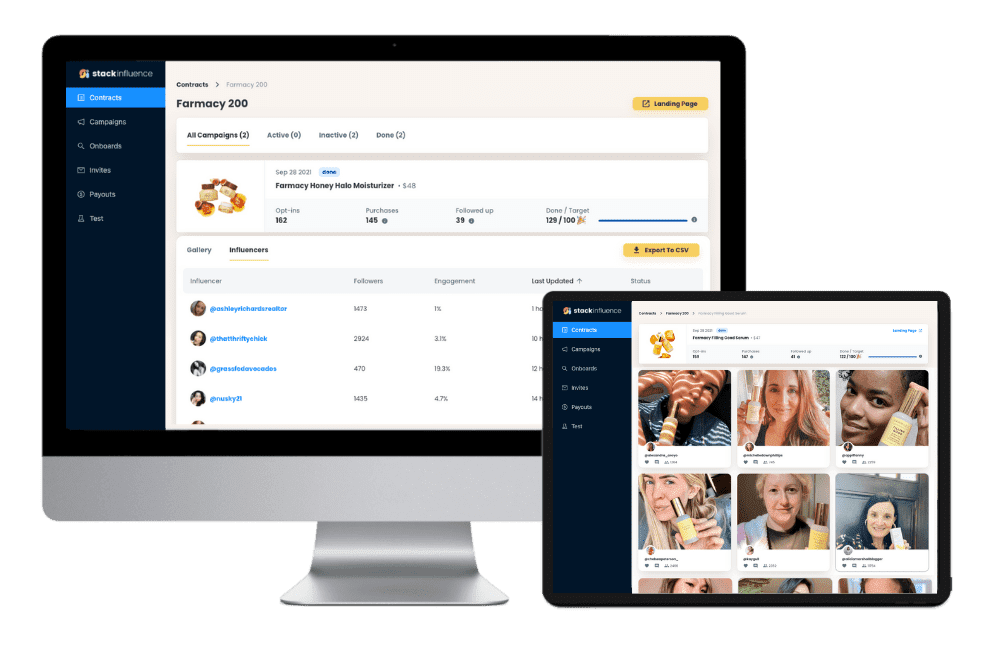
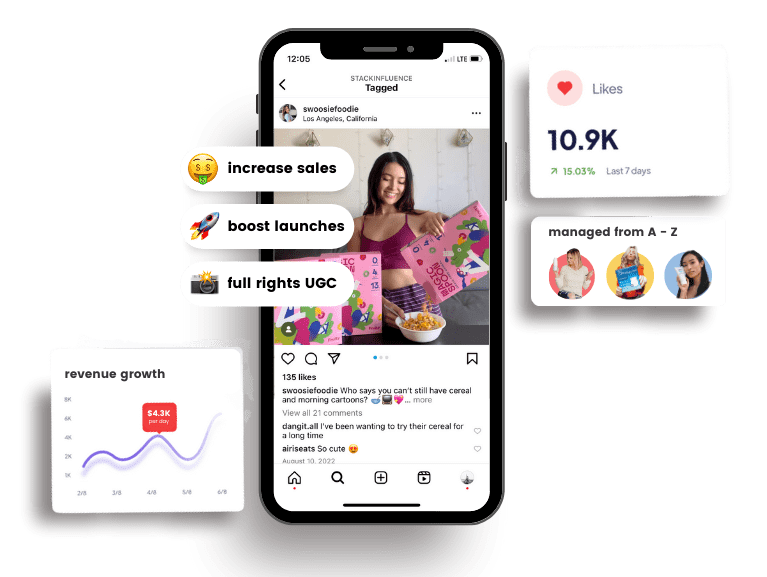
- Amplify Influencer Content and UGC: Many brands work with micro influencers, content creators, and encourage user-generated content. Linking Instagram to Facebook helps you get the most out of these collaborations. For example, if a micro influencer posts a product review video on Instagram, you can easily share that post to your Facebook page’s audience as well, increasing its reach. Likewise, any positive UGC (like customer photos on Instagram) can be re-shared to Facebook in a few clicks. Cross-promoting influencer content on both platforms boosts visibility and ROI for your influencer marketing campaigns. (In fact, platforms like Stack Influence specialize in connecting brands with micro influencers to create authentic content that you can leverage across Instagram and Facebook.) By linking your accounts, all that great content circulates through a larger combined community.
- Reach a Wider Audience: Cross-posting means your content can appear on both Instagram and Facebook, exposing it to different demographics on each platform. Even if you’re a small business or DTC brand, sharing posts to both networks gives a higher chance that more people will see and engage with your content. For example, an Instagram post from a micro influencer partnership can also reach your Facebook followers, doubling the exposure without extra work.
Unlock the Power of Micro Influencers and Elevate your Brand Today!
How to Link Instagram to Facebook (2025 Step-by-Step Guide)
Ready to connect your Instagram account to Facebook? The process is straightforward and only takes a few minutes. Below we walk through linking an Instagram Business account to a Facebook Page – the ideal setup for e-commerce brands. (If you have a personal Instagram you want to link to your Facebook profile for cross-posting, the steps are similar – you’ll use the Instagram app’s Accounts Center to add your Facebook account.)
Before You Start: Make sure you have admin access to the Facebook Page you want to connect, and that your Instagram is a Professional account (Business or Creator). You can convert your Instagram to a business profile for free in Settings > Account if you haven’t already. Having a professional account unlocks insights and linking capabilities.
Once that’s set, follow these steps to link Instagram to Facebook:
-
- Open Instagram and go to your profile. Use the Instagram mobile app (iOS or Android) and log in to the account you want to link. Tap your profile icon in the bottom-right to view your profile page.
- Navigate to settings. Tap the menu (≡ hamburger icon) in the top-right corner of your profile and select Settings (sometimes shown as Settings and privacy in newer versions).
- Find the account linking option. Scroll and tap Accounts Center, the Meta account integration hub. Then tap Set up Accounts Center if prompted. (Alternatively, on some versions you can go to Edit Profile and find “Page” under Public Business Information.)
- Connect or create a Facebook page. In Accounts Center, choose “Add Facebook account” and log in with your Facebook credentials. The app will detect any Facebook Pages you manage. Select the Facebook Page you want to link to your Instagram (or tap Create a new Facebook Page if you don’t have one). Follow the on-screen prompts to confirm the connection.
- Confirm linking and finish. Once you’ve authorized and selected the page, Instagram will confirm that your accounts are linked. On your Instagram profile Edit Page section, you should now see the Facebook Page name listed as connected. Success! Your Instagram business account is officially linked to your Facebook page.
- Open Instagram and go to your profile. Use the Instagram mobile app (iOS or Android) and log in to the account you want to link. Tap your profile icon in the bottom-right to view your profile page.
Enable Cross-Posting (Optional): Now that the accounts are linked, you can choose to automatically share your Instagram content to Facebook. In the Instagram app, go to Settings > Accounts Center > Sharing across profiles. Ensure your Instagram and Facebook are listed, then toggle on options like “Automatically share Instagram stories to Facebook” or share posts by default. This setting lets you instantly post Stories or feed posts on both platforms – a huge time-saver for content creators who want maximum reach.
Alternative: Link via Facebook Page Settings: You can also initiate the connection from the Facebook side if you’re on desktop. Log in to Facebook and navigate to your Page. Go to Settings (under Manage Page), then find Linked Accounts in the menu. Click Instagram, then Connect Account. Facebook will prompt you to log into the Instagram account you want to link – enter your IG credentials and confirm. After a moment, your Facebook page and Instagram will be connected. This method achieves the same result, so use whichever interface you prefer (Instagram app or Facebook site).
Tip: If you encounter any issues linking the accounts, double-check that you have the correct permissions (you must be an admin of the Facebook page) and that your Instagram isn’t already linked to a different Facebook account. You can only connect one Instagram account to one Facebook profile/page at a time. Should you ever need to change which Facebook page is linked, you can disconnect the current page and repeat the above steps with a new page.
Unlock the Power of Micro Influencers and Elevate your Brand Today!
Conclusion to How to Link Instagram to Facebook in 2025 – Step-by-Step for Brands
By now, you’ve learned how to link Instagram to Facebook and seen how this simple step can greatly benefit your business. In 2025 and beyond, a unified Instagram-Facebook presence helps e-commerce brands and Amazon sellers maximize their social media impact with minimal effort. You’ll save time by managing one content pipeline, engage a broader audience across two powerhouse platforms, and gain better control over your marketing data and tools. Most importantly, linking your accounts lays a foundation to scale – whether through influencer marketing campaigns, shoppable posts, or community-building via UGC, you’re set up to leverage the full content creator ecosystem on Meta’s platforms.
It only takes a few minutes to connect Instagram to Facebook, but the payoff is long-lasting in efficiency and growth. Now it’s your turn: link your accounts, streamline your workflow, and watch your brand’s online presence flourish. Don’t miss out on the synergy – unify your social strategy today and take your marketing to the next level!

By William Gasner
CMO at Stack Influence
William Gasner is the CMO of Stack Influence, he’s a 6X founder, a 7-Figure eCommerce seller, and has been featured in leading publications like Forbes, Business Insider, and Wired for his thoughts on the influencer marketing and eCommerce industries.
Want new articles before they get published? Subscribe to our Awesome Newsletter.
stack up your influence
turning creativity into currency
our headquarters
111 NE 1st St, Miami, FL 33132
our contact info
[email protected]
stack up your influence
turning creativity into currency
our headquarters
111 NE 1st St, 8th Floor
Miami, FL 33132
our contact info


© 2025 Stack Influence Inc
© 2025 Stack Influence Inc
The post How to Link Instagram to Facebook in 2025 – Step-by-Step for Brands appeared first on Stack Influence.
