





A good way for businessmen to improve their services is to learn about customer feedback.
This also holds for Amazon sellers. That’s because Amazon product reviews will show you exactly what people love about a product and what drives them crazy. These reviews will also tell why your products are not selling well, so you can work on their improvements.
However, it is time-consuming if you manually check each product page to collect all the Amazon reviews. That is why so many business owners are now searching for efficient ways to gather this data. If you want to scrape Amazon reviews to improve your business and products, you are in the right place. This guide will walk you through four distinct methods to get the job done.
Method 1. Scrape Amazon Reviews with Python
For those who want full control and flexibility, building your own script is the best path. It allows you to customize exactly what data you grab and how you store it. But before we write any code, we need to set the stage.
1. Prepare the Environment
The biggest headache when you try to scrape Amazon reviews is getting blocked. Amazon has very smart security systems. If they see too many requests coming from a single location, they will ban your IP address instantly. To bypass this, you need a high-quality Amazon proxy service.
This is where IPcook comes in handy. It is my go-to recommendation for anyone who needs professional scraping capabilities without breaking the bank. Unlike standard datacenter proxies that Amazon easily detects, IPcook provides real residential IPs. This makes your traffic look like it is coming from a regular home user. If you face bans frequently, it is worth giving this web scraping proxy a try.
Here is why IPcook is perfect for this task:
- Massive IP Pool: IPcook boasts over 55 million residential IPs across 185+ locations, which means you won’t run out of IPs.
- Flexible Control: You can keep the same IP for up to 24 hours, or rotate your IP address per run or interval to spread out your scraping request.
- Elite Anonymity: They do not forward any proxy headers, so Amazon won’t know you are using a proxy. Such privacy guarantees a high success rate.
- Unbeatable Price: Their residential proxies start at just $3.2 per GB, which is significantly cheaper than most competitors.
Once you have your proxy ready, you need to set up Python for later coding. First, download Python from the official website and install it on your computer. Then, launch it and get the necessary libraries by running this command in your terminal:
| pip install requests beautifulsoup4 |
Next, configure your script to route traffic through IPcook. Here is a code example of how you integrate proxy authentication:
| import requests # Replace with your IPcook username and password proxies = { “http”: “http://username:[email protected]:port”, “https”: “http://username:[email protected]:port”, } |
2. Create Your Scraper with Python
Now that our environment is safe, we can focus on the code. A good Amazon review scraper needs to extract specific details to be useful. Usually, you want the reviewer’s name, the star rating, the review title, the text body, and the date.
Let’s break down how to find these elements using BeautifulSoup.
To get the Review Title:
| title = review.find(“a”, {“data-hook”: “review-title”}).get_text().strip() |
To extract the Star Rating:
| rating = review.find(“i”, {“data-hook”: “review-star-rating”}).get_text().strip() |
To grab the Review Body:
| body = review.find(“span”, {“data-hook”: “review-body”}).get_text().strip() |
To find the Review Date:
| date = review.find(“span”, {“data-hook”: “review-date”}).get_text().strip() |
Here is the complete code to scrape Amazon reviews with Python. This script targets a specific product page, extracts the review details, and then saves them into a CSV file.
| import requests from bs4 import BeautifulSoup import csv # Import the csv module def get_amazon_reviews(url, csv_filename=“amazon_reviews.csv”): headers = { “User-Agent”: “Mozilla/5.0 (Windows NT 10.0; Win64; x64) AppleWebKit/537.36 (KHTML, like Gecko) Chrome/91.0.4472.124 Safari/537.36”, “Accept-Language”: “en-US,en;q=0.9” } # Remember to include your IPcook proxies dictionary here # response = requests.get(url, headers=headers, proxies=proxies) # For demo purposes without live proxy: response = requests.get(url, headers=headers) soup = BeautifulSoup(response.content, “html.parser”) reviews = soup.find_all(“div”, {“data-hook”: “review”}) # Prepare to write to CSV with open(csv_filename, ‘w’, newline=”, encoding=‘utf-8’) as csvfile: fieldnames = [‘Rating’, ‘Title’, ‘Review’, ‘Date’] # Define CSV headers writer = csv.DictWriter(csvfile, fieldnames=fieldnames) writer.writeheader() # Write the header row for item in reviews: try: title = item.find(“a”, {“data-hook”: “review-title”}).get_text().strip() rating = item.find(“i”, {“data-hook”: “review-star-rating”}).get_text().strip() body = item.find(“span”, {“data-hook”: “review-body”}).get_text().strip() date = item.find(“span”, {“data-hook”: “review-date”}).get_text().strip() # Write the extracted data to the CSV file writer.writerow({‘Rating’: rating, ‘Title’: title, ‘Review’: body, ‘Date’: date}) print(f”Rating: {rating}\nTitle: {title}\nReview: {body}\nDate: {date}\n{‘-‘*20}”) except AttributeError: continue # Skip if any element is not found for a review # Replace with a real review page URL target_url = “https://www.amazon.com/product-reviews/B08N5KWB9H” get_amazon_reviews(target_url) print(f”Reviews have been saved to amazon_reviews.csv”) |
Method 2. Extract Amazon Reviews with No-Coding Scrapers
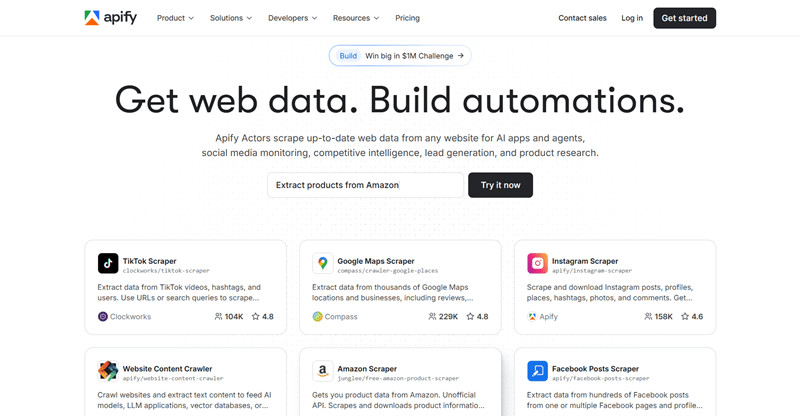
Not everyone is comfortable writing code. If you prefer a visual interface or simply want to save time, you might consider using a no-code Amazon review scraper. Tools like Apify and Octoparse are popular choices here. They essentially run a browser in the cloud that clicks and copies data for you. The main advantage is ease of use. However, they can be quite expensive for large datasets, and the free plans often have strict limits on how many rows you can export.
If you choose a platform like Apify, the process to scrape Amazon reviews is straightforward.
- Head over to the Apify website and create your free account. Once you’re in, you’ll land right in your dashboard – that’s your home base for all their scraping tools.
- Now, grab the links for the products you’re interested in. Just copy the URLs from Amazon and paste them into Apify. A handy feature is that you can throw in multiple links at once.
- You can really narrow things down here. Want to see only the most helpful reviews, or just the latest ones? You can sort by “top” or “recent”. Plus, you can filter by star rating – super useful if you only want to read the 3-star feedback, for example.
- Once your settings are good to go, hit that “Start” button. Apify will then get to work scraping the reviews for you. Keep an eye on the status; when it says “Succeeded”, your data is ready. Feel free to take a peek at the preview right then and there.
- Time to download your data. Simply click “Export” to save everything to your computer. You’ve got options for format: JSON, CSV, or Excel – choose whichever works best for you.
Method 3. Use Amazon Review Scraper API
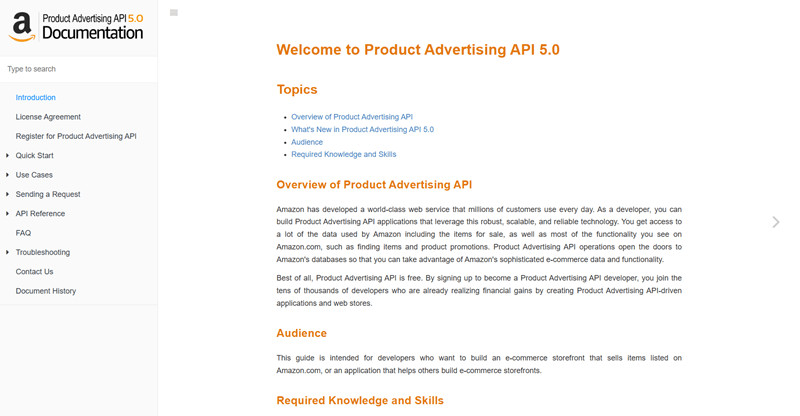
Perhaps you might be worried about the legality of scraping or the stability of third-party tools. Then you wonder if there is an official way to get this data. The answer is yes, but with some limitations. You can use the Amazon reviews scraper API provided officially by Amazon, known as the Product Advertising API (PA-API).
This method is 100% compliant with Amazon’s terms of service, so you never have to worry about legality or bans. However, it is not perfect. The API is designed for affiliates, not data analysts. It usually limits you to the review counts and iframe content, but it rarely provides the full text of user reviews. Furthermore, it is not easy to get access to the PA-API. You will need an active Amazon Associate account and must generate consistent sales to keep your API keys valid.
Method 4. Manually Collect Amazon Reviews
If you only need to check a few comments on a couple of products, you might not need any tools at all. You can simply go to the page and copy the text into a spreadsheet. This is the manual approach.
It is obviously free and requires no technical setup. You see exactly what the customer sees. But let’s be honest, it is incredibly slow. It is impossible to scale this up. If you need to analyze trends across hundreds of products, doing this by hand is not a viable option. This method is best reserved for quick, one-off investigations where you only need qualitative data rather than quantitative statistics.
Why Is It Difficult to Scrape Reviews from Amazon
You might be thinking that since the data is public, grabbing it should be easy. Unfortunately, Amazon fights hard to protect its database from bots. It is an ongoing battle between scrapers and their security team.
There are several hurdles you will face:
- IP Bans: This is the most common issue. If you make too many requests from a single IP address, Amazon will block your IP from accessing its data.
- CAPTCHAs: You have likely seen those “Type the characters” images. Amazon often throws these up whenever they suspect bots or repeated activities. It will severely hinder your Amazon scraping process.
- DOM Changes: Amazon frequently changes the HTML structure of its pages. A script that works today might break tomorrow because they renamed a class or moved a “div” tag.
- Pagination Limits: Sometimes Amazon restricts how far back you can browse in the review history, making it hard to get older data.
Final Words
Gaining insights from customer feedback is essential for success in e-commerce. We have explored various methods to scrape Amazon reviews, including Python scripts, no-code tools, official APIs, and even manual copying. Each method has its place depending on your budget and technical skills.
If you decide to build your own scraper, remember that a solid proxy is your best defense against bans. IPcook offers the high-quality residential IPs you need to stay under the radar, all at a price that fits even a small business budget. It is worth a try if you don’t know which proxy service to opt for. Now, with the right tools at hand, the data is yours for taking.
