






If you are running a Shopify store with a large product catalog and paying imgix’s bills, you already know the problem.
Every product variant you add, every responsive size you serve, every WebP or AVIF conversion your CDN performs, all of it either counts against a credit bundle or triggers an overage charge.
Imgix moved to a credit-based pricing model in 2024, and for high-volume ecommerce teams, those credits run out faster than expected when a single product page can generate dozens of transformation requests across formats, sizes, and device breakpoints.
The best imgix alternative for shopify image resizing is not necessarily the one with the most features. It is the one whose pricing model does not punish you for operating at catalog scale.
After evaluating 7 platforms across five criteria that matter specifically to Shopify and ecommerce teams, Gumlet is the strongest overall choice for image optimization for ecommerce and mid-market stores: bandwidth-based billing with no per-transformation fees, automatic WebP and AVIF delivery without touching URL structure, and multi-storefront origin support under a single account.
Cloudinary is the right call if you need video and image management in one platform. ImageKit wins if you are a small team that needs a generous free tier first.
Here is exactly how each option compares.
Why Shopify Image Optimization Is a Different Problem
Most image CDN comparisons treat all web images as equivalent. Shopify product catalogs are not.
A single product with six color variants, four size options, and two image angles produces 48 base images before any optimization happens. Each of those images typically needs a WebP version, an AVIF version, a standard resolution, a 2x retina version, and a thumbnail.
On imgix’s credit model, each transformation of each variant draws from the same credit pool. For a catalog of 1,000 SKUs, a single site deployment can generate millions of transformation events per month.
According to the HTTP Archive’s 2024 Web Almanac, images account for 47% of total page weight on the median mobile page. Product pages on ecommerce sites skew significantly heavier than that median because hero images, product galleries, and zoom-enabled photography all load above the fold.
Largest Contentful Paint (LCP) on product pages is almost always driven by an image element, which means the CDN you choose has a direct and measurable effect on your conversion rate, not just your PageSpeed score.
There is also the multi-storefront reality that most CDN comparisons ignore entirely. Mid-market brands commonly operate multiple Shopify storefronts: regional versions, B2B portals, wholesale-only storefronts, or separate brand lines. Managing image origins, format delivery, and caching rules across five or eight storefronts on tools designed for single-origin setups creates operational overhead that compounds fast.
The five criteria below reflect these Shopify-specific constraints.
How We Evaluated These Tools
Each of the seven tools in this comparison was evaluated against the same five criteria. Inconsistent evaluation is the main reason most CDN comparison articles are useless as decision tools. Every platform below gets assessed on all five.
- Compression and format delivery. Does the tool deliver WebP and AVIF automatically based on browser support, without requiring conditional logic in the codebase? Does it handle format negotiation via HTTP Accept headers?
- Pricing at catalog scale. What does the monthly bill look like for a Shopify store serving significant image traffic? Is pricing based on bandwidth, transformations, credits, or storage? Are there overage mechanisms that create unpredictable bills during traffic spikes?
- Shopify integration depth. Does the tool offer a native Shopify app, a URL API, a theme-file integration, or does it require custom development? Can a Shopify merchant or developer realistically set this up without a complex infrastructure project?
- LCP impact on product pages. Does the tool support responsive images, lazy loading, and edge CDN delivery out of the box? Is there published benchmark data, or can the impact be tested through PageSpeed Insights?
- Multi-storefront and multi-origin support. Can multiple Shopify storefronts connect to a single account? What is the per-origin structure?
Quick Comparison: 7 Imgix Alternatives at a Glance
| Tool | Best For | Shopify Integration | Pricing Model | Multi-Origin |
| Gumlet | Mid-market Shopify, multi-storefront | Theme-file integration (6-step setup) | Bandwidth-based, no per-transformation fees | Yes, multiple sources per account |
| ImageKit | Developer-first teams, free tier | URL API | Freemium; paid from $49/month | Yes |
| Cloudinary | Enterprise, unified video + image | Yes, complex setup | Per-transformation billing | Yes |
| imgix | Developer pipelines, API-heavy teams | URL API, no native app | Credit-based bundles with overage | Yes |
| Uploadcare | Upload + delivery in one flow | Via API | Per-operation pricing | Limited |
| Cloudimage | Budget stores, simpler catalogs | URL API | Storage-based, low entry cost | Limited |
| TwicPics | Headless Shopify, React storefronts | SDK/component | Bandwidth-based | Yes |
The 7 Best Imgix Alternatives: Full Breakdown
1. Gumlet: Best Imgix Alternative for Shopify Stores at Scale

For Shopify stores with high product image volume, Gumlet is the most cost-effective imgix alternative. The pricing model does not penalize you for transformation volume the way imgix credits do, and the Shopify integration, while it requires a developer to set up, is well-documented and does not require ongoing maintenance once live.
Pricing without transformation penalties
Gumlet’s image optimization pricing is bandwidth-based. You are billed for the data delivered, not for each resize, format conversion, or variant generation. For a Shopify store running a large catalog with multiple format variants per image, this is a meaningfully different cost structure. Imgix’s credit model pools management, delivery, and transformation costs together, and credits expire at the end of each billing period with no rollover. Gumlet’s bandwidth billing means a traffic spike does not create a surprise overage invoice the following month.
At around 2.5 TB of image delivery per month would cost $199 on Gumlet’s Business plan, while imgix would cost at least about $410 for comparable delivery volume, since its $300 plan includes only 1,875 GB of delivery credits and additional usage is billed beyond that limit.
Automatic WebP and AVIF without URL changes
Gumlet delivers WebP to Chrome and AVIF to supporting browsers automatically, based on the browser’s Accept header. There is no conditional logic needed in your Shopify theme. Once the integration is live, every image served through Gumlet gets format-optimized at the edge without any change to how product images are stored or referenced in your catalog.
Shopify integration: theme-file setup, not a native app
Gumlet does not have a Shopify app in the Shopify App Store. The integration works through a six-step theme-file setup documented in Gumlet’s official integration guide. The process involves: (1) creating a Web Folder source in the Gumlet dashboard pointing to your Shopify CDN base URL (cdn.shopify.com or cdn2.shopify.com), (2) verifying the source, (3) adding Gumlet settings to your theme’s settings_schema.json, (4) creating a gumlet.liquid snippet file in your theme’s Snippets directory, (5) enabling Gumlet in the theme customizer and filling in your Gumlet endpoint and Shopify CDN domain, and (6) editing your theme files to replace standard image output with Gumlet’s liquid tag.
A Shopify developer can complete this setup in a few hours. Once live, Gumlet can be toggled on and off with a single click in the theme customizer without any further developer involvement.
LCP improvement on product pages
In a PageSpeed Insights test on a product page, switching to Gumlet for image delivery reduced the Largest Contentful Paint (LCP) from roughly 4500 ms to about 1200 ms on the same page configuration.
In the absence of client-specific data, Gumlet’s responsive image support, edge CDN delivery, and automatic next-gen format conversion are all standard LCP improvement mechanisms. The tool supports srcset and sizes attributes through its liquid tag, which means product hero images load at the correct resolution for each device rather than being resized in-browser.
Multi-storefront: multiple sources per account
Gumlet supports multiple sources (origins) under a single account. Each Shopify storefront connects to Gumlet as a separate source pointing to its CDN base URL. This means a brand running five regional Shopify storefronts can manage all image optimization from one Gumlet account, with consistent format delivery and caching settings across every storefront.
Gumlet’s source limits vary by plan: the Growth plan supports up to 30 image sources per account, the Business plan allows up to 100 sources, and the Enterprise plan supports unlimited sources.
Who should not use Gumlet: If you need unified video hosting and image optimization in a single platform, Cloudinary is the better call. Gumlet’s video and image products are separate, and if you are managing product videos alongside product images at scale, that separation adds operational overhead. Gumlet is also not the right choice if you need a no-code, app-install-only setup. The theme-file integration requires a developer.
2. ImageKit: Best Free Tier for Shopify Developers
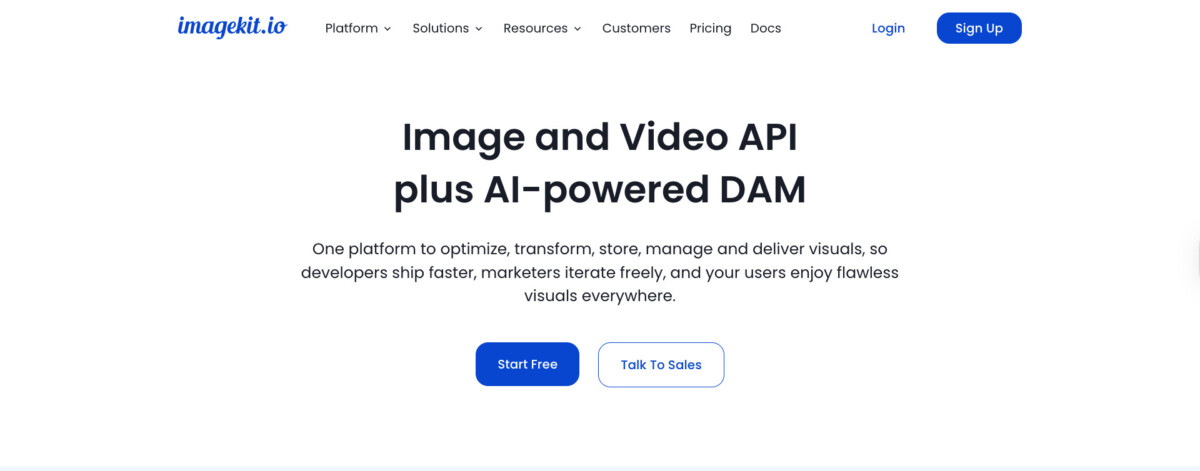
ImageKit is the closest feature-equivalent to Gumlet and imgix in this list. The URL-based API is nearly identical to imgix’s transformation syntax, which makes it an appealing migration target for teams already running imgix. Format delivery is automatic, the CDN is global, and the developer experience is clean.
Where ImageKit wins over the other tools in this comparison is on the free tier. The free plan includes 20GB of media storage, 20GB of bandwidth per month, and unlimited transformations. For a solo Shopify developer or a small store testing image CDN before committing to paid infrastructure, this is the most generous starting point available.
At growth-stage bandwidth volumes, ImageKit’s paid plans start at $49/month. The pricing model is based on media storage and bandwidth, which is more predictable than imgix’s credit bundles.
Standout feature: URL-based transformation syntax that is highly compatible with imgix parameters. Teams migrating from imgix will find the learning curve minimal.
Who should skip it: Stores prioritizing the lowest cost at high bandwidth. At equivalent scale, Gumlet’s bandwidth-only pricing model tends to be more favorable for transformation-heavy catalogs. ImageKit also does not have a dedicated Shopify theme integration guide in the same level of depth as Gumlet’s.
3. Cloudinary: Right for Enterprise, Wrong for Most Shopify Mid-Market Teams
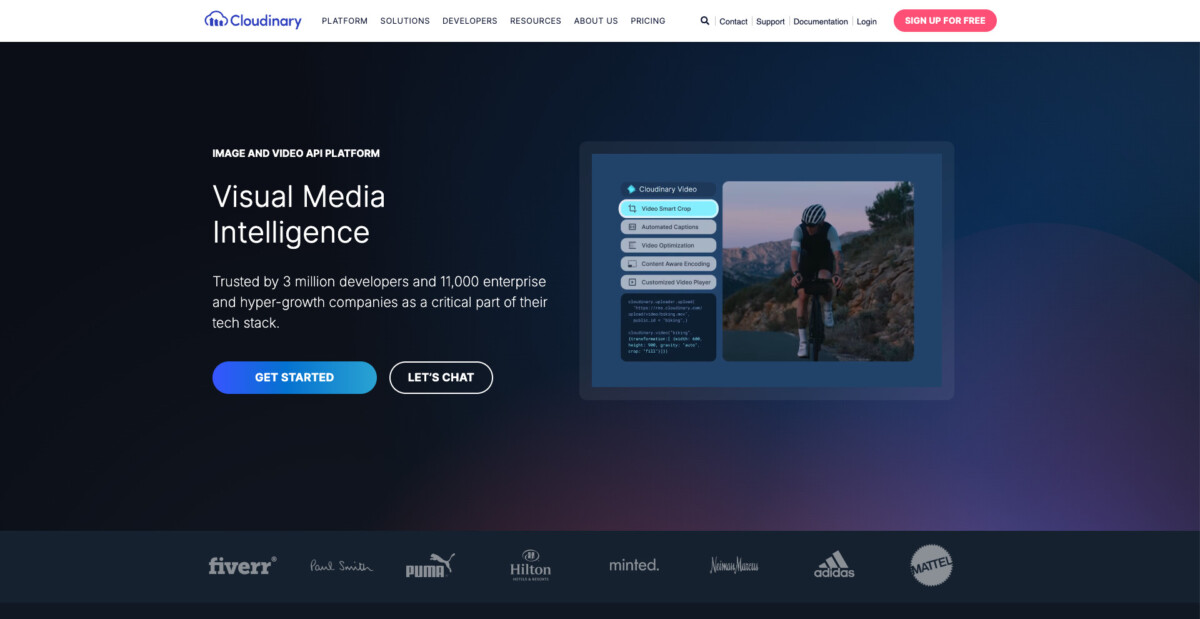
Cloudinary is not the wrong tool. It is the wrong tool for most Shopify mid-market teams.
At enterprise scale, where a brand needs unified management of product images, marketing assets, and video content in a single DAM platform, Cloudinary’s feature set is genuinely strong. AI-powered background removal, automated tagging, video transcoding, and a mature API with SDKs for every major framework: these are real capabilities that justify the cost for the right buyer.
For a Shopify store whose primary need is fast, affordable product image delivery with automatic format optimization, Cloudinary’s per-transformation pricing model creates unnecessary complexity and cost. Every resize, format conversion, and quality adjustment counts as a transformation. At catalog scale, that bill grows faster than bandwidth-based alternatives. Setup is also more involved than it needs to be for image-only use cases.
Standout feature: The most complete unified media platform in this list. Video, image, and creative asset management in one place. Shopify integration exists and is documented.
Who should skip it: Teams that need image optimization only, are price-sensitive at mid-market bandwidth, or want a straightforward Shopify setup without enterprise onboarding overhead.
4. Imgix: The Baseline You Are Moving Away From
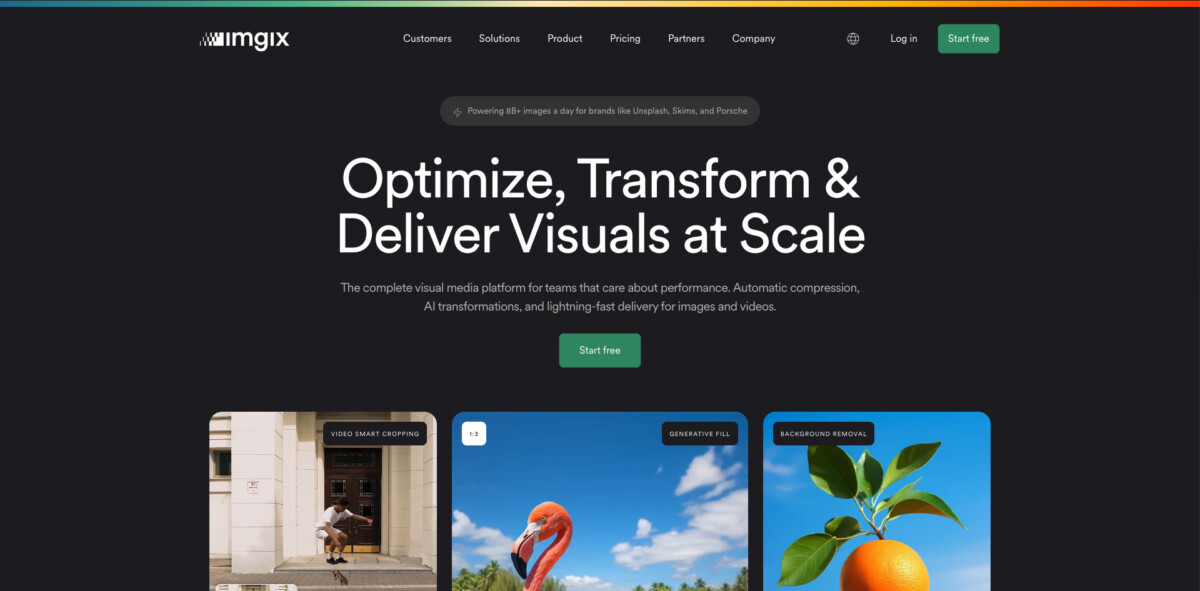
Imgix earns its place in this list because it is the reference point. Its URL-based transformation API is one of the best in the industry. The parameter syntax is logical, extensively documented, and battle-tested across high-traffic production environments. Teams that have built custom image pipelines on imgix often find the developer experience genuinely excellent.
The reason Shopify teams look elsewhere is the pricing model and the lack of a native Shopify integration. Imgix’s 2024 move to imgix’s credit-based pricing model means credits are consumed by media management, delivery, and transformations from a shared pool, and they expire at the end of each billing period. Overages are charged at a 20% premium above the standard per-credit rate. For a Shopify catalog with high transformation volume, this model is hard to forecast accurately. A new product launch, a seasonal sale, or a design team experimenting with new crop ratios can push usage through a bundle faster than expected.
Imgix also does not have a native Shopify app or a documented Shopify theme integration guide. Teams using imgix on Shopify typically build custom URL-rewriting logic in their themes.
Standout feature: The URL-based transformation API. Over 100 real-time image operations via simple URL parameters. Best-in-class for developer-controlled pipelines.
Who should skip it: Shopify teams without dedicated developer resources to build and maintain a custom integration. Teams for whom predictable monthly costs matter more than transformation flexibility.
5. Uploadcare: Best for Teams That Need Upload Infrastructure and Delivery in One
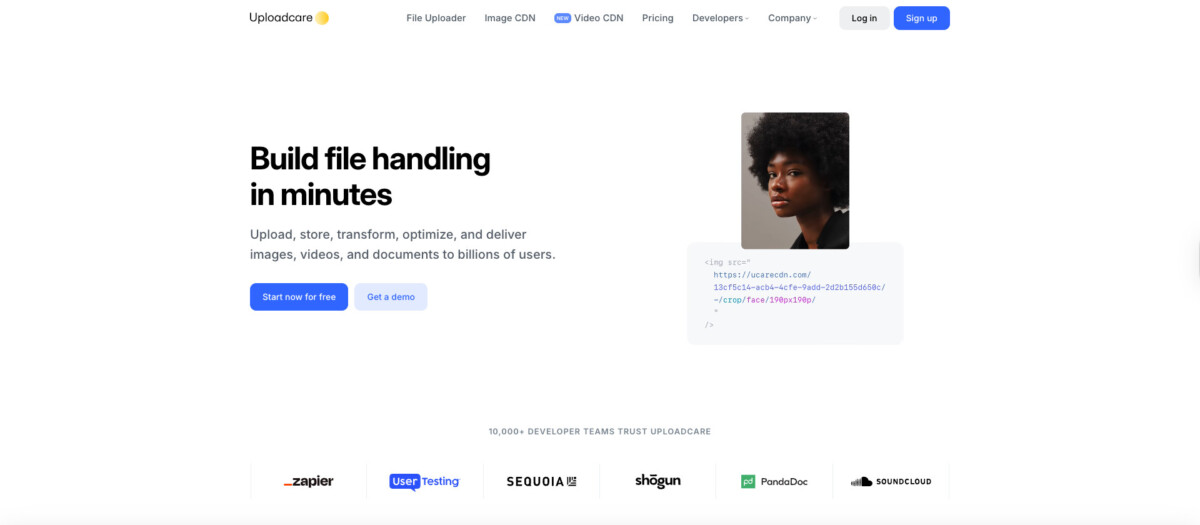
Uploadcare solves a problem that is distinct from what most Shopify stores face. It combines file upload infrastructure with CDN delivery, which is valuable for headless or custom-built storefronts where the upload flow is handled outside of Shopify’s native product management system.
For a standard Shopify store where product images are uploaded through the Shopify admin or a PIM, Uploadcare’s upload infrastructure is largely irrelevant. The CDN delivery component works well, and the transformation API is capable, but Uploadcare is priced on a per-operation model that can become expensive at transformation volume.
Standout feature: Upload widget plus CDN delivery in one platform. Useful for headless Shopify builds with custom upload flows.
Who should skip it: Standard Shopify stores that upload product images through the Shopify admin. The combined upload-plus-delivery pricing is overkill for image optimization only.
6. Cloudimage: Best Budget Option for Smaller Catalogs
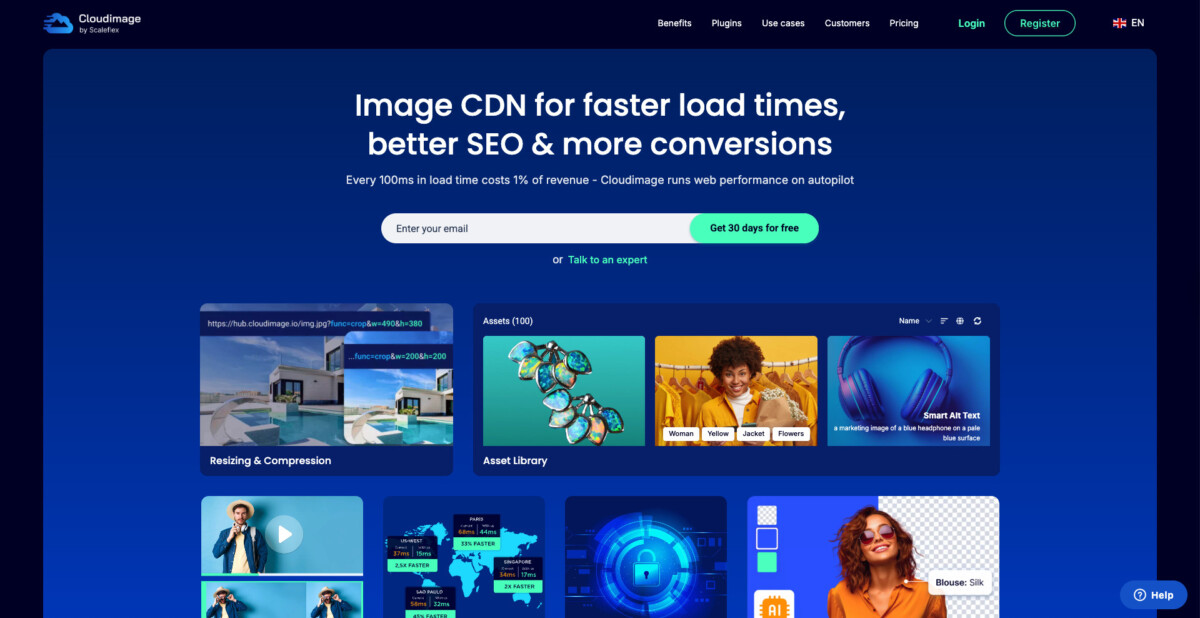
Cloudimage competes primarily on price. The storage-based pricing model has a low entry cost, and the URL API works for basic transformation needs. For a Shopify store with a straightforward catalog, moderate traffic, and no multi-storefront requirements, Cloudimage gets the job done without a large investment.
Where Cloudimage falls short for growing Shopify brands is format delivery maturity and multi-origin support. AVIF delivery is less consistent than Gumlet or ImageKit, and the platform’s multi-origin capabilities are more limited. For a brand expecting to scale past a few storefronts or needing reliable next-gen format delivery on high-traffic product pages, Cloudimage is a starting point you will likely outgrow.
Standout feature: Low entry cost. Suitable for stores testing image CDN for the first time without a significant budget commitment.
Who should skip it: Stores with large catalogs, multi-storefront requirements, or LCP-sensitive product pages where AVIF delivery consistency matters.
7. TwicPics: Best for Headless Shopify and React Storefronts
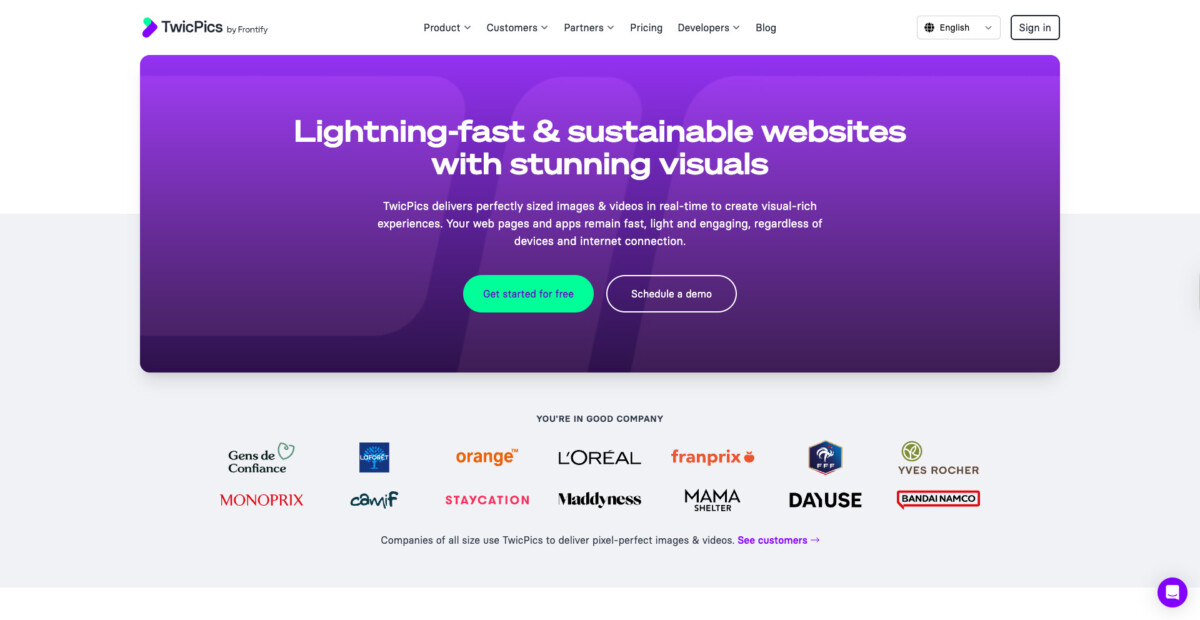
TwicPics takes a different architectural approach to the rest of the tools in this list. Instead of a URL API, it is built around React and Vue components that handle lazy loading, responsive sizing, and format delivery at the component level. This makes it an unusually strong fit for Shopify Hydrogen storefronts, where the front end is a React application and image handling can be managed through TwicPics’ native components.
For standard Shopify themes using Liquid, TwicPics’ component-first approach is a disadvantage rather than a feature. The integration adds complexity where a URL-based solution would be simpler. TwicPics’ bandwidth-based pricing is competitive, and the CDN performance is solid.
Standout feature: React and Vue components with built-in responsive image handling and lazy loading. Ideal for Shopify Hydrogen (headless) storefronts.
Who should skip it: Stores on standard Shopify themes. The component-based integration adds developer overhead where a URL proxy approach would be easier to maintain.
How to Connect Gumlet to Your Shopify Store
This is what changes in your actual workflow when you switch from imgix or another CDN to Gumlet on Shopify.
Step 1: Create a source in the Gumlet dashboard.
Go to the Gumlet dashboard and create a new image source. Select “Web Folder” as the source type and set the Base URL to your Shopify CDN base URL. You can find the exact CDN URL by opening Chrome’s network panel while on your Shopify store and identifying the domain serving your product images, typically cdn.shopify.com or cdn2.shopify.com.
Step 2: Verify the source.
Paste any Shopify product image URL into the verification step. If the source is configured correctly, Gumlet will confirm the setup is live.
Step 3: Add Gumlet settings to your theme.
In your Shopify admin, navigate to Online Store, Themes, and click Edit Code on your active theme. Open settings_schema.json and add the Gumlet settings block at the end of the file. This adds a Gumlet toggle and endpoint field to your theme customizer.
Step 4: Create the gumlet.liquid snippet.
Under the Snippets directory in your theme code, create a new file named gumlet.liquid. Paste in the Gumlet liquid snippet from the official integration guide. This snippet intercepts standard Shopify CDN image URLs and rewrites them as Gumlet URLs, with all transformation parameters passed through.
Step 5: Enable Gumlet in the theme customizer.
Navigate to Themes, Customize, and open the Gumlet section in the sidebar. Enable Gumlet, paste your Gumlet endpoint URL (e.g., yourdomain.gumlet.io), and enter your Shopify CDN domain. Save.
Step 6: Update your theme image output.
Find the Liquid files in your theme that output product images, typically in sections/product-template.liquid or equivalent files depending on your theme. Replace the standard product image output with the Gumlet render tag. Gumlet’s documentation includes srcset examples for responsive image delivery across breakpoints, which is the recommended setup for LCP-critical product hero images.
For multiple storefronts: Repeat Steps 1 and 2 for each Shopify storefront, creating a separate Gumlet source per CDN origin. All sources are managed from the same Gumlet account dashboard. Format delivery settings, quality parameters, and caching rules can be configured per source, which means you can apply different optimization settings to different regional storefronts without separate accounts.
The Verdict: Which Tool for Which Shopify Team
Use Gumlet if you are running Shopify with a large product catalog, you need predictable bandwidth-based billing without transformation penalties, and you have a developer available to handle a one-time theme integration. It is the best platform to manage product images for multiple storefronts without per-origin cost penalties.
Use ImageKit if you are a developer or small team evaluating image CDN for the first time and want to start on a free tier before committing. The URL API is close enough to imgix’s syntax that migration is straightforward, and the free plan’s bandwidth and storage allowances are genuinely useful for initial testing.
Use Cloudinary if you need unified image and video asset management at enterprise scale. Gumlet’s pricing wins for image-only use cases, but Cloudinary is the more complete platform if DAM functionality, video transcoding, and AI-powered asset operations are part of your workflow.
Use TwicPics if you have moved to Shopify Hydrogen (headless) and your front end is a React application. The component-level integration is a natural fit for that architecture and a clumsy one for standard Liquid themes.
For most Shopify stores with a growing product catalog, Gumlet is the best image optimization tool for large ecommerce catalogs. The combination of bandwidth pricing, automatic next-gen format delivery, and multi-origin support under one account addresses the three constraints that make image CDN selection genuinely difficult at Shopify scale.
Frequently Asked Questions
What is the best imgix alternative for Shopify image resizing?
Gumlet. It matches imgix’s core transformation capabilities, delivers WebP and AVIF automatically without URL changes, and uses bandwidth-based pricing that does not penalize high transformation volume. The Shopify integration requires a one-time theme-file setup by a developer, after which format delivery and image optimization run without further maintenance.
What is the best image optimization tool for large ecommerce catalogs?
For most ecommerce teams, Gumlet. At catalog scale, the pricing model matters as much as the feature set. Tools with per-transformation billing or credit-based bundles become expensive as SKU count and variant complexity grow. Gumlet’s bandwidth billing scales linearly with traffic rather than with the number of transformations performed, which is a more favorable cost structure for large catalogs.
What is the best platform to manage product images for multiple storefronts?
Gumlet’s multi-source architecture handles this directly. Each Shopify storefront connects to Gumlet as a separate source in the same account, with independent configuration options per origin. This is the most operationally straightforward solution for brands running multiple Shopify storefronts, and it is an area where most imgix alternatives have significant gaps in documentation or support.
How does Gumlet compare to imgix for Shopify?
On pricing: Gumlet’s bandwidth model is more predictable than imgix’s credit bundles, particularly for high-transformation catalogs. On Shopify integration: Gumlet has a documented six-step theme integration guide; imgix does not have equivalent Shopify-specific documentation and requires custom URL-rewriting logic. On format delivery: both deliver WebP and AVIF automatically. On transformation API: imgix’s URL parameter set is more extensive, which matters for developer-controlled pipelines but is largely irrelevant for standard Shopify product image use cases.
Is Cloudinary worth it for Shopify stores?
For most Shopify stores, no. Cloudinary’s per-transformation pricing model becomes expensive at catalog scale, and the platform’s enterprise feature set adds complexity that image-only ecommerce use cases do not need. It is worth it if you need video transcoding and image management in one platform, or if you are operating at enterprise scale with a dedicated media operations team.
