





Key Takeaways
- Reach more of the right prospects by automating personalized connection requests so your outreach scales without feeling generic.
- Build a simple LinkedIn funnel by segmenting leads, sending timed follow-ups, and adjusting your messages using response and acceptance data.
- Reduce daily outreach stress by letting automation handle routine follow-ups while you focus on real conversations that earn trust.
- Warm up cold leads by automating profile visits and skill endorsements so prospects notice you before you ever pitch them.
LinkedIn is a powerful platform for professional networking, lead generation, and business development.
However, with the increasing competition and time constraints, manually managing your LinkedIn outreach can become overwhelming. This is where LinkedIn automation tools come into play, allowing businesses to streamline their lead generation process, engage prospects efficiently, and ultimately convert them into valuable clients.
But how exactly can you maximize LinkedIn lead conversion using automation? Let’s break it down in a few key strategies:
1. Automate Personalized Connection Requests
One of the first steps in LinkedIn lead conversion is building your network, and LinkedIn automation tools make this process much easier. By automating personalized connection requests, you can reach a larger audience and increase your chances of connecting with the right people.
Rather than sending generic connection requests, automated tools allow you to tailor your messages based on specific criteria such as job title, company, or industry. This personalization helps establish a more genuine connection right from the start. When your connection requests are targeted and customized, prospects are more likely to accept them, laying the foundation for a meaningful relationship. Tools like Octopus CRM can help automate this process, ensuring your connection requests are both personalized and efficient.
2. Send Follow-Up Messages Automatically
Once you’ve connected with a prospect, the next step is to engage them with a message. However, following up manually with every new connection can be a daunting task. This is where automation can significantly improve efficiency. By automating follow-up messages, you can ensure that every new connection receives timely communication, boosting the chances of converting them into clients.
Automated follow-ups can be personalized and scheduled based on specific time intervals after the connection is accepted. For example, you could send a “thank you” message right after they accept the connection, and then follow up with a value-driven message a few days later. These automated interactions create a more consistent touchpoint with your leads, increasing engagement without taking up too much time.
3. Segment and Target Leads Based on Specific Criteria
LinkedIn automation tools allow you to segment your audience and target specific groups of leads based on their job title, company size, industry, or any other relevant criteria. This segmentation helps you to tailor your messaging even further and ensure that your outreach is highly targeted.
For example, if you’re offering B2B services, you can filter your LinkedIn search to only show decision-makers within specific industries or companies of a certain size. By automating the outreach to these targeted leads, you increase the likelihood of engaging with the right people who have the potential to convert into customers.
4. Automate Profile Visits and Endorsements
While sending connection requests and messages are key aspects of LinkedIn lead conversion, passive engagement also plays an important role in warming up leads. Automating profile visits and endorsements can help you increase visibility and build rapport with prospects.
By automatically visiting the profiles of your connections and endorsing their skills, you create a sense of reciprocity. This small act can encourage prospects to visit your profile, check out your skills and services, and even endorse you back. These subtle actions help nurture relationships and increase your chances of moving leads through your conversion funnel.
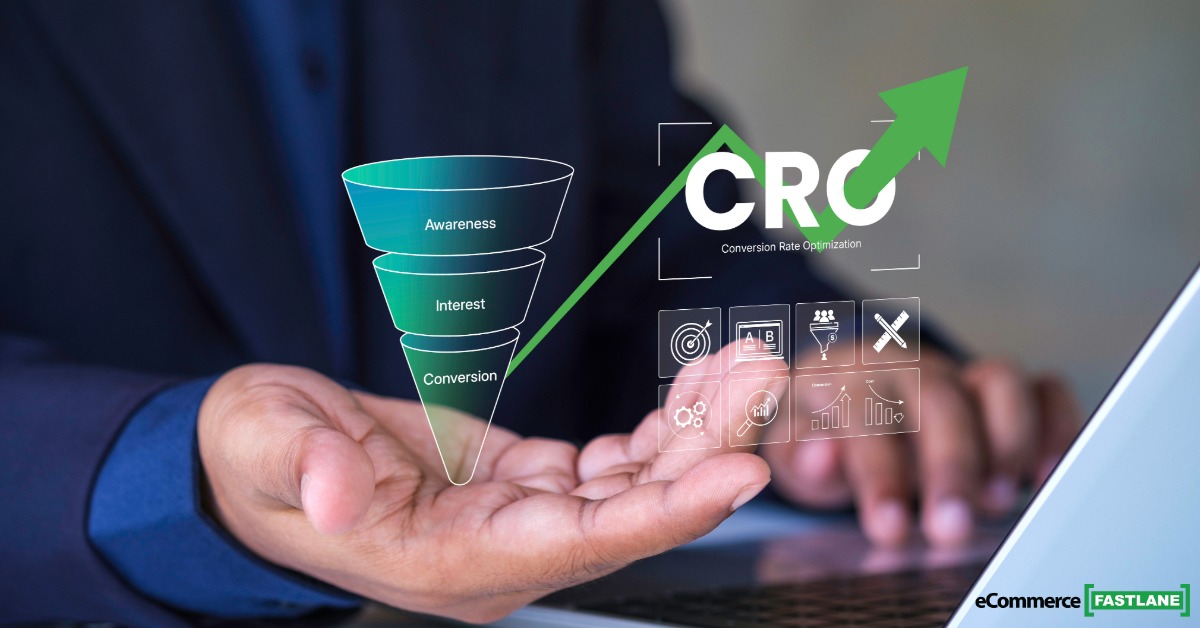
5. Create a LinkedIn Lead Generation Funnel
The beauty of LinkedIn automation is that it allows you to create a personalized lead generation funnel tailored to your specific needs. Automation tools can help you move leads through each stage of your funnel, from initial connection to final conversion.
Start by setting up campaigns to send connection requests and follow-up messages. As leads engage with your messages, automate further actions like profile visits, skill endorsements, and additional follow-ups based on the lead’s behavior. This funnel ensures that every lead is nurtured through a series of touchpoints, which increases the likelihood of conversion. Additionally, by tracking performance data through the automation tool, you can continually optimize your funnel to maximize efficiency.
6. Use Analytics to Track and Improve Performance
To truly maximize LinkedIn lead conversion, you need to measure the effectiveness of your efforts. LinkedIn automation tools offer in-depth analytics, allowing you to track key metrics such as profile views, connection acceptance rates, message response rates, and overall campaign performance.
By regularly reviewing these metrics, you can gain insights into what’s working and what needs improvement. For example, if you notice that a particular message is resulting in more responses, you can duplicate that approach in other campaigns. Similarly, if certain types of leads aren’t engaging, you can adjust your targeting or messaging to better suit their needs.
7. Integrate Automation with CRM and Other Tools
To make the most out of LinkedIn lead conversion, it’s important to integrate your LinkedIn automation tool with your Customer Relationship Management (CRM) system and other marketing tools. Integrating these platforms allows you to sync data, track leads across different stages of the funnel, and ensure that no lead falls through the cracks.
For instance, after a lead accepts your connection request, your automation tool can add them to your CRM, where you can monitor their progress and personalize future communications. You can also integrate with email marketing platforms to nurture leads further with automated emails and newsletters. These integrations provide a seamless, multi-channel approach to LinkedIn lead conversion.
8. Focus on Safety and Compliance
While automation can significantly increase your efficiency, it’s important to use these tools with caution to avoid violating LinkedIn’s terms of service. Ensure that you don’t overwhelm prospects with too many messages or actions in a short period, as this can lead to account restrictions or bans.
LinkedIn automation tools often come with safety features, such as activity control and limits on the number of actions you can perform within a certain time frame. By following these safeguards, you ensure that your account stays safe while maximizing your lead generation efforts.
Conclusion
Maximizing LinkedIn lead conversion using automation is all about using the right tools to streamline and optimize your outreach. By automating connection requests, follow-ups, profile visits, and more, you can engage a larger number of prospects efficiently and effectively. Integrating LinkedIn automation with your CRM and tracking performance through analytics further enhances your chances of turning leads into loyal clients.
