






In the media world, timing is super important.
If you put out a story too late, delay a campaign because of approvals, or miss your broadcast slot, you risk losing your audience’s trust and money from advertisers. Media teams are always dealing with editorial schedules, creative stuff, and what clients want. If things aren’t coordinated, deadlines get missed, and chances go away.
That’s why many media leaders go beyond traditional task trackers. When they look at the best project management tools, they search for solutions that match the urgency of their industry. Lark provides that solution — giving editorial, creative, and commercial teams one place to plan, produce, and deliver content on time, every time.
Planning editorial schedules with Lark Calendar
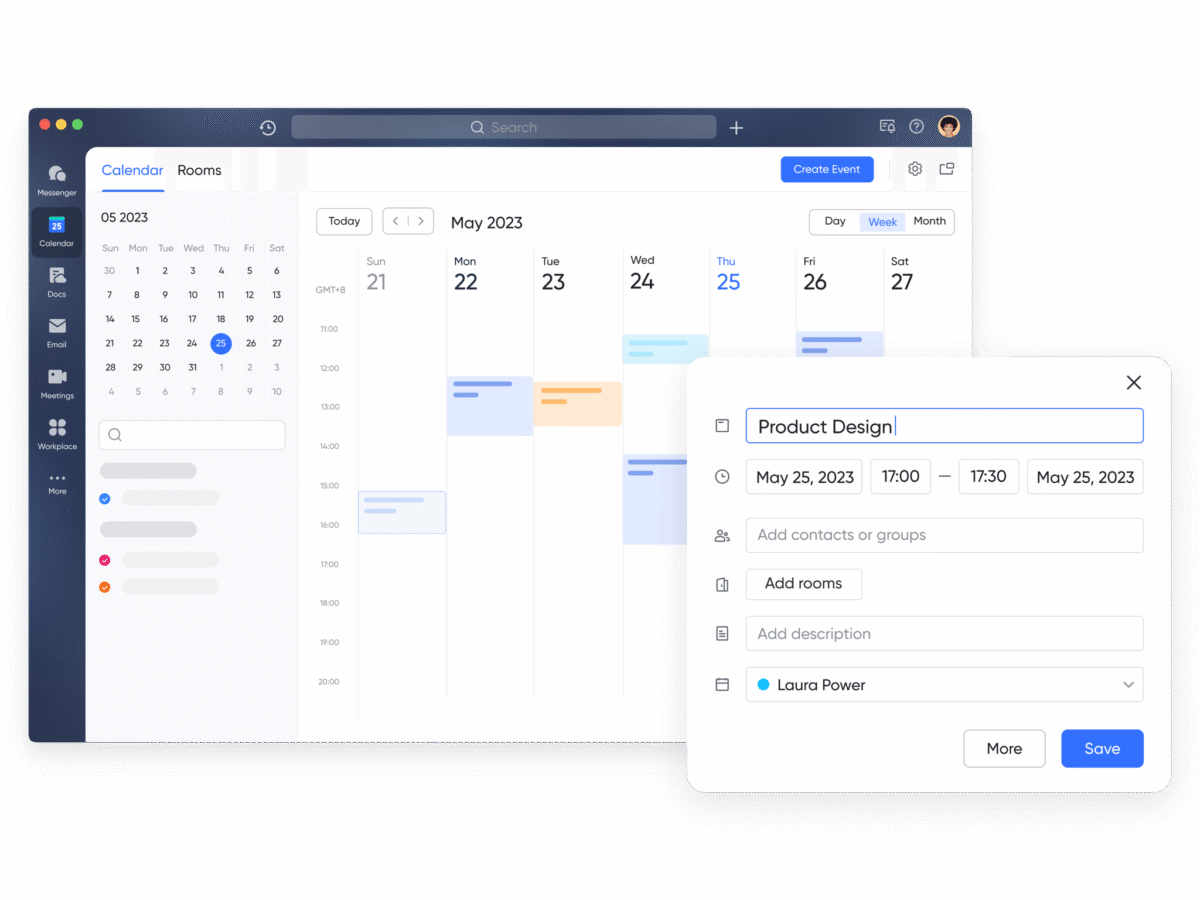
Media teams really depend on their calendars. With everything from daily news to longer projects, it’s important to be clear about timing. Lark Calendar lets teams plan their content with care.
Producers can share publish dates, writers can see when stories are due, and managers can match campaigns with ads. When you make to-dos in Lark Tasks, they pop up in the calendar, so even small things—like a script or review—have a place in the schedule.
For instance, a news team can schedule breaking news, features, and videos all in one calendar. Everyone sees what they need to, and editors can keep an eye on the whole thing.
Drafting stories and scripts with Lark Docs
Every piece of content starts with words, whether it’s a script, outline, pitch, or finished article. Dealing with drafts over email can be slow and lead to mistakes. Lark Docs aims to make teamwork easier and faster.
Reporters can write articles, editors can polish the text, and designers can add images—all in the same doc. The version history helps you see who changed what, and permissions keep sensitive content safe until it’s time to publish.
Think about a news company getting ready to cover a big sports game. Writers can update live commentary in Docs, editors can tweak the tone, and producers can prep short clips for social media—all working together smoothly. The outcome is content that’s correct, polished, and on time.
Coordinating fast responses with Lark Messenger
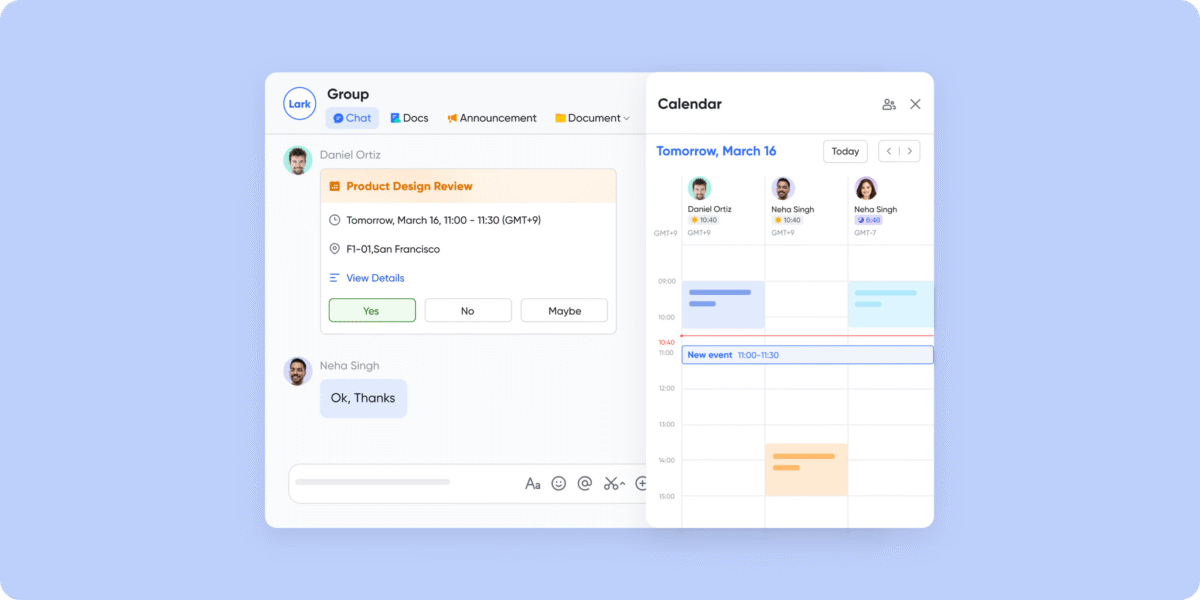
The media scene moves fast. When news breaks, clients ask for stuff ASAP, or production changes happen out of nowhere, you need to coordinate, like, yesterday. Lark Messenger helps keep communication quick and on point.
With specific groups for different teams—editorial, creative, and sales—everyone can stay on the same page. Threaded replies keep talks neat, and reactions let you give a quick thumbs-up. Plus, you can keep press releases or design drafts right in the chat for easy reference.
Imagine a news story blowing up. A reporter posts updates in Messenger, editors check it all out in real time, and designers whip up images right away. Boom, the story’s live in hours—no missed messages or delays.
Running creative sessions with Lark Meetings
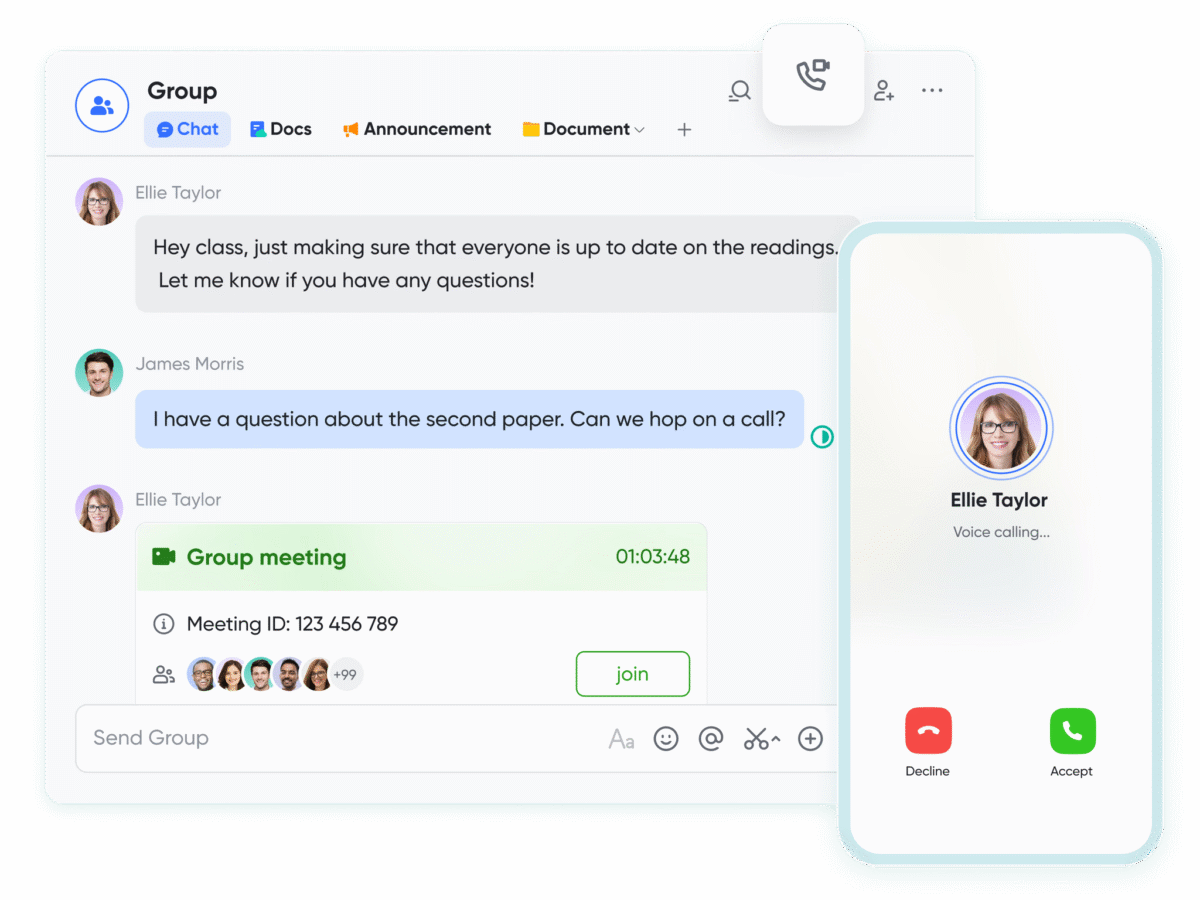
Brainstorms, editorial check-ins, and client calls are super important for making media. But if you don’t keep them organized, these meetings can just end with no clear results. Lark Meetings can help make them useful.
For better communication, Meetings offers translation and subtitle functions, which support 24 main languages. In the meeting, you can click AI Summary and check the notes alongside. After the meeting, AI meeting notes get saved to Docs automatically, and recordings can be shared on Messenger. Teams can finish meetings knowing exactly what to do next and who’s in charge of what.
Like, if you have a weekly editorial meeting to plan content, Lark Meetings lets you write down story assignments right away. This way, when stuff gets crazy in the newsroom, no one forgets what they’re supposed to do.
Managing approvals with Lark Approval
The media world is fast-paced, but getting approvals can really slow things down – things like ad spots, creative stuff, or even just getting the budget okayed. As business process management software, Lark offers Approval to make these processes smooth and clear.
People can submit requests online, and the people in charge can review them quickly. Everything’s logged so everyone knows what’s going on. This helps prevent delays and makes sure everyone’s following the rules.
For example, imagine a media agency putting together an ad campaign. The designers can submit their final designs, and the managers can approve them right away. This way, the campaign can launch on schedule. Clients will appreciate reliability, and teams won’t miss out on income because of delays.
Tracking campaigns and assets with Lark Base
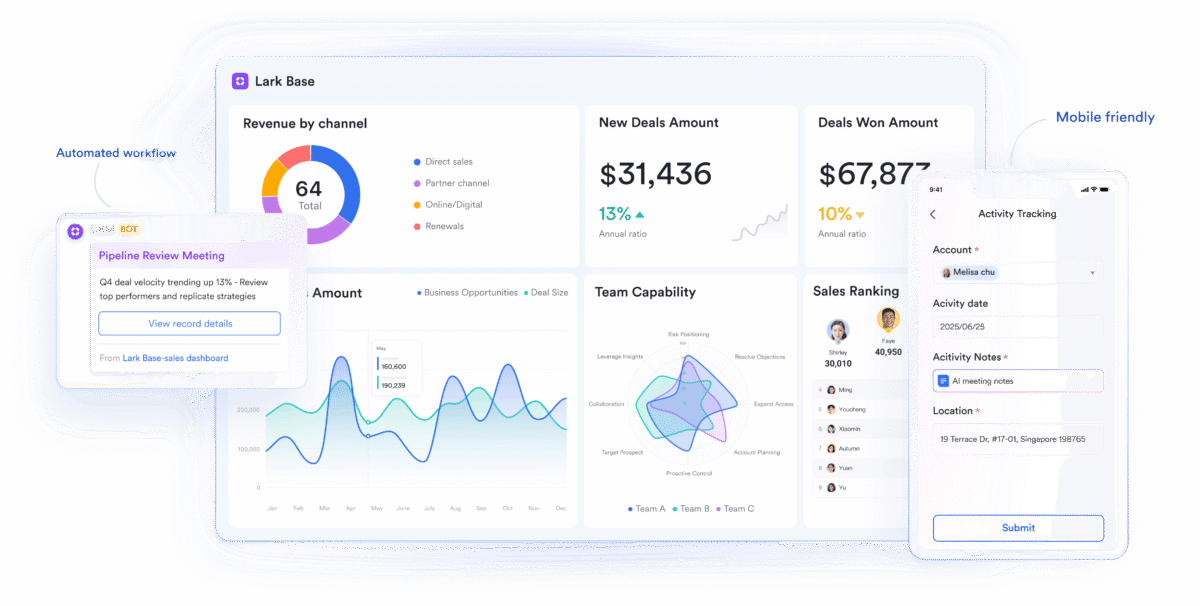
Making content involves more than just writing and editing; it’s about keeping tabs on tons of files, processes, and moving parts. Spreadsheets can get messy super fast. As a smart CRM app, Lark offers Base, which gives media teams the setup they need to handle complicated projects.
Teams can keep an eye on video shoots, ad campaigns, or distribution schedules using tables they can tweak. The views can be sorted, so different people see what they need—editors see when stuff is due, sales folks see what advertisers have promised, and producers track different files. Automated notifications go out when deadlines are coming up, so fewer things slip through the cracks.
For instance, a content studio managing a multi-platform campaign can use Base to track creative production, client approvals, and publishing across TV, web, and social media. Every stakeholder has visibility, ensuring deadlines are met.
Conclusion
Media is all about speed and getting things right. With Lark Calendar, Docs, Messenger, Base, Meetings, and Approval, teams get a setup that keeps everyone on the same page schedule-wise, makes talking to each other super easy, and keeps workflows on track. Deadlines become less of a headache and more like checkpoints the team can actually hit without sweating.
