






Key Takeaways
- Beat your competitors to market by using AI tools to turn rough product photos into high-resolution sales assets in minutes.
- Follow a consistent workflow of batch color adjustment, background removal, and resolution upscaling to maintain a professional look across your entire shop.
- Reduce your daily stress and workload by letting batch processing handle thousands of image edits while you focus on growing your business.
- Transform your lowest quality mobile photos into stunning 8K visuals that make even simple items look like premium luxury products.
In case you ever asked yourself what makes some Shopify stores so attractive while others so… dull, the images of the products account for about half of the secret.
No kidding, your shop might have the coolest items but if your pictures are not only of poor quality but also dirty, visitors might leave your page quicker than you can pronounce “checkout.”
To obtain visuals of professional quality is not always equivalent to hiring a studio or spending hundreds of dollars for each shot—particularly for low-value products. However, there are actually clever methods to improve image quality and make your photos better without spending a lot of money.
1. Use Efficient Image Solutions for Low-Value Products
Not all of the items that you sell in your shop will be able to have the photoshoot worth $500, will they? For less expensive products, trying to go all studio-glam is usually money wasted. This is where efficient image solutions come into play. Instead of taking various photographs of the same mug or case, you can just shoot a simple base image and afterward improve it by smart editing. Just slight changes in lighting, color, and background can change an ordinary product to a very attractive one.
A practical tip: set up a small DIY lightbox in your office or home. Even a cheap $30 setup can dramatically improve lighting consistency. Pair that with a quick AI touch-up, and suddenly your “low-value” products start looking premium, without needing a photographer or a fancy set.
2. Replace Manual Photo Editing with AI-Powered Batch Processing

A decade ago, editing product images meant tediously adjusting white balance, shadows, and saturation—one image at a time. And yes, you probably had a carpal-tunnel inducing Photoshop session for a single product shoot. Now, AI tools like Artguru make it possible to batch process multiple images at once.
AI transforms the editing process by automatically adjusting lighting, clarifying details and meticulously eliminating background distractions. These capabilities are no longer “nice to have”—they actually save a lot of time. For instance, you might input 50 pictures of the same jewelry or gadgets and get them all turned into professional quality within no time at all. This will give you the opportunity to work on other areas of your Shopify store such as writing more persuasive product descriptions or promoting the latest newcomers.
3. Build a Streamlined Product Image Workflow
If you want your Shopify images to not only look good but also maintain consistency, it’s worth building a repeatable workflow. One approach that works well is:
- Batch-adjust exposure and color in Lightroom – This ensures your lighting is even across all images.
- Remove the background using AI tools – Tools like Artguru’s background remover handle complex edges and tiny components better than manual clipping paths.
- Add a clean white background – White backgrounds aren’t just standard—they’re proven to convert better because they let your product pop.
- Enhance image quality with AI enhancers – This step ups the resolution, sharpens details, and sometimes even removes minor imperfections.
4. Batch Processing Is Essential for Scaling Shopify Product Images
Let’s say your store is growing, and you’re adding 30–50 new products a week. Manually editing each image? Forget it. You’d spend days in Photoshop. AI batch processing is a game-changer here.
Artguru, for instance, allows you to perform batch enhancement on a maximum of 50 images simultaneously. You are allowed to upscale the resolution of the product to 4K and even 8K while the natural colors and sharp details are still maintained. The more images you can handle at once, the quicker your product catalogue multiplies without stretching your launch timeline. A real-world instance: a gift shop proprietor once converted a collection of low-res mug designs and, by means of batch processing, had prints and Shopify-ready high-quality images in less than an hour. That is scale efficiency.
5. AI Background Removal Works Best for Complex Product Sets
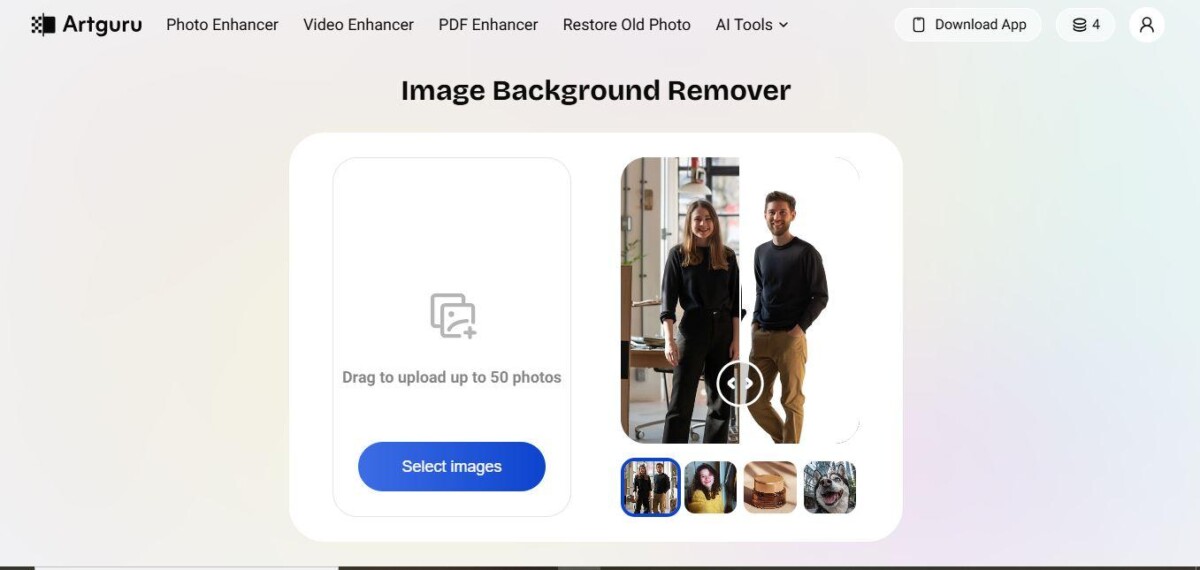
Not all products are simple. Think jewelry with tiny gemstones, tech gadgets with multiple components, or accessories with intricate shapes. Cutting these out manually is frustrating, often messy, and can leave jagged edges that make a product look cheap.
In this situation, the AI background removal tools come to the fore. They can seamlessly manage the intricate aspects and at the same time keep the edges and contours intact. A product image is brought to you that is clean and shows every feature without any annoying shadows or unclean backgrounds getting in the way. This not only gives an impression of professionalism to your store but even more—it lowers returns as customers are able to see clearly what they are purchasing.
6. AI Tools Help Speed Up Product Launches
Time-to-market is critical and it is mostly the case if you are running a seasonal promotion or launching a trendy product. The delay for getting professional images can take days or even weeks and that will surely affect your overall time-to-market. The use of AI tools allows you to reduce this waiting time significantly.
Combine background removal with photo enhancement, and suddenly, your images go from a rough prototype photo to a polished Shopify-ready visual in minutes. Many sellers report cutting image prep time in half—or even more. That means faster product launches, better cash flow, and a store that feels alive and constantly updated.
Artguru: A Powerful AI Enhancement Toolkit
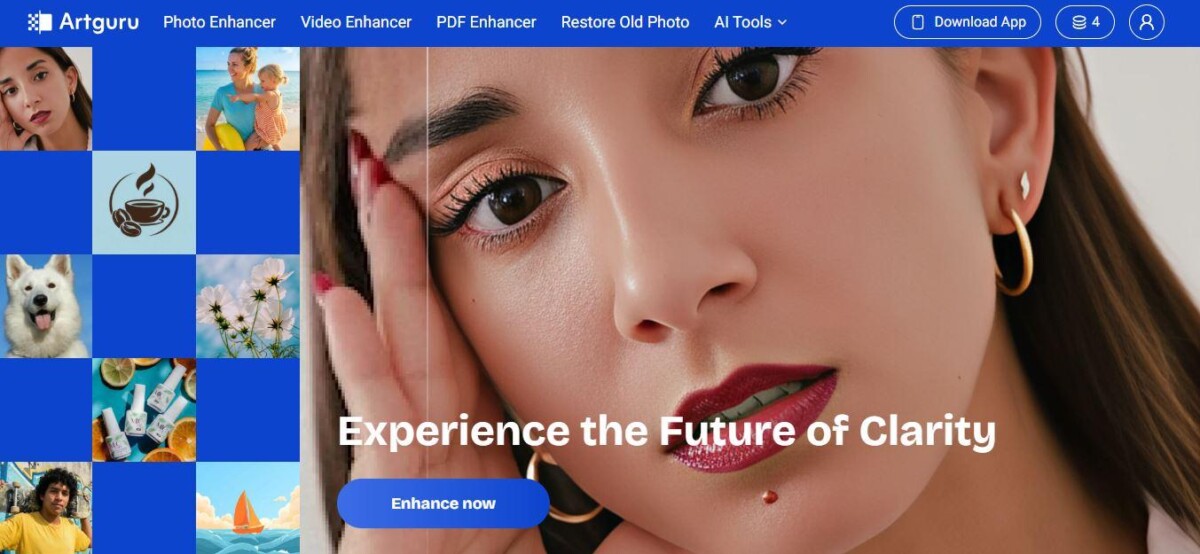
In case you’re considering what AI tools can assist, Artguru is unequivocally the best one. The app incorporates both web and mobile platforms aimed at transforming nonprofessional visual materials like photos, videos, and PDFs into high-quality visuals with very little work. Besides that, the Photo Enhancer can refresh the clarity, sharpness, and detail of the image all the way up to 4K resolution automatically. The Image Upscaler further raises the bar by taking the resolution up to 8K. The good thing is that both tools can work on several images at the same time, and this feature makes them perfect for Shopify store owners who have a lot of SKUs.
Other features include:
- Old Photo Restoration: Perfect for vintage or legacy product shots.
- Video Enhancer: Upscale HD video content for product demos or ads.
- PDF Enhancer: Turn blurry scans into crisp, readable documents.
- Object Remover: Remove unwanted items seamlessly.
What sets Artguru apart is its focus on natural, realistic results. Unlike some AI enhancers that make images look plasticky, Artguru maintains lifelike textures and colors, ensuring your Shopify store doesn’t look overly “processed.”
Real-world examples: a teacher used the PDF Enhancer to create clear handouts, a designer upscaled a client’s tiny logo to use in a banner, and an e-commerce shop owner transformed low-res designs into print-ready mugs and t-shirts.
Conclusion
The product images of your Shopify store create your first impression. By using effective processes and AI tools such as Artguru, it is possible to produce refined and professional-looking pictures very fast, even for unimportant or intricate products. Attractive images increase sales, improve workflow, and differentiate your shop— thus making your Shopify store look tempting and prepared to sell.
Frequently Asked Questions
Why are product images so important for a Shopify store?
High quality images act as the digital storefront for your business and build immediate trust with your visitors. Because customers cannot touch your products, they rely on clear visuals to judge the value and quality of what you sell. Professional photos can double your conversion rates by making your shop look reliable and established.
Does professional product photography always require an expensive studio?
You do not need to spend hundreds of dollars on a professional photographer to get great results. Using a simple DIY lightbox and a smartphone can provide a solid base for your product shots. Modern AI software can then fix lighting and remove backgrounds to create a look that matches expensive studio work.
What is batch processing and how does it help store owners?
Batch processing allows you to apply the same edits to dozens of photos at the same time. This method is vital for growing stores that need to upload many new items every week without spending days in editing software. It ensures all your product photos have a consistent style, which makes your brand look more professional.
Can AI tools handle complex items like jewelry or electronics?
AI background removal tools are now advanced enough to handle tricky edges, fine wires, and transparent materials. These tools identify the product shape more accurately than most manual editing techniques, ensuring no jagged lines remain. This level of detail helps customers see the fine points of intricate items, which reduces the number of returns.
What is a common myth about using AI for product photos?
A common misconception is that AI makes photos look fake or plastic. High quality tools like Artguru focus on keeping natural textures and realistic colors while only sharpening the blurry parts. When used correctly, your customers will stay focused on the product itself rather than noticing that the image was edited.
How does improving image resolution help with sales?
Upscaling your images to 4K or 8K resolution allows customers to zoom in on specific details without the picture becoming blurry. Clear zoom features give buyers more confidence because they can inspect the stitching, texture, or parts of a product. This clarity replicates the experience of holding an item in a physical store.
What is the best background color for Shopify product photos?
A clean white background is the industry standard because it removes distractions and makes the product colors pop. White backgrounds also make it much easier to use your images across different platforms like Google Shopping or Amazon. Using AI to swap messy backgrounds for plain white is a fast way to improve your site design.
How can I quickly improve the quality of my existing product photos?
You can start by using an AI image enhancer to sharpen blurry shots and fix lighting issues in your current catalog. Simply upload your old photos to a tool that offers batch enhancement to see an immediate jump in clarity. This is the fastest way to refresh your store without having to retake every single photograph.
How does fast image editing impact a new product launch?
Using AI tools to prepare your visuals can cut your launch preparation time by more than half. Instead of waiting days for a photographer to send back edited files, you can have your entire collection ready for the web in less than an hour. This speed allows you to jump on trends and seasonal sales much faster than your competitors.
What should I do if my product images still look unprofessional after editing?
If editing does not work, check your original lighting and make sure your camera lens is clean before taking new shots. AI works best when the original photo has decent lighting and a clear focus on the main subject. Even a cheap $30 lighting kit can provide the foundation needed for AI tools to create a perfect final image.
