







As a business grows, bookkeeping quietly becomes one of the hardest jobs to keep under control. But what starts as a simple spreadsheet turns into payroll across multiple roles, tax deadlines in different states, vendor payments, subscriptions, reporting, forecasting, and constant “Can you check this number?” messages. The bigger the team, the harder it gets to keep everyone aligned.
That’s where remote access tools step in. Not as flashy tech. Not as a trend. Just as a practical way to make financial work smoother, safer, and less frustrating.
Bookkeeping Isn’t What It Used to Be
Not long ago, bookkeeping meant paper folders, desktop software tied to one computer, and someone physically sitting in the office to access financial records.
But now? Your accountant might be in another city. Your payroll provider might log in from home. Your CFO could be reviewing reports from an airport lounge.
Most businesses already use cloud-based accounting software, and that shift has certainly helped. However, cloud tools don’t solve every problem. In many cases, financial systems remain tied to a specific device, or legacy software continues running on a local machine. In addition, permission settings, file-sharing limitations, and operating system differences can introduce unnecessary friction.
Remote access tools fill that gap. They let authorized team members securely connect to the systems they need – wherever those systems live.
And that changes how bookkeeping works day to day.
Why Remote Access Matters in Modern Bookkeeping
1. Accessibility Without Chaos
Finance doesn’t wait for office hours.
With remote access, accounting teams can securely log into their systems from home, from another branch, or while traveling. No one has to say, “I’ll check when I’m back in the office.”
For small business owners who manage their own books, this is huge. You can review cash flow, approve payments, or double-check a report without driving to your office just to open one computer.
Real-time access also means faster decisions. If something looks off in the numbers, you can investigate immediately instead of losing days.
2. Real Collaboration (Not Just Email Ping-Pong)
Bookkeeping is rarely a one-person job anymore. Instead, responsibilities are divided across roles—one person handles payroll, another manages tax reporting, and someone else reviews monthly financial statements. As a result, coordination becomes just as important as accuracy.
Without proper access, this often turns into constant file sending, version confusion, and “Is this the latest report?” messages.
Remote access tools allow multiple team members to work within the same system – securely and in real time. Instead of passing files around, everyone connects to the source.
That reduces mistakes and speeds things up, especially during high-pressure periods like tax season or payroll processing.
3. Security That Matches the Sensitivity of Financial Data
Financial data isn’t just important – it’s sensitive.
Bank details. Salary information. Tax IDs. Contracts.
Using unsecured file transfers or shared passwords is risky and, frankly, outdated.
Modern remote access solutions use encrypted connections and multi-factor authentication to ensure that only authorized users can access financial systems. Permissions can be restricted by role, so team members only see what they actually need.
That balance – easy access for the right people, strict limits for everyone else – is what makes remote bookkeeping workable at scale.

What This Looks Like in Real Businesses
For Small Businesses
Small businesses often don’t have a full IT department – or a full finance team.
Remote access tools offer a practical solution without complicated infrastructure. A business owner can:
- Access their accounting software from anywhere
- Let their external accountant log in securely
- Share financial documents safely
For example, using a remote desktop solution like HelpWire, a small business owner can access QuickBooks on their office PC from home and collaborate with their accountant without emailing sensitive files back and forth.
Simple setup. No heavy tech overhead.
For Growing Businesses
Growth adds complexity fast.
Headcount expands. Departments multiply. Operations stretch across locations, sometimes even across borders.
Remote access helps centralize financial systems so teams don’t start building disconnected processes. Whether someone uses Windows, macOS, or Linux, they can securely connect to the systems they need.
Instead of rebuilding infrastructure every time the company grows, remote access lets finance scale alongside the business.
For Large Enterprises
Large organizations operate with distributed teams, subsidiaries, and layered approval processes, all of which add complexity to financial oversight.
A CFO may need visibility into data across multiple offices, while internal auditors require temporary system access. At the same time, finance teams often work across time zones, making coordination more demanding.
Remote access tools create centralized control without limiting distributed collaboration. Leadership can review financial reports in real time, and auditors can connect securely without relying on risky workarounds.
The result is faster reporting, stronger transparency, and fewer operational bottlenecks.
How HelpWire Supports Accounting Teams
For accounting teams working across locations or operating systems, HelpWire provides secure remote desktop access designed to keep things simple.
Here’s how it helps in practical terms:
Cross-Platform Access
Whether team members use Windows, macOS, or Linux, they can securely connect to the same financial system. No compatibility headaches. No “It works on my computer” problems.
Secure File Transfer
Financial documents, spreadsheets, and reports can be transferred directly within a secure connection. This removes the need to send sensitive attachments via email.
Real-Time System Access
Multiple users can access the same machine when needed, which is particularly useful during payroll runs, month-end closing, or tax preparation.
All of this reduces friction. And when finance teams experience less friction, they make fewer mistakes.
Common Concerns — and How to Handle Them
“What If the Connection Fails?”
Reliable remote access depends on stable software and infrastructure. Choosing a dependable solution and having basic IT support in place minimizes disruptions.
It’s no different from choosing accounting software – reliability matters.
“Is It Secure Enough?”
Security should never be optional in financial operations. In fact, it should be one of the first criteria when evaluating any remote access solution.
When assessing tools, look for features such as encrypted connections to protect data in transit, multi-factor authentication to prevent unauthorized access, role-based permissions to control who can view or edit sensitive information, and regular updates that address emerging vulnerabilities.
With proper implementation, remote access can be more secure than emailing documents or sharing credentials.
“Our Team Isn’t Used to This”
Adoption can be the biggest barrier.
Some teams are comfortable with their old processes, even if those processes are inefficient.
The solution isn’t forcing change overnight. It’s training. Clear guidelines. Demonstrating how remote access reduces workload instead of adding complexity.
Once teams see fewer delays and less confusion, resistance usually fades.
Best Practices for Implementing Remote Access in Bookkeeping
Choose the right tool by prioritizing strong security features, cross-platform compatibility, and ease of use. The right foundation prevents problems later.
Define access rules clearly so permissions align with responsibilities. Not everyone needs access to everything, and tighter controls reduce unnecessary risk.
Train your team properly from the start. Even a short onboarding session can prevent months of confusion and inconsistent usage.
Finally, keep all software updated. Regular updates protect against vulnerabilities and help maintain stable performance over time.
What Is EcomBalance?
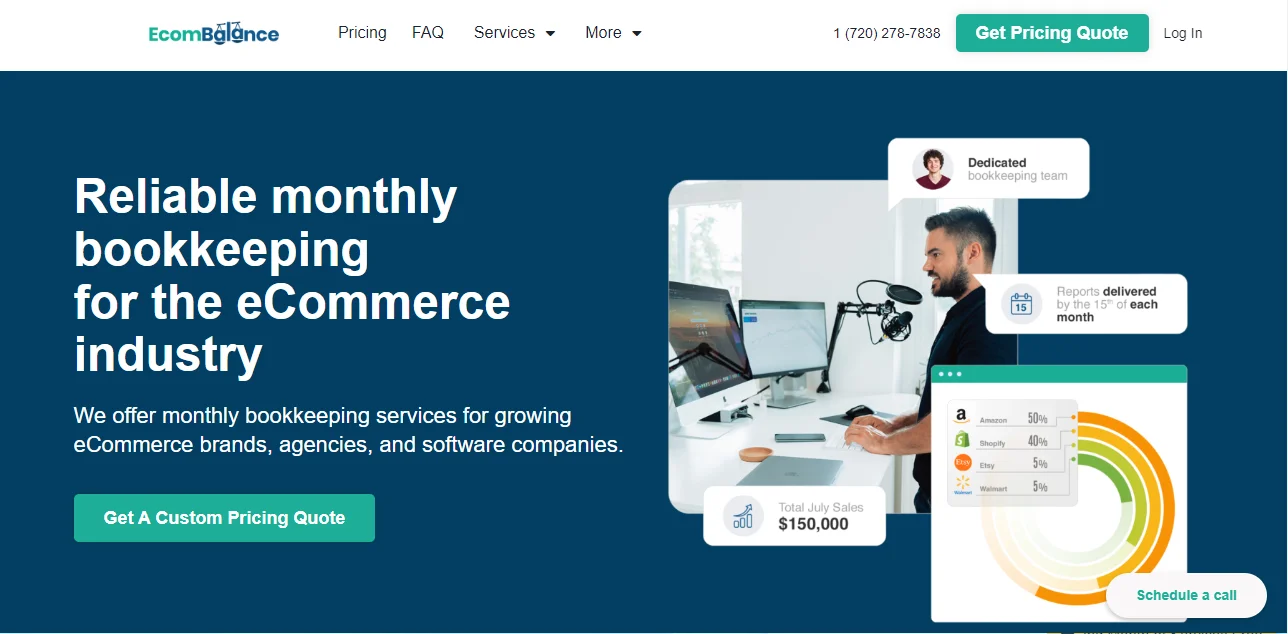
EcomBalance is a monthly bookkeeping service specialized for eCommerce companies selling on Amazon, Shopify, eBay, Etsy, WooCommerce, & other eCommerce channels.
We take monthly bookkeeping off your plate and deliver you your financial statements by the 15th or 20th of each month.
You’ll have your Profit and Loss Statement, Balance Sheet, and Cash Flow Statement ready for analysis each month so you and your business partners can make better business decisions.
Interested in learning more? Schedule a call with our CEO, Nathan Hirsch.
And here’s some free resources:
- Monthly Finance Meeting Agenda
- 9 Steps to Master Your Ecommerce Bookkeeping Checklist
- The Ultimate Guide on Finding an Ecommerce Virtual Bookkeeping Service
- What Is a Profit and Loss Statement?
- How to Read & Interpret a Cash Flow Statement
- How to Read a Balance Sheet & Truly Understand It
Final Thoughts
Bookkeeping isn’t getting simpler.
As businesses become more distributed and teams more flexible, financial operations are expected to move faster than ever.
In that environment, remote access tools are no longer just a convenience, they’ve become part of modern financial infrastructure.
Whether you’re a solo founder managing your own books or part of a larger finance department, secure remote access reduces friction, improves collaboration, and protects sensitive data.
Remote desktop solutions don’t replace accounting software. Instead, they make it usable wherever your team happens to be working. And for growing your businesses, that flexibility can make a meaningful difference in how smoothly finance scales alongside the company.
Huge thanks to HelpWire for collaborating on this post!
