






Key Takeaways
- Outproduce competitors by using AI video tools to publish more Shorts, Reels, and TikToks faster while keeping quality high.
- Follow a repeatable workflow by starting with a clear prompt, generating a draft with AI, then swapping footage, tightening the script, and polishing captions and music before posting.
- Reduce creator stress by repurposing what you already have, like blog posts, webinars, or podcasts, into short videos that are easier to make and easier to ship.
- Experiment with “one-click” template tools that can auto-create scripts, stock clips, captions, music, and voice-over in minutes when you need a fresh video idea fast.
Creating content that captures attention and goes viral on platforms like TikTok, Instagram Reels, and YouTube Shorts is the ultimate goal for many creators and marketers.
However, the process of brainstorming, scripting, filming, and editing can be incredibly time-consuming. This is where AI swoops in, transforming the landscape of content creation. AI video tools can automate everything from script generation to final edits, helping you produce high-quality, engaging videos in a fraction of the time.
Pollo AI: The One-Click Viral Video Agent
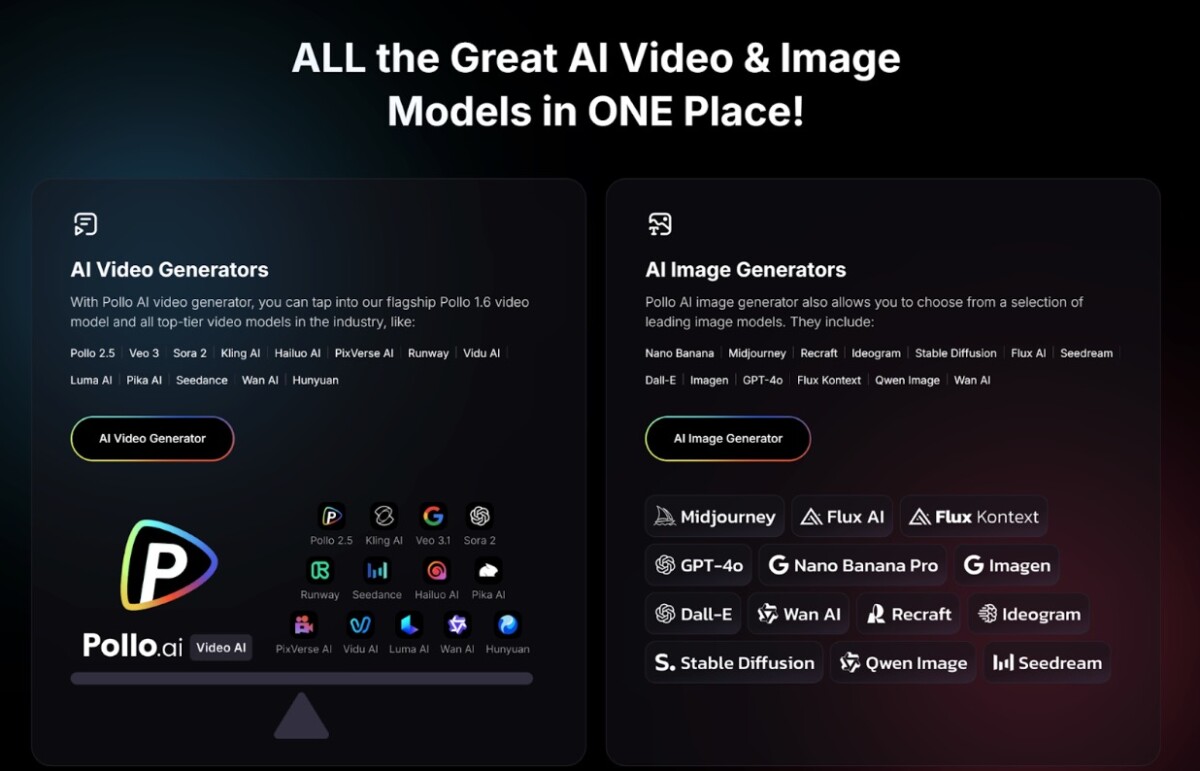
Kicking off our list is Pollo AI, a top rated text to video AI for creators who want to streamline their workflow without sacrificing quality. Pollo AI stands out as a powerful all-in-one agent specifically designed for crafting viral-ready short-form videos. Its most compelling feature is the ability to generate a complete, polished video with a single click, eliminating the need for tedious manual editing.
What makes this “no-edit” experience possible? Pollo AI leverages a massive library of proven viral templates. These aren’t just generic layouts; they are frameworks built on the analysis of thousands of successful videos, incorporating engaging hooks, optimal pacing, and trending visual styles. You simply input your idea or a brief text prompt, and the AI handles the rest. It automatically generates a script, finds relevant and high-energy stock footage, adds dynamic captions, selects trending background music, and even synthesizes a realistic voice-over. Pollo AI even has a video creator APP This comprehensive approach means you can go from a simple concept to a share-worthy video in minutes, making it the perfect tool for consistently publishing high quality content.
Freepik AI Video Generator: The Multi-Model Social Video Creator
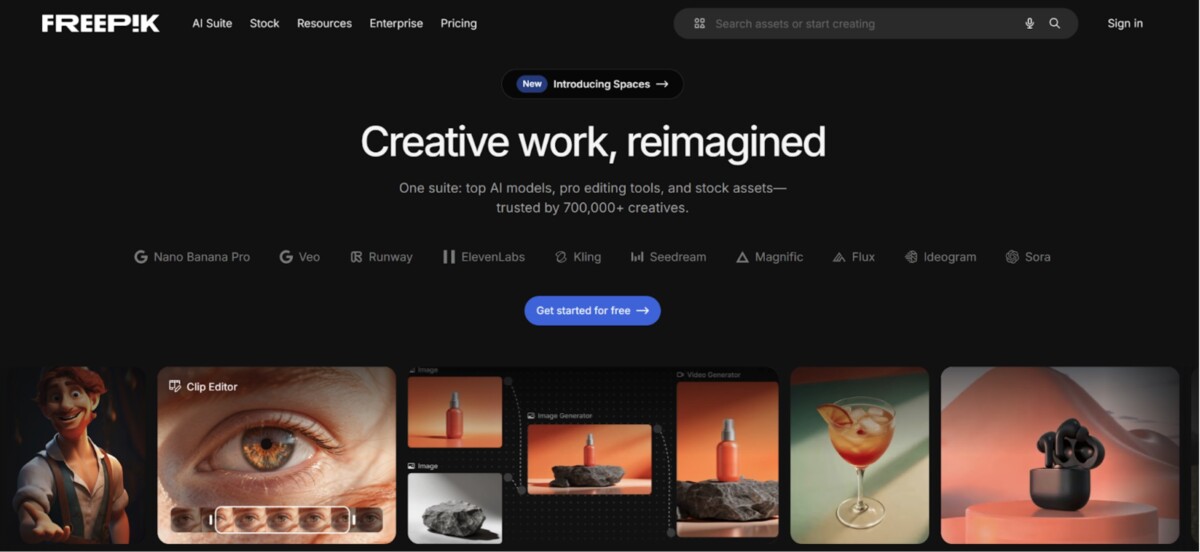
The Freepik AI Video Generator gives social media creators access to multiple state-of-the-art AI models. This approach lets you choose the best generation engine for each video style, from photorealistic product shots and artistic effects to fast turnaround for trend-jacking. The tool generates short-form videos from text prompts or visual references, making it easy to create TikToks, Reels, and Shorts without filming.
What sets Freepik apart is the complete ecosystem in one platform. After creating your video, you can immediately use the AI Image Generator for thumbnails, the Clip Editor to refine timing, Voice Generator and Music Generator for sound, or Video Upscaler for quality enhancement, all without switching tools. The brand kit integration keeps content consistent even when moving fast. For creators who need volume without sacrificing quality, you can generate multiple video concepts, pick the strongest, refine with editing tools, and ship with consistent branding.
InVideo: The Intuitive AI Co-Pilot
InVideo acts as an intelligent co-pilot for your video creation process. It’s an excellent choice for users who want a bit more control than a one-click solution but still desire powerful AI assistance. You can start with a simple text prompt, like “Create a 30-second video about the benefits of morning meditation,” and InVideo’s AI will generate a script, select appropriate media from its extensive stock library, and create a preliminary video draft complete with scenes, music, and voice-over.
Where InVideo shines is its blend of automation and customization. Once the initial draft is created, you can easily tweak every element. You can swap out footage, edit the AI-generated script, change the voice-over’s tone, or adjust the timing of subtitles. Its user-friendly, timeline-based editor makes it accessible even for beginners who have no prior video editing experience. This makes InVideo a versatile tool for creating everything from promotional videos and tutorials to engaging social media stories, all while significantly speeding up the creative process.
Pictory: The Content Repurposing Powerhouse
Pictory is an AI video generator that excels at transforming long-form content into engaging, short-form social videos. If you already have a blog post, a webinar recording, or a podcast episode, Pictory can help you multiply your content’s reach with minimal effort. Its “Article-to-Video” feature is particularly brilliant; simply paste a URL or text, and the AI will analyze the content, extract key sentences, and automatically create a video storyboard.
The AI intelligently selects relevant stock footage and images from a vast library to match your text, adds animated captions, and allows you to choose from a variety of AI voices or upload your own. Pictory is also fantastic for creating videos from audio files, automatically transcribing the speech and visualizing it with relevant media. This makes it an indispensable tool for marketers, bloggers, and educators who want to repurpose their existing assets into a steady stream of shareable video content for platforms like Instagram, TikTok, and LinkedIn.
Veed.io: Online Video Suite
Veed.io is more than just an AI video creator; it’s a comprehensive online video editing suite supercharged with AI features. While it offers a traditional timeline editor, its AI tools are designed to eliminate the most tedious parts of video production. One of its standout features is the automatic subtitle and transcription generator, which is incredibly accurate and supports multiple languages. This is crucial for social media, where many users watch videos without sound.
Beyond subtitles, Veed.io offers tools like background noise removal to clean up your audio, an eye-contact correction tool that makes it look like you’re always addressing the camera, and a suite of magic editing tools for quick trims and transitions. You can also generate entire videos from text prompts or use its AI script generator to overcome writer’s block.
Synthesia: The Leader in AI Avatar Videos
If you want to create pro level videos without ever stepping in front of a camera, Synthesia is the tool for you. It specializes in generating high-quality videos featuring hyper-realistic AI avatars. You simply type a script, choose from over 160 diverse AI avatars, and select a voice from more than 130 languages and accents. The AI then generates a video of the avatar speaking your script with natural-looking lip movements and gestures.
This technology is perfect for creating training videos, corporate communications, and explainer content for social media that requires a human touch without the hassle of filming. You can customize the background, add your brand assets, and easily update videos by just editing the text. While it’s less focused on the “viral trend” style and more on polished, presenter-led content, it offers a unique and highly efficient way to produce a large volume of professional videos, saving significant time and resources on actors, equipment, and studio rentals.
Runway: The Creative Suite for AI Magic
Runway is at the cutting edge of generative AI video and is a playground for seriously creative individuals. It offers a suite of over 30 AI “Magic Tools” that push the boundaries of what’s possible in video editing. While it has a powerful text-to-video generator (Gen-2) that can create entire video clips from descriptive prompts, its strength lies in its specialized tools that can transform existing footage.
With Runway, you can do things like remove the background from a video with a single click (“Green Screen”), paint over an object to remove it from a scene (“Inpainting”), or automatically track a moving subject (“Motion Tracking”). Runway is best for creators and artists who want to experiment with futuristic effects and add a layer of unique AI-powered magic to their content, making their videos stand out in a crowded feed.
Summary
Viral short-form video is not magic, it is volume, speed, and clear messaging. This post shows how AI video tools can remove the slow parts of creation, like brainstorming, scripting, finding clips, adding captions, and polishing edits. The goal is simple: help you publish more strong videos for TikTok, Instagram Reels, and YouTube Shorts without building a full production team.
The biggest insight is that each tool solves a different bottleneck. Pollo AI is built for speed, using a one-click system that can turn a short prompt into a finished video with a script, stock footage, dynamic captions, trending music, and voice-over. InVideo gives you more control, because it can generate a solid first draft from a prompt, then lets you tweak scenes, timing, subtitles, and voice style in a beginner-friendly editor. Pictory shines when you already have content, since it can turn a blog post (via URL or text) into a storyboard and short video by pulling key lines and matching visuals, which is ideal for ecommerce brands sitting on product guides, newsletters, or long-form posts.
For ecommerce founders and marketers, the practical play is to connect these tools to revenue, not vanity metrics. Use short videos to answer buying questions fast, show the product in use, and handle objections in plain language. Start with one offer and one audience, then make 10 to 20 variations that test different hooks, angles, and lengths. If a tool creates a draft for you, your job is to make it sound like your brand, tighten the first two seconds, and end with one clear next step (shop now, learn more, or watch the full demo).
Here is a simple workflow you can run every week: Pick one product or bundle, write five hook ideas, and feed them into a tool that fits your needs (fast templates for speed, a co-pilot editor for control, or a repurposing tool for scale). Keep each video focused on one promise, add captions every time, and use product footage when possible so it feels real. Then post, review performance after 48 to 72 hours, and remake the winners with small changes instead of starting from scratch.
Next Steps
If you want more sales from social video, use AI to speed up production, not to replace your point of view. Choose the tool that removes your biggest bottleneck, publish consistently, and keep improving the hook, pacing, and clarity with each new batch. Next step: pick one of the six tools from the post, create three test videos today, and track results with saved links and weekly notes so you can double down on what actually drives clicks and purchases.
Frequently Asked Questions
What problem do AI video tools solve for Shopify brands trying to go viral?
They cut the time it takes to brainstorm, script, film, and edit short videos for TikTok, Reels, and Shorts. The article explains that these tools can automate everything from script generation to final edits, so you can publish more often without burning out. For Shopify, more consistent posting usually means more chances to find a winning creative that drives clicks and sales.
Which AI tool is best if I want a finished short video with almost no editing?
Pollo AI is built for speed and simplicity, and the article calls it a “one-click viral video agent.” You enter a prompt, and it can generate the script, pick high-energy stock footage, add dynamic captions, choose trending music, and create a realistic voice-over. Use it when you need output fast and you do not want to touch a timeline editor.
How do Pollo AI’s templates help increase the odds of a strong video?
The article says Pollo AI uses a large library of “proven viral templates” built from analysis of thousands of successful videos. That matters because the template already bakes in hooks, pacing, and popular visual styles. For ecommerce, this helps you test product angles faster, like “before/after,” “3 reasons,” or “my honest review,” without rebuilding the structure every time.
What should I choose if I want AI help but still want creative control?
InVideo is positioned as an AI co-pilot, not a fully hands-off tool. The article notes you can start with a simple text prompt and get a full draft with scenes, music, and voice-over, then swap footage, edit the script, change the voice tone, and adjust subtitle timing. This is a good fit for Shopify teams that want speed but still need brand control and product accuracy.
How can I turn my existing blog posts or guides into short videos for social?
Pictory is designed for repurposing long-form content into short videos. The article highlights its “Article-to-Video” feature, where you paste a URL or text and the AI extracts key sentences to build a storyboard. For Shopify stores, this is perfect for turning product education posts, buying guides, or FAQs into a week of Shorts.
What is a practical weekly workflow for using these tools to drive sales?
Pick one product or offer, then create 5 to 10 hook ideas and generate drafts in Pollo AI or InVideo. Use Pictory to turn one existing article into several clips, then post across TikTok, Reels, and Shorts with a clear call to action that matches the video (shop now, learn more, see the bundle). Review results after a few days and remake the best performer with a new hook instead of starting from scratch.
Do AI video tools replace filming product footage and UGC?
No, and that is a common misconception. The article focuses on speed and automation, but your best results usually come from mixing AI drafts with real product shots, testimonials, and founder voice. Treat AI as the editing and packaging engine, then add real-world proof so your ads do not feel generic.
How do I keep AI-generated videos on-brand for my Shopify store?
Start with a short brand script checklist: your claim, your tone, your product name, and any “must say” details like shipping or guarantees. InVideo makes this easier because the article notes you can edit the AI script, change the voice-over tone, and tweak subtitle timing. Even with one-click tools like Pollo AI, you should review the script and captions before posting to avoid off-brand language.
How can I use AI video tools to test more ad angles without increasing costs?
Use templates to produce fast variations that change one thing at a time, like the first two seconds, the main benefit, or the offer. The article explains Pollo AI can produce a polished short video in minutes, which makes rapid testing realistic for small teams. Track which hooks lead to more link clicks and add-to-carts, then scale the winners into paid campaigns.
What should I measure to know if these videos are working for revenue, not just views?
Views can be helpful, but focus on business signals like profile visits, link clicks, email signups, add-to-cart rate, and conversion rate from social traffic. The article’s core promise is producing high-quality videos faster, so your advantage is testing volume and learning quickly. If a video brings steady clicks but low conversion, adjust the product positioning or landing page before you blame the creative.
Curated and synthesized by Steve Hutt | Updated January 2026
📋 Found these stats useful? Share this article or cite these stats in your work – we’d really appreciate it!
