





Key takeaways
Transactional emails are essential for ecommerce, generating significantly higher revenue than traditional marketing emails, with an average of $2.87 per automated email compared to $0.18 for scheduled marketing emails.
These emails achieve impressive engagement metrics, boasting 24% higher open rates and 19 times the conversion rate of regular campaigns, making them a powerful tool for driving sales.
Choosing the right transactional email service is crucial; options like Omnisend offer ecommerce-specific features, while others like Postmark prioritize speed and reliability.
Automating transactional emails not only enhances customer experience but also builds trust, as timely and relevant communications reassure customers about their purchases and account security.
Reading Time: 11 minutes
Transactional email messages are critical in ecommerce communication. They reach customers at moments of high intent.
Recent data from Omnisend shows that an automated transactional email generates an average of $2 in revenue, compared with roughly $0.10 from a typical marketing email.
Transactional emails also support automation, improve customer experience, and reinforce trust without relying on promotions.
In this post, we’ll talk about the best transactional email services, their main types, and how Omnisend compares.
Turn every transactional email into a revenue driver with Omnisend
Quick sign up | No credit card required
What is a transactional email?
Unlike bulk marketing emails, transactional emails are automated, one-to-one messages triggered by a specific customer action. This could be placing an order, resetting a password, or creating an account.
Why transactional emails matter: 2026 stats
Transactional email messages are your brand’s most powerful revenue drivers. The latest 2025/2026 data from Omnisend’s Ecommerce Marketing Report shows that they’re significantly outperforming traditional emails.
Here’s what the current data reveals:
- Transactional emails achieve higher engagement and conversion rates. Automated messages achieved 24% higher open rates, six times the click engagement, and 19 times the conversion rate of regular campaigns in 2025.
- Despite making up just two percent of total send volume, triggered emails drove 30% of all email revenue in 2025.
- Triggered transactional email messages yield higher revenue per email. Each automated email generated an impressive $2.87 in revenue in 2025. This is significantly higher than the $0.18 generated by scheduled marketing emails.
Best transactional email services and how to choose one
A transactional email service helps you send automated emails efficiently at scale. Instead of sending receipts, password resets, or confirmations manually, you connect your website or app to a service that automatically delivers these messages at the right time.
Most platforms offer an API (Application Programming Interface) or a simple SMTP (Simple Mail Transfer Protocol) integration that lets you trigger transactional emails from your website or app.
Now, let’s compare the best transactional email services in more detail:
1. Postmark: The speed and reliability champion
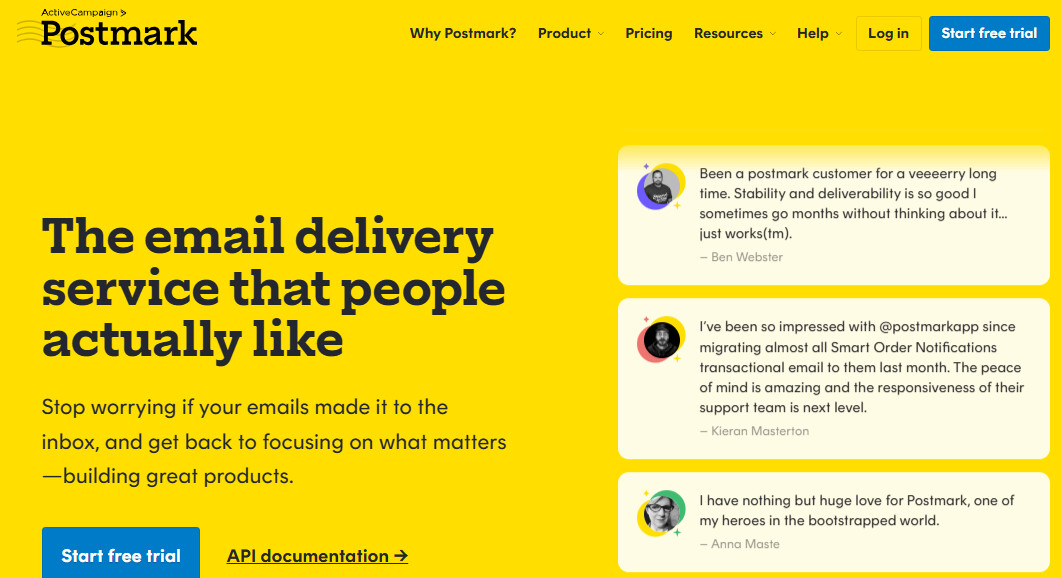
Postmark is well-suited for transactional emails, delivering them quickly and efficiently. It keeps your transactional email messages on separate servers from your marketing email, helping protect your reputation and ensure deliverability.
- Best for: Speed and consistency
- Key advantage: Known for instant delivery (less than two seconds) and transparent reporting
- Pricing: Offers a free developer plan limited to 100 emails/month. Paid tiers start at $15/month.
“Superman-like delivery for transactional emails.” – Vikas V.
2. Amazon SES: Unbeatable on price
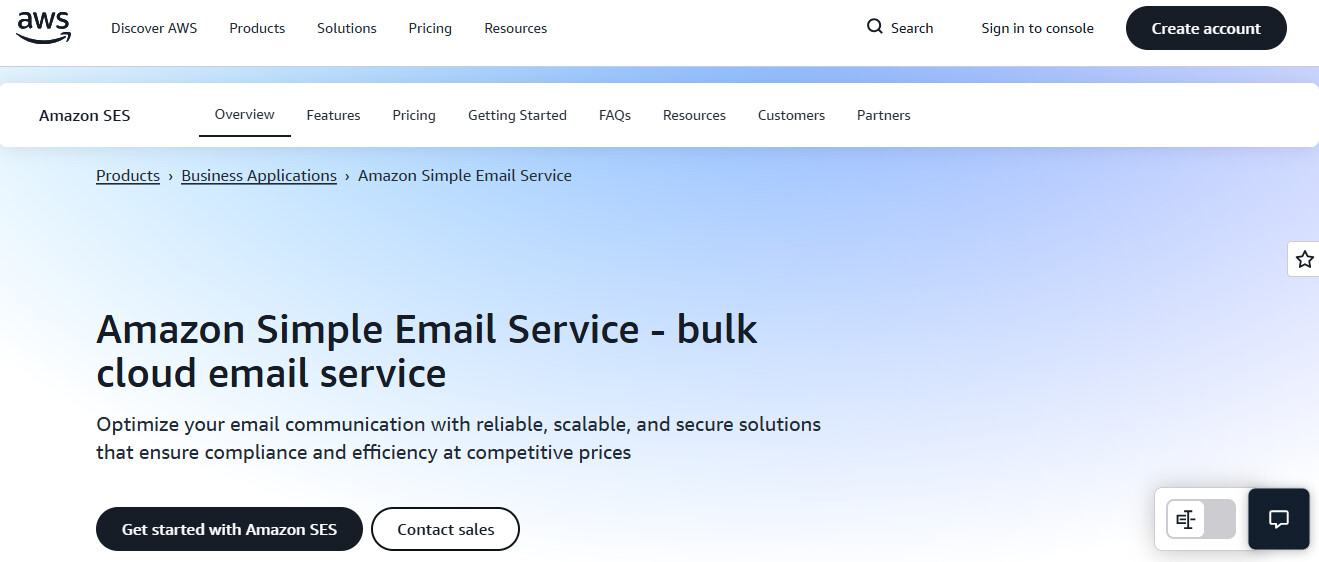
If you’re a developer already using AWS, Amazon SES is for you. It lets you send transactional emails at scale but without a hefty price tag. However, you handle most of the setup, including templates, bounce handling, and sender reputation, unless you use a wrapper like Courier or Mailtrap.
- Best for: High-volume sends and developers familiar with AWS
- Key Advantage: Low cost
- Trade-off: High technical barrier
- Pricing: $0.10/1,000 emails
“The cheapest but the hardest to configure.” – Alejandro M.
3. Twilio SendGrid: The enterprise powerhouse
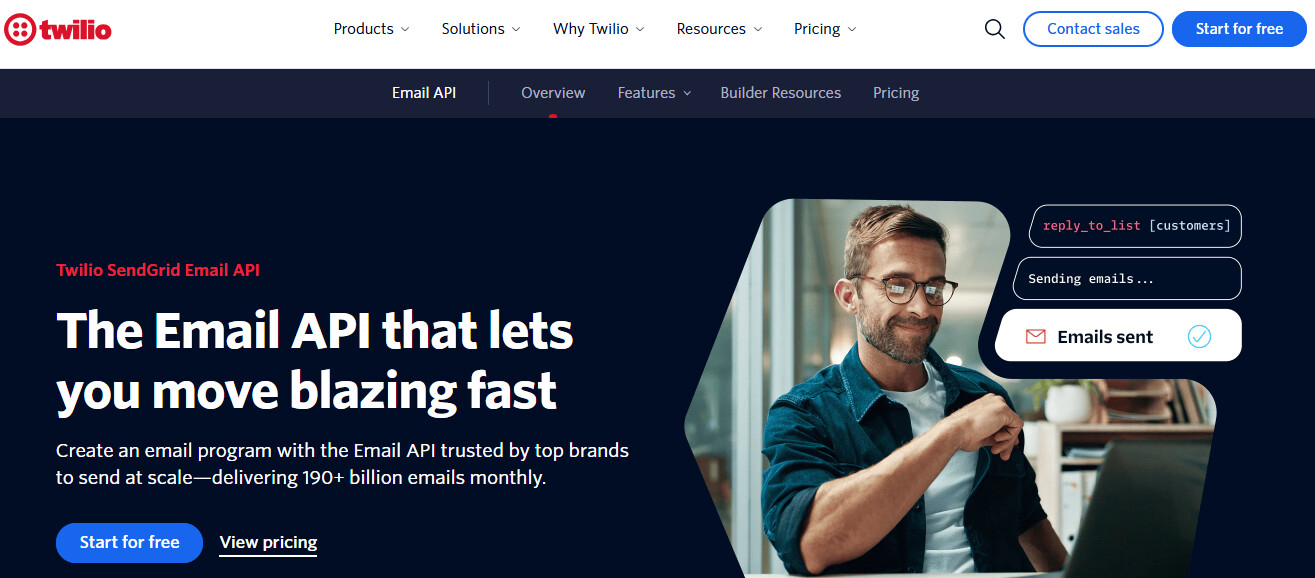
Twilio SendGrid combines transactional email APIs with sub-user access, SDKs, templates, analytics, and support for high-volume sending. While some users report account setup friction and suspension, Twilio Sendgrid is an excellent option for large SaaS companies with complex setups.
- Best for: Large enterprises and SaaS platforms
- Key Advantage: Extensive SDK library and scalability
- Pricing: There’s a free plan that comes with 100 emails/day. Paid tiers start at $19.95/month.
“Sendgrid is our one-stop solution for all our transactional email needs.” – Gopal K.
4. Brevo (formerly Sendinblue): Best all-in-one solution
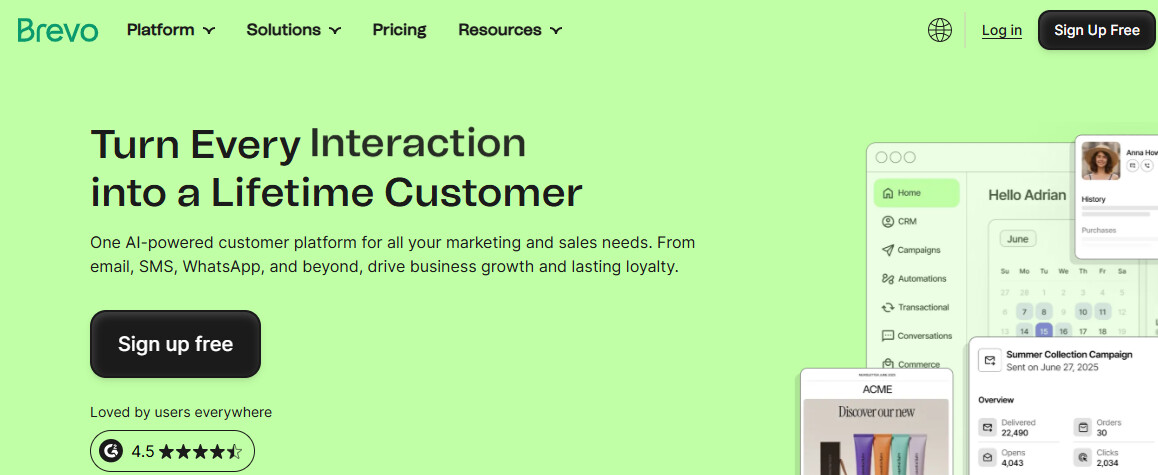
Brevo is perfect if you want your CRM, marketing, and transactional email data in one place. It offers an intuitive interface and a simple drag-and-drop editor that lets you design transactional emails instead of writing code.
- Best for: Startups and SMBs
- Key Advantage: Generous free plan and visual drag-and-drop editor
- Pricing: Free tier allows up to 300 emails/day. Paid packages start at $9/month.
“What I like most about Brevo is how well it combines powerful email marketing features with an intuitive, clean interface.” – Nina K.
5. Mailtrap: The developer’s favorite
Mailtrap started as a sandbox for email testing. Now, it offers full delivery. Its delivery platform has become popular among developers and quality assurance teams seeking to identify and resolve transactional email issues early.
- Best for: Developers and QA teams
- Key Advantage: Assess emails in a safe sandbox before sending
- Pricing: Has a generous free tier with up to 4,000 emails/month. Paid plans start at $15/month.
“Deliverability has been solid, and our signup emails are finally hitting the inbox consistently.” – Tony L.
6. Omnisend: Ecommerce-first transactional

Omnisend turns transactional emails into revenue-generating opportunities. Rather than sending a plain confirmation, it automatically adds relevant product recommendations. Its intuitive drag-and-drop editor lets you design branded transactional emails and launch ready-made flows without touching code.
- Best for: Shopify, WooCommerce, and BigCommerce store owners who want their transactional emails to match their branding without coding
- Key advantage: Multichannel email, SMS, and push automation
- Pricing: Omnisend offers a free tier covering 250 contacts and 500 emails/month. Paid packages start at $16/month.
“What I like best about Omnisend is how it simplifies multichannel marketing in one place.” –
Here’s a quick comparison of the best transactional email services:
| Service | Free plan limits | Starting price | Cost per 1,000 emails | Best use case |
|---|---|---|---|---|
| Postmark | 100 emails/month | $15/month | $1.8 | Time-sensitive alerts |
| Amazon SES | 3,000 emails/month (first 12 months) | $0.10/1,000 emails (pay-as-you-go) | $0.10 | High-volume teams that want low costs |
| Twilio SendGrid | 100 emails/day (60 days) | $19.95/month | Bulk pricing | Large team and enterprise scaling |
| Brevo | 300 emails/day | $9/month | Bulk pricing | SMBs want an all-in-one solution |
| Mailtrap | 4,000 emails/month | $15/month | Bulk pricing | Sandbox email testing and delivery |
| Omnisend | 250 contacts and 500 emails/month | $16/month | $2.67 | Ecommerce, revenue-driven flows, and automation |
Omnisend vs. Brevo
Brevo is a transactional email engine, while Omnisend is an ecommerce marketing platform that sends transactional emails as part of broader workflows.
Here’s how the two platforms compare:
Developer-first infrastructure (SMTP and API)
With Brevo, you get a complete email API and SMTP relay. You can separate marketing emails from transactional ones. When a promotional campaign is flagged as spam, it doesn’t slow down critical transactional email deliveries.
Omnisend specializes in automated ecommerce flows. It sends transactional email effectively, but doesn’t provide developers with the raw infrastructure to build a custom app from scratch.
The “non-ecommerce” gap
You can use Brevo for any business type. Omnisend’s transactional emails are tied directly to ecommerce store data. If you aren’t selling products through a platform like Shopify or BigCommerce, the platform loses most of its value.
Pricing logic (volume vs. contacts)
Brevo charges based on the volume of emails you send. Meanwhile, like most email marketing tools, Omnisend’s pricing is tied to your contact list size.
Advanced deliverability features
If you handle critical transactional email deliveries, Brevo offers tools that Omnisend lacks, including dedicated IPs. These enable high-volume senders to manage their reputation. Detailed webhooks also help you monitor bounces, drops, and delivery issues at a technical level.
Top services and their differences
Here’s a summary of how the leading transactional email services differ:
From raw infrastructure to ecommerce-first transactional
Platforms like Mailtrap, Postmark, and Twilio SendGrid focus mainly on email delivery infrastructure for developers. Omnisend is built for ecommerce merchants who want branded transactional emails that drive the next sale.
Email-only vs. multi-channel continuity
Brevo and Amazon SES focus mainly on email. On the other hand, Omnisend automatically triggers SMS or push notifications with relevant incentives if a customer misses an email.
Strengths that set Omnisend apart
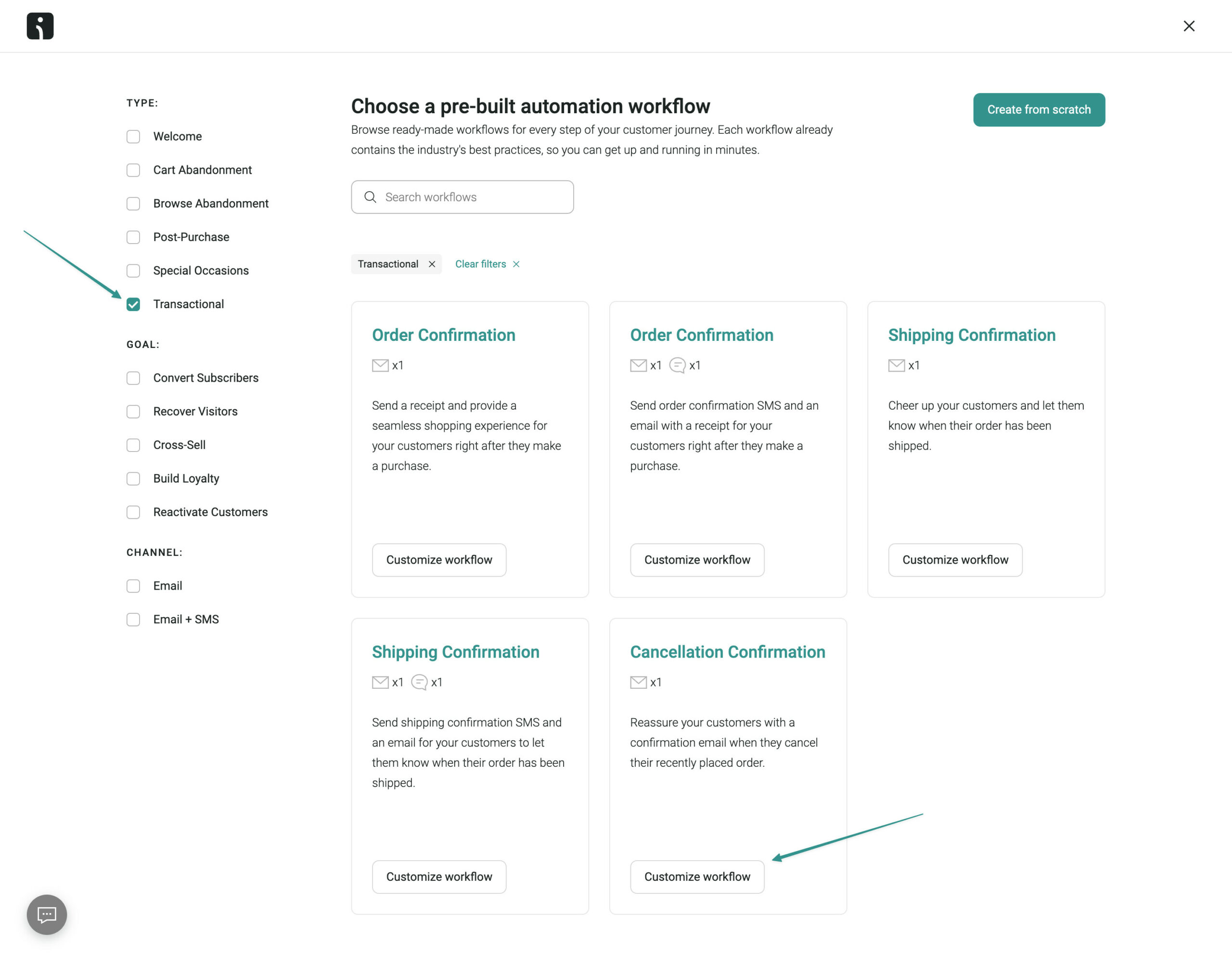
Omnisend offers a no-code drag-and-drop email builder. It lets you add personalized product recommendations and discount blocks within your transactional emails. Plus, you get ready-made ecommerce workflows for key transactional events, such as order confirmations, shipping updates, and delivery notices, as shown below:
If you’re planning to run transactional automations inside Omnisend, it helps to understand how the building blocks behave in practice — especially triggers, data, and platform limitations. Omnisend’s Automation FAQ includes a dedicated Transactional Automations section that covers the most common “why can’t I…” questions that come up once you move beyond basic order confirmations.
For example, transactional workflows can’t use multiple triggers in a single automation, but you can use up to five trigger filters to narrow down when the workflow runs (for example, an order-based trigger filtered by product tags). That’s a simple way to keep a single workflow clean while still tailoring it for different product types or fulfillment rules.
The FAQ also clarifies what data you can (and can’t) pull into transactional emails. For certain stores, you may not be able to import every custom line-item property into Omnisend — meaning you’ll want to design your templates around the default event/personalization fields that are available.
And if you’re trying to build “delivered” messaging: the FAQ notes that delivered status typically isn’t passed through direct integrations, so “delivery confirmation” often requires a shipping integration workaround (for example via ShipStation, AfterShip, or other tools connected via Zapier).
Transactional email types
There are different types of transactional email messages, each serving a purpose in your customer’s journey.
1. Order and purchase emails: Confirm that a payment or order went through
2. Account and security emails: Help customers access, protect, or verify their accounts
3. Subscription and membership emails: Provide renewal, upgrades, and payment updates
4. User activity notification emails: React to customer actions like cart abandonment
5. Policy and legal notification emails: Explain changes to terms, privacy, or policies
Let’s discuss some common transactional email examples and types:
1. Order and purchase emails
These emails confirm a customer purchase and provide purchase details. The key types of transactional email messages in this category are:
- Order confirmation
- Shipping confirmation
- Delivery confirmation
- Payment receipt
- Refund or cancellation notice
- Invoice or billing update
Customers expect these emails immediately. Use a reliable transactional email service, such as Omnisend, to automate your emails and ensure they arrive on time.
Add a small “Frequently bought together” block in shipping emails to encourage a second purchase.
2. Account and security emails
This transactional email category includes messages that help users access, protect, or verify their accounts. Common examples of emails you can send include:
- Account creation/welcome
- Email verification
- Password reset
- Two-factor authentication prompts
- Login alerts
Delivering these emails instantly is crucial to building trust in your brand. A delayed password reset email causes confusion and frustration.
In an account creation confirmation, you can offer a small, time-sensitive “New member” discount to drive first purchases.
3. Subscription and membership emails
These transactional email messages help you manage subscription renewals, trials, and payments. The primary email types in this category include:
- Subscription activations
- Renewal reminders
- Trial ending notices
- Payment failures
- Plan changes
Sending renewal emails and payment failure alerts on time helps reduce churn and maximize recurring revenue. Your emails should clearly explain what your customer should do. You can offer a “one-time” discount for upgrading to an annual plan to encourage subscriptions.
The email below alerts the user that their trial period is ending. The message is focused, easy to scan, and encourages subscription renewal:
4. User activity notification emails
Emails in this category respond to specific actions or intent signals. Common examples include:
- Abandoned carts
- Back-in-stock alerts
- Wishlist updates
- Review requests
When timed correctly, these transactional emails effectively re-engage customers. For instance, abandoned-cart emails remind shoppers of what they left behind while they’re still interested.
All you need is a short message and a clear “Return to cart” CTA button to engage customers and recover lost sales. Pair cart abandonment and back-in-stock emails with coupons to increase conversions.
5. Policy and legal notification emails
Transactional emails in this bracket notify users about important policy or legal changes, such as:
- Privacy policy updates
- Terms of service changes
- GDPR/CCPA consent updates
- Account status changes
- Security incident alerts
Keep these transactional email messages simple, clear, and transparent. Avoid using complicated legal jargon.
One of the most crucial transactional email best practices is to clearly state what changed, why it’s essential, and what action readers should take. Stick to one clear CTA, like “Read updated terms.” Framing these emails as a “Commitment to your privacy” also reinforces trust and brand loyalty.
Start sending better transactional emails today
Transactional emails are essential but straightforward. An explicit order confirmation or delivery update sent on time reassures customers and protects trust. If these messages are delayed or generic, customers worry, and your support team becomes overwhelmed.
Transactional email is high-stakes because customers expect it immediately. If your order confirmation or shipping message doesn’t send at the right time, the fastest fix isn’t guessing — it’s verifying the trigger conditions end-to-end. Omnisend’s Troubleshoot Transactional Automations guide lays out a practical troubleshooting flow you can follow whenever an order-related automation isn’t firing as expected.
The first step is surprisingly straightforward: simulate the real conditions in your store and confirm Omnisend is actually receiving the order event and status you’re relying on. The guide recommends checking the customer profile to see the order data Omnisend captured (including the status), then comparing that directly against the trigger you chose. This helps you spot mismatches like “I expected it to send at order placed, but my store only updates the needed status later.”
Next, it calls out a common silent failure point: audience filters. Segment-based filters can add overhead and may prevent the automation from triggering the way you expect for brand-new customers. The guide suggests avoiding segment-based filters where possible, or replacing them with a Conditional Split (and, if needed, adding a short delay before the split so the relevant customer/order data has time to appear).
Finally, it shows how to diagnose the failure inside the workflow using reports: whether a contact entered, is currently in, exited, or completed the automation — and what it means if contacts are skipping a message block (often related to channel opt-in settings). If you can see a test contact entered the automation but never received the email, the reporting view makes it much easier to pinpoint whether the issue is trigger logic, exit conditions, opt-in handling, or deliverability/inbox placement.
Many teams struggle with email deliverability, slow handoffs with developers, and generic templates. Omnisend removes that friction. You get ready-made transactional email templates, a powerful yet intuitive visual editor, and deep ecommerce integrations that eliminate heavy dev work.
Omnisend also integrates email, SMS, and push notifications so that you can follow up on critical messages across channels.
Sign up for a free trial, and start sending high-performing emails today.
Start sending smarter transactional emails with Omnisend
Quick sign up | No credit card required
FAQs
What is a transactional email?
A transactional email is sent to an individual user after a specific action, such as placing an order or resetting a password.
These emails provide essential updates and build trust. Precise wording, correct details, and quick delivery make them worthwhile.
What are the common types of transactional emails?
Common transactional email messages include order and payment confirmation, shipping and delivery updates, password resets, subscription alerts, and more.
Can I include promotions in transactional emails?
You can, but transactional emails address immediate needs. Adding heavy marketing content risks your transactional email being classified as promotional. This can affect email deliverability and even break spam laws.
Legally, adding sales content makes the message a commercial email and requires an unsubscribe link under CAN-SPAM. Keep promotional content minimal and focus on the transactional details.
What’s a good open rate for transactional emails?
A strong open rate for transactional messages is 50% or higher. Transactional emails naturally outperform marketing emails because people expect them immediately.
To improve performance, compare similar message types and track trends over time. If open rates drop for emails such as order confirmations or password resets, it may indicate deliverability issues or unclear subject lines.
What is an example of a transactional email?
A simple example is an order confirmation email sent after an online purchase. It confirms a customer’s order, lists the items purchased and the total cost, and provides shipping details. Other examples include password reset emails, account activation links, delivery updates, and billing receipts.
Who offers the best transactional email API?
It depends on what you value most. Is it affordability, speed, extra features and support, or user experience?
Twilio SendGrid is excellent if you want developer-friendly APIs, strong analytics, and reliable delivery at scale. Amazon SES is a great low-cost choice for AWS users.
Postmark’s API prioritizes speed and consistency, making it ideal for time-sensitive messages. Omnisend also offers a solid API, an intuitive yet powerful interface, and built-in ecommerce features.
What is the difference between transactional and non-transactional emails?
Transactional emails are automatically sent to a recipient after they complete a specific action. Non-transactional emails are marketing messages, such as newsletters or promotions, sent to many people at planned times.
What is a ‘transitional’ email?
“Transitional email” isn’t a recognized term in email marketing. People usually mean transactional email, which refers to emails sent after an action, such as a signup or checkout.
