

In today’s fast-paced digital world, having visually appealing content on social media is essential for businesses, influencers, and creators alike.
But what happens when your favorite photograph or product image doesn’t fit the required dimensions? The solution lies in using AI-powered tools to expand images naturally. One such tool, Uncrop.org, allows you to Uncrop images with AI seamlessly, providing expanded visuals that look flawless.
This guide will walk you through how to use Uncrop.org to create versatile and high-quality visuals for your social media channels. From resizing e-commerce product images to adjusting photographs for various platforms, Uncrop.org offers an easy, free, and effective way to transform your visuals.
Social media platforms like Instagram, Facebook, LinkedIn, and Twitter each have specific image dimensions for posts, ads, and banners. Using images that do not fit these requirements can lead to:
By using an AI image extender like Uncrop.org, users can expand their images to meet these specifications without compromising quality or context.
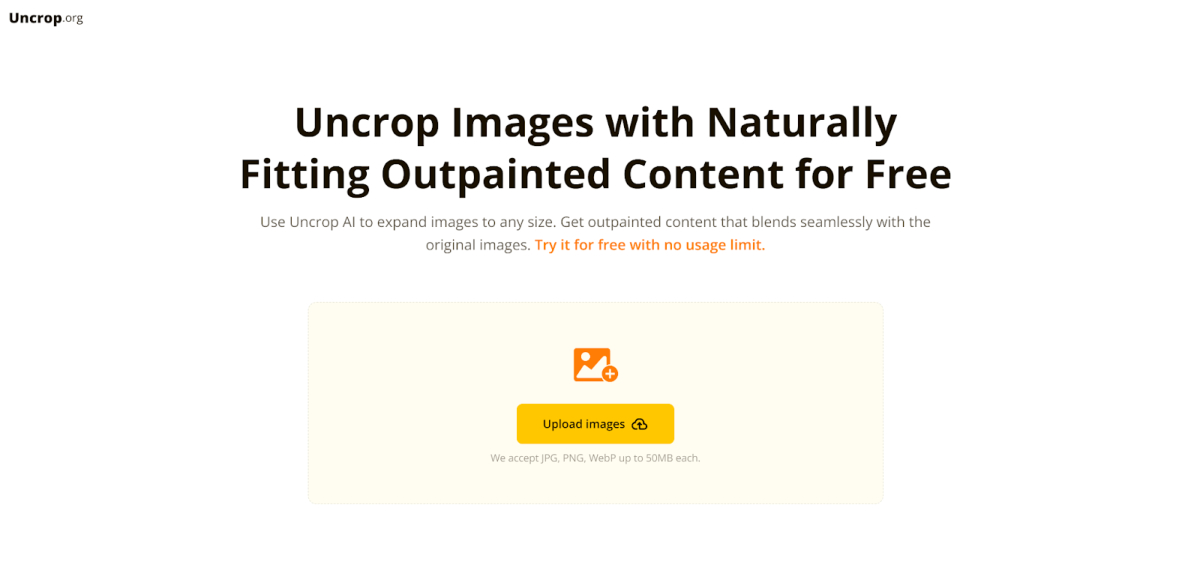
Uncrop.org is an online AI image extender designed to seamlessly outpaint images, expanding their dimensions while maintaining a natural look. Unlike traditional editing methods, Uncrop.org’s advanced AI technology analyzes the content of the original image and predicts appropriate extensions. The result? High-quality visuals that blend seamlessly with the original image.
Now, let’s dive into how you can use Uncrop.org to transform your visuals for social media.
The first step to uncropping an image is uploading it to the Uncrop.org platform. This process is straightforward and user-friendly.
Next, specify the size and aspect ratio you need. This is particularly important for social media platforms with strict size guidelines.
Pro Tip: Refer to the latest size requirements for each platform to ensure optimal results.
Once you’ve chosen your desired dimensions, Uncrop.org’s AI will analyze your image and generate expanded content that blends seamlessly with the original. The processing time is typically quick, depending on the complexity of the image.
After the image has been processed, you can preview the result. If you’re satisfied, click the “Download” button to save your expanded image.
Social media platforms often require different aspect ratios, making it challenging to repurpose the same image across multiple channels. For instance:
Uncrop.org makes this process effortless by allowing users to expand their images to fit any platform-specific dimensions.
For online retailers, product images are crucial for showcasing items effectively. Uncrop.org can help:
Headers and banners often require wide, high-resolution visuals. Instead of cropping out important elements, use Uncrop.org to extend your images horizontally. This ensures your headers look professional and polished on platforms like Facebook and LinkedIn.
Paid social media campaigns demand eye-catching visuals that meet strict dimension requirements. Uncrop.org simplifies this process by allowing marketers to create perfectly sized ads without needing advanced design skills.
YouTube and other video platforms rely heavily on thumbnails to attract viewers. With Uncrop.org, users can expand images to create engaging and high-quality thumbnails that fit the platform’s requirements.
The quality of the input image significantly impacts the output. Start with a high-resolution image to ensure the expanded content looks sharp and professional.
Always preview the Uncrop.orgped image before downloading. If the results aren’t as expected, consider tweaking the dimensions or trying a different input image.
Uncrop.org isn’t just for resizing—it’s a creative tool. Use it to:
Manually editing images can be time-consuming, especially when working with multiple formats. Uncrop.org’s AI automates the process, saving hours of effort.
Unlike traditional resizing methods that can distort images, Uncrop.org ensures the expanded content looks natural and blends seamlessly with the original.
Uncrop.org is a free online AI image extender, making it accessible to anyone, regardless of budget or technical expertise.
Expanding images for social media no longer needs to be a daunting task. With tools like Uncrop.org, users can effortlessly adjust their visuals to fit any platform’s requirements. Whether you’re an influencer, marketer, or small business owner, Uncrop.org offers a free, fast, and effective way to create professional-quality visuals.
By following the steps and tips outlined in this guide, you’ll be able to transform your social media content, ensuring it stands out in a crowded digital landscape. Try Uncrop.org today and take your social media visuals to the next level!





