


Sell custom products with Printify
Learn how to take product photos that build trust, enhance your brand image, and drive conversions. Whether you’re a print-on-demand seller or managing an eCommerce business, good product photography can make all the difference.
We’ll show you how to shoot product photos with natural and artificial light, adjust camera settings, and edit like a pro – no studio or professional photographer needed.
From improving image quality to optimizing for SEO and load speed, learn how to create product photos that don’t just look good – but help your store perform better.
Disclaimer
This post may contain affiliate links, which means we may earn a commission if you make a purchase through those links. This comes at no additional cost to you.
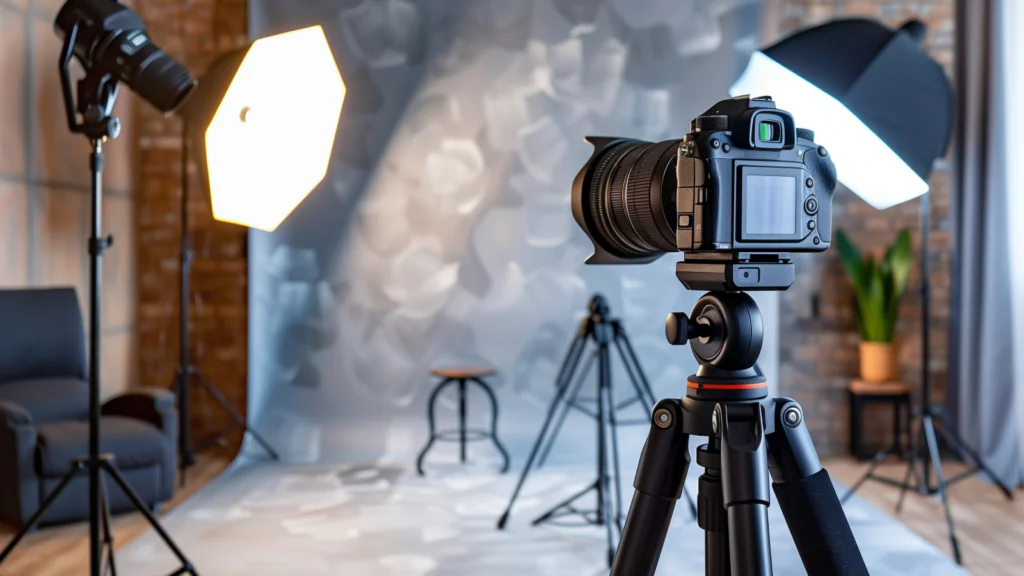
Good product photography is about knowing how to use what you’ve got. A solid setup with the right lighting, backdrops, and digital camera or smartphone settings will take your product photos from average to pro without spending a fortune.
You don’t need a professional photographer, expensive gear, or a fancy studio. A few DIY hacks and free photo editing software can get the job done.
Don’t have a top-tier DSLR for professional photography? No problem.
A smartphone camera or a simple point-and-shoot will work just fine. That said, if you’re looking to up your game, a DSLR or mirrorless camera gives you:
But remember, gear won’t save a bad product photography setup. Your lighting, background, and angles matter just as much.
Want sharp, professional-looking product photography? Stop holding the camera.
A tripod keeps your shots steady, maintains consistency across multiple images, and lets you adjust angles without shaky hands ruining your shot. Even a cheap $30 tripod from Amazon will do the trick.
Lighting plays a crucial role in your product photos. Too dark? Details disappear. Too bright? Colors get washed out. The key is finding the right balance to make your product shine.
You have two main options – natural light (free but unpredictable) and artificial light (controlled but requires setup). Both have pros and cons, and the best choice depends on your product, camera, setting, and budget.
Natural lighting
Natural light is free and universally flattering, making it perfect for lifestyle shots, clothing, and accessories. It creates a warm, inviting look that connects with customers.
Here’s where natural light shines:
How to get the best natural light for product photography?
Artificial lighting
If you can’t rely on daylight or need consistent lighting for multiple shoots, artificial lighting is the way to go. It works anytime, anywhere, and eliminates color inconsistencies caused by shifting natural light.
Here are the best artificial lighting options for product photography:
How to set up artificial lighting for product photography?
A wobbly table equals blurry photos. You need a stable, spacious surface that keeps your products steady and gives you room to experiment with angles.
No fancy setup? No problem. Here are some alternatives:
A crisp, white background eliminates distractions, enhances product focus, and simplifies editing. A plain wall might seem like a shortcut, but even the best-painted surfaces show shadows, uneven tones, and textures that can ruin your shots.
Best backdrop options:
Whatever method you choose, a distraction-free background makes your product pop and gives your store a polished look.
Now that you’ve got the vision and tools – let’s get down to business.
Successful product photography requires more than just a camera and a subject. From settings to angles, here’s how to create high-quality shots that showcase your products in the best light.
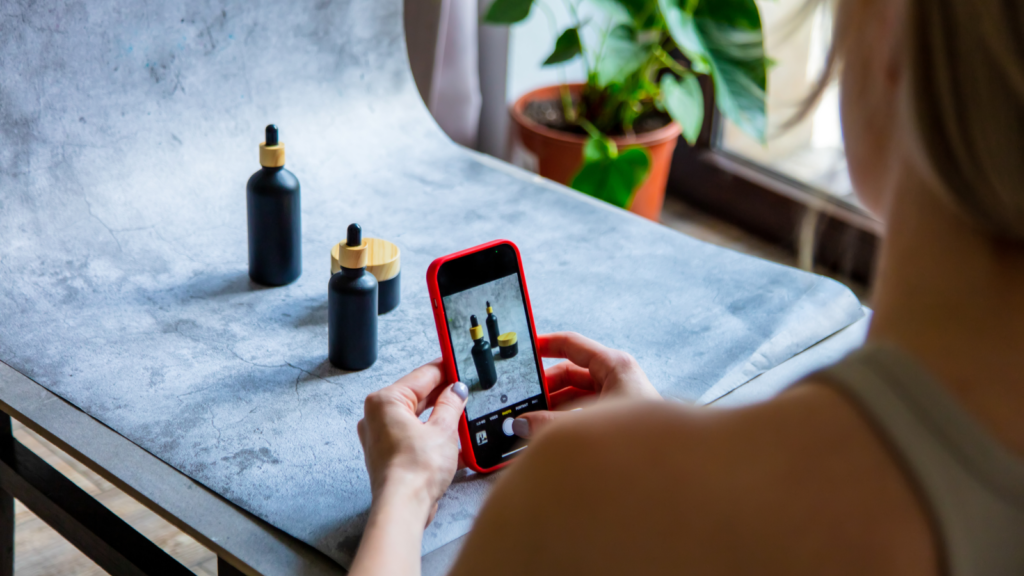
Think about the types of product photography you need. Different product shots serve different purposes, so set up accordingly:
If you’re shooting print-on-demand apparel, make sure it looks crisp and polished:
For white background photos, position your product in the center, leaving enough space around it for cropping and shooting different angles. Even with a minimalist backdrop, you can use subtle props or textures to create a premium look.
Your product photography setup plays a huge role in the final look of your product images. Get this right, and you’ll instantly improve the quality without needing much editing.
Use natural light strategically – Position your work surface near a large window to take advantage of soft ambient light. Use a thin curtain or sheer fabric to diffuse or add more natural light.
Stabilize your backdrop – If you’re using a white background, secure it properly:
Optimize your light tent setup – If using this approach, line the back wall with white material and trim the backdrop to fit perfectly, preventing visible seams.
A well-lit setup makes all the difference in product photography, resulting in high-quality photos that accurately showcase your items.
Whether you’re doing a lifestyle photo or a white background product shot, here’s how to optimize your lighting setup for a stunning final result.
Natural lighting
Artificial lighting
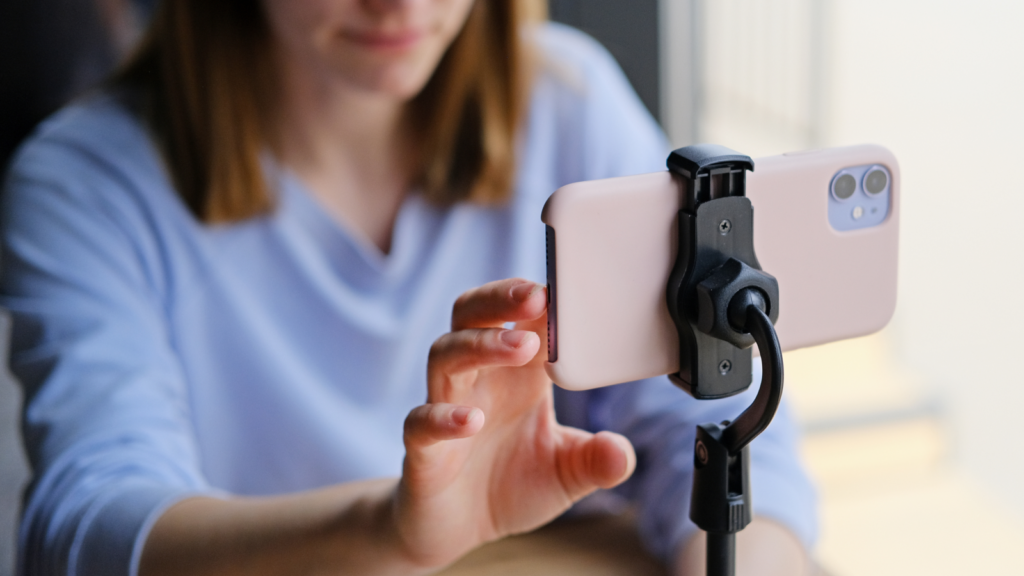
A solid camera setup separates amateur shots from professional-looking product photos. A shaky hand can ruin the sharpness of your product images, so let’s eliminate the guesswork.
Set it and forget it
Frame it like a pro
Angles that sell
Quick tip
Take it up a notch and try a 360-degree product shot by slightly rotating the item and capturing it from multiple angles. This creates a seamless effect that makes your online store stand out.
If you want high-quality product photos, your camera settings need to be on point.
Whether you’re using a DSLR, mirrorless camera, or smartphone, tweaking a few settings will sharpen your images, reduce noise, and enhance colors.
Here’s what you should be looking out for:
Quick tip
After taking a few test shots, display them on a larger screen to check details, sharpness, and color accuracy. The small camera preview might miss unwanted grain, uneven lighting, or white balance issues that need adjusting.
Don’t settle for just one photo. Capture various angles and compositions to give customers a complete view of your product.
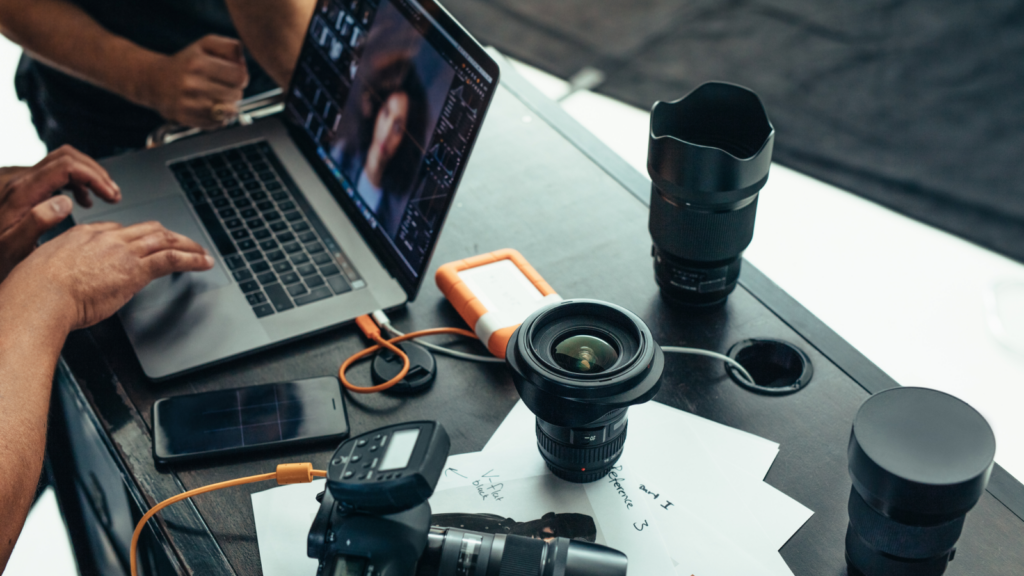
A great photo can become a stunning product image with the right edits.
Since first impressions are everything in eCommerce, now’s the time to refine, enhance, and perfect.
Quick tip
Want to outsource editing? Professional retouching services like Clipping Path Finder, Pixelz, or Fiverr freelancers can handle it for a few dollars per image – letting you focus on growing your store.
Beyond high-quality product photography, make sure your images are ready for web use. The goal of image optimization is to maintain quality while reducing the file size.
One of the biggest factors is loading speed. Large images slow down websites, hurting both the user experience and SEO rankings.
Find the right image dimensions
Before resizing, determine the exact image container size your website uses:
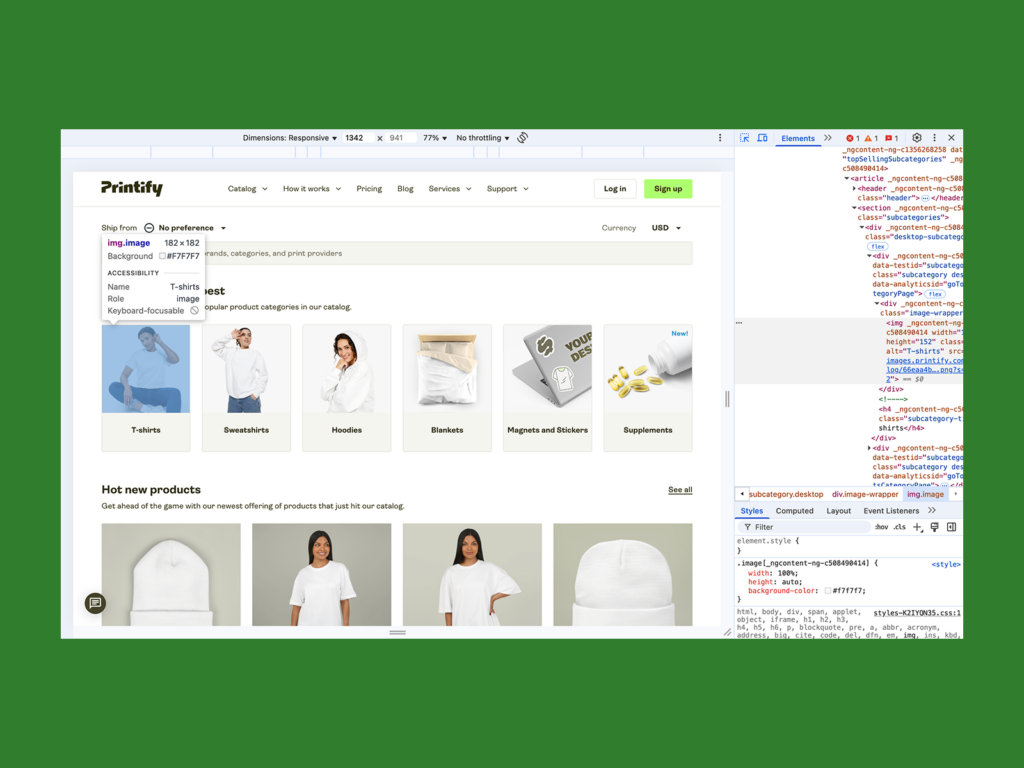
Resize and compress your images
To match your container size:
Here’s how it looks in Mac Preview:
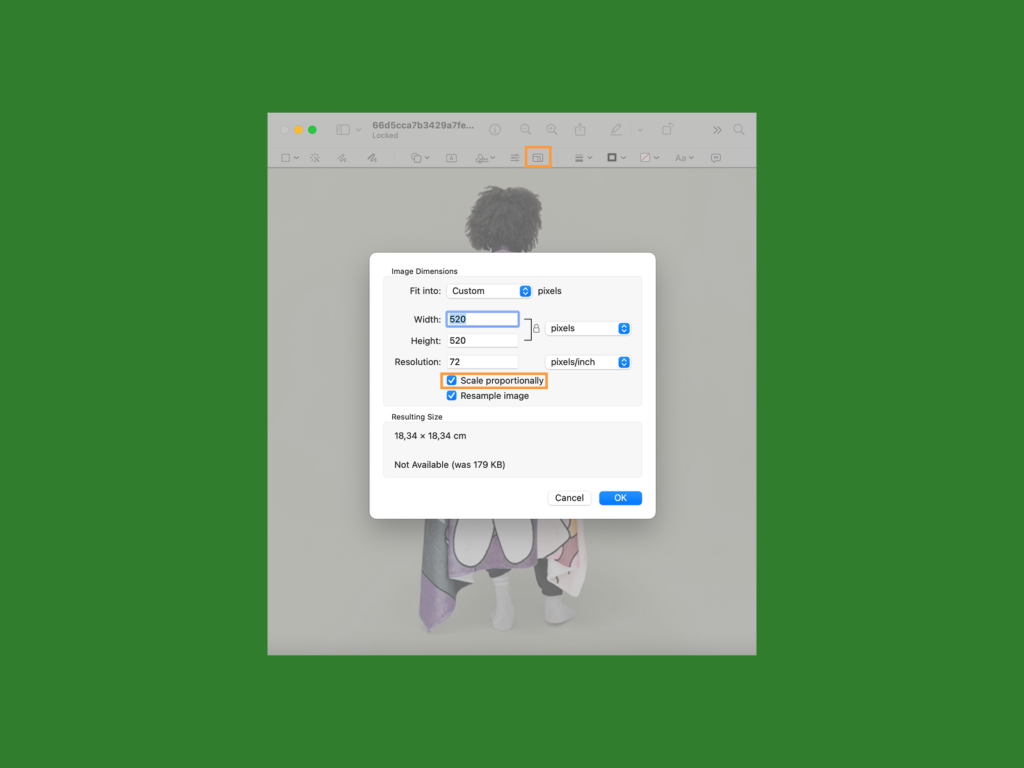
You can stick with the precise size or take the pixel ratio up to 1.5 for a sharper display on high-resolution screens. Save the image as a JPEG at 100% quality.
After resizing, compress your images to reduce the file size without sacrificing image quality. Photoshop and online tools like TinyPNG or Squoosh can help.
Final check
Resize each product image individually to avoid distortions and cropping issues, even if they feature the same product. Then, review these points before publishing:
With these strategies, your eCommerce store will deliver fast, high-quality product images that drive customer engagement and conversions.

Phone cameras have come a long way – some even rival professional gear, making them perfect for capturing high-quality product photos without an expensive setup.
The average smartphone today boasts around 50 megapixels, meaning you can achieve crisp, detailed product shots with the right settings and lighting.
Follow these steps to capture high-quality images on your phone:
With these tips, you can achieve professional-looking product photos anytime, anywhere.
Your smartphone is all you need to edit product images like a pro.
Whether you’re enhancing brightness, adjusting contrast, or fine-tuning colors, here are three top-rated editing apps – all free and available on both Android and iOS.
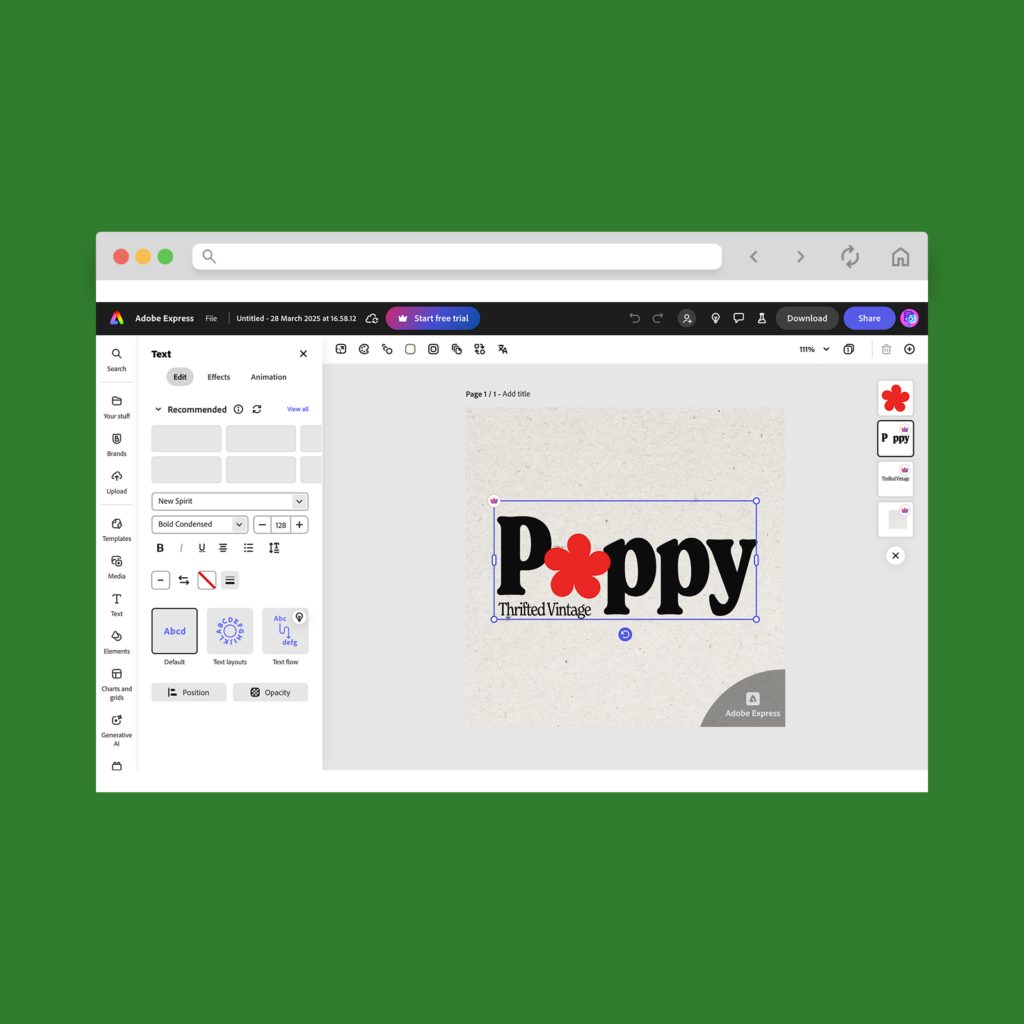
Formerly known as Photoshop Express, this app brings powerful editing tools to your fingertips. Adjust brightness, contrast, exposure, and hue, remove unwanted objects, and apply professional-looking filters without sacrificing quality.
It’s perfect for quick edits that make your product photos pop and ready for an online store.
If you’re serious about product photography, Adobe Lightroom is the gold standard. This photo editing powerhouse lets you fine-tune colors, balance lighting, and apply custom presets.
Its AI-powered tools help with automatic adjustments, making it ideal for achieving high-quality product photos. Plus, it syncs seamlessly with Lightroom’s desktop version for consistent brand visuals across all platforms.
Best known for its trendy filters, VSCO is great for enhancing product images with subtle edits. It offers precise controls for color grading, sharpness, and texture, helping you achieve a polished, aesthetic look.
If you’re selling on social media or an online store, VSCO is a popular and beginner-friendly option to help your product photography stand out.
Use a combination of these photo editing apps to get the best results – Lightroom for deep color correction, Adobe Express for quick edits, and VSCO for finishing touches.

Shoppers want to see exactly what they’re getting before they buy.
Clear, appealing photos build trust, set accurate expectations, and make your brand look more professional. Great images don’t just show products – they help sell them.
Great product photography isn’t just for your website – it improves SEO and engagement on social media, ads, and marketplaces.
A/B tests show that larger, high-quality photos lead to higher click-through rates and more sales. Search engines also favor original product images, increasing your store’s visibility.
Customers want a 360-degree view before committing to a purchase. Including different angles, close-ups, and lifestyle shots helps highlight key product features to convert buyers.
Different types of eCommerce photography like studio shots, white background images, and in-context lifestyle photos create a more immersive shopping experience.
Your brand image relies on consistent, well-styled product photos. A sleek backdrop, good lighting, and high-quality editing help establish credibility and differentiate you from competitors.
Using a mix of signature lifestyle shots and standard product images builds a recognizable brand identity.
People process visuals faster than text, and compelling images hold attention longer. The first few seconds are critical – if your images don’t immediately engage potential buyers, they’ll bounce off the page.
Strong product photography hooks visitors, while detailed product descriptions reinforce the purchase decision.
Using different types of product photography strategically – with optimized images, different angles, and clear product details – improves customer trust and ultimately drives more conversions.
Creative product photography tells a story. With smart framing and thoughtful props, you can highlight your brand’s personality and connect with shoppers on a deeper level.
You don’t need to be a professional photographer to get creative. AI-powered tools like Adobe Sensei, Canva’s Magic Resize, or smartphone-based AI features can help balance framing, adjust lighting, and suggest creative angles in real time.
Need some inspiration? Try these techniques:
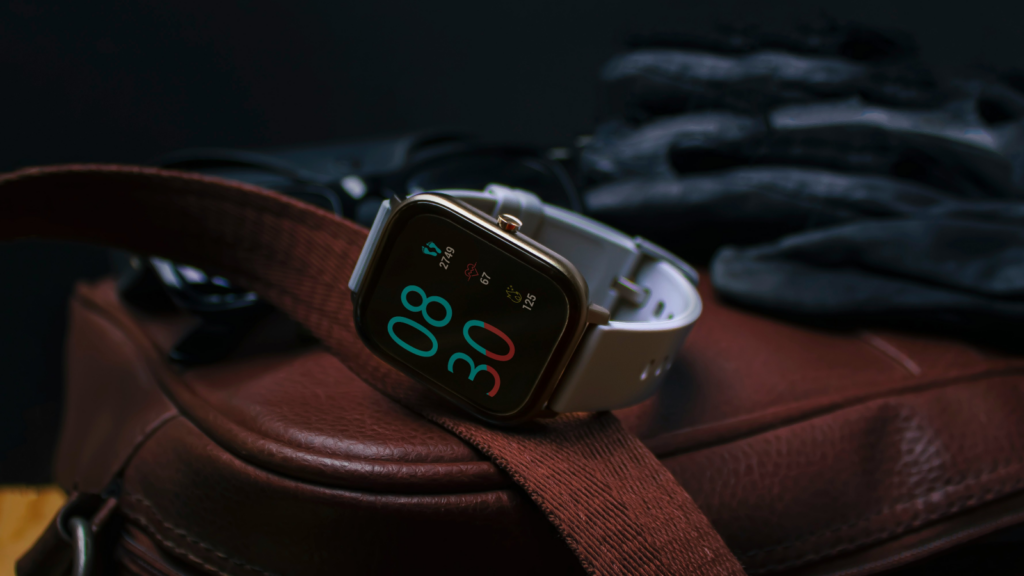
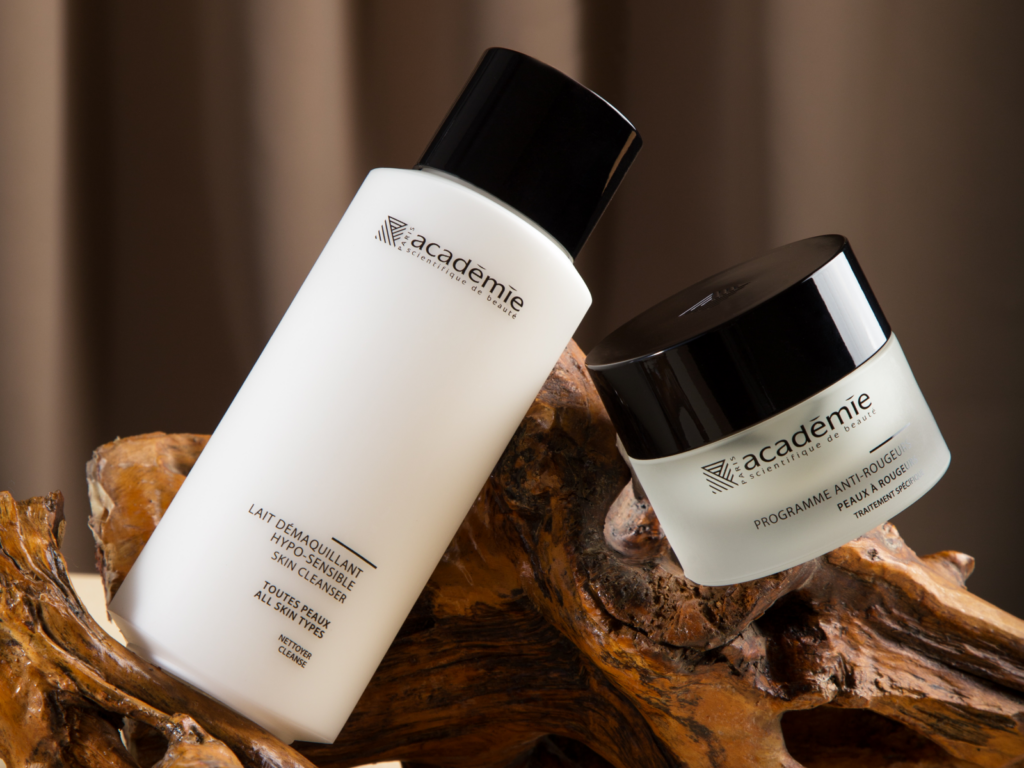
AI isn’t just about automation – it’s a creativity amplifier. Whether you’re a beginner or a seasoned pro, AI can take your product photography to the next level, giving your online storefront an instant upgrade.
For DIY product photos, all you need is a smartphone camera, a tripod, and a well-lit surface near a large window.
Start taking photos by placing your product in front of a white backdrop and adjusting your lighting to reduce intense shadows. Set your camera to the highest quality with a high focal ratio, white balance, and low shutter speed.
Take multiple photos and upload them to editing software. Adjust the contrast, hue, and saturation until you’re satisfied with the final result.
For catalog photos, use a white backdrop for a polished, distraction-free look. Clean, high-quality images that highlight specific product features are crucial for driving purchases.
While you can use natural or artificial light, we recommend shooting near a window for a soft, diffused glow. For artificial lighting, use reflective boards or a softbox to reduce glare and harsh shadows.
After editing, resize your photos to fit the website layout. Match the dimensions of your store’s image containers, and compress the image file sizes to improve your shop’s loading speed.
Start with a good smartphone or camera, a tripod for stability, and a basic lighting kit – like two softboxes and foam boards or a light tent. Create a seamless white background using a cloth sheet, paper, or poster board.
Set up your photo studio, adjust the camera settings, and take multiple photos from different angles highlighting key product features. Then, edit the contrast, hue, and saturation using image editing apps like Lightroom or Photoshop.
Your iPhone camera can rival professional product photography – if you know how to use it right. Here’s how to get the most out of it:
These tricks turn your iPhone camera into a fast and flexible product photography tool.
In a world where visuals rule, standout product photos aren’t optional – they’re essential. Great images build trust and drive sales.
Let’s recap the steps on how to take the best product photos:
Product photos are as much a visual aid as a branding opportunity. With the right setup and a little creativity, your home can become a pro-level studio. Lights on, camera ready – let the sales begin.
The post How to take product photos: A complete guide appeared first on Printify.





