

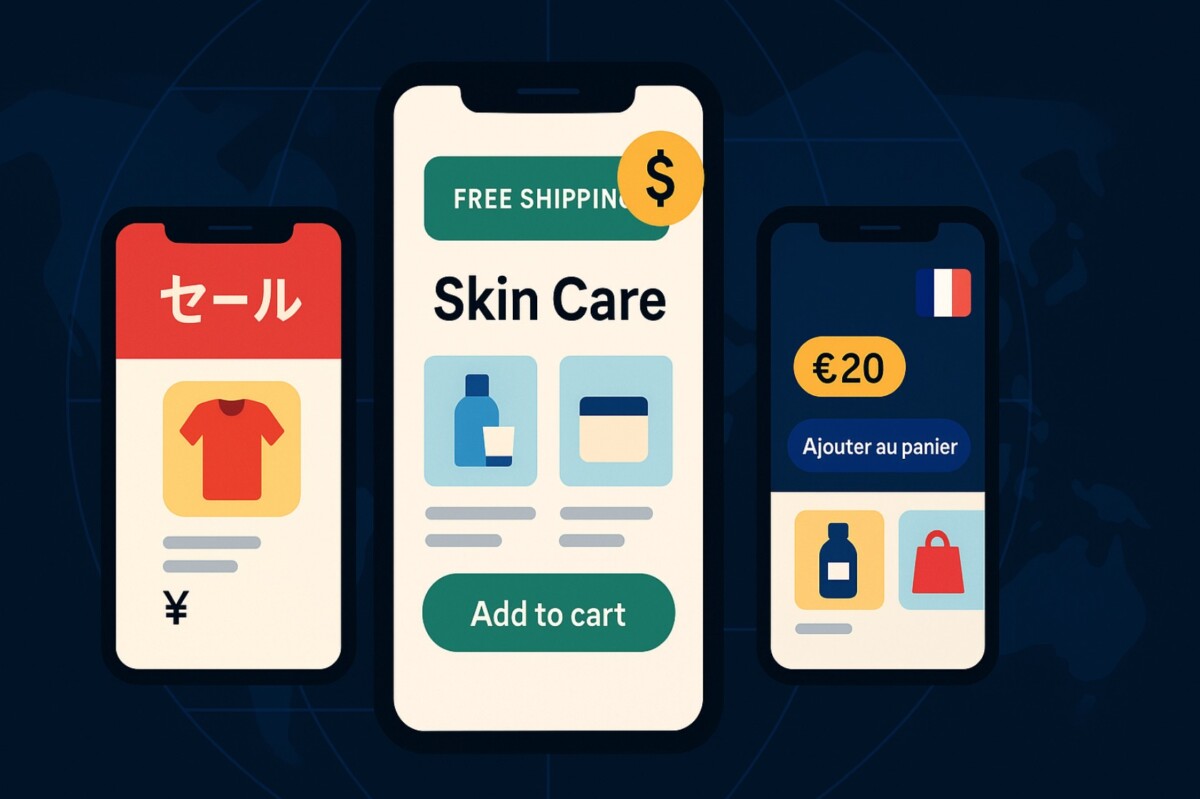
Imagine landing on a store that greets you in your language, shows your local currency, and offers free shipping to your doorstep. Feels like home, right?
That’s the power of regional personalization. And in a world where customers expect online stores to “just get it,” being generic isn’t just boring—it’s bad for business. Whether you’re selling skincare in Sydney or supplements in Spain, localized experiences drive trust and boost conversions.This guide shares smart, easy-to-execute strategies to customize your Shopify store for different regions—helping you grow global reach without losing the personal touch.
Language is the first point of connection. When a visitor lands on your store and sees content in their native language, they immediately feel understood. Even small phrases like “Add to Cart” or “Free Shipping” resonate more deeply when localized.
Shopify supports multi-language stores through apps like Weglot, Langify, and Shopify Translate & Adapt. These apps automatically translate or allow manual adjustments of product pages, checkout flows, and even theme elements.
But beyond translation, tone and cultural context matter. For example:
Customize tone using localized copywriting freelancers or AI-powered localization tools that offer cultural nuance suggestions.
Here’s the catch: many store owners “go global” without ever checking how their store actually behaves abroad.
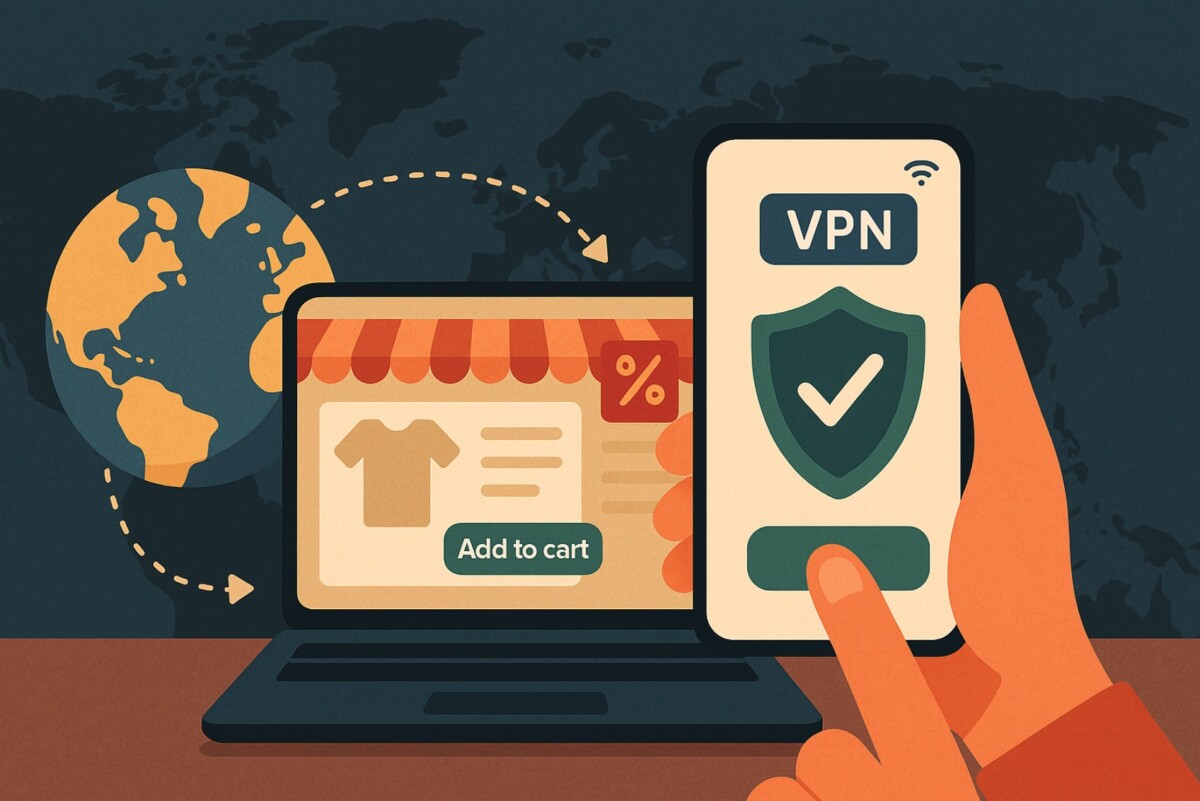
Using a VPN to simulate browsing from different regions is a simple, powerful way to test your site’s localization in real-world conditions. Whether you want to confirm language auto-detection, check if local currency loads correctly, or make sure a country-specific discount banner appears—this step is essential.
If you use an iPhone VPN, for instance, you can test your Shopify store’s mobile experience from multiple countries within minutes. You just change the region, reload your store, and see exactly what your customers see.
Many store owners overlook this and wait for user complaints—by then, damage is already done. Regular testing keeps your brand polished across markets.
People in different countries perceive value differently. $20 might seem affordable in the US but expensive in India. That’s why Shopify Markets now lets you go beyond currency conversion—you can set manual price adjustments per country.
Here’s how to use this strategically:
Real-World Example:
A skincare brand used localized pricing to adjust their bundle offer in the UK by 10%—resulting in a 28% increase in conversions during the test period.
When combined with geolocation pop-ups, users not only see their own currency but feel that the offer was built just for them.
One of the easiest ways to lose a sale? Offering the wrong payment method or charging unexpected duties at checkout.
That’s why customizing the entire customer journey—especially checkout and delivery experience—matters. Tools like Shopify Payments, Stripe, and Klarna support region-specific options, from local payment gateways to address formats.
Also consider translating order confirmation emails, customer service scripts, and return policy pages to maintain consistency and trust.
More than 70% of Shopify traffic comes from mobile devices—and this number is even higher in mobile-first markets like Southeast Asia or the Middle East.
That means your mobile regional UX must be seamless:
Want to test how your store looks to a user in Dubai using an iPhone? Fire up your iPhone VPN, switch to a UAE server, and explore your mobile site just like a local customer would.
Customization is great—but it only works if everything displays correctly. Testing manually from one location doesn’t tell the whole story.
This is where tools like Hotjar, Google Optimize, and A/B testing suites can help. But if you’re targeting international markets, you’ll need to simulate those markets accurately.
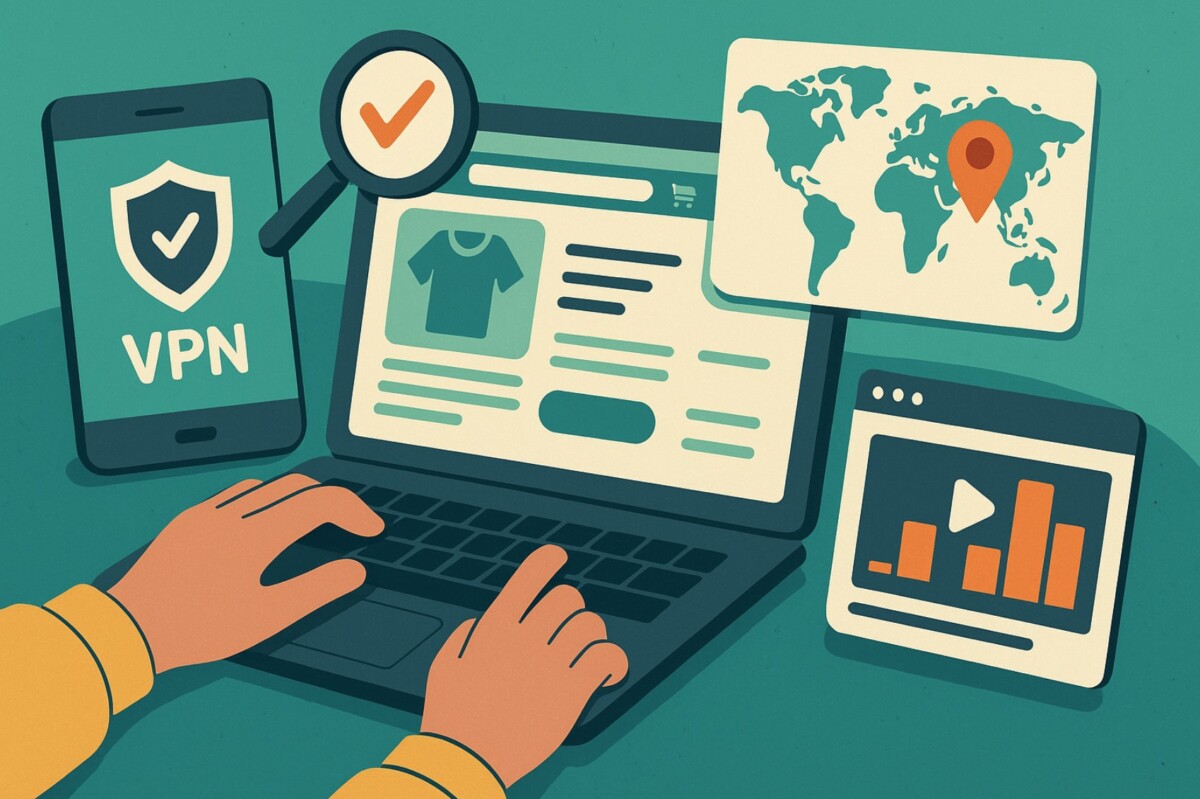
That’s why we recommend pairing those tools with a reliable VPN service. A VPN lets you browse as if you’re in the target country, ensuring that region-based promotions, content, and payment flows are all visible and working.
Even better: record a session using Loom while browsing your store from 3–4 VPN regions. Share with your team or developers to spot and fix inconsistencies.
Here are additional tools that help Shopify merchants customize regionally without dev support:
| Tool | Use Case |
| Shopify Markets | Central dashboard for setting currencies, domains, pricing |
| GeoTargetly | Show different content or URLs based on visitor location |
| Klaviyo Segments | Target email flows by region or behavior |
| PageFly | Build custom landing pages for geo-targeted traffic |
| Langify / Weglot | Full-store translations and language switcher apps |
To ensure your regional strategies are working, monitor the following:
Most of these insights are available in Shopify Analytics, Google Analytics 4, or via add-ons like Lucky Orange.
Personalizing your Shopify store for different regions doesn’t have to be expensive or complicated. You just need the right tools and thoughtful strategies.
By:
you’re not just selling a product—you’re building trust across borders.
The future of eCommerce is local and global—at the same time. Start customizing today.
If you’re ready to take action, here’s a quick list of tools that can support your regional customization efforts:
With these tools, including a reliable VPN service to test and verify your regional experience, you’ll be equipped to expand your store’s reach confidently and smartly.





