

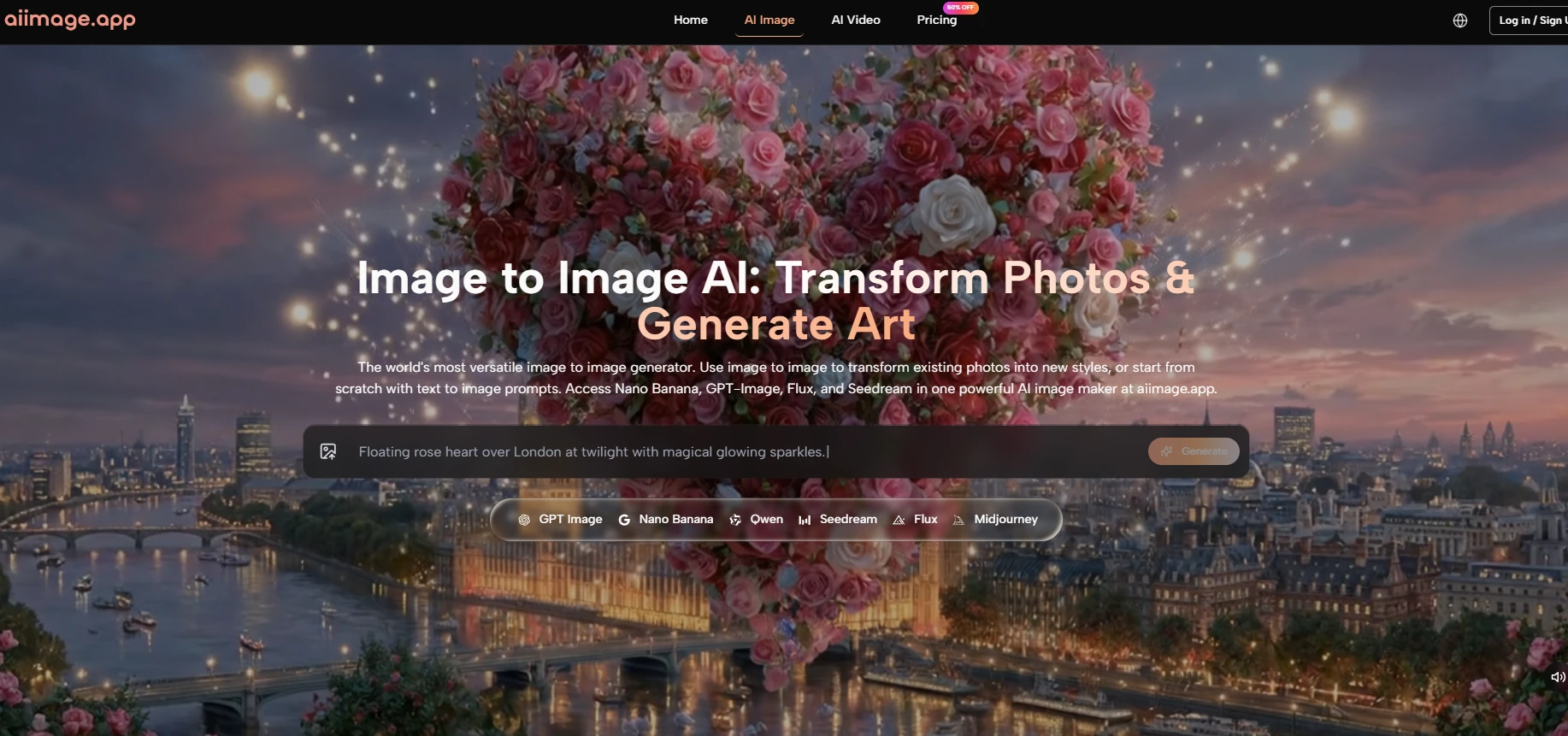
The biggest mistake in judging AI image platforms is treating them like single-output machines. In real creative work, one image is rarely enough. You may need a clean product shot, a cinematic portrait, a brand-safe social graphic, a stylized concept, and a revised version of something you already made. That is why I tested AI Image Maker as a multi-model creative environment rather than as just another prompt box.
This angle changes the review completely. If a product only has one visual personality, users must adapt their needs to the tool. But if the platform gives users several model paths, the tool can adapt more easily to the task. That was the main reason AI Image App became more interesting the longer I tested it.
The comparison included AI Image App, Midjourney, Leonardo, Playground, getimg, and Fotor. I scored them across image quality, loading speed, advertising pressure, update rhythm, and interface cleanliness. I also paid attention to how easy it felt to change creative direction when the first result was not enough.
In this test, GPT Image 2 was not evaluated as a standalone promise. I looked at how it fits into the wider platform alongside models such as GPT-4o, Nano Banana, Nano Banana 2, Seedream, and Flux. That context matters because modern image creation is increasingly about choosing the right model for the right job, not simply asking one system to handle everything equally well.
Model choice is becoming one of the most important parts of AI image creation. A user does not always want the same kind of output. Sometimes speed matters most. Sometimes realism matters. Sometimes the user needs precise editing. Sometimes the user wants to compare different interpretations of the same prompt.
A platform that supports these needs inside one workflow can feel more efficient than a tool that excels in one narrow direction. This does not make every model perfect. It simply gives the user more ways to solve the same creative problem.
For this review, I favored platforms that could adapt to different creative situations. A single spectacular output was not enough. The platform had to remain useful across multiple prompt types and revision needs.
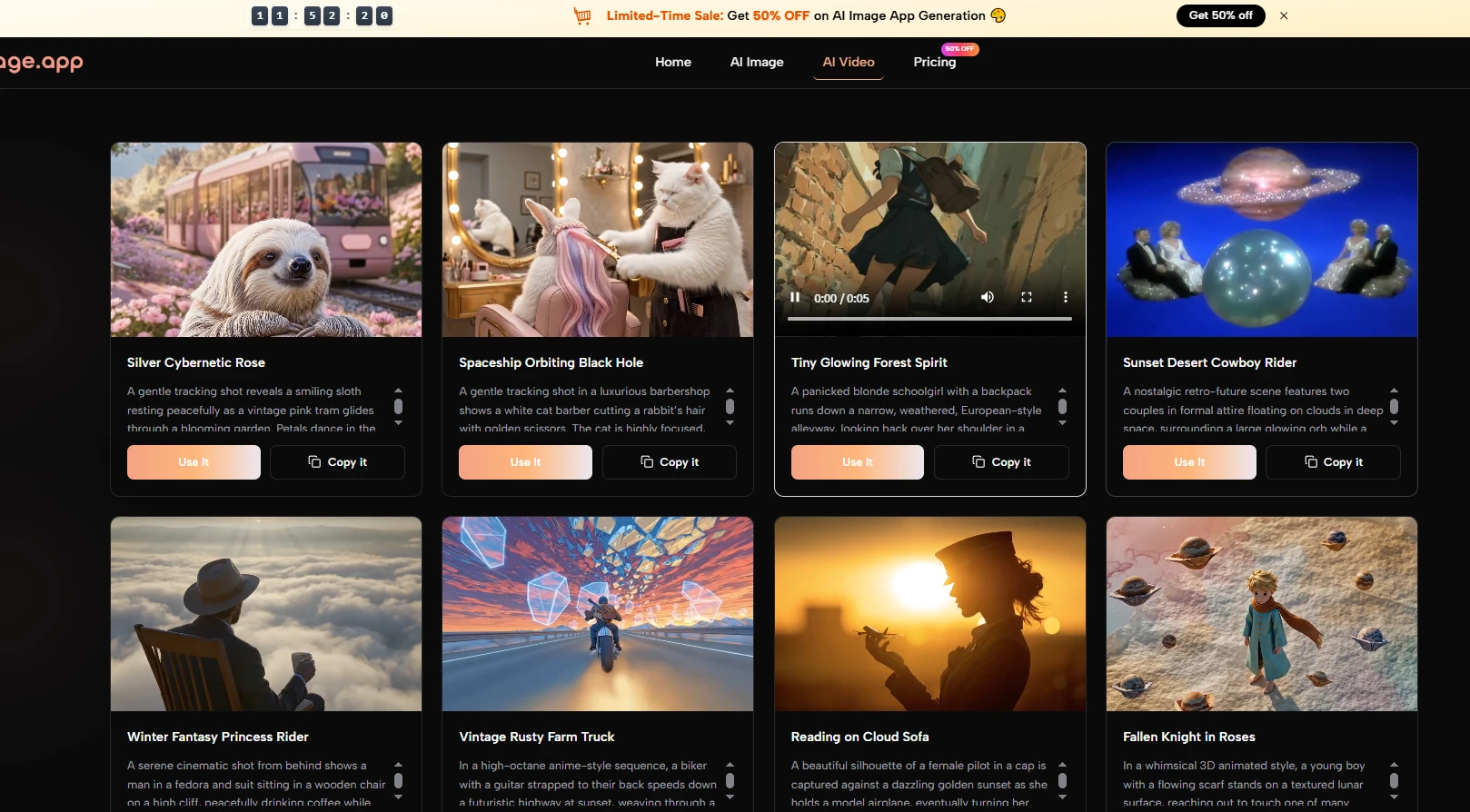
AI Image App performed well because its official structure clearly presents several creative paths: text-to-image, photo transformation, image-to-video, model comparison, and reference-guided creation. This made the product feel broader without becoming too difficult to understand.
A creator’s needs often change during a project. The first idea may be too flat. The second may need more realism. The third may need a cleaner style. A platform that supports these shifts helps users keep moving instead of forcing them to restart elsewhere.
That is where AI Image App felt strongest.
The following table summarizes the test. These scores reflect repeated use and practical observation, not controlled laboratory testing. The goal is to show how each product felt as a working environment.
| Platform | Image Quality | Loading Speed | Ad Pressure | Update Rhythm | Interface Cleanliness | Overall |
| AI Image App | 9.0 | 9.0 | 9.0 | 9.0 | 9.0 | 45.0 |
| Midjourney | 9.5 | 8.0 | 10.0 | 7.5 | 8.0 | 43.0 |
| Leonardo | 8.5 | 8.0 | 7.0 | 8.0 | 8.0 | 39.5 |
| Playground | 8.0 | 8.5 | 7.0 | 7.5 | 8.0 | 39.0 |
| getimg | 8.0 | 8.0 | 8.0 | 7.5 | 7.5 | 39.0 |
| Fotor | 7.5 | 7.5 | 5.5 | 7.0 | 6.5 | 34.0 |
AI Image App ranked first because it had the strongest overall balance. Midjourney still scored slightly higher on peak image quality, but AI Image App felt more flexible for users who want to move between different creative tasks inside one platform.
The table shows numbers, but the real difference appeared in the workflow. AI Image App made it easier to move from one type of task to another. That is difficult to capture in a single score, but it matters a lot in daily use.
A user may begin with a text prompt, upload a reference image, compare model outputs, and later explore video animation. Having those paths connected creates a smoother creative environment.
Disconnected tools create hidden costs. The user has to export, upload, relearn interfaces, and rebuild context. Connected workflows reduce that burden.
AI Image App’s value comes partly from keeping more of the visual process in one place.
The platform’s strongest performance came from its ability to support different creative intentions. For quick exploration, speed mattered. For polished images, model quality mattered. For controlled changes, reference input and transformation features mattered.
This is why the product felt less like a single-purpose generator and more like a practical visual toolkit. It does not ask the user to define creativity in only one way.
In my testing, AI Image App produced strong results when the prompt was clear and visually specific. The outputs were often polished enough for concept development, social content, marketing drafts, and creative direction.
Still, results varied. Some complex prompts required revision. Highly detailed scene logic could become inconsistent. Typography inside images may still need careful testing. These are common limitations across AI image generation, but they should not be ignored.
The best way to use the platform is to treat the first output as a direction, not always a final asset. This mindset makes the tool more useful. Instead of expecting instant perfection, users can build a stronger result through guided iteration.
That is where the platform’s speed and model variety become valuable.
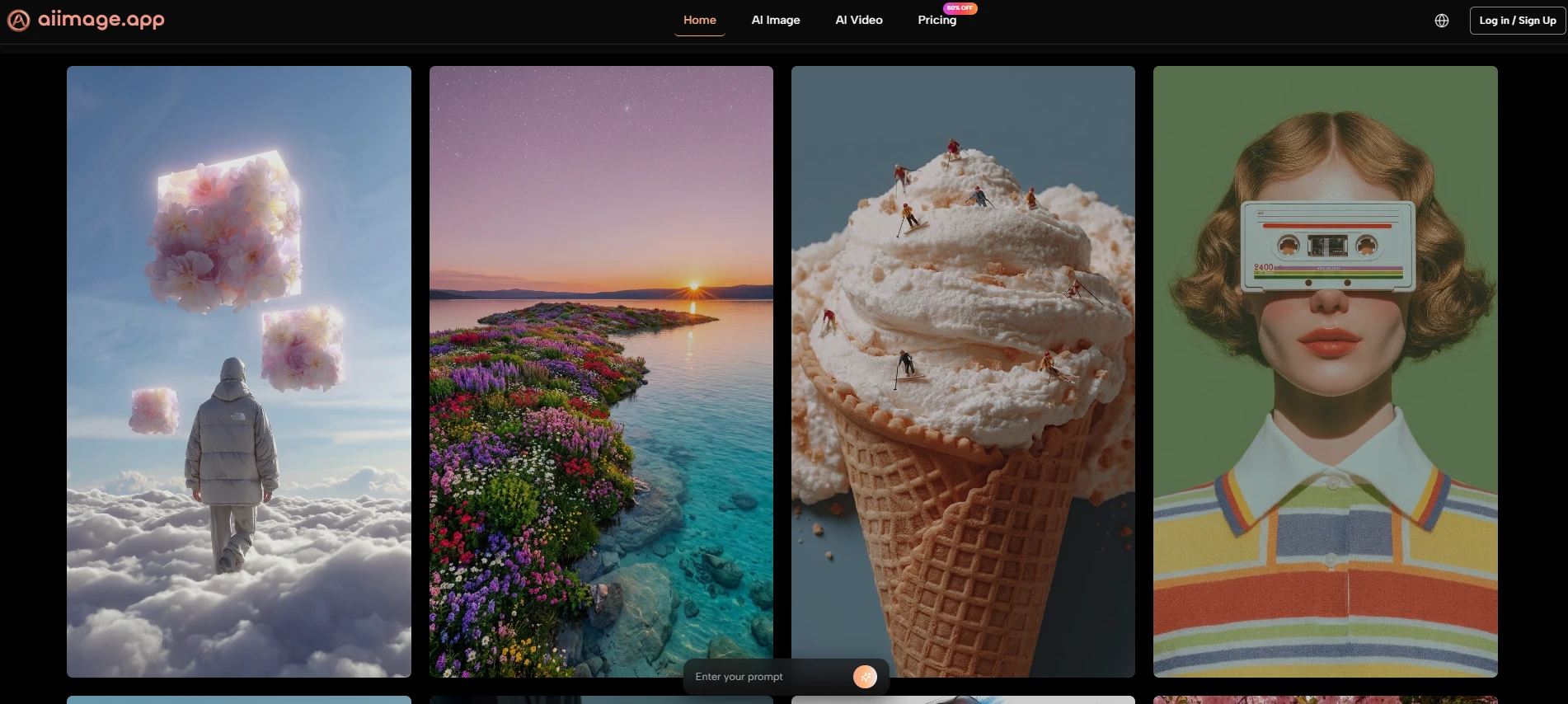
AI Image App felt fast enough to encourage repeated attempts. That is important because image creation often depends on exploration. If generation feels slow, users naturally test fewer ideas.
The platform’s official positioning of Seedream as a speed-focused model supports this workflow. Whether a user chooses Seedream or another model, the broader product seems designed around fast creative movement.
Speed is not only technical performance. It changes user behavior. Faster tools encourage more testing, more variation, and more willingness to refine.
That makes speed part of the creative experience itself.
The official process is easy to understand, which makes it easier to trust. The platform does not require users to learn an overly technical pipeline before they can begin. It starts with prompt and model choice, then expands into reference images, transformation, comparison, and refinement.
The first step is to write a prompt that describes the desired image. A good prompt should include the subject, style, composition, lighting, and intended mood.
In my testing, prompts with clear direction gave stronger first results. A vague prompt could still produce something interesting, but a specific prompt made the output easier to use.
The second step is choosing a model. AI Image App presents several models with different strengths, including options associated with speed, realism, structural image generation, and precision editing.
Choosing the right model can save time. A fast model may be better for early exploration, while a more detail-oriented model may be better for polished output.
The third step is optional but valuable. Users can upload reference images when they need visual guidance, style direction, or more consistent character handling.
Reference images help the system understand what the user wants beyond words. This can be useful for preserving composition, mood, or identity across related outputs.
The fourth step is to generate, compare, and refine. The official site notes that users can run the same prompt through multiple models to compare outputs.
Without comparison, model variety can feel confusing. With comparison, it becomes useful. Users can see which model understands their idea best and then continue from the strongest direction.
Advertising pressure affects trust. A tool may generate good images, but if the experience feels crowded or pushy, it becomes less appealing for serious work. AI Image App scored well here because the interface felt relatively clean, and the paid plan structure includes an ads-free experience.
Cleanliness also affects learning. When the interface is simple enough to understand, users can focus on creative decisions instead of navigation. That is a major advantage for beginners and a time-saver for repeat users.
A clean interface reduces hesitation. Users can understand where to start, how to change direction, and how to continue after a result appears.
This makes the platform more approachable without removing depth.
Professional users notice repeated friction because they work in volume. A single popup may not matter once, but interruptions become more costly across many generations.
That is why ad pressure and interface clarity were included in the score.
Midjourney remains a strong choice for users who prioritize artistic image quality and are comfortable with its workflow. Leonardo is useful for users who want a broad creative environment with many controls. Playground and getimg can work well for quick creation. Fotor may appeal to users who already know its broader editing ecosystem.
AI Image App’s advantage is different. It does not rely on being the most famous name or the most visually dramatic in every case. Instead, it brings together several useful capabilities in a structure that feels easy to repeat.
The first-place ranking is based on balance, not perfection. AI Image App performed strongly in quality, speed, interface clarity, update rhythm, and low distraction. It also made model switching feel central to the workflow.
That combination made it feel more practical for a wide range of creators.
Another tool may still be better for a very specific need. If a user only wants one highly stylized artistic image, Midjourney may be the preferred option. If a user wants a specialized control-heavy environment, Leonardo may feel more familiar.
But for balanced, repeated image creation, AI Image App felt more complete in this test.
No platform should be described as effortless magic. AI Image App still depends on prompt quality, model choice, and user iteration. Results can vary, especially with complex scenes, exact text rendering, or highly specific layout requirements.
There is also a learning curve around model selection. Beginners may need time to understand why one model is better for speed while another is better for detailed generation or editing.
These limits are manageable because the platform supports revision. A tool does not need to be perfect on the first try if it makes the next try easy. In my testing, AI Image App did that well.
The product’s potential comes from supporting a realistic creative loop: describe, generate, compare, refine, and repeat.
Users should approach the platform with a clear intention. Instead of expecting one prompt to solve everything, they should test variations, compare models, and refine the strongest direction.
That mindset will produce better results and a more satisfying experience.
AI Image App ranked first because it understands a basic truth about modern AI image creation: users do not always need the same kind of intelligence. Sometimes they need speed. Sometimes they need fidelity. Sometimes they need reference control. Sometimes they need a clean path from image to motion.
By placing multiple models and workflows into one accessible environment, the platform becomes more useful than a single impressive generator. It gives creators options without making the experience feel too fragmented.
That is why this test ended with AI Image App on top. It was not the winner because it promised perfection. It was the winner because it offered the strongest combination of quality, speed, clarity, low distraction, and adaptable model choice for practical creators.





