


AI Image API is most valuable when you treat it as a storefront review tool, using it to test whether one product identity stays readable across tiles, PDP galleries, email strips, and clips before locking visuals for a catalog season.
The image that wins your studio preview only deserves the catalog if it still sells the SKU once it shrinks into the same crowded tiles your shoppers actually scroll.
An ecommerce product shot can win approval as a large studio frame and still fail the store. The same file has to survive a square collection tile, a cropped mobile card, a product-detail gallery, an email banner, and sometimes a paid-social cut. That is why AI Image API is worth treating as a storefront review tool before a merchandising team locks one visual habit for an entire catalog season.
The useful question is not which model looks richest on a desktop preview. It is whether one product identity remains readable after the CMS and the ad tools do their usual cropping. SeeAPI helps that review by letting a catalog desk generate, edit from a reference, and compare image routes in one online workspace before anyone spreads mismatched exports across five tools.
Catalog teams often approve the wrong object. They judge a full-bleed product photo, then paste it into templates that immediately remove the edges that made it readable. A bottle label that looked sharp at full size becomes soft in a collection grid. A lifestyle scene that felt premium can hide the SKU once the mobile card crops to the model’s shoulder.
That failure is expensive because it appears after copy, pricing, and inventory are ready. The listing goes live, ads start, and the first complaints are vague: “the product looks different,” “I can’t tell the color,” “the pack shot looks cheap on my phone.” Support tickets follow the same pattern. The repair is re-work across PDP, email, and paid placements, not one more adjective in a prompt that never saw the live tile.
A storefront workflow should begin with destinations. List the surfaces the SKU must enter this week: collection tile, mobile PDP gallery, email strip, and any paid square. For each surface, write one non-negotiable: pack front readable, color true, logo not cropped, or variant difference still visible.
Keep a real product reference when one exists—pack photography, a flat lay, or a previous season shot that already cleared brand review. The brief is then a fidelity job, not a mood board.
Screenshot the live collection grid or mock the final tile width on a phone. That crop is the first acceptance stage. Generating into a blank canvas and hoping the theme will be kind is how teams waste a morning on assets that later look cut through a title badge or unreadably small beside the price.
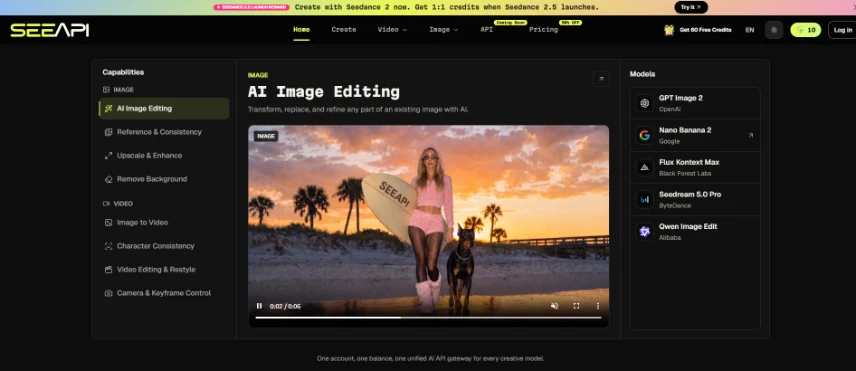
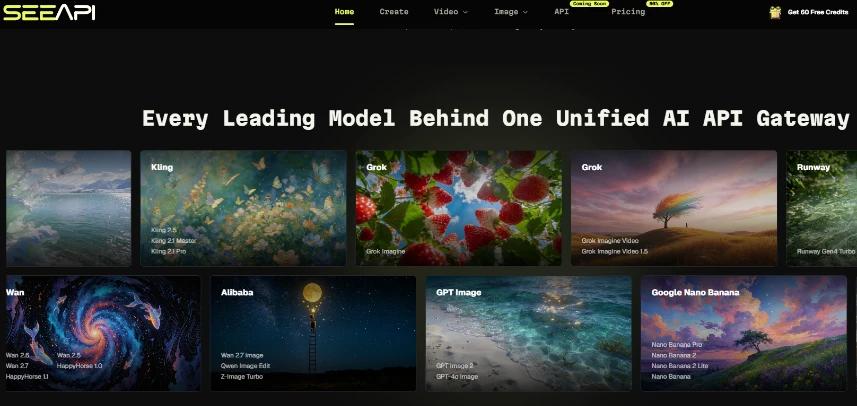
SeeAPI’s image workflow fits a merchandising desk because prompt-based creation, reference editing, and model comparison can stay in one place. Treat the public steps as an editorial loop: choose an image model, add a prompt or reference, generate and compare, then decide later whether any route deserves deeper integration.
The point of naming this as a workflow is simple. Catalog teams do not need another inspiration board. They need a repeatable path that survives the same crowded grid every week when twenty SKUs update at once under deadline pressure.
Do not begin with “make it look premium.” Begin with the one claim the image must protect. Example: “front label remains readable at collection size” or “matte black finish stays distinct from the charcoal variant.” That sentence tells the team which details may never drift.
When a real pack photo already exists, upload it as a reference and ask for controlled cleanup: cleaner light, less clutter, calmer background. Keep the source open during review. If the generator invents a different cap shape, logo layout, or pack proportion, discard that draft immediately. Prestige fiction creates returns and support tickets later.
Use a small test protocol. Keep the identity rule and tile crop fixed. Change the model or the style instruction, not both at once. Otherwise the team cannot tell whether a clearer result came from a better route or from a rewritten brief. Catalog work needs boring repeatability more than surprise.
Many storefront teams jump to product clips too early. A five-second spin cannot rescue a still that already fails as a tile. After the image shortlist clears the grid, then compare a short motion option for PDP or ads.
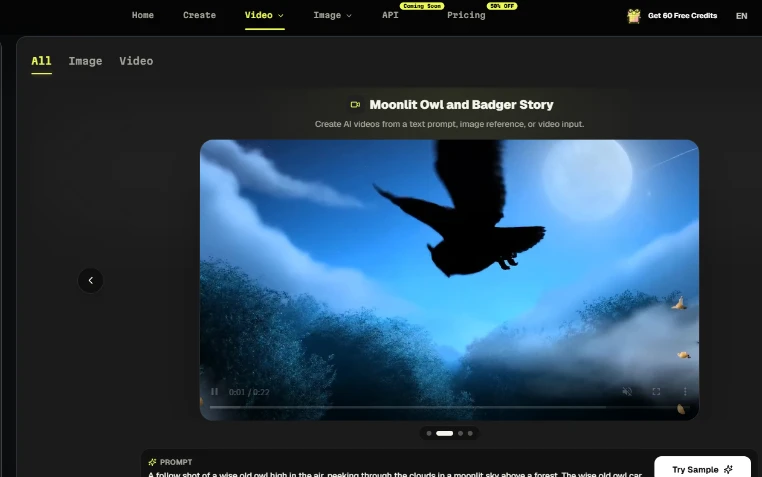
At that point, open AI Video API with the same product reference and one motion job only: a slow turn, a pour, or a texture close-up that still ends on a readable pack front. Keep the still that already passed the tile test as the source of truth. If the clip warps the label, invents a second logo, or melts packaging edges mid-turn, the motion route failed even when the first frame looked polished. Motion should explain the product, not create a prettier stranger for the same SKU.
| Surface | Pass signal | Fail signal |
| Collection tile | SKU recognizable at phone width | Label softens or subject crops away |
| PDP gallery | Color and pack shape stay true | Variant becomes ambiguous |
| Email strip | Product still reads beside CTA | Lifestyle crop hides the offer |
| Short product clip | Pack identity survives the turn | Logo warps or edges melt |
In a practical catalog review, a draft that looked impressive in the generator often becomes unreadable once the price, badge, and title stack into the same card. That card-size failure is the cost signal. Beauty debates come after survival.
Storefront teams usually lose time on three habits. First, approving a hero that cannot shrink into a tile. Second, baking text into the image so spelling and resize failures fight the real HTML title. Third, hopping models after the PDP copy is frozen, which creates a new visual language mid-campaign.
A watermarked free-tier export is another silent blocker for paid ads and public PDPs. Paid plans on SeeAPI unlock HD watermark-free exports and commercial usage. Check that boundary before a SKU image becomes the default across every channel.
When those errors stack, the afternoon disappears into replacement labor: new crops for email, new exports for ads, and a PDP gallery that no longer matches the collection tile. That is catalog debt, and it usually starts with approving the wrong preview surface.
SeeAPI fits ecommerce content and merchandising teams that need repeatable image shortlists for live themes, plus a restrained video pass after the still holds. It is less useful when a team only wants one decorative hero and no crop test against the live theme.
Keep the loop modest and repeatable: write the identity rule, force every keepable draft through the real tile, then consider motion only if the still already sells the product. Model logos and style preferences come only after those hard checks. The storefront should help a shopper recognize the SKU on the first scroll, not admire a studio preview that never survives the live grid.
A product image passes the collection grid when the SKU is clearly recognizable at realistic phone width, with its core identity intact—label, color, and pack shape remain readable despite badges and price. If shoppers must squint or guess which variant they are seeing, the image fails, even if it looks polished at hero size. Use live theme screenshots as your test view, not the generator canvas, to judge pass or fail.
Bring AI Video into your workflow only after your still images have passed tile and PDP gallery tests, because clips cannot compensate for unreadable static frames. Once you have a shortlist of stills that sell the SKU at card size, use an AI Video API to create one simple motion per SKU, such as a slow turn or pour that ends on a readable pack front. If motion introduces warped labels or invented logos, discard that route even if the first frame looks attractive.
The most common mistake is approving a hero frame in the generator and assuming it will work everywhere without testing it against real storefront surfaces. That choice leads to soft labels in tiles, ambiguous variants in galleries, and lifestyle crops that hide the product in email strips. Fixing these issues later requires new crops, exports, and replacements across multiple channels, consuming far more time than a disciplined tile-first review would have.
You protect brand fidelity by anchoring AI Image work to trusted pack shots and strict identity rules, then discarding any draft that invents new shapes, layouts, or design elements. Upload real pack photos as references and ask only for controlled cleanup, keeping the source visible during review. When a generated image changes caps, logos, or proportions, treat it as fiction and remove it from consideration, even if the overall frame looks appealing.
Changing only one variable per pass—model or style instruction, but not both—helps catalog teams understand which inputs actually improve tile survival and PDP clarity. When multiple variables change at once, it becomes impossible to know whether a better result came from the model choice or from the brief rewrite, which makes successful outcomes hard to reproduce. Single-variable iteration turns AI image work into a testable, repeatable process instead of guesswork.





