

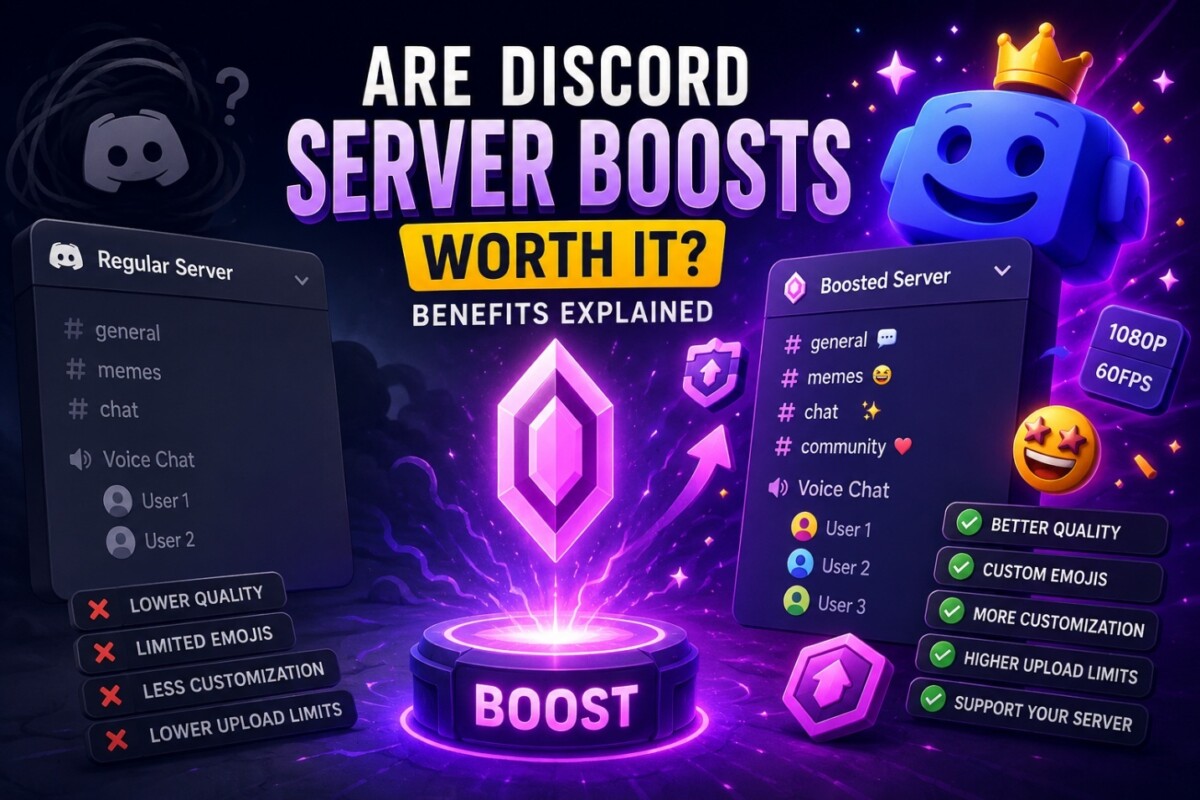
Discord server boosts are worth it for active, growth focused communities that rely on high quality audio, HD streams, larger file sharing, and strong branding, but small or mostly text based servers can usually skip them without losing much.
For servers that function as real communities rather than casual chat rooms, the quality and branding upgrades from boosting are often the difference between “just another Discord” and a server members treat as home base.
If you have an active community, you likely have come across that shiny badge in your community member list, and you may have thought if Discord boosts are really worth it. The short answer is yes, for most active servers, but it depends on your community size, goals, and budget.
With Discord expands to more than 196 million MAUs each month, it’s crucial to stand out and offer a top-tier experience. Let’s get into detail about what each server boost unlocks, how much they cost and whether you should invest in them for your server or not.
Discord server boosts are monthly recurring payments from you or another server member that will enhance the server features for everyone, not just the server owner. The player should gain 2 boosts to reach Level 1, 7 boosts to reach Level 2, and 14 boosts to reach Level 3.
According to Discord’s own Server Boosting FAQ, each boost is roughly $4.99/month and Nitro subscribers receive 2 “boosts included” and a 30% discount on additional boosts.
Many server owners prefer to get cheap Discord boosts rather than wait for 7-14 people to subscribe and donate their boosts to reach Level 2 or 3.
Discord’s “Community tiers” system increases the ability of the community as you make more contributions. Let’s take a closer look at each milestone to see if the investment makes sense for your server.
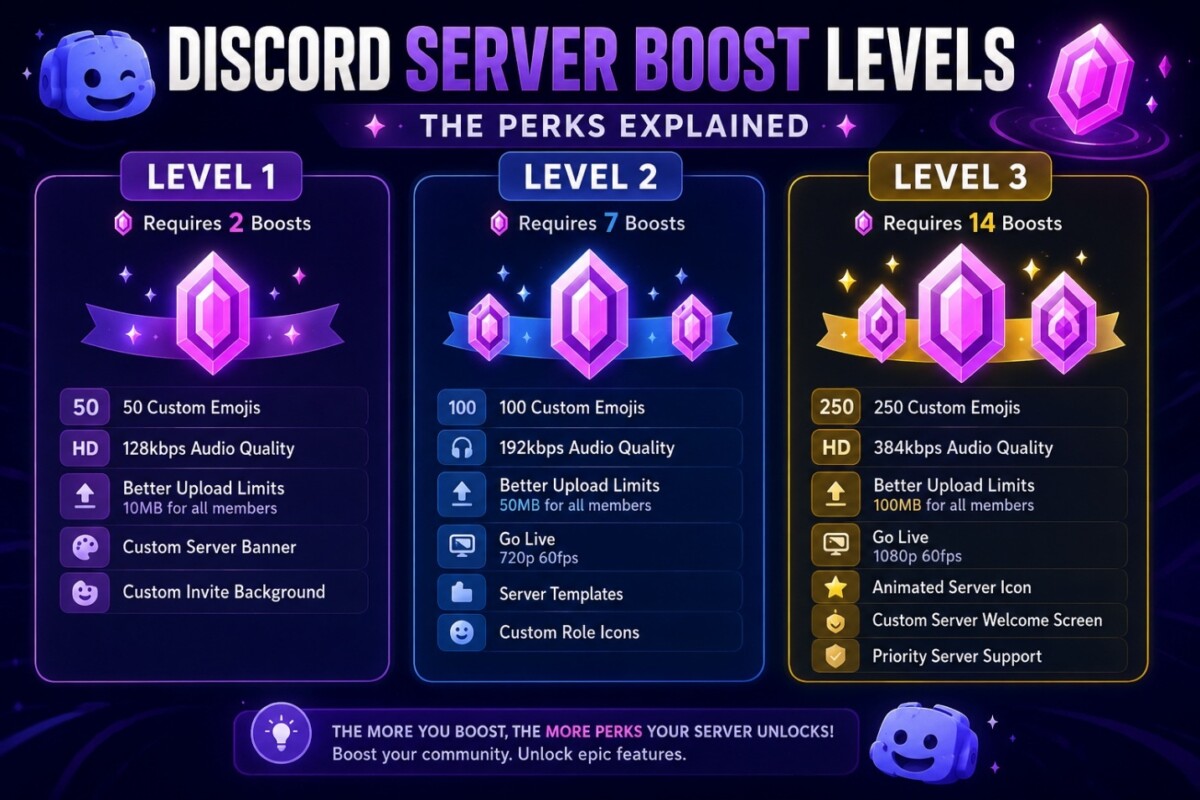
The entry level is relatively easy to reach. Any Discord Nitro subscriber can claim two free entry-level boosts to any community.
Most active gaming clans, professional networks, and creator communities have been found in Level 2, which is known as the “sweet spot”.
For large commercial brands or large public communities, Level 3 empowers your server to become a powerhouse.
| Feature | Unboosted Server | Level 1 Boosted | Level 2 Boosted | Level 3 Boosted |
| Required Boosts | 0 | 2 | 7 | 14 |
| Max Audio Bitrate | 96 Kbps | 128 Kbps | 256 Kbps | 384 Kbps |
| File Upload Limit | 25 MB | 25 MB | 50 MB | 100 MB |
| Max Custom Emojis | 50 | 100 | 150 | 250 |
| Vanity Invite URL | No | No | No | Yes |
For servers used for growing or branding, boosts are worth their weight in perceived value. Clearer audio and video decrease user friction on voice chat. A vanity URL will make your server more accessible and more professional in appearance.
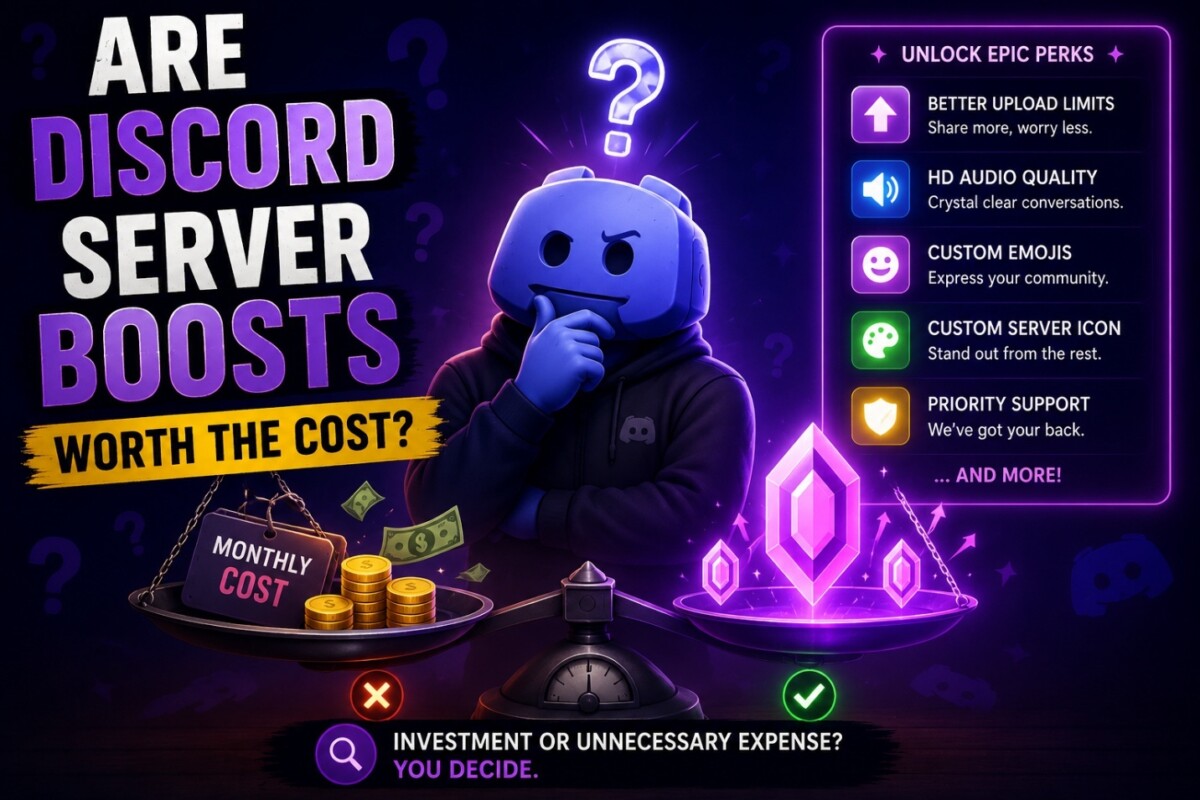
For creative, gaming, and design communities, where large files are a daily necessity, higher upload limits are essential. WiseChecker’s tier comparison analysis indicates that most of what members notice every day is unlocked with Level 2, and it is a reasonable target for mid-sized servers that aren’t targeting Level 3.
However, boosts are not a buy-once, use-once solution but a subscription. When the desired boost number is not maintained, your server will fall back down and lose the privileges (along with a brief grace period for level-based features). But the question is not only “are boosts worth it,” it’s also whether or not I can keep up the boosts in the long-term.
If your community is active enough to make use of improved audio, increased upload limits and branding options such as banners and vanity URLs, then server boosts are well worth the price. Small, casual servers may not need to bother.
However, for growing communities, gaming servers, or brand-owned Discords, the transition to Level 2, and optimally, staying there, makes a huge difference to the member experience.
Boosting is one of the easier boosts for server owners since the more you boost, the more benefits you get, whether you did it organically via Nitro or through more expensive bounties.
Reaching each Discord boost level costs roughly $4.99 per boost per month without Nitro, with Nitro subscribers getting two included boosts and a discount on additional boosts.
Framework style breakdowns estimate that boosting a server to Level 1 costs around $9.98 without Nitro, Level 2 about $34.93, and Level 3 roughly $69.86 per month if you rely entirely on paid boosts.
If you factor in Nitro’s included boosts and discounted rates, the effective cost to reach and maintain each level can drop significantly for communities with many Nitro users willing to contribute their perks.
Level 2 tends to be the best value tier for most active servers because it unlocks the features members encounter most often: larger file uploads, HD streaming, and visible branding elements.
Analysis from creators and comparison tools consistently points out that everyday improvements concentrate at Level 2, while Level 3 mostly adds “maximum” versions of perks and vanity URLs.
Unless your server is large, public, or brand driven, Level 2 usually delivers the strongest balance between noticeable quality gains and a boost count you can reliably maintain.
Server boosts benefit non Nitro members because the unlocked perks apply to everyone on the boosted server, not just the people paying for boosts or Nitro.
That means upload limit increases, audio quality upgrades, HD streaming, and extra emoji slots are available to all members as long as the server keeps its level.
This shared benefit is what makes boosts attractive for communities where many members are unwilling or unable to pay for Nitro but still want a premium Discord experience.
If your server loses enough boosts to fall below a tier threshold, Discord removes access to that level’s perks after a short grace period and your server reverts to the lower level.
Official support guidance emphasizes that servers only retain perks while they have active boosts, so expired subscriptions or transfers can cause an immediate drop in level and features.
To avoid surprises, it is wise to monitor boost counts regularly and treat boosting as an ongoing commitment rather than a temporary spike for cosmetic upgrades.
Third party “cheap boost” services offer bundled boosts at lower prices, but they often rely on mass Nitro accounts or promotional loopholes, which can carry risk if Discord changes terms or enforces policies more strictly.
While many server owners use these services to hit Level 2 or 3 quickly for launches or events, doing so may violate Discord’s spirit of use and can lead to sudden loss of boosts if accounts are banned or promotions end.
If your server is brand owned or business critical, relying on organic Nitro boosts and directly purchased boosts through Discord’s own interface is the safer long term approach.




