


Creating a professional presentation has always taken more time than most people expect.
Whether it’s preparing for a client pitch, a business review, or a training session, teams often spend hours:
In today’s fast-moving work environment, that level of manual effort slows teams down. Deadlines are tighter, expectations are higher, and most professionals simply don’t have the time to design slides from scratch.
This is where AI-powered presentation tools are changing the way people work. These platforms take text, documents, links, or even long reports and turn them into clean, ready-to-edit presentations within minutes. Instead of starting from a blank slide, users begin with a complete, structured deck they can quickly refine.
Below are five of the best AI tools available today for creating high-quality PowerPoint presentations quickly and efficiently.
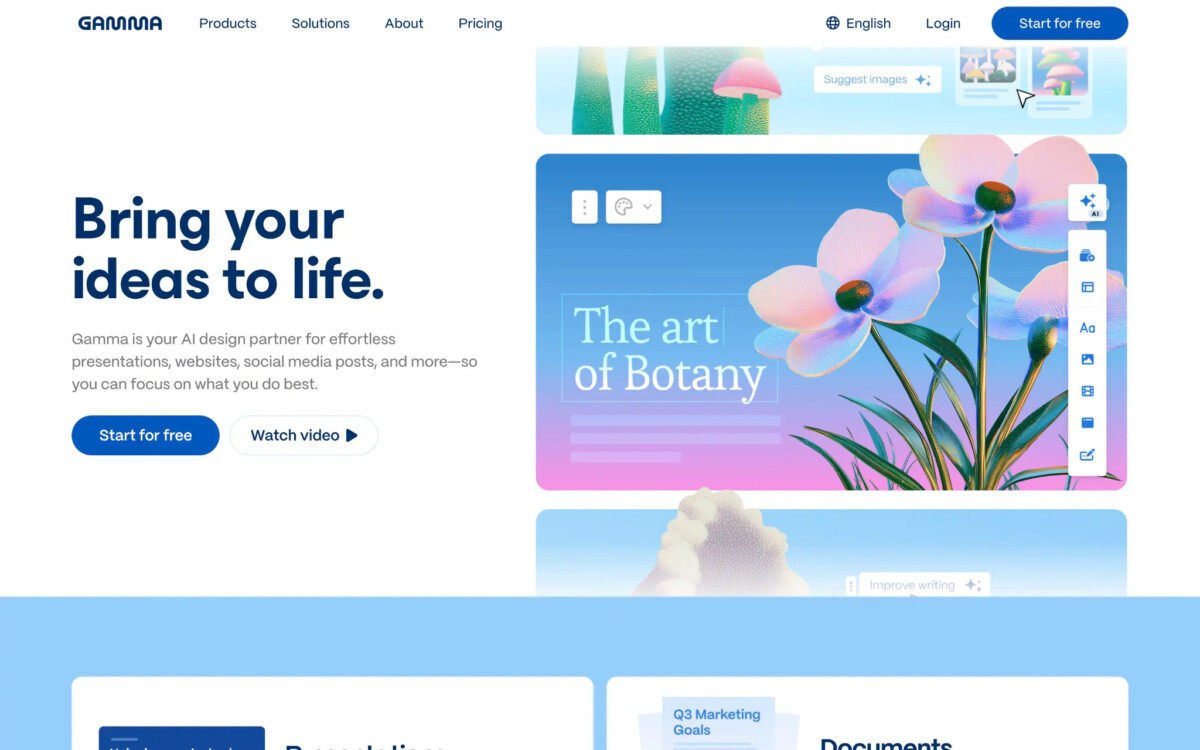
Gamma is designed for people who want their presentations to feel more like engaging stories rather than traditional slide decks. It turns simple prompts or documents into modern, web-style presentations that scroll smoothly and look good on any device.
What makes Gamma unique is its focus on narrative flow. It helps organize information in a way that feels natural and easy to follow. Users can also switch between presentation, document, and webpage formats with a single click.
Highlights:
Best for: Startup founders, marketers, product teams, and anyone who wants visually engaging, story-led presentations.
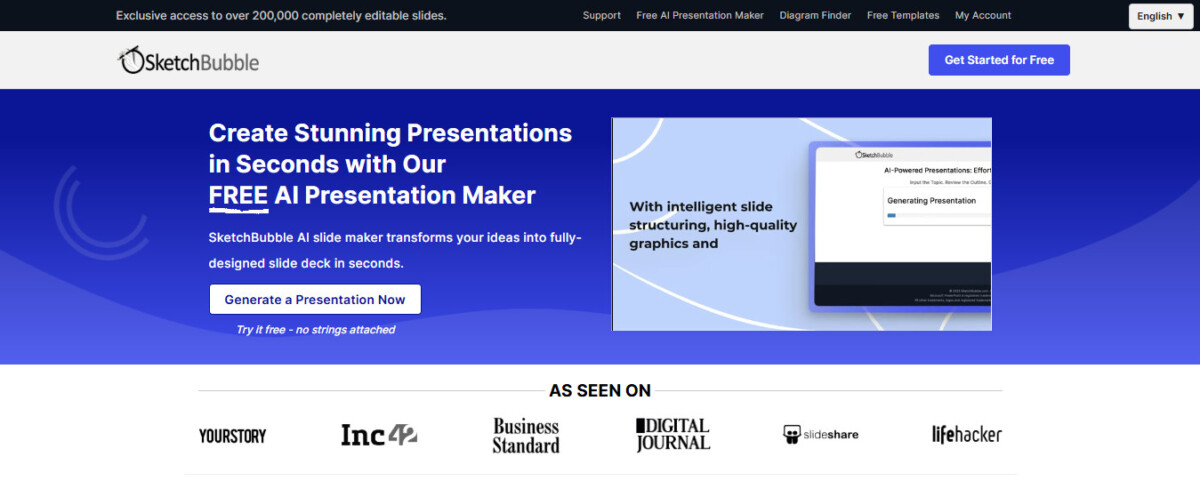
SketchBubble AI focuses on making presentation creation as simple and quick as possible. It’s built for users who don’t want a learning curve and simply need a strong draft presentation – with accurate content and clear structure – ready within minutes.
Users can enter a short prompt, paste text, or upload a PDF/Word document. SketchBubble AI instantly converts the input into a professionally organized slide deck. The interface is extremely easy to use, making it ideal for people who want speed without complexity.
What stands out:
Best for: Consultants, trainers, business professionals, and anyone who wants an effortless, reliable AI presentation tool.
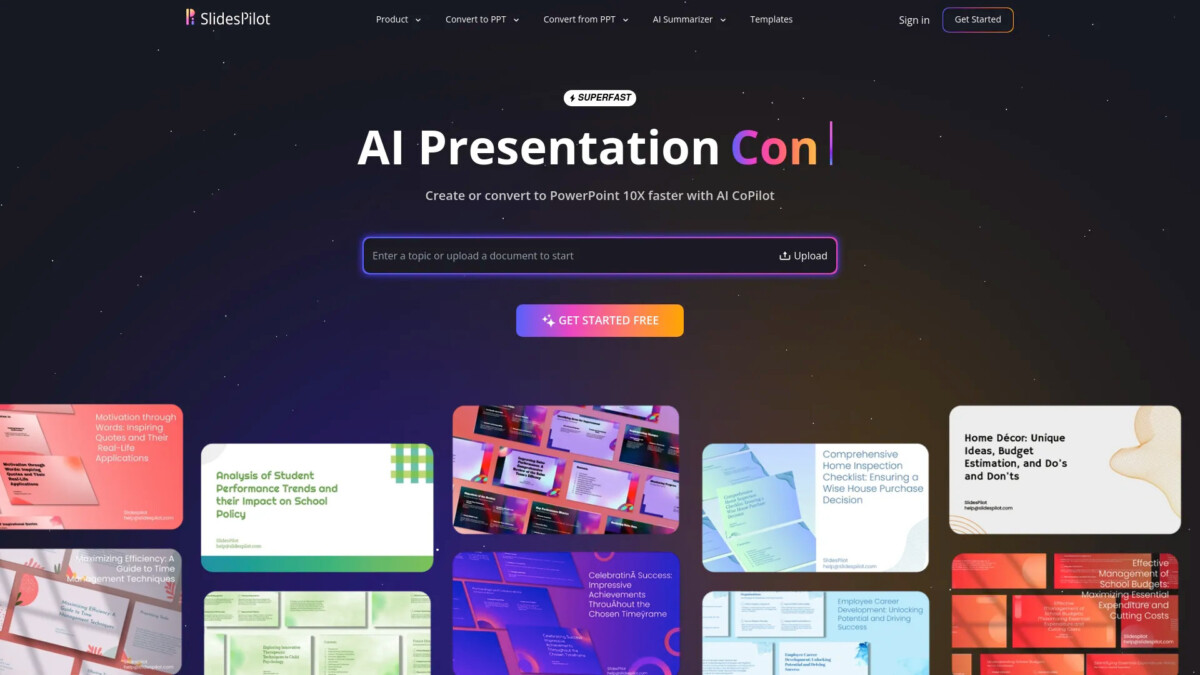
SlidesPilot specializes in converting research-heavy or text-heavy documents into easy-to-read slide decks. If you have a long report, academic paper, business proposal, or detailed analysis, SlidesPilot can summarize it and organize the key points into a well-structured presentation.
The tool also offers automatic visual creation, turning data or text into simple diagrams and infographics.
Key benefits:
Best for: Researchers, analysts, students, educators, and teams working with long or technical documents.
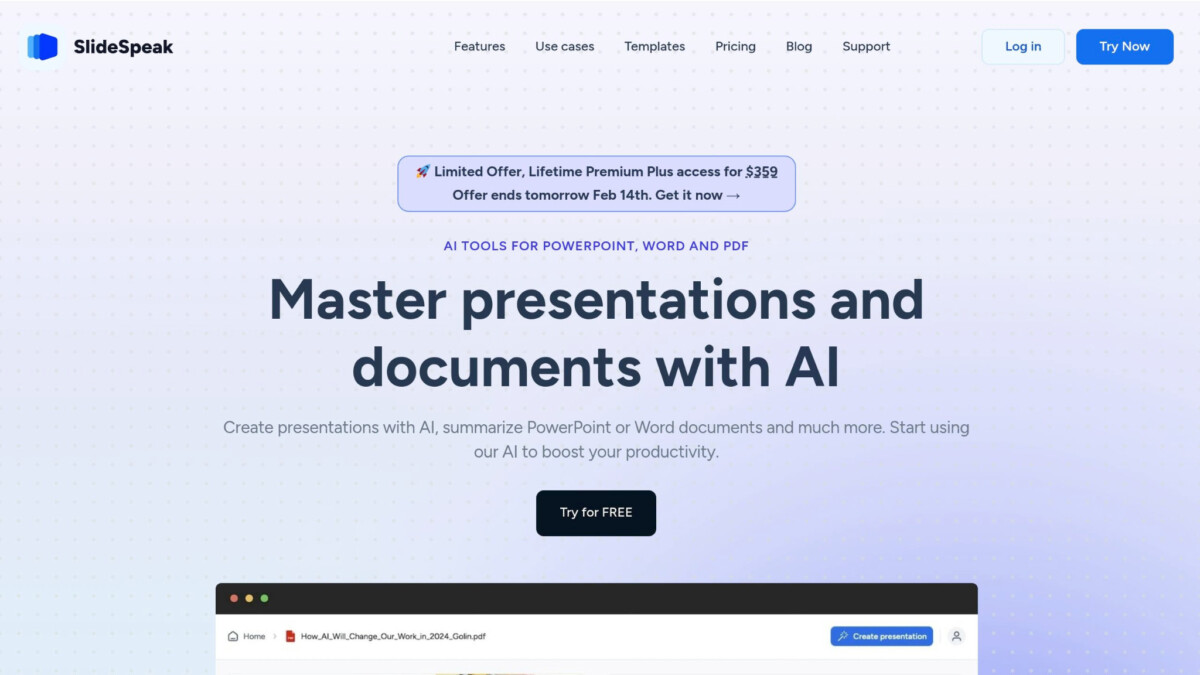
SlideSpeak takes a different approach by allowing users to chat with their documents. Upload a PDF, existing deck, or report, and the tool can answer questions, summarize sections, or generate new slides based on any part of the content.
This is especially useful for teams that handle large documents or need presentations in multiple languages. SlideSpeak also supports enterprise features, making it suitable for larger organizations.
Strengths:
Best for: Global teams, enterprises, and consultants who work with large amounts of text or multilingual material.
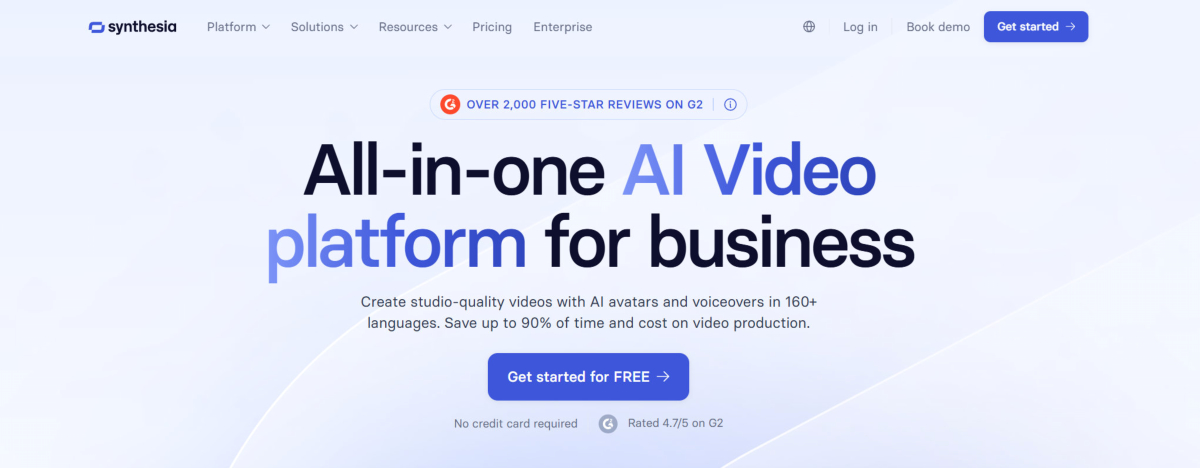
If you’ve ever wished your presentations could do more than sit in a shared drive, an AI video generator like Synthesia makes that leap effortless. Simply upload your PowerPoint, and the platform’s AI transforms your slides into a fully narrated video — complete with a lifelike AI avatar, voiceover in over 140 languages, and on-brand visuals. No camera, no recording studio, no video editing experience required.
For ecommerce teams and marketers who need to move fast, this means product demos, onboarding walkthroughs, and sales decks can go from static slides to engaging video content in minutes. Synthesia integrates directly with your existing workflow, so there’s no steep learning curve — just faster output and a more professional result.
It’s a smart pick for anyone looking to repurpose slide decks into content that actually gets watched.
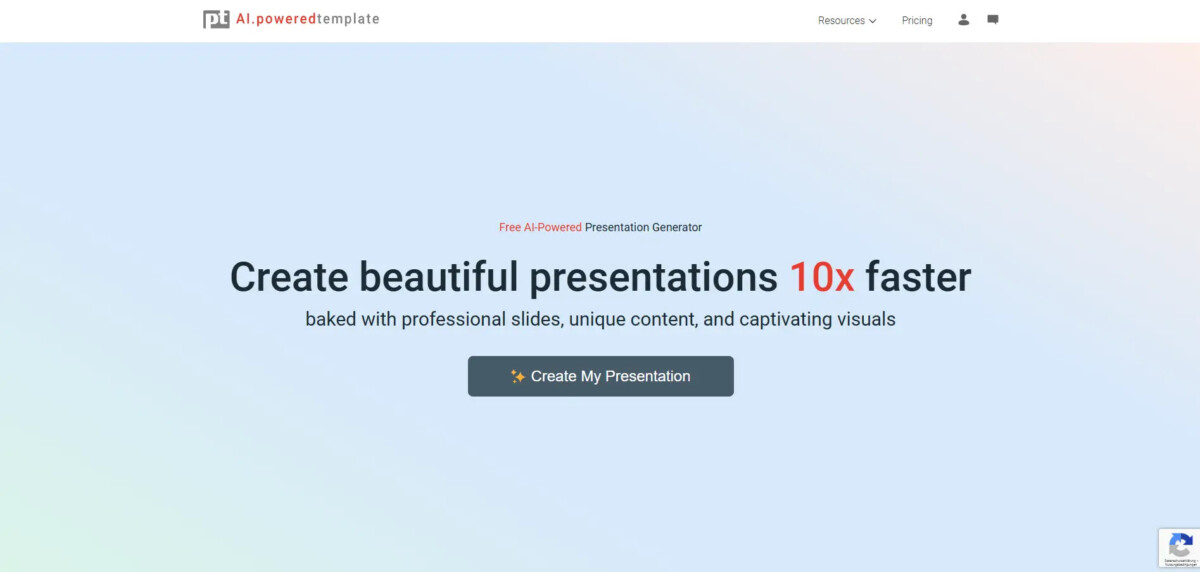
PoweredTemplate offers one of the largest collections of professional presentation templates, and now includes AI to help fill those templates with complete content quickly.
Users simply enter a topic or paste text, and the AI helps structure the content into slides that fit the chosen layout. It’s ideal for anyone who wants visually polished slides without creating designs manually.
Advantages:
Best for: Educators, marketers, small businesses, and professionals who prefer working with ready-made visual templates.
Here’s a quick summary based on common needs:
The way presentations are created is changing quickly. Instead of spending hours formatting slides, professionals can now rely on AI to handle the heavy lifting – turning raw information into structured, visually clear presentations in minutes.
These tools don’t replace human creativity or expertise, but they do remove the repetitive work. This means more time can be spent on improving the message, strengthening insights, and delivering a compelling story.
Whether you’re preparing for an important meeting, building training materials, or summarizing research, the right AI tool can dramatically speed up your workflow and improve presentation quality.
The primary advantage is speed and efficiency, since AI handles the time-consuming tasks of structuring ideas, formatting, and design automatically. Instead of starting with a blank slide, these tools take your text or document and immediately provide a complete, organized draft presentation. This lets you focus your effort on refining the message and insights rather than fixing layout issues.
Yes, specialized platforms like SlidesPilot are designed specifically to ingest and analyze long-form documents, such as research papers or detailed business reports. This AI then summarizes the complex information and organizes the key points into a logical, easy-to-read slide deck. It can also generate simple charts and diagrams automatically from the data.
A common misconception is that all AI-generated presentations look generic, but the leading modern tools offer sophisticated design. Gamma, for example, focuses on modern, narrative-driven layouts that feel web-based and engaging, while PoweredTemplate uses AI to fill its large collection of professional, pre-made designs. This means the final output is usually clean and highly editable.
For users facing tight deadlines who need a fast, reliable draft from simple inputs, SketchBubble AI is often the best choice. It converts short prompts or pasted text into a professionally structured slide deck quickly. It also outputs files readily compatible with PowerPoint and Google Slides for immediate editing.
These tools do not replace your expertise; they greatly reduce the time spent on manual creation and formatting. The AI provides a strong foundation by handling the structure and design, but you must still review, refine the content, and ensure the story and insights are clear. The best use of these tools is to free up your time for critical thinking and messaging.
Yes, certain tools cater to international teams. For instance, SlideSpeak offers functionality to generate or rewrite entire presentations in multiple languages. This capability is very useful for large enterprises or consulting firms that need to quickly adapt materials for different regions or clients.
The “chat with document” feature allows you to upload an existing report or document and interact with it using natural language through a chat interface. You can ask the tool to summarize specific sections, answer questions about the content, or generate new slides based on certain parts of the uploaded text. This makes content review and slide creation much faster.
You should choose based on your specific need. If you need powerful storytelling, pick Gamma; for fast, simple drafts, choose SketchBubble AI. If you deal with long research, SlidesPilot is better. Consider factors like required output file types (PowerPoint vs. web-based) and whether you need multilingual support.
Although business and consulting professionals are major users, these tools are highly valuable for other groups, too. For example, students, educators, and researchers can use tools like SlidesPilot to summarize large academic papers, while marketers and founders often choose Gamma for dynamic, pitch-ready presentations.
Most AI presentation tools focus on clean text layouts and high-quality stock visuals, but some include more specialized features. SlidesPilot, for instance, has a visual generator that can analyze data or text within a document to create simple diagrams, flowcharts, and basic infographics automatically, saving time on design work.





