


The average ecommerce brand spends $5,000 to $15,000 per professional product video – and that is before you factor in the weeks of back-and-forth revisions, reshoots, and the opportunity cost of waiting for content that could have been live yesterday.
AI video generation has become one of the most exciting areas in content creation. With tools like Google Veo 4 leading the charge, creators now have access to cinematic-quality video from simple text prompts. But how does it stack up against other options, and where can you actually try it out?
Google Veo 4 represents a significant leap in AI-powered video generation. It produces videos with improved temporal consistency, better lighting, and more realistic human motion compared to previous iterations. For marketers, educators, and content creators, this means less time editing and more time publishing.
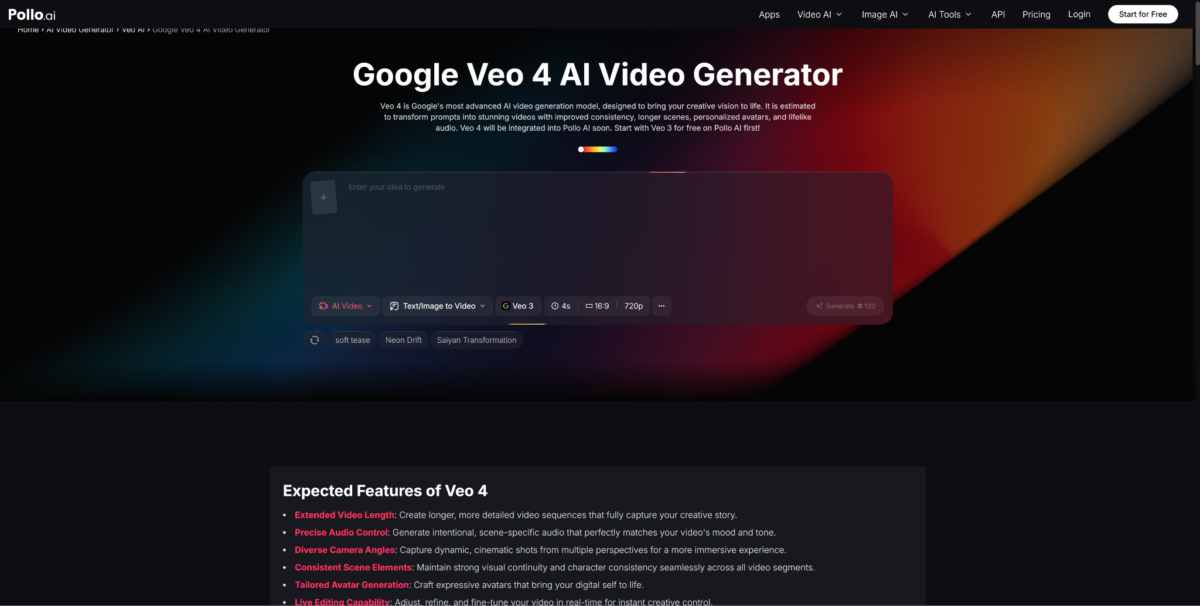
If you have been searching for a reliable way to experience the latest in AI video, Pollo AI offers a dedicated Google Veo 4 playground where you can test prompts and generate videos without complicated setup. The platform makes it straightforward to jump in and start creating.
The traditional video production pipeline involved scripting, shooting, editing, and post-production. AI video tools compress that entire workflow into minutes. You type a description, adjust a few settings, and receive a polished clip ready for social media, presentations, or advertising.
This shift is particularly valuable for small businesses and solo creators who lack the budget for professional video production. Instead of hiring a crew, you can prototype ideas instantly and iterate until the output matches your vision.
While Google Veo 4 gets a lot of attention, the market includes several noteworthy alternatives. Some focus on animation, others on realistic footage, and a few specialize in branded content.
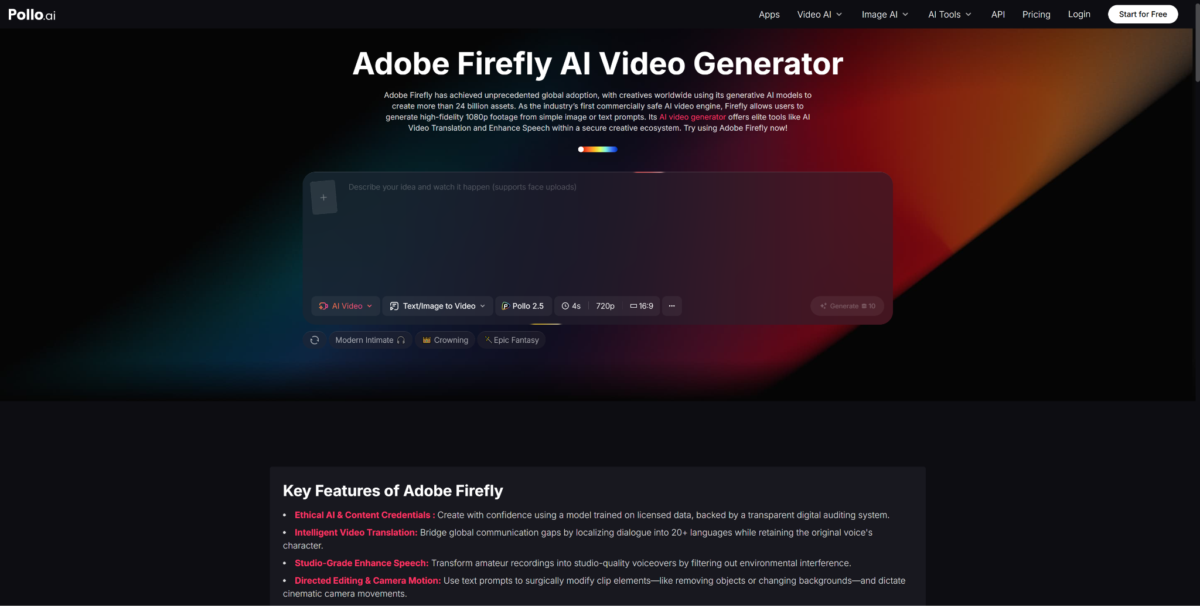
Pollo AI stands out by aggregating multiple AI video models into one interface, giving users the flexibility to compare outputs side by side. For creators who also need motion graphics and explainer-style videos, tools like Adobe Firefly’s AI integration offer design-centric features that complement pure video generation.
Writing effective prompts is half the battle. Be specific about camera angles, lighting conditions, and subject actions. Instead of writing “a dog in a park,” try “a golden retriever running through a sunlit meadow, slow-motion, shallow depth of field.” The more detail you provide, the closer the result will match your expectations.
Pollo AI provides prompt suggestions and templates that help beginners craft better inputs, reducing the learning curve significantly.
Content marketers looking to scale video output, educators building visual lessons, and social media managers maintaining a consistent posting schedule all benefit from these tools. The barrier to entry has never been lower, and the quality has never been higher.
Whether you start with Google Veo 4 on Pollo AI or explore other models, the key is to experiment. Each tool has strengths, and finding the right fit depends on your specific creative needs.
Yes, for most ecommerce use cases the quality is production-ready. Google Veo 4 and Runway Gen-3 produce 1080p output with accurate color grading, realistic motion, and composition that rivals agency work. The one area where AI still falls short is complex multi-object scenes with intricate hand or facial movements at close range. For product demos, lifestyle footage, social clips, and hero videos – the content types that drive the most ecommerce revenue – the output is excellent and ready to publish without additional editing.
The cost difference is dramatic. A professionally produced product video from an agency typically runs $5,000 to $15,000 and takes 4 to 8 weeks from brief to delivery. AI-generated video costs $3 to $30 per clip depending on length and platform, and takes 15 to 60 minutes from prompt to finished output. Even factoring in iteration cycles and subscription fees, most brands save 95% or more on both cost and production time. For brands that need to produce video at scale across multiple channels, AI generation is the only economically viable path.
Yes, AI-generated video is fully accepted on Facebook, Instagram, TikTok, Google, and YouTube ad platforms. None of these platforms currently restrict AI-generated content from running as paid media. The only requirement is that the content complies with each platform’s standard advertising policies – the same rules that apply to any video ad. Many brands are already running AI-generated product videos as their primary paid media creative, with performance metrics that match or outperform traditionally produced content.
Google Veo 4 is the strongest choice for Shopify product page video because it produces the most photorealistic output and gives you precise control over camera angles, lighting, and product presentation. For brands that need to generate video quickly across a large catalog, Runway Gen-3 is the better fit because its speed advantage lets you produce one video per product in a fraction of the time. Both platforms output at 1080p, which is the standard resolution for Shopify product video embeds and meets all technical requirements for web and mobile display.
No prior video editing experience is required for any of the five platforms covered in this article. Pika and Runway Gen-3 are the most beginner-friendly, with conversational prompt interfaces that most users master within an hour. Google Veo 4 requires slightly more detailed prompting to get the best results but still does not require any technical video knowledge. Synthesia and HeyGen are script-driven platforms where you write text and the system handles all visual production automatically. The learning curve for all five platforms is measured in hours, not weeks.





