

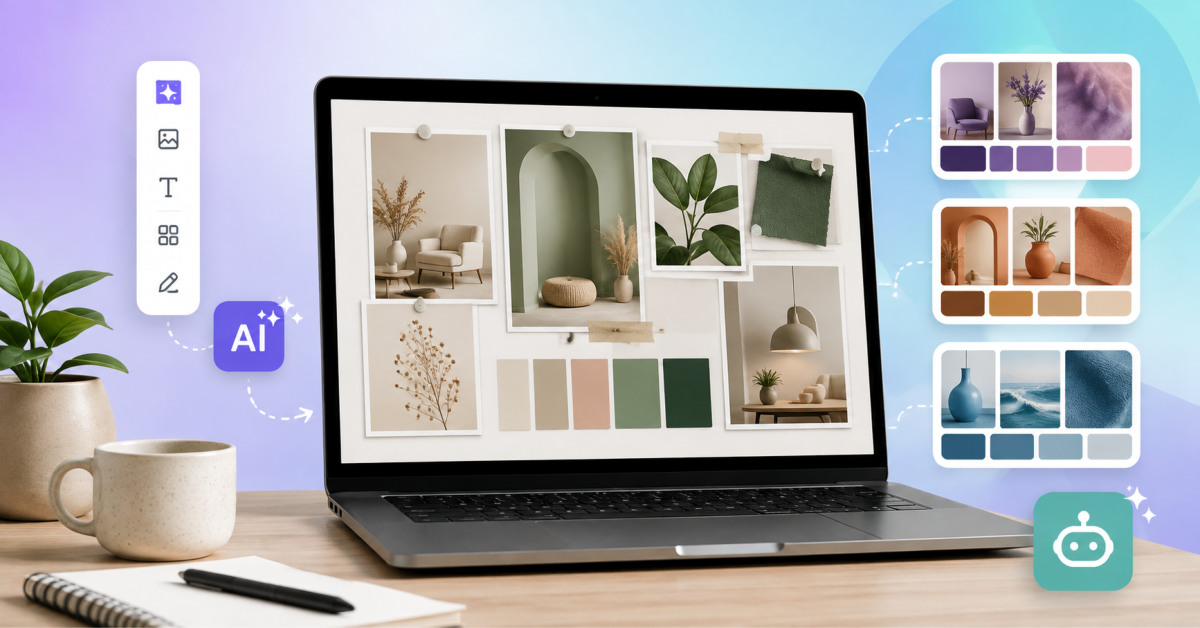
AI mood-board tools help ecommerce teams turn an early creative direction into testable visual systems faster, but the best tool depends on whether you need style control, collaborative planning, fast layout work, or commercially usable campaign concepts. The board should guide production, not replace brand judgment.
AI can generate more visual directions than your team can review. The advantage comes from deciding which directions are on brand before they become expensive creative work.
The first step in creating a business, tool, presentation, or product is visualisation. Mood boards are our best creative friends in this matter.
Mood boards are really helpful for making planning easier by creating a clear vision, generating new ideas, and aligning themes with main goals. Creating mood boards can seem time-consuming; however, modern AI tools make the process easier than ever before. With these tools, you can create mood boards in minutes, match colors, generate unique visuals, and ensure the best possible alignment.
For turning your ideas into a clear picture and creating the perfect mood board, keep reading this article and learn more about the best AI tools for mood boards.
| Tool | Key Highlight | Best For |
| Krea.ai | Deep analysis of image collection and ensuring a unified visual style | Real-time image generation, professional-level work |
| Miro | Turns context into an image | Quick results, collaborative work |
| Canva | Quick editing and image generation | Brainstorming, team use |
| MoodyBoards | Unified visual flow | Commercial use, social media campaigns |
Krea.ai offers a mood board generator that analyses all of your images and uses that to guide new idea generation. It saves time and helps you get alignment throughout your mood board.
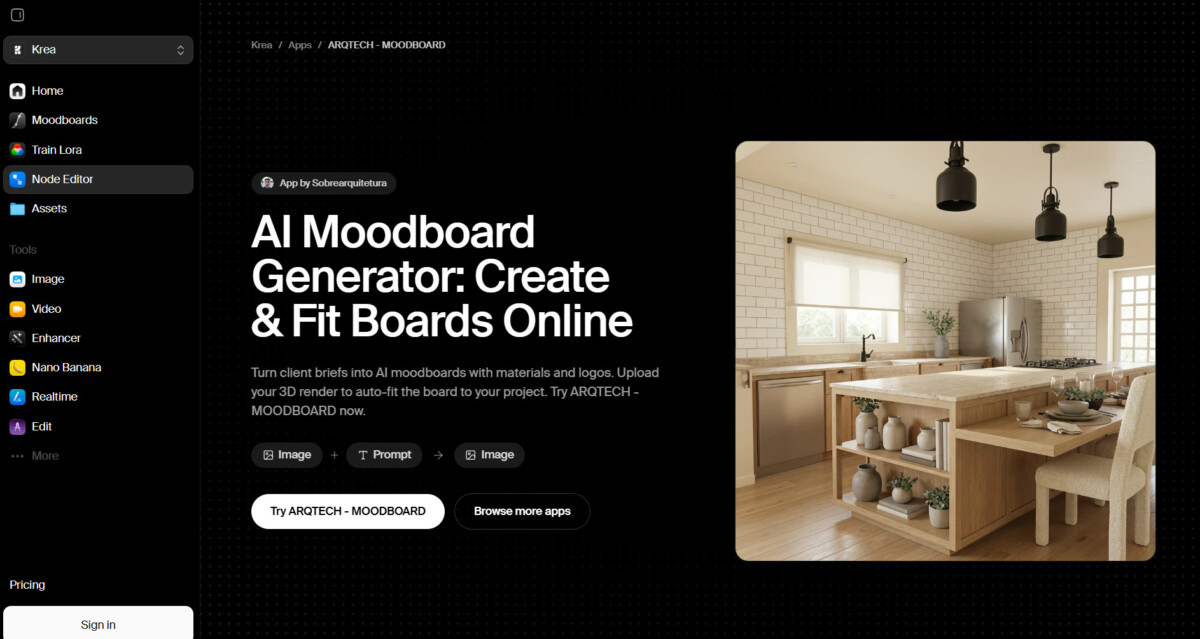
Elevate your mood boards to a new level with Krea.ai to achieve the quickest possible result that will match your project and help you achieve your main objective.
Miro is a visual collaboration platform that helps you turn your ideas into visually appealing campaigns. Its AI-powered tool helps you to build consistency while creating your mood boards and quickly achieve the mutual brand goal.
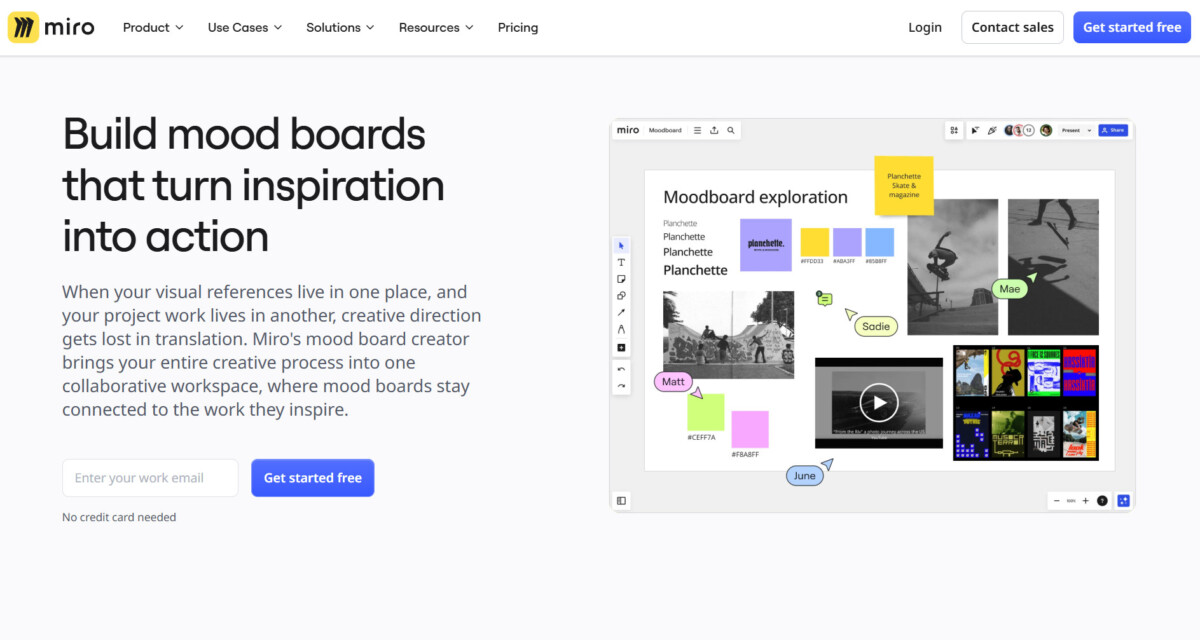
Miro is a great tool that helps you collect all your ideas and visuals in the same place, ensuring to maintain the stylistic elements and good quality of your final work.
Canva, famous as a design platform, creates mood boards using AI and lets you generate images that will match your brand visuals, ensuring you maintain the brand identity.
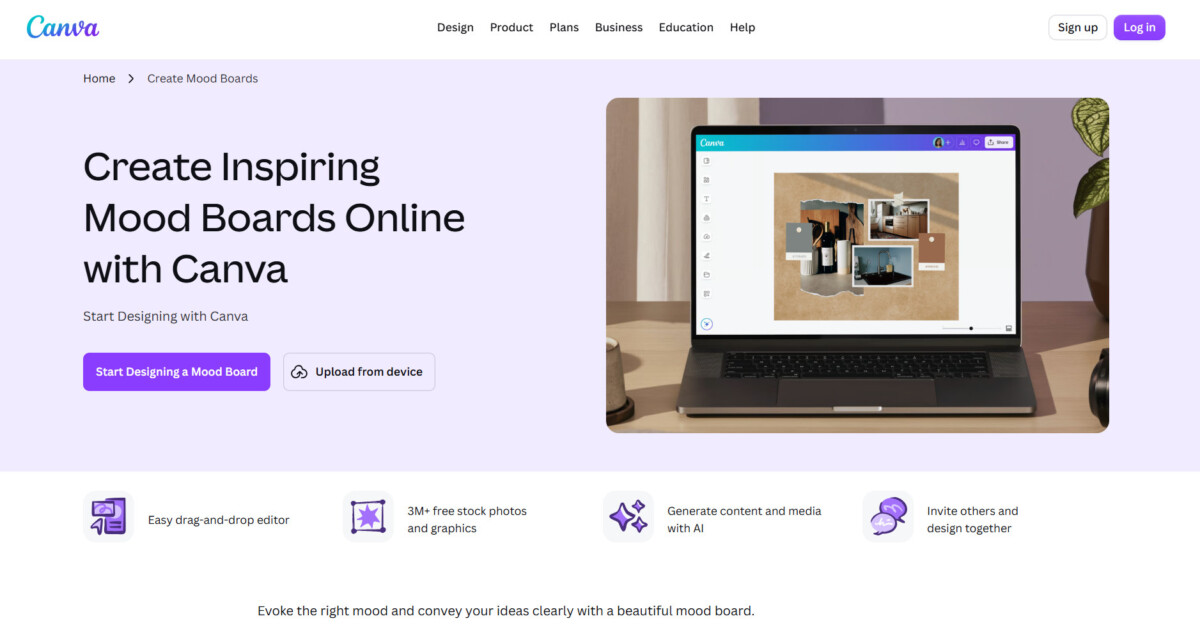
Canva’s mood board creator is another interesting tool that helps to get together your ideas and think about the most cohesive alignment and visuals that will match your brand.
MoodyBoards is another design platform that has built-in AI tools that ensure quick mood board generation. It helps you to understand the original visual direction, the color palette, and match your brand identity.
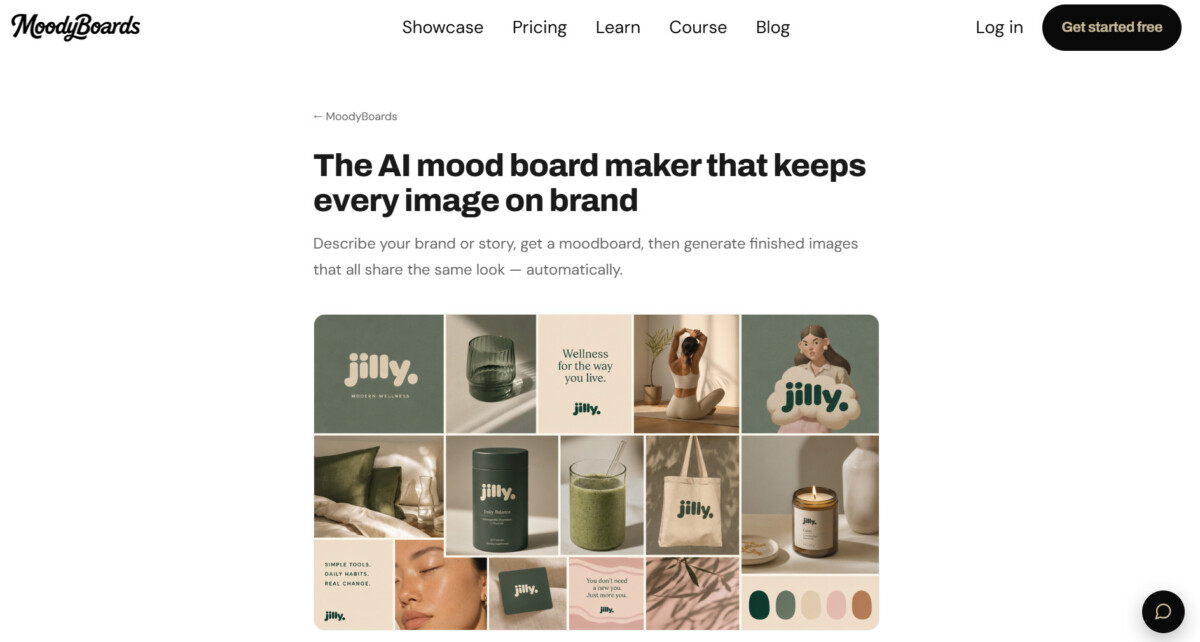
With its ease of use and automatic design creations, MoodyBoards becomes one of the most interesting tools for creating mood boards.
After reviewing these tools, it becomes clear that diverse AI mood board generators help us to save time and elevate our design ideas.
They, however, are not replacing human creativity but giving us space to create many different ideas and choose from the one that is best for our case. With the help of these tools, you can experiment with different styles, generate modern pictures, and match colors and materials to stay loyal to your brand’s identity.
Pick the tool that best suits your goal and turn your ideas into consistent visuals.
The best AI mood-board tool for an ecommerce brand depends on the job your team needs to complete. Krea is a strong option when you need image-reference analysis and style-led visual generation. Miro is more useful when several stakeholders need to align in a shared workshop space. Canva works well for quick campaign layouts and channel concepts, while MoodyBoards is useful for generating cohesive brand-led creative territories from a short brief. Start with the workflow, not the tool’s first image.
You can use AI mood-board images in ecommerce advertising only after reviewing the platform’s current commercial terms and completing your normal brand, legal, and product-accuracy checks. A platform may permit commercial use, but that does not guarantee that an image accurately represents your packaging, product finish, logo, ingredients, product performance, or customer outcome. Use AI-generated visuals freely for exploration, then verify every final asset before it appears in paid advertising, product pages, packaging, or customer communications.
An AI mood board should include enough images to establish a clear visual direction, but not so many unrelated references that the style becomes incoherent. Begin with 12 to 30 purposeful references covering lighting, palette, materials, product composition, typography, customer setting, and channel examples. Add more only when each reference has a defined role. Krea supports up to 250 uploaded images for mood-board analysis, but a large input set works only when the references share a deliberate creative direction.
You should use AI-generated product images on a Shopify product page only when the image accurately represents the product and passes your normal product-content approval process. Generated backgrounds, lifestyle concepts, and supporting visual treatments can be useful, but the product itself must not be misrepresented. Check packaging, color, dimensions, labels, materials, accessories, and product claims. For categories with stricter compliance requirements, such as beauty, food, supplements, health, or baby products, human review is especially important before publication.
A mood-board brief should include the customer, commercial goal, product truth, intended emotion, primary channel, required formats, approved brand assets, references to emulate, and styles to avoid. For ecommerce work, also include whether the product must appear, which product details must remain accurate, what claims cannot be implied, and where the creative will run. This gives the tool and the creative team enough boundaries to create useful options rather than generic images that look attractive but cannot support the campaign.





