

Bring your design ideas to life
Your logo is the first impression that turns a casual glance into a lasting connection. It signals trust, communicates personality, and creates instant recognition across every platform. This guide shows you how to design a logo that stands out – from defining your brand identity to choosing the right professional tools and file formats.
Follow these steps to build a strong visual foundation and create a logo that sells.
This post may contain affiliate links, which means we may earn a commission if you make a purchase through those links. This comes at no additional cost to you.
In Print on Demand, your products speak for themselves – but your logo is the mark that signals something real and trustworthy. Before a customer reads your product description or checks your pricing, your logo has already made an impression.
A strong logo builds brand recognition, creates consistency across your store, social media, and packaging, and shows that you’re a serious seller worth trusting. It’s the anchor of your visual identity – the element that ties everything together, from your hoodie label to your business card.
Studies show that consistent brand presentation across all platforms can increase revenue by up to 23%. For entrepreneurs building something from scratch, a well-crafted logo is one of the fastest ways to look established, attract your target audience, and build customer loyalty from day one.
A perfect logo isn’t just a pretty picture – it’s a strategic tool designed to perform. To create a logo that works, focus on these five essential elements:
Example: Nike
The “Swoosh” is the gold standard of simplicity. It doesn’t need the company name to be recognized. Its clean design stays sharp whether it appears as a small app icon or a massive stadium graphic.
Example: Apple
Apple’s logo is instantly recognizable thanks to a simple but unique detail – the “bite.” This small twist turns an everyday object into one of the most iconic logos in the world.
Example: Starbucks
The Starbucks siren works seamlessly in its signature green or in monochrome. Its design translates well across everything from cups to embroidered apparel.
Example: Toys”R”Us
With playful lettering, bright colors, and a star detail, the logo clearly communicates fun and appeals to its audience. A sleek, minimalist font wouldn’t create the same effect.
Example: Coca-Cola
Coca-Cola has used nearly the same script since the late 1800s. By staying consistent, the brand has built lasting recognition and avoided expensive rebrands.
Before you open a logo maker, you need to understand the core of your business. Brand identity design starts with defining your mission, values, and personality.
A clear brand identity acts as a compass for the entire logo design process. It helps you avoid making random choices based on personal preference rather than business strategy.
For example, if you’re building an outdoor adventure brand, your identity should evoke ruggedness and freedom.
Having a firm grasp on your identity ensures the final custom logo truly belongs to your business.

You’re not designing for yourself – you’re designing for your customers. Researching your audience reveals what visual language they respond to.
Look at the brands they already love. Do they prefer minimalist fonts or a hand-drawn, organic logo?
At the same time, analyze your competitors. Review logos in your niche to understand common patterns and identify opportunities to stand out. The goal isn’t to copy – but to find whitespace your brand can own.
For example, if most competitors use blue and green, perhaps a bold orange will make your business logo pop.
Pay attention to how they use negative space and where they place their company name. Use tools like Pinterest or Behance to gather unique logo ideas and see how successful brands communicate with their fans.
This research ensures your design is both culturally relevant and competitively distinct.
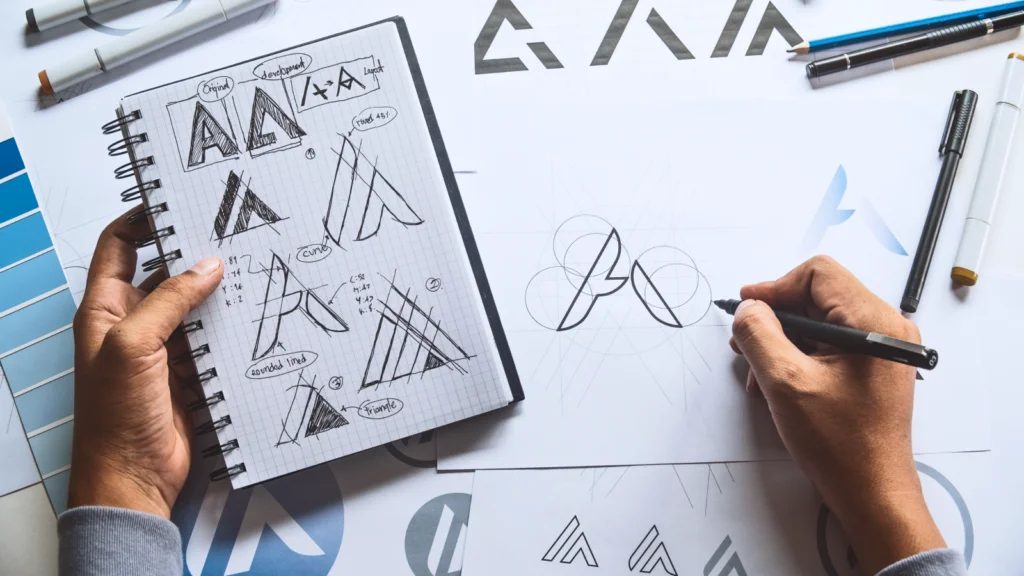
Now it’s time to get creative. Start the design process by sketching or listing every idea that comes to mind – no matter how wild. Use word mapping to connect your business name to visual concepts. For example, if your shop is named “Anchor Apparel,” think beyond anchors – think of ropes, the horizon, or compasses.
The goal here is logo creation through exploration. Don’t worry about design skills yet, just focus on the concept. Try combining two different ideas into one – like a book shaped like a mountain. These unexpected combinations often lead to clever, iconic logos.
Create mood boards filled with textures, shapes, and imagery that capture your brand’s vibe. By the end of this stage, you should have three to five solid concepts ready to bring into a free logo creator or professional software.
There are several different styles of logos, and choosing the right one is a key part of the process.
Choosing a style depends on your business goals. A combination mark is often the perfect logo for a new brand because it builds an association between your name and your visual icon.
Consider how each style will look on branding materials. A circular emblem might fit perfectly on a hat patch, while a horizontal wordmark is ideal for a website header.
Color theory for logos isn’t something to treat lightly. If you’re brainstorming your own DIY logo design, color psychology shapes how people perceive your brand before they read a single word.
These aren’t rules, but they’re patterns rooted in decades of consumer behavior research.
And here’s where it gets more nuanced: color meaning shifts across cultures.
If your POD store ships internationally, research color associations in your primary markets before committing.
Industry conventions also matter.
Wellness brands gravitate toward muted greens and soft neutrals. Tech leans into blues and grays. Streetwear favors black, white, and high-contrast accent colors. You can follow the convention to signal belonging, or deliberately break it to differentiate – but know which you’re doing.
For typography, your chosen fonts should match your brand personality. Sans serif typefaces feel modern and clean; serif fonts signal heritage and authority; script fonts suggest warmth or creativity. Avoid using more than two font families in a logo – one for the primary name, one for a tagline if needed.
Test your chosen palette in grayscale. If it loses all impact, reconsider. Strong logos work without color.
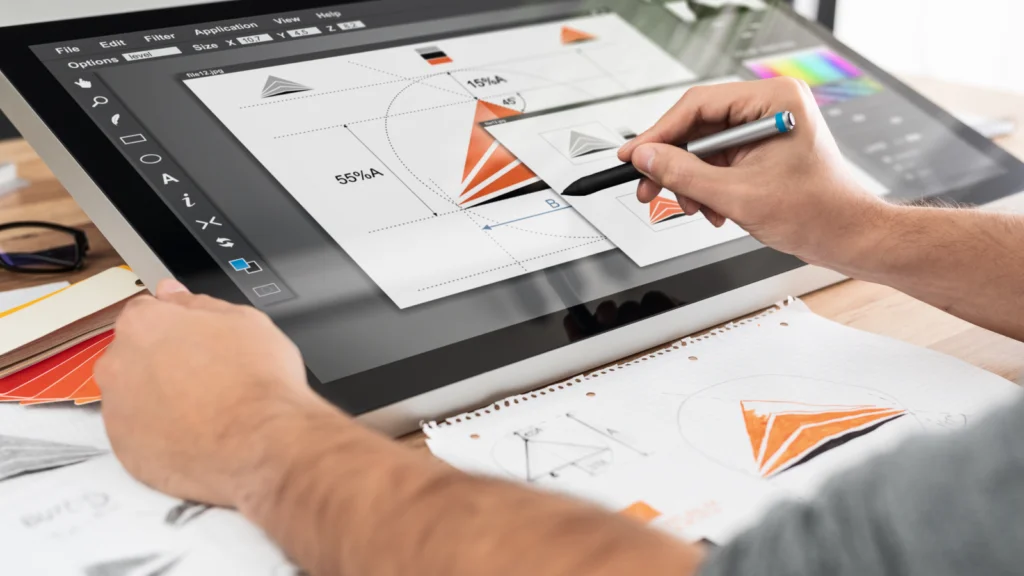
You have three main paths to create your logo: an online logo generator, professional design software, or an AI image tool you already use.
Logo generators let you start creating quickly by answering a few questions about your brand and browsing generated logo options. Most offer customizable templates so you can swap fonts, colors, and icons until something feels right.
AI image tools can generate custom logo concepts from a text prompt – no separate logo software needed. The quality of your output depends almost entirely on how well you write your brief.
A prompt like “minimalist combination mark for a sustainable streetwear brand, dark green and off-white, clean geometric sans serif, no gradients” will produce far more usable results than “make a logo for a clothing brand.”
Describe your style, mood, color direction, and any specific elements you want included. Regenerate and fine-tune until the direction clicks, then bring the concept into a design tool to clean it up.
Professional software gives you complete control over every design decision and produces clean, print-ready vector output. It has a learning curve, but for sellers serious about their brand, it’s the most reliable path to a polished, production-grade result.
Whichever route you take, keep these fundamentals in mind:
Keep the first version simple. Gradients, shadows, and decorative detail can come later – only once the core mark holds up on its own.
Never launch a new logo without testing it. Show your designs to people who fit your customer profile. Ask them: “What kind of business do you think this is?” or “How does this image make you feel?” Avoid asking “Do you like it?” because it’s a subjective question that doesn’t help you reach your business goals.
Listen for recurring themes in the feedback. If three people say the font is hard to read, it’s time to go back to your logo maker and try a different typeface. This refinement stage is where a good logo becomes a successful logo.
Check how the design looks on a smartphone screen versus a printed t-shirt. Sometimes, a tiny detail that looks great on a large monitor disappears when scaled down. Don’t be afraid to iterate; even the most famous logos went through dozens of versions before the world ever saw them.
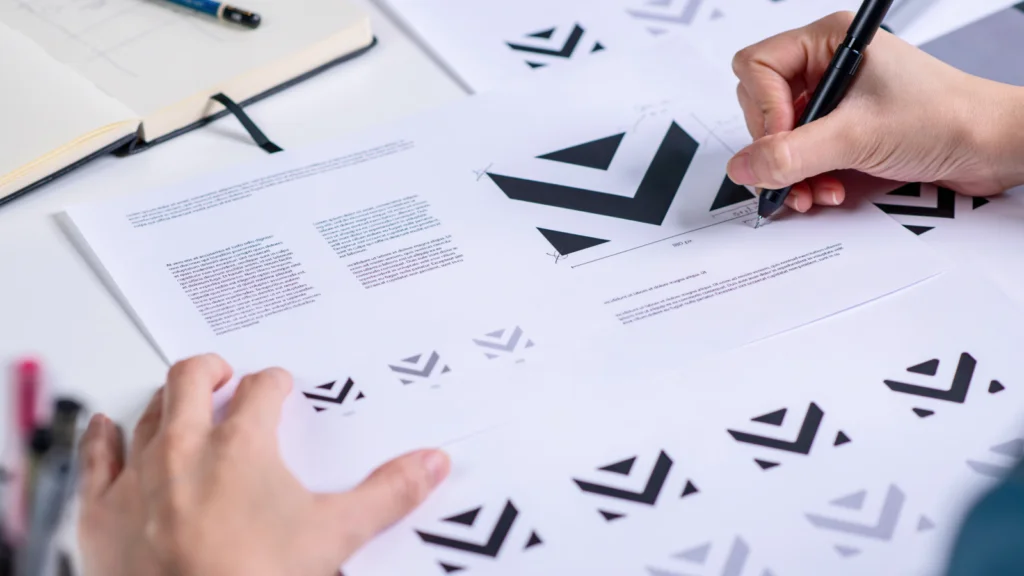
Finalizing your logo files is the most technical part of the journey. You need different file formats for different purposes. For digital use on your store and social media, JPG files or PNGs work well. However, for printing on apparel through Printify, you generally need an SVG vector file for a stunning logo design.
Understanding vector vs raster logos is crucial.
Ensure you have a version of your custom logo with a transparent background. You should also create a logo lockup for different placements: a square version for profile pictures and a horizontal version for your website. Organize these into a brand kit so you can easily access the right file whenever you need to create new merch or marketing materials.
Choosing the right logo creator depends on your budget and your comfort level with graphic design. There are excellent options for every stage of entrepreneurship.
If you’re just starting and want to make your own logo without a large investment, several free tools offer great results.
Looka and Hatchful by Shopify use AI as a logo generator, providing dozens of options based on your industry. These are perfect for getting a new brand off the ground quickly.
Canva also fits here – its free plan includes basic logo templates, though the more useful assets sit behind a paid subscription.
You can also explore general AI tools like Gemini, ChatGPT, and Midjourney. A quick prompt and gathered logo resources will help you generate a free online logo in seconds.
For those who want total control over every pixel, professional software is the way to go. Adobe Illustrator or Express is the industry standard for creating vector logos or PDF files, ensuring your design never loses quality.
These tools require graphic design skills but allow you to create a truly unique, premium-quality logo from scratch.
Sometimes the smartest move is to bring in an expert. A professional designer provides trained eyes, industry knowledge, and experience for your visual representation, solving the exact problems you’re trying to avoid. They’ll show you how to make a logo that sells – effortlessly.
Platforms like Fiverr, 99designs, Upwork, and Dribbble make it straightforward to find a designer for any budget.
If your brand is your business and your business is your income, investing in a professional is often worth it.
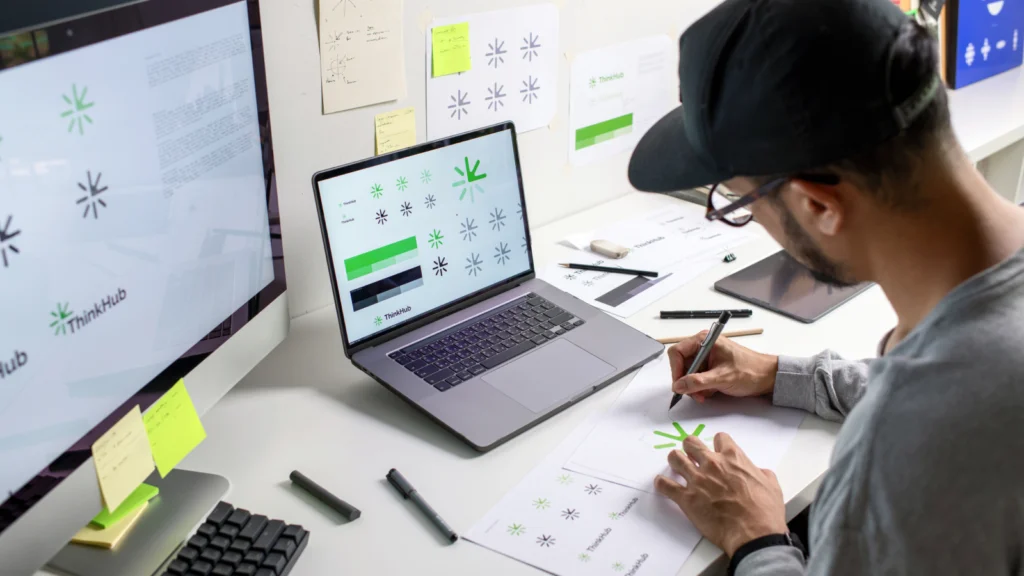
Here’s how to make a company logo that builds a lasting impression:
Read our eCommerce branding guide with Adobe to design your own logo and a full branding kit for big and small business needs.
Define your business identity first, then use an online logo generator like Shopify’s Hatchful, professional software like Adobe, or free AI tools to create concepts. Start with simple shapes and typography. Once you refine your favorite version, export various high-quality files to ensure a professional look across both digital and print platforms. Remember to check color, symbol, and text meanings in other languages and cultures before committing to your final pick.
A good logo design should be simple, memorable, versatile, relevant, and timeless. These principles ensure your logo works across different platforms, appeals to your audience, and supports long-term brand growth without frequent redesigns.
Using an online tool or a free logo maker can take just a few hours. However, a professional result often requires a few days of refinement. Rushing logo creation usually leads to regrets; take the time to test your designs in real-world scenarios first.
You can create a logo for free using an AI logo generator or a free creator like Hatchful. These platforms provide logo templates that you can customize. You can also create a Canva logo; just keep an eye on specific elements that might require a paid subscription. While these tools are great for getting started, you may eventually need software like Adobe for more advanced, custom branding.
Vectors (SVG or PDF file) use math to allow infinite resizing without blurriness, making them vital for printing. Rasters (PNG or JPG) use pixels and lose quality when enlarged. For a professional look, always create your business logo design in a vector format to ensure it stays sharp everywhere.
Never stretch a small PNG or JPG. Instead, open your original file in a free logo creator or professional software to export a new version at the required size and format. This keeps your business imagery crisp, regardless of the printing or display dimensions.
Designing a professional logo is the first step toward building a real brand. Once your design is complete, it’s time to put it to work. Upload your quality logo to the Printify Product Creator and see it come to life on hundreds of items, packaging inserts, or neck labels.
From custom apparel to a branded unboxing experience, your logo is the key to turning a side hustle into a flourishing business. Start creating custom products with Printify today and build the brand you’ve always imagined.
The post How to design a logo that makes your print-on-demand brand stand out appeared first on Printify.





