

Sell custom products with Printify
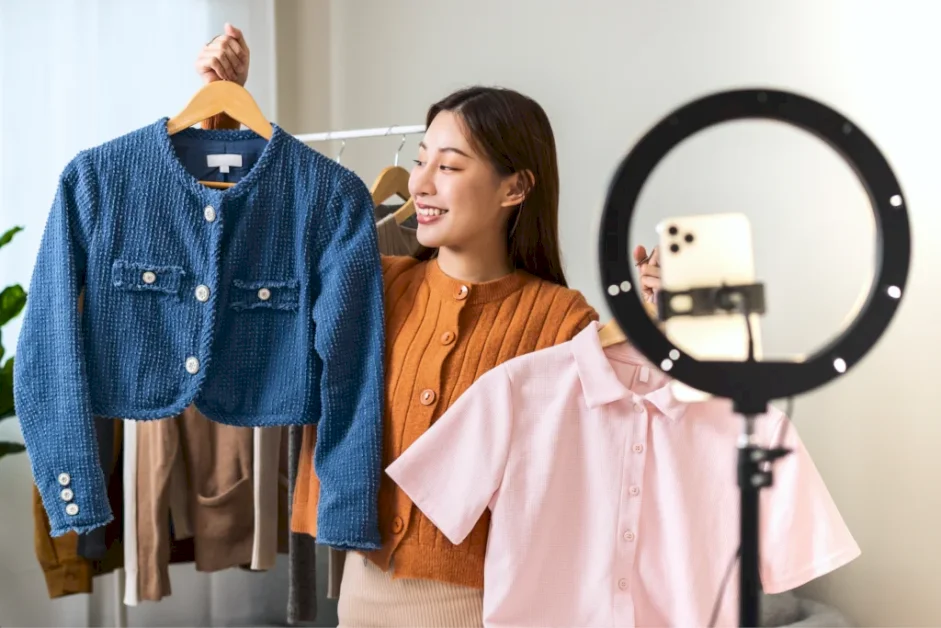
Picture this – you’re holding up a t-shirt, 200 strangers are watching, and the order pings start firing. That’s how you do LIVE selling on TikTok, and it’s quietly become one of the highest-converting channels in Print on Demand (POD).
This guide breaks down the setup, the mechanics, the auction format, and seven tips to help sellers run profitable streams every week.
TikTok LIVE selling is a livestream format inside the TikTok app where sellers demonstrate products in real time, and viewers buy through a pinned cart icon without leaving the broadcast.
The seller talks, models the item, and answers comments live. Each tap on the cart opens a product detail page with photos, price, and a buy button – checkout happens in three taps.
Sellers stack four revenue streams during a single livestream. Each one solves a different problem: product sales build the core business, gifts cushion slow nights, affiliate links monetize traffic you can’t fulfill, and brand deals reward sellers with engaged communities.
Product sales (primary revenue)
Direct sales from your catalog drive the majority of income. Pinned items appear as tappable cards during the LIVE, and the buyer completes checkout inside TikTok. The order routes to POD providers like Printify after checkout, and they fulfill within 2-5 business days, shipping directly to the customer.
LIVE gifts
Viewers send virtual gifts (TikTok Coins) during the stream that convert to Diamonds, then to USD. TikTok takes a cut, but engaged communities tip during giveaways or milestone moments. Treat gifts as a bonus, not a plan – consistent gift income requires personality-led streams with returning viewers.
Affiliate products
Sellers can co-host with creators or promote products from other shops through TikTok’s affiliate program. A POD seller running a humor-niche LIVE can pin a complementary item (hat, tumbler, sticker pack) from a partnered shop and earn commission on every checkout. This fills cart gaps when your own catalog runs thin.
Brand deals
Once a livestream pulls consistent viewership, brands pay for product placement or sponsored segments inside the broadcast. For example, POD sellers with a defined niche, such as Christian apparel, Gen X humor, or patriotic designs, attract sponsors who target that exact audience. Deals typically pay flat fees of $200-$2,000 per integrated segment, depending on average concurrent viewers.
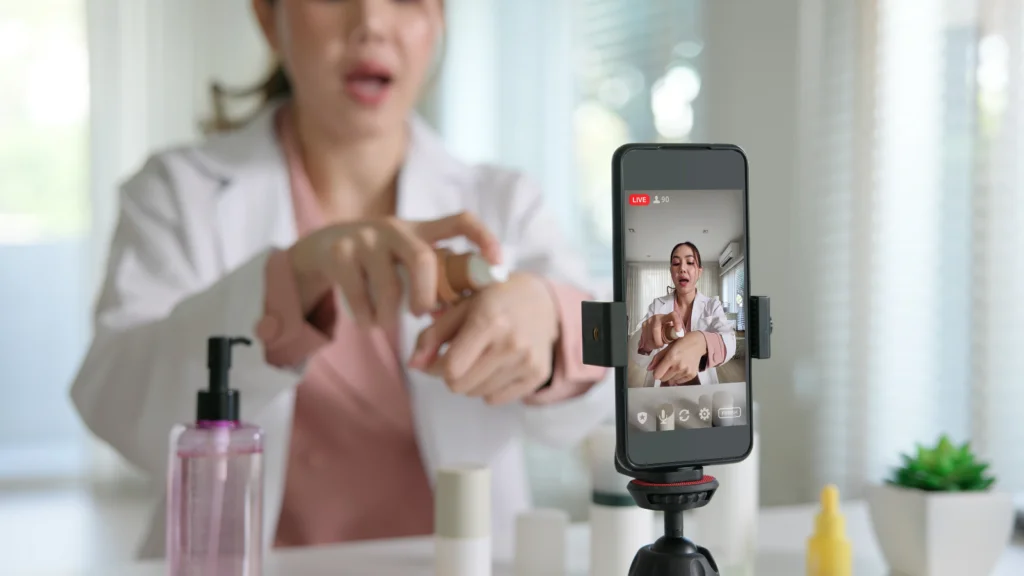
LIVE selling collapses the buying process into a single screen, and POD makes the inventory math safe. Here’s why the format converts:
TikTok separates two layers of access: the basic LIVE feature for any creator, and the eCommerce integration that turns broadcasts into a sales channel. Selling products requires both layers, plus a verified TikTok Shop and a connected POD provider.
Here’s how each layer works.
The basic LIVE feature letsany qualifying TikTok account go live without selling products. To unlock it, the account needs 1,000 followers, an account holder who is 18 years or older, and must be in a region where TikTok LIVE operates.
Once eligible, the LIVE option appears in the menu next to Photo and Video. New accounts that meet the threshold sometimes wait 24-48 hours after hitting 1,000 followers before they can start streaming.
TikTok Shop adds a sales layer on top of the basic livestream. Sellers register a US Seller Center account with a matching business name, address, and tax information – mismatched documents cause most verification delays.
After approval, sellers connect a fulfillment provider, upload at least one item from the approved catalog, and link a US TikTok handle to the Seller Center. New sellers enter a probation period with a 50 orders per day cap and 100 product listing limit until they pass to Standard tier.
Sellers can run multiple TikTok Shops only with separate verified entities – one account, one shop.
And after all that’s done, you’re ready for your very first TikTok LIVE event.
This step-by-step guide covers the path from approved seller to profitable live session. Each step happens inside the Seller Center, the Print Provider dashboard, or the TikTok app.
Open Seller Center, navigate to Apps in the left menu, and search for your POD Provider. Click Install, then create a free account or log in to an existing one. Inside the Print Provider, select Add new store, choose TikTok Shop, and authorize the connection.
Once linked, products published from the Provider appear in your TikTok Shop catalog within minutes – ready to pin during a live session.
This step determines whether viewers buy or scroll past. Pinned products show up as a tappable card on the bottom of the screen during the broadcast – without them, viewers have no path to checkout.
Open Seller Center, go to LIVE → LIVE Manager, schedule your upcoming stream, and click Add Products. Select 5-10 items from your TikTok Shop catalog, set a discounted LIVE price for each, and confirm. During the stream, tap the shopping cart icon and pin one product at a time as you showcase it.
Open the TikTok app, tap the plus icon at the bottom, and swipe to LIVE. Add a title that names the product and the offer (“Mama tees flash sale – tonight only”), selectShopping as the LIVE category, and tap Go LIVE.
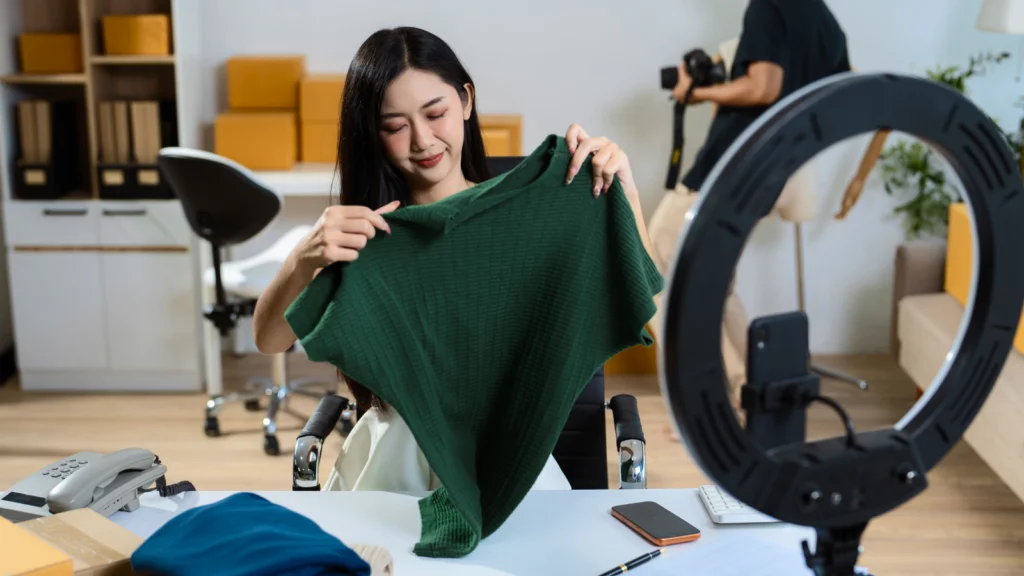
Stand in front of the camera with samples on hand – sitting can trigger TikTok’s still-frame violation system. Hold each product up, show every angle, model fabric stretch and print detail, and flip back to the camera to acknowledge new viewers as they join.
Vocalizing details out loud helps you answer questions before viewers even type them.
A call to action (CTA) tells the viewer what to do next. Without one, even an audience engaged in your story will scroll past. Repeat a clear CTA every 90-120 seconds: “Tap the orange cart at the bottom – the Mama tee is $17.99 for the next ten minutes.”
Vocalize the action (“tap”), name the product, state the price, and add a deadline. Use text overlays for the same message – returning viewers and muted scrollers both need to see it.
Urgency turns interest into a tap.
The four impulse triggers that work on TikTok – urgency, scarcity, the Jones effect, and indifference – all compress the decision window. Layer two of them on every pinned item.
LIVE auctions are a TikTok Shop feature that lets viewers bid on items in real time during a livestream, with a countdown timer and a visible top bidder.
The seller sets a starting price, and bids climb until the timer expires. Temporary listings let sellers add a one-off item to the auction without building a full product page – once it sells, the listing disappears.
At the Dallas Sellers Club event, TikTok representatives shared internal data indicating that auctions accounted for a major share of LIVE GMV for fashion sellers in early 2026.
Auctions convert hardest when supply is genuinely limited, and the audience knows it. Three scenarios where POD sellers see success:
Skip auctions for evergreen catalog items priced above $30 – the bidding format works against products viewers can buy any time.
Live Shopping Ads amplify a LIVE event by promoting the stream itself inside the For You feed to reach a wider audience. Sellers run them through Ads Manager (a separate tool from Seller Center) once they have proven organic sales. Here’s the setup:
The ad pushes your LIVE event into the feeds of interested users who match your audience, and tappers land directly in the broadcast – the pinned cart is already visible. Pause spend if the return on ad spend (ROAS) drops below your target after 48 hours.
Here are seven tactics drawn from the insights of top POD sellers. Each one solves a problem most new broadcasters create for themselves.
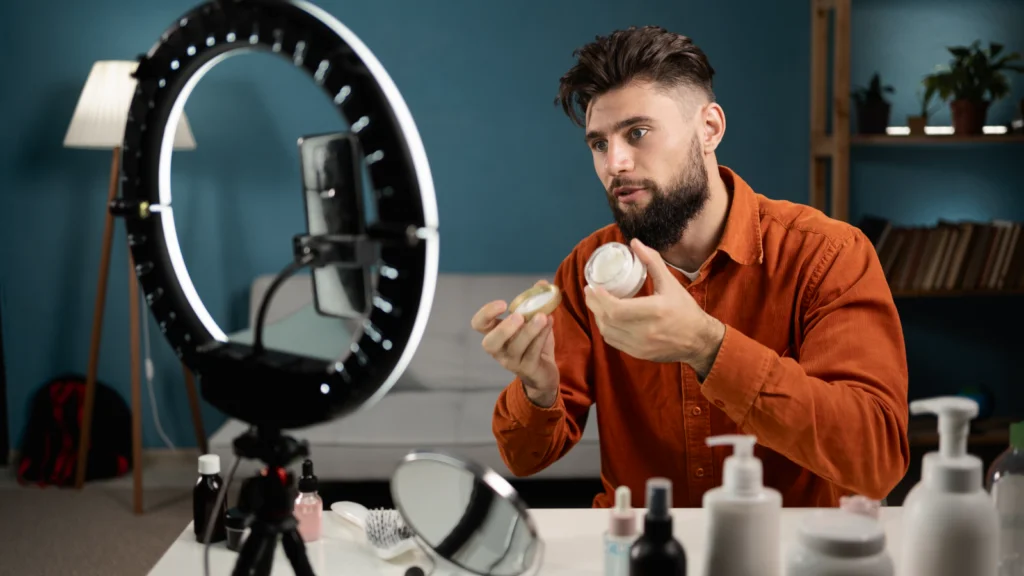
Plan every session before the camera turns on. Build a one-page run sheet covering: products to showcase (in order), discount layers and timer windows, giveaway milestones (e.g., every 100 likes or 50 new followers), and three or four talking points per item.
Set up a laptop or a second phone at the camera angle to monitor incoming comments and order pings without leaving the frame. Charge the broadcast phone, test sound, and check lighting 15 minutes before the scheduled start.
A backdrop signals intentional, not expensive. A blank wall painted a solid color, a fabric drop pinned behind the camera, or a shelf styled with three or four product samples beats a messy bedroom every time.
Add brand presence on a budget. Print a vinyl banner with your shop logo for under $30, or string up letter lights spelling the brand name. Avoid windows behind the seller (backlight can blow out the camera), and clear anything that pulls focus from the product.
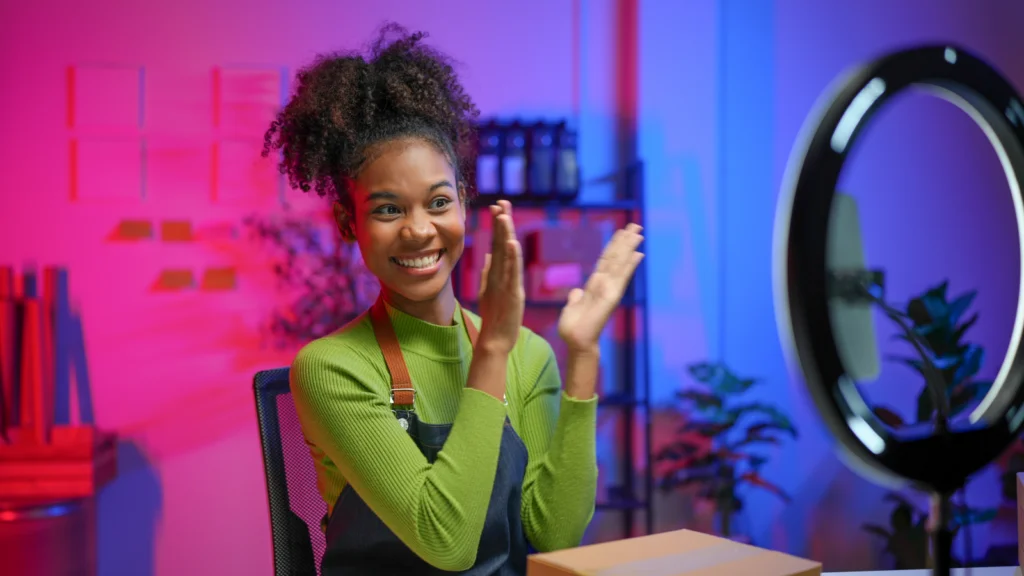
Most sellers wait until the setup feels perfect, then never go. The first session loses to nerves, dead air, and three viewers – every seller’s first hour looks like that. Talk through the awkward stretch: introduce yourself, name the shop, say it’s the first LIVE, ask viewers where they’re tuning in from.
Authentic outweighs polished. Engage audiences by asking questions, answering them in the comments, and treating the early viewers like a small focus group. The fifth session beats the first because you’ve learned what to say – and that only happens after pressing Go LIVE.
Selling 50 units at a $5 margin produces $250. Selling ten units at a $10 margin produces $100. The volume play wins on LIVE because each sale builds momentum, fuels the algorithm, and creates the social proof that pulls the next interested viewer to tap buy.
Set list prices high enough to support a 30-40% LIVE discount – list a t-shirt at $24.99, flash sale to $17.99, hold the $5-$7 margin per unit.
The average LIVE viewer stays 1.5 minutes. New users arrive every few seconds, and each one needs the full pitch. Cycle through the offer on a 90-second loop: product name, price, sale window, how to tap, what they get.
The repetition may feel strange to you, but it lands as fresh information to every new arrival – assume nobody watching now was watching three minutes ago.
Call out every buyer by name when the order ping hits. “Jessica just grabbed the navy Mama tee, thank you so much, it ships out tomorrow.” The named acknowledgment does two things: it makes the buyer feel seen (they often return and gift), and it signals to fence-sitters that real users are buying right now. The Jones effect – wanting what others have – pushes the next tap.
A real bell. The kind that goes ding. Park it on the table next to your laptop and treat it like a tiny dopamine machine. Order pings? Ding! New follower milestone? Ding! First-time buyer from Ohio? Ding, ding, ding! The sound snaps audio-only scrollers back to the broadcast, gives every sale a celebration moment, and over time becomes the fingerprint of your shop – viewers will literally wait for it.
Not a bell person? Grab a desk button instead and load it with a cash register cha-ching, an airhorn, a stadium roar, your dog’s bark, whatever feels on-brand. The whole setup runs about $10 and turns every purchase into a moment of contagious hype – the kind that nudges the next viewer to tap buy just to hear what happens.
Read our guide and learn how to sell on TikTok like a pro.
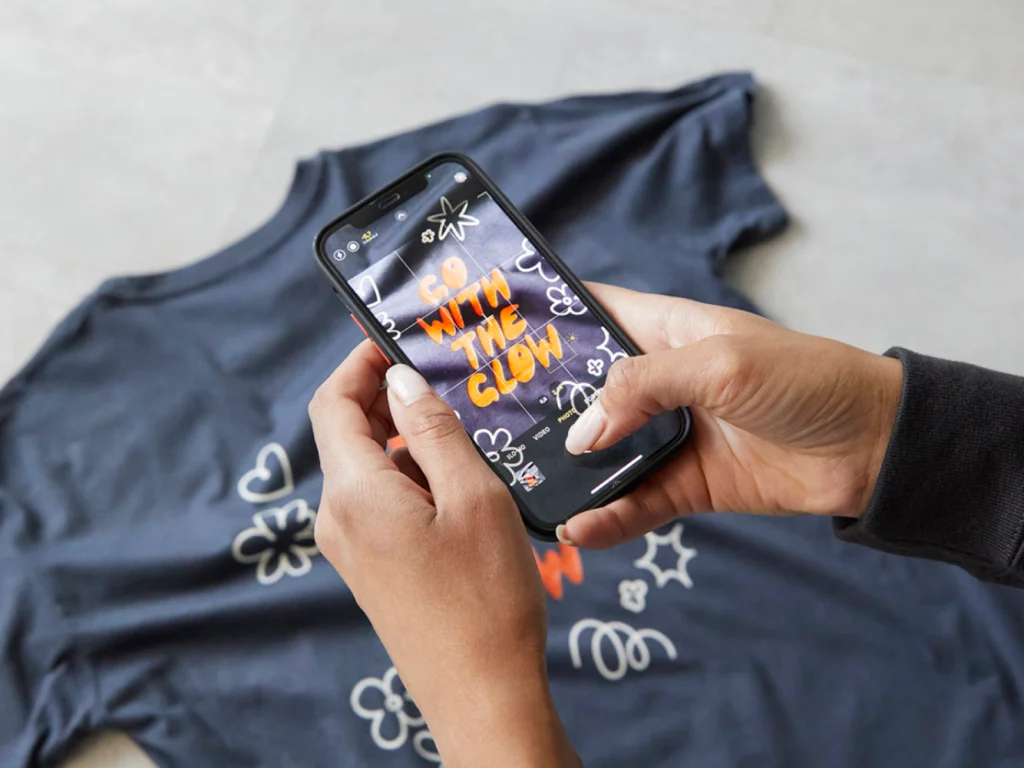
Printify maintains a curated TikTok Shop Catalog of more than 350 customizable products that match TikTok’s category restrictions and quality requirements – t-shirts, sweatshirts, mugs, candles, hats, posters, and more.
Every item passes TikTok’s compliance checks before it appears, so listings publish without surprise rejections. Connect a free Printify account to your TikTok Shop, upload designs, and create content for TikTok LIVE shopping with products that ship directly to buyers after each broadcast.
Register a TikTok Shop seller account, connect a fulfillment provider, and publish at least one item to the catalog. Reach 1,000 followers on the linked TikTok handle, schedule a live event in LIVE Manager, pin products to the cart, and broadcast from the TikTok app. Most new sellers go live within two weeks of account approval.
Yes, if you have a registered TikTok Shop, the linked TikTok account has 1,000+ followers, and the products belong to the approved TikTok Shop catalog. POD sellers access a curated TikTok-compliant catalog of 350+ items through Printify. Restricted categories such as Kids, Baby, and Maternity require additional documentation before listing.
For POD sellers with at least ten active listings and a defined niche, yes. These sessions drive concentrated TikTok LIVE sales spikes – two-hour streams routinely produce 30-80 orders for sellers with prepared carts and consistent CTAs. The format suits humor, identity, and gift-niche designs that benefit from real-time showcase and impulse triggers.
TikTok LIVE selling rewards those who prepare a session, pin the right products, repeat the offer, and treat every viewer like a real buyer. POD removes the inventory risk that historically blocked small sellers from flash sales – the Print Provider produces each order after checkout, so a 50-unit night never leaves dead stock behind.
Start with one weekly LIVE stream, learn what converts, scale to three sessions a week, then layer LIVE Shopping Ads through Ads Manager once your shop has proven sales.
Join Printify and connect a TikTok-compliant catalog to your Seller Center today.
The post How to do LIVE selling on TikTok (POD seller’s guide) appeared first on Printify.





