


Etsy had 96.3 million active buyers in Q2 2023 – undoubtedly one of the most popular online marketplaces. The platform started as a place to sell handcrafted products. Now, you can also sell digital products there.
This article explains how to sell SVG files on Etsy and create a passive income stream. We will discuss the best SVG software options, how to make design files on Illustrator (with our expert tips), how to open a store on Etsy and upload SVGs, and tips on expanding your SVG business.

SVG stands for Scalable Vector Graphics.
Most common file formats, such as JPEG or PNG, store a fixed number of pixels. This pixel density is called the file resolution. If you zoom the file in, after a certain point it becomes blurry or pixelated.
SVG files are different – they are based on mathematical formulas (vectors) so you can zoom and resize them without losing quality.
Tiny SVG files, such as logos, can be significantly enlarged and printed on oversized items like billboards.
The SVG format is used everywhere – from logos, icons, fonts, illustrations, or brand identity elements to plans, blueprints, 3D printing, or SVG cut files for CNC or laser cutting machines.
SVG files are perfect for Print on Demand, as they don’t lose resolution, no matter which product is printed – from mugs to blankets.
Check these paid and free design software to create SVG files, and pick the one that best fits your budget and creation process.
It is possible to subscribe to Adobe Illustrator alone for $20.99/month.
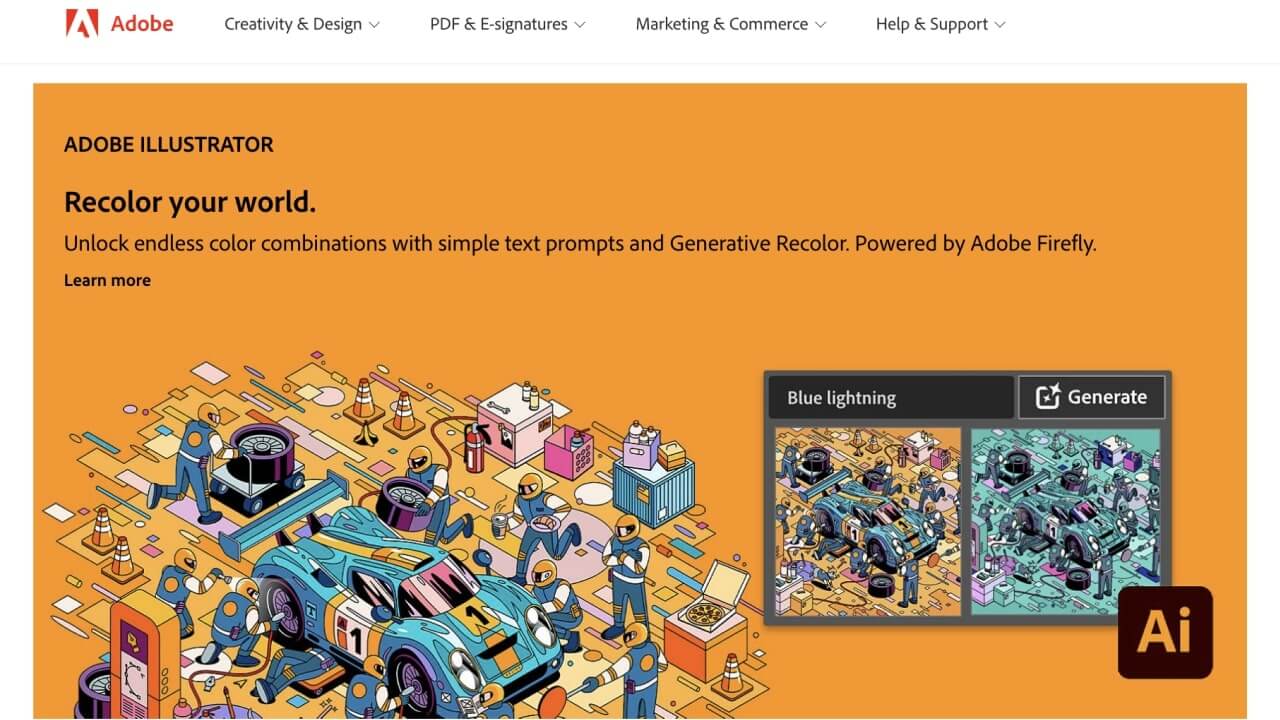
The product is a complete professional solution for creating SVG files and editing vector and raster files. Its workflow is reasonably intuitive, but given the depth of some resources, there is still a learning curve.
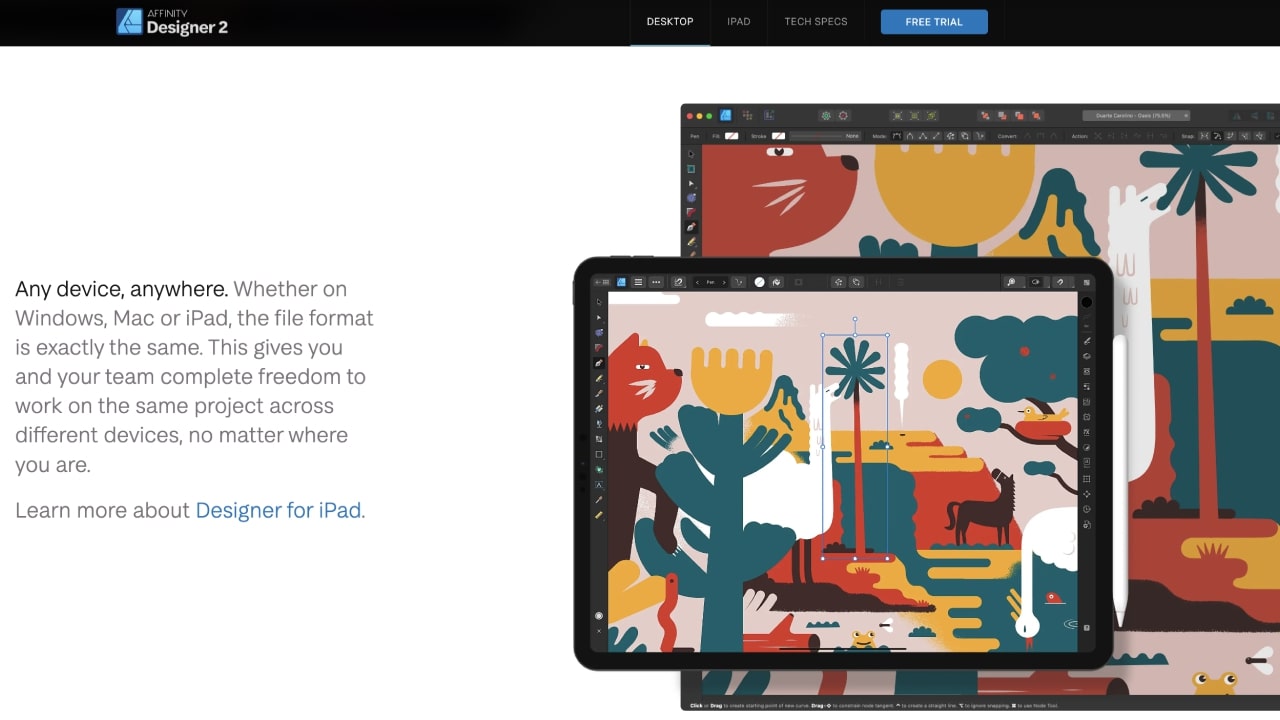
The company replaces subscriptions for a one-time payment of $69.99 (Windows and Mac) or $18.99 (iPad).
The whole suite (Designer 2, Photo 2, and Publisher 2) can be purchased for $164.99.
CorelDraw uses the AI-powered tool Power Trace, which quickly removes the background from raster files and transforms them into vector files.
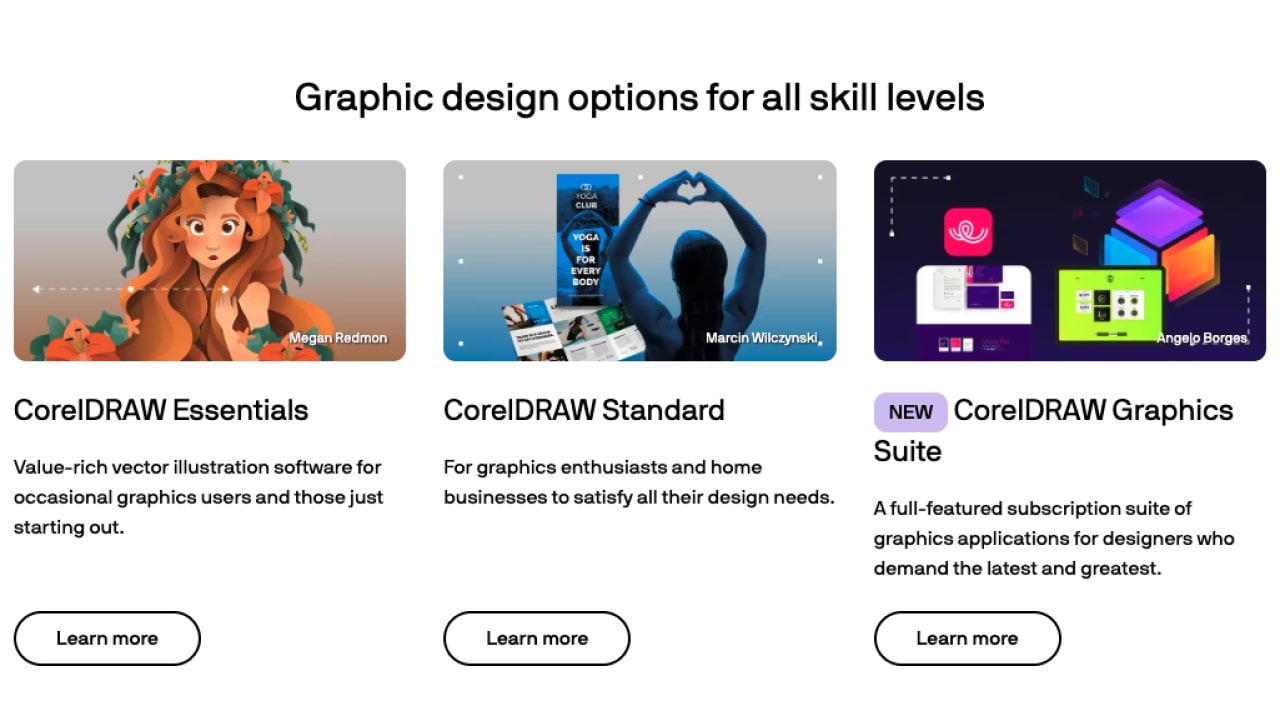
The program is intuitive and easy to use but lacks professional photo editing tools and depends on cloud storage.
Subscription plans start from $12.99 monthly.
As such, it has a steep learning curve, with an interface that some consider cluttered and overwhelming.
The powerful tool has a passionate and active supporting community and is available for Windows, Mac, and Linux. This makes it one of the most compatible and cross-platform options for creating and editing SVGs.
It also imports Illustrator AI and Corel Draw CRD files, and you can convert AutoCAD dxf files to SVG.
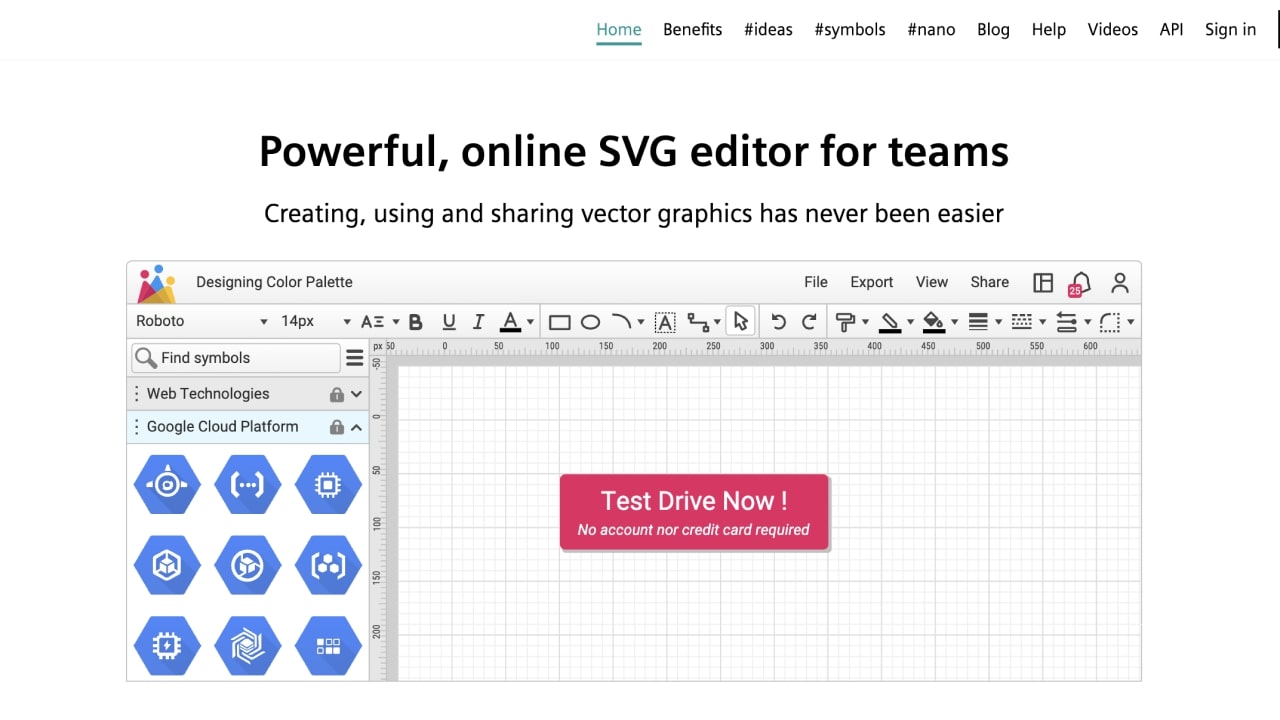
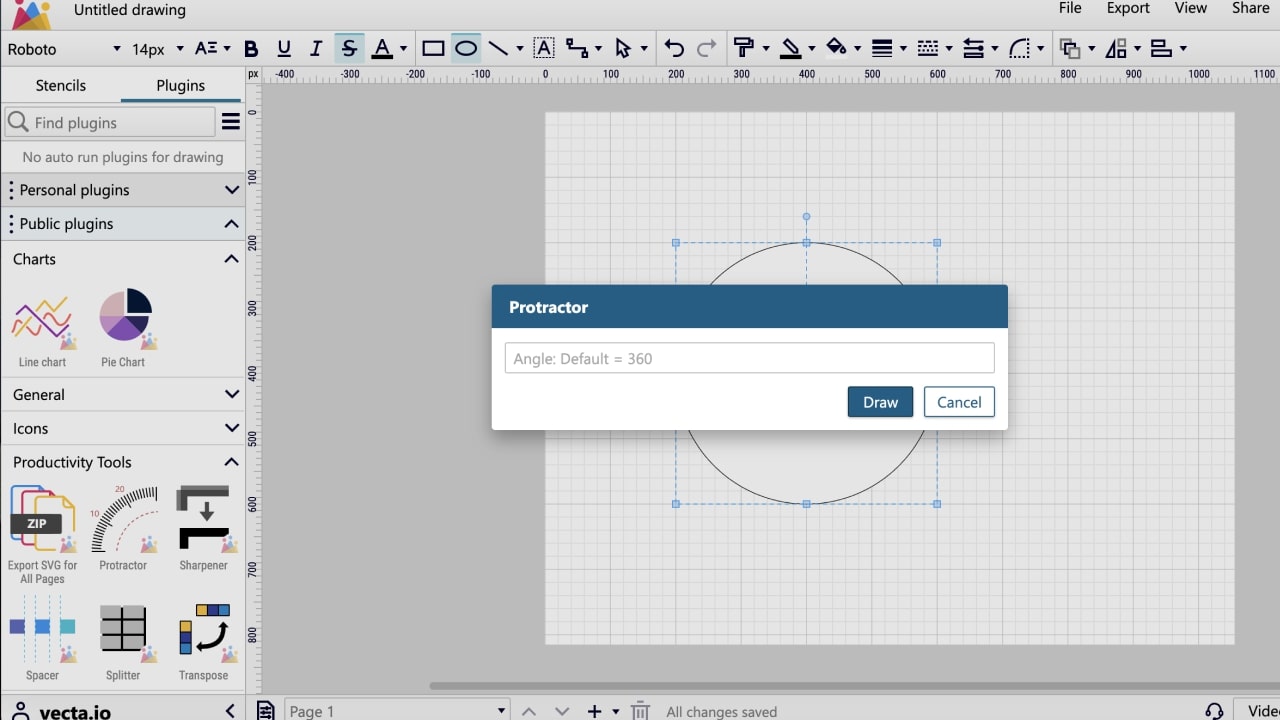
Vecta imports AutoCAD files (dxf), creates and edits SVGs, and lets you export files in PNG, JPG, SVG, and PDF formats.
This tool is recommended if you want an easy-to-work and affordable solution to sell SVGs for plans or diagrams. More advanced features will require Illustrator, Inkscape, or Affinity.
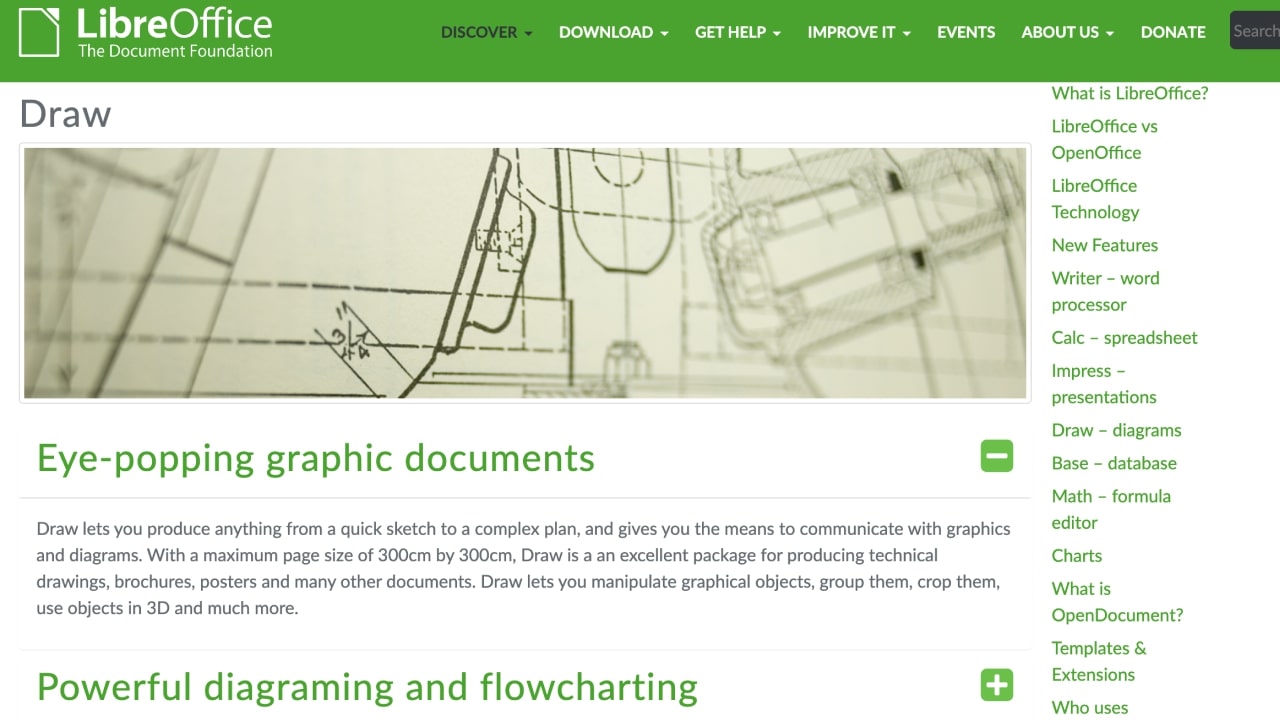
It imports and edits several formats (including PDF) and exports files as SVG designs.
The editor is straightforward compared to Illustrator but lacks deep graphic editing capabilities.
It can deliver diagrams, flowcharts, photo galleries, and other graphic assets targeting productivity niches with professional quality.
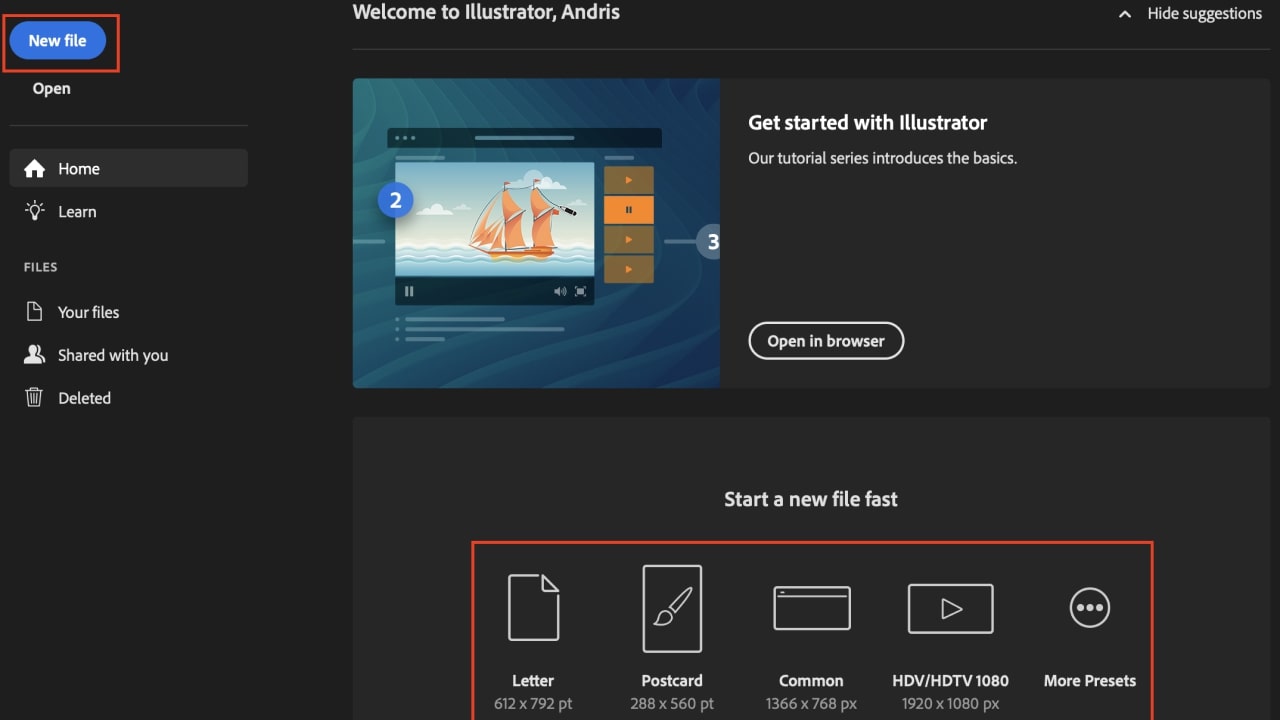
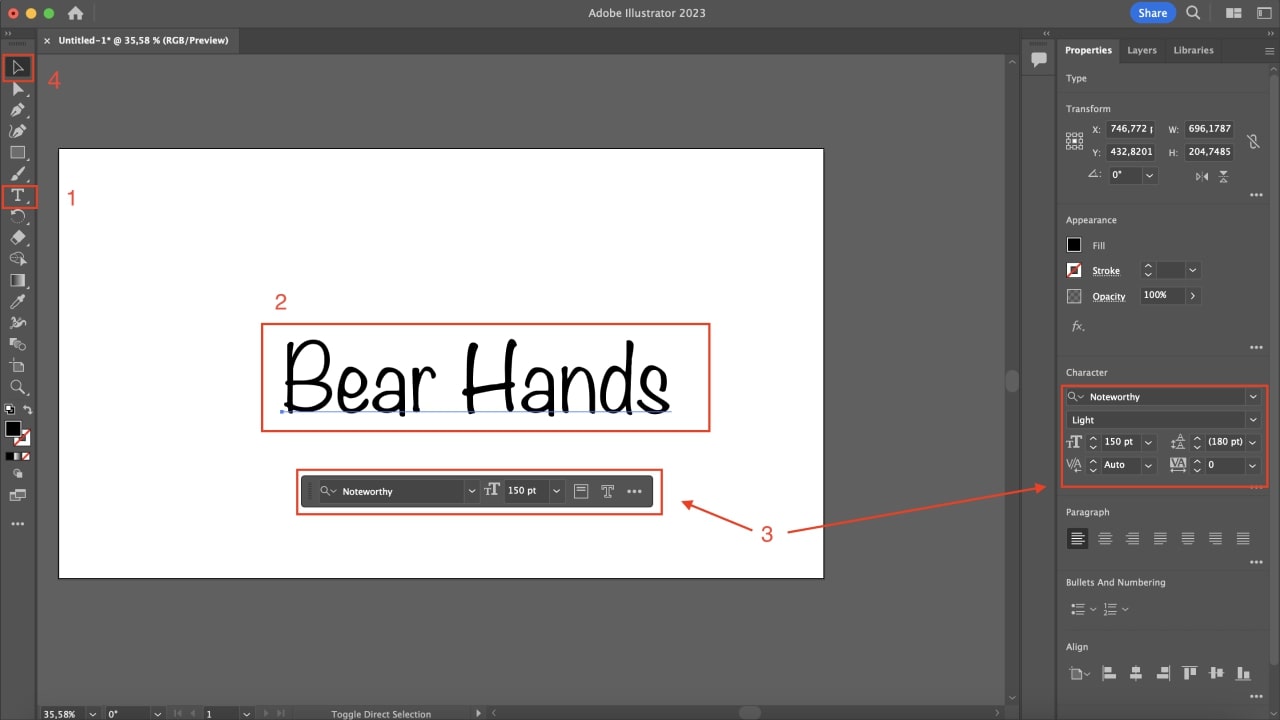
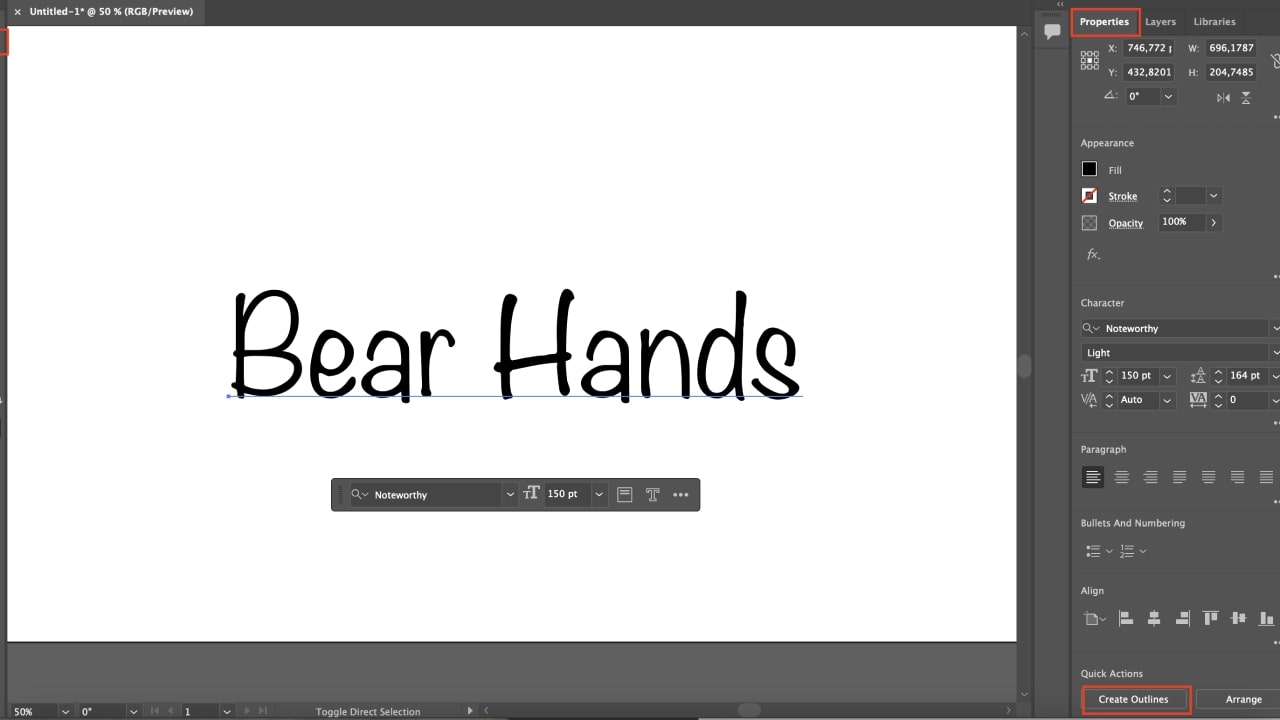
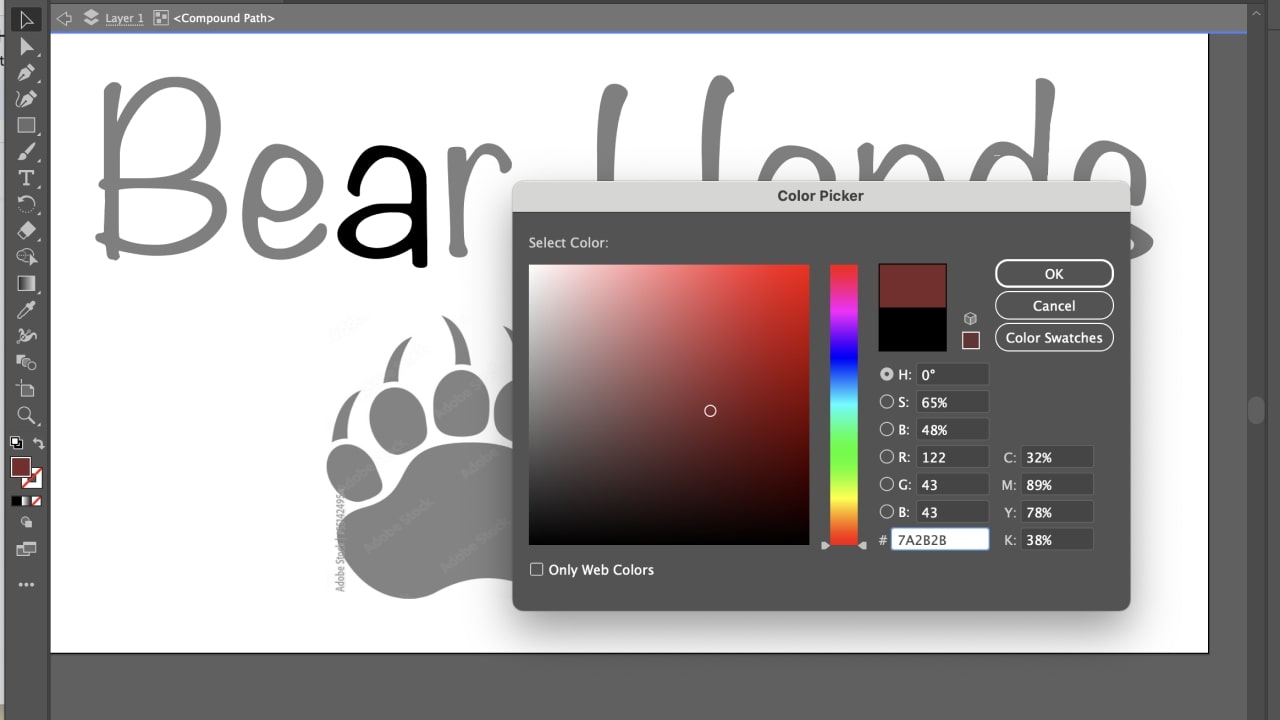
Let’s see how to create a simple text-based design to sell online.
Besides text, you can create custom shapes and use brushes in Illustrator. Once you’ve gained more confidence, experiment with Illustrator’s more advanced tools to take your designs to the next level.

Linda Vilumsone
Product Marketing Graphic Designer
Note
Double-check for spelling errors before outlining, as you cannot re-type the text later.
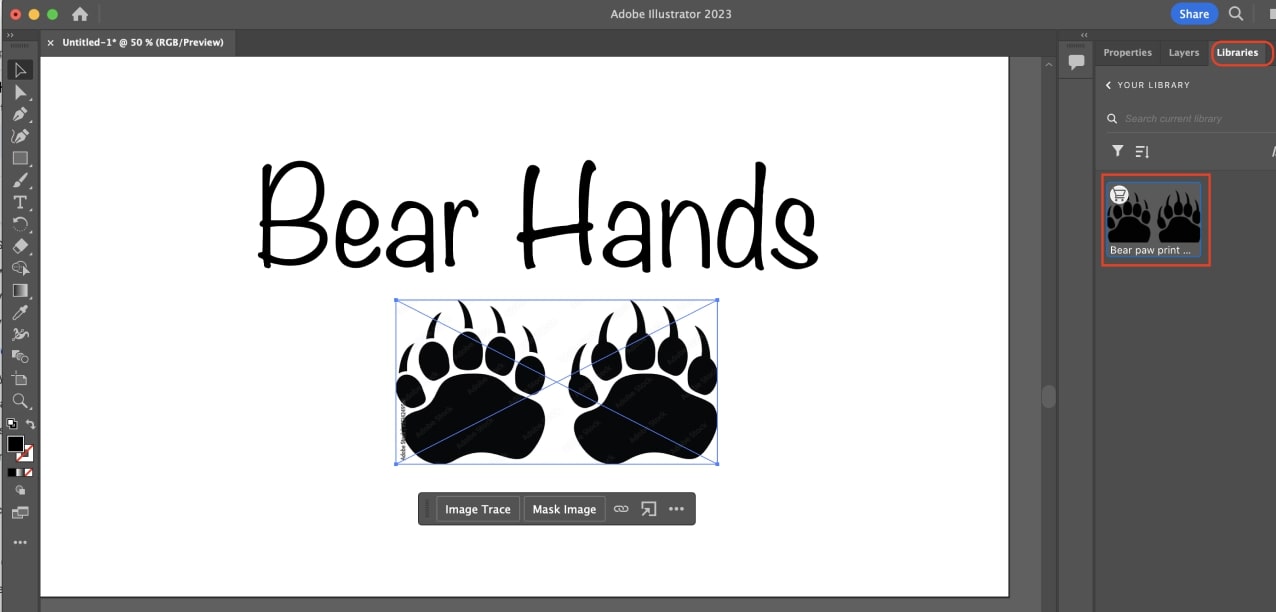
Adobe Libraries has assets you previously saved to your Creative Cloud to create your own library. Click on the Libraries tab in the upper-right corner to access it. You may have to prepare the designs in your library to make them editable to save them in an SVG file.
Linda Vilumsone
Product Marketing Graphic Designer
Note
Remember to purchase the assets you’ve added to your library. Otherwise, you won’t have commercial usage rights, and the graphics will display a watermark.
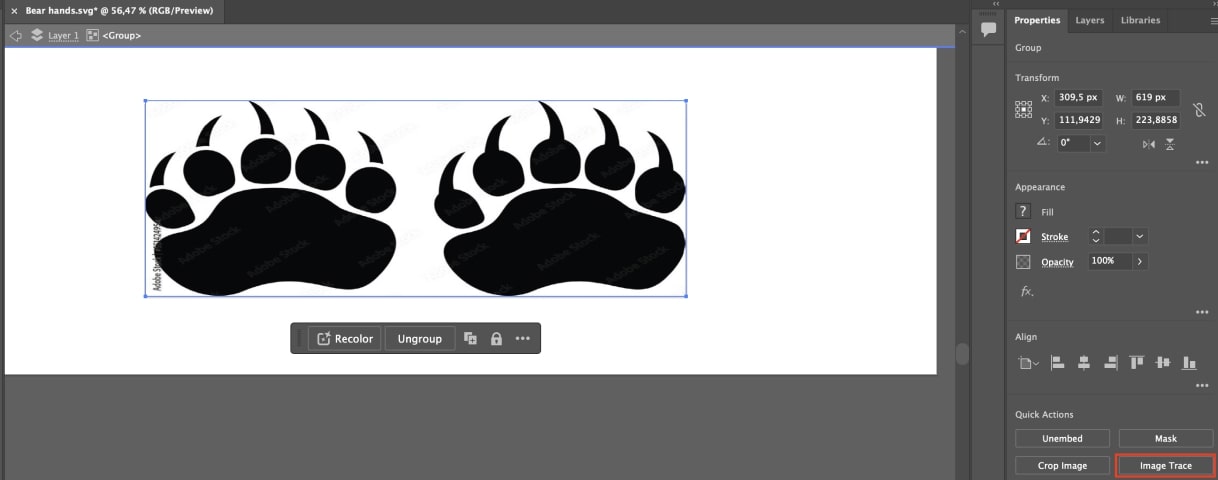
Make the image you want to insert editable and then save it. Open the asset separately, go to the Properties tab in the upper-right corner, and then use the Image trace tool and save it.
Linda Vilumsone
Product Marketing Graphic Designer
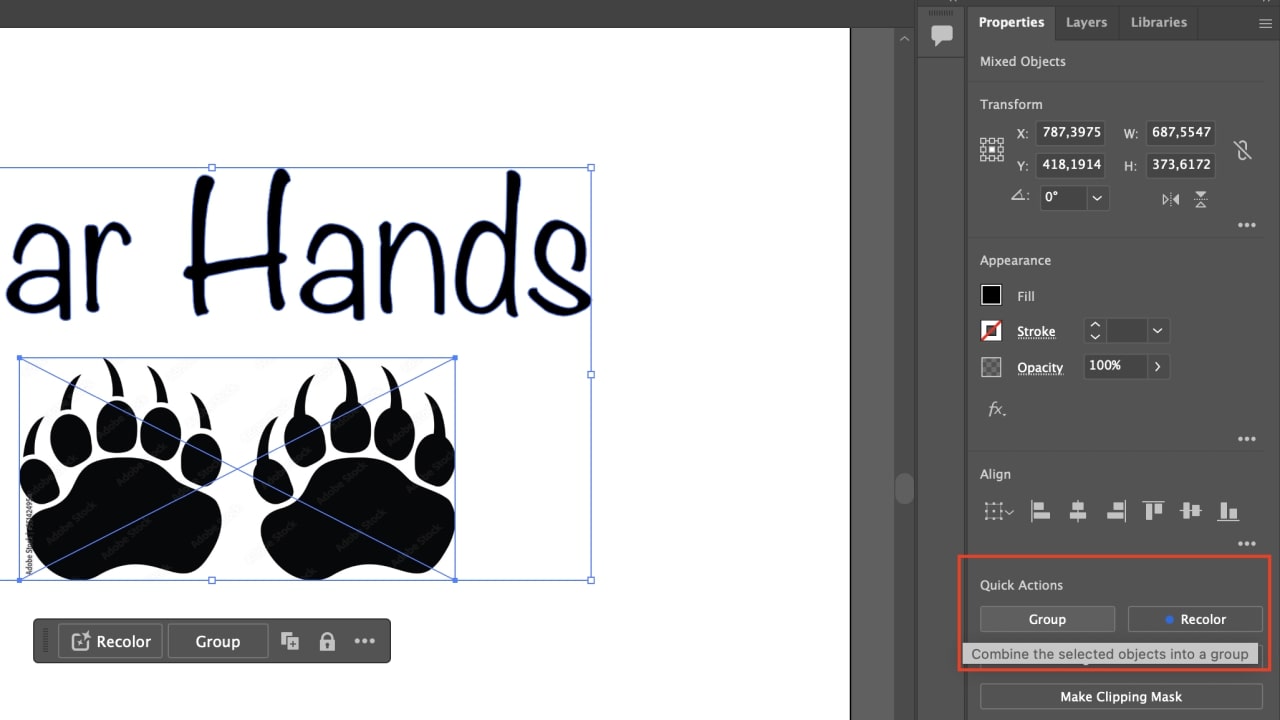
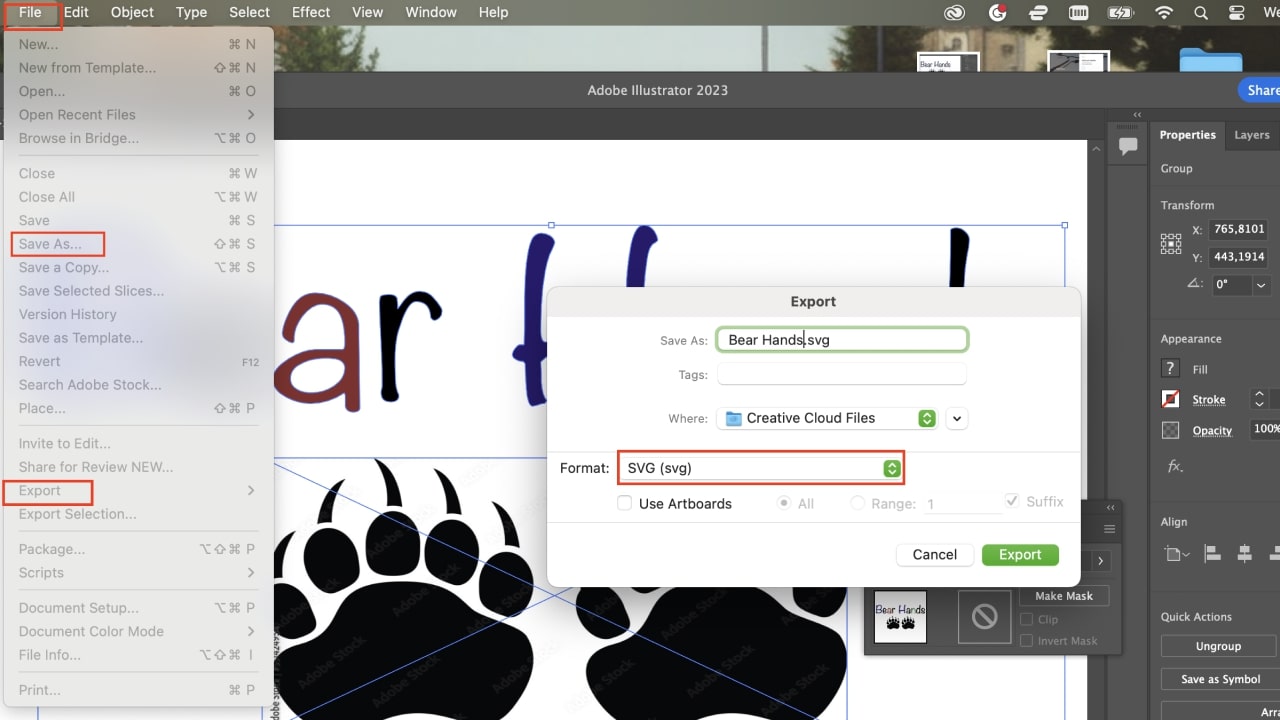
The safest option when creating an SVG file is to select all elements you want to be in your design, click on File (upper menu), select Export as, and finally, choose SVG as the file format. This will prevent other things on the Artboard from being added to the SVG.
Linda Vilumsone
Product Marketing Graphic Designer
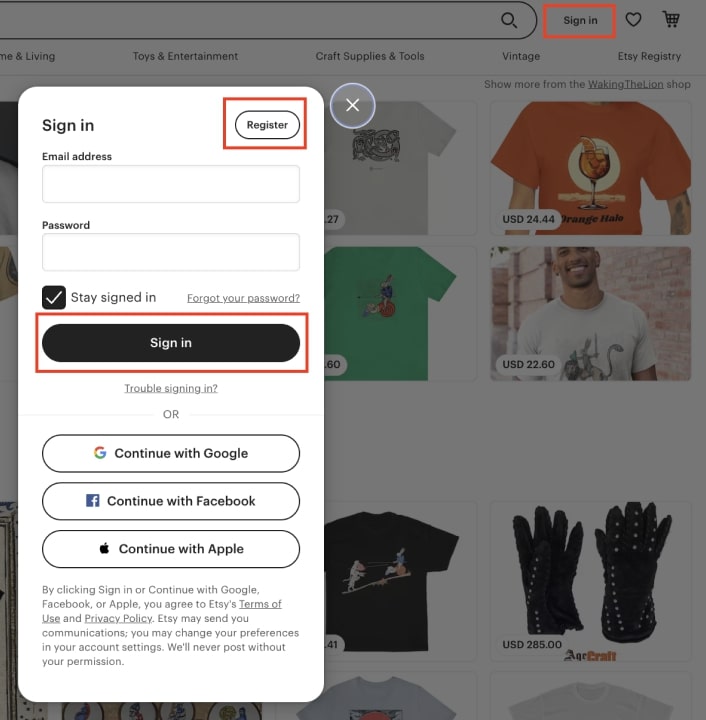
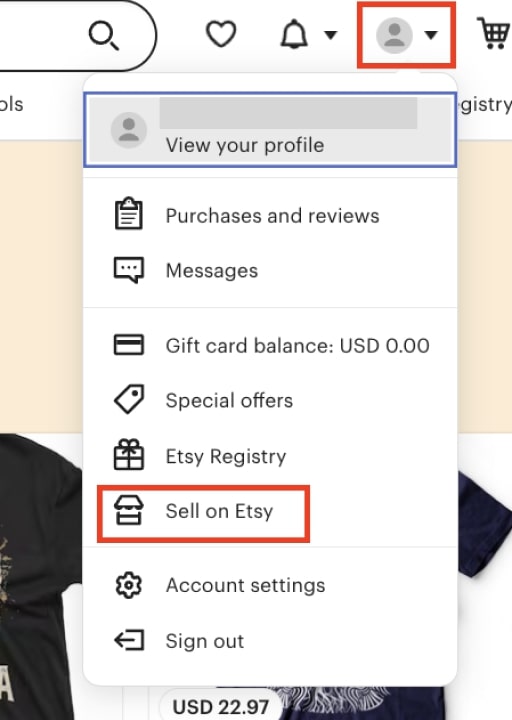
Selling SVG files on Etsy differs from selling physical products. Let’s go over the main steps Etsy sellers must take.
Warning
If you are a new Etsy seller, you must create a first listing before completing other steps. Etsy refunds the first listing fee – the next ones will cost $0.20 each.
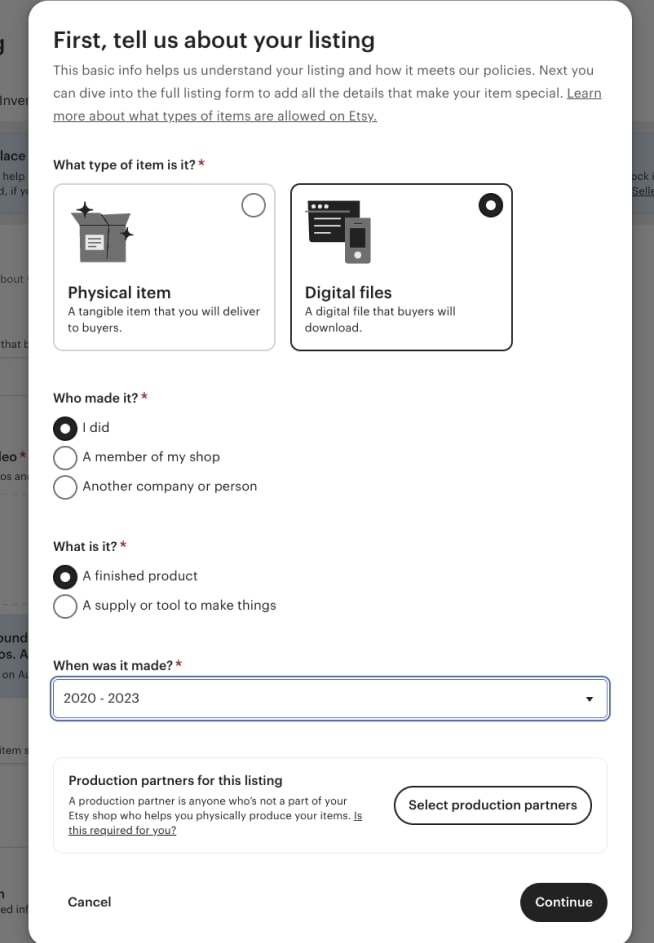
The next steps are the same as creating a physical product. Remember to enter in the Description field what the SVG designs’ purposes are and if there are particular steps to print or operate them.
Do a quick search on Etsy for top sellers. Then, establish a range for your prices. There are SVG bundles and packs from $1-15 and many individual designs around $1, but specialized designs can sell for much more.
Tip
Analyze competitors’ prices with tools like eRank.
Go to the Settings tab in your listing (or scroll down) and select the automatic renewal option before publishing, or they will appear as Out of Stock after a sale.
Re-check everything, then click on Publish.
Share your listing on your own website, blog post, social networks, or other platforms and make your products known.
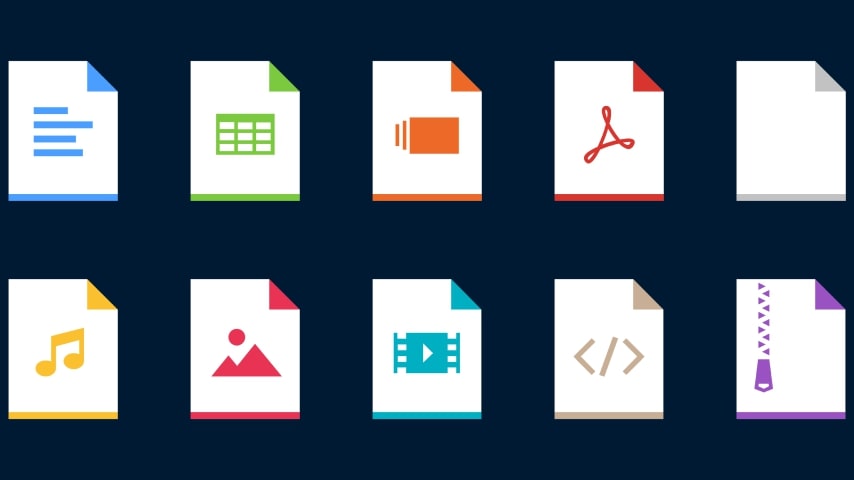
Etsy also supports .bmp, .doc, .ePUB, .gif, .iBook, .jpeg, .jpg, .mobi, .mov, .mp3, .mpeg, .pdf, .png, .psp, .rtf, .stl, .txt, and .zip.
Expand your new business by adding more files in different formats, from product designs and woodworking plans to children’s education content.
Yes. Selling SVG on Etsy is a way to generate passive income. There is demand for graphic assets to apply to POD products, plans for DIYers, drawings, and more.
There are few upfront costs to selling digital products on Etsy, but you must drive traffic with SEO and marketing strategies to get more sales in the SVG market.
SVG files can be zoomed in or out without losing quality, making them perfect for many applications – from logos and branding material to DIY plans. Small SVG files (like logos) can be printed on large items.
We have shown how to make SVG files to sell on Etsy, including software options (paid and free), how to create simple designs on Illustrator, and how to open an Etsy shop and upload your files.
You’ve also learned additional ways to expand your SVG business, like adding other file types and POD products.





