
Related article
21 Amazing content ideas for affiliate marketing in 2026
Make your affiliate relationships flourish with our affiliate marketing content ideas. From blog posts to viral videos – income is closer than you think!


Sell custom products with Printify
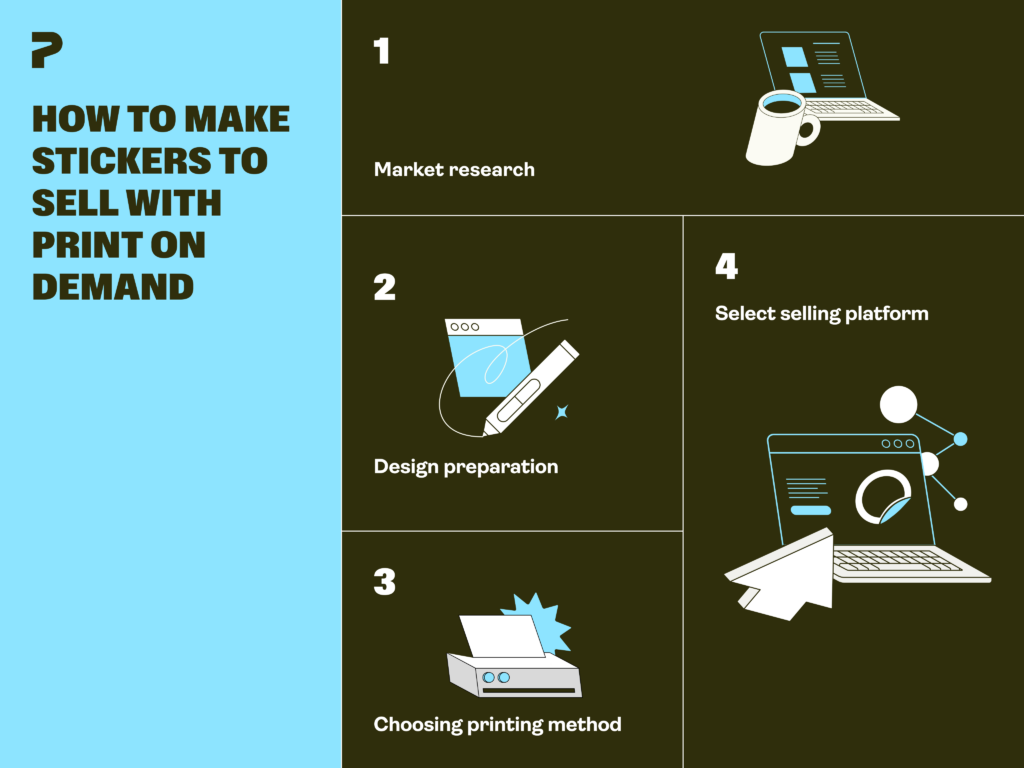
Thinking about how to make stickers to sell online? Now’s a great time to start. Stickers are low-cost, easy to ship, and one of the easiest ways to build a small online business without holding inventory.
We’ll cover everything you need to know, from finding a profitable niche and creating designs to choosing where to sell stickers and building a store that brings in repeat customers.
Before you make custom stickers to sell, decide who you’re selling to. A niche helps your sticker business stand out and makes it easier to attract the right customers.
Start by creating a simple buyer persona. Think about your target audience’s interests, favorite aesthetics, and the types of stickers they already buy. Then, check demand using marketplaces, social media, forums, and trend-tracking tools to spot popular styles and emerging niches.
You’ll also learn a lot from studying competitors. Look at top-selling sticker shops and sticker makers to see what designs, pricing, and sticker types do well. Find gaps – something other sellers are missing – or ways to set your brand apart.
Popular sticker niches that consistently sell well include:

First – pick your sticker. Your stickers’ cut and finish matter just as much as the design. The format you pick affects price, durability, and how customers actually use the product – so it’s worth knowing the differences before you set up your store.
Sticker businesses usually sell two main types of stickers: kiss-cut and die-cut.
Kiss-cut stickers
Kiss-cut stickers are printed on a sheet, but only the top sticker layer is cut – the backing paper stays intact, making them easier to peel and apply. They’re affordable, beginner-friendly, and look great on smooth surfaces like paper, laptops, and glass.
Printify offers kiss-cut stickers in four sizes from 2″ × 2″ to 6″ × 6″. If you want something bigger or need more shape options, kiss-cut vinyl decals come in sizes from 3″ × 4″ to 8″ × 10″.
Die-cut stickers
Die-cut stickers are fully cut to match the exact shape of your design, giving them cleaner, more precise edges. These durable vinyl stickers work well on smooth and textured surfaces, like cars, water bottles, and wooden tables. Since the cutting process is more detailed, die-cut stickers usually cost more than kiss-cut options.
Printify’s die-cut stickers come in five sizes ranging from 2″ × 2″ to 6″ × 6″.
Matte finish
Matte stickers have a smooth, non-reflective surface that gives designs a softer, more premium look. Printify’s matte vinyl stickers also include a UV-protective laminate and waterproof adhesive for better durability indoors and outdoors.
Printify offers round vinyl stickers and bumper stickers in matte finishes for long-lasting use. Round vinyl stickers come in five sizes from 2″ × 2″ to 6″ × 6″, and bumper stickers are available in three – from 7.5″ × 3.75″ to 15″ × 3.75″.
Gloss finish
Gloss stickers have a shiny surface that makes colors pop. They’re usually water-resistant and work well for bold designs, logos, and outdoor use.
With Printify, you can create glossy die-cut, round, or square stickers with a transparent background for a cleaner look. Sizes range from 2″ × 2″ to 6″ × 6″.
Woven finish
Want to offer something beyond regular stickers? Try reusable wall decals that stick smoothly to painted walls and other flat surfaces.
Our wall decals are made from 100% woven polyester and come in six sizes from 18″ × 12″ to 24″ × 36″. They’re a solid add-on for those branching into home decor, office pieces, and larger decorative products.
Holographic finish
Holographic stickers (also called prismatic stickers) have a rainbow-shifting 3D effect that changes depending on the angle – the kind of thing people stop scrolling for.
Printify’s die-cut prismatic holographic stickers are made from premium printable vinyl to last over five years in all weather conditions.
They’re available in five sizes, ranging from 2″ × 2″ to 6″ × 6″.
Sticker sheets
Sticker sheets let you group multiple custom stickers on a single page – perfect for themed collections, planner stickers, seasonal drops, or limited-edition packs. They’re also a smart way to increase order value by selling bundles instead of single designs.
Printify offers vinyl sticker sheets with white, holographic, or transparent finishes in sizes 6″ × 4″ and 11″ × 8.5″. You can also sell them as 5-sheet or 10-sheet packs in your online store.
Order samples before you list anything – things like colors and finishes might look different in person. Plus, unboxing clips do well on TikTok and Instagram.
Designing stickers yourself gives you full creative control and keeps startup costs low. Many sticker makers get started with Printify’s Product Creator – a free tool to create graphics and generate mockups without advanced design skills. It’s a great way to test ideas quickly before you commit to a full product line.
Hiring a designer, on the other hand, can save time and give your stickers a more polished look right away, especially if you want custom illustrations or detailed graphics. You can find freelance artists through platforms like Fiverr or Upwork. Just keep in mind that costs can add up if you need multiple designs or revisions.
Many sticker businesses start with free design tools and hire designers later as sales grow and branding becomes more important.
Stuck on ideas? Browse our 50+ sticker design ideas for inspiration across trending niches.

Some sellers print and cut stickers at home. Others outsource production to local printers or print-on-demand services. The right call comes down to your budget, order volume, available time, and long-term business goals.
Making stickers at home gives you more control over the printing process, packaging, and product quality. It’s also ideal for testing small batches or making handmade products. However, you’ll need equipment like a printer, cutting machine, sticker paper, and ink, which becomes expensive over time. Managing production yourself also takes more time as orders increase.
Outsourcing production to a local sticker printing company can save time and improve consistency, especially for larger orders. The downside? Minimum order quantities, production fees, and shipping costs can make it harder to start small or test new sticker designs quickly.
Why Print on Demand is the easiest way to start
Print on Demand combines the flexibility of outsourcing with the low-risk setup beginners need. Instead of buying equipment or holding inventory, you just provide the designs while your print provider handles the rest, from printing to shipping.
This makes it easier to test new products, launch your online store faster, and grow your sticker business without high upfront costs.
Here’s a rough idea of how pricing might work with Printify:
Most sellers charge shipping separately, so your margin is calculated on the product itself. If you’re selling on Etsy, make sure to account for fees and payment processing when you set your price. On your own store or through Printify’sPop-Up Store, you keep more of each sale since there are no listing or subscription fees eating into your margins.
Most sticker sellers shoot for a 40-60% profit margin after production costs. Selling sticker sheets or bundles is another easy way to get more out of each order – higher cart value, same shipping cost.
There are three main ways to sell stickers online: marketplaces, social media channels, and your own website.
Marketplaces like Etsy and Amazon already have huge audiences searching for products every day. They’re a great starting point if you want to open a shop quickly and get your stickers in front of buyers fast. The downside is higher competition, marketplace fees, and less control over branding.
If you want more flexibility, building your own website gives you full control over your store, pricing, and customer experience. Platforms like Shopify are great for creating a full eCommerce business. Meanwhile, Printify’s Pop-Up Store offers a simpler way to start selling stickers – no monthly fees, no complicated setup. You just get a link and start selling.
You can also sell stickers directly through social media platforms like TikTok Shop and Instagram Shopping. In-app checkout and product tagging reduce the extra steps between discovering your stickers and placing an order. This can seriously increase your conversion rate.
Take advantage of Printify’s seamless integrations and automated fulfillment to start selling quickly.
Even the best sticker designs don’t guarantee sales. To grow your business, you’ll need the right marketing strategy to get your products in front of the right people.
Social media platforms like TikTok, Instagram, and Pinterest are some of the best places to promote sticker businesses. Stickers are visual, trend-driven, and shareable – they fit naturally into short videos, aesthetic posts, and niche communities.
You don’t need highly polished content to get going. Post simple videos showing the design process, packaging orders, sticker collections, or decorating laptops and water bottles. Memes, relatable posts, and collaborations with influencers or niche creators are also great ways to get your stickers in front of new audiences.
Post consistently and test different content styles to see what sticks. Even one viral post can bring a big spike in traffic, followers, and sales.
Search engine optimization (SEO) helps more people find your sticker shop through search engines and marketplaces. The better your listings match what people are searching for, the easier it is to bring in consistent traffic without paying for ads.
Here are some simple ways that make a difference:
Repeat customers are where the real money is in a sticker business. Small touches like thank-you notes, freebie stickers, discount codes, or limited-edition drops give people a reason to come back and order again.
Staying connected with your audience after the sale matters too. Reply to messages, repost user-generated content, and encourage buyers to share your stickers on social media. As your shop grows, sticker bundles, seasonal collections, and exclusive launches keep customers engaged and excited about new releases.
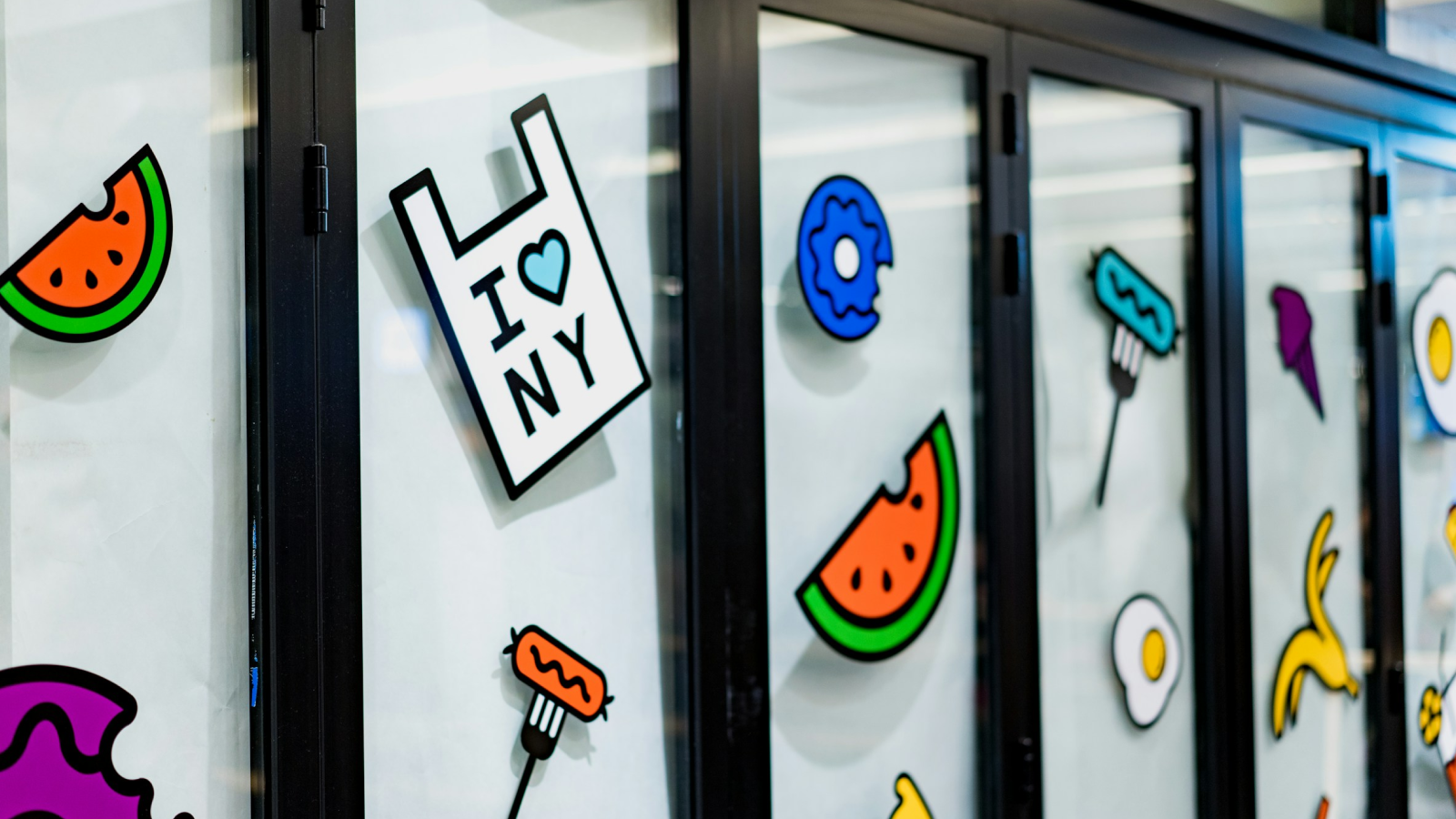
Still looking for more sticker ideas? From retro artwork to personalized designs and AI-generated stickers, Printify’s Product Creator lets any sticker maker turn a concept into something they can actually sell.
Retro-inspired sticker designs featuring old cameras, vinyl records, arcade games, diner aesthetics, and classic cars give your collection a nostalgic feel. Matte and holographic finishes work especially well for vintage artwork.
Anime-inspired artwork, pixel art, fantasy themes, and gaming memes have passionate fan communities that love collecting themed merch. Just make sure your designs are original – don’t use copyrighted characters, logos, or artwork. See our guide on avoiding copyright infringement to help keep your stickers safe to sell.
Cute illustrations, pastel palettes, plants, coffee themes, and minimalist designs are big among people who love journaling and scrapbooking. Bundle similar designs into sticker sheets to increase perceived value and encourage larger orders.
Custom names, initials, hobbies, pets, and inside jokes make stickers feel more personal and giftable. Personalized sticker packs can also increase repeat orders and customer loyalty – people come back for more once they see the quality.
Printify’s AI Image Generator lets you create unique sticker designs in different styles without starting from scratch. AI-generated artwork can help you test new ideas and launch fresh collections faster. Once you find a style people respond to, refine the designs in the Product Creator before adding them to your store.
Printify is the easiest way to start a sticker business without buying printing equipment or managing inventory yourself. Upload your designs, connect your store, and let our Print Providers handle printing and shipping whenever a customer orders.
Printify’s 100% free to start and integrates with popular marketplaces and eCommerce platforms like Etsy, Shopify, and TikTok Shop. Launch your sticker business and start selling faster with no minimum order requirements – sell single stickers or larger bulk orders just as easily.
Here’s how to get started:
For the best sticker printing results, use a resolution of at least 300 DPI. This keeps your sticker designs sharp and clear instead of blurry or pixelated. For die-cut or transparent stickers, use a transparent background and design in CMYK color mode for more accurate print colors.
If you’re partnering with Printify, check our design guide for the best printing results.
Absolutely. Many sticker sellers use tools like Canva, CorelDRAW, or Procreate on a phone, tablet, or computer to create sticker designs. Printify’s Product Creator makes it even easier with pre-made assets, built-in fonts, and AI tools for creating custom stickers without any drawing.
To make and sell stickers at home, you’ll need a printer, adhesive paper, and a cutting machine. Since printing and cutting take time, many sellers use a print-on-demand service like Printify instead. Choose a sticker type, upload your design, and launch your sticker business. When someone orders, Printify handles printing and shipping for you.
Selling stickers can be highly profitable with the right strategy. The global sticker market is expected to grow from $5.16 billion in 2026 to over $8 billion by 2034, showing strong long-term potential.
Printing stickers yourself can be expensive since you’ll need equipment like a printer and a cutting machine. That’s why many sellers use a print-on-demand service like Printify to avoid upfront costs and set their own profit margins.
Most sticker sellers shoot for a 40-60% profit margin, depending on their niche, design style, and production costs. Aim to cover your product, shipping, marketplace, and marketing costs first, then set a price that still feels fair to customers. Check out Printify’s product pricing guide for more pricing tips.
Use design tools like Printify’s Product Creator to create stickers, generate mockups, and start selling in just a few steps. Other popular tools include Canva, CorelDRAW, and Procreate. Make sure to keep an eye on design trends and customer feedback to improve your stickers over time.
The best-selling stickers target specific interests, hobbies, or communities. Popular niches include cute animals, gaming, anime-inspired art, memes, motivational quotes, journaling stickers, and small business branding. Waterproof vinyl stickers and sticker sheets also perform well because people use them on laptops, water bottles, phones, packaging, and planners.
The easiest way to make stickers to sell is with a print-on-demand platform like Printify. Create custom designs, upload them to your store, and Printify handles printing, packing, and shipping. No equipment to buy, no inventory to manage – just design, list, and sell.
Selling stickers online is one of the easiest ways to turn creative ideas into a real business. Start with a few designs, test what people respond to, and grow your shop from there.
With Printify, you can launch your sticker business for free without handling printing or shipping yourself. Once you build an audience, expand into other custom products like tote bags, phone cases, and more using the same designs and storefront.
The post How to make stickers to sell online in 2026 appeared first on Printify.