
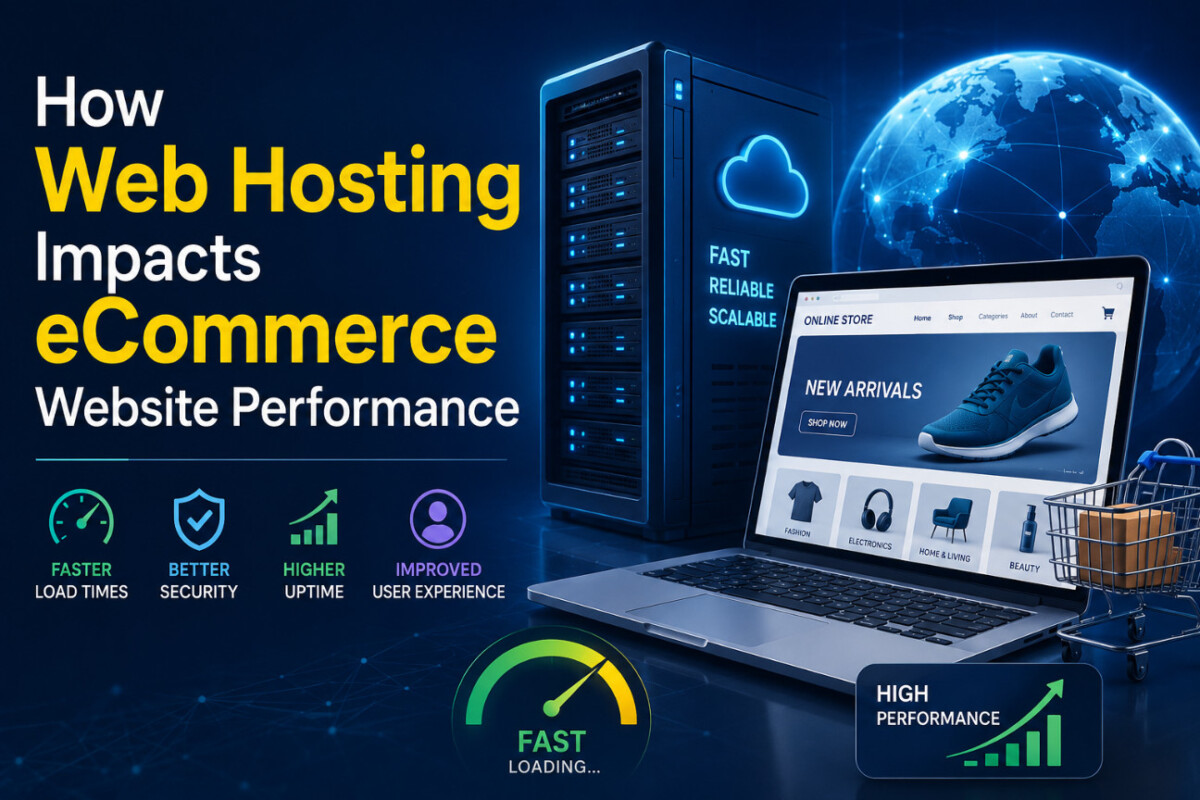
There’s a moment every eCommerce store owner dreads: you launch a campaign, run a promotion, and sudden traffic pours in, then your website starts crawling. Product pages slow down, sessions time out, and by the time your hosting responds, many visitors have already abandoned their carts.
Your hosting is the foundation your entire store is built on, yet many eCommerce businesses overlook it when launching a website. Here’s a breakdown of how hosting impacts your eCommerce website’s performance and what you can do to avoid these issues.
Most people treat web hosting as a basic necessity: they pick up a plan, pay the monthly subscription, and then ignore it. But hosting is far more than a subscription.
Whenever a shopper visits your website, your server receives the request, retrieves the content, processes it, and sends it back to the browser. The speed and reliability of that chain are determined by your hosting environment.
And if slow speed and long load times increase bounce rates before visitors even see your products, you end up paying for traffic that never converts.
This is the time between a browser making a request and receiving the first byte of data back from your server. It’s one of the clearest measures of server performance.
A slow TTFB indicates that something is sluggish at the infrastructure level. High-performance e-commerce websites typically keep TTFB well under 200 ms.
LCP measures how long it takes for the main content on a page to become visible usually your hero image or product photo. It’s one of Google’s Core Web Vitals, and it’s heavily influenced by server response time and the physical distance between your server and the shopper.
A host advertising 99.9% uptime sounds reassuring until you do the math. That’s roughly 8.7 hours of potential downtime per year. For a store generating even modest daily revenue, a few hours of unplanned downtime during a sale or peak period can cause real financial damage.
Scalability is about how your hosting handles sudden traffic spikes, such as flash sales, viral posts, or holiday rushes. Shared hosting, in particular, can buckle under sudden load, slowing down your site at exactly the moment you need it most.
As load time increases from one second to three seconds, the chance of a visitor bouncing rises by 32%. At six seconds, two out of three shoppers may leave before engaging with your products at all.
It’s Hurting Your Cart Completions
The average cart abandonment rate across e-commerce is around 70%. Slow checkout pages are consistently among the top reasons shoppers leave at the final step. When your hosting can’t serve pages quickly during checkout—the highest-intent moment in the buyer journey, you lose sales in one of the most frustrating ways possible.
It’s Dragging Down Your SEO
Google uses page speed as a ranking signal. A host with a slow server response time doesn’t just frustrate shoppers; it also signals to search engines that your site delivers a poor experience. Over time, that can push you down the rankings, reduce organic traffic, and squeeze revenue further.
What to Look for in an eCommerce Hosting Provider
Solid-state drives load data significantly faster than traditional spinning hard drives. Any provider worth considering for e-commerce should offer SSD storage as a standard feature, not a paid upgrade.
Look for support for technologies like LiteSpeed Cache or built-in object caching. These reduce the processing required for every page request, which matters a lot if your store has a large product catalog or a heavy plugin setup
The plan you launch shouldn’t be your ceiling. Look for hosts that let you move from shared hosting to VPS to cloud hosting as your traffic grows, without forcing a complete migration.
Shared hosting places your website on a server alongside hundreds of other websites. Resources like CPU, RAM, and bandwidth are shared among all of them. For brand-new stores with light traffic, shared hosting is a practical and affordable starting point. But it has a real ceiling: if a neighboring site experiences a traffic spike, your performance can dip too even if nothing changes on your end.
Best for: Stores just launching, low monthly traffic, and tight budgets
A Virtual Private Server partitions a physical server into isolated environments. Your site gets its own dedicated share of resources that no one else touches. This means more consistent performance, better handling of traffic surges, and more control over technical configurations. VPS is the right move once you’ve found your footing and need reliability that shared hosting can no longer deliver.
Best for: Stores with steady monthly traffic, growing product catalogs, or increasing reliability concerns
Cloud hosting runs across a network of servers rather than a single machine. Resources scale automatically based on real-time traffic demand, so a sudden surge doesn’t overwhelm the infrastructure.
Best for: High-traffic stores, brands with aggressive growth plans, or stores running frequent large-scale promotions.
For most early- to mid-stage DTC brands, a high-quality shared plan or entry-level VPS is the practical sweet spot, as long as the underlying infrastructure is genuinely fast.
Use Google PageSpeed Insights to test your key pages, including product pages, category pages, and checkout. Pay close attention to your TTFB and LCP scores. If your TTFB is consistently above 600 milliseconds, your server is likely creating drag regardless of how well everything else is optimized.
Many hosts offer a status page, or you can use a free tool like Uptime Robot to monitor your site. If you’ve noticed unexplained traffic dips or checkout failures in recent months, check whether those periods align with any logged downtime.
Over 70% of e-commerce visits now happen on mobile. Mobile users are less forgiving slow load times than desktop users, and they have more alternatives. If your desktop scores look fine, but mobile performance lags, CDN configuration and server response time are usually the first areas to investigate.
You can compress every image, minify your code, streamline your app stack, and optimize your checkout flow yet still watch conversions underperform if the server beneath it all is the real bottleneck. Hosting doesn’t get the attention it deserves in e-commerce circles. It’s not as exciting as a new ad channel or a rebrand, but it’s the unglamorous layer that either enables everything above it or quietly holds it back.
Measure your current performance honestly. Understand where the friction is coming from. And don’t let inertia keep you on a plan that’s costing you sales in ways you can’t easily see on a dashboard.




