

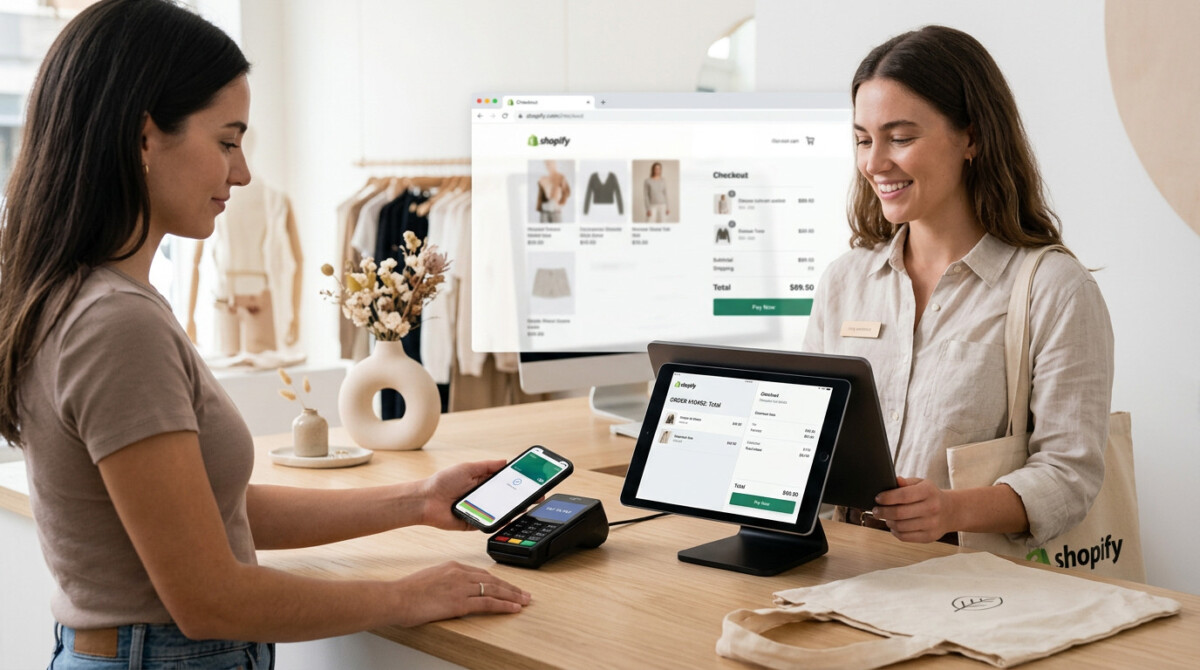
For a Shopify merchant adding a physical location, Shopify POS is usually the strongest choice in 2026 because it shares one inventory and customer record with your online store. Square fits low-volume pop-ups, and Pine Labs leads in India, the UAE, and Malaysia.
The retailer who buys a terminal before checking whether it syncs to their online inventory is solving the wrong problem. The hardware is the easy part. The reconciliation is where the money quietly leaks.
The first physical location is where a lot of Shopify brands quietly give back their margin advantage. You spend three years building one clean source of truth online, then you open a pop-up or a flagship, bolt on a payment terminal that does not talk to your store, and within a month your inventory counts drift, your customer data splits in two, and someone on your team is reconciling spreadsheets at 9pm on a Sunday.
This guide is for the merchant making that move, whether you are testing a weekend market or opening a third permanent store. The decision in front of you looks like a hardware purchase. It is not. It is a decision about how money and data move between your channels, and the device on the counter is the smallest part of it.
We will walk the five billing and payment problems a modern point of sale actually solves, then map the real options to the stage and the market you are in. The goal throughout is one system of record, not two.
A point of sale system is a billing and data decision first and a piece of hardware second, because the real cost of getting it wrong shows up in reconciliation rather than at the counter. A standalone terminal will happily take a payment. What it will not do is tell your online store that the last unit of a SKU just sold, or attach that sale to the customer profile you have spent money building.
This is the difference between a traditional register and a connected system, and it is worth understanding before you spend a dollar on hardware. If you want the full breakdown, here is how a connected EPOS differs from a traditional register. The short version: a traditional POS records a transaction, while a connected system updates inventory, customer data, and reporting across every channel at the same moment.
The stakes are not abstract. A 2025 Deloitte study cited by retail executives found that omnichannel shoppers spend roughly 1.5 times more than single-channel buyers, which means the customer who buys both online and in your store is your most valuable customer to keep. You cannot keep them well if your two systems disagree about what they bought and what is in stock. Every manual reconciliation is time you are not spending on the work that grows the business, and every inventory mismatch is either a stockout you did not see coming or an oversell you have to apologize for. The merchant who treats POS as a hardware line item learns this the expensive way.
A modern retail POS solves five billing and payment problems at once: it accepts every way your customer wants to pay, speeds up the checkout, keeps an accurate record of every sale, reconciles takings against your bank and your stock, and gives your staff the data to sell better. The original promise of a good terminal was never just payment acceptance. It was removing the friction that costs you sales and the manual work that costs you evenings.
On payment acceptance, the point is range. One device should take tap, chip, swipe, and QR or wallet payments so a single customer is never turned away because their preferred method is not supported, and so your counter is not cluttered with three machines. On checkout speed, the gain is conversion in person: a fast, confident checkout reduces the abandoned baskets that happen when a line forms at the till.
The next three are where the real money sits. Accurate records mean every sale lands in one ledger automatically, not in a notebook to be typed up later. Reconciliation means the system matches your takings to your bank settlement and to your stock, which is the difference between trusting your numbers and guessing at them. And staff and sales insight means your associate can pull up a customer’s history and loyalty balance at the counter and sell the right next product. Shopify reports that retailers using its in-store email capture see about a 5.5% lift in transactions tied to a customer profile, which is exactly the data that powers post purchase retention. The reconciliation layer is also where integrations earn their keep, so it is worth knowing which POS integrations automate inventory and reconciliation rather than adding more manual steps.
Shopify POS is the strongest default for any merchant already running a Shopify store, because it puts in-store and online sales on one inventory, one customer record, and one back office, with the entry tier included at no extra software cost. POS Lite comes free with every Shopify plan, which means if you are already paying for your store, you can start selling in person with just a card reader and the device in your pocket.
The numbers, current as of mid 2026 on Shopify’s published POS pricing, are straightforward. POS Lite is free. POS Pro is $89 per location per month, or $79 on annual billing, and it adds the features a permanent store actually needs: advanced inventory, unlimited staff accounts with permissions, buy online pickup in store, ship from store, and cross-location returns. In-person processing through Shopify Payments runs roughly 2.4% to 2.6% plus $0.10 depending on your plan, which is lower than your online rate because card-present sales carry less fraud risk. Hardware is a one-time cost, from $49 for a tap and chip reader up to about $459 for a full terminal, with a complete countertop register landing around $700 to $1,200.
The stage-aware call is simple. If you are running a single low-volume location or a pop-up, Lite is the right tier and costs you nothing extra. Once you add a second location, hire staff, or start fulfilling buy online pickup in store orders, Pro becomes a near requirement because cross-location inventory and returns stop being a luxury. If you want the setup and hardware specifics, here is a plain-language guide to Shopify POS setup and hardware. One caveat worth flagging early: Shopify Payments and Shopify’s own hardware are available in select regions only, which matters a great deal if you are outside North America.
Shopify POS is not always the right answer: Square wins for low-volume pop-ups and brand-new sellers, Lightspeed for inventory-heavy multi-location retail, and Clover for in-person-first businesses that want an all-in-one hardware bundle. The honest filter is your primary channel. If selling online is the core and retail is the addition, the unified path almost always wins. If retail is the core, a dedicated retail platform can fit better.
Square is genuinely hard to beat for a first in-person test: the basic plan is free, the card reader is cheap, and in-person processing is a flat 2.6% plus $0.10. Its ecommerce lives in a separate product, so the tradeoff is a less unified back office. Clover starts around $14.95 per month but locks you into proprietary hardware that runs from roughly $599 to $1,799, which suits a business that is in-person-first and wants one bundled box. Lightspeed, from about $89 per month, leans into deep inventory and supplier management for retailers carrying large or complex catalogs. If you want a structured way to weigh these, work through a checklist for choosing point of sale software against your own needs before you commit.
Outside North America, the right POS often comes down to which provider supports your local payment rails and hardware, because Shopify Payments and Shopify’s own hardware are available in select regions only. Shopify Payments covered 39 countries as of 2026, and Shopify’s hardware stores serve a shorter list still, which means a merchant in many markets will need third-party hardware or a local provider regardless of how good the software is.
This is where regional specialists matter, and it is a real gap rather than a footnote. In India, the UAE, and Malaysia, for example, Pine Labs in-store POS machines are a leading option, built around Android smart terminals that bundle payments, EMI or pay-later offers, and a catalog of business apps on the device itself. The fit there is specific: Pine Labs is built for local rails, and roughly 70% of its in-store transactions now run on UPI, India’s instant payment network, which is exactly the method a domestic shopper expects and a North American platform may not prioritize.
The practical guidance is to start from your market, not from a global brand name. If you are selling in a region where Shopify Payments and hardware are fully supported, the unified path is usually cleanest. If you are in a market where local rails like UPI or region-specific pay-later offers drive real conversion, a provider that leads in that market can be the better counter solution, with your Shopify store remaining the system of record behind it. The mistake to avoid is forcing a platform that does not support how your customers actually pay.
The most common mistake merchants make when adding retail is buying more POS system than their volume justifies, which is the same premature complexity that stalls so many brands at the $500K to $2M stage. The instinct, once you decide to open a store, is to reach for the most featured tier and the fullest hardware kit. That instinct usually costs you money and motion you did not need to spend.
The discipline is to match the system to your actual foot traffic and then upgrade on real triggers, not anticipated ones. A single pop-up or a low-volume first location runs perfectly well on a free tier and a $49 reader. The signals that genuinely justify the step up to a paid tier are concrete: a second location that needs shared inventory, staff who need their own permissions and performance tracking, or live demand for buy online pickup in store. Each of those is a real operational need. None of them is a reason to pay in month one for capacity you will not use until month eight.
The same logic governs the layer above the counter. Once you are selling in more than one place, the thing that actually keeps you sane is coordinated fulfillment, which is why it is worth designing an omnichannel order management approach before you scale store count rather than after. Add complexity when the volume earns it. Until then, the simplest setup that keeps one source of truth is almost always the right one.
Shopify POS is the best fit for most Shopify stores adding a physical location, because it shares one inventory, one customer record, and one back office with your existing online store. That unification removes the manual reconciliation and data fragmentation that come from running a separate terminal. POS Lite is free with your existing plan, so a single low-volume location costs nothing extra in software. The main exceptions are markets where Shopify Payments and hardware are not supported, or businesses that are primarily in-person and want a dedicated retail platform like Lightspeed or Clover instead.
Shopify POS Lite is free with every Shopify plan, and POS Pro is $89 per location per month, or $79 on annual billing, as of mid 2026. On top of software you pay in-person processing of roughly 2.4% to 2.6% plus $0.10 per transaction through Shopify Payments, which is lower than your online rate. Hardware is a one-time cost ranging from $49 for a tap and chip reader to about $459 for a full terminal, with a complete countertop register typically landing between $700 and $1,200. Confirm current rates on Shopify’s pricing page before you budget, since tiers and processing fees change.
POS Lite is enough for a single low-volume location, a pop-up, or a weekend market, and it is included free with your Shopify plan. You should upgrade to POS Pro at $89 per location when you hit a concrete trigger: a second location that needs shared inventory, staff who need individual permissions and performance tracking, or live demand for buy online pickup in store and cross-location returns. The honest test is whether the features Pro unlocks solve a problem you have today, not one you expect later. Paying for Pro before those needs exist is the premature complexity that quietly drains early-stage margin.
In India, the UAE, and Malaysia, a regional provider such as Pine Labs is often the better counter solution, because it supports local payment rails like UPI and region-specific pay-later and EMI offers that global platforms may not prioritize. Shopify Payments and Shopify’s own hardware are available in select regions only, so merchants in these markets frequently need a local terminal regardless of their ecommerce platform. A practical setup is to run a regional provider at the point of sale for local payment acceptance while keeping your Shopify store as the system of record behind it. Start from how your customers actually pay, then choose the hardware that supports it.
Keep in-store and online inventory in sync by using a POS that shares a single inventory with your ecommerce platform rather than a standalone terminal that records sales separately. With a unified system like Shopify POS, a sale at the counter updates your online stock in real time and vice versa, which prevents the stockouts and oversells that come from two disconnected systems. If you use a separate POS, you will need an integration that pushes inventory, sales, and customer data between the two platforms, and you should expect to verify it regularly. The simplest reliable answer is one platform acting as a single source of truth across every channel.




