

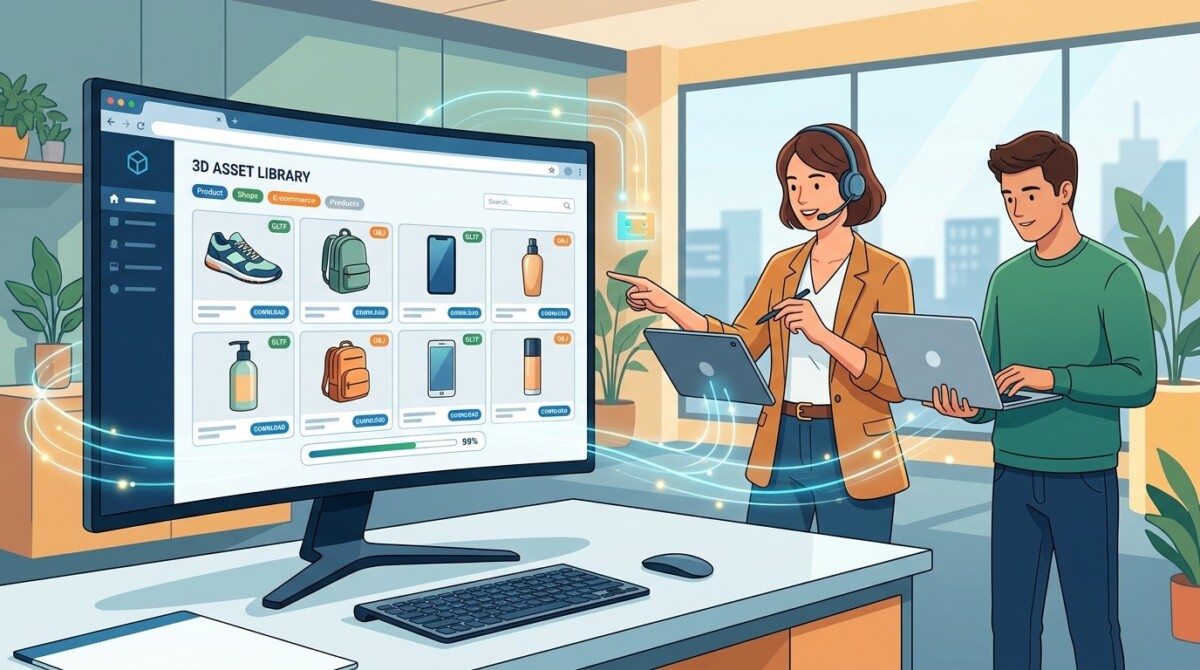
A reusable 3D asset library lets a Shopify merchant build a product model once, then reuse it across 3D viewers, AR try-on, ads, and marketplaces. An AI 3D model generator like Tripo 3D produces those models in minutes, and Shopify ties 3D and AR media to higher conversion.
Most merchants treat a 3D model as a one-off expense for a single product page. The ones compounding ahead treat it as an asset they build once and deploy a dozen times.
A Shopify furniture merchant pays a freelancer to build one 3D model of a hero sofa, uses it on a single product page, and never touches it again. Three months later a new colorway launches, the model does not cover it, and the whole commission starts over. Multiply that across a catalog and you have a slow, expensive habit dressed up as a 3D strategy.
The merchants pulling ahead are doing something different. They treat 3D models the way a smart team treats any expensive asset: build it once, store it well, and reuse it everywhere it earns its keep. That shift, from one-off renders to a reusable library, is where the economics of 3D finally work for a store doing $500K to $2M rather than only for an enterprise brand with a studio on retainer.
This guide walks through how to build that library, accelerate it with AI generation, and structure it so it stays useful as your catalog grows. It is written for merchants first, and for the studios and agencies producing assets on their behalf second.
A reusable 3D product asset library is a single, organized collection of 3D models that you generate once and deploy across every channel that supports them. Instead of one render living on one product page, the same model powers your on-site 3D viewer, your AR try-on, your ad creative, your social content, and your marketplace listings. One asset, many jobs.
The library matters because the alternative is quietly expensive. Commissioning a custom 3D model the traditional way runs anywhere from roughly $150 to well over $1,000 per SKU and can take days to weeks per item (illustrative ranges, since pricing varies widely by complexity and vendor). For a 200 SKU catalog, that is a budget line most $500K to $2M stores cannot justify on a per-page basis. A reusable library changes the math by spreading the cost of each model across every place it gets used.
This is where an AI 3D model generator changes the workflow. Tools in this category turn a product photo or a text description into a usable 3D model in minutes rather than commissioning each one by hand. Tripo 3D is one option here; Meshy, Alpha3D, and Luma AI are credible alternatives, and traditional photogrammetry or 3D scanning still make sense for hero products where absolute fidelity matters more than speed. The point is not the specific tool. The point is that generation has gotten cheap and fast enough that building a library, rather than buying models one at a time, is now the rational default.
3D and AR product media move the metrics that actually matter to a merchant: add-to-cart rate, order rate, and returns. The data backing this is not vendor hype. When Rebecca Minkoff added 3D models to product pages, shoppers were 44% more likely to add an item to their cart, 27% more likely to place an order after viewing it in 3D, and 65% more likely to order after viewing it in AR, according to Shopify’s own data on how 3D and AR product views lift conversion. Shopify also reports that products with 3D and AR content see meaningfully higher conversion on average.
The mechanism is simple. Photos answer “what does it look like.” 3D and AR answer “how big is it, will it fit, and how does it work,” which are the exact questions that stall a high-consideration purchase. That is why the lift shows up hardest in furniture, large home goods, and configurable products. Furniture brands like Oakywood, for example, use 3D configurators that let shoppers build and place custom pieces, an approach tied to outsized sales gains in coverage of furniture brands using 3D product configurators to lift sales.
Stage matters here. If you are under $50K in monthly revenue, do not build a library across your whole catalog yet; pick your two or three highest-consideration products and prove the lift. If you are scaling past $1M, the question is no longer whether 3D earns its place but how fast you can build a library deep enough to cover your core range. The 18 month test applies either way: a reusable model in a standard format will still be working across channels well after a single-use render would have been forgotten.
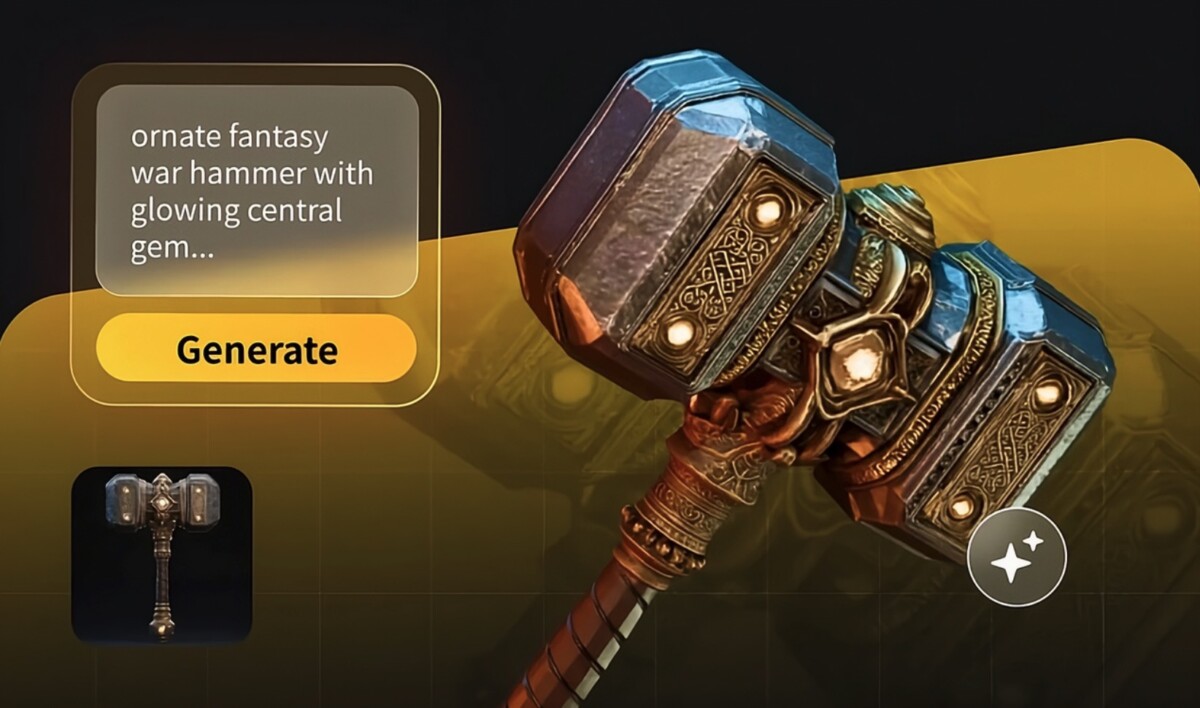
You generate your first reusable models by feeding product photos or text prompts into an AI generator, tuning the output settings for reuse, and exporting in a web-friendly format. The workflow is fast enough that a focused afternoon can produce your first batch of 10 to 20 models. Here is the shape of it.
Start from what you already have. Most generators let you create a model from a single product image or from a descriptive text prompt. If you have clean product photography, image to 3D conversion is usually the faster path, since it gives the model real reference for shape, proportion, and surface. If a product does not exist yet, or you are prototyping packaging and props, a text prompt gets you a usable draft to refine.
Then tune the settings for reuse, not just for one page. This is the step that separates a library asset from a throwaway. Turn on textures and pick a resolution that fits your use case (2K is plenty for most product viewers; 4K or 8K only where you will zoom in close). Enable PBR so materials reflect light realistically across different scenes. Choose a clean topology (quad topology deforms more predictably if you ever animate or configure the model) and set a polycount that balances detail against load speed. Picking the higher-quality model version is worth it for hero products you will reuse often.
Finally, review and export deliberately. Check the model in a few viewing styles, fix obvious geometry issues, and export in a format your downstream channels accept. For Shopify, that means GLB for the on-site 3D viewer and USDZ for Apple’s AR Quick Look. Name the file properly before it leaves the generator, because a model that lands in your library as “export_final_2” is a model you will struggle to find in six months.
A 3D library scales only if it is structured to be searched, not just stored. The difference shows up the moment you pass roughly 50 SKUs: an unstructured folder of models becomes slower to navigate than re-generating from scratch, which defeats the entire reuse premise. Structure is the asset; the models are just what sit inside it.
Start with a naming convention you will actually keep. A simple, consistent pattern (category, product name, variant, version, for example sofa_halden_charcoal_v2) makes models findable by search and keeps versions from colliding. Add metadata tags for the attributes you will filter on later: product type, collection, color, channel readiness, and whether the model has an AR-ready USDZ export. Tags are what let a team member find every “outdoor” or “configurable” model in seconds instead of scrolling.
Group by how you work, not by when you happened to make the model. For most merchants that means folders by collection or category, with shared props and environment assets kept separate so they can be reused across product shoots. If a studio or agency contributes to your library, agree on the naming and tagging rules before they start, because retrofitting structure onto 300 inconsistently named files is the kind of premature complexity cleanup that eats a week. Build the system small and strict early, and it will hold as the catalog grows.
Consistent visual standards are what make a library feel like one brand instead of a pile of mismatched models. When topology, texture quality, and lighting drift from asset to asset, your product pages look uneven and your AR experiences behave unpredictably. Setting standards once, then holding every new model to them, is cheaper than fixing inconsistency later.
Lock three things early. First, topology: pick quad or triangle as your default and stay with it so models deform and render predictably. Second, texture quality: standardize on a resolution per use case so a 2K product looks like it belongs next to another 2K product. Third, materials: use PBR consistently so a charcoal fabric reads as the same charcoal whether it is lit on a product page or placed in a customer’s living room through AR.
Then optimize for the device most of your buyers actually use. Over half of product browsing happens on mobile, and a heavy model that stalls on a 4G connection erases the conversion gain you built it for. Keep individual models lean, ideally under about 5MB, and compress textures with efficient formats. This is the same discipline behind well-built virtual fitting rooms that combine AR, AI, and 3D: the realism only converts if it loads fast. A consistent, web-optimized library is what lets you add a new product and trust it will look and perform like the rest.
The models worth building first are the ones tied to your highest-consideration, highest-return-risk products, not your whole catalog. A complete merchant library eventually spans hero products, every meaningful variant and colorway, bundles, and the props and environments that make ad and lifestyle content reusable. But sequencing matters more than completeness, and where you start depends on what you sell.
Beyond the products themselves, build a small set of reusable props and environments. The same generation workflow that builds products builds these too, and text to 3D model generation is well suited to describing a prop or scene element from scratch. Furniture is the clearest proving ground for this approach, which is why so much early merchant adoption shows up there; the patterns are worth studying in coverage of how AR is reshaping online furniture shopping. Start narrow, prove the lift on your top 10 sellers, then expand.
Build in-house when your catalog is small and your products are straightforward; hand it to a studio when fidelity, volume, or complexity outruns what AI generation handles cleanly on its own. For most $500K to $2M merchants, the honest answer is a blend: generate the bulk of the library yourself with AI tools, and reserve outside help for the handful of hero products where the model has to be flawless.
The case for in-house is cost and control. AI generation has collapsed the price of a usable model to a few minutes of effort, which means a small team can build and own a library without a five-figure production budget. The case for a studio is the long tail of difficult assets: complex geometry, fine materials, and the edge cases where a generated model needs real cleanup. Traditional AR and 3D implementations have ranged from a few thousand dollars into the six figures depending on scope, so going fully custom across a catalog is rarely the right first move; the tradeoffs are laid out well in this look at the real cost structures behind AR implementation.
The failure mode to avoid is the one that catches most stores at this stage: building too much, too soon. You do not need 500 models before you launch a single 3D viewer. You need your top sellers modeled well, structured properly, and live where they will move the metric. Prove the conversion lift on a small, high-quality set, let the library earn its expansion, and keep your format and naming standards strict from day one. A reusable 3D asset library is a compounding advantage precisely because it grows in step with what is already working, not ahead of it.
You can create 3D models for a Shopify store using an AI 3D model generator that converts a product photo or a text description into a usable model in minutes, no 3D designer required. Tools in this category (Tripo 3D, Meshy, Alpha3D, and others) handle the modeling, and you export the result as a GLB file for Shopify’s 3D viewer and a USDZ file for AR Quick Look. For most merchants, starting from clean product photography gives the most accurate result. Reserve a freelance 3D artist only for hero products where the generated model needs hands-on cleanup, and generate the rest of your catalog yourself.
Yes, 3D and AR product media consistently lift conversion, especially for high-consideration and high-return categories. Shopify’s data shows products with 3D and AR content convert meaningfully better on average, and Rebecca Minkoff reported shoppers were 44% more likely to add to cart and 27% more likely to order after viewing products in 3D, rising to 65% more likely to order after viewing in AR. The lift is largest where buyers worry about size, fit, or scale, which is why furniture, large home goods, apparel, and configurable products see the strongest results. Lower-consideration commodity products see less benefit, so start where the buyer’s uncertainty is highest.
Shopify needs two formats: GLB for the interactive 3D viewer on desktop and Android, and USDZ for AR Quick Look on iOS. Most AI 3D generators export both directly, and you upload them into a product’s media the same way you upload images on Shopify’s core themes. Keep individual models lean, ideally under about 5MB, and compress textures so they load fast on mobile, where more than half of product browsing happens. Storing both a GLB and a USDZ version of every model in your library, tagged as AR-ready, means any product can go live with full 3D and AR support without a second production pass.
Start with your top 10 sellers or your two to three highest-consideration products, not your whole catalog. Building a model for every SKU before you have proven the conversion lift is the premature complexity that stalls most stores at the $500K to $2M stage. A small, high-quality set lets you measure the impact on add-to-cart and order rate, then expand the library in step with what is working. If you sell fewer than 50 products, you may eventually cover the full range, but sequencing still matters: model the products where size, fit, or detail uncertainty is costing you the most carts first.
Buying 3D models one at a time pays for a single render tied to a single use, while building a reusable library spreads the cost of each model across every channel it powers. A bought-for-one-page model serves that page and nothing else. A library asset, generated once and stored in a standard format like GLB or USDZ, drives your on-site 3D viewer, AR try-on, ad creative, social content, and marketplace listings from the same file. The library approach only works if you structure it well, with consistent naming, metadata tags, and visual standards, so models stay findable and reusable as the catalog grows past 50 SKUs.





