


Enterprise teams need a compliance-focused backup and recovery strategy, but more than that, they need control. Control over where their data lives, who can access it, when and how they’re notified about backup events, and how quickly they can find and restore exactly what they need.
Rewind Enterprise Engine builds on a strong foundation of enterprise-grade capabilities introduced in earlier releases. These include Role-Based Access Control (RBAC) for fine-grained governance, Event History to trace all backup and restore operations, and Bring Your Own Key (BYOK) support, giving organizations full control over encryption management. Together, these mature features ensure that the Rewind Enterprise Engine meets both the strategic and operational needs of complex organizations.
Total ownership and control of your backup data
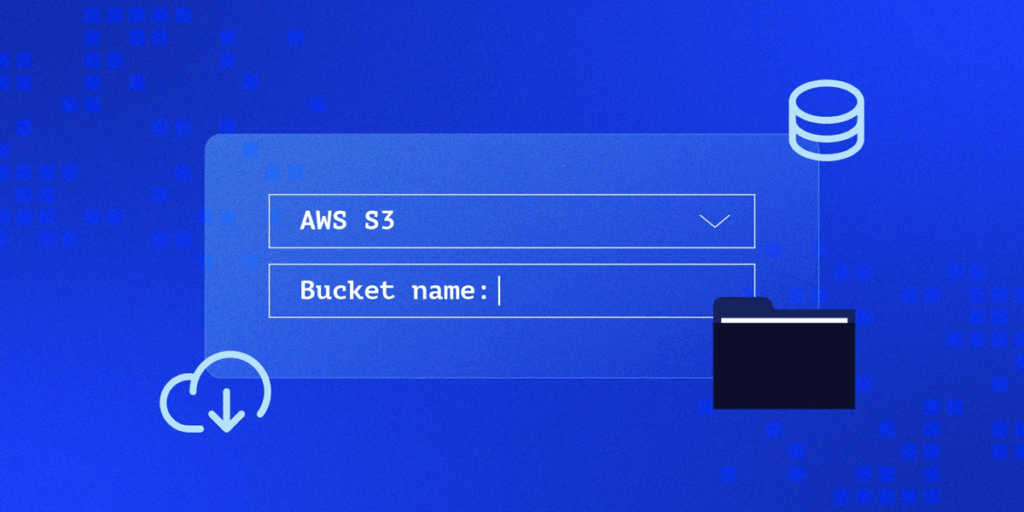
Rewind has always let users select where in the world their data lives. This is an important compliance feature. For example, GDPR requires that personal data—including backups—be protected to EU standards.
Rewind offers Cloud Sync, which makes it easy to export a copy of backup data to AWS, Azure, or Google Cloud. However, some organizations need even more exacting control over their data.
Rewind added the option to bring your own key (BYOK) in our Q2 Compliance and Control release. The Rewind Enterprise Engine adds Bring Your Own Storage (BYOS), which provides enterprise and other large organizations greater control and unlocks the option to store backup data in their own AWS storage, with other BYOS storage provider options to follow.
By opting to BYOS, organizations ensure that no backup data is ever stored outside of their owned cloud environment. When organizations choose BYOS, Rewind acts as the backup service layer and does not store any data. In other words, BYOS allows enterprises to use Rewind’s deep backup and restoration capabilities without entrusting data to Rewind.
But for the record, you can definitely trust Rewind with your data.
Key benefits:
More on Bring your Own Storage in Rewind Enterprise Engine
Flexible retention policies to match your compliance requirements

Rewind retains backup data and history for one year by default. Some organizations—especially those operating in tightly regulated industries—need more options. In this case, data may need to be retained for seven years or more to meet compliance, audit, or internal governance standards.
With configurable data retention in Rewind, organizations can now define exactly how long Rewind retains both storage and index data. This flexibility means IT and compliance teams can align backup retention policies with internal mandates or industry regulations, without compromise.
Key benefits:
• Meet strict compliance requirements by customizing retention timelines
• Maintain extended visibility into backup history beyond one year
• Support for granular restores within configured retention windows
More on Configurable Data Retention in Rewind Enterprise Engine
IP whitelisting to restrict access at the network level
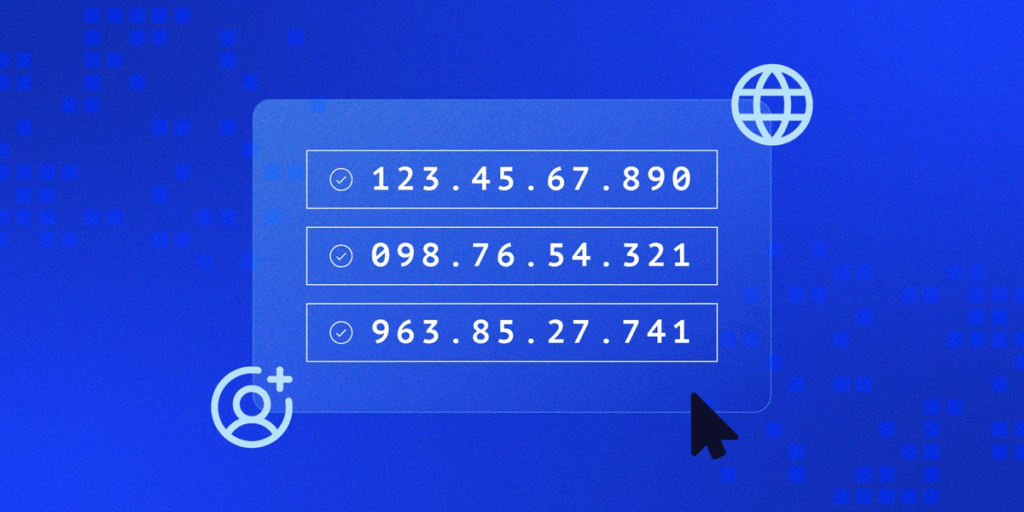
With static IPs, security-conscious organizations can restrict Rewind access to specific IP addresses or ranges. An IP whitelist, in other words. This whitelist capability ensures that backup data and platform functions are only accessible from approved users in approved locations, in accordance with stringent enterprise security requirements.
Key benefits:
More on Static IPs for IP Allow in Rewind Enterprise Engine
Key backup status information to stay informed and trigger actions
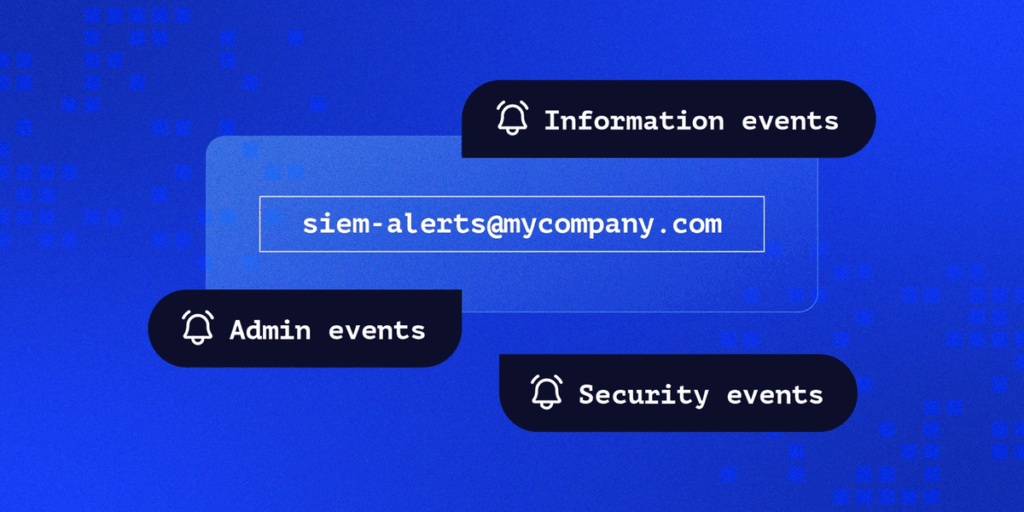
The improved Rewind notification system surfaces important backup events, including but not limited to:
Notifications can also break out of your Rewind Vault and be routed to email or integrated directly with security information and event management (SIEM) tools and workflows including Datadog, PagerDuty, and more to automate incident response.
Rewind admins can also route notifications to other services and use them to build backup awareness or trigger actions. For example, sending notifications to a Slack channel via email to share backup status updates, or integrating with an automation tool like n8n to trigger any number of actions or alerts based on notifications.
Key benefits:
More on Custom Notifications in Rewind Enterprise Engine
Mandate multi-factor authentication across your organization

Multi-factor authentication is an important component of any organizational security strategy. Every Rewind user should use MFA. Instead of explaining the importance of MFA and asking users to take the appropriate steps again (per my last email…) Rewind administrators can simply mandate 2FA for all Rewind users in their organization. Aside from ensuring a consistent security posture across all backup and recovery operations, MFA is an important component of compliance standards including ISO/IEC 27001:2022.
Key benefits:
More on Enforce MFA in Rewind Enterprise Engine
Find exactly what you need in your vault faster, with boolean operators and advanced filtering
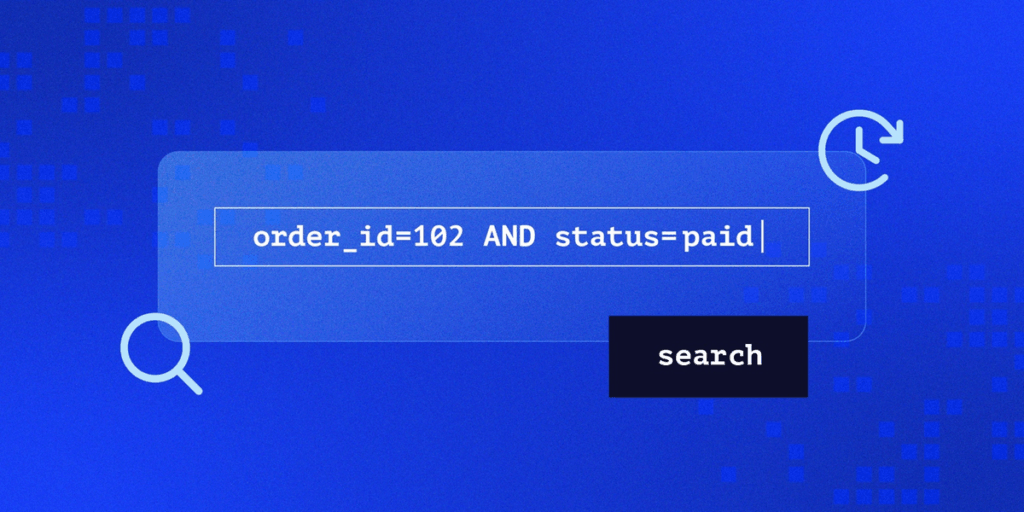
Rewind AND boolean EQUALS win. Yes, we are aware that EQUALS is not a boolean operator. The point stands.
Along with the launch of the Rewind Enterprise Engine, we’re also happy to share improvements to search capabilities, allowing users to search using boolean operators (AND [+], OR [|], NOT [-], wildcard [*], exact match [“”]. In addition, advanced filtering enables precise discovery of specific tickets, files, boards, or any backed-up data.
Whether you’re searching for backup data to restore a critical Jira issue, a deleted GitHub repo, a specific Shopify product configuration, etc., enhanced search and filtering offers the precision you need to find exactly what you’re looking for in your Rewind Vault, quickly and accurately.
Key benefits:
Beyond these new features in the Rewind platform, this release also brings expanded backup and restore coverage across key SaaS platform integrations:
Modern enterprises don’t just need backup and restore capabilities across their SaaS stack. They need backup and restore capabilities that integrate seamlessly with their existing security, compliance, and operational frameworks. These platform capabilities represent a larger shift from Rewind as a point-solution backup to Rewind as enterprise-grade data resilience infrastructure.
In addition to adding further security and usability features to Rewind and improving the experience for users and admins, these and other features answer the stringent data residency, compliance, and security demands of the most security-focused organizations. In other words, Rewind has become an even more attractive option for enterprise SaaS data resilience.
These and other features available in the Rewind Enterprise Engine aren’t “coming soon.” They’re already available to Rewind users. Enterprise teams interested in BYOS can contact their account manager to discuss implementation.
Ready to build SaaS data resilience and backup visibility across your SaaS stack? Explore these new platform capabilities and discover how Rewind can integrate seamlessly with your enterprise infrastructure while delivering the backup and recovery reliability your business demands.





