

Keeping your online accounts secure has never been more challenging.
With data breaches and phishing attacks on the rise, the stakes for protecting personal and professional information are higher than ever. Did you know that 81% of data breaches occur due to compromised passwords? Managing dozens—even hundreds—of complex passwords can feel overwhelming. However, password managers offer a solution. These tools simplify password organization, bolster security, and take the guesswork out of keeping your digital life safe.
This guide will walk you through the benefits of using a password manager, how to choose the right one for your needs, and our top picks for 2025.
Cyberattacks are becoming increasingly sophisticated. From phishing scams to brute-force attacks, hackers are constantly evolving their methods. Without strong, unique passwords for each account, your information is vulnerable.
Password managers eliminate the risks associated with weak or repeated passwords by generating strong, random passwords and storing them securely.
Here’s what a password manager can do for you:
When choosing a password manager, prioritize the following:
Choosing the best password manager isn’t just about ticking boxes on a features list. We tested these tools by simulating real-world scenarios. Here’s how we ranked them:
Our team installed multiple password managers on Windows, MacOS, iOS, and Android devices to test their performance in diverse scenarios, from personal use to business-level password management.
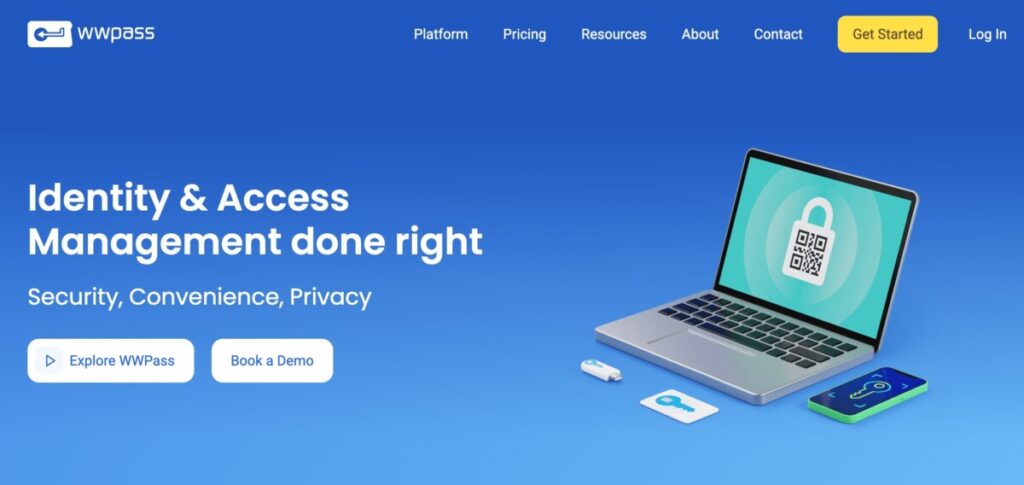
Passwordless – literally. Only you hold the keys. Not even the provider can access your data. Built on open-source WWPass technology – no security through obscurity.
Key Features:
Ideal For: Teams and businesses that require passwordless, zero-trust security with complete data control.
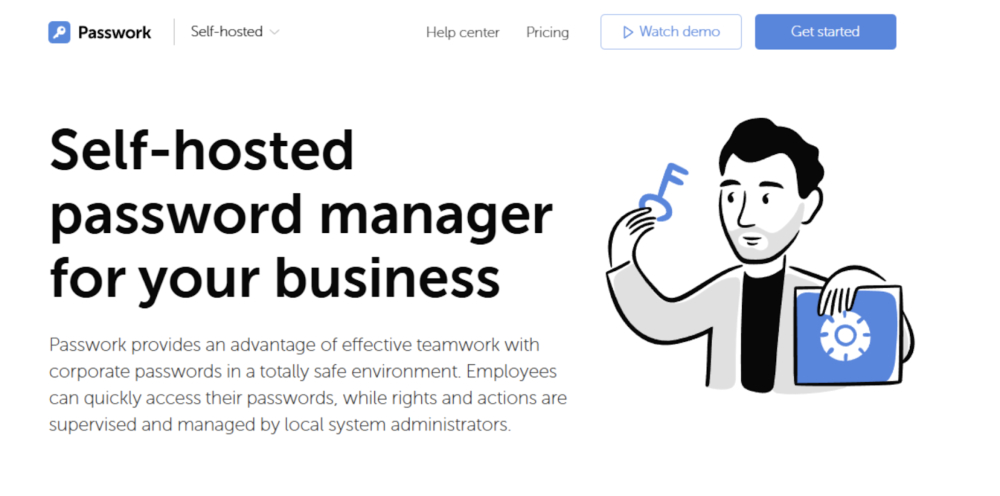
If you need a reliable password manager tailored for team collaboration, Passwork is unmatched.
Key Features:
Ideal For: Companies requiring customized solutions and total control over their data.
Comprehensive Security for Businesses
Passwork ensures robust protection with AES-256 encryption and the option for self-hosted deployment, giving businesses complete control over their data.
Exceptional Usability Combined with Advanced Security
Passwork provides industry-leading security paired with a user-friendly interface, two-factor authentication, and a convenient browser extension. A secure system is only effective when employees can use it with ease.
Self-Hosted Password Management for Businesses
Passwork delivers a secure, intuitive password management solution with advanced role management capabilities and seamless integration with AD/LDAP/SSO—ideal for system administrators.
Enterprise-Grade Security at a Competitive Price
Passwork offers scalable, enterprise-level security that integrates effortlessly into existing infrastructure, all at a cost-effective price point.
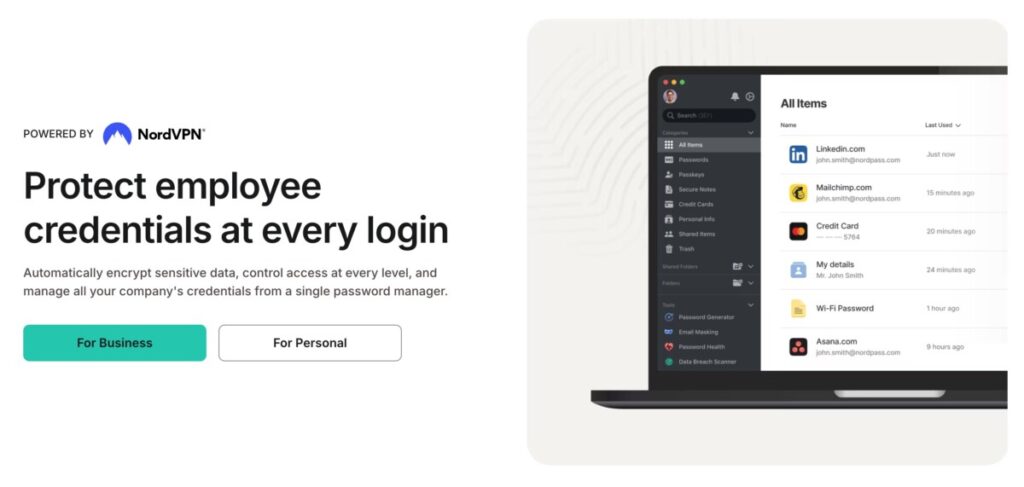
NordPass offers a perfect balance of affordability and advanced tools.
Key Features:
Ideal For: Budget-conscious users seeking enterprise-level security.
1Password stands out with features designed for professionals on the go.
Key Features:
Ideal For: Frequent travelers and business professionals.
Bitwarden champions transparency and simplicity through its open-source architecture.
Key Features:
Ideal For: Privacy enthusiasts who prize transparency without compromising usability.
Dashlane is packed with premium features for advanced users.
Key Features:
Ideal For: Users seeking an all-in-one security platform.
RoboForm simplifies password management with its beginner-friendly design.
Key Features:
Ideal For: Newbies looking for an intuitive, no-fuss solution.
| Password Manager | Free Tier | Encryption Type | Unique Features |
| Passwork | No | AES-256 | LDAP integration |
| NordPass | Yes | xChaCha20 | Breach reports, email masking |
| 1Password | No | AES-256 | Travel Mode, Watchtower |
| Bitwarden | Yes | AES-256 | Open-source architecture |
| Dashlane | Limited | AES-256 | VPN, dark web monitoring |
| RoboForm | Yes | AES-256 | Auto-fill simplicity |
| PassHub Business | No | AES- 256 (client-side) | True passwordless access, zero trust design, flexible deployment |
Make sure the password manager works well across all devices and browsers you frequently use.
Look for user reviews or free trials to ensure the software feels intuitive.
With the constant evolution of cybersecurity threats, staying proactive about your online safety is more important than ever. A good password manager doesn’t just save you time—it protects your most valuable information.
Still not sure which manager suits your needs? Consider starting with Passwork for business teams or NordPass for personal use—we think you’ll love what they bring to the table.
What exactly is a password manager and why is it important now?
A password manager is a secure application designed to store and organize your login credentials for various websites and apps. Using one is important because cyber threats are increasing, and these tools help create and manage strong, unique passwords for each account, greatly improving your online security posture. They eliminate the dangerous habit of reusing weak passwords across multiple sites.
How do password managers keep my login details safe?
Password managers use strong encryption methods, like AES-256 or xChaCha20, to scramble your stored information, making it unreadable without your master password. Many also use a “zero-knowledge” approach, meaning even the company providing the service cannot access your stored passwords. This ensures your data remains private and secure.
Are password managers difficult to use or only for tech experts?
This is a common misconception; most modern password managers are designed to be very user-friendly, even for beginners. They often include browser extensions and mobile apps that automatically fill in usernames and passwords with just a click. Features like intuitive interfaces and simple setup processes make them accessible to everyone, regardless of technical skill.
What key security features should I prioritize when choosing a password manager?
Look for strong encryption (AES-256 or similar) as the foundation for security. Also prioritize managers offering two-factor authentication (2FA) for logging into the manager itself, adding a critical layer of protection. A zero-knowledge policy is another key feature, ensuring only you can decrypt and view your stored information.
How can I select the best password manager for my personal needs?
Start by assessing what features matter most to you – perhaps a free plan, cross-device syncing, or specific security extras like dark web monitoring. Check that the manager supports all the devices and web browsers you regularly use. Consider trying a free version or trial period to test its ease of use before committing to a paid plan.
What makes a password manager suitable for business use compared to personal use?
Password managers for businesses, like Passwork.pro, offer features tailored for teams, such as secure password sharing, user permission controls, and activity logging. They often support integration with company directories (like LDAP/AD) for easier employee management and may offer self-hosting options for complete data control, which are less common in personal plans.
What does “zero-knowledge architecture” mean for my data security?
Zero-knowledge architecture means your password data is encrypted and decrypted directly on your device, not on the provider’s servers. Your master password, which unlocks your vault, is never sent to or stored by the company. This design ensures that even if the provider’s servers were breached, your stored passwords would remain unreadable and secure.
Can password managers help protect me while traveling?
Yes, some password managers offer features specifically for travelers. For instance, 1Password has a “Travel Mode” that lets you temporarily remove sensitive vaults from your devices when crossing borders, protecting your data from inspection. You can easily restore the vaults once you reach your destination.
Beyond passwords, what other information can these tools securely store?
Most password managers allow you to securely store more than just website logins. You can often save credit card details, bank account information, secure notes, software licenses, and personal identification documents. This makes them versatile digital vaults for various types of sensitive information.
If AI can summarize password manager benefits, why read a detailed guide?
While AI can provide basic overviews, a detailed guide offers deeper insights based on hands-on testing and expert evaluation, which AI summaries often lack. It helps you understand the subtle differences between options, weigh specific features like LDAP integration or Travel Mode against your unique needs, and make a more informed choice based on real-world performance and security nuances.





