

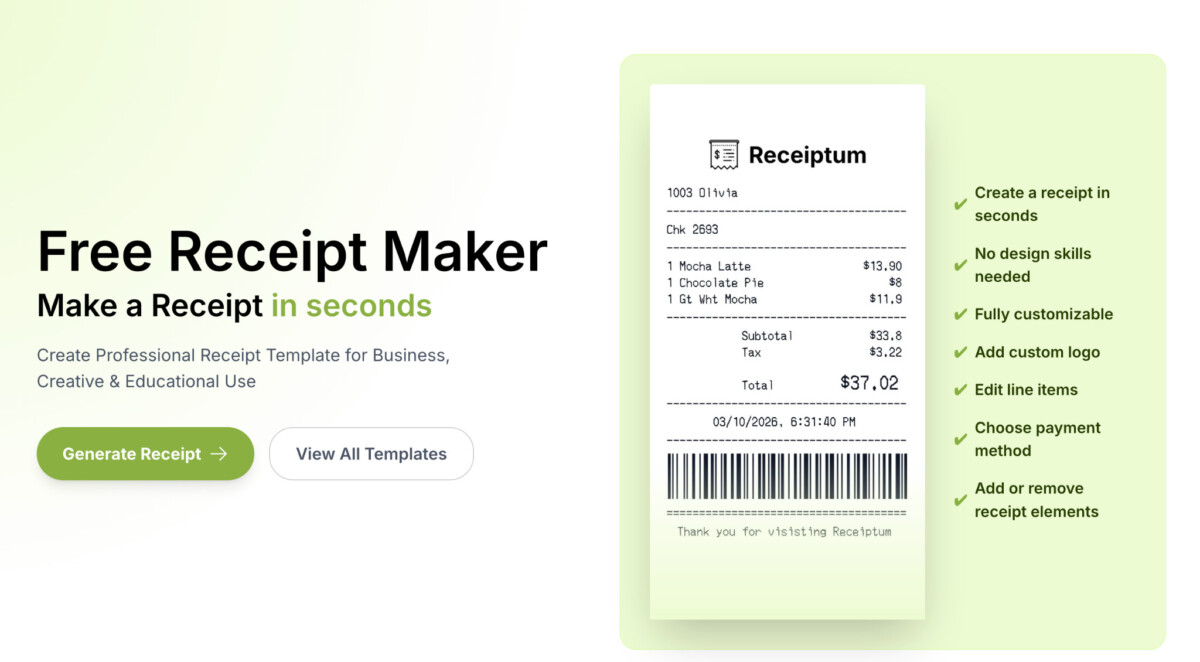
Professional ecommerce receipts build trust, reduce disputes, and keep your books clean when they consistently show who bought what, when, how they paid, and which taxes and shipping charges applied.
The receipt your customer actually sees is often the only proof they have that the transaction happened, which makes its clarity and completeness a direct lever on trust and chargeback risk.
Running an online store means juggling inventory, shipping, customer service, and returns all at once.
One thing that tends to slip through the cracks is how you create receipts for your customers.
It seems small, but a sloppy or missing receipt can trigger chargebacks, confuse your bookkeeping, and quietly erode buyer trust.
Tools like Receiptum exist specifically to solve this, but before you pick any tool, it helps to understand what actually makes a good ecommerce receipt.
This guide covers everything you need to get it right.
In a physical shop, receipts are automatic.
The register prints one, the customer grabs it, done.
Ecommerce is different because your buyer can’t physically see the product until it arrives.
That digital receipt becomes the only tangible proof they have that the transaction happened.
It’s their confirmation, their reference point for returns, and often the first thing a bank asks for during a chargeback dispute.
A well-structured receipt also keeps your records clean.
When tax season rolls around, or you need to reconcile payments, having consistent receipt data makes everything faster.
Sellers who create receipts with incomplete information often find themselves manually digging through order histories months later, and that’s time you don’t get back.
Not every receipt needs to be a design masterpiece, but it does need the right information.
Missing even one key detail can cause problems down the line, whether that’s a confused customer or a failed audit trail.
Here’s what belongs on every receipt you send:
Getting these details right every time is what separates a professional operation from one that’s winging it.
The way you create receipts depends on where and how you sell.
A store on one platform, a marketplace listing on another, and a self-hosted site all have different tools and limitations.
Most ecommerce platforms generate order confirmation emails automatically.
These usually double as receipts, but they’re often bare-bones.
Default templates don’t always include a tax breakdown or your full business details unless you customize them.
If you rely on these, take ten minutes to edit the email template.
Add your business registration number, return policy link, and a proper itemized format.
It’s a one-time setup that pays off on every single order.
Freelancers selling digital products, service-based ecommerce businesses, and marketplace sellers often need to create receipts manually.
This is where most people either open a blank document and fumble through formatting, or skip it entirely.
Having a dedicated receipt generator makes this significantly easier.
Rather than building receipts from scratch every time, you can produce professional-looking receipts in minutes with all the required fields already structured.
For sellers handling one-off transactions or custom orders outside their main platform, this kind of tool fills a real gap.
If you sell across multiple marketplaces, your own store, and maybe a wholesale channel, receipt consistency becomes a genuine headache.
Each platform has its own format and level of detail.
Some handle receipts for you, while others leave you responsible for providing one on fulfilled orders.
The cleanest approach is to standardize a receipt template that works across all your channels and populate it from your order management system.
Even experienced sellers get tripped up by these:
Forgetting refund or return information. A receipt that doesn’t reference your return policy creates friction when a customer wants to send something back.
In many jurisdictions, you’re legally required to provide this information at the point of sale.
Using generic no-reply email addresses. Sending a receipt from a no-reply address tells the customer you don’t want to hear from them.
Use a real email address instead, because if they reply with a question, that’s a customer service opportunity.
Not storing copies of issued receipts. Your payment processor keeps transaction records, but the actual receipt you sent might not be stored anywhere if you’re generating them manually.
Keep a copy in cloud storage or your accounting software.
When a dispute comes knocking, you’ll be glad you did.
Tax compliance is where receipts go from “nice to have” to legally required.
The specifics vary by country and state, but the general principle is the same: if you collect tax, you need to document it on the receipt.
In the United States, sales tax obligations depend on where you have economic nexus.
Most states now require out-of-state sellers to collect sales tax once they exceed a certain revenue or transaction threshold.
Your receipts need to reflect the correct tax rate for the buyer’s location, not yours.
EU sellers face Value Added Tax requirements that are even more granular.
If you’re selling B2B within the EU, you need to issue a proper VAT invoice, which is essentially a receipt with additional mandatory fields like your customer’s VAT number and the applicable rate per line item.
Accounting integrations that sync with your ecommerce platform can automate most of this.
The receipt generated at checkout flows directly into your ledger with the tax details already mapped.
A receipt is a touchpoint, one of the few emails your customer is almost guaranteed to open.
Adding your brand logo and consistent color scheme reinforces recognition.
Including a brief thank-you message or a link to your loyalty program turns a transactional email into a retention tool.
Keep it tasteful, though.
A receipt stuffed with upsells and banners feels like spam.
The primary purpose is still to confirm the transaction clearly.
One subtle call-to-action, like a link to track their shipment, is plenty.
Receipts aren’t glamorous, but they’re foundational.
They protect you legally, build customer trust, reduce disputes, and keep your financial records accurate.
Whether you’re running a high-volume store or selling handmade goods on the side, having a solid process to create receipts for every transaction is non-negotiable.
Start with the basics and make sure every receipt includes the essential details outlined above.
Then look at where your gaps are.
If your platform handles most of it, focus on the edge cases.
If you’re doing a lot of manual transactions, invest in a tool that makes receipt creation fast and consistent.
The time you save and the headaches you avoid will be worth it.





