


AI Photo Editor is best suited for creators and teams who value a single, browser-based workspace that combines multiple leading AI models for editing, enhancement, and animation, even if it cannot match every specialist tool in absolute depth.
The real test for any AI visual platform in 2026 is not how many models it aggregates, but whether it can move a real project from upload to finished asset faster than a messy stack of separate tools.
Every creator working with AI visuals in 2026 carries a familiar overhead: three browser tabs open, two subscriptions active, a mental map of which tool handles what, and the low-grade anxiety of hitting a credit wall mid-project. The promise of generative AI was speed and creative freedom. The reality for most people has been a patchwork of specialized platforms that each do one thing well and nothing else. AI Photo Editor takes a different architectural position — integrating Nano Banana, Seedream, Flux, Veo 3, Kling, Seedance, and other leading models into a single browser-based workspace, with photo editing, image enhancement, background removal, object erasing, face swapping, and photo-to-video animation available under one roof. Whether that consolidation holds up under the pressure of real creative work is a question worth asking with some rigor.
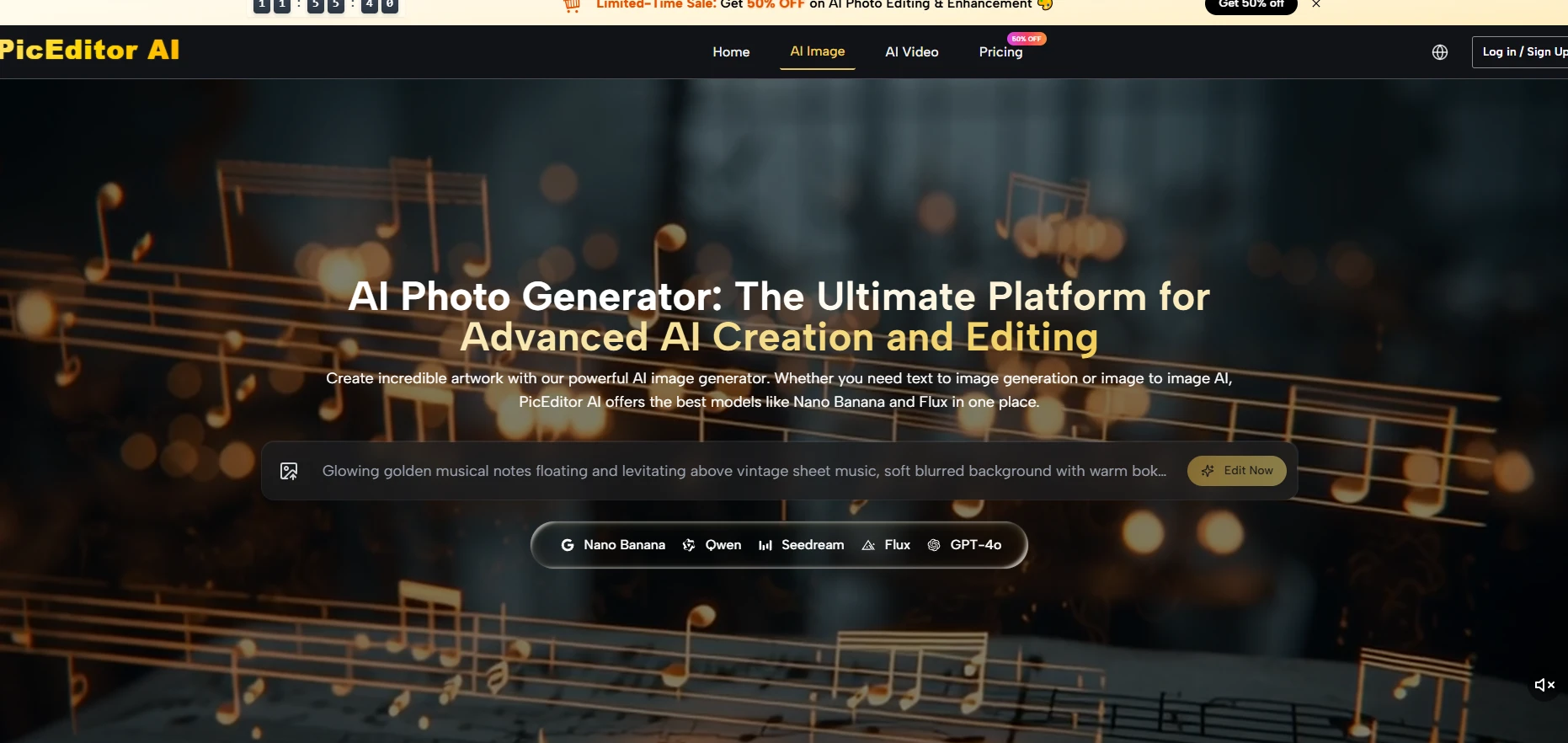
Most platform reviews lead with capabilities. This one starts somewhere more useful: how many steps does it take to move from a raw photograph to a polished, commercially usable asset — and how many platform switches does that journey require?
The traditional answer involves at least three tools: one for the generative edit or style transfer, one for upscaling and resolution enhancement, and a third for background removal or video animation. Each switch costs time, breaks concentration, and introduces inconsistency when files pass between different systems. What the platform sets out to eliminate is not any single one of these tasks — it is the transfer cost between them.
The practical implication of this consolidated design is that after uploading one image, a user can run it through enhancement, have its background removed, apply a generative style change, and then animate it into a short video using Veo 3 — all without leaving the tab. The platform’s navigation makes these steps sequential rather than parallel: you select Edit, Enhance, Upscale, Remove Background, Face Swap, or Object Eraser as distinct modes, which keeps the interface from becoming cluttered even with this many functions available.
Workflow friction is underrated as a creativity drain. In my experience with multi-tool setups, the interruption of switching platforms — logging in, re-uploading, reformatting — does not just cost clock time. It interrupts the visual judgment process. Keeping iterations inside one workspace makes it easier to compare outputs, adjust prompts, and maintain consistent creative direction across a set of images.
The platform does not expose model routing to the user as a manual step — the appropriate engine is engaged based on the editing category selected. This is a design choice worth understanding, because it shapes what kind of control you have.
Nano Banana and Nano Banana 2 power the generative editing and style transfer categories. Nano Banana 2 specifically supports output up to 4K and accepts up to four reference images, which addresses one of the more common failure modes in AI editing — character or product drift across a series. When you provide reference images, the model has anchors to work from rather than interpolating from text alone. The practical effect, from a user’s perspective, is that maintaining visual consistency across multiple outputs becomes more reliable than it would be with a purely text-driven prompt.
Flux handles context-aware and text-in-image editing. The distinction matters: generative editing changes the overall composition or style of an image, while context-aware editing targets a specific element — a word on a sign, a logo on packaging, an object in a scene — and modifies it while leaving the rest of the image intact. This is technically harder than it sounds, and Flux’s positioning in the platform as the precision tool reflects that.
For users who need to process large numbers of images rapidly — content teams running seasonal campaigns, e-commerce operators refreshing product imagery at scale — Seedream’s role in the platform is specifically oriented toward throughput. Speed and volume efficiency are its listed strengths, which makes it a different tool than Nano Banana even if both appear in the same interface.
This is worth emphasizing because it changes how to think about credit consumption. A Veo 3 video animation costs significantly more credits than a Seedream image edit. A Nano Banana 2 4K output costs more than a standard-resolution Nano Banana edit. The platform’s credit pricing structure means that matching the right model to the right task — not always defaulting to the most powerful option — is part of using the platform efficiently.
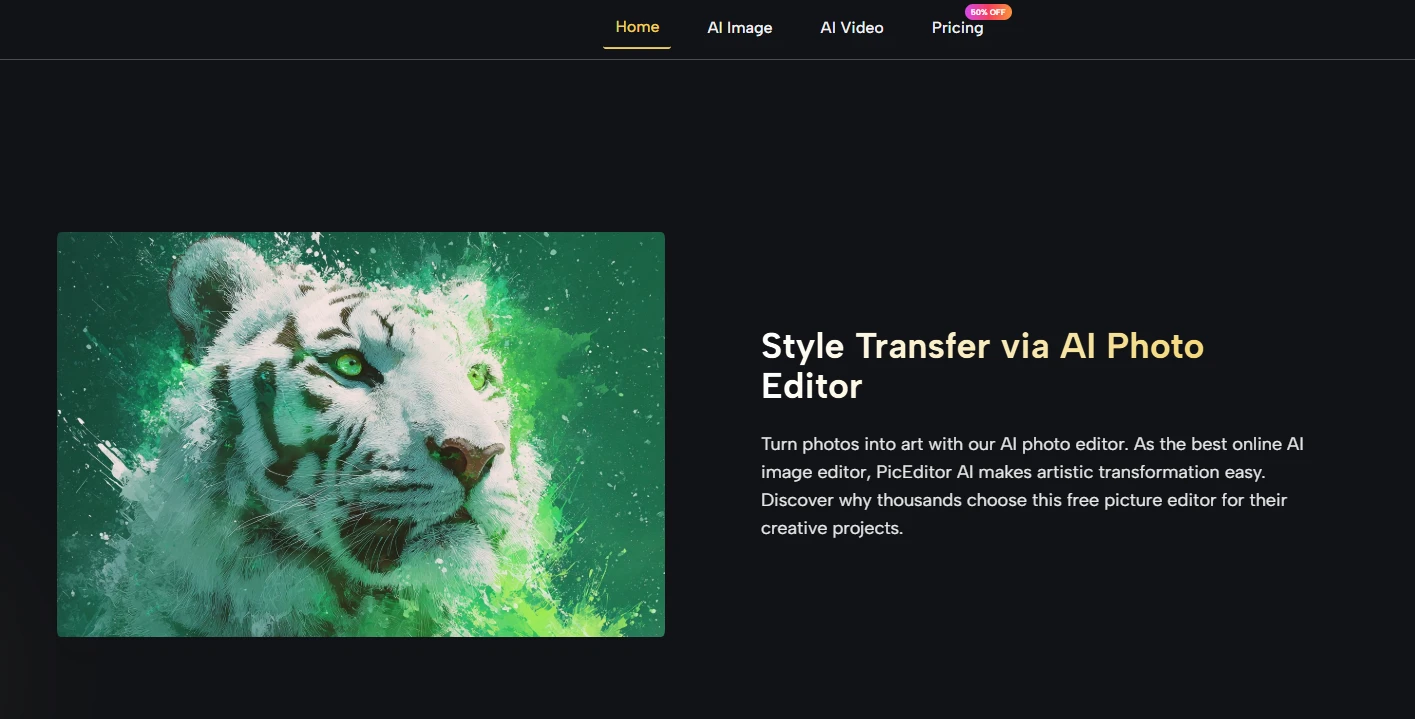
The platform is designed to minimize required decision-making at the interface level. Here is how the process actually unfolds.
Drop the photo into the browser editor. No software installation, no account required to start on the free tier. The image appears in the workspace immediately alongside the tool selection panel.
Clean, well-lit source images with clear subject-background separation consistently produce better outputs across all editing modes. This is not a limitation unique to this platform — it reflects how generative models work — but it is worth factoring into your expectations before submitting a difficult photo.
Choose from Edit, Enhance, Upscale, Remove Background, Face Swap, or Object Eraser. For generative editing, type a text description of the desired result. For the AI Photo Edit generative mode, you can also attach up to four reference images to guide the output toward a specific visual target.
Brief prompts — “make this look cinematic” — give the model significant interpretive latitude, and results will vary widely. Prompts that define lighting conditions, compositional intent, color direction, and style references give the model less room to guess and produce more predictable outputs. This is not a platform-specific issue; it is the fundamental dynamic of working with any generative model.
The generated result appears in the workspace. If it does not meet the target, adjust the prompt and regenerate. Multiple iterations within the same session are standard practice, particularly for complex generative edits. Final assets are available for download with commercial usage rights included across all plans.
| User Type | Typical Need | Recommended Starting Point | Key Consideration |
| Individual creators | Occasional edits, personal projects | Free tier | Credit limits apply; iteration costs accumulate |
| Content marketers | Regular social and campaign assets | Starter ($8.3/month, 10,000 credits) | ~416 images per month at standard rates |
| Design professionals | Client work, consistent high-volume output | Pro ($25/month, 32,000 credits) | Model costs 40% lower; 4 concurrent jobs |
| Agency or studio teams | Bulk production, mixed image and video | Unlimited ($75/month) | 8 concurrent generations, no credit ceiling |
Consolidation is not the same as depth. A platform that integrates ten tools will rarely match the configurability of a dedicated specialist platform in any single one of those categories. Users who need granular control over generation parameters, custom model fine-tuning, or API-level integration into existing production pipelines may find this platform’s abstraction layer too high.
The credit-based economy also introduces a variable cost structure that is less predictable than a flat monthly subscription. A session that involves multiple Veo 3 video generations can consume credits at a rate that surprises users who are accustomed to image-only workflows. On the free tier, this constraint is felt quickly. On the Unlimited plan, it disappears — but the $75 monthly price point is a meaningful commitment for individual users.
Prompt sensitivity remains real. Complex scenes, overlapping objects, and images with significant existing post-processing tend to produce less consistent results than clean, straightforward source material. The platform’s output quality, in my testing framework, scales noticeably with the quality of the input and the precision of the instruction.
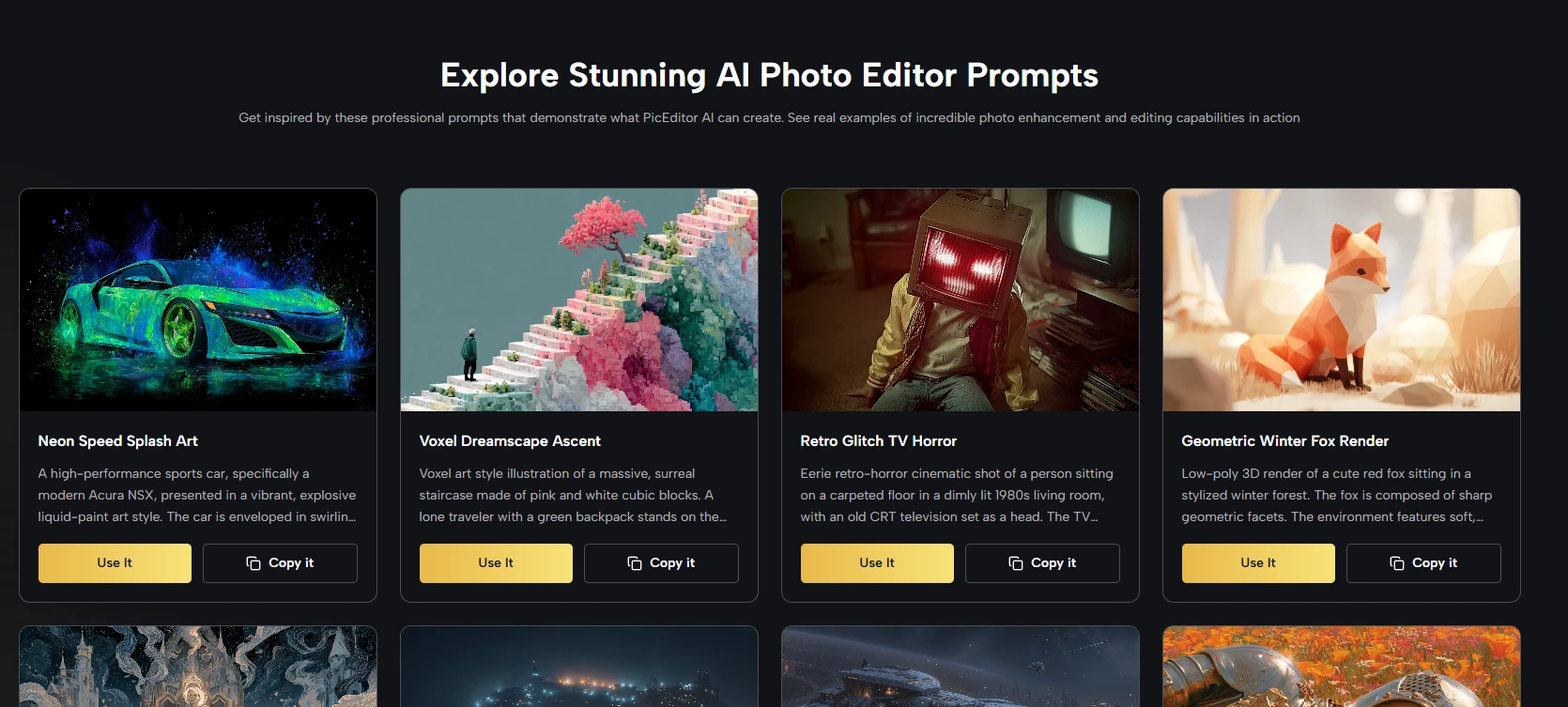
The case for a platform like this is not that it outperforms every specialist tool in every category. It is that for the majority of creative tasks most users actually perform — enhancing a product photo, removing a distracting background, transferring a visual style, animating a still image for social content — the quality ceiling offered by the integrated models is high enough, and the workflow efficiency gained by staying in one workspace is real enough, that the tradeoff makes sense. The users for whom it makes the most sense are those spending more time managing tools than using them.
AI Photo Editor is best suited for creators, marketers, and small teams who need a broad set of AI image and short-form video tools in one browser-based workspace rather than a cluster of separate apps.
If your typical workload is enhancing photos, removing backgrounds, applying generative style changes, and occasionally animating stills, consolidating those tasks into one interface usually saves more time than you lose by not using specialised tools for each step.
You do not choose models directly; the platform routes tasks to engines like Nano Banana, Seedream, Flux, and Veo 3 based on the mode you select, which simplifies the UI at the cost of fine-grained control.
In practice this works well for most users, but if you need explicit parameter control, custom checkpoints, or model swapping as part of your workflow, you will still lean on specialist tools alongside this platform.
The biggest limitation is that a generalist platform rarely matches the depth of niche tools in every category, particularly for highly technical users who want low-level controls or pipeline integration.
For power users, this means AI Photo Editor works best as a hub for common tasks while specialised tools remain in the stack for edge cases that demand maximum configurability.
The safest way to manage credits is to treat Veo 3 animations, 4K Nano Banana 2 renders, and other high-cost jobs as planned outputs rather than exploratory experiments, keeping early iterations on cheaper modes.
Running your first rounds of prompts at standard resolution or with lower-intensity models and only upgrading final picks to premium outputs helps avoid surprises, especially on the Starter and Pro tiers.
The most useful test is to take a real project you would normally spread across multiple tools and run it end to end inside AI Photo Editor, from upload through enhancement, edits, and any animation.
Comparing the total time, number of decisions, and friction points against your current stack will show you quickly whether an all-in-one approach saves enough overhead to justify adopting it for daily work.





