


When you send hundreds or thousands of emails each month, tracking your response times and other key metrics is important.
You might think your team is responsive, but do you know your actual average reply time? You might think your marketing emails work, but do you know which ones get people to buy?
Email analytics tools for Gmail and Outlook give you concrete answers to these questions. They keep track of things like open rates, click-through rates, response times, and patterns of engagement.
You can find problems with your customer service, make your sales outreach more effective, and improve the overall performance of your emails with these insights.
In this post, I’ll show you five of the best email analytics tools for Gmail and Outlook that will help you improve your communication performance, accountability, and efficiency.
Here are my top picks.
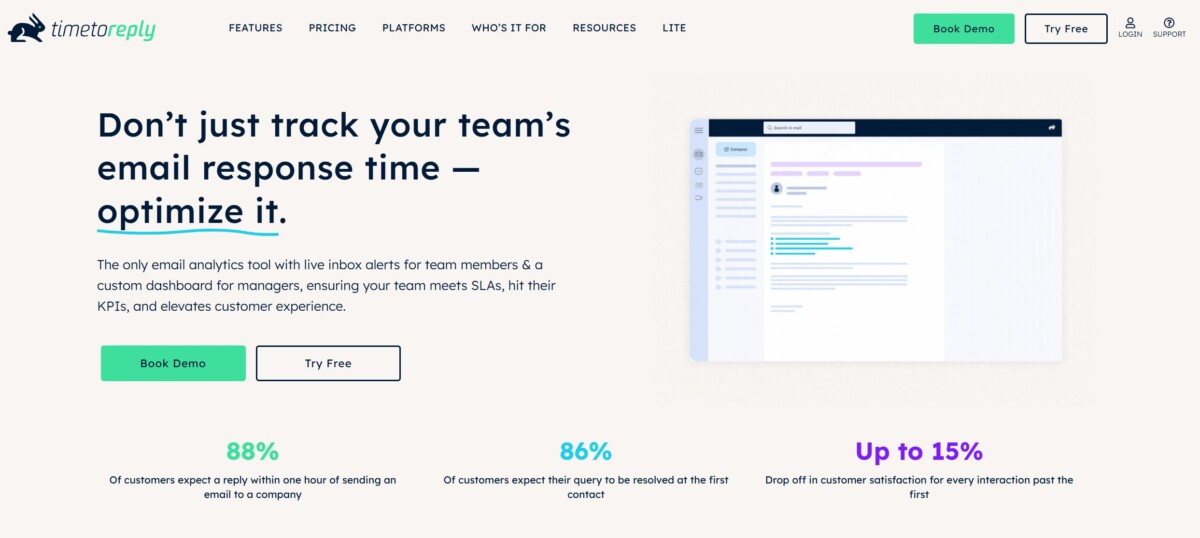
If you want to measure how quickly your team responds to leads or customers, timetoreply can help. It’s one of the most reliable email analytics tools for Gmail and Outlook, designed specifically to track reply times and inbox performance metrics.
With real-time dashboards and SLA tracking, timetoreply helps sales and support teams reduce response delays and deliver faster customer experiences. Its focus on real-time data encourages teams to adopt a growth mindset and make continuous performance improvements.
Key Features
Pros
Pricing
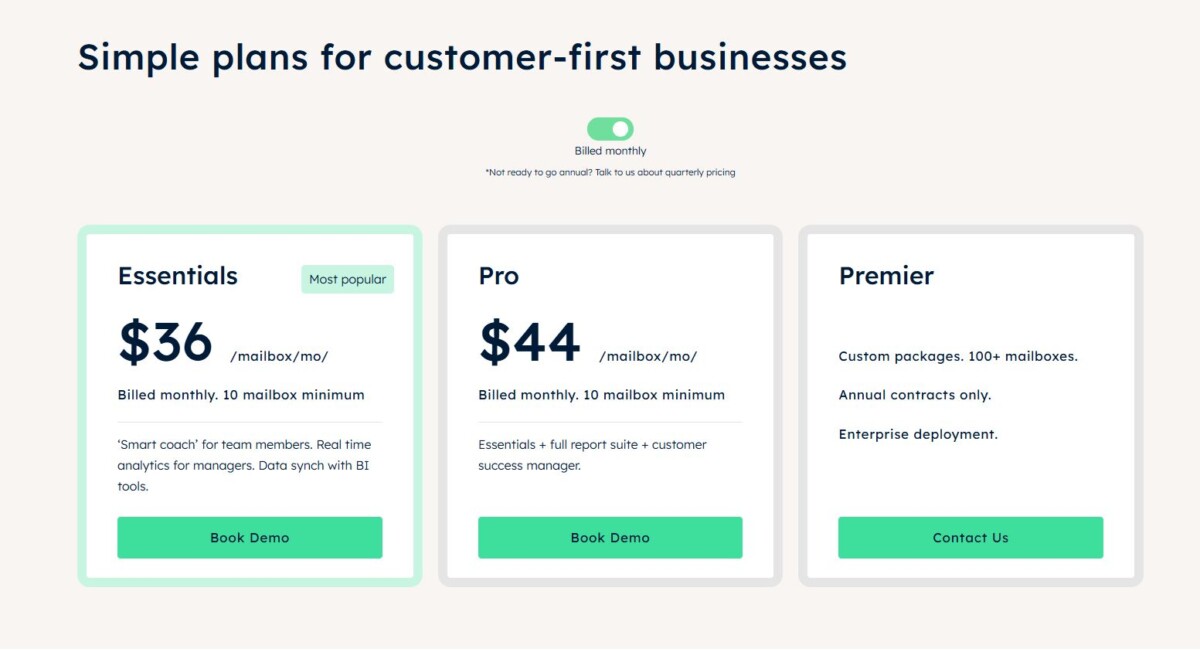

HubSpot is an all-in-one marketing, sales, and CRM platform with powerful email analytics built into its ecosystem. Among email analytics tools for Gmail and Outlook, HubSpot stands out for connecting performance metrics directly to your sales pipeline.
It provides insights into open rates, click-throughs, customer support, response behavior, and how each email contributes to revenue.
Key Features
Pros
Cons:
Pricing
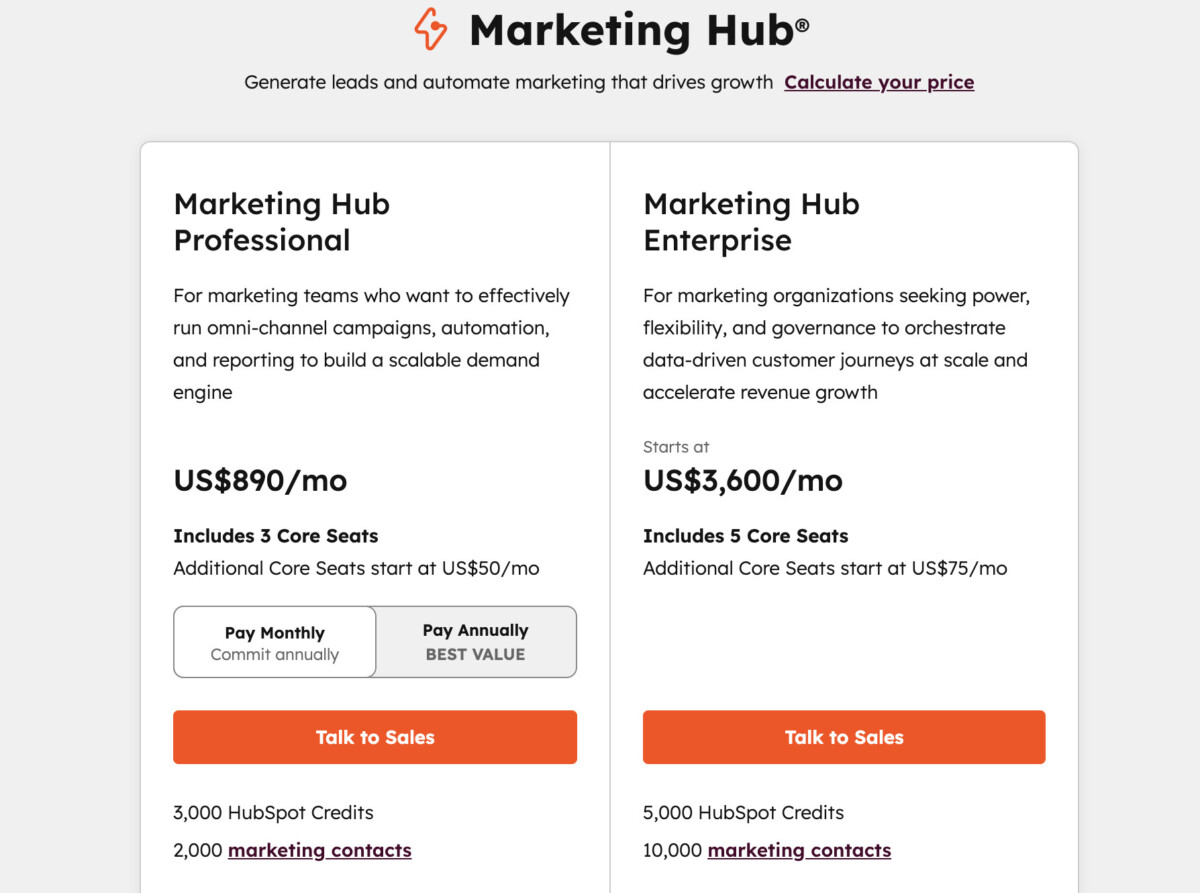
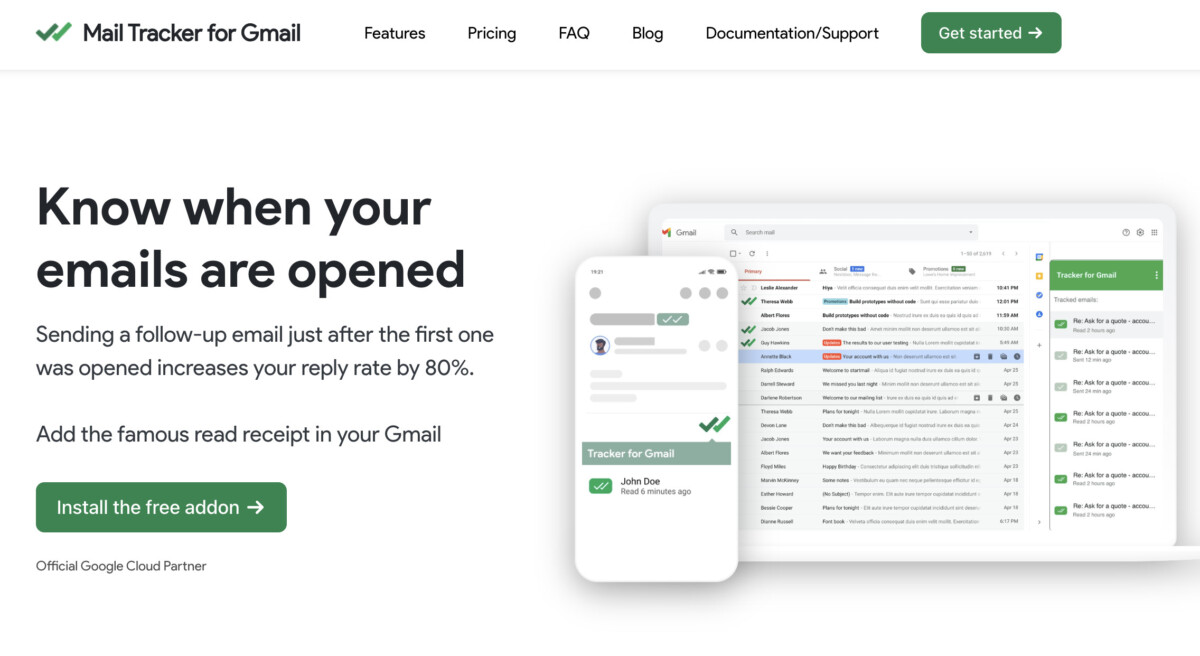
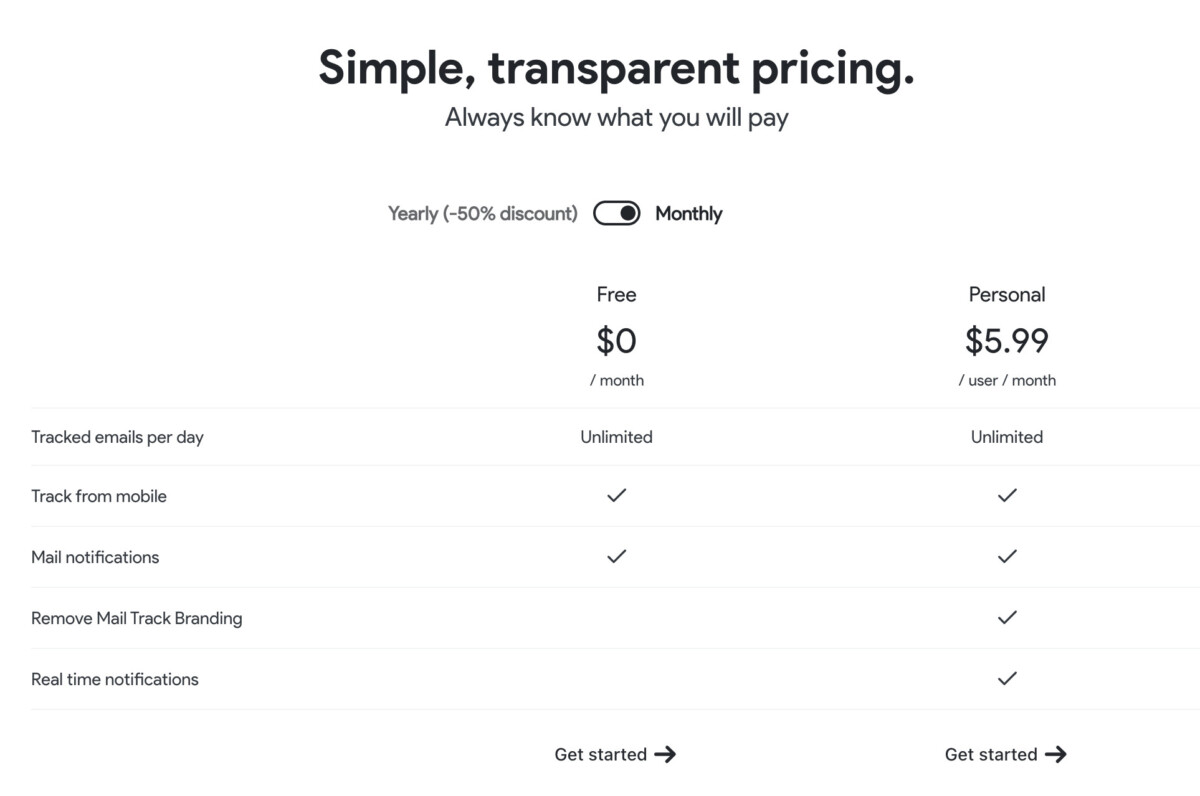
When it comes to simplicity, Mailtrack is a great choice. It’s a lightweight tracking tool for Gmail users that lets you know if your email was opened and how many times.
It’s not a full-blown analytics suite, and that’s its charm. For freelancers, small businesses, and anyone who wants straightforward insights, Mailtrack is one of the most accessible email analytics tools for Gmail and Outlook.
Key Features
Pros
Cons
Pricing:
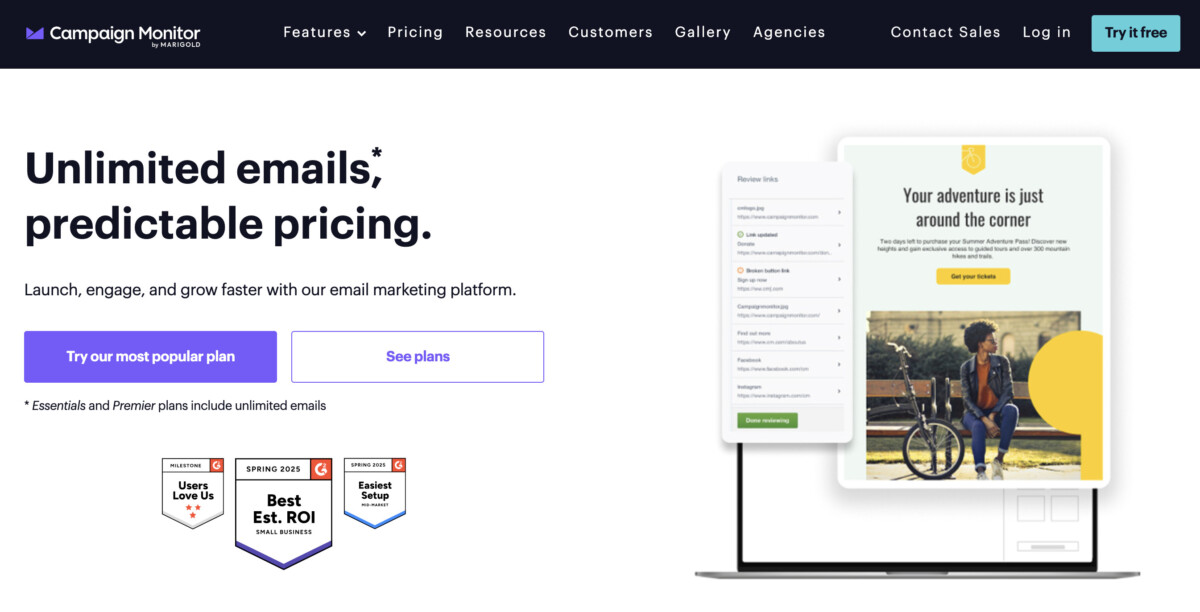
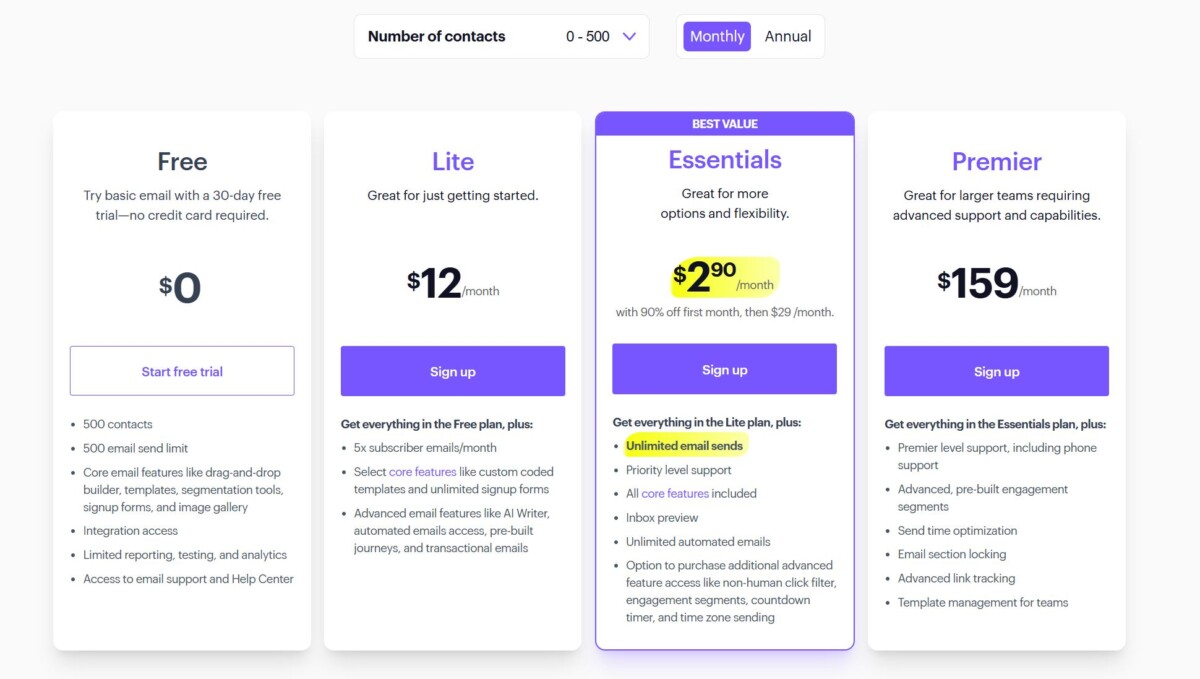
Campaign Monitor has built its reputation on powerful campaign analytics and design simplicity. It’s a great way to keep track of and measure marketing campaigns that you run through Gmail or Outlook.
It has advanced customer segmentation and automation tools that let you turn analytics into action by giving you detailed reports on opens, clicks, and conversions.
Key Features
Pros
Cons
Pricing
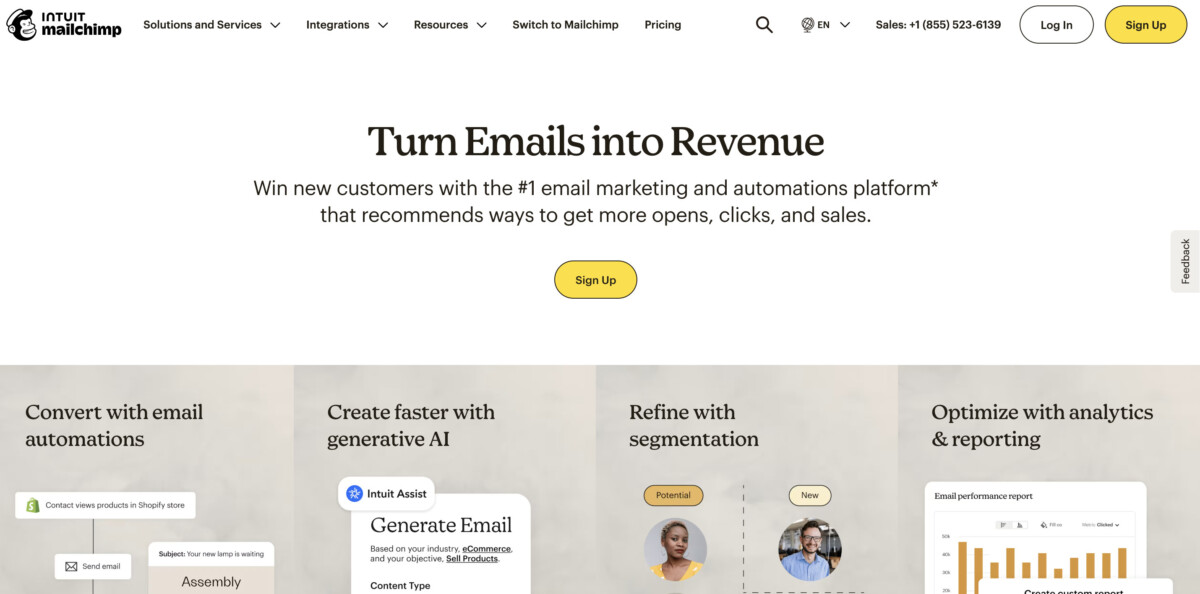
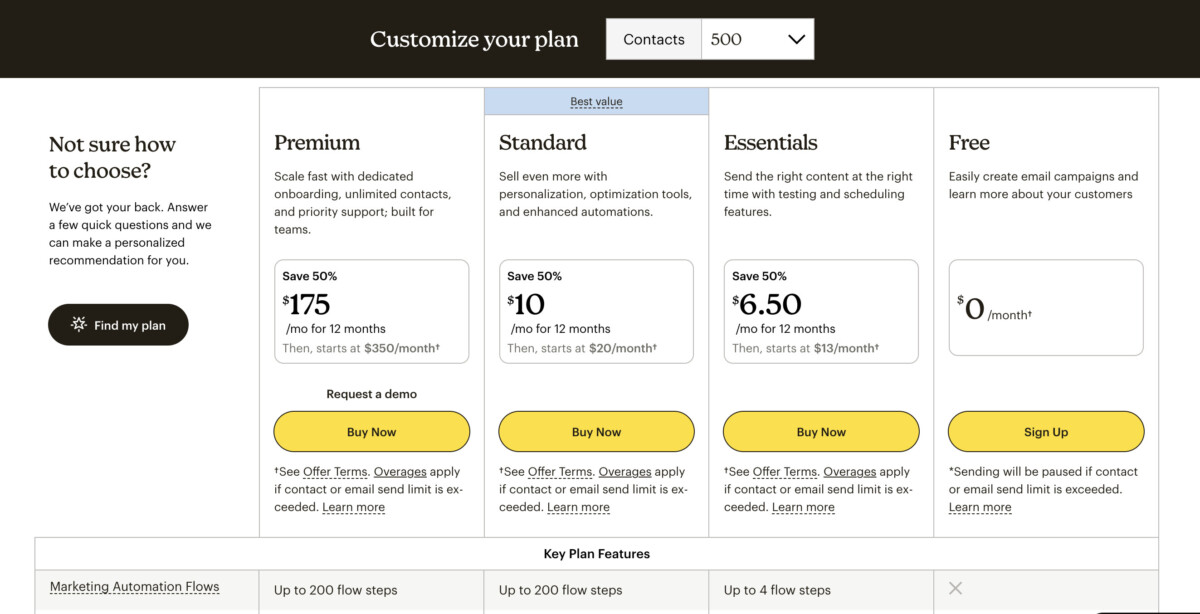
Mailchimp is one of the most recognized names among email analytics tools for Gmail and Outlook, thanks to its balance of marketing automation, email design, and reporting capabilities.
You can track open rates, click-throughs, and audience growth, and it also has automation workflows that grow with your business. Mailchimp’s strong customer segmentation options help you maintain a clean and relevant mailing list, so you spend time nurturing the right contacts rather than spamming inactive ones. Of course, even a clean list only matters if emails actually land in the inbox — pairing your analytics with a deliverability tool like Warmy keeps your sending domain warm and monitors sender reputation, so the metrics you’re tracking reflect engaged opens rather than spam-filter behavior
Key Features
Pros
Cons
Pricing
Before picking a tool, apply feature prioritization to make the right choice. Ask yourself:
Then, choose a tool based on your requirements and budget.
Choosing the right email analytics tools for Gmail and Outlook isn’t about buying the most advanced platform — it’s about aligning metrics with your business goals.
Whichever path you take, data is only as useful as the action it inspires. Track, learn, and refine, and you’ll see measurable improvements in customer experience, productivity, and revenue.





