


Creating business slideshows and presentations is essential for successfully conveying ideas, whether for profitable sales, campaigns, or personal projects. The market offers a variety of tools, but selecting the best professional slideshow software that suits your requirements might be difficult.
In this article, we will look at the top 7 programs for creating outstanding presentations, including their features, advantages, and drawbacks. Let’s dive in!
SmartSHOW 3D is the best photo slideshow software for those looking to produce clean and attractive projects. This software’s various customization features let people effortlessly add photographs, videos, and music into their own projects. Users can make their projects expressive and dynamic by including 3D animations and transitions from a huge library of templates and effects. Although the program’s extensive features are intended for skilled individuals, the user-friendly interface makes it suitable for beginners as well.
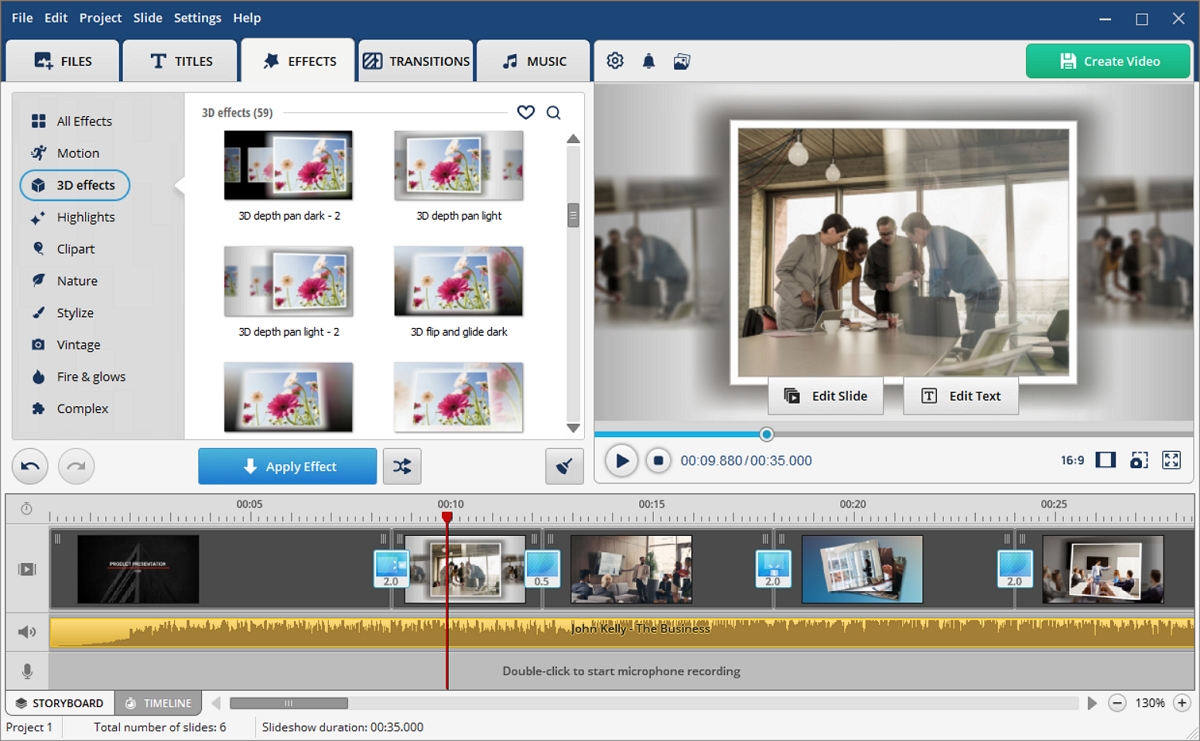
Pluses:
Minuses:
CyberLink MediaShow features an intuitive interface that makes it easy for users to navigate and create impressive slideshows. With its built-in media management system, this program does a great job of organizing and presenting photos and videos. Drag-and-drop functionality simplifies the creation process, allowing users to easily incorporate media files into presentations. The variety of themes and effects that can be applied to enhance the visual appeal of the slideshow allows for easy customization.
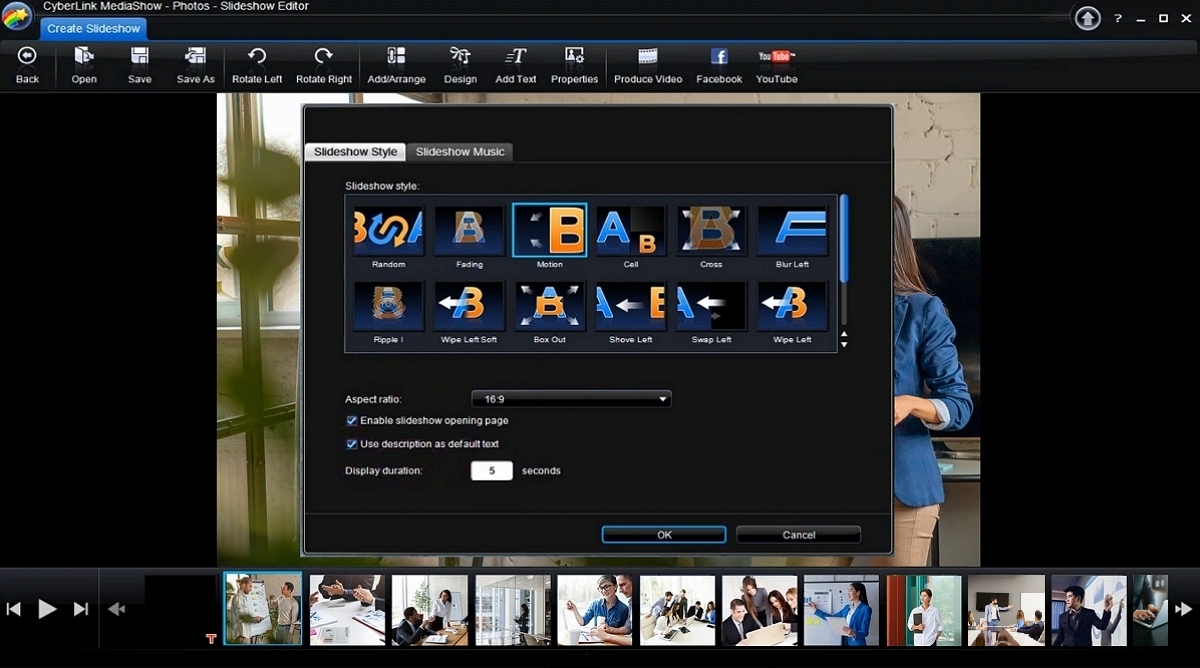
Pluses:
Minuses:
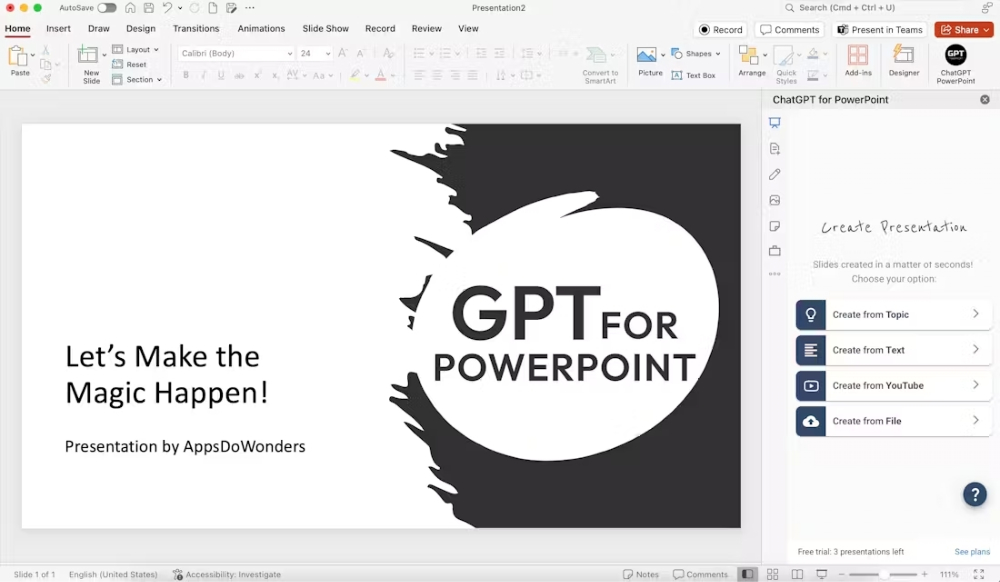
ChatGPT For PowerPoint extension is one of the best AI for PowerPoint presentations. This plugin can generate professional stunning slides within a few seconds using the magic of AI. You can simply choose from available layouts directory and input your prompts to get your slides ready within a few clicks. You can even translate your slide among multiple languages to reach a wider audience.
Pluses:
Minuses:
iMovie is a reliable application for Mac users, known for its intuitive design and seamless integration into the Apple ecosystem. This freeware offers an extensive set of tools for creating engaging presentations with a special focus on video editing. Users can easily add video clips, soundtracks, and transitions to enhance their slideshows, resulting in a polished, professional final product.
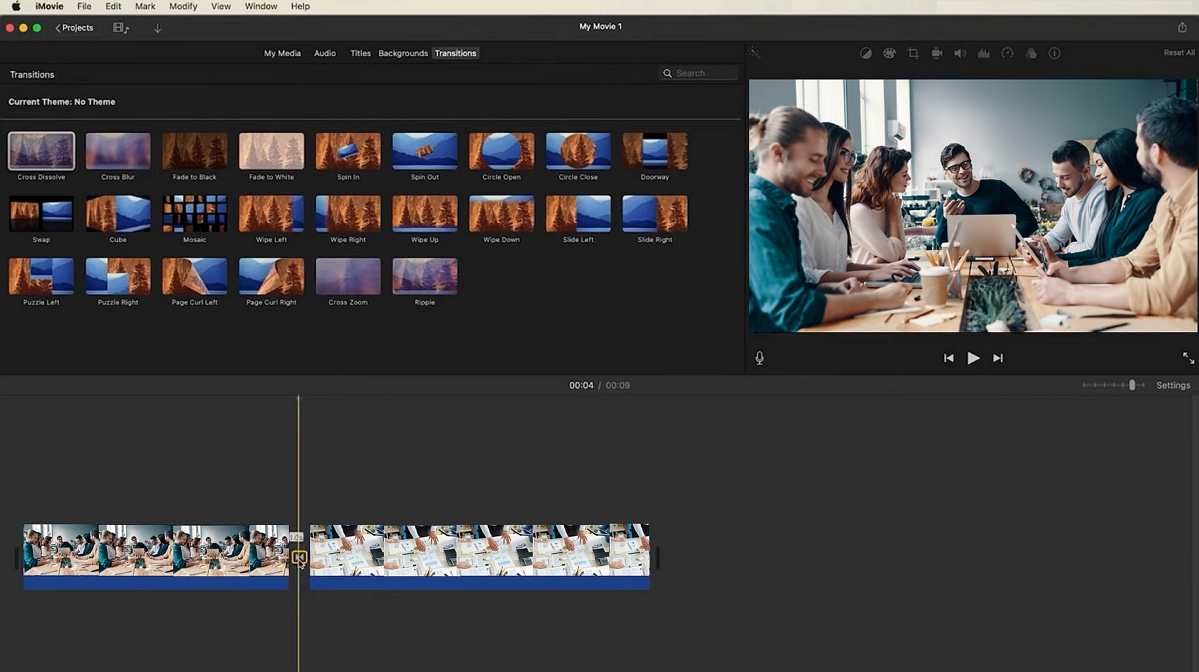
Pluses:
Minuses:
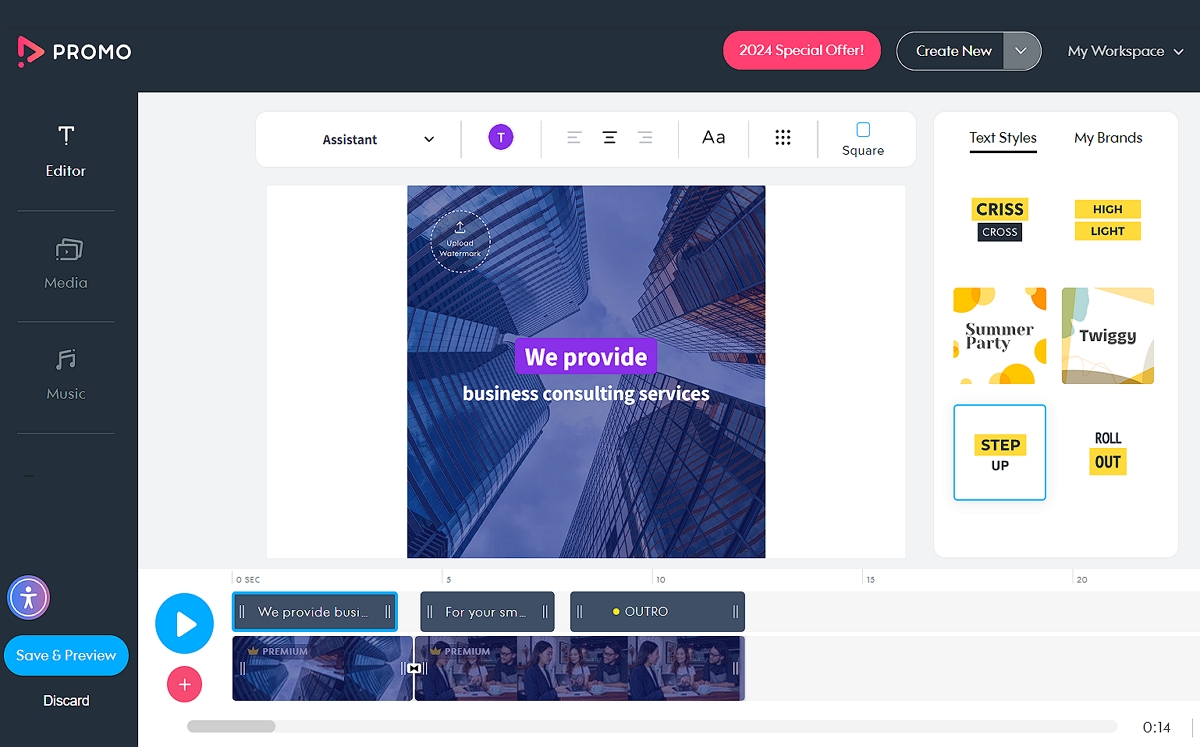
Promo is a specialized platform designed for creating engaging promotional videos and marketing content, but it is also great at creating visually appealing slideshows. The software contains an extensive library of high-quality stock photos, video clips, and music tracks, allowing users to create dynamic presentations that meet their marketing goals. Promo’s user-friendly interface and drag-and-drop feature allow users with any level of expertise to quickly create professional-looking content.
Pluses:
Minuses:
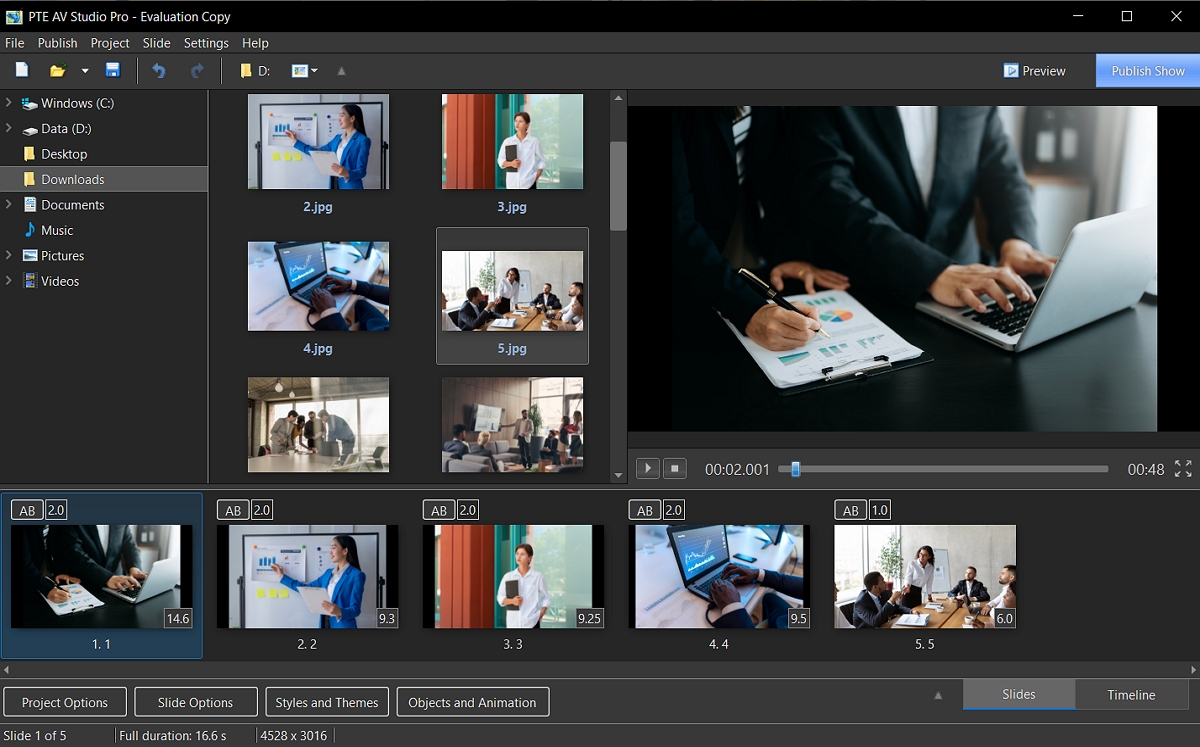
PTE AV Studio is the best slideshow software for PC for those who are looking for a wide range of customization options for their slideshows. It supports a diverse range of media formats, allowing users to effortlessly incorporate photographs, videos, and music into their projects. One of its most notable features is the option to use voice-overs and narration, which improves the narrative component of presentations. Users can also use a variety of output formats to easily share and promote their work across different platforms.
Pluses:
Minuses:
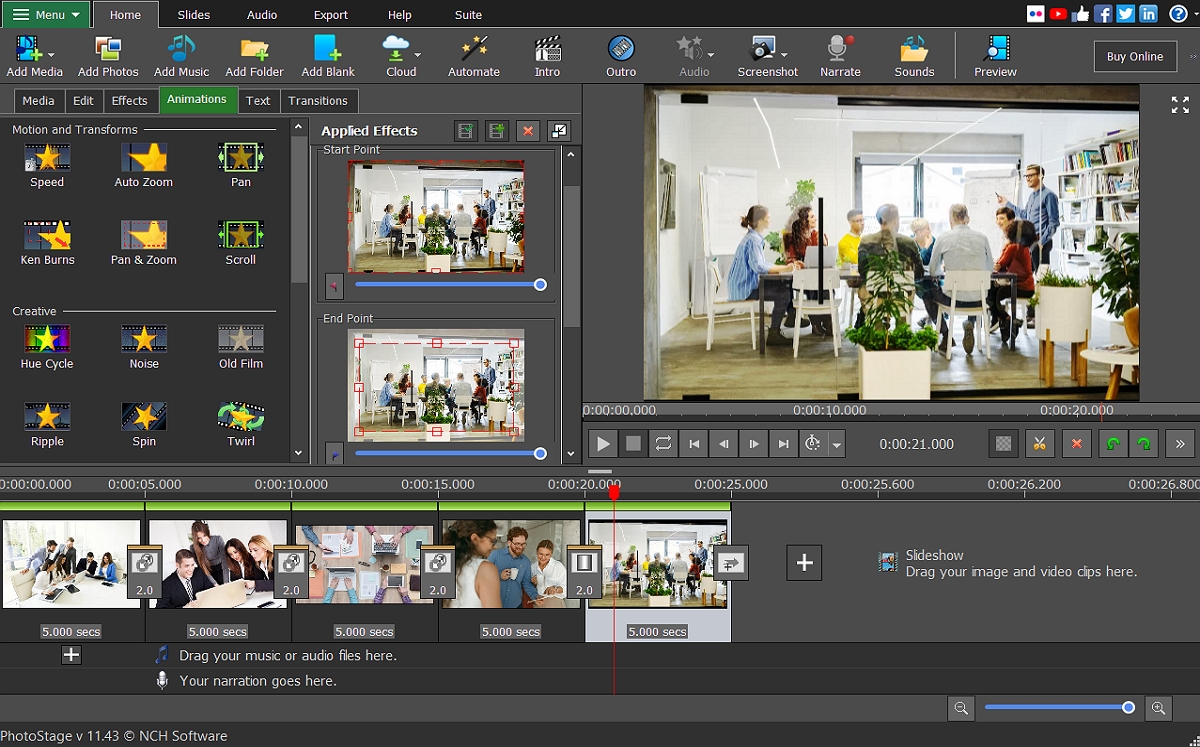
PhotoStage Slideshow Software is the best slideshow software for Windows for people who want a user-friendly tool without losing presentation quality. The program’s straightforward drag-and-drop interface allows users to quickly create slideshows by simply adding pictures and videos to the timeline. This simplicity makes the application suitable for beginners as well as users who want an easy way to make presentations.
Pluses:
Minuses:
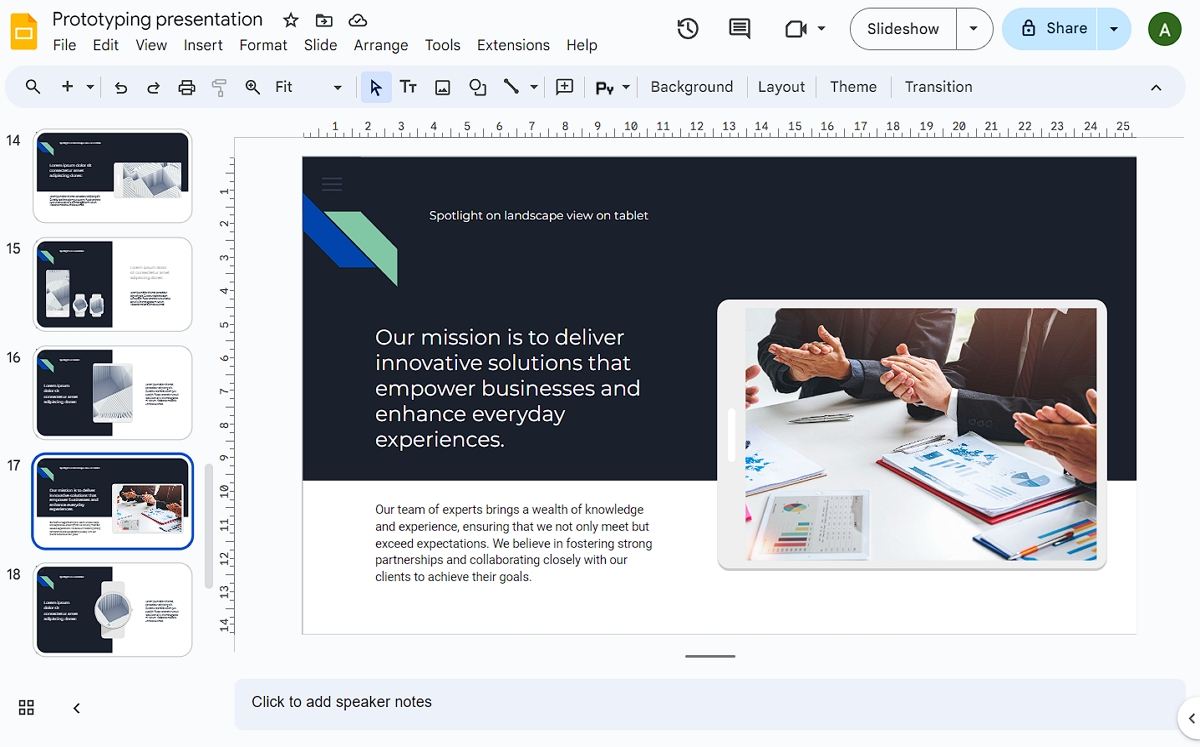
Google Slides is a sophisticated web-based slideshow creation tool recognized by its collaborative features and accessibility. It is part of the Google Workspace package and enables users to create, edit, and share presentations from any Internet-connected device. This is especially valuable for remote teams since it enables real-time collaboration, allowing numerous users to work on the same project simultaneously. Integration with other Google services, including Google Drive, makes it easier to import and store media files.
Pluses:
Minuses:
Choosing the right tools for creating outstanding projects and presentations can greatly improve your ability to effectively convey ideas. Each program brings something new to the table, catering to a variety of needs and expertise levels. To explore other best professional programs for slideshows and find more information, just follow the link. By evaluating your specific requirements and preferences, you can choose the software that best aligns with your objectives, ensuring your presentations are both engaging and impactful.





