

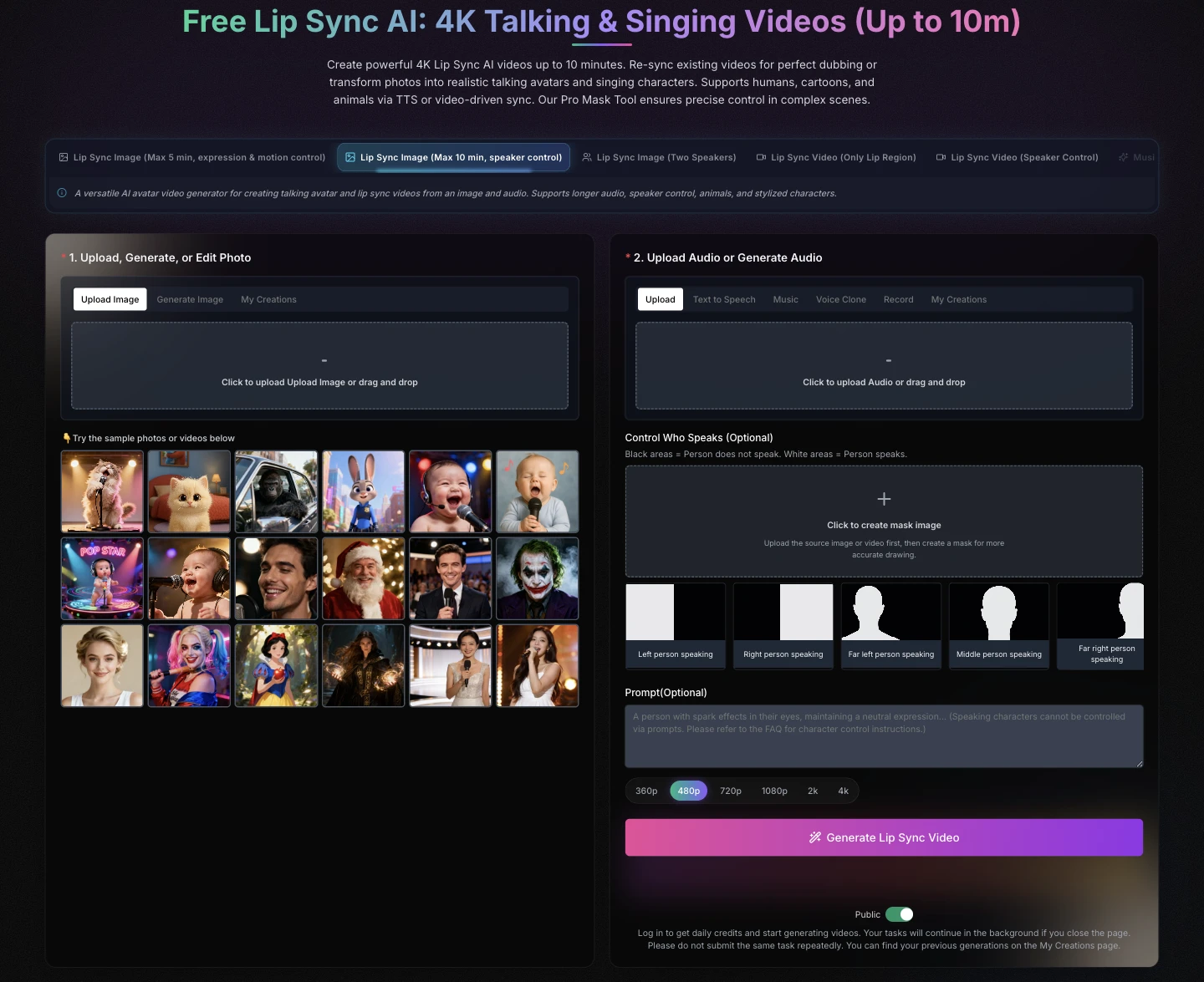
For a Shopify PDP colorway update, use AI lip sync to correct an approved walkthrough only when the final spoken color and fit claim exactly match the live SKU. Use a short AI-generated clip only when no truthful footage exists, and never let generated video invent product details your PDP cannot support.
The cheapest PDP video update is not always the file that renders fastest. It is the one that makes the same promise as the product page, the size chart, the swatch, and the item that arrives at the customer’s door.
Colorway updates stall when the PDP still names last season’s fit line. The swatch already changed. The walkthrough mouth did not. Before anyone books a studio day, Lip sync ai has a merchant job: keep the take you already paid for, and make that mouth name the live SKU.
The accept rule is blunt. The spoken color and the size line have to match the product page a buyer will open. If they diverge, the clip is a return ticket, not an asset. A full song treatment with new rooms will not fix that miss. It will add rooms the sample never entered and then ask the merchant to defend them.
A Shopify PDP is already a closed object. The packshot, the size chart, and the on-body take are the proof. When a colorway lands, the theme can swap a swatch in an hour. The mouth cannot. Buyers who watch that walkthrough treat the speaker as the person who stands behind the fit claim. A mute still plus a color chip protects the sample and kills the reason people hit play.
The brief is not a brand film. The brief is one honest sentence on a body the store already published. If the model in the walkthrough is the sample that still sits in the photo set, the voice has to stay that take. Mixing a signed sample with a new invented set is how a tidy color update becomes a returns problem.
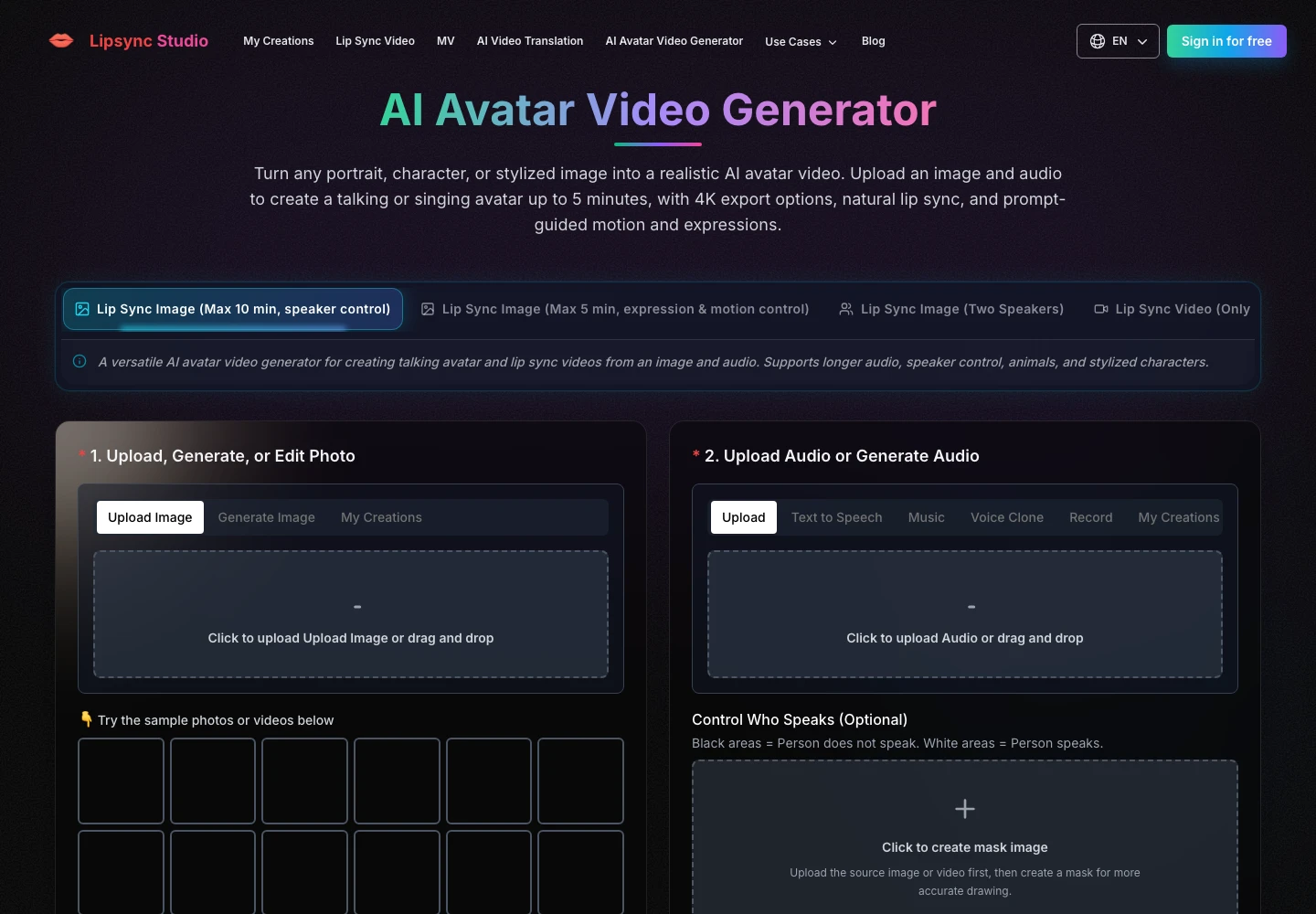
Lipsync Studio puts two different jobs on one login. One job replaces speech on a walkthrough you already shot. The other job, Seedance 2.0, builds a short new talking clip from references when no honest take exists. Merchants mix those jobs when they treat every PDP refresh as a music video. The AI music video generator path is for a track with a verse and a chorus. A colorway SKU is not that track.
| Job | What you already have | What you should open |
| Only the spoken color or size changed | An on-body walkthrough | Replace the mouth on that file |
| No honest take of the new color | Stills and a short line | A Seedance clip inside fifteen seconds |
| A song and a new world | A track, not a SKU | A full MV desk, not the PDP |
Read the table as a buying filter. If the sample is already on video, the first row is the job. If you need a new talking shot and you do not have footage, the second row is the cap, not a five-minute brand film.
Start from the approved walkthrough, not from a prettier stock model. Upload that video, add a pickup that names only the live color and the live size line, then generate. Optionally mask a second person in the doorway if a stylist walked through the frame. Tasks keep running if you close the tab. Do not submit the same job twice because the preview is slow. Finished files land in My Creations.
A reshoot sounds clean until you add freight. The sample is on a shoot for another color. The original window light is a late-day color. You can waste a morning chasing that setup and still miss the collection drop. The cheaper path is the file you already have.
Match the spoken line to the PDP before you upload audio. A forty-five second walkthrough cannot carry a tour of every bundle. Name the colorway, name the one fit line that changed, and stop. The first export can look fine until the mouth says last season’s name next to a new swatch. That file is discarded. Higher resolution only makes the same SKU error sharper.
Seedance 2.0 is the page the site labels for ads, films, and product creative. It does not extend your old walkthrough. It builds a new clip from text, images, short reference videos, and audio. Duration sits between four and fifteen seconds, with five seconds as the starting point. That cap is the product. A sixty-second PDP tour will not come out of one pass.
Reference slots are equally tight. You can add up to nine stills and call them in the prompt with tags such as @image1. Reference video is at most three files, and those files together must stay at or under fifteen seconds. Reference audio is the same count and the same total. This is a hero shot desk, not a lookbook editor.
Omni Reference is the mode that holds those slots together. First and last frames is a different mode for a clip that must open and close on chosen stills. Pick the mode that matches the SKU job. Do not load nine stills and three videos because the panel lets you. Load the garment, the on-body crop, and the line you can defend. Extra references that show a different season, a different model, or a set you do not own will pull the mouth onto a room the PDP cannot show.
Web Search sits on the same panel. Leave it off for a colorway name you already own. A live SKU should not pick up copy from a random page. The merchant already wrote the fit line. The generate should repeat that line, not invent a second claim that customer service cannot honor.
Seedance can lip-sync in two ways. Write the exact spoken words in quotes inside the prompt, and say you want natural lip movement. Or upload a clean pickup and tell the model to follow @audio1 for voice and mouth, while keeping the character and framing from the reference still. Generate Audio is a separate toggle for a pass that should invent speech. A PDP color name should not be invented. Quote it or attach it.
Start with a five to eight second close-up. That is the range the page itself suggests for a first result. If the SKU needs a longer walk, stay on the existing footage and replace the mouth there. Do not stack Seedance clips to fake a minute. The buyer will see the cuts.
Ask one question before anyone opens a panel. Does an honest take of this garment already exist? Yes means replace the mouth. No means a Seedance hero inside fifteen seconds, or a real reshoot if the color cannot be faked from stills. A song with a new world is a campaign, and it does not belong on the PDP module.
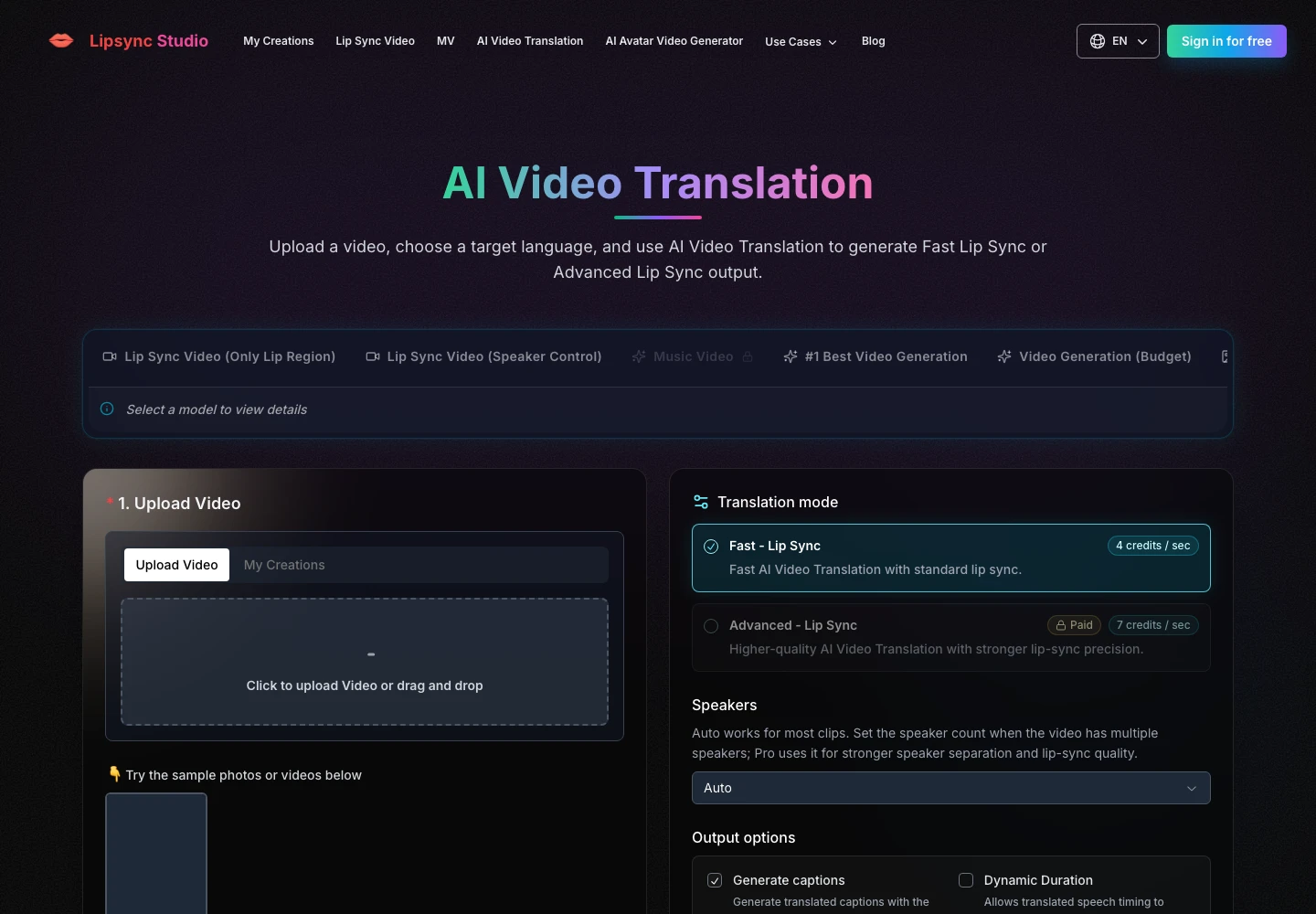
Lipsync Studio will not notice that the theme now sells a different colorway. That check stays with the merchant who owns the page. Play the new line over the live PDP, not over the old storyboard. If the mouth is tidy and the spoken SKU is gone from the page, the file is still a fail.
Publish the module only after the spoken color matches the swatch. The store desk can use Lipsync Studio when it already owns that walkthrough and only needs a new line, or when it needs a short Seedance hero because no take exists. A new category, an unsigned model, or a music path that invents rooms needs a different source before another generate.
The ship rule is a SKU rule. If the published sample is the only speaking identity and the new name lands on the page a buyer will open, the clip can replace the old file. Keep the approved take beside the export. The next colorway will ask for a new sentence and the same body. Repeating a known mouth is faster than discovering, on a returns ticket, that the fit line is now being sold by a room the sample never entered.
Lipsync Studio does not close the merchandising review. The PDP does. When those two agree, stop generating.
You can use AI lip sync to update an existing Shopify product video when the approved footage still truthfully shows the live product and the revision is limited to an accurate spoken line, such as a colorway name, product title, or approved fit statement. Before publishing, verify that the video, selected variant, product title, swatch, gallery images, size chart, and spoken copy all describe the same SKU. Do not use lip sync to add features, sizing promises, materials, scenes, models, or product claims that the original footage and live PDP cannot support.
A Shopify brand should reshoot product video when existing footage does not truthfully show the live product, colorway, fit, material, model, product detail, or use case. A reshoot is also the right path when the PDP needs a longer demonstration, multiple viewing angles, close-up proof, or a specific environment that generated footage cannot represent consistently. AI can efficiently correct a narrow spoken-line issue or create a short supporting hero moment from approved references, but it cannot replace product evidence you do not have. When in doubt, prioritize what a customer can verify after delivery.
A Seedance 2.0 product clip can run from 4 to 15 seconds in a single generation, making it best suited to short hero clips, product teasers, compact demonstrations, and single-message creative. Treat the 15-second maximum as a production constraint, not a challenge to work around by stacking unrelated outputs into a fake product walkthrough. If your PDP requires 30 to 60 seconds of reliable fit, movement, construction, or use-case proof, use approved live-action footage or schedule a reshoot. Short AI clips work best when they show one product, one scene, one approved claim, and one clear customer takeaway.
Seedance 2.0 can support up to nine reference images, three reference videos, and three reference audio clips in supported implementations, with reference video and audio constrained by short total-duration limits. LipSync Studio’s Seedance documentation states that total reference-video duration and total reference-audio duration must not exceed 15 seconds. For Shopify PDP work, use fewer inputs than the maximum whenever possible. Start with the exact current product packshot, one approved on-body image, and one clean spoken pickup. Extra references can introduce unwanted variation in color, garment details, identity, styling, or location.
You should say only what your current Shopify PDP, product imagery, and approved merchandising copy can substantiate in an AI-generated PDP video prompt. Include the exact product name, live colorway, approved fit statement, intended framing, and any required spoken line. If the tool uses text-based speech, put the final spoken copy in quotation marks and instruct the system to use those words exactly. If the tool uses a pickup recording, identify the audio reference clearly and direct the system to follow it for the voice and mouth movement. Avoid open-ended requests for extra claims, new benefits, or more persuasive language.
The final approval checklist for AI-assisted PDP video is that the spoken product name matches the live title, the stated color matches the selected swatch and product gallery, fit claims match the size chart and PDP copy, and the visuals do not misrepresent the live item. Review the asset on the actual storefront in both desktop and mobile layouts, not only in the generation tool. Confirm captions, crop, first frame, audio behavior, and localized product information where relevant. Retain the source video, final script or pickup audio, prompt, export, and approval record so the next variant update can follow the same reliable process.




