Free every Thursday · 61,308 Readers
Fastlane Insider Newsletter: What's working for Shopify in the AI era?
Free every Thursday · 61,308 Readers
Fastlane Insider Newsletter: What's working for Shopify in the AI era?

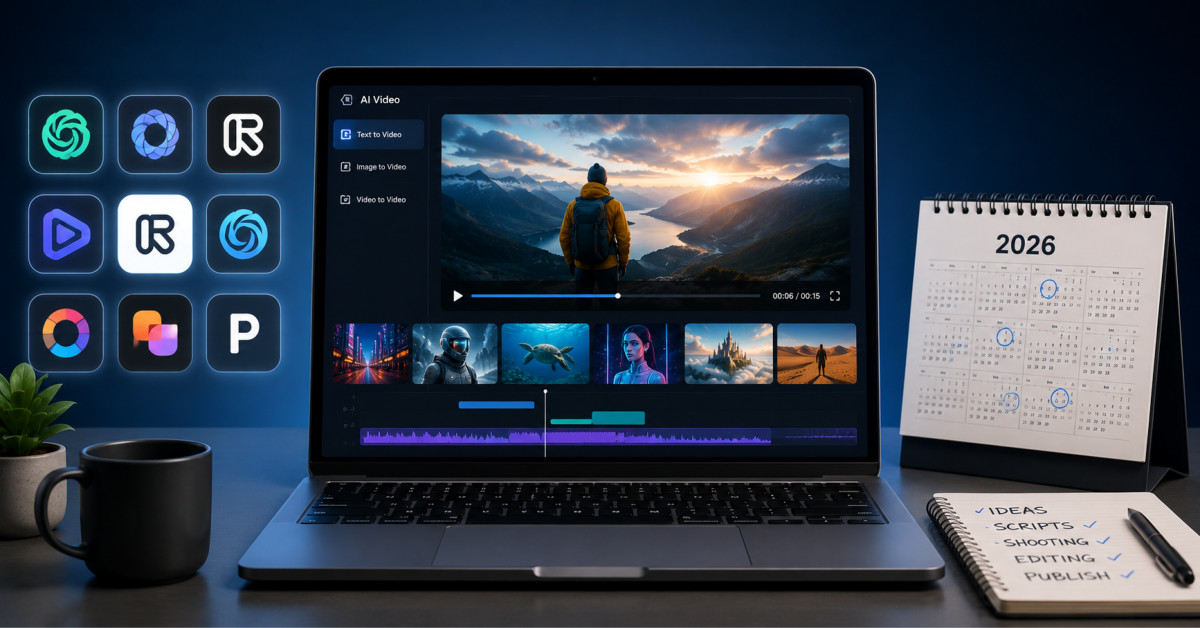
The best AI video model is the one that turns your repeatable creative briefs into usable, editable shots with the lowest revision burden. Test Runway, Kling, Veo, Sora, and specialist workflows on the same asset, shot list, and export requirements before committing your production calendar.
AI video does not remove production work. It moves the highest-value work upstream, into art direction, asset selection, shot planning, review, and the decisions that keep the final video recognizably yours.
The best AI video models market is moving fast, but the buying decision is still practical: can a tool reliably create usable shots for your team? This guide is a planning-focused listicle for teams choosing an AI video stack for recurring production. We focus on repeatability, model variety, controls, asset reuse, and production handoff, because those are the factors that determine whether an AI video experiment becomes a repeatable workflow.
For content leads, agencies, and production managers, the goal is not to replace a creative process with a one-line prompt. It is to reduce the time between a clear idea and a usable first cut while keeping brand decisions in human hands.
Choose based on the type of video you need to ship repeatedly. A tool that makes beautiful one-off clips may be the wrong choice for product demos, ad iterations, or a weekly social calendar. Test the full path from prompt to export, including revisions.
A useful comparison scores more than visual wow factor. Test repeatability, model variety, controls, asset reuse, and production handoff. Use one short creative brief, lock your aspect ratio and duration, then generate at least three attempts per model. Review prompt adherence, artifact rate, editability, and the time required to turn the best clip into something publishable.
Runway is a useful benchmark for teams that want generation and editing in the same broader workflow. Test it with a real brief, not a single cinematic prompt, and evaluate whether its controls reduce the number of manual fixes after export.
Kling belongs on a shortlist when motion realism and image-driven experiments matter. Compare it on the exact motion, composition, and subject-consistency problems your team creates most often.
Veo is worth considering for high-fidelity concepting and prompt-led scene development. Its value rises when your process has clear art direction; vague prompts make every model look inconsistent.
Sora remains a reference point in many AI video discussions, but a production decision should be based on access, controls, turnaround, and the work you need to deliver—not on brand recognition alone.
For a broader comparison of text-to-video options, see best ai video generators 2026. Use it as a research input, then test the models against the same script, aspect ratio, and brand constraints before choosing a production tool.
Teams comparing newer options can also explore Buzzy minimax H3. Evaluate it with a scene that includes the hardest elements in your brief—people, product detail, camera movement, or readable interfaces—rather than an easy abstract sequence.
For another model route, test Youart Wan 3.0 with the same seed assets and prompt structure. Consistency across attempts is more useful than one exceptional clip, especially for content calendars and paid creative.
Specialist and open workflows can make sense when your team needs custom pipelines, controlled assets, or a specific visual style. They often demand more technical work, so include setup time in the cost comparison.
Write a production brief before you generate: audience, single message, shot intent, subject, action, setting, visual style, aspect ratio, duration, and no-go elements. Then make one variable change per attempt. Random prompt rewrites create noise and make it impossible to learn which model or instruction caused the improvement.
AI video can accelerate ideation and pre-production, but it does not absolve teams of rights checks, product accuracy, accessibility, or brand review. Inspect text rendering, hands, logos, pricing claims, safety-sensitive scenes, and any portrayal of real people before publishing.
The best beginner choice is the one with a clear generation flow and enough controls to iterate without rebuilding every shot. Start with a short, specific brief and a single use case.
No. They can speed up asset creation and rough concepts, but editing, pacing, brand consistency, sound, captions, and approval still require deliberate production work.
The best best AI video models is the one that reliably turns your briefs into editable, on-brand footage. Run a controlled test with real work, pick the workflow with the lowest revision cost, and keep a human reviewer at the final gate.