

The best AI logo makers in 2026 are Design.com and BrandCrowd for most people, with Turbologo, Tailor Brands, and Wix Logo Maker as strong options depending on whether you prioritize free vector files, designer-made templates, guided creation, or full business setup.
The real test of an AI logo tool is not how clever the prompts feel, but whether you walk away with a clean, scalable file that still looks professional on a billboard three years from now.
Most people starting a business, side project, or personal brand face the same problem: they need a logo, but paying a designer feels like too much, and doing it themselves feels like too little. AI logo tools serve as solid solutions.
The tools on this list are the ones actually worth your time; picked based on what the free tier gives you, how the editor behaves, and whether the final file is something you can use on a sign, a shirt, or a website without it falling apart.
| Category | Winner | Why it stands out |
| Best overall | Design.com | Free vector logos, AI generation, 500K+ templates, and a full brand kit in one place |
| Best alternative | BrandCrowd | Designer-made templates with higher quality than AI-generated alternatives |
| Best for guided logo creation | Turbologo | Logo created with guided color and icon selection before generation |
| Best for beginners | Design.com | No design skills needed; a few keywords and the results appear instantly |
| Best for exploring styles | Wix Logo Maker | Easy and fast to work with. A selection of different-style logo templates available |
| Best for full business setup | Tailor Brands | Covers logo, website, social media, and LLC formation in one subscription |
| Best free tier | Design.com | Free download includes a real vector SVG and high-res PNG, not a low-res preview |
| Best designer-made templates | BrandCrowd | Every template built by a real graphic designer, not an algorithm |
Most people treat a logo as decoration. It’s not. It’s the one thing that tells customers, at a glance, whether your business is worth taking seriously. A logo that looks thrown together signals that the rest of the operation might be too.
The other mistake is waiting. A lot of people launch without one, planning to sort it out later. Later usually means never, or means sticking with something rushed that you grow to hate. Getting it done early, even with an AI tool, means that every photo, every post, and every customer interaction from day one builds on something consistent.
So, let’s see what you should take into account before choosing a tool.
Spend two minutes on these before you start designing, or you risk wasting an hour on something you can’t actually use.
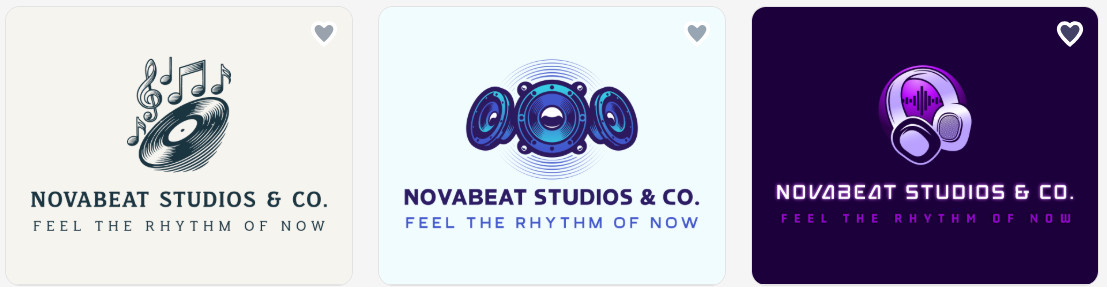
| Criteria | Rating | Notes |
| Template variety | 5/5 | 500K+ logo templates + 1M design templates; the largest library of any tool here |
| AI customisation | 5/5 | Generates logos from your name, industry, and style preferences |
| Export formats | 5/5 | Vector SVG and high-res PNG included on the free tier |
| Ease of use | 5/5 | Beginner-friendly; no design skills required |
| Free tier value | 5/5 | Free download includes production-quality files |
| Output quality | 5/5 | Same file quality as paid users; website and bio page are also free |
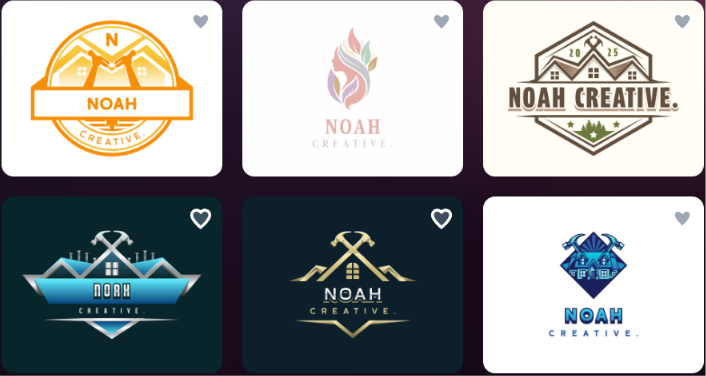
Design.com is our top pick. Cause within seconds, AI pulls from a library of over 500K+ logo templates, which means the results are consistent and usually relevant to your industry.
On Trustpilot, Design.com holds a 4.7/5-rating based on over 4,000+ reviews.
Customer comments are mostly positive; they mention how intuitive the platform is, how professional the results are, and how easy they can customize the generated results.
Besides, their support team earns frequent praise for being responsive and helpful.
| Criteria | Rating | Notes |
| Template variety | 5/5 | Thousands of human-designed logos; search by industry or style |
| AI customisation | 3/5 | Browse-and-pick model rather than AI generation from scratch |
| Export formats | 5/5 | Vector SVG included on free downloads, same as paid |
| Ease of use | 5/5 | Fast to browse and customise; no learning curve |
| Free tier value | 5/5 | Genuine free downloads with vector files available |
| Output quality | 5/5 | Designer quality visibly higher than most AI-generated results |
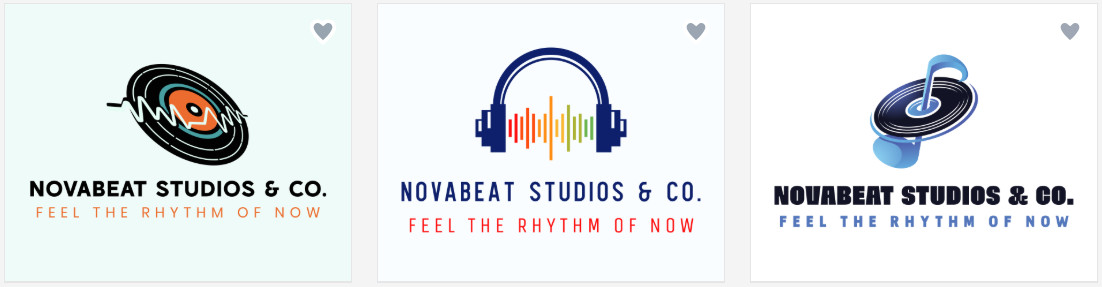
Instead of AI generating a logo from scratch, BrandCrowd lets you browse thousands of logos made by real graphic designers. The quality is noticeably better than most AI generators.
Based on Trustpilot reviews (4.7/5-star) from over 9,400 users, reviewers highly recommend the platform. Many small business owners note they were able to find and customize a professional-looking logo within minutes.
Users without background knowledge in design point out the user-friendly interface and the simple editing tools.
| Criteria | Rating | Notes |
| Template variety | 4/5 | Solid library; guided color and icon selection narrows results |
| AI customisation | 4/5 | Choose up to 3 palettes and 5 icons before generation; targeted output |
| Export formats | 4/5 | SVG, PNG, and PDF export are available on paid tiers |
| Ease of use | 5/5 | Under 10 minutes start to finish; works on mobile |
| Free tier value | 2/5 | Preview only; nothing downloadable for free |
| Output quality | 4/5 | One-time pricing; brand kit with cards and social media included |
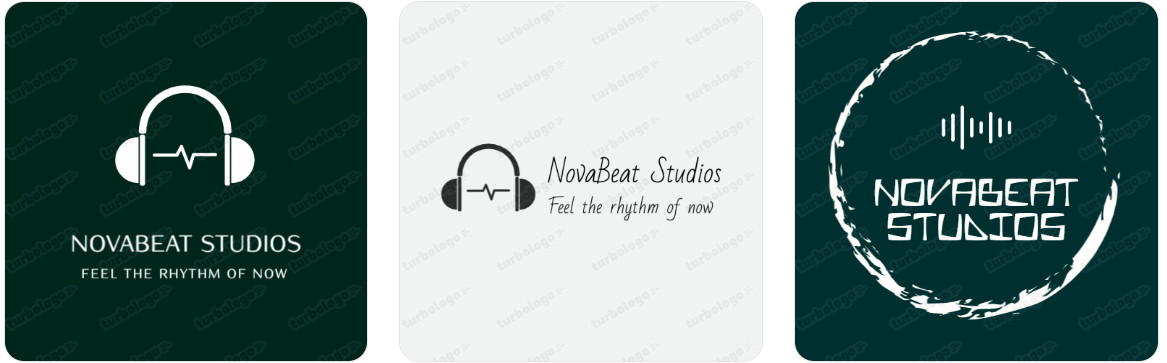
Turbologo is one of the easiest websites tested. Enter a name, pick an industry, choose up to 3 color palettes and 5 icons, and the AI generates results in minutes. That extra input step makes the output feel far more targeted than tools that just ask for a business name.
On Trustpilot holds a 4.5/5 rating, with the majority of feedback describing the platform as fast and easy to use.
Users also highlight the editing flexibility and the range of icons and customization options available. Several reviewers mention returning to create logos for additional projects.
The main friction point is the free tier: some users feel misled by “free” messaging when downloads require payment.
| Criteria | Rating | Notes |
| Template variety | 4/5 | Wordmark, monogram, and icon-based styles; font mixing options |
| AI customisation | 4/5 | Style direction (“Elegant”, “Masculine”) steers AI without design knowledge |
| Export formats | 4/5 | EPS, SVG, and PNG export on paid plans |
| Ease of use | 4/5 | Straightforward but onboarding funnels toward an annual subscription |
| Free tier value | 1/5 | No free download and no one-time purchase option |
| Output quality | 4/5 | Consistently professional; logo + website + legal in one place |
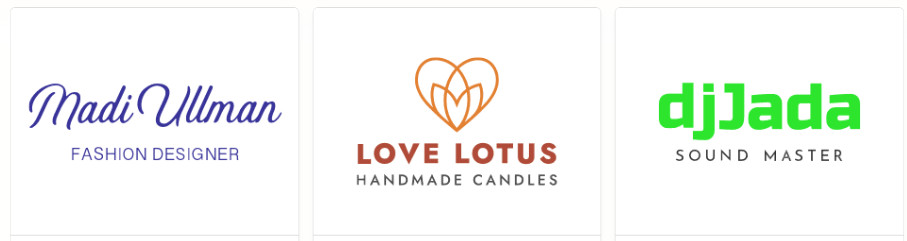
Tailor Brands is a full business launch platform. Best suited for founders who want to handle everything in one place.
With a 4.4/5 rating on Trustpilot, the platform is praised for providing an all-in-one solution.
Critical feedback centers on the subscription model. Some users report being charged for services they didn’t intend to continue, with refund requests going unresolved.
| Criteria | Rating | Notes |
| Template variety | 4/5 | A selection of designer-made templates across industries and styles, plus AI generation |
| AI customisation | 4/5 | Text prompt generates concepts; AI adjusts colors, fonts, and icons on request |
| Export formats | 4/5 | SVG, PNG (including transparent), and JPG available on all plans |
| Ease of use | 4/5 | Clean interface with on-screen suggestions |
| Free tier value | 3/5 | Free plan includes downloads, but AI usage is limited to 120 credits/month with a 30/day cap |
| Output quality | 4/5 | Results are clean and professional; brand theme generation extends the logo across other assets |
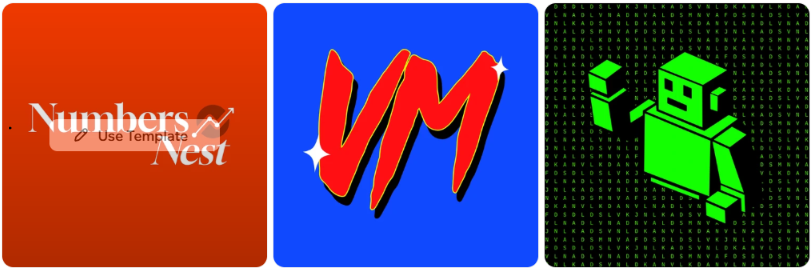
Wix Logo Maker is a solid option if you want both templates and AI generation in one place. You can either start from a prompt or browse a library of templates and customize from there. The editor lets you adjust fonts, colors, icons, and layout with full control, and on-screen AI suggestions guide the process without requiring design experience.
Wix holds a 4.2 on G2 based on 1,900 reviews. When users comment on the logo tool itself, the experience is described as fast and straightforward.
Customer support receives mixed feedback on Trustpilot. For users who are already in the Wix ecosystem, the logo maker works fine. For those using it in isolation, the credit cap and the need to upgrade for production-ready files are the two things worth checking before you start.
The scores below reflect our own testing and evaluation of each platform. They are intended as a comparative guide and may differ from individual experiences.
| Tool | Ease of Use | Customization | Free Value | Speed | Overall |
| Design.com | 10/10 | 9.5/10 | 10/10 | 9/10 | 9.8/10 |
| BrandCrowd | 10/10 | 9/10 | 10/10 | 9/10 | 9.8/10 |
| Turbologo | 9/10 | 8/10 | 6/10 | 10/10 | 8.9/10 |
| Tailor Brands | 8/10 | 8/10 | 5/10 | 8/10 | 8.6/10 |
| Wix Logo Maker | 9/10 | 8/10 | 5/10 | 8/10 | 8.5/10 |
After testing all five tools, Design.com and BrandCrowd clearly came out ahead.
For anyone who needs a strong logo quickly and without design experience, Design.com is the safest starting point.
There’s no single best logo maker. The right one depends on your budget, your design experience, and whether you need just a logo or a full branding setup.
Before committing to any platform, consider these three important things:
If you want high-quality logos suitable for any industry without additional effort and expert knowledge, Design.com is a great choice.




