


The best ecommerce API in 2026 depends on the workflow you need to automate: Shopify GraphQL for store operations, Stripe for payments, Shippo for shipping, Algolia for search, Amazon SP-API for marketplace selling, API2Cart for multi-platform data, and Zinc for retailer purchasing. Start with the workflow creating the most manual reconciliation or customer risk.
The right ecommerce API is rarely the most feature-rich option. It is the one that removes the most manual work without creating an unmonitored failure point somewhere else in the customer journey.
Your store has to do several different things: read product data, take a payment, print a shipping label, and sometimes place an order with a retailer.
All of those can run through an API. None of them run through the same one.
The best ecommerce API depends on the job you are handing over. A payment API can charge a card but cannot tell you what is in stock. A store API can read your orders but cannot place one with a retailer on your behalf.
Below are seven APIs sorted by the job they handle, starting with retailer purchasing and moving through store operations, payments, shipping, search, marketplace selling, and multi-platform data.
An ecommerce API lets two systems exchange data and instructions without someone copying information between them.
Say a marketplace sells your last unit of a product. Someone on your team opens a second tab and drops the stock count in your store to zero, or an API call does it the moment the sale lands.
Same result. The difference is whether a person is in the loop.
The API carries the instruction. Your business rules decide when to send it, and getting those rules right is usually the harder part.
Seven jobs, one pick for each. These APIs are not ranked against each other because they solve different problems.
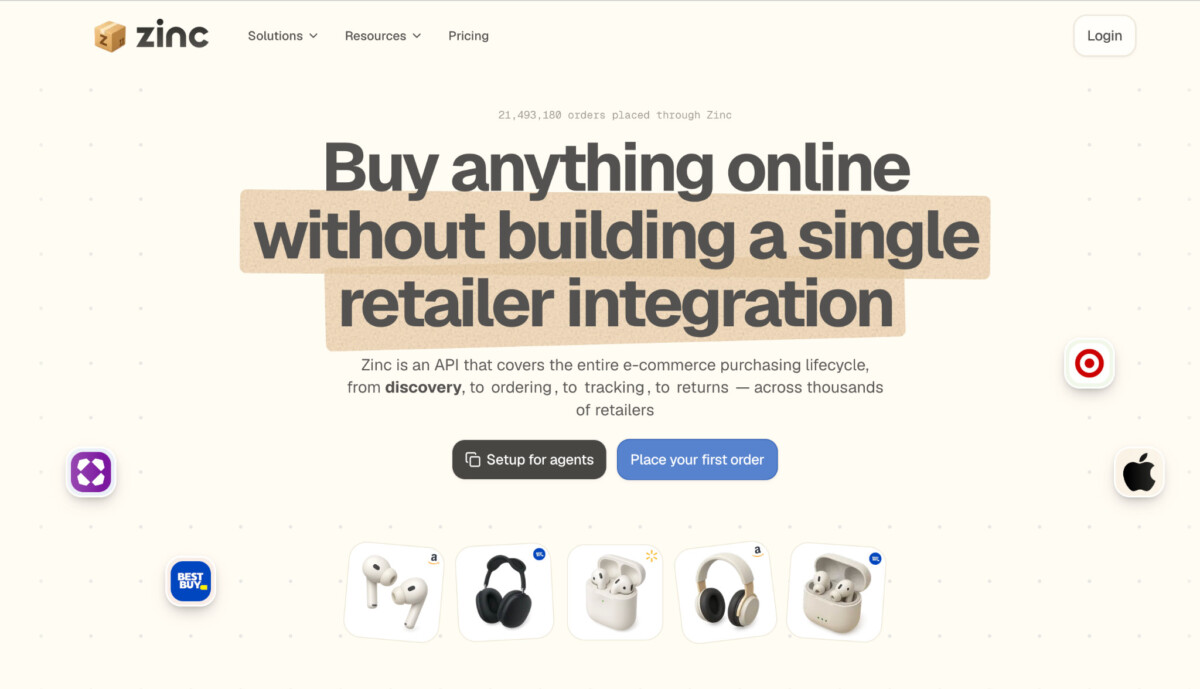
Best for: placing and tracking orders at Amazon, Walmart, Target and other retailers.
Zinc handles the buying side rather than the selling side. Instead of a person logging into four retailer sites and checking out four times, your system sends the purchase requests through one integration and gets order status and tracking back in the same structure each time.
The constraint: all products in a single order request have to come from the same retailer, so a four-retailer bundle is four requests through one integration, not one call.
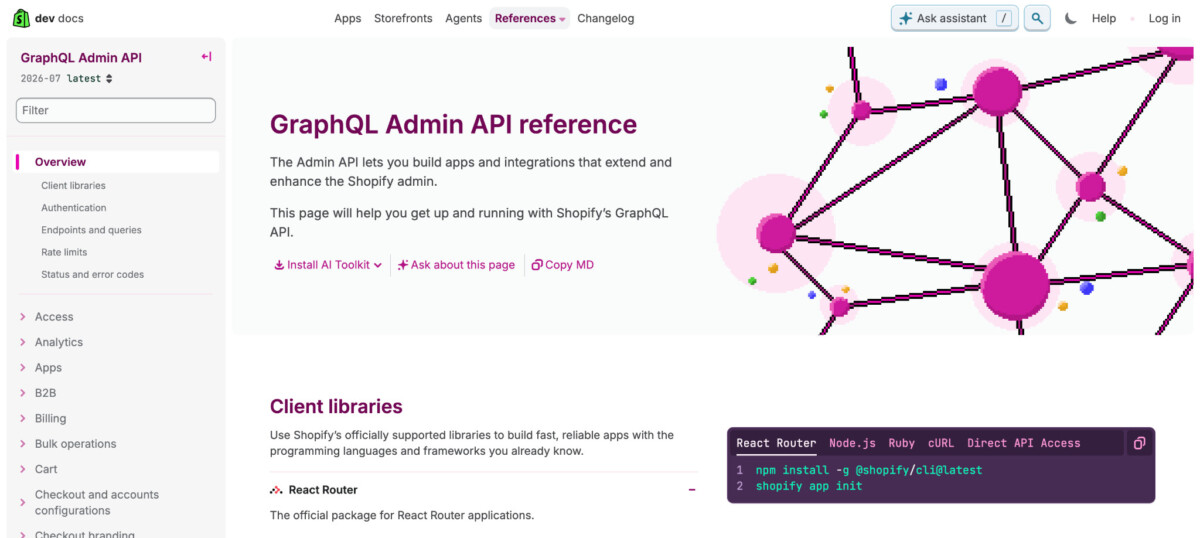
Best for: reading and updating products, orders, customers, inventory, and fulfillment on Shopify.
Shopify’s GraphQL Admin API lets you request only the fields your integration needs, rather than receiving a fixed response with data you may not use.
The constraint: Shopify has treated the REST Admin API as legacy since October 2024, and new public apps submitted after April 1, 2025 must use GraphQL. For a new Shopify integration, build against GraphQL rather than REST.
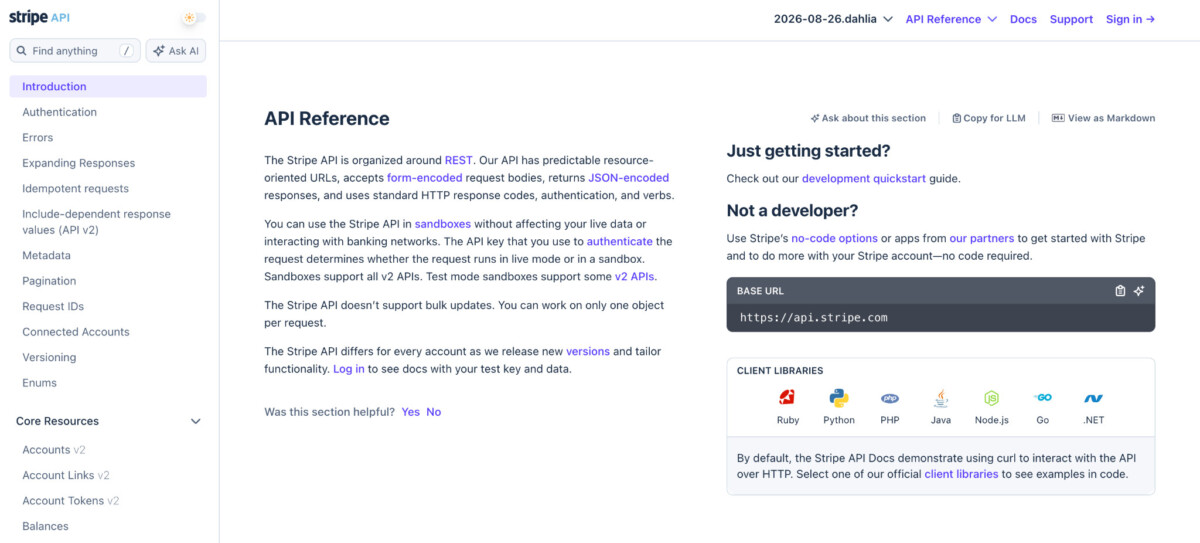
Best for: payment processing, subscriptions, invoicing, and marketplace payouts.
Stripe covers checkout and billing, from one-time payments to recurring subscriptions and invoices, while Connect handles money moving to sellers or service providers. Its sandbox also lets you test declines, disputes, refunds, and authentication flows before they affect real customers.
The constraint: if you use Stripe Connect, decide early who is responsible for fees, negative balances, and identity requirements. Some responsibility settings are fixed when the connected account is configured and cannot be changed later.
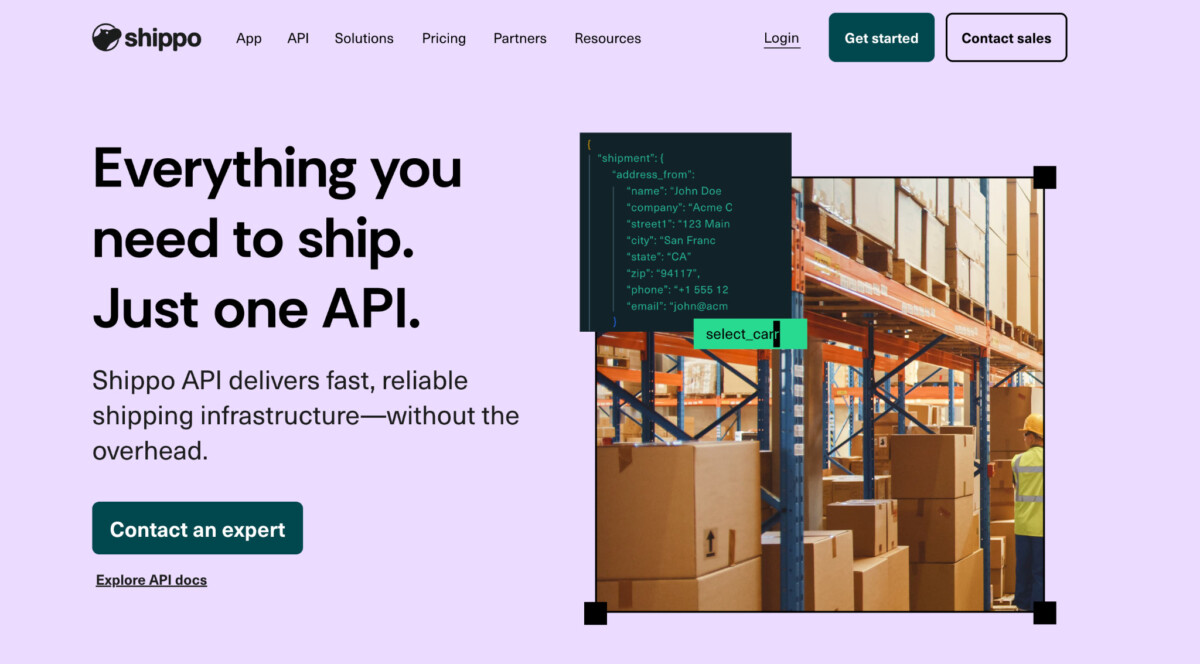
Best for: comparing rates, generating labels, and tracking shipments across multiple carriers.
One Shippo integration gives you access to 40+ carriers for rates, labels, tracking, and other shipping tasks, instead of building a separate carrier integration for each one.
The constraint: label transactions are asynchronous by default. You can set async to false for a synchronous response, but on the default path your code has to handle a transaction sitting at queued before it resolves.
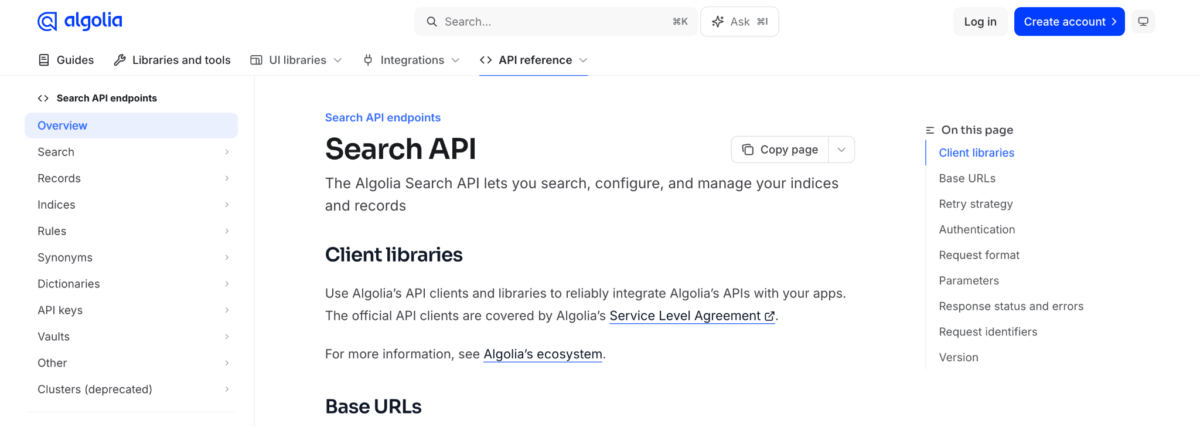
Best for: product search, filtering, and faceted navigation across larger catalogs.
Algolia searches the product records you send to its index, while its frontend libraries help you build the search box, filters, and results customers actually use.
The constraint: Algolia searches the records you send to its index, so your integration has to keep that index in sync when product names, prices, categories, or availability change.

Best for: managing listings, inventory, orders, pricing, and reporting for Amazon sellers.
Amazon’s Selling Partner API gives sellers programmatic access to listings, orders, inventory, payments, reports, and other seller operations.
The constraint: access is role-based. You have to request and qualify for the roles your integration needs, and operations involving restricted customer data carry additional security requirements. Amazon also provides a Notifications API for event-driven updates, which reduces the need to keep polling for changes.
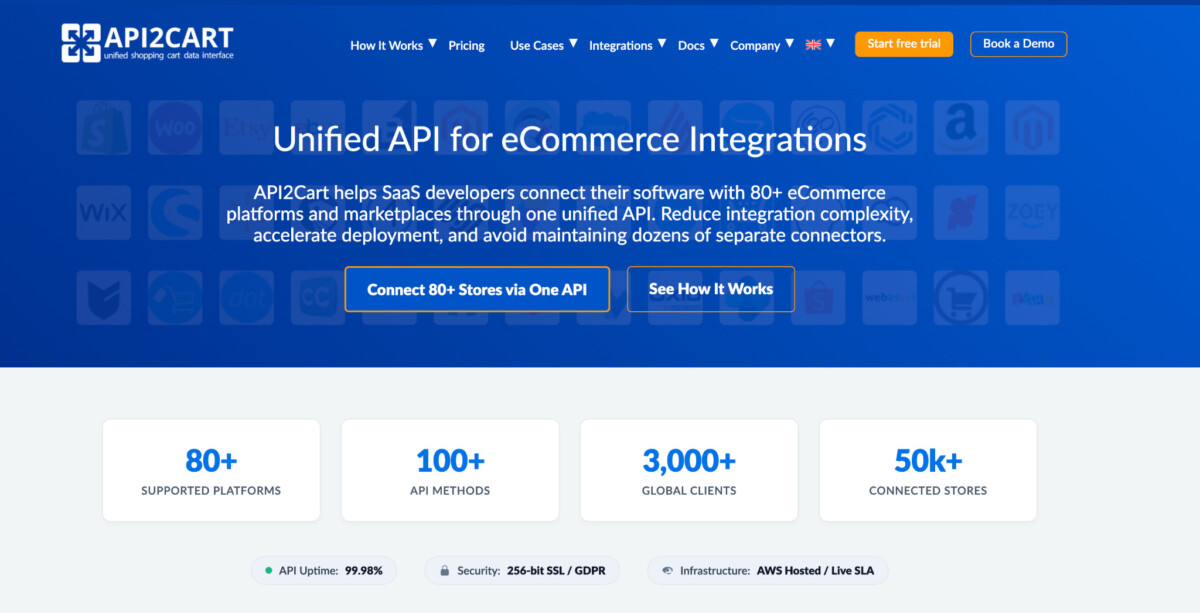
Best for: accessing store data across many ecommerce platforms through one API.
API2Cart connects to Shopify, WooCommerce, Magento, and a long list of other platforms and marketplaces. One interface gives you access to products, customers, orders, shipments, inventory, and other store data without maintaining a separate connector for each platform.
The constraint: not every API method is supported on every platform. Check API2Cart’s supported-method matrix for the platforms and operations you need before assuming the same workflow will work across all of them.
Start where the manual work is heaviest, not where the API is most interesting.
Look at what happened last week. Whichever task your team had to repeat, check, or fix the most is usually the one to automate first.
The useful comparison between these APIs is not which has more features. It is which one does its job without creating a harder problem somewhere else.
Before you commit, check what happens when a request fails, which permissions the integration needs, and whether your team can see and fix an error without digging through logs.
Start with one workflow and test the failure cases before you expand it or add the next integration.
One API can connect to multiple ecommerce platforms through a unified integration provider such as API2Cart, which offers a common interface for store data across platforms including Shopify, WooCommerce, Magento, and others. The trade-off is that unified APIs generally cover the operations platforms have in common, while platform-specific functionality may require separate handling or may not be available at all. Before building a workflow, verify that the exact platform, method, parameter, and data field you need are supported. Do not assume that an operation working on Shopify will work identically on every connected platform.
REST typically organizes API access around resource-specific endpoints, while GraphQL lets an application request the exact fields and related data it needs in a query. Neither approach is universally better, because the right choice depends on the platform and workflow. For Shopify store operations, GraphQL is now the primary direction: Shopify marked the REST Admin API as legacy in October 2024 and requires new public apps submitted after April 1, 2025 to use the GraphQL Admin API. Existing REST integrations can continue while Shopify provides its migration path and deprecation timeline.
An API can place orders with a retailer through a purchasing API such as Zinc, which is designed to submit and track retailer orders through one integration. This workflow has greater risk than simply reading store data because the request can create a real purchase outside your system. Prices, stock availability, shipping options, and retailer policies can change before checkout completes. Build price checks, stock validation, idempotency controls, order-confirmation handling, and exception alerts before allowing retailer purchasing to run unattended. A retry should not create a duplicate purchase if a previous request succeeded but the response was delayed.
Ecommerce API pricing depends on the provider and the workflow. Some APIs are included with a paid ecommerce platform or payment account, while others charge by request volume, transaction, shipping label, connected store, order count, carrier service, data usage, or feature tier. Payment APIs commonly charge transaction fees. Shipping APIs may charge through label purchases or account plans. Unified platform APIs may charge by connected store or API usage. Before choosing a provider, model costs at your current volume and at the volume you expect after growth so a successful integration does not create an unexpected margin problem.
An ecommerce team should test successful requests, failed requests, timeouts, duplicate webhooks, retry behavior, invalid data, missing permissions, rate limits, delayed updates, partial failures, and manual recovery before launching an API integration. Confirm which system is the source of truth for inventory, order status, customer data, payment status, and fulfillment updates. Use idempotency controls for actions that can create duplicate charges, retailer purchases, refunds, or fulfillments. The team should also be able to identify the affected order, see the API response, understand whether the system retried, and know who owns the next step when the automation fails.




