

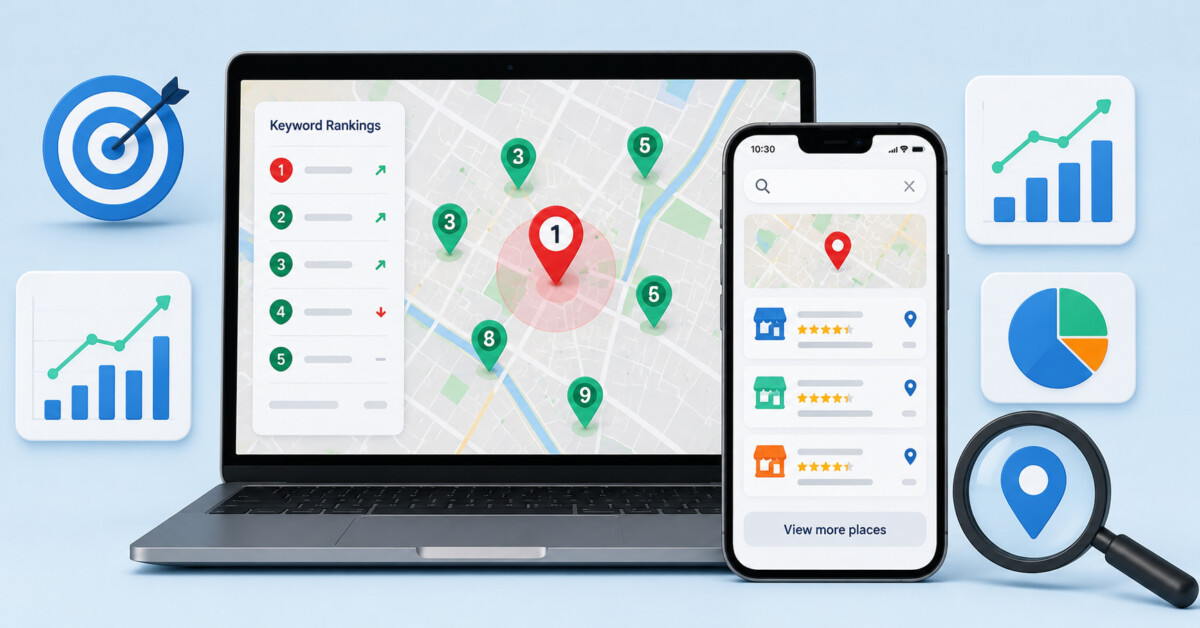
Local rank tracking tools matter because they show where you actually rank on the map—across many nearby points in Google Maps, the Local Pack, and local-organic—rather than hiding local variation behind a single national position.
For local businesses, the useful ranking question is not whether you show up nationally, but where on the map you show up, and at how many nearby points you hold visibility for the queries that matter.
Google reported that 30% of all mobile searches are related to location (Think with Google, 2016), and that 76% of people who search for something nearby on a smartphone visit a related business within a day. For any business with a storefront or a defined service area, that share is where revenue gets decided, and it is what local rank tracking tools exist to measure. A single national keyword position, though, tells you almost nothing here.
The useful question for a local business is not whether it ranks nationally, but where on the map it ranks, and at how many of those points it holds visibility.
Local rank tracking differs from standard position tracking in one respect: results shift with the searcher’s exact coordinates, so the same keyword returns different rankings a few blocks apart. Measuring it means sampling many map points across Google Maps, the Local Pack, and local-organic listings, rather than logging one national number.
This comparison evaluates each tool on four axes: tracking method (geo-grid versus single-point), the local surfaces it covers (Google Maps, the Local Pack, and local-organic), geographic granularity, and check frequency.
Local rank tracking rewards precision, so we weighted each tool by how exactly it can pin a measurement to a place and a surface, not by feature count. A tool that reports one averaged city position answers a different question than one that samples 200 map pins. We scored each local rank tracker against five criteria:
One boundary condition: this comparison measures rank-tracking capability, not adjacent local-SEO suite features such as citation building or review management.
The nine tools split cleanly on one axis: how they sample geography. The table below leads with tracking method and geo granularity, then lists the surfaces each tool measures, the check frequency, and the entry monthly price.
| Tool | Tracking method | Local surfaces | Geo granularity | Check frequency | Entry price/mo |
| SE Ranking | Geo-grid + single-point | Maps · Local Pack · local-organic | Grid pin / city / region / ZIP | Daily (all plans) | $129 (Core) |
| Local Falcon | Geo-grid (3×3–21×21 pins) | Google + Apple Maps | Grid pin (set radius) | On-demand (credits) + scheduled | $24.99 |
| BrightLocal | Geo-grid + single-point | Maps · Local Pack · local-organic | Grid pin / city / ZIP | Daily / on-demand | $39 ($31 annual) |
| Semrush | Geo-grid (Map Rank Tracker) | Maps · Local Pack | Grid pin / ZIP | Daily | $30/location add-on (core $139) |
| Whitespark | Single-point + separate geo-grid | Local Pack · Maps · local-organic | City / ZIP; grid pins | Daily / weekly | $17 ($14 annual) |
| AccuRanker | Single-point | Local Pack · local-organic | City / ZIP / custom point | Daily (fast, on-demand) | $224 |
| Nightwatch | Single-point | Maps · local-organic | ZIP-level (107k+ locations) | Daily | €79 |
| Advanced Web Ranking | Single-point | Maps · Local Pack · local-organic | City / ZIP / postcode | Configurable (daily–monthly) | $139 |
| Localo | Geo-grid (Position Map) | Maps · Local Pack | Grid pin | On-demand / scheduled | $49 ($39 annual) |
How to read this: the geo-grid versus single-point split is the primary divide. A grid samples many pins across a service area and returns a visibility heatmap; single-point returns one location’s ranking for a query. Granularity matters most for multi-location brands, and daily check frequency matters because map-pack positions are volatile. Treat the table as a shortlist of local rank tracking tools, then narrow by the surfaces and granularity your reporting needs.
Each tool below is scored against the same four axes, with pricing led by its monthly entry rate.

SE Ranking is an SEO and AI-search-visibility platform whose Rank Tracker records local positions as part of one dataset rather than a separate bolt-on.
Best for: agencies and mid-market or enterprise in-house teams that want local rank tracking to live inside a full SEO platform.
Standout: The Rank Tracker reports Google Maps positions, carries a Local Pack (3-pack) toggle, and measures local-organic results in any country, city, region, or ZIP/postal code. It also aggregates Google Business Profile engagement data (searches, views, website visits). Daily checks and top-100 depth apply on every plan, and I confirmed both through its local rank tracking setup.
Pros
Cons
Pricing: Core $129/mo ($103.20/mo billed annually); Growth $279/mo ($223.20/mo billed annually). 14-day free trial, no card. API and MCP included in every plan.
The data says: For most agencies and multi-location in-house teams, tracking local rankings, GBP engagement, local-organic, and AI-search presence in one daily-checked dataset removes the reconciliation work of running a separate grid app beside a separate rank tracker. The boundary is clear: teams that want only a pure map-grid visualization have lighter single-purpose options.
A purpose-built geo-grid tool that maps how a business ranks across dozens of physical points around its location.
Best for: Agencies that need block-by-block Google Maps visibility, not national keyword tracking.
Standout: Local Falcon scans Google Maps and Apple Maps rankings across a configurable grid of map pins, from 3×3 up to 21×21, positioned around a business. The output is a visibility heatmap showing exactly where rankings hold and where they drop off. It also reports AI and LLM local visibility, extending the same grid logic to newer answer surfaces.
Pros
Cons
Pricing: From $24.99/mo (Starter), credit-based; 100 free credits to trial.
The data says: For teams whose whole question is “where on the map do we win,” the granular grid goes deeper than anything else here, up to 21×21 pins. But the credit meter and the missing organic-tracking layer mean it usually sits alongside a broader tool rather than replacing one, especially once you run many locations each month.
A local-SEO platform that packages single-point rank tracking and geo-grid tracking together from its entry plan onward.
Best for: Agencies wanting both point-based and grid-based local tracking without stacking add-ons.
Standout: BrightLocal includes a single-point Local Rank Tracker and a geo-grid Local Search Grid on the same entry plan, so you can check a precise position and then visualize spread across a map area in one platform. It tracks Google Maps, the Local Pack, and local-organic results, covering the three surfaces most local campaigns report on without moving between separate subscriptions.
Pros
Cons
Pricing: From $39/mo, or $31/mo billed annually.
My read: Bundling both tracking styles at the entry price is the practical draw here. The catch for agencies is the low grid-keyword cap on that first tier and the narrow country coverage, so heavier or international rosters will feel the ceiling sooner than the price suggests.
A broad SEO platform whose Map Rank Tracker adds geo-grid local tracking on top of a full-featured toolkit.
Best for: Teams already on Semrush that want local tracking inside their existing platform.
Standout: Semrush’s Map Rank Tracker performs geo-grid local tracking, and its local toolkit layers on Google Business Profile, listings, and review management. The appeal is consolidation: geo-grid data sits next to a large all-round SEO platform and a listings suite, so one login covers local rankings alongside organic research, audits, and the wider workflow a marketing team already runs.
Pros
Cons
Pricing: Local add-on from $30/mo per location, on top of a core plan from $139/mo.
The data says: The consolidation is real, but so is the math. At $30 per location stacked on a $139 core plan, multi-location brands pay steeply for a feature that sits at the platform’s edge rather than its center. It earns its place for existing Semrush users, not as a dedicated local pick.
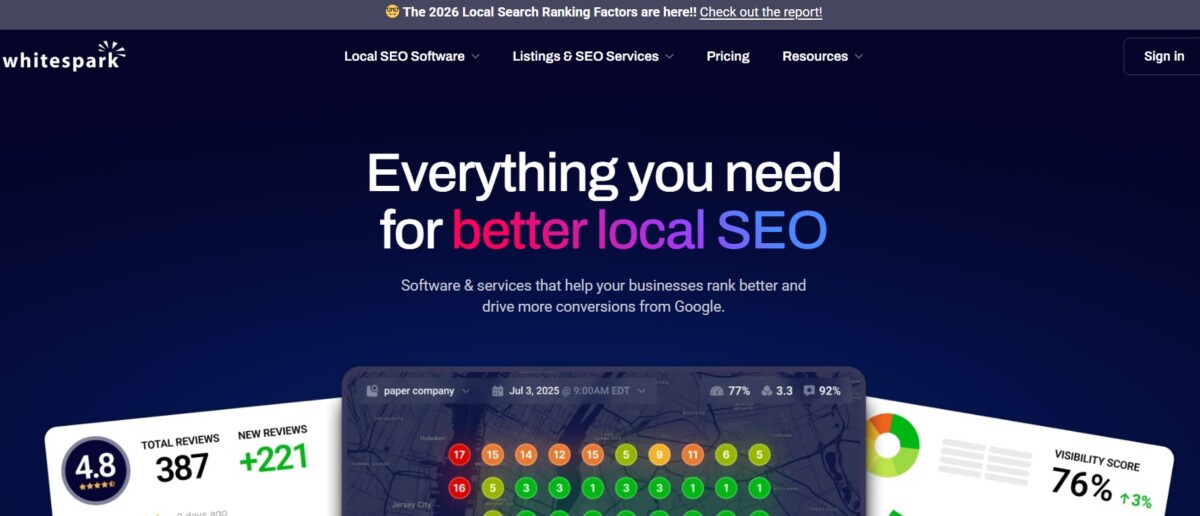
A local-SEO specialist whose rank tracker cleanly separates the three surfaces that matter to local campaigns.
Best for: Local specialists who want Pack, Maps, and organic reported as distinct positions.
Standout: The Whitespark local rank tracker separates Local Pack, Google Maps, and local-organic positions instead of blending them into one number, so you see exactly which surface moved. Its Local Ranking Grids track up to 100 positions deep, giving room to follow a business well beyond the top few results and spot recovery or slippage that shallower grids miss entirely.
Pros
Cons
Pricing: Local Rank Tracker from $17/mo ($14/mo annually); grids from $10/mo.
My read: The clean split across three surfaces is exactly what a local analyst wants, and 100-position grid depth is generous. The trade-off is buying two products to get the full picture and living with a plainer interface, which suits hands-on specialists more than teams wanting a polished single dashboard.

A rank tracker built around fast, on-demand daily updates with location-specific tracking down to a single city, ZIP, or custom point.
Best for: Teams that need refreshed local positions on demand rather than on a fixed schedule.
Standout: AccuRanker tracks a location as a specific single point (city, ZIP, or custom coordinate) and surfaces the Local Pack as a tracked SERP feature, so you can see exactly where a keyword sits from one defined spot and refresh it on demand instead of waiting for the next scheduled crawl.
Pros
Cons
Pricing: From around $224/mo (Professional; keyword-tier based).
The data says: AccuRanker earns its place on speed and single-point accuracy, with precise per-location readings and quick refreshes. But every spot is one pin: without a grid view, mapping neighborhood coverage means stacking keywords manually, and the entry price is steep for that workflow.
A rank tracker offering very granular location targeting, with more than 107,000 defined locations down to ZIP level plus Google Maps tracking.
Best for: Agencies tracking many precise ZIP-level locations across a client roster.
Standout: Nightwatch defines over 107,000 locations down to the ZIP level and tracks Google Maps positions, so you can pin rankings to a specific postal area rather than a broad city. Unlimited team seats mean an agency can add every account manager without per-user cost, which matters when many people touch the same location data.
Pros
Cons
Pricing: From about €79/mo.
My read: Nightwatch wins on location depth: ZIP-level targeting plus Maps tracking covers most multi-location needs, and unlimited seats suit a growing team. The gaps are practical, though. You read positions point by point without a grid to visualize a service radius, and EUR pricing adds a currency conversion to every US budget line.
A long-standing rank tracker covering local and Google Maps positions across more than 4,000 search engines with flexible update frequencies.
Best for: Teams tracking local positions at scale who want control over update cadence.
Standout: Advanced Web Ranking tracks local and Google Maps positions with city, ZIP, or postcode targeting across more than 4,000 search engines, and lets you set update frequency from daily to monthly. That scheduling control means you can run high-value locations daily and archive-level ones monthly, matching crawl cost to how often each client actually needs fresh data.
Pros
Cons
Pricing: From around $139/mo (Pro; keyword-unit model).
The data says: Advanced Web Ranking gives you cadence control and broad engine coverage, useful across a varied client base. The catch for multi-location work is the keyword-unit model: each location multiplies your unit count, so a heavy local footprint pushes cost up fast, with no grid to map an area.
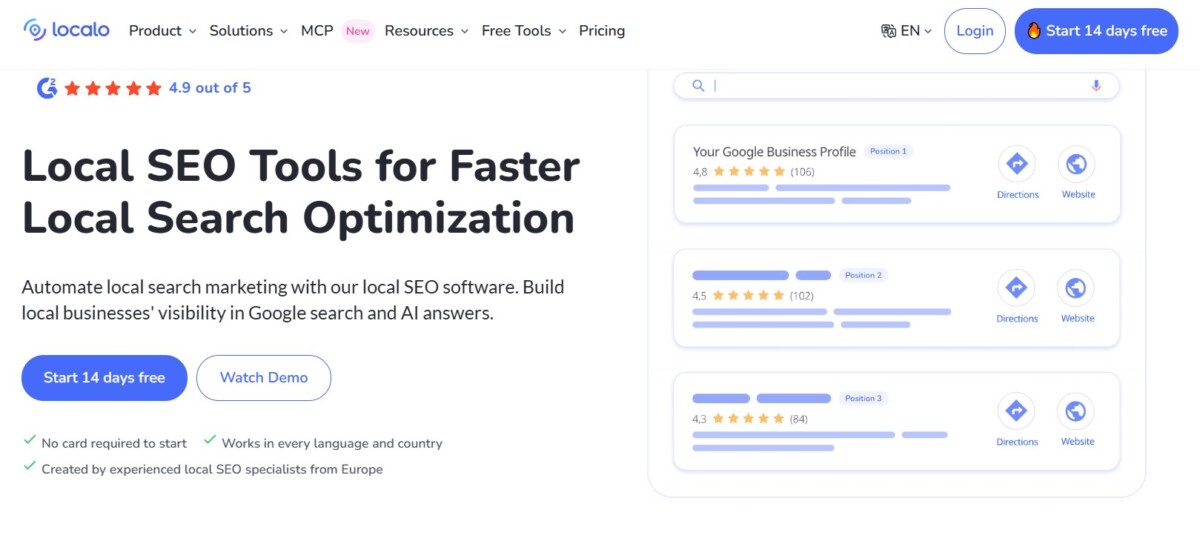
A local-SEO tool built around Google Business Profile optimization, with a Position Map that does geo-grid tracking around a business.
Best for: Single-profile local businesses focused on GBP optimization plus grid tracking.
Standout: Localo’s Position Map runs geo-grid local tracking around a business location, showing how rankings shift across the surrounding area rather than at one point. It sits inside a Google Business Profile optimization workflow, so the grid data connects directly to the GBP tasks meant to improve it, keeping tracking and action in one place.
Pros
Cons
Pricing: From $49/mo ($39/mo billed annually; VAT may apply).
My read: Localo pairs a geo-grid Position Map with GBP tasks, a clean workflow for one location. For an agency, the single-profile entry plan and shifting promotional VAT-inclusive pricing make it harder to scale and budget across many clients than the flatter, seat-friendly options above.
Match the measurement need to the tool type rather than to a headline feature list.
Need a visibility heatmap across a whole service area (geo-grid): SE Ranking, Local Falcon, BrightLocal, and Localo, with geo-grid also available through Semrush’s Map Rank Tracker and Whitespark’s separate Local Ranking Grids. These sample multiple pins and plot coverage, which is the right model when one storefront ranks differently block by block.
Need ZIP-precise single-point tracking at scale: Nightwatch, or SE Ranking. Both resolve to ZIP level, so you track a defined point rather than an averaged area.
Need local tracking inside one platform alongside local-organic, GBP engagement data, AI-search visibility, and client reporting: SE Ranking. Grid, Local Pack, Google Maps, local-organic, and aggregated Google Business Profile engagement (searches, views, website visits) live in one dataset, checked daily on every plan, with API and MCP access included. That removes the need to stitch a separate grid app to a separate rank tracker. Core starts at $129/mo ($103.20/mo billed annually), which is why it fits teams that value consolidation over a single specialized view.
Among these local rank tracking tools, the choice depends on how many locations you track and whether you need grid visualization or a single tracked point.
A local rank tracker measures positions tied to a specific geography, such as a city, ZIP, or map-grid pin, on surfaces like Google Maps and the Local Pack. A regular rank tracker reports national or generic organic positions. The distinction matters because local results reorder by searcher location, so a national number hides local variance.
Google Maps now has more than 2 billion monthly users (Google, 2025), so Maps and Local Pack coverage matters. Most tools here track both, though coverage varies. SE Ranking tracks Google Maps positions and the Local Pack alongside local-organic results in one project. When comparing options, confirm which surfaces each tool reports, because some cover Maps only, some cover the Local Pack only, and some report both plus local-organic listings.
Map-pack and Google Maps ranking positions shift frequently, so daily checks capture volatility that weekly or monthly cadences smooth over. For active local campaigns, daily sampling is the practical baseline. On-demand checks help when you need a reading immediately after a listing change, such as a category or business-hours update.
Geo-grid tracking samples many points across a service area and returns a visibility heatmap, showing how rank changes block by block. Single-point tracking returns one position for a defined location and query. Grid data suits multi-location or wide service-area coverage, while single-point suits precise tracking of one address.




