
For most Webflow, Shopify, and Framer teams in 2026, Gumlet is the best Wistia alternative because it embeds cleanly across all three builders, offers stronger price-to-value than Wistia, and adds optional DRM without forcing an enterprise workflow
The real decision is not which video host has the longest feature list. It is which embed works inside your builder without breaking layout, slowing the page, or making migration painful later.
A team building a Framer marketing site added Vimeo video components to their hero section last year.
The components loaded correctly in the Framer editor. In the published site, every video refused to fill the frame, sitting letterboxed in the center of the layout with white bars on either side.
Three hours of troubleshooting later, the answer was in a Framer community thread from six months prior: Vimeo’s embedded components aren’t responsive in full-bleed contexts. The fix wasn’t a Vimeo setting or a Framer workaround. The fix was a different video hosting platform.
Most Wistia alternatives articles treat platform choice as a feature comparison. Wistia has analytics, so check which alternatives have analytics. Wistia has a branded player, so check which alternatives have branded players.
That framing misses the variable that breaks things in production: your website builder’s embed architecture. Webflow, Shopify, and Framer handle video differently at the code level, and the platform that works cleanly in one builder can fail visually or functionally in another.
This article introduces a decision framework that maps each builder to its specific video constraint, evaluates six alternatives with verified 2026 pricing and builder-specific context, and walks through exactly how to implement the embed in each builder.
By the end, you’ll have a clear basis for a platform decision, not a ranked list to sort through on your own.
TL;DR
Wistia is a real product with genuine strengths. For enterprise marketing teams running HubSpot workflows, gated content campaigns, and A/B-tested video, it earns its price.
The heatmaps are accurate, the branded player is polished, and the lead capture forms convert at documented rates. Wistia’s 2024 State of Video data shows embedded lead capture forms achieved conversion rates as high as 24%, though rates vary widely depending on placement and video type. These aren’t made-up features.
The cases where it breaks down are specific and tied to pricing structure. The Business plan costs $79/month billed annually and covers 3 users and 250 GB of storage. Additional seats run $25 per user per month.
Marketing automation, meaning actual HubSpot, Marketo, or Pardot integration that fires video engagement events into your CRM, requires the Automation Suite add-on, priced separately at $250/month on top of the Business plan.
A team of five with HubSpot integration is looking at $4,548/year before touching a single video.
Wistia has no DRM capability at any pricing tier. For EdTech platforms, course creators, or media businesses protecting premium content, that is a structural limitation, not a feature gap to work around.
The performance dimension matters for Shopify and Webflow specifically. Wistia’s embed script loads JavaScript, CSS, and font files at page initialization. On Shopify product pages, where Google’s Core Web Vitals scores affect ad quality scores and conversion rate benchmarks, that script weight has a measurable LCP impact.
Choosing a lighter embed is not a nice-to-have for performance-sensitive pages; it is the difference between a green and a red PageSpeed score.
If your video library has fewer than 30 videos and you don’t actively use Wistia’s HubSpot integration or lead scoring, you’re paying for infrastructure you won’t use. The $79/month floor makes more sense for teams actively generating pipeline from video, not teams that primarily need clean embeds on their marketing site.
This is the framework no Wistia alternatives article has built, and it’s the one that actually determines whether your platform choice works in production.
Webflow, Shopify, and Framer each process video embeds through different mechanisms. Picking a video hosting platform without accounting for this is the root cause of most bad implementations, not the platforms themselves.
| Builder | Embed Method | The Metric That Breaks | What You Need from a Video Host |
| Webflow | Embed element (iframe or script) | LCP from heavy JavaScript on page load | Lightweight iframe or script with CDN delivery; VideoObject structured data a bonus for SEO |
| Shopify | Custom HTML section in Liquid theme | Core Web Vitals on product/landing pages | Minimal script weight; CDN-compressed video; no multi-file initialization on page load |
| Framer | Embed component (iframe or streaming URL) | Responsive fill in hero and full-bleed layouts | Clean iframe or direct streaming URL; not a platform-branded Framer component |
A clean iframe is an embed that loads from a single URL, requires no additional JavaScript files, CSS, or fonts at page initialization, and fills its parent container responsively.
For Webflow, Shopify, and Framer, a clean iframe means the video loads without triggering separate script requests that add to LCP, and resizes correctly regardless of the parent element’s dimensions.
Platforms that deliver via a clean iframe: Gumlet, Bunny Stream, SproutVideo, Cloudflare Stream. Platforms that require multi-file script initialization: Wistia (loads JS + CSS + fonts), Vidyard (optimized for email/landing page, not hero sections).
Each row deserves a brief explanation.
Webflow’s Embed element accepts any iframe or JavaScript snippet. The builder itself doesn’t restrict what you drop in. Your problem is what that script does to your page after it lands.
LCP (Largest Contentful Paint) is theCore Web Vitals metric that measures how fast the main visible content loads, and any video embed that initializes JavaScript, loads external CSS, and pulls font files on page load is adding directly to it. For a Webflow landing page where a hero video or product demo is the first visible element, this matters.
The right test: Paste your video embed into a Webflow page, publish it, then run it through Google PageSpeed Insights. If LCP jumps by more than half a second compared to a version without the embed, your hosting platform is the variable to change.
Google’s video indexing requires VideoObject structured data embedded in or alongside the video player. Most hosting platforms require manual schema implementation via a separate Webflow CMS field or a third-party plugin.
Gumlet’s embed includes VideoObject markup by default. Bunny Stream, SproutVideo, Cloudflare Stream, and Vimeo do not include it natively. Schema must be added separately in Webflow’s CMS settings.
Shopify’s theme system uses Liquid templating. Video embeds typically go into a Custom HTML section in the theme editor, or directly into a section’s Liquid file.
The functional challenge is that Shopify’s own CDN handles asset delivery for the store, but it doesn’t apply to externally loaded video embed scripts. A Wistia or Vidyard embed that loads its player script externally adds a dependency chain that sits outside Shopify’s performance optimization.
For product pages specifically, this matters beyond PageSpeed. Google’s Core Web Vitals scores are a signal in Shopping ads quality, which means a product page with a heavy video embed can directly affect ad CPCs, not just organic rankings.
Framer’s native video components for Vimeo and YouTube are not responsive in full-bleed or hero contexts. This is a documented issue in the Framer community, not a configuration quirk.
When a user asks a Framer community thread for video hosting options outside Vimeo and YouTube, it is because the native components letterbox the video regardless of how the parent frame is configured.
The correct path for Framer video embeds is Framer’s generic Embed component, which accepts any iframe code or streaming URL. This approach works with any hosting platform that provides a clean iframe, and it eliminates the responsiveness problem entirely because you control the embed dimensions directly.
Now that the constraints are clear, here is how the six leading alternatives stack up against each of them.
The platforms below were selected based on three criteria: clean embed support across at least two of the three builders, verified 2026 pricing, and documented use by teams building on no-code or low-code website stacks.
YouTube is not on this list. If you are building a professional Shopify store or Webflow SaaS site, ads playing on your embedded product demos are a conversion problem, not a hosting solution.
| Platform | Starting Price | Webflow | Shopify | Framer | DRM | Analytics Depth |
| Gumlet | $6/mo (Creator plan, billed annually) | Strong | Strong | Strong | Yes ($99/mo add-on for all tiers) | Full |
| Vimeo | $12/mo (Starter plan; billed annually) | Strong | Strong | Partial | Available on the Enterprise Tier | Basic-Mid |
| Bunny Stream | FreeTranscoding, $0.1/minute – Transcribing, Storage from $0.01/GB, CDN from $0.005/GB | Strong | Strong | Strong | No | Basic |
| SproutVideo | $10/mo (Seed) | Strong | Strong | Strong | No | Mid-High |
| Cloudflare Stream | Minutes Stored $5.00 / 1,000 minutes; Minutes Delivered $1.00 / 1,000 minutes | Strong | Strong | Strong | No | Basic |
| Vidyard | $59/mo (Starter plan; billed annually) | Partial | Partial | Partial | No | High (sales focus) |
Vimeo’s native Framer component has responsiveness limitations in full-bleed contexts. Works via Embed component with direct iframe.
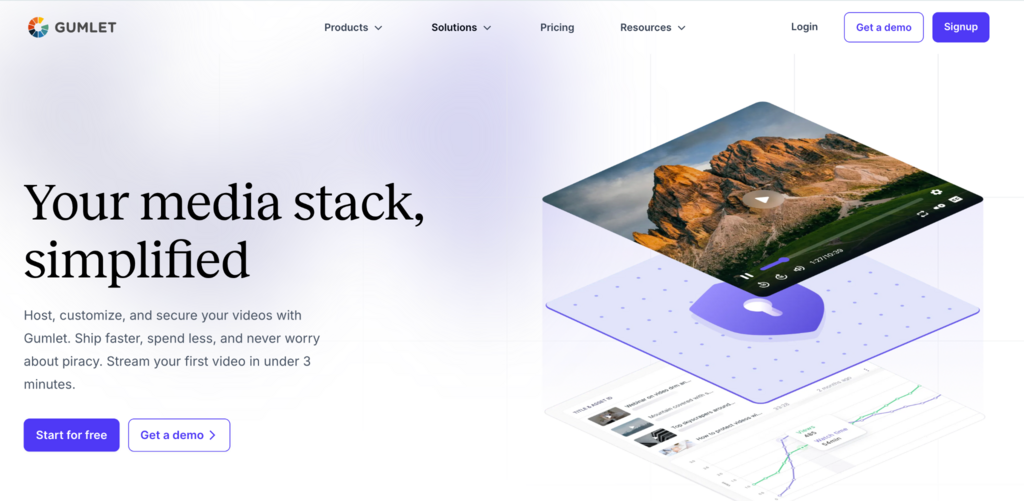
Gumlet’s GPU-based transcoding reduces video file sizes by at least 40% compared to standard encoding pipelines, which translates directly to lower LCP on Shopify product pages and Webflow landing pages before touching a single embed setting.
The embed itself is a clean iframe generated on upload. It includes VideoObject structured data for Webflow SEO, fills full-bleed layouts in Framer without the responsiveness issues of platform-specific components, and drops into Shopify’s Custom HTML section without multi-file script loading.
It is one of the few video hosting platforms on this list where the same embed code works across all three builders without modification.
Pricing as of May 2026: Creator at $6/month, Growth at $19/month, Business at $99/month. Analytics cover engagement heatmaps, in-player lead capture, and CRM event streaming to HubSpot and Salesforce; included on every plan, not gated to enterprise tiers.
DRM is a standalone add-on at $99/month, with FairPlay and Widevine DRM for free upto 5 protected videos before the add-on applies.
This means teams can test DRM delivery on five videos at no cost before committing to the monthly add-on, a step that no comparable platform in this list offers.
On G2, Gumlet holds a 4.7 rating across 356 reviews as of June 2026.
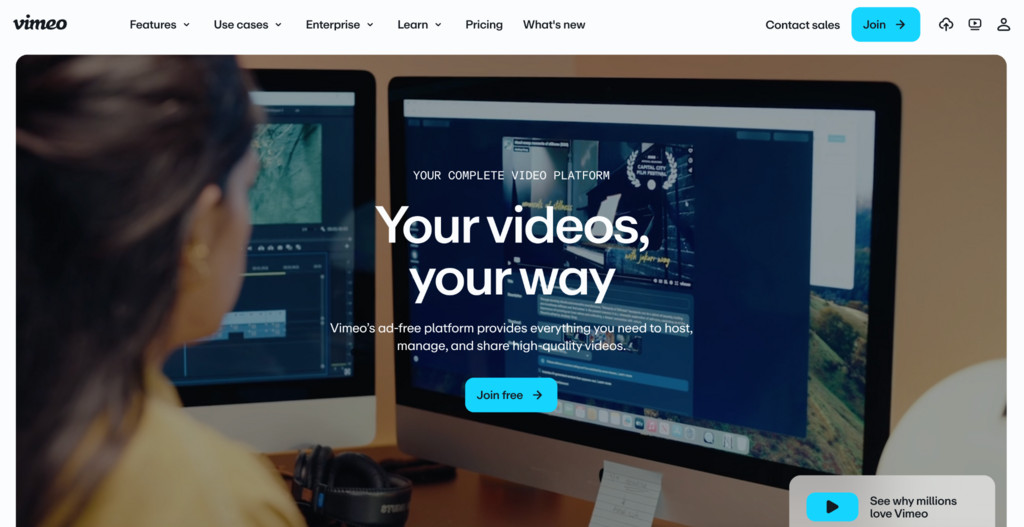
Vimeo remains a defensible choice for most Webflow and Shopify use cases. The player is polished, domain restrictions work cleanly, privacy controls are strong, and ad-free delivery is standard across paid plans.
For teams migrating from Wistia whose primary need is clean branded embeds without complex analytics, Vimeo’s Starter plan at $12/month is the most direct replacement.
The strategic picture complicates things, though. Bending Spoons completed its $1.38 billion acquisition of Vimeo in late 2025. The firm’s documented pattern at Evernote involved relocating nearly all U.S. staff to Europe after acquisition. WeTransfer, another Bending Spoons acquisition, saw significant headcount reductions following the deal. At Vimeo, a 10% workforce reduction followed.
Teams wiring video into long-term product infrastructure should account for pricing and product trajectory risk. This is not a reason to avoid Vimeo, but it is a reason to have a migration plan.
The Framer caveat is also real. Vimeo’s native Framer component fails to fill full-bleed containers. The fix is to use Framer’s Embed component instead and paste Vimeo’s iframe code directly. This works, but it’s a workaround that most articles won’t tell you about.
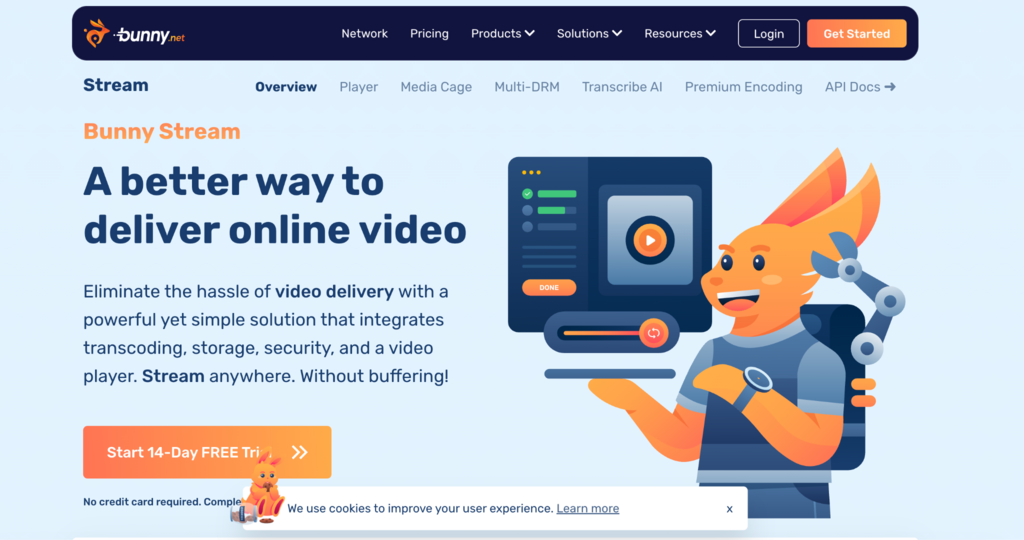
Bunny Stream is the lowest-cost option on this list and works well for teams whose primary need is fast, ad-free delivery with minimal overhead.
Pricing is usage-based: storage runs at $0.01 per GB, and delivery charges at $0.005 per GB served. For a team hosting 20 videos with moderate monthly traffic, real-world costs typically land below $5/month.
The embed path for all three builders is a clean iframe, which means no JavaScript initialization issues on Webflow or Shopify, and no responsiveness problems from platform-specific components in Framer.
Analytics are limited: Bunny provides play counts and bandwidth data, but no heatmaps, no in-player lead capture, and no CRM event streaming. If you need those features, Bunny is not the answer.
Bunny Stream is the right fit for teams on a tight budget who need reliable delivery and are comfortable handling analytics through Google Analytics 4 or a dedicated tool.
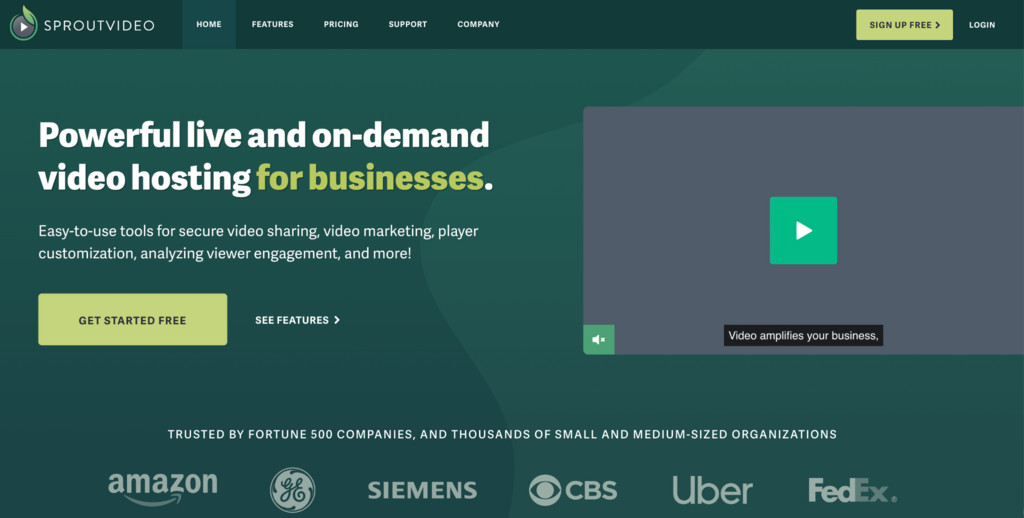
SproutVideo is the closest feature-for-feature Wistia replacement on a per-dollar basis. Lead capture forms, CTA overlays, engagement heatmaps, and marketing integrations are available on every plan starting at $10/month (Seed plan).
If your primary frustration with Wistia is pricing, SproutVideo is the first tool to evaluate.
The embed path is a clean iframe across all three builders. Webflow, Shopify, and Framer all support it without issues.
Privacy controls are strong: domain-level restrictions, password protection, and login-gating are available on all paid plans. SproutVideo lacks DRM and has no GPU-compressed transcoding pipeline, so it doesn’t carry Gumlet’s delivery performance advantages.
For marketing-focused teams who care about heatmaps and lead capture at a lower price than Wistia, though, it is a serious option.
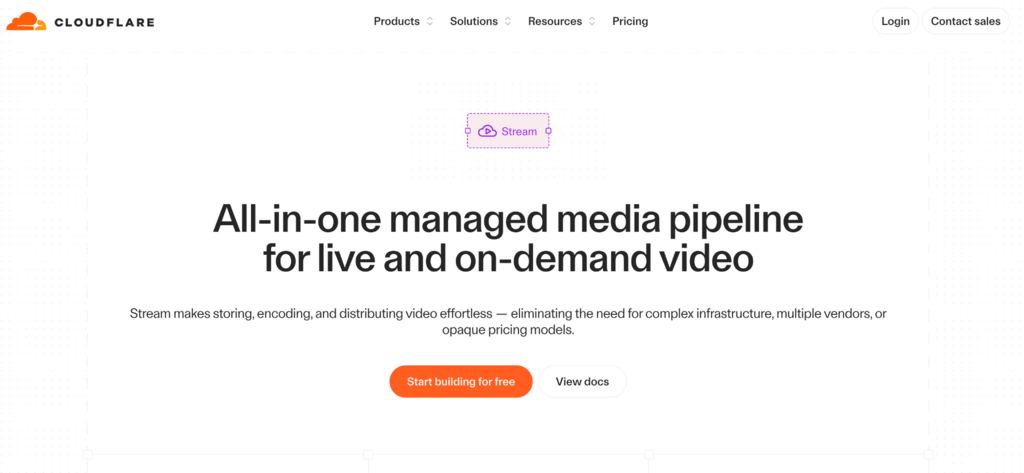
Cloudflare Stream is a developer-friendly option with usage-based pricing at $5 per 1,000 minutes of stored video (prepaid) and $1 per 1,000 minutes of video delivered (post-paid).
For teams already inside the Cloudflare ecosystem, Stream’s global delivery network is a meaningful performance advantage.
The embed is a clean iframe that works in all three builders without issues. Analytics are limited to play counts and watch time: no heatmaps, no lead capture, no CRM events.
Cloudflare Stream is the right pick for teams who want predictable, performance-focused delivery and handle analytics separately. It is not the right pick for marketing teams who need attribution from video.
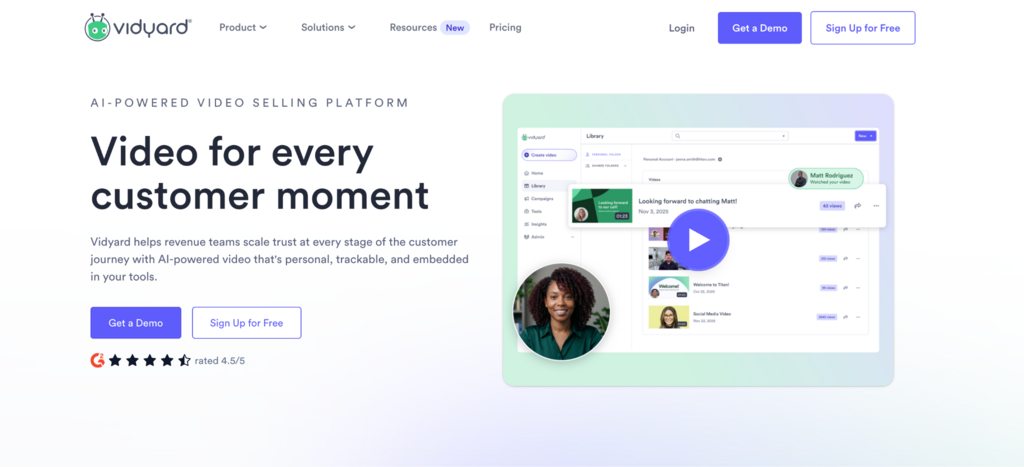
Vidyard is built around sales use cases: 1:1 personalized video messages, screen recording for outbound sequences, and CRM analytics that answer which contact watched which video and for how long.
It is not a general-purpose video hosting platform, and it shouldn’t be evaluated as one.
For Webflow, Shopify, and Framer embeds, Vidyard works via iframe, but the embed path is optimized for landing pages and email, not for hero sections or product pages.
Pricing for full video hosting starts at $59/user/month for the Starter plan. For a five-person marketing team, that is $3,540/year before adding any additional feature add-ons.
If your primary use case is outbound video sequences and CRM-integrated sales analytics, Vidyard earns that price. If your primary use case is clean website embeds with good performance, it doesn’t.
This is the section that most alternatives articles stop short of. Knowing which platform to choose doesn’t help much if you don’t know how to implement it. The steps below apply to any clean-iframe hosting platform, including Gumlet, Bunny Stream, SproutVideo, and Cloudflare Stream.
Open the Webflow Designer and navigate to the page where the video should appear. In the left panel under Components, drag an Embed element to the desired position. Click the element to open the embed editor, then paste the iframe code generated by your video hosting platform.
For platforms like Gumlet, the generated iframe already includes VideoObject structured data markup. Do not strip attributes when pasting, as the metadata is what feeds Google’s video indexing.
To reduce LCP impact for above-the-fold embeds, add loading=”lazy” to the iframe tag manually in the Embed editor. For below-the-fold placements, use Webflow Interactions to trigger the iframe load only when the element enters the viewport.
Test LCP before and after adding the embed using Google PageSpeed Insights. If LCP increases by more than 0.5 seconds, the platform’s script weight is the variable to address. Either switch to a lighter platform or move the embed below the fold.
In your Shopify admin, go to Online Store, then Themes, then Customize. Navigate to the page section where the video should appear. Click Add section and select Custom Liquid (if your theme supports it) or Custom HTML. Paste the iframe code into the HTML block.
Avoid pasting the iframe into the product description field directly. Shopify’s text editor sanitizes HTML and strips iframe tags in many themes. The Custom HTML section approach preserves the embed correctly. For store-wide use across multiple product templates, add the iframe as a Liquid snippet and call it with the {% render %} tag inside the relevant template files.
Do not use platforms that require loading multiple external scripts on page initialization for Shopify product pages. Each additional script added to a product page is a potential Core Web Vitals failure point, and Google’s Shopping ads system uses Core Web Vitals data as a quality signal in ad auctions.
In the Framer editor, add an Embed component from the left panel under Other. Do not use the Vimeo or YouTube built-in components for full-bleed or hero placements. These components do not respect responsive dimensions in fullscreen contexts.
Paste the iframe code from your video platform into the Embed component’s source field. Set the component’s width to 100% and height to match your design intent. For hero videos, nest the Embed component inside a frame set to Fill container, with overflow hidden.
This approach produces a responsive full-bleed video that fills the parent container on all screen sizes.
Any clean-iframe hosting platform resolves this issue by the same mechanism: a plain iframe respects the container dimensions set by the parent frame, which platform-specific Framer components do not. Gumlet, Bunny Stream, SproutVideo, and Cloudflare Stream all produce clean iframes that behave this way.
If you use a platform component (Vimeo, YouTube, or similar branded Framer components) for a full-bleed hero video, test it in published mode on a mobile viewport before calling it done.
Framer’s editor preview and the published output handle component responsiveness differently, and the failure doesn’t show up until the site is live.
In the early 2020s, the default playbook for a SaaS marketing site or Shopify brand was simple: use Wistia for gated content, Vimeo for everything else, and YouTube if budget was the constraint.
That playbook had two embedded assumptions: that Vimeo’s ownership was stable, and that no meaningful alternative existed between YouTube-level pricing and Wistia-level pricing.
Both assumptions collapsed in the past 18 months. Bending Spoons’ acquisition of Vimeo introduced pricing and product uncertainty that independent reviewers are now flagging explicitly.
Since Vimeo’s acquisition closed in November 2025, Gumlet reported a 200% increase in inbound migration requests from teams switching away from Vimeo, a signal of broader market re-evaluation that has played out across the industry.
At the same time, the middle tier of video hosting has matured. Platforms like Gumlet, SproutVideo, and Bunny Stream have built analytics, access control, and performance pipelines that genuinely close the gap with Wistia at a fraction of the cost.
For reference: Wistia’s Business plan currently costs more per year than the combined annual cost of Gumlet’s Business plan plus its DRM add-on ($1,188), meaning teams that need DRM can access it at a lower total cost than Wistia’s base marketing plan.
The practical implication for teams evaluating a switch in 2026 is that staying on Wistia now requires active justification, not just inertia.
The gap between what Wistia costs and what it delivers relative to the alternatives has narrowed enough that teams running Wistia primarily for branded embeds and basic analytics are paying a premium for features they are not using. The video hosting platforms covered in this article fill that gap at a fraction of the cost.
Use these questions as a filter before signing up for any platform. They cut through feature marketing faster than any comparison table.
1. Does this platform’s embed work in my builder’s native embed element without custom code?
Test it on a staging page before committing. Not a sandbox demo, but on your actual Webflow, Shopify, or Framer project.
2. What does the embed do to my LCP score?
Run Google PageSpeed Insights on a test page with the embed present and a version without it. If LCP increases by more than half a second, document that as a real cost.
3. Am I paying for features I will use in the next 90 days?
DRM, live streaming, and multi-seat analytics are worth paying for if you actively use them. They are a waste of budget if they are hypothetical future needs.
4. What does migration look like if this platform’s pricing or ownership changes?
Can you bulk-export your video files at original quality? Does the platform support custom domain embeds, meaning your video URL uses your own domain, not the hosting platform’s, so it survives a platform switch, so embed links remain portable? Check both before signing a year-long contract.
Avoid any video platform that cannot show you bulk export of original-quality files with working embed URLs on a custom domain. If the platform controls both the file storage and the embed URL namespace, you are vendor-locked in a way that makes future migration expensive regardless of how good the current price is.
1. What is the best video hosting platform for Webflow sites in 2026?
For Webflow, the best video hosting platform delivers via a clean iframe with minimal JavaScript and includes VideoObject structured data in the embed code.
Gumlet’s embed includes structured data markup by default, which feeds directly into Google’s video indexing for Webflow CMS-driven content, a feature most hosting platforms require separate schema configuration to achieve.
SproutVideo and Bunny Stream are both valid alternatives depending on whether analytics depth or cost is the higher priority.
The single most important test is LCP impact: paste the embed on a Webflow page, publish it, run PageSpeed Insights, and compare the score to a version without the embed.
2. Why does my Wistia embed slow down my Shopify store?
Wistia’s embed initializes multiple external files, JavaScript, CSS, and fonts, at page load. On Shopify product pages, this external script chain sits outside Shopify’s own CDN optimization and adds load time before the browser can render the visible content.
Google’s Core Web Vitals scores are a documented factor in Shopping ads quality scores, which means a slow product page from a heavy video embed can raise your ad CPCs, not just reduce organic rankings.
The fix is a platform that delivers video via a CDN iframe with no additional JavaScript loading. Do not add a heavy video embed to a Shopify product page without first running a PageSpeed test on the before and after.
3. Can I embed video on a Framer site without using Vimeo or YouTube?
Yes. Framer’s Embed component accepts any iframe code or direct streaming URL. The native Vimeo and YouTube Framer components have documented responsiveness limitations in full-bleed hero layouts, as they do not fill the parent container in published output, regardless of editor preview.
The correct approach is to add an Embed component, paste an iframe code from any clean hosting platform (Gumlet, Bunny Stream, SproutVideo, Cloudflare Stream all work), and set the component to fill the parent frame. If your Framer hero video is letterboxing, the cause is almost always the native platform component, not the hosting platform itself.
4. Does Gumlet work with Webflow, Shopify, and Framer?
Yes to all three. Gumlet generates a clean iframe on upload that works with Webflow’s Embed element, Shopify’s Custom HTML section, and Framer’s Embed component. The Webflow embed includes VideoObject structured data by default.
For Framer full-bleed layouts, use the iframe code directly in the Embed component rather than any platform-specific Framer integration.
5. Is Vimeo still a good Wistia alternative in 2026?
For Webflow and Shopify, Vimeo remains a defensible alternative: clean player, reliable delivery, strong privacy controls, and no ads on paid plans. For Framer full-bleed hero sections, it is not the right choice unless you are using the Embed component with an iframe rather than the native Framer component.
The more substantive question is trajectory: Bending Spoons acquired Vimeo in late 2025 for $1.38 billion. Before committing Vimeo as long-term video infrastructure, confirm you have bulk export capability and custom domain embeds so migration is viable if pricing or product direction changes.
6. What is DRM and do I need it for my website’s video?
DRM (Digital Rights Management) is a content protection system that encrypts video files so they can only be played through authorized players. It prevents unauthorized downloads and screen recording at the hardware level through standards called FairPlay (Apple devices) and Widevine (Chrome, Android).
Most marketing sites and SaaS product pages do not need DRM: password protection, domain restrictions, and tokenized URLs are sufficient. DRM is the right choice for premium paid video content such as course libraries, OTT platforms, and gated media where unauthorized redistribution has direct revenue impact.
If you are unsure whether you need DRM, you probably don’t. Start with tokenized delivery and domain restrictions, and add DRM when you have a specific piracy problem to solve.
7. What is the difference between video storage and video delivery in usage-based pricing?
Video storage is the cost to keep your video files on the hosting platform’s servers, typically measured in minutes of video content or gigabytes. Video delivery is the cost each time a viewer watches that video: the bandwidth consumed by streaming the file to their device.
Cloudflare Stream, for example, charges $5 per 1,000 minutes stored and $1 per 1,000 minutes delivered. These are two separate meters: a 100-minute library with 10,000 minutes of monthly views would cost $0.50 for storage and $10.00 for delivery.
For Shopify stores with high product page traffic, the delivery cost is the variable to model carefully. A video embedded on a high-traffic product page can accumulate delivery minutes faster than expected, especially if video preloading is enabled.
The decision that actually matters here is not which video hosting platform has the best feature set.
It is which platform embeds cleanly in your specific builder without breaking your layout, damaging your Core Web Vitals, or locking you into a vendor whose pricing trajectory you can’t predict.
Webflow, Shopify, and Framer each impose different technical constraints on video embeds. The platform that solves all three is narrower than most alternatives articles suggest.
As of mid-2026, the pricing gap between Wistia and the alternatives has closed enough that staying on Wistia requires deliberate justification.
If your team actively uses HubSpot video event scoring, runs lead capture campaigns through Wistia forms, and has 20 or more seats, the Business plan earns its cost. If your team primarily needs clean branded embeds on a marketing site with good analytics and optional DRM, you are paying for infrastructure you are not using.
Run the Builder-Video Matrix from this article, test LCP impact on a real page, and make the call from there.
Start with a free tier to validate the embed on your actual builder. The platforms worth testing all offer it.





