

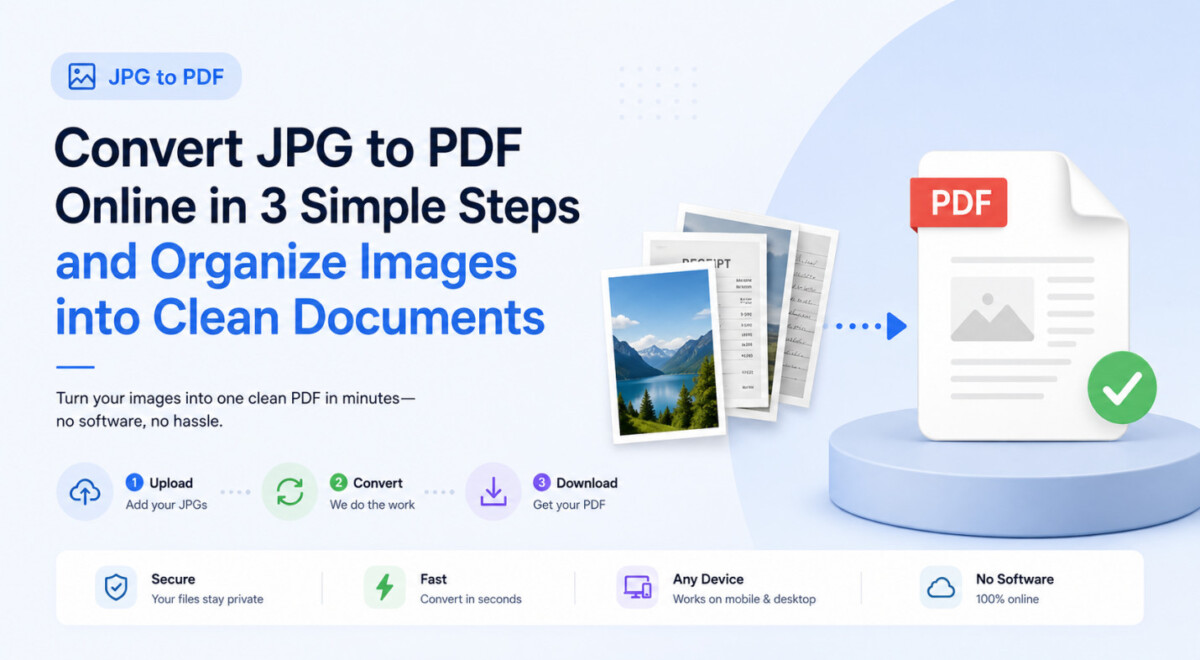
It’s easy for loose document photos to silently pile up on your phone. A quick shot of a signed form, a work trip receipt, or a scanned ID page sits in your camera roll until you suddenly need to upload it somewhere official, email it as a single file, or print it properly.
JPGs are convenient for taking and saving images, but they are not always the most practical format for paperwork. A file named IMG_4821.jpg can be hard to identify later, and some submission systems or document workflows are simply easier to handle with PDFs.
Converting a JPG to PDF gives the image a more document-friendly format without requiring you to recreate the content from scratch.
A JPG to PDF converter is a simple utility that transforms JPG or JPEG images into PDF documents. An online converter runs directly in your web browser on both desktop and mobile, which saves you from downloading extra software just to change a file format.
This conversion comes in handy when a portal requires a document format instead of an image file, or when you need a cleaner file for printing and archiving. Since JPG and JPEG are essentially the same format, standard converters handle both file types seamlessly. While features and file size limits vary depending on the tool you use, the core process stays quick and straightforward.
A quick check before you upload your images can save you time and prevent formatting headaches later:
It is easier to walk through this process once than to describe it in theory. Here is how it works using TeraBox, a cloud storage platform with a built-in JPG to PDF tool, as our example.
(Note: While some tools combine multiple images at once, TeraBox processes images individually. With support for files up to 100MB, it is ideal for quickly converting large, high-resolution receipts, scanned forms, or single-page documents directly from your cloud storage.)
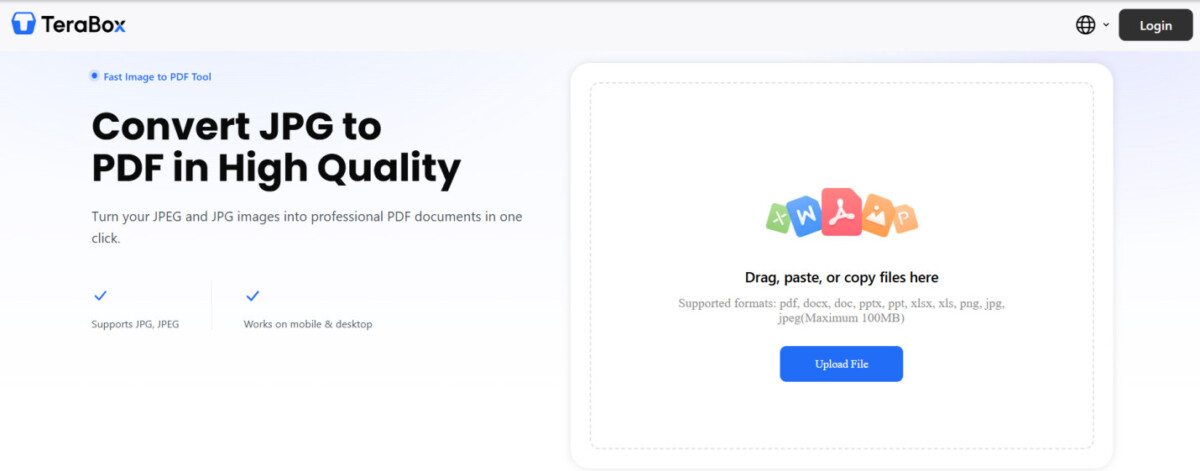
Open TeraBox JPG to PDF Converter in your web browser or app and locate the image you want to convert. You can upload a new JPG or JPEG file from your computer or select an existing photo already stored in your cloud drive.
There’s not much to do here. The tool processes the images in the order you uploaded them, and you’re mostly just waiting a few seconds while it turns your images into a cleaner, more organized document.
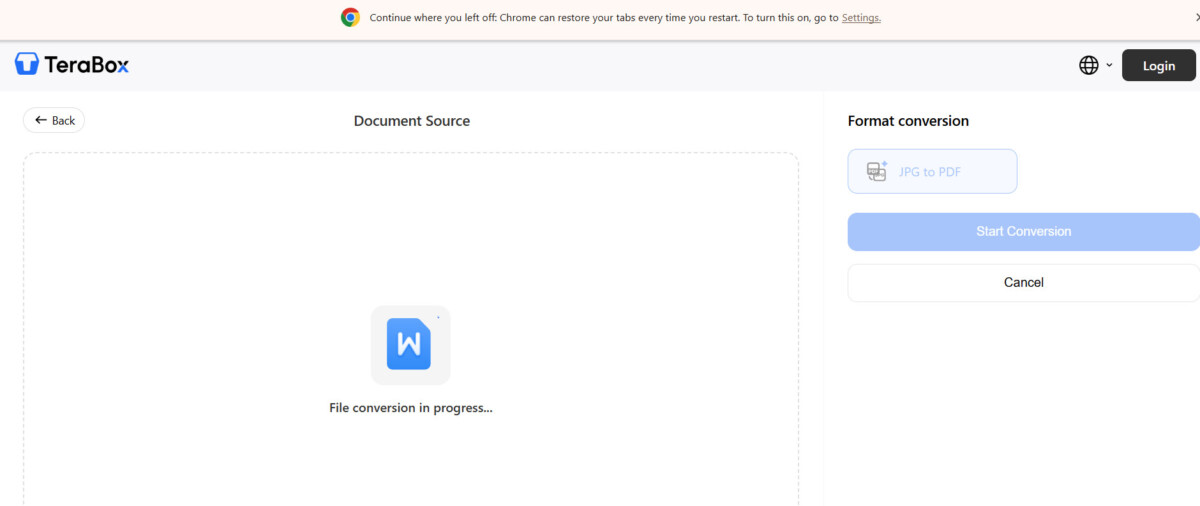
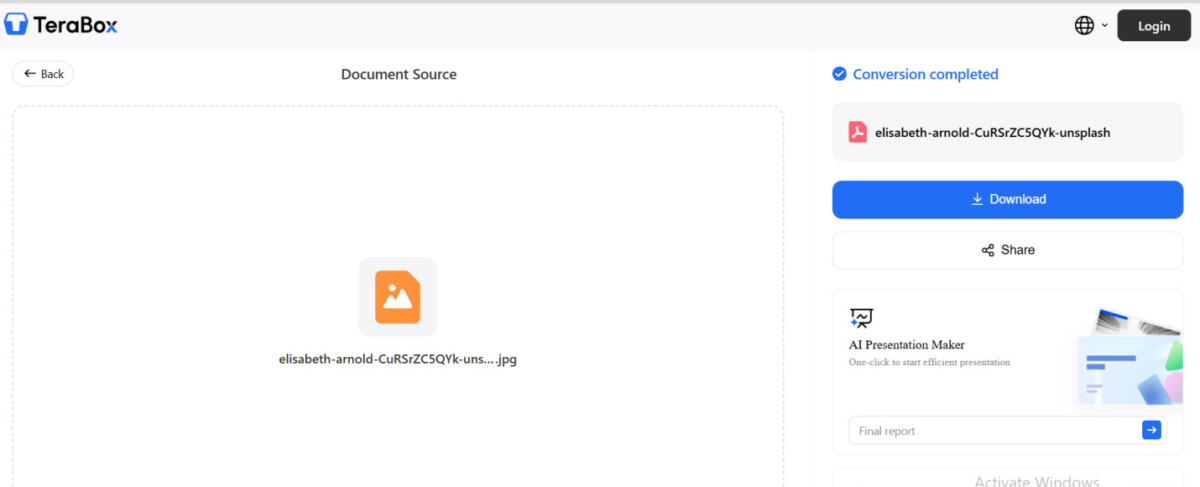
You get a finished PDF you can save, share, or store directly in your cloud drive. Because it runs entirely in your browser, there is no extra software to delete when you finish. Just close the tab and you are done.
Upload, convert, and save. Having a quick method ready stops your next batch of scanned pages from sitting in your downloads folder as loose JPGs, making it much easier the next time you need to send a clean document.
Once you have a quick way to turn a JPG into a PDF, there are plenty of situations where the format change is useful:
Is JPG the same as JPEG?
Yes. JPG and JPEG are two file extensions for the same image format. In most cases, a converter that accepts JPG files will also support JPEG files.
Does converting JPG to PDF reduce image quality?
Not necessarily. The final quality depends on the original image and how the converter processes the file. Start with the clearest version you have and check the PDF before sending or printing it.
Can I combine multiple JPG images into one PDF?
Some JPG to PDF tools support combining multiple images into a single PDF, but TeraBox currently converts files individually rather than merging several JPGs into one document.
Can I convert JPG to PDF on my phone?
Yes. TeraBox can be used through a mobile browser as well as on desktop, so you can upload and convert a JPG without installing separate desktop software.
Can I edit the text after converting a JPG to PDF?
Not directly. A standard JPG to PDF conversion keeps the image as part of the PDF, so text inside the image is not automatically editable or selectable. If you need editable text, you may need OCR or a PDF-to-Word tool afterward.
Should I upload sensitive documents to an online converter?
Check the tool’s privacy and file-handling policies before uploading sensitive material. For IDs, financial documents, or other private files, it is better to understand how uploads are processed and stored before using any online conversion service.
None of this is complicated. It is just one of those small file-format problems that becomes annoying when you are trying to submit or send something quickly. Once you know the three steps, though, converting a document photo to PDF is easy enough to deal with when the need arises.
The next time a website asks for a PDF but the document on your phone is still a JPG, you can try converting it with TeraBox AI directly in your browser. Check the finished PDF before you send it, then keep it in your cloud storage if you need the document again later.




