

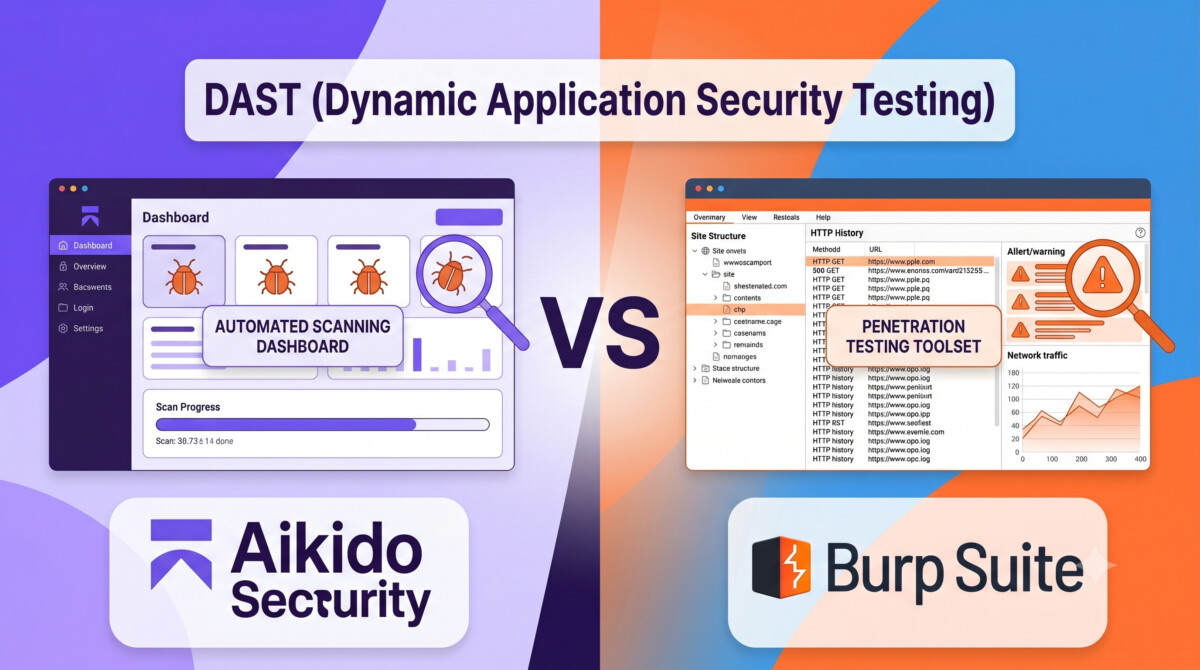
Aikido suits development teams that want automated, exploit-confirmed DAST inside a consolidated AppSec platform with AI-generated fixes. Burp Suite DAST is well-suited to dedicated security teams that want a proven scanning engine with deep manual testing workflows. Team structure, not feature count, decides this comparison.
The average data breach now costs $4.44 million. The teams that avoid that bill are not the ones running the most scans. They are the ones whose findings actually get fixed.
A mid market brand doing $400K months migrates to a headless storefront. Six weeks after launch, a routine review finds that the order lookup API will happily return any customer’s order history if you increment the order ID. No code scanner flagged it, because the code was technically fine. The logic was broken, and logic only breaks at runtime.
That is the gap dynamic application security testing exists to close, and it is the same gap behind many of the security threats facing ecommerce sites right now. As more brands ship custom apps, headless frontends, and API driven checkouts, the question stops being whether to test the running application and becomes which tool should do it.
Aikido and Burp Suite DAST are two very different answers to that same problem. Here’s how they compare, and how to pick based on the team you actually have.
DAST, or dynamic application security testing, tests your application from the outside by simulating real attacks against a running target, surfacing vulnerabilities that code analysis alone can’t find. Unlike SAST, which reads your source code, DAST interacts with a live application the way an attacker would: sending crafted requests, probing endpoints, and observing how the system responds.
That outside in approach catches three things static tools structurally cannot. First, runtime behavior: authentication flaws, injection attacks, broken access control, and logic errors that only appear in execution. Broken access control sits at the top of the OWASP Top 10 for a reason, and it is precisely the class of flaw that reads as clean code and fails as a running system. Second, real exploitability: findings come from actual interaction with a live target, not theoretical code paths, so a confirmed DAST finding is a confirmed risk. Third, the full stack: DAST exercises frameworks, libraries, and infrastructure alongside your own code, which matters when most of your application is third party components you didn’t write.
For ecommerce specifically, the attack surface keeps shifting toward exactly what DAST tests best. Checkout APIs, customer account endpoints, subscription logic, and loyalty integrations are all runtime systems with money attached. If you want the broader picture of where DAST fits among scanners, firewalls, and testing approaches, our guide to application security challenges, tools, and best practices maps the full landscape. This article focuses on the head to head.
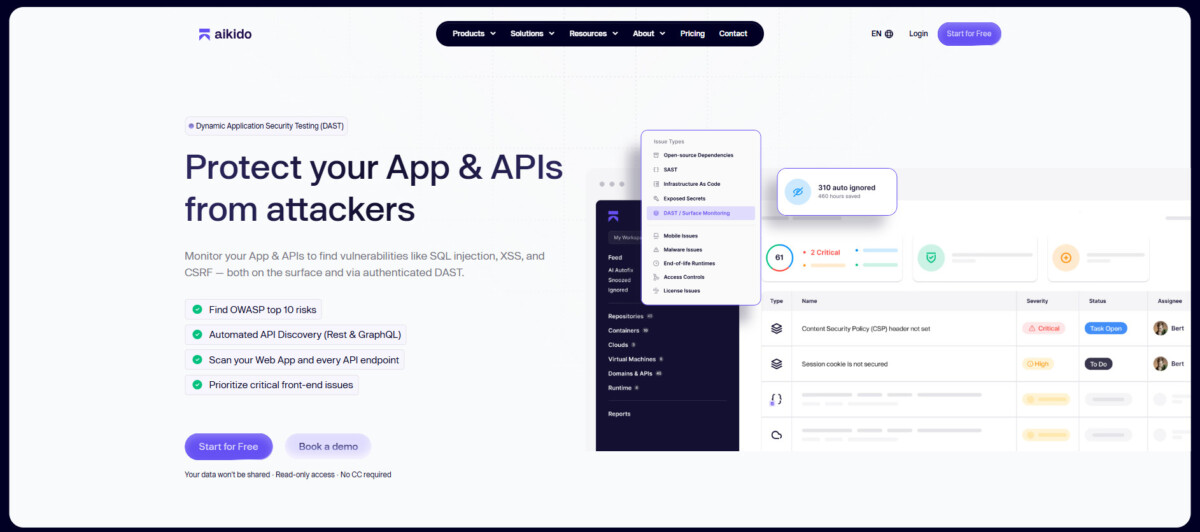
Aikido approaches DAST as an AI driven attacker rather than a traditional scanner, and that design choice shapes everything else about the product. Aikido Security’s DAST engine is part of its broader AI powered attack platform, Aikido Attack. Rather than a crawler based scanner, it deploys specialized agents that actively attempt to exploit vulnerabilities in your live application, confirm findings through actual exploitation, and generate fixes automatically.
Best for: Development and AppSec teams that want automated, AI driven DAST with exploit confirmed findings, automated remediation, and results that feed directly into their development workflow.
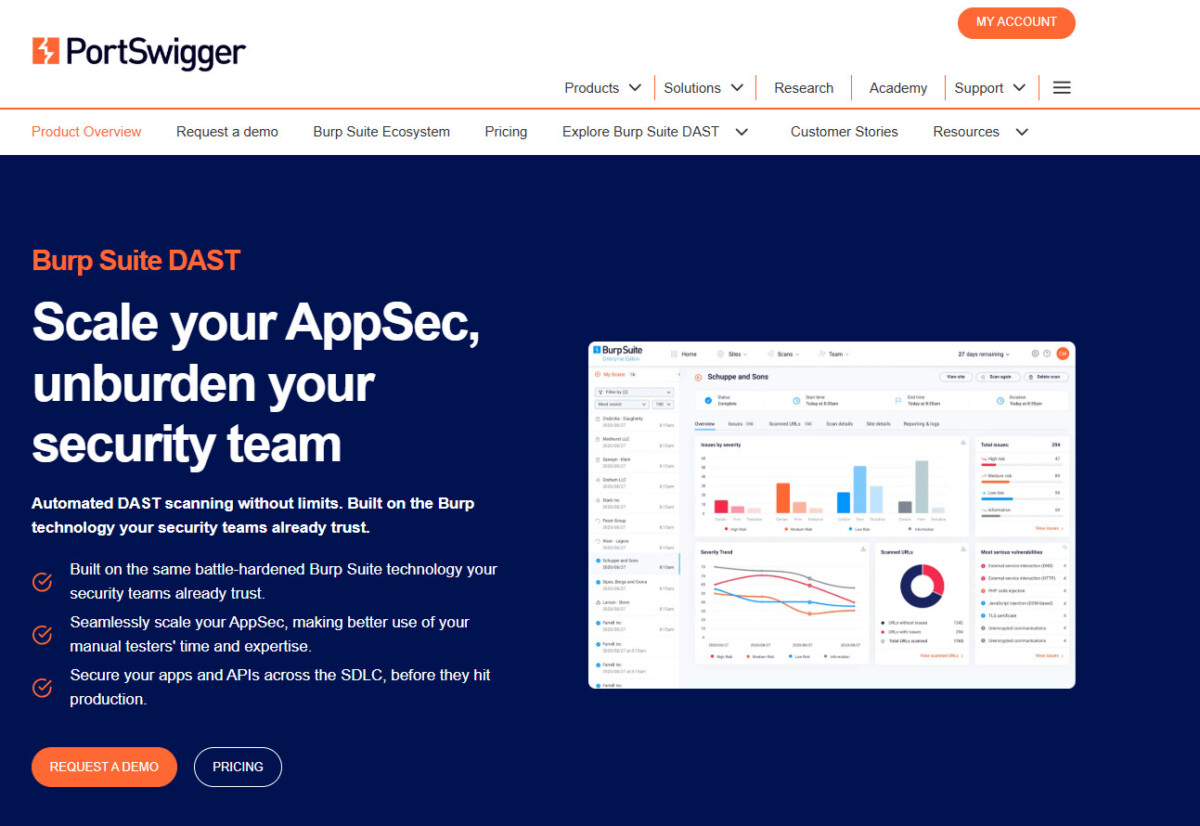
Burp Suite DAST is the enterprise scale, automated version of the tool most penetration testers already trust. It is PortSwigger’s enterprise grade web vulnerability scanner, built on the same scanning engine that powers Burp Suite Professional, the de facto standard for manual penetration testing globally. The enterprise edition scales that engine for scheduled, automated scanning across entire web application portfolios.
Best for: Security teams and penetration testers that need a proven, widely recognized automated web scanner with deep manual testing capabilities and established CI/CD pipeline integration.
The clearest difference between Aikido and Burp Suite DAST is scope: Aikido bundles DAST into a full AppSec platform, while Burp Suite delivers a focused, security team grade scanner. The grid below shows where each one stands feature by feature.
One nuance the grid can’t capture: Burp’s “No” rows in SAST, SCA, secrets, and IaC are not weaknesses so much as a different product philosophy. PortSwigger builds a scanner, not a platform. If you already run separate tools for those layers and they work, consolidation may not be worth a migration.
Choose Aikido if you’re a development led team that wants consolidated security tooling without a dedicated security hire, and choose Burp Suite DAST if you have security expertise in house and value manual testing depth. The honest answer depends on what your team looks like, not on which feature list runs longer.
Stage matters here too. If you’re doing $10K to $50K months on a fully hosted storefront with stock apps, neither tool is your next dollar; the platform carries most of your application security burden, and foundational steps to strengthen ecommerce cybersecurity like access control, payment processor selection, and plugin hygiene will return far more than a DAST license. The calculus flips the moment you ship custom code: a headless build, a custom subscription app, or public APIs. At that point, you own runtime risk the platform no longer covers for you, and that typically arrives somewhere in the $500K to $2M range, exactly the stage where premature complexity in the stack tends to outrun the fundamentals.
For that team, Aikido is the more natural fit. It assumes no security headcount, confirms findings before surfacing them, and ships fixes as pull requests your developers can review like any other code change. You get DAST, SAST, SCA, secrets, and IaC scanning in one place, which reduces alert fatigue and keeps prioritization in a single view.
Burp Suite DAST earns its place when you have, or are hiring, dedicated security capability. Larger brands running annual penetration tests will often find their external testers already work in Burp, which makes the enterprise scanner a natural extension of an existing workflow rather than a new system to learn. If you’re at that stage, it’s worth understanding how ecommerce brands should budget for penetration testing before committing, because scanner licensing and manual testing engagements draw from the same security budget and should be scoped together.
Both platforms help uncover web application vulnerabilities. Aikido focuses on consolidation, exploit confirmed findings, and developer friendly workflows. Burp Suite DAST offers depth and flexibility for dedicated security teams. Match the tool to the team you have today, with an eye on the team you’ll have in 18 months.
DAST tests a running application from the outside by simulating real attacks, while SAST analyzes source code without executing it. SAST catches insecure code patterns early in development, but it cannot see runtime behavior like broken access control, session handling flaws, or business logic errors. DAST finds those because it interacts with the live system the way an attacker would. The two are complementary rather than competing: SAST shifts security left into the development process, and DAST validates what actually happens in production conditions. Most mature teams eventually run both, either through a consolidated platform like Aikido or through separate specialized tools.
A standard hosted Shopify store with stock apps does not need its own DAST scanning, because Shopify secures the core platform infrastructure. The need appears when you ship custom code: a headless storefront, custom apps, checkout extensions, or public APIs that you build and maintain. Those components run logic Shopify does not test for you, and they carry real runtime risk, especially around customer accounts, order data, and payment adjacent flows. A practical rule: if a developer on your team can introduce a vulnerability, you need a way to catch it, and DAST is one of the most reliable ways to do that against live systems.
Aikido is the better fit for a small team without dedicated security staff. It is designed to be operated by developers, confirms findings through actual exploitation before showing them (which removes most triage work), and generates merge ready pull request fixes that slot into a normal development workflow. Burp Suite DAST assumes security expertise: it requires meaningful configuration to produce value, and its findings need a separate process for tracking and remediation. A two to five person development team will get useful results from Aikido in the first scan; the same team would likely struggle to extract equivalent value from Burp without hiring or contracting security help.
Run DAST continuously through your CI/CD pipeline if you deploy custom code regularly, or at minimum after every significant release. Vulnerabilities are introduced by change, so scan frequency should match deployment frequency. A brand shipping weekly storefront updates should scan weekly or on every deploy; both Aikido and Burp Suite DAST support pipeline integration for exactly this. Quarterly or annual scanning leaves long windows where a new flaw sits exposed in production. If you process card payments, note that PCI DSS also mandates annual penetration testing, which is a separate, deeper exercise that automated DAST complements but does not replace.
Some can, but coverage varies sharply by scanning approach. Traditional crawler based scanners like Burp Suite DAST are strong on technical vulnerability classes such as SQL injection and XSS, but limited on business logic flaws like discount stacking abuse, price manipulation, or accessing another customer’s order by changing an ID. Aikido’s agent based approach tests business logic explicitly, with agents that attempt logic abuse the way a human attacker would. For ecommerce, this distinction matters more than most feature comparisons, because checkout and account logic is where the money lives and where automated crawlers historically see the least.





