


A marketing director I work with called me in March. Her team had just lost two people to a reorg, and leadership handed her the same targets plus a new AI-search mandate. Sound familiar? Here’s the thing – when you’re asked to cover more with fewer people, the worst way to buy digital marketing tools is by feature list. Start with the jobs your team actually has to do, then find the tool that covers the most of one whole job. It’s a real squeeze right now: 54% of B2B marketers name a lack of people and time as a top content challenge, and among the 76% of organizations that run a dedicated content team, 54% of them do it with just two to five people.
Start with the one job every other job depends on: getting found. SE Ranking is the strongest first pick for most teams because it covers that whole job in one place – rank tracking, site audit, keyword research, and visibility across AI answers like ChatGPT and Google’s AI Overviews. It doesn’t send your email, run your social calendar, or make your graphics; those are separate jobs handled by separate tools further down. But as the anchor of a lean stack, it earns its seat first. Here’s how it and seven others rank.
How I chose the eight:
I mapped every tool to the four jobs a marketing team hires software to do, then judged each on how much of one job it owns, how it fits a two-to-five-person team’s time, and how cleanly it connects to the rest of the stack. Pricing came from each vendor’s live page in August 2026, stated monthly-first.
More of this work is moving in-house. 39% of CMOs plan to cut agency budgets in 2025, and 22% say generative AI has let them reduce their reliance on outside agencies for creative and strategy. Your team owns more jobs than it did two years ago. Here are the four that matter, and the tools for digital marketing that do each one.
Get found in search and AI answers. This is the job of showing up when someone searches Google – and, increasingly, when they ask ChatGPT or skim a Google AI Overview. SE Ranking and Semrush both own it with rank tracking, keyword research, technical audits, and AI-visibility monitoring. These are the seo tools for digital marketing that decide whether everything downstream has traffic to work with, and the ai tools for digital marketing that show whether answer engines mention you at all.
Capture and nurture demand. Once people find you, someone has to catch them and follow up. That’s the CRM-and-email job: forms, lists, automated sequences, lead scoring. HubSpot handles it end to end for teams that want a connected pipeline on one customer record. Mailchimp does the email-first version, and is often the right email marketing tool when a full CRM is more than you need yet.
Create and ship content on time. The work still has to get made and out the door on schedule. Later runs the visual social calendar, Canva turns a brief into on-brand graphics without a designer in the loop, and Planable keeps drafts, approvals, and client sign-off in one thread instead of a tangle of email chains and screenshots.
Prove what worked. Every job above needs a scoreboard, or you’re guessing at the next quarter. Google Analytics 4 is the default here: free, event-based, and wired into Google Ads and Search Console. These are the digital marketing analytics tools that tell you which of the other three jobs is actually paying off, and which one to defend at budget time.
Here’s the full lineup, ordered by how completely each tool owns its job and how well it fits a lean team. SE Ranking leads because getting found is the job everything else depends on. The table maps each of the eight digital marketing tools to its job, its best-fit team, its standout feature, and its starting monthly price.
| Rank | Tool | The job it does | Best for | Standout feature | Starting price |
| 1 | SE Ranking | Get found | In-house SEO teams and agencies anchoring the get-found job | Search and AI-search visibility in one platform | $129/mo (Core) |
| 2 | HubSpot | Capture & nurture | Mid-market teams wanting CRM and marketing on one record | CRM, email, and automation on a single customer record | $7/mo per seat (Starter) |
| 3 | Later | Create & ship | Visual, creator-led social teams | Drag-and-drop visual content calendar | From $18.75/mo (annual) |
| 4 | Canva | Create & ship | Lean teams making on-brand graphics without a designer | Template library plus Magic Studio AI generation | Free; Pro ~$15/mo |
| 5 | Mailchimp | Capture & nurture | Email-first marketing teams | Built-in generative AI for email copy | Free (<250 contacts); $13/mo (Essentials) |
| 6 | Semrush | Get found | Agencies doing deep competitive research | Large competitive keyword and traffic database | ~$139/mo |
| 7 | Google Analytics 4 | Prove what worked | Any team that needs a measurement baseline | Free event-based measurement across web and app | Free; GA4 360 custom |
| 8 | Planable | Create & ship | Agencies running client sign-off workflows | Multi-stage approvals with unlimited users per workspace | Free (50 posts); $33/workspace/mo (Basic) |
Pricing reflects each vendor’s public pricing page as of August 2026. Later, Canva, and Planable figures are annual-billing rates; monthly billing runs higher. Free tiers exist for Canva, Mailchimp, HubSpot, Planable, and Google Analytics 4; SE Ranking runs a 14-day trial rather than a free plan. The full card for each tool follows below.
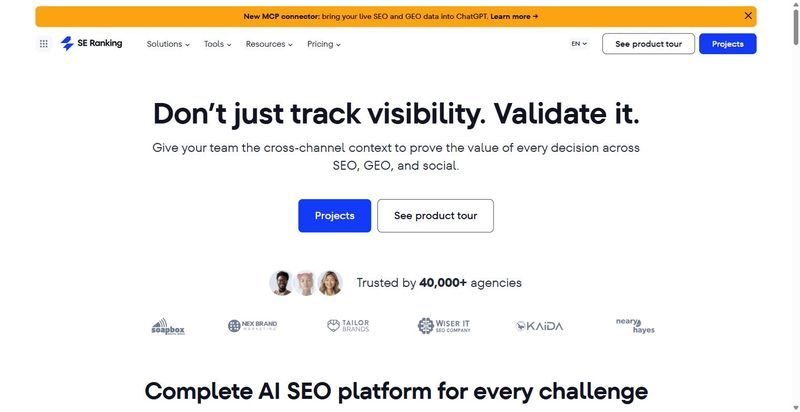
SE Ranking handles the whole get-found job in one workspace: rank tracking, technical site audits, keyword research, and AI-search visibility, without four separate logins.
Best for: lean in-house teams and agencies that own the entire get-found job, search plus AI answers, without a specialist hired for each piece.
Standout feature: Most seo tools for digital marketing own one slice of getting found. This one runs daily rank tracking, a 115-point technical audit, keyword research across a 5.5B-keyword database, and AI-visibility tracking through ChatGPT, Perplexity, Gemini, and Google AI Overviews from a single project, so the work stays in one report.
Pros:
Cons:
Pricing: Core $129/mo ($103.20/mo billed annually), Growth $279/mo. API and MCP included on every plan; 14-day trial, no card.
My take: If the job is get found, this covers most of it under one login. For a lean team that’s four subscriptions and four exports collapsed into one project your account leads can read before a Monday call. It won’t send your email or design your posts, so pair it accordingly. Still where I’d start.
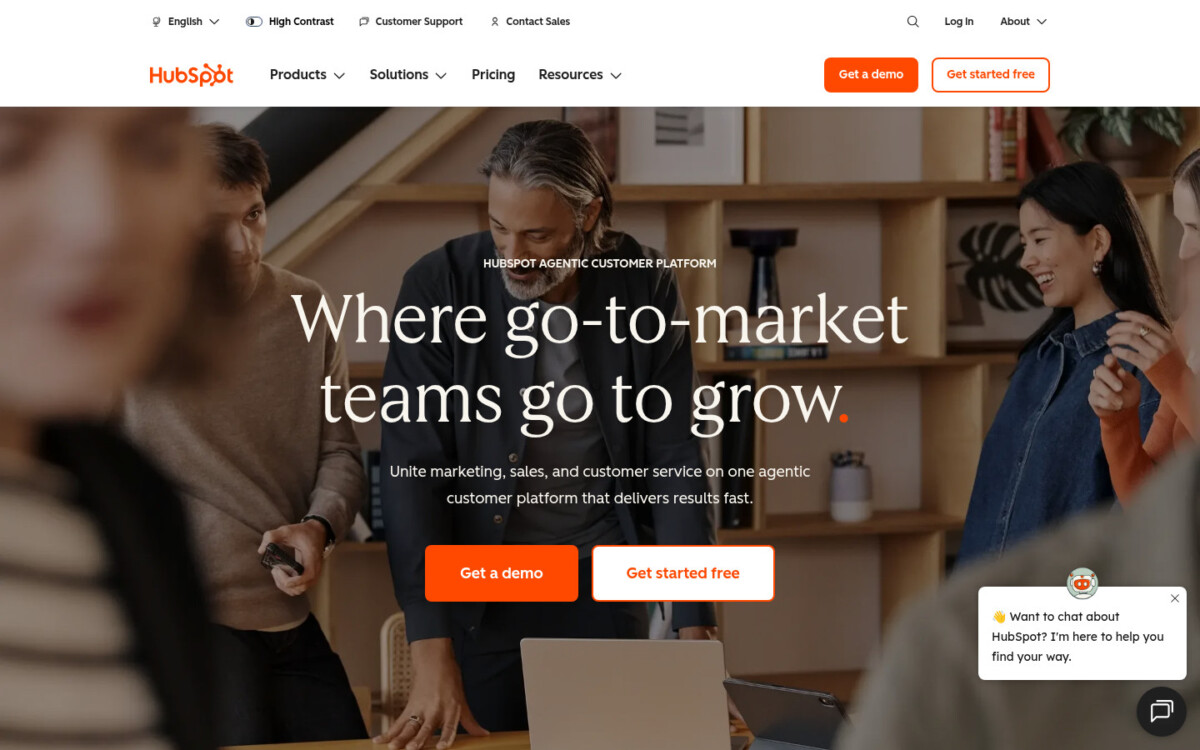
HubSpot owns the capture-and-nurture job: forms and landing pages that catch demand, then automated sequences that follow up while your team is asleep.
Best for: teams generating demand faster than they can follow up on it by hand.
Standout feature: The value shows up between capture and close. A form fill drops a contact into the CRM, tags fire, and a nurture sequence starts, all off one record. Professional runs up to 300 workflows, and the free CRM underneath keeps follow-up data out of a separate tool.
Pros:
Cons:
Pricing: Starter $7/mo per seat, Professional $800/mo. Free tools available.
My take: HubSpot earns its spot when the bottleneck is follow-up, not traffic. If leads pile up and nobody works them, the automation pays for itself fast across a busy roster. Just plan for the Starter-to-Professional jump before you sign; teams get caught out by that quote every quarter.
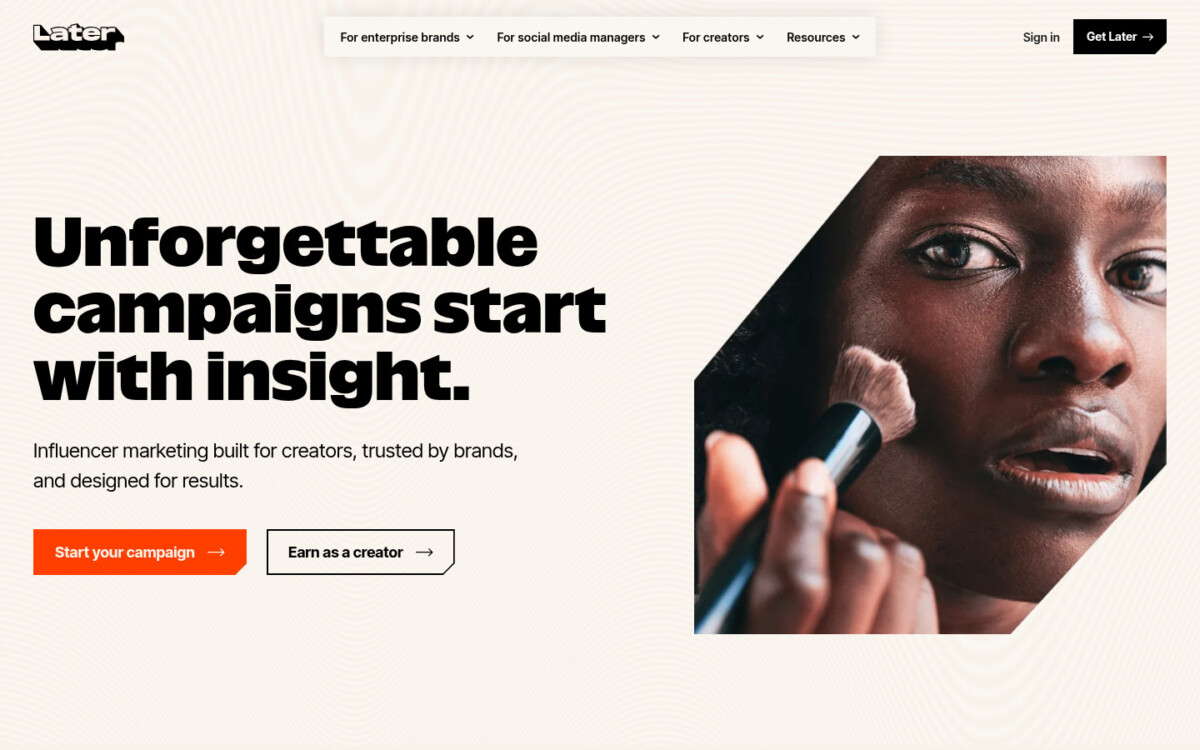
Plan a month of Instagram, TikTok, and Pinterest posts on a drag-and-drop calendar you can actually see – that’s Later’s job, and it’s visual-first by design.
Best for: creator-led and visual social teams planning a content calendar across image-heavy channels.
Standout feature: The media calendar is the point. You drag assets onto dates, preview the grid before anything goes live, and let the Best Times to Post feature slot posts for when your audience is online. Growth adds approval and external-comment workflows, so a client signs off inside the tool instead of over email.
Pros:
Cons:
Pricing: Starter $18.75/mo, Growth $37.50/mo (both billed annually). 14-day trial.
My take: If your content job is mostly visual and you plan in weeks rather than one-off posts, Later keeps the calendar honest. The grid preview alone kills the “wait, does this fit our feed” back-and-forth. Skip it if LinkedIn and long-form text are where your audience really lives.
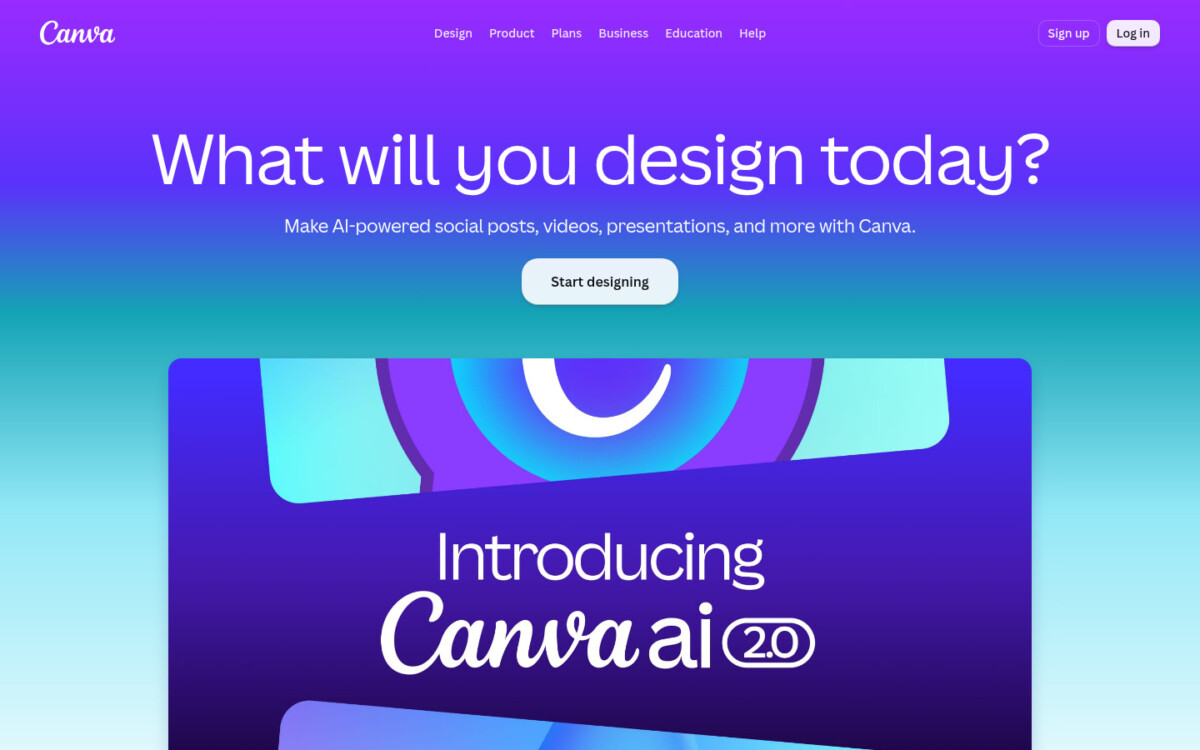
Canva is where the ship-it half of content production actually happens: the tool your non-designers use to make on-brand graphics without a queue.
Best for: in-house teams and agencies that need brand-consistent visuals produced fast, without routing every social graphic through one designer.
Standout feature: Brand Kit earns its keep across a roster. Load a client’s fonts, colors, and logos once, and every template locks to them, so an account manager can build a carousel that stays on-brand without a designer checking each frame. Magic Studio adds AI resizing and background edits on top.
Pros:
Cons:
Pricing: Free plan available; Pro runs about $15/mo and Business about $21/user/mo (annual rates) for team brand controls.
My take: For a lean team, Canva is the difference between shipping this week’s content and waiting on a designer. Put client work on Business so Brand Kit does the guardrail work. Just reserve a little editing time per asset so nothing reads as off-the-shelf.
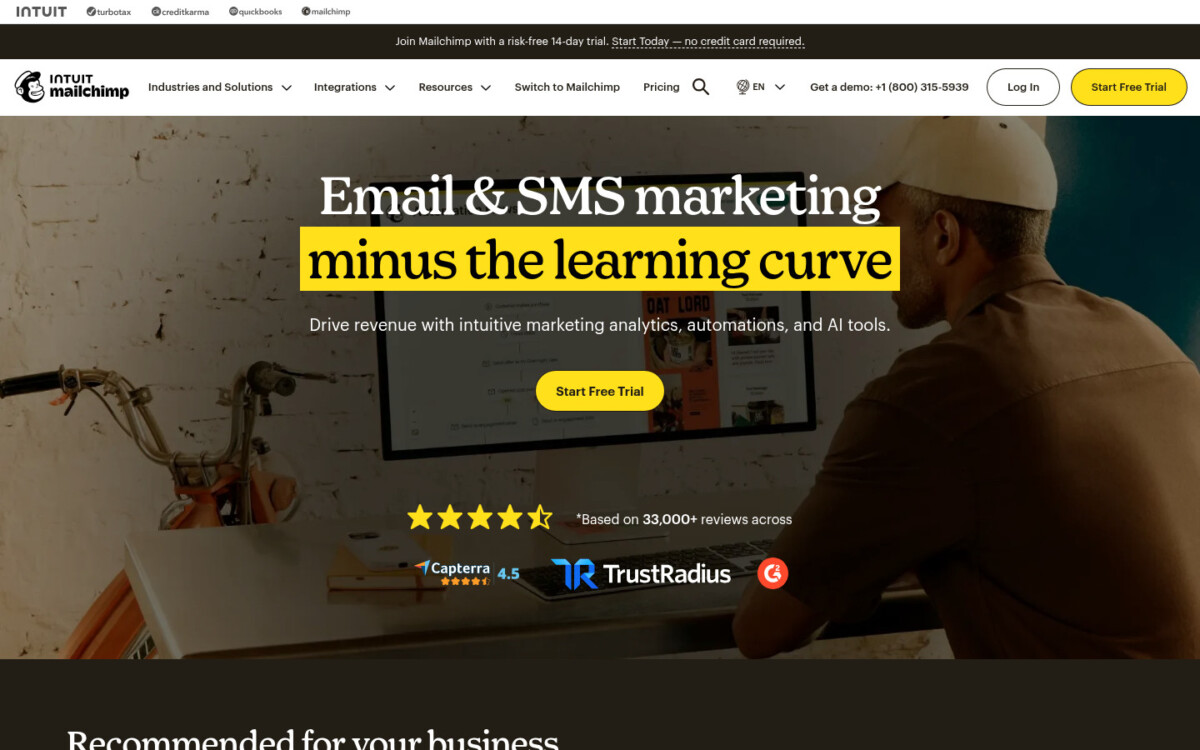
Mailchimp is the email marketing tool most teams already know how to drive, and the quickest way to own a channel no algorithm controls.
Best for: mid-market teams and agencies managing email across several audiences that want automation, segmentation, and reporting in one familiar interface.
Standout feature: The automation flows are where the hours come back. Set a welcome series, an abandoned-signup nudge, and a re-engagement sequence once, and they run on their own while you work on something else. Segmentation ties in, so each message lands only with the slice of the list it was written for.
Pros:
Cons:
Pricing: Free under 250 contacts; Essentials from $13/mo, Standard from $20/mo, with rates rising as your list grows.
My take: If email is a channel your team genuinely runs, Mailchimp gets flows and segmentation live in an afternoon. Watch the contact-tier pricing as lists grow across accounts; that’s where the bill quietly climbs. For most mid-market teams it’s the pragmatic email marketing tool to start with.
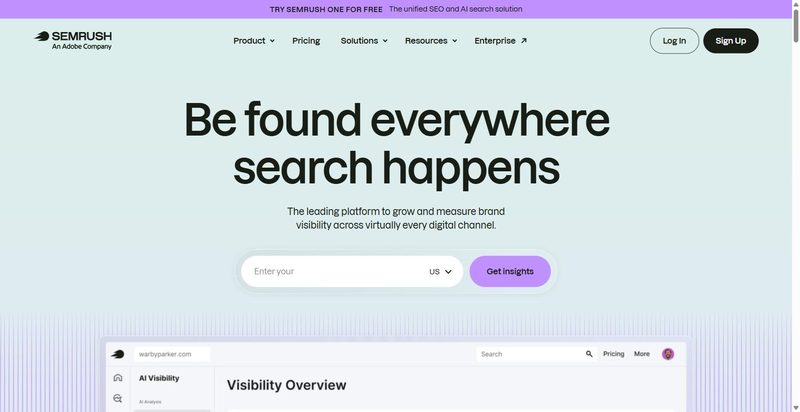
When you want to see what rivals rank for, bid on, and publish, Semrush is the competitive-research tool marketers reach for.
Best for: agencies and in-house SEO teams that want a dedicated second read on competitors’ organic and paid moves alongside their day-to-day tracking.
Standout feature: Its competitive research is the draw. You can pull a rival’s top organic keywords, estimated traffic, and ad copy into one view, then find the gaps where they rank and you don’t. For a team scoping a new client or a new market, that’s a fast read on where the opportunity sits.
Pros:
Cons:
Pricing: Plans start around $139/mo, with higher tiers scaling seats, projects, and data limits.
My take: Semrush earns a spot when competitive intelligence is a recurring job: pitching new clients, entering new markets, watching rivals month to month. If your core need is tracking your own rankings and audits, you’re paying for range you won’t touch. Bring it in as the specialist, not the everyday tool.
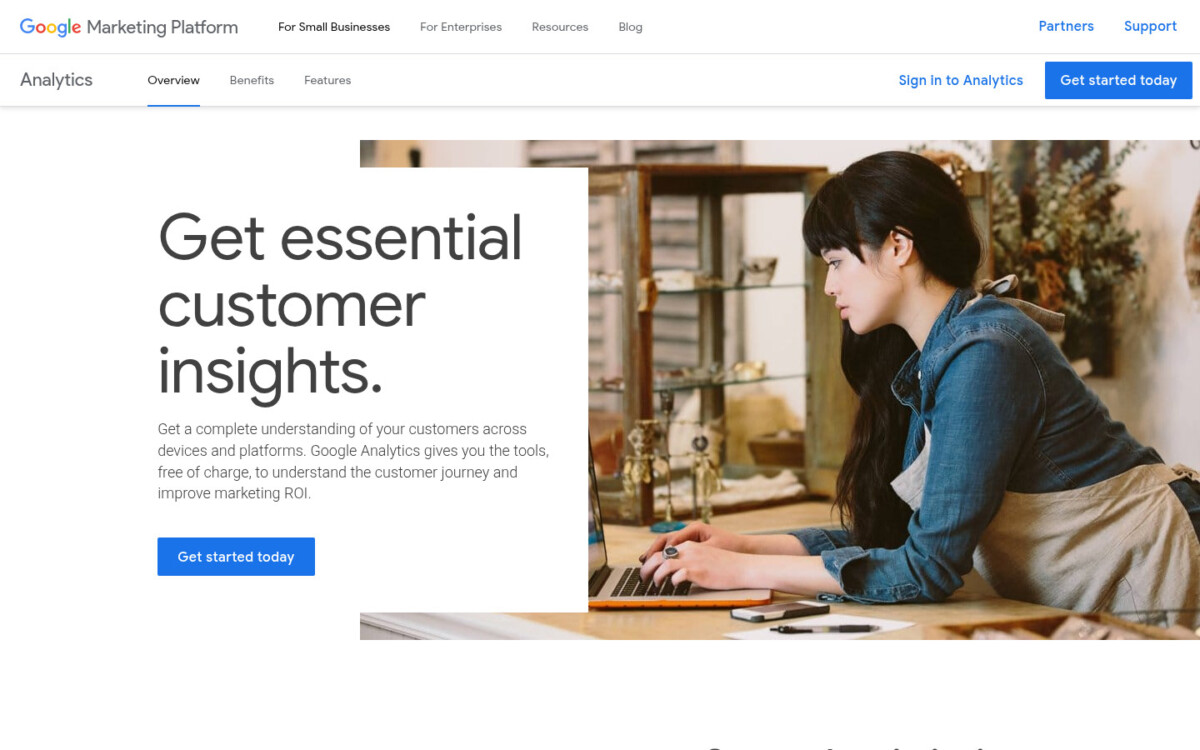
Every retainer eventually lands on one question from the client: did any of this actually work? Google Analytics 4 is where you answer it, for free.
Best for: agency and in-house teams that need to attribute conversions across web and app without paying for the measurement layer.
Standout feature: GA4 records every interaction as an event, so you define a conversion once and trace it back to the channel that earned it. Among free digital marketing analytics tools, nothing else pipes raw event data into BigQuery at no cost, which is where the row-level answers to a client’s reporting questions actually live.
Pros:
Cons:
Pricing: Free at the standard tier. GA4 360 runs on custom enterprise contracts, unpublished and typically six figures.
My take: Honestly? You’ll run GA4 whether you plan to or not, because it’s free and it feeds every Google property your campaigns touch. The mistake I see across the roster is treating it as the whole answer. It proves what happened after the click. Pair it with your rank and visibility data upstream, or you’ll credit the wrong channel.
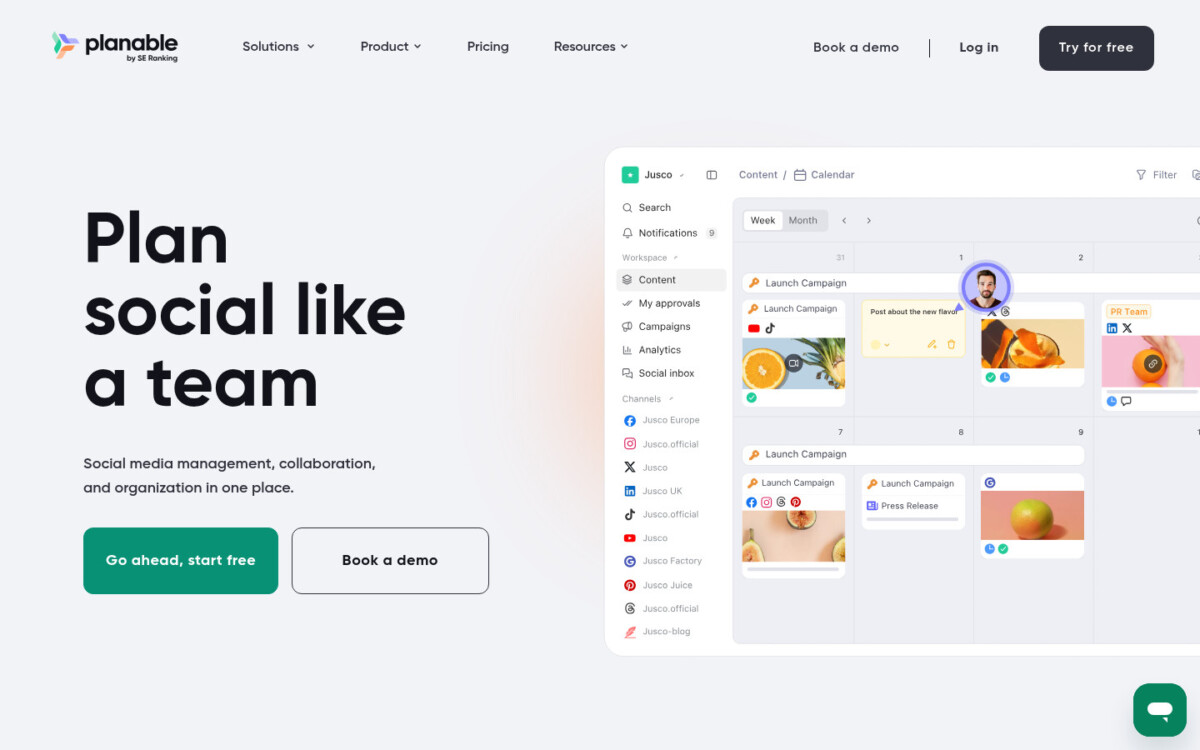
Planable is where content gets reviewed and signed off before it ships – a collaboration layer built around multi-stage approval, not another scheduler.
Best for: agencies and in-house teams that route every post through client or stakeholder approval before publishing.
Standout feature: Planable shows each post exactly as it will look on the live feed, then routes it through multi-stage approval: comments, suggested edits, and sign-off in one thread instead of a chain of emailed screenshots. Higher tiers run approvals as sequential chains, so the client reviews the version you meant, not a Google Doc approximation of it.
Pros:
Cons:
Pricing: Free for up to 50 posts. Basic $33/workspace/mo and Pro $49/workspace/mo (annual), both with unlimited users per workspace; Enterprise custom.
My take: If your bottleneck is the approval loop, and for most agencies it is, this is the tool that clears it. The math is easy: unlimited users per workspace means every account manager, client, and freelancer reviews in one place at no per-seat cost. Just don’t expect it to schedule and measure everything too.
Start with the job that feeds every other one: getting found. That’s SE Ranking. Rank tracking, site audit, keyword research, and AI-search visibility sit in one place, so a lean team isn’t stitching four logins to answer one question. Run its site audit first, because a technically broken site makes every other job harder. From there, add one tool per job as the team grows: HubSpot or Mailchimp to capture and nurture demand, Later and Canva to create and ship, Planable when the approval loop becomes the bottleneck, GA4 to prove what worked. The trade-off is real: a picked stack of digital marketing tools gives you the strongest tool per job, but more integrations to maintain than a single suite. With 22% of CMOs saying generative AI already let them lean less on outside agencies (Gartner, 2025), in-housing these jobs is the direction of travel. Skip if: don’t reach for Semrush or GA4 when your real gap is content approval. That’s Planable’s job, not theirs.
Digital marketing tools are the software a team uses to do its core jobs: get found in search and AI answers, capture and nurture demand, create and ship content, and prove what worked. Examples include SE Ranking for search and AI visibility, HubSpot for automation, Later for scheduling, and Google Analytics 4 for measurement.
There’s no single best email marketing tool for every team; it depends on list size and how much automation you need. Mailchimp suits email-first teams, with a free tier under 250 contacts and generative content built in. HubSpot fits teams that want email tied to a CRM and multi-touch attribution inside one platform rather than a standalone sender.
Market researchers lean on tools that surface demand and competitive signal: SE Ranking for keyword volume, search intent, and competitor traffic; Google Analytics 4 for behavioral data; and survey platforms like Qualtrics or Typeform for primary research. The pattern is combining search-demand data with first-party behavior to size an opportunity before you commit budget to it.
Prioritize by job, not by feature list. Start with getting found, where SE Ranking covers rank tracking, site audit, keyword research, and AI-search visibility in one place. Then add demand capture (HubSpot or Mailchimp), content creation (Canva, Later), and measurement (GA4) as the team takes on more. One tool per active job beats a shelf of half-used ones.




