
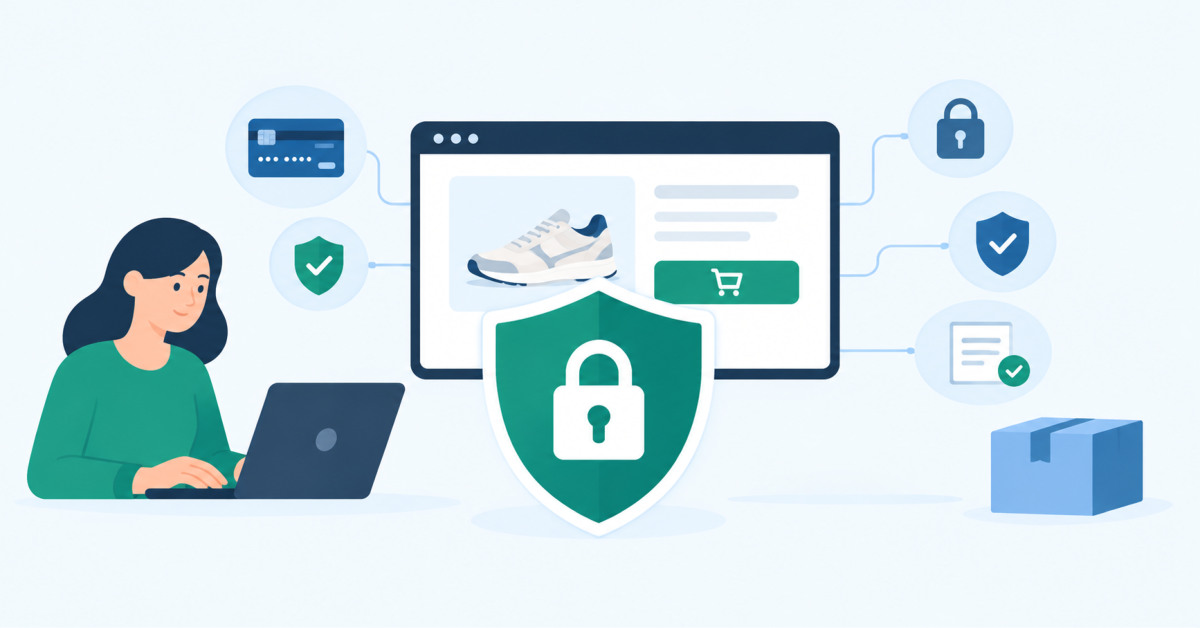
Ecommerce brands help customers stay safer online when they make secure behavior the easy default: protect accounts with risk-appropriate authentication, minimize unnecessary data collection, explain legitimate communications clearly, and give customers simple ways to verify activity and get help without adding unnecessary checkout friction.
Customer trust is not built by adding more warnings. It is built when your store behaves predictably, asks for only the information it needs, and gives shoppers a clear way to distinguish your real messages from a scam.
Online shopping has made everyday transactions faster and easier, but it has also created more opportunities for personal information to be exposed. Customers now share names, addresses, payment details, account credentials, and browsing data across a long chain of digital services, often without seeing what happens behind the screen.
That gives ecommerce businesses a responsibility that goes beyond securing their own checkout pages. Customers also need clear information, sensible defaults, and practical guidance that helps them recognise common risks. This article explores how ecommerce businesses can make online safety part of the customer experience without making shopping feel complicated.
Security starts before a customer reaches the payment page. Someone might browse a store from a home network, compare products on public Wi-Fi, or check an order while travelling. Each situation creates different conditions for handling personal information.
A VPN can provide another layer of protection when customers are using networks they do not control. Ecommerce businesses do not need to dictate which service customers should use, but they can explain why secure connections matter when accessing accounts or entering sensitive information away from home.
That kind of guidance is especially useful because many shoppers associate online safety only with passwords and payment details. In reality, the network through which information travels also matters.
A complicated website can encourage risky behaviour. When customers struggle to find account settings, cannot tell whether a message is legitimate, or are repeatedly asked for information, they may look for shortcuts.
Good ecommerce design reduces those moments.
Clear navigation, familiar payment processes, visible security information, and sensible account controls help customers make safer decisions without needing to understand the technical details. A customer should not have to investigate how a website works before feeling confident using it.
The same principle applies to remote ecommerce operations. Businesses managing stores away from their main office can find practical guidance in essential online safety practices for remote ecommerce management, particularly when staff are accessing company systems from different locations.
Password security is often discussed as an IT issue, but customers experience it as part of their relationship with a retailer.
Businesses can make that relationship safer by supporting multi-factor authentication, providing clear password-reset processes, and limiting unnecessary login attempts. Security notices should also explain what customers need to do rather than relying on technical language.
Account recovery deserves particular attention. A strong login system can still create problems if recovering access is unnecessarily difficult. Customers may then contact support, create duplicate accounts, or use insecure workarounds.
The best approach balances protection with usability. Security should create a barrier for attackers without becoming an obstacle for legitimate customers.
Phishing becomes more convincing when criminals imitate brands customers already recognise. Ecommerce businesses can help by explaining how genuine communication looks and what customers should be suspicious of.
A useful customer message might explain that the company will never ask for a password by email, encourage shoppers to check the sender before clicking a link, or provide a clear route to the official support page.
This is particularly important around deliveries, refunds, account warnings, and payment problems because these subjects naturally create urgency. A customer who knows what legitimate communication looks like is less likely to react to a fraudulent message.
Checkout is where several pieces of personal information come together, so the experience should make security visible without overwhelming the customer.
A strong checkout should:
These measures are not only technical safeguards. They also establish expectations. When a website consistently behaves in a predictable way, unusual messages or requests become easier for customers to recognise.
An ecommerce relationship does not end when an order is delivered. Customers may continue using an account to track purchases, request returns, store payment information, or receive personalised offers.
That creates an opportunity for businesses to provide useful safety guidance throughout the customer lifecycle.
Retailers can include brief security reminders in account areas, help centres, order confirmations, and support conversations. They can also explain what customers should do if an account appears compromised.
Travel creates another set of risks because customers and employees frequently use unfamiliar networks and devices while away from home. Practical advice on online safety when travelling for work can be adapted to help people think more carefully about connectivity outside familiar environments.
There is a balance to strike. Customers do not want every purchase to feel like a cybersecurity exercise, but they also benefit from knowing that a retailer takes their information seriously.
The most effective ecommerce businesses make safer behaviour easy rather than turning it into a series of warnings. They reduce unnecessary data collection, protect accounts, explain unusual requests, and provide clear routes for getting help.
That approach also builds trust. Customers may never notice the systems working in the background, but they notice when something feels confusing, suspicious, or unnecessarily difficult.
For ecommerce businesses, online safety is therefore part of the wider customer experience. The goal is not to place responsibility entirely on shoppers, but to create an environment where secure choices are easier to make and risky ones are harder to fall into.
Ecommerce businesses can help customers stay safe online by making secure behavior easy and predictable across accounts, checkout, delivery updates, refunds, and customer support. Start by using secure official domains, minimizing unnecessary data collection, offering risk-appropriate multi-factor authentication, providing clear account-recovery steps, and explaining how legitimate messages from your brand will look. Customers should know that you will never ask for their password by email or text, that they can verify orders through the official website or app, and that suspicious activity can be reported through a trusted support path.
Ecommerce stores should offer multi-factor authentication to customers, especially for account access, password resets, saved payment methods, high-value purchases, shipping-address changes, and other higher-risk actions. Multi-factor authentication adds protection beyond a password and can reduce the likelihood that a stolen credential leads directly to account takeover or fraudulent purchases. The best implementation is risk-based rather than intrusive. A shopper using a familiar device for a normal purchase may not need an extra challenge, while a new device, unusual location, or sensitive account change may justify additional verification.
An ecommerce brand should tell customers that it will never ask for their password by email, text message, or social media, and that shoppers should verify unexpected order, delivery, refund, or payment messages through the official website or app. Publish your official sender domains, support contact methods, and text-message numbers where relevant. Explain that customers should not click unexpected links or provide payment details to receive a refund. Give them a simple way to report suspicious messages. Clear, repeated guidance is especially important because scammers often imitate trusted brands during delivery and refund-related moments.
Ecommerce brands can make checkout feel secure without adding unnecessary friction by using HTTPS, collecting only required information, clearly identifying payment providers and redirects, providing immediate order confirmation, and applying stronger verification only when risk signals justify it. Explain why a customer is leaving your domain for a payment wallet, financing provider, or verification step. Avoid repeated card-entry requests, confusing redirects, and vague error messages. A predictable checkout creates trust because customers understand what is happening, where their information is going, and how to verify that a completed order is legitimate.
A customer who thinks their ecommerce account was compromised should go directly to the retailer’s official website or app, change their password, review recent orders and account changes, remove unfamiliar payment methods or addresses, and contact official customer support through a trusted channel. They should not use links, phone numbers, or support contacts provided in a suspicious email or text message. If the same password was used on other services, they should change it there as well and enable multi-factor authentication where available. Ecommerce brands should provide a simple, clearly labeled account-security and support path for this situation.





