
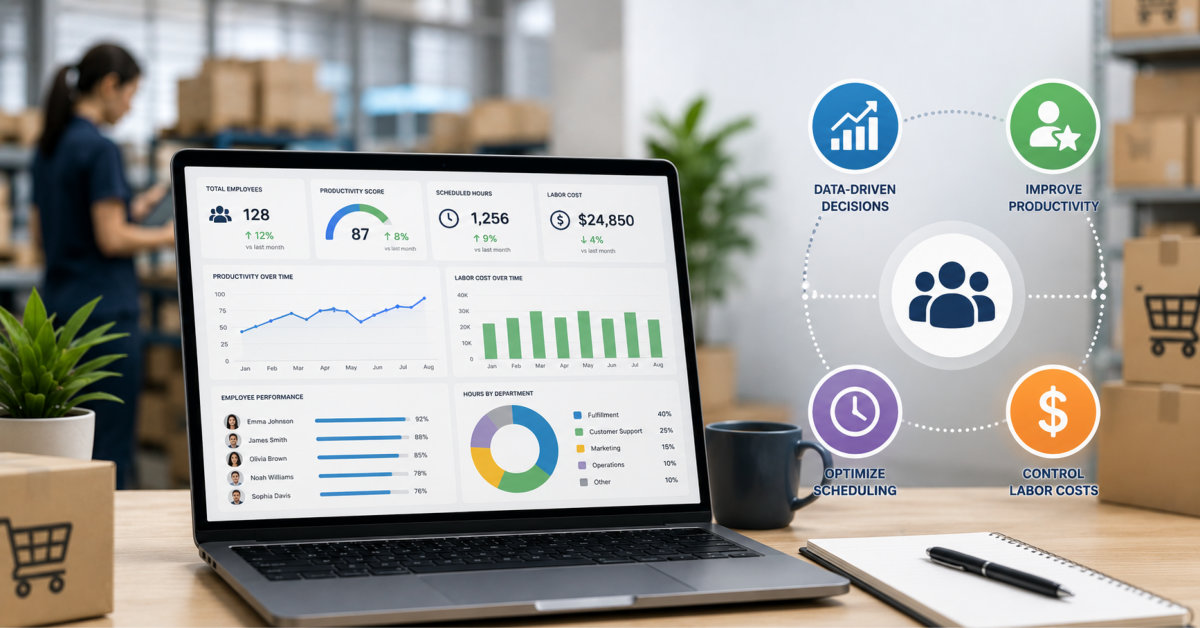
Workforce analytics helps ecommerce businesses scale by turning everyday activity data into clear visibility on time use, capacity, and burnout risk, so leaders can staff intelligently, reduce waste, and protect service quality as labor costs rise.
As labor costs rise, the ecommerce brands that scale cleanly are not the ones with the biggest teams—they are the ones that know exactly how each hour of work connects to revenue, accuracy, and customer experience.
Scaling an eCommerce business requires balancing revenue growth with operational efficiency. As the business expands, workforce performance plays a growing role in controlling costs and maintaining service quality.
Picking, packing, customer service, inventory management, and fulfillment coordination all involve people, and people cost money, time, and attention. Without data on how that workforce is performing, growth decisions become expensive guesses.
According to a report, 85% of retailers say their labor costs are rising each year. This is pushing businesses to shift from simply hiring more people toward AI-driven workforce optimization. Workforce analytics is what makes that optimization possible.
This article examines how workforce analytics helps eCommerce businesses scale much more efficiently.
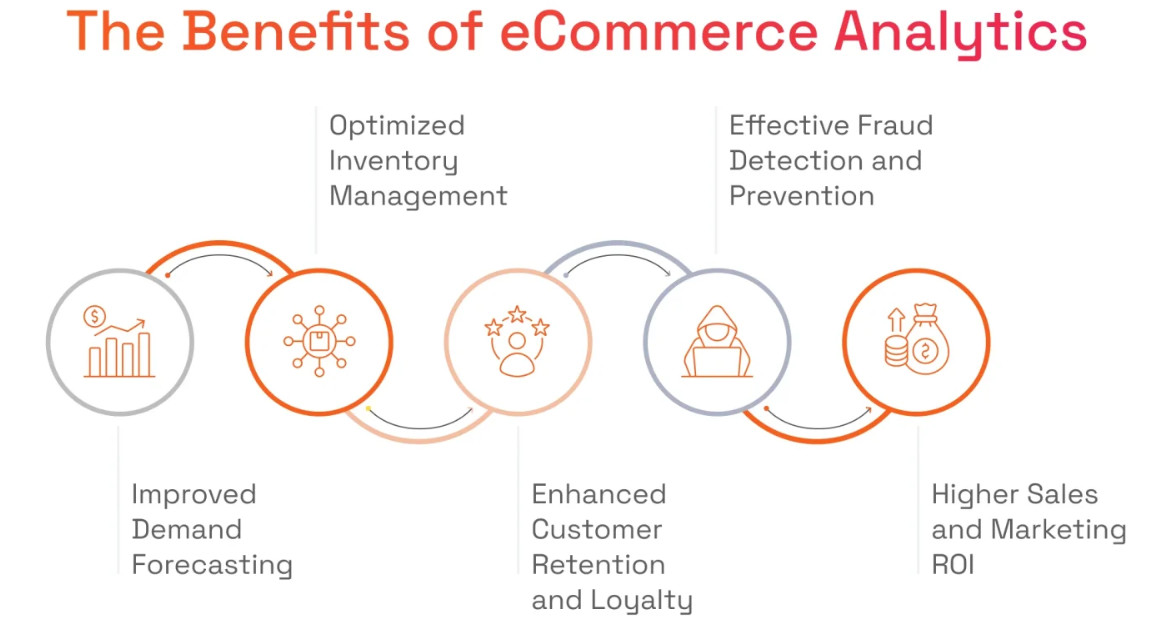
Most eCommerce operators know their revenue numbers by the hour. Far fewer know how their fulfillment team is allocating time across tasks or where the slowdowns are occurring.
In such a situation, a workforce intelligence solution gives operations managers that visibility in real time. Platforms in this category monitor how employees spend their working hours across applications and workflows, track active versus idle time across remote and in-office staff, and surface productivity patterns by team and location through a single dashboard.
For eCommerce teams managing warehouses, remote customer service staff, and third-party logistics partners simultaneously, this data changes what is manageable. When a fulfillment problem comes during a peak period, the data shows where the problem is from rather than leaving managers to guess which part of the operation is slowing shipments down.
Action tip: Run a one-week time audit across your fulfillment and customer service teams before your next peak season. The patterns that surface will almost always reveal tasks that are eating time without proportional output.
eCommerce demand is volatile. A mid-sized Shopify brand can see creative and operational requests grow by 300% to 400% during Q4 compared to the rest of the year, as noted in eCommerce Fastlane’s analysis of scaling creative operations.
Building your workforce around average demand rarely works well. During peak seasons, you may not have enough staff to keep up, while quieter periods can leave you paying for excess capacity.
Workforce analytics solves this by mapping historical demand patterns against actual staff utilization. This gives operations leaders the data to plan and change things ahead of surges rather than reacting to them.
When you automate tasks like manual data entry and reporting, you can dedicate the saved time to growing your business and delivering an excellent customer experience.
Workforce analytics makes this visible by showing how working time is distributed across task categories. When 25% of your customer service team’s day is going toward a process that a simple automation could handle, that becomes an obvious optimization target.
Action tip: After you run your first productivity report, sort tasks by time consumed and look for anything high-frequency with low complexity. Those are your first automation candidates.
Workforce data becomes useful when it is attended by operational metrics like order processing time, pick accuracy, return rates, and shipping delays. Big data and analytics in eCommerce enable businesses to spot patterns that isolated data sets often miss.
When order error rates rise at the same time that team productivity drops, that correlation points toward a training or staffing issue rather than a process issue. Without workforce data in the mix, that distinction is nearly impossible to make quickly.
| Workforce Signal | Operational Indicator | Likely Cause |
| Idle time spike in a warehouse | Shipping delays | Problem at a packing station |
| CS response time increases | Rising refund rate | Understaffing or an unclear policy |
| Low active time score | Missed SLAs | Task mismatch or tool friction |
Many eCommerce fulfillment teams run hard during peak periods. When the workload is more than what individuals can handle efficiently, the productivity drops, error rates grow, and good people start looking elsewhere.
Turnover is expensive, not just in recruitment costs but in the lost institutional knowledge that leaves with each person.
Workforce analytics flags these patterns early. When a team member’s active work time is more than that of their colleagues over several weeks, that is a signal worth investigating. Otherwise, it leads to resignations, and you lose good employees.
Most eCommerce hiring decisions happen reactively: someone leaves or a team is visibly overwhelmed, and a new hire gets approved.
Workforce analytics supports proactive hiring by tracking utilization trends over time and flagging when a team is consistently running at capacity before that capacity problem affects output.
This shifts hiring from a reactive fix to a strategic investment and reduces the risk of hiring for the wrong roles.
When the data shows that order processing is the problem rather than customer service, that distinction prevents a common and expensive mistake.
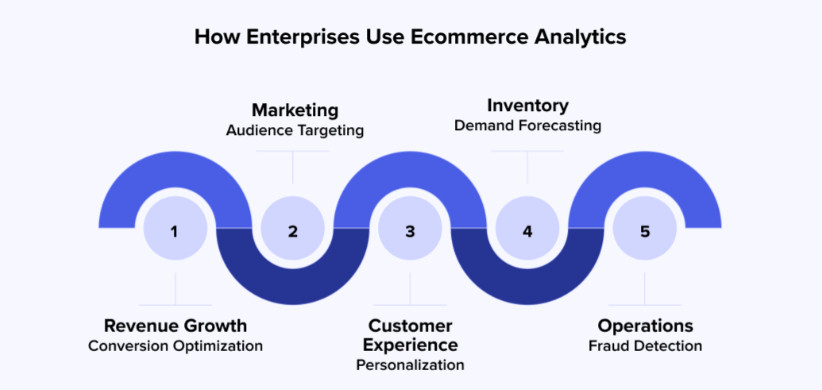
Workforce analytics is not a luxury for large eCommerce operations. It is what separates businesses that scale with control from those that grow into chaos.
The data already exists inside your team’s daily activities; the question is whether you are leveraging it to make better decisions or leaving it uncollected.
For more on building scalable eCommerce operations, visit eCommerce Fastlane. It covers the tools, strategies, and frameworks that operators at every growth stage are using right now.
Workforce analytics in ecommerce is the practice of collecting and analyzing data on how people spend their time across fulfillment, customer service, and operations so you can staff efficiently and improve performance. It covers activity tracking, utilization, and output metrics, then connects them to results like accuracy, SLAs, and customer satisfaction.
Workforce analytics goes beyond basic time tracking by interpreting activity data in context with operational metrics and business goals. Simple time tracking may tell you how long someone was logged in, while workforce analytics shows which tasks consumed that time, how it affected orders, tickets, and returns, and where you can optimize roles, tools, or processes.
Small ecommerce businesses benefit from workforce analytics once labor costs and workload volatility start to meaningfully affect profitability or service quality. At very early stages, lightweight reporting may be enough, but as headcount and channels grow, having structured insight into how work gets done becomes a key part of scaling without over‑hiring or burning out core team members.
The simplest way to start is to run a short time and activity audit for one function, such as fulfillment or customer service, over one to two weeks. Use that snapshot to identify a few clear opportunities—like automating low‑value tasks or adjusting staffing around peak hours—before expanding data collection to other teams or tools.
Workforce analytics can harm trust if it is implemented as surveillance, but it can strengthen trust when positioned as a tool for fair workloads and better support. Being transparent about what you are measuring, focusing on patterns rather than individuals, and using insights to remove friction rather than micromanage people are all essential to keeping teams engaged.





